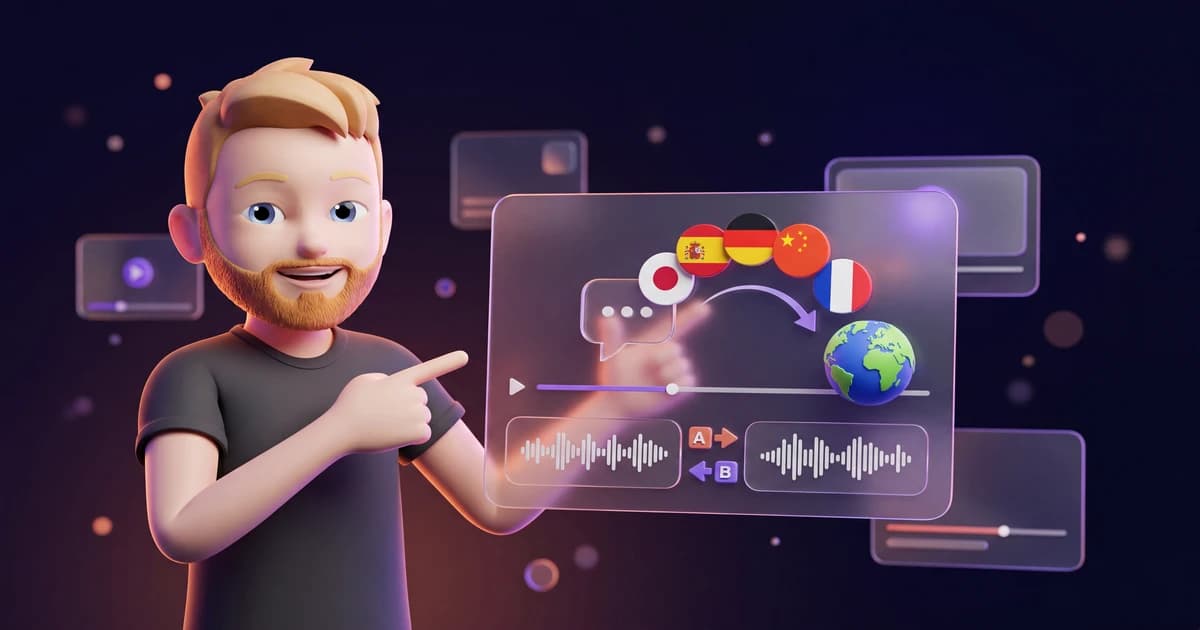
You publish a video in English. And on the same day, the exact same video goes live in Spanish, German, and Hindi. With your voice, your tone, and mouth movements that match the new language.
That's AI dubbing.
Just two years ago, this was reserved for big YouTubers with a budget. Mr. Beast dubbed his videos into dozens of languages early on, with dedicated voice actors per country. Expensive, complex, and out of reach for most people. Today you do it with one tool and a click.
I've tested AI dubbing on my own videos and tutorials, and I was genuinely surprised how far the tech has come. It isn't perfect, and I'll get to that. But for plenty of use cases the quality is easily good enough, and the time you save is huge.
In this guide I'll show you what AI dubbing actually is, when it's worth it, and how to translate your first video step by step. I'll also be honest about where the limits are.
Let's go.
- AI dubbing automatically translates a video's audio track into another language and clones the original voice in the process. In the new language, it still sounds like you.
- ElevenLabs Dubbing v2 (Alpha) supports 92 languages, clones the voice automatically, preserves its emotion, and adjusts the mouth movements (lip-sync). You can start from $6 a month.
- The quality is more than good enough for YouTube, e-learning, and social media. For feature films and tight close-ups, the AI origin is still visible. Always double-check technical terms and other people's videos.
1. What is AI dubbing?
AI dubbing means an AI takes the spoken audio track of a video and carries it over into another language. And not with some generic computer voice, but with the cloned original voice from the video.
So the difference from traditional dubbing is this: with normal dubbing, a different voice actor speaks your lines in the target language. With AI dubbing, your own voice stays intact, it just suddenly speaks fluent Spanish or Japanese.
A good dubbing tool handles several steps automatically, one after another.
First, the speech from the video is transcribed, meaning it's turned into text. Then that text is translated into the target language, ideally with context awareness so that idioms and technical terms still make sense. Next, the AI clones the voice from the original and reads the translation back in that exact voice. Finally, the mouth movements are adjusted to the new language.
The result is a video that feels like you recorded it in the target language from the start.
2. When is AI dubbing worth it?
Before we get into the workflow, let's look at where all this effort actually pays off. From my point of view, there are three areas where AI dubbing makes a real difference.
2.1 YouTube and multilingual reach
The most obvious use is YouTube. If you have an English video, it reaches the English-speaking market. Depending on your topic, that might be a few hundred thousand potential viewers.
The moment you also offer the same video in Spanish, you open the door to a multiple of that. YouTube even supports multiple audio tracks per video with its Multi-Language Audio feature. So you upload once and the viewer picks their language. This is exactly where AI dubbing shines, because you produce those audio tracks without a new studio session.
2.2 Film and video localization
The second area is localizing marketing and explainer videos. Imagine a company that wants to run a product video in twelve markets. In the past that meant booking twelve voice actors, coordinating twelve recordings, and paying twelve invoices.
With AI dubbing, you translate that one original video into all twelve languages, keep a consistent brand voice, and save most of the cost. The quality isn't quite there for high-end cinema productions yet, and I'll say more on that shortly. But for marketing, training, and internal communication, it's strong enough.
2.3 E-learning and courses
The third area, and the most interesting one for many online entrepreneurs, is e-learning. If you've produced an online course in English, there's a lot of work baked into it. Re-recording that entire course in another language would be madness.
With AI dubbing, you translate the lessons, keep your familiar voice, and suddenly sell the same course in another market too. The extra effort is minimal, the additional market potential enormous.
3. ElevenLabs Dubbing v2: the tool I reach for
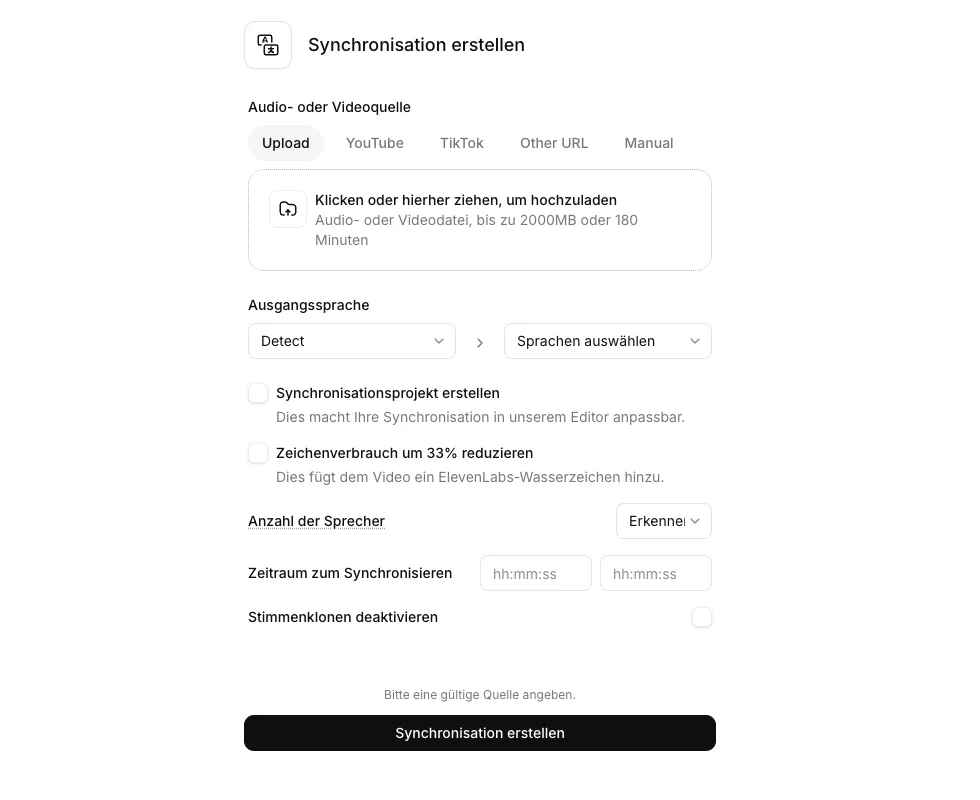
Now it gets practical. For AI dubbing I use ElevenLabs, because its dubbing sits on the same strong speech engine that made ElevenLabs big in text-to-speech and voice cloning. The voice quality is the most natural on the market for me right now.
I looked at the dubbing area directly inside my own ElevenLabs account on the Creator plan. The screenshot above shows the real upload screen from my workspace, with a file upload or URL field, language selection, and the Alpha label ElevenLabs still puts on the tool right now.
The current model is called Dubbing v2, still tagged Alpha in the dashboard, and it brings five things to the table that make the difference in practice.
First, it covers 92 languages. So you aren't limited to the usual five world languages, you reach smaller markets too.
Second, the voice cloning is automatic. You don't have to train a voice separately beforehand, ElevenLabs pulls it straight from the source video. If several people speak, they're detected as individual speakers and cloned separately.
Third, Dubbing v2 adjusts the mouth movements to the new language through lip-sync. On talking-head videos, this looks surprisingly coherent.
Fourth, ElevenLabs advertises that Dubbing v2 preserves the emotion and expression of the original voice instead of flattening it out. How well that holds up in genuinely emotional scenes is something I look at honestly in section 5.
Fifth, the model translates with context awareness. So it doesn't translate word for word, it considers the wider meaning. That matters especially for idioms and specialist language.
- 92 languages, far more than most competitors
- Automatic voice cloning straight from the source video, no separate training
- ElevenLabs says it preserves the emotion and expression of the original voice
- Lip-sync adjusts the mouth movements to the target language
- Context-aware translation instead of blunt word-for-word logic
- Detects multiple speakers and clones each voice individually
- Same speech engine as the strong text-to-speech and voice cloning
On balance, the strengths clearly win out for me. If you want to try it yourself, you can test ElevenLabs even on the free plan and get a first feel for the quality.
4. AI dubbing in 4 steps: how to translate your first video
Enough theory. Let me show you how to translate a video from start to finish. The process in ElevenLabs is not rocket science and done in a few minutes.
4.1 Step 1: Upload your source video
In the first step, you upload your source video. In the ElevenLabs dashboard, you open the Dubbing area and drag your video file in. Alternatively, you can use an audio-only file or, in many tools, even a YouTube link.
Then you choose the source language of the video and the target language to translate into. If you're unsure about the source language, just let it be detected automatically.
4.2 Step 2: Enable voice cloning
In the second step, you decide whether the original voice should be preserved. That's exactly what you enable voice cloning for. ElevenLabs then analyzes the voice from your source video and creates a clone of it for the translation.
If several people speak in your video, you can specify the number of speakers. The tool separates the voices and clones each one individually, so that in the target language every person sounds like themselves too.
4.3 Step 3: Review and adjust the translation
The third step is the most important one, and this is where the human comes in. After the first pass, ElevenLabs shows you the transcribed and translated audio track in an editor. You should absolutely look at this text.
The context-aware translation is good, but it isn't infallible. Technical terms, product names, brand names, or wordplay sometimes slip through wrong. In the editor, you correct those spots, adjust individual phrasings, and make sure the translation really lands.
This is the "human in the loop" I keep talking about: the AI delivers the draft, you sign it off. Those five minutes of review decide whether your translated video comes across as professional or embarrassing.
4.4 Step 4: Export
In the final step, you export the finished video. Once you're happy with the translation, ElevenLabs renders the new audio track, lays it over the picture, and adjusts the lip-sync. Then you download the finished file.
Done. You've translated your first video without re-recording a single minute. Once you've internalized the workflow, the next video is just a few clicks away.
5. The limits of AI dubbing
Don't get me wrong: AI dubbing is great and saves an enormous amount of time. But I wouldn't be me if I didn't also tell you where it still falls short.
The first is the lip-sync. It's good, but not perfect. On a normal talking-head video, you barely notice anything. But the moment you have a real close-up of the mouth or a high-end film production in front of you, a trained eye sees that it was translated after the fact. For feature films, I'd still go with professional dubbing studios.
The second is technical terms and proper nouns. As mentioned, the AI doesn't translate every specialist term correctly. Especially in technical or industry-specific videos, you have to check the translated text thoroughly. That costs you a few minutes, but it's a must.
The third is emotion. In very emotional or dramatically demanding scenes, the cloned voice doesn't quite reach the depth of a real speaker yet. For tutorials, talks, and explainer videos, that's no problem. In a dramatic monologue, you notice the difference.
In short: for YouTube, e-learning, marketing, and social media, AI dubbing is more than ready in 2026. For the big cinema stage, it isn't quite there yet.
6. Alternatives to ElevenLabs
ElevenLabs is the best all-round solution for me, but there are of course other providers. I want to briefly introduce two of them so you get the full picture. For a broader overview of AI voice tools, also check my article on the best AI voice generators.
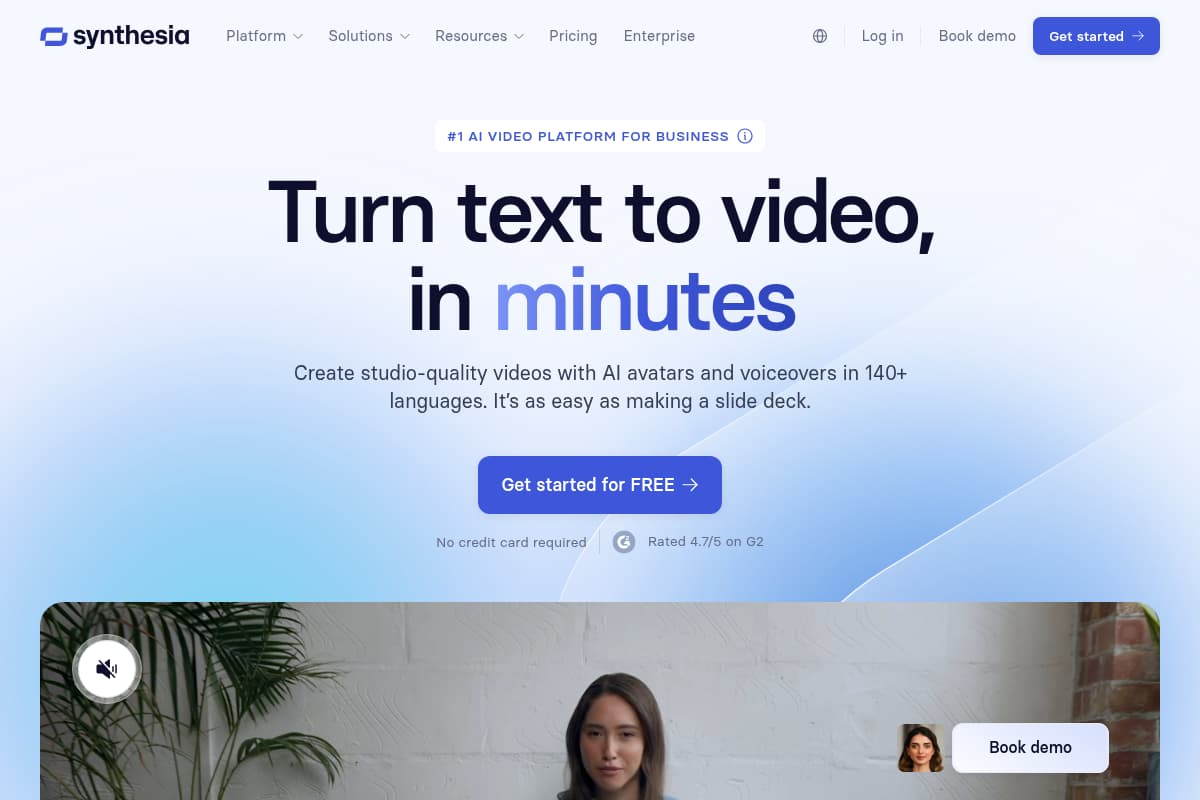
The first is Synthesia. Synthesia actually comes from the AI avatar video corner, but it also offers translation and dubbing features. If you're working with AI avatars instead of real video footage anyway, Synthesia can be a sensible choice.
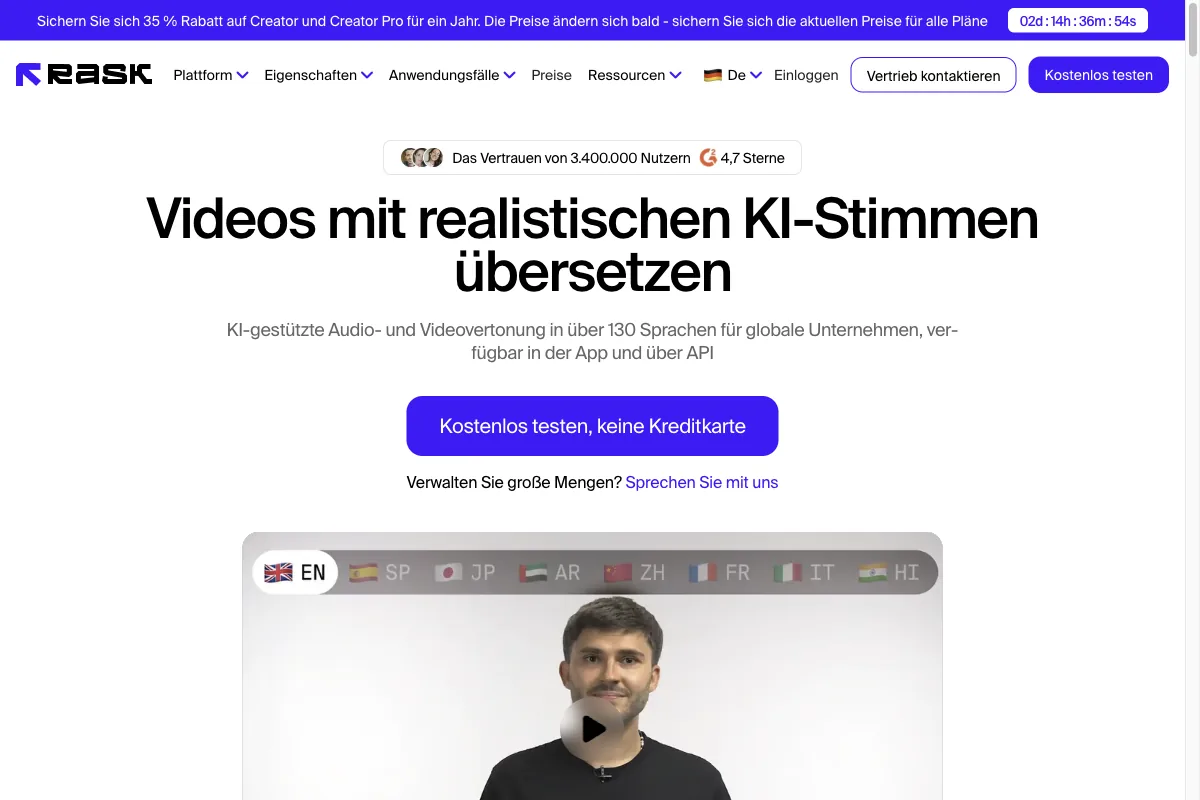
The second is Rask AI. Rask AI was built as a video translation tool from the ground up and specializes in localization. It also covers many languages and is tailored to the pure dubbing use case.
For most use cases, though, I stick with ElevenLabs, because the voice quality and the automatic voice cloning tip the scales for me. If you want to dig deeper into the ElevenLabs ecosystem, read my ElevenLabs review or take a closer look at the ElevenLabs alternatives.
7. Conclusion: how to take your videos global
AI dubbing isn't a gimmick anymore in 2026, it's a real lever. You record your video once and suddenly reach viewers in dozens of languages, without a new studio and without external voice actors.
There are two things you should remember.
First, control decides the quality. Upload your video with clean audio, enable voice cloning, and review the translation in the editor before you export. Those five minutes of care make the difference between professional and embarrassing.
Second, only dub your own videos or videos you have documented permission for. And keep the transparency obligation of the EU AI Act from August 2, 2026 on your radar.
If you want to get going, ElevenLabs is the best starting point for me. Dubbing is included from the Starter plan for $6, and with the free plan you can even test first how your video sounds in another language. Give it a try, I'm sure you'll be just as surprised as I was.