
Looking for an ElevenLabs alternative because the price, editor, or German pronunciation does not fit your work?
You have good reasons to look elsewhere.
Sometimes it's the cost, once you start generating serious amounts of audio. Sometimes it's latency, the lag that ruins a voice assistant or phone agent when it has to respond in real time. And sometimes you just have a specific need that a specialized tool handles better.
I looked at eight alternatives and mapped each one to the job it handles best. I have not run a controlled listening test of their German voices.
If you're still on the fence in general, my big roundup of the best AI voice generators will help too.
- OpenAI TTS (gpt-4o-mini-tts) is the obvious alternative if you already work inside the OpenAI ecosystem and want to steer the voice with plain language
- Cartesia (Sonic) is the pick for real-time use with ultra-low latency, such as voice assistants and phone agents
- For voiceovers with an editor, test Murf. For listening to documents, Speechify Reader may be enough. Compare German voices using the same script before picking a winner
1. When an ElevenLabs Alternative Makes Sense
Before we get to the tools, one caveat.
You don't need an alternative for every use case. ElevenLabs combines several audio tools, and Eleven v3 lets you influence delivery with audio tags such as [whispers] and [laughs].
I cover what that actually feels like day to day in my full ElevenLabs review.
But there are three situations where it's genuinely worth looking beyond it:
- Cost: If you generate very large amounts of audio, usage-based API billing can be cheaper than a fixed subscription.
- Latency: In real-time use cases like voice assistants or phone agents, every millisecond counts. Some specialized tools react even faster here.
- Specific needs: If you only want to read text aloud, or you need very tight integration into an existing ecosystem, a leaner tool is sometimes the better choice.
I still use ElevenLabs for my own audio work. The alternatives deserve a closer look nonetheless.
2. ElevenLabs and the Alternatives Compared
Here's ElevenLabs as the reference plus the 8 alternatives at a glance:
September 2026. Voice prices that could not be verified publicly are marked. Check free-plan limits before subscribing.








In four editor measurements with Eleven v3, I measured one credit per character in my account. At that rate, 10,000 characters use 10,000 credits, the Free plan's monthly allowance. Flash and Turbo API rates can vary by model and plan.
2.1 Which Alternative Is Actually Free?
Speechify Reader has a Free plan for listening to websites and PDFs. Speechify Studio has a separate Free plan with 600 credits for trying voiceovers.
That plan does not include cloning or commercial usage rights. Studio's FAQ says you need a paid plan to download an MP3. Studio Starter costs $100 a year and includes cloning and commercial rights.
ElevenLabs Free also runs indefinitely, without commercial rights or voice cloning. WellSaid Free includes three download minutes per month, also without commercial rights. WellSaid lists German voices for Enterprise.
Murf Free is a trial with ten generation minutes and no downloads. OpenAI TTS is a paid API. Resemble says the first voice clone is free, not that every subsequent speech generation is free. Its public pricing page mainly covers deepfake detection, so check voice prices in the provider portal.
For a useful cost test, give each tool the same German script and record how many credits or minutes a usable take costs after corrections. That is more informative than comparing plan names.
And since a table full of checkmarks still doesn't tell you what to reach for, here's the shortcut. On the left is the reason people ask me for an alternative, on the right the tool that serves exactly that reason best:
The last row isn't a slip. If you want several audio jobs handled in one tool, the best reason to switch is sometimes not to switch at all. You'll see why in section 4.
One thing I need to put on the table first.
3. The 8 ElevenLabs Alternatives in Detail
Below I introduce each alternative one by one, with its strengths and its weaknesses.
3.1 Lovo (Genny)
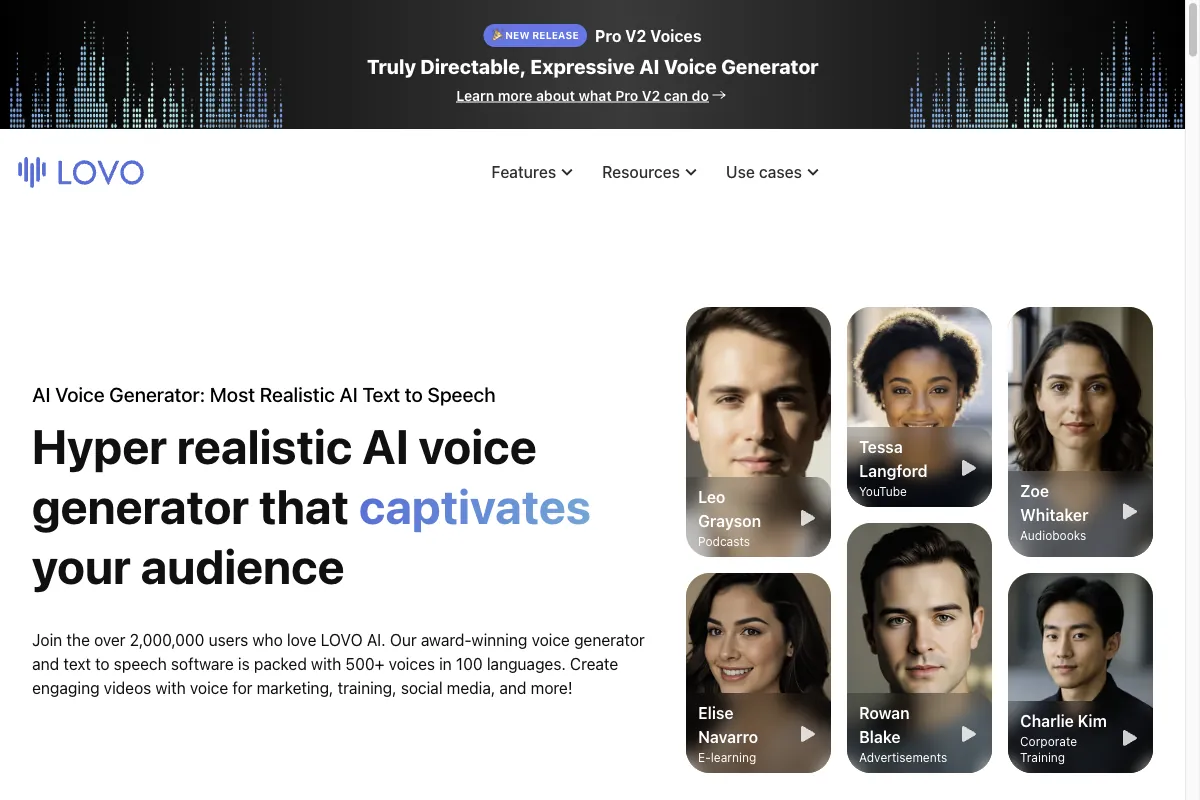
Lovo and its Genny platform are mainly an answer to the question of voice variety. With 500+ voices across more than 100 languages, you have a huge selection. On top of that, there's a built-in editor where you assemble your voiceover into finished content with video, captions, and an AI script assistant.
For creators who want to produce not just audio but short videos as well, that all-in-one approach is handy.
Voice cloning is on board too. About a minute of audio is enough for your own voice.
The catch:
Lovo tries to do a lot. In the samples I have heard so far, I preferred the ElevenLabs voices. If sound matters more to you than the editor, try both with your own German text.
Best suited for content creators who want maximum voice variety plus a built-in editor for voiceover and video in one tool.
For audiobooks or ads, I would compare German pronunciation and correction time directly with ElevenLabs before deciding.
3.2 Murf
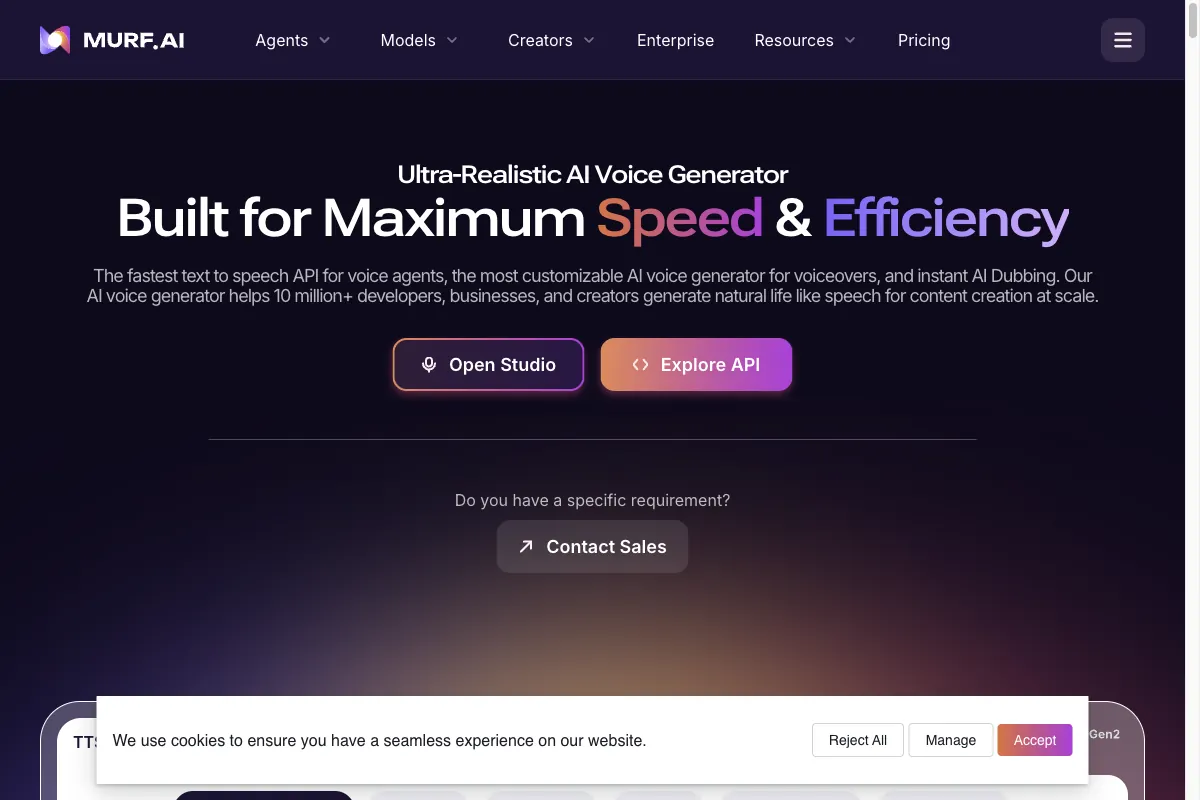
Murf is less a pure voice generator and more a small voiceover suite. Alongside speech output, you get a built-in editor that lets you assemble your voiceover into a finished presentation with images, music, and video.
That's the big plus: you don't have to export your audio into a separate editing program, you do everything in one interface.
For explainer videos, presentations, and e-learning, this workflow can save editing time. According to Murf's pricing page, paid Studio plans start at $19 per month with annual billing. Custom voice clones are an Enterprise add-on.
Don't get me wrong:
In the samples I have heard, Murf's voices sounded less natural to me than ElevenLabs. Murf lists more than 30 languages and accents. Use the same script to find out whether its German voice suits your project.
Best suited for anyone who wants to handle voiceover and video editing in one tool, for example for presentations and explainer videos.
If you need many target languages or demanding German recordings, test voice selection and correction time before switching.
3.3 Cartesia (Sonic)
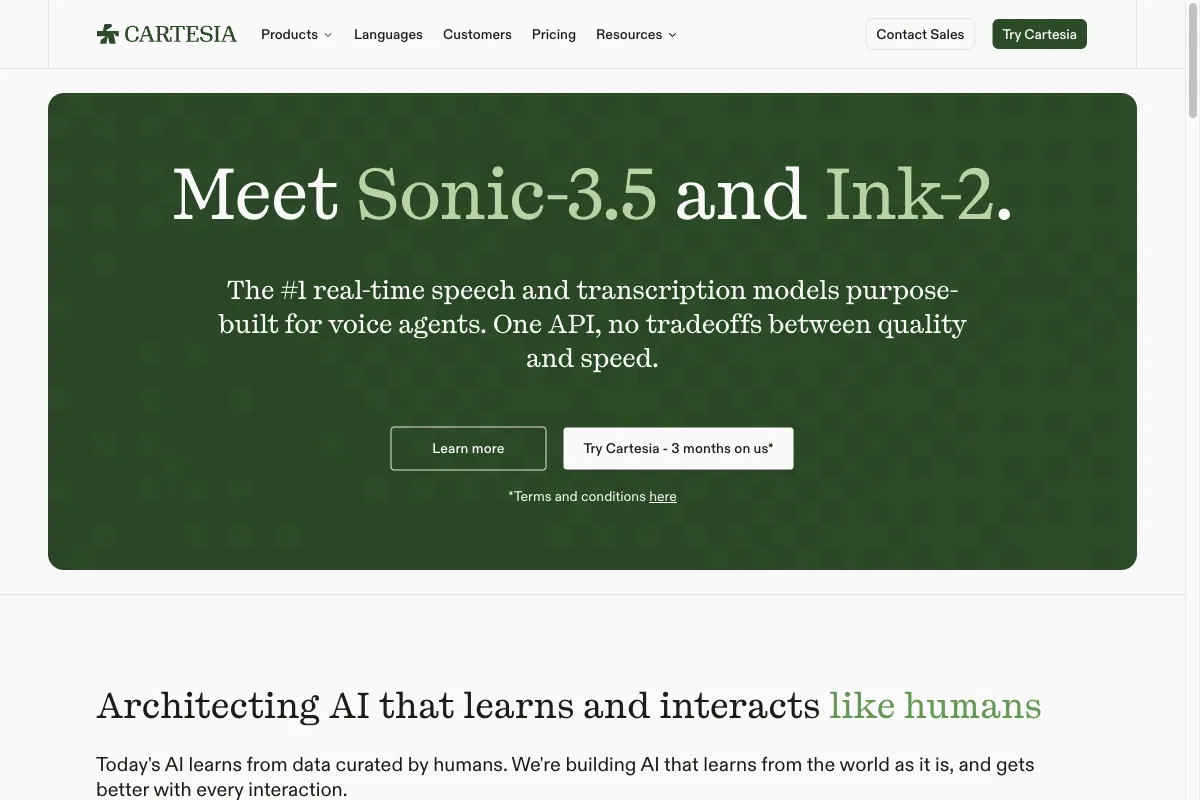
Cartesia with its Sonic model is the most specialized alternative on this list. The entire focus is on a single goal: ultra-low latency.
Latency is the time between your input and the first audible sound. For a pre-produced audiobook, that doesn't matter. For a voice assistant, a phone agent, or live translation, it decides whether a conversation feels natural or clunky.
This is exactly where Cartesia shines. For real-time agents that have to respond live, it's an excellent choice.
The catch:
The portfolio is small. There's no music feature like ElevenLabs Music and no sound effects, and otherwise Cartesia is more of a specialized building block than a complete audio platform. You use it deliberately for the one use case it was built for.
Best suited for developers of voice assistants, phone agents, and other real-time applications where latency is the most important criterion.
Not suited for full content production, where music and sound effects come up alongside speech, or for anyone who would rather work in an interface than an API.
3.4 Resemble AI
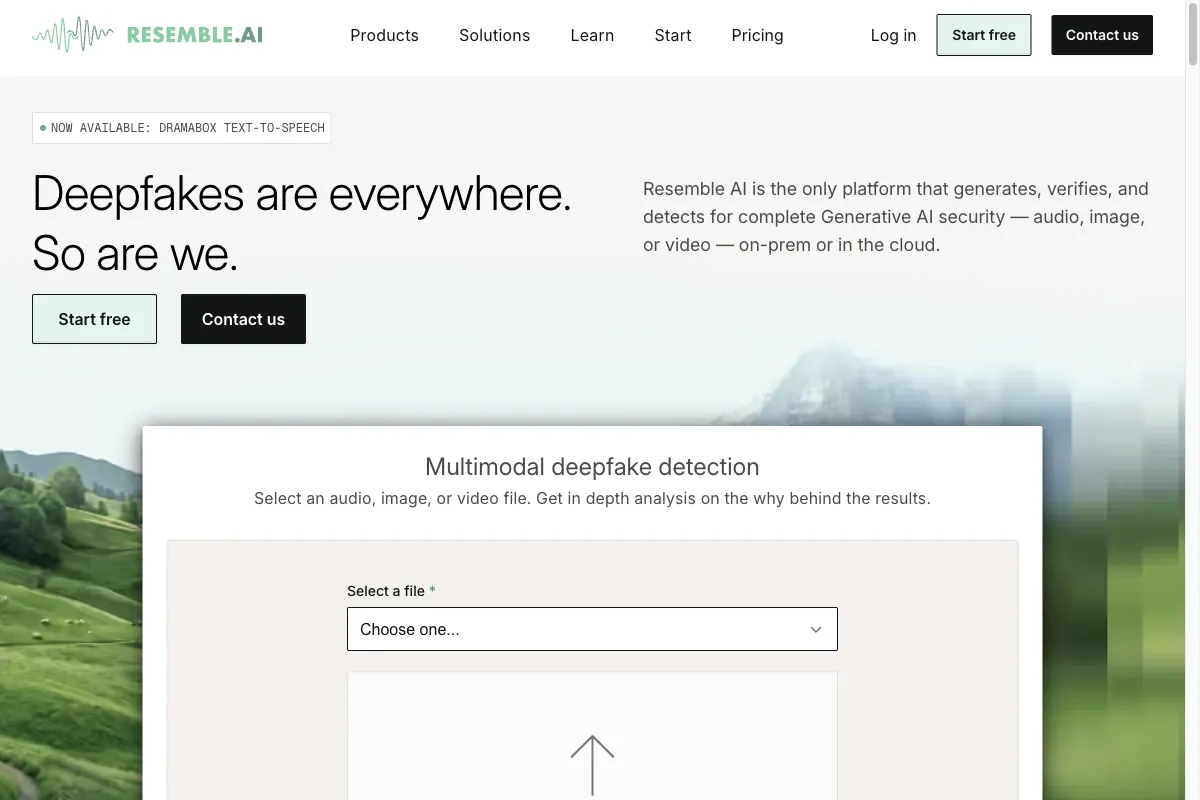
Resemble AI targets companies above all and offers, among other things, real-time voice conversion, meaning turning one voice into another in real time. Voice cloning and enterprise features round it out.
If you work in a larger company with specific demands around security, integration, and support, you'll find a lot of fitting building blocks at Resemble AI.
That said:
The self-serve comfort is lower than with ElevenLabs, and the tool tends to be pricier. For individuals and small teams it's therefore more of an overkill solution. It plays to its strengths when the enterprise context justifies the extra effort.
Best suited for companies with enterprise requirements that need real-time voice conversion and custom integration.
Not suited for individuals and small teams who just need a quick voiceover without starting a procurement process for it.
3.5 Speechify
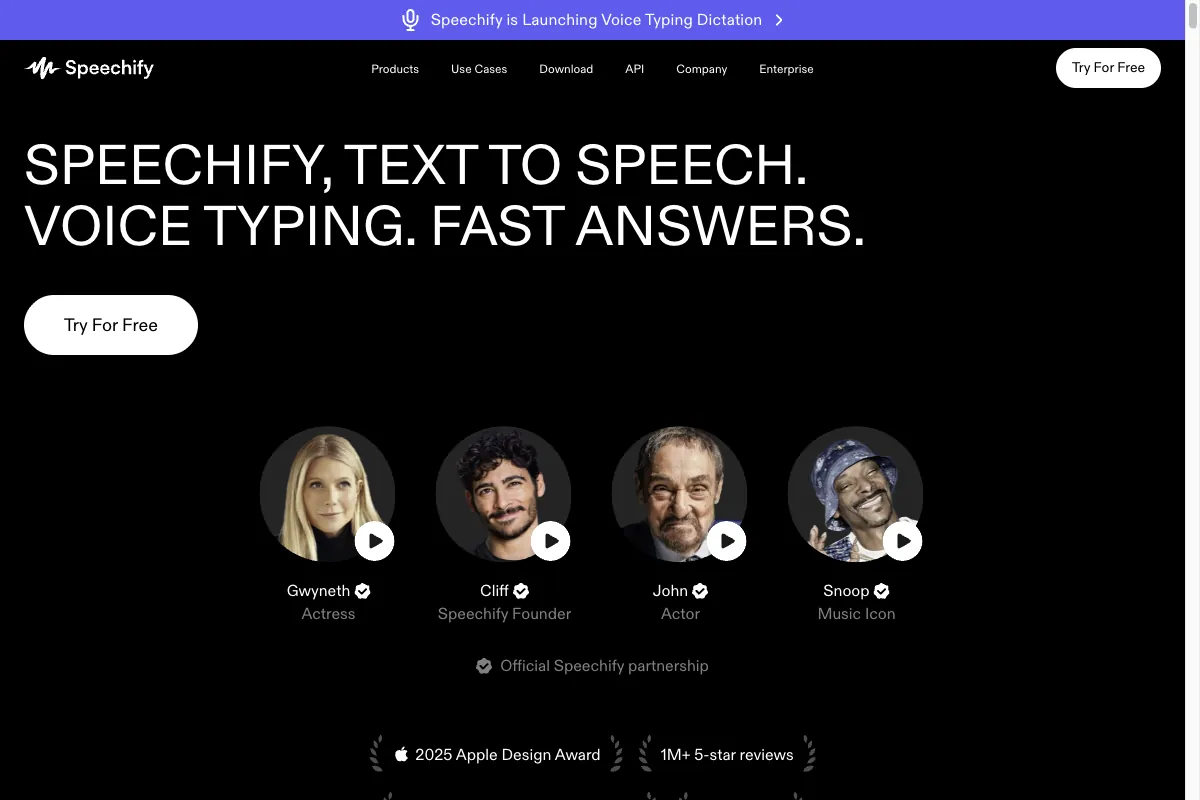
Speechify takes a completely different approach from the other tools. It's first and foremost a reader app for end users that reads web pages, PDFs, e-books, and documents to you. Through apps and browser extensions, you listen to text on the go, at the gym, or in the car.
For exactly that purpose, Speechify is cheap and very convenient. If you read a lot and prefer to consume content rather than produce it yourself, it's a good choice.
The catch:
For production, Speechify sells Studio as a separate subscription. Its Free plan includes 600 credits, but no voice cloning or commercial rights. Both start with Studio Starter at $100 per year.
If you mainly produce voiceovers, compare Speechify Studio with ElevenLabs and Murf. Reader Premium is the wrong price basis for that decision.
Best suited for heavy readers who want to listen to text on the go, from students to professionals with a big reading load.
Not suited for anyone who mainly produces rather than consumes. There are better-fitting tools for that in this comparison.
3.6 WellSaid Labs
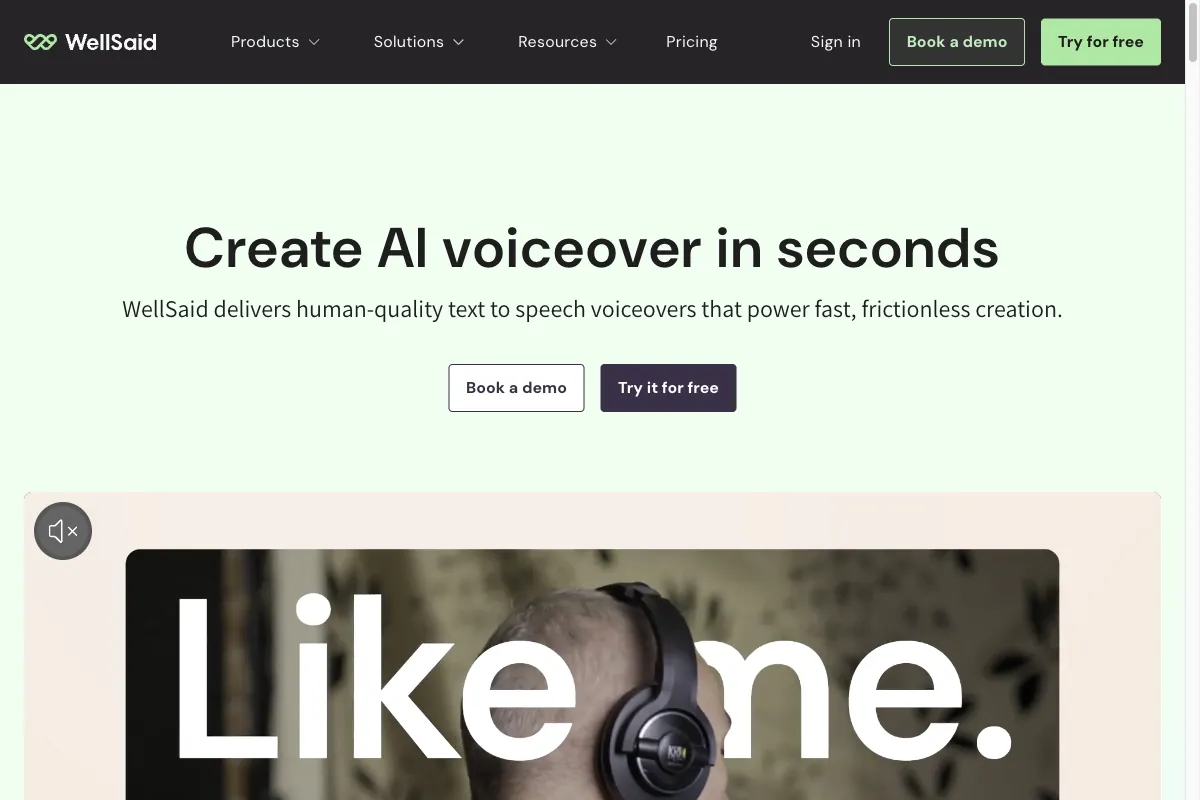
WellSaid Labs specializes in studio voices for professional use, including e-learning, corporate communication, and training content.
The provider puts a lot of weight on vetted, licensed voices.
And that's also the most important limitation:
You can't freely clone an arbitrary voice the way you can with ElevenLabs. WellSaid Labs deliberately relies on a curated voice portfolio instead of free voice cloning. On top of that, it tends to be pricier. But if the ethical and legal safety of vetted voices matters to you, that's exactly the upside.
Best suited for companies that need vetted studio voices for e-learning and internal communication and can do without free cloning.
Not suited for anyone who wants to clone their own voice on the spot, or for projects on a tight budget.
3.7 Descript
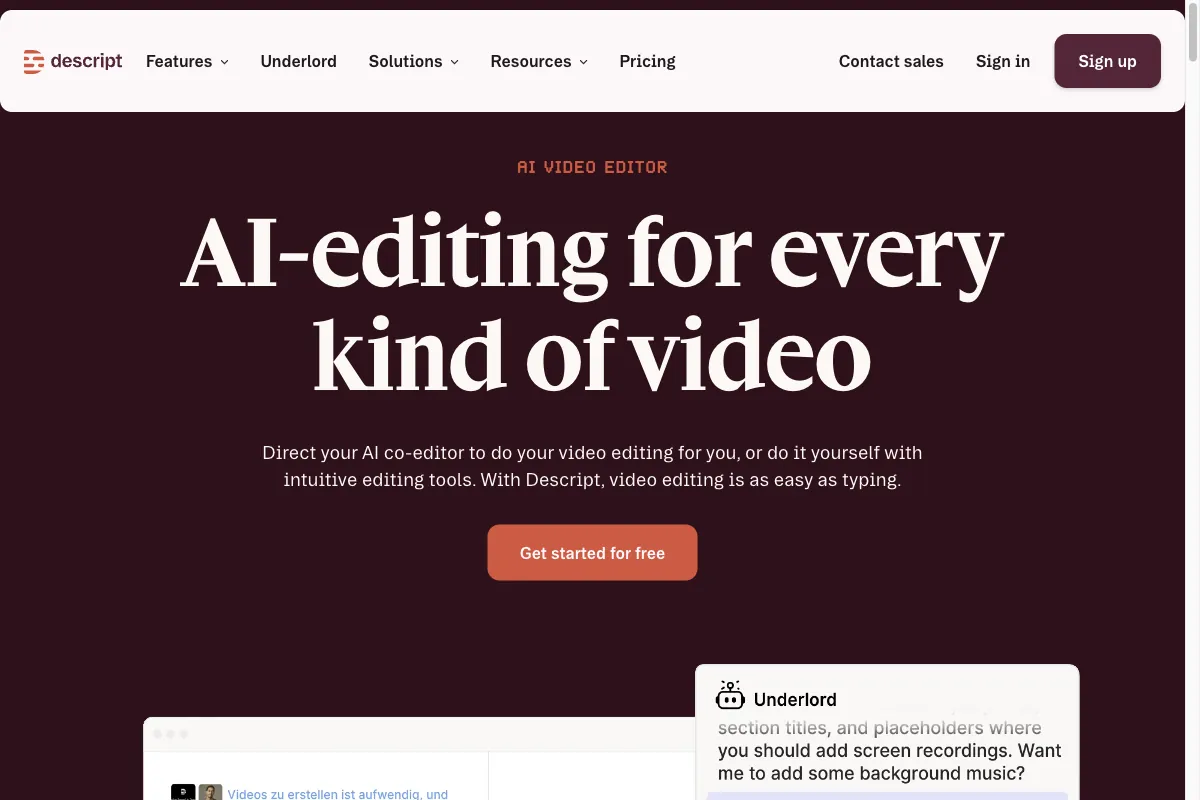
Descript isn't actually a TTS tool, it's an editor for audio and video that lets you edit by editing text. You delete a word in the transcript, and the matching piece of audio disappears with it. The AI voice sits in the Overdub feature, which lets you correct yourself during editing without re-recording the passage.
For podcasters and video creators, that workflow saves a ton of time.
Don't get me wrong:
Descript is an excellent editing tool, and its cloning is full-fledged now rather than a patch-up feature. The voice still isn't the point of the software. If you're after flexible, high-quality voice production, Descript isn't made for that. Its strength lies in editing-focused work.
Best suited for podcasters and video creators who want to edit their content via text and handle small fixes with the Overdub voice.
Not suited for projects where the AI voice is the lead actor rather than the repair kit for a recording.
3.8 OpenAI TTS (gpt-4o-mini-tts)
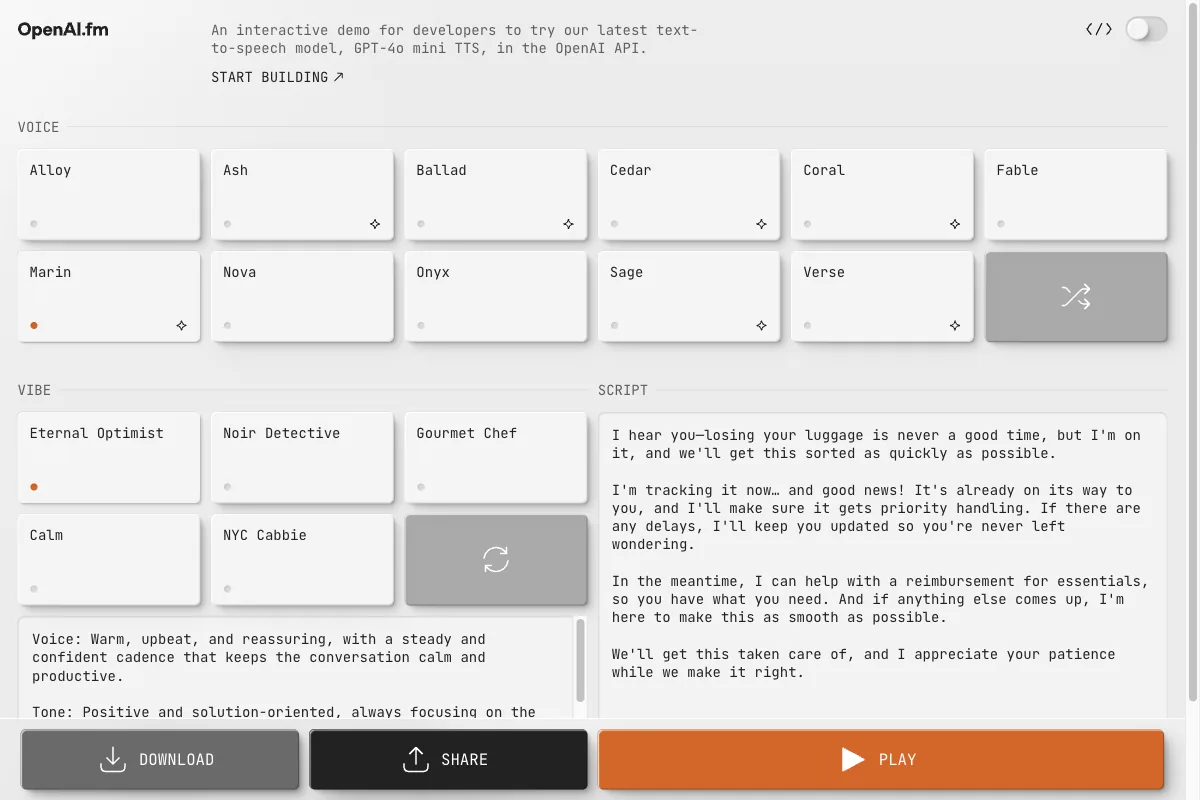
OpenAI TTS is the most obvious alternative if you already work with ChatGPT or the OpenAI API.
With the gpt-4o-mini-tts model, you don't pick from a long list of voices. Instead you describe in plain language how the voice should sound, for example calm, friendly, or energetic. For real-time use cases like voice assistants, OpenAI now also offers its Realtime API with the newer gpt-realtime-2 model.
It's an interesting approach, because you steer the output without sliders and menus. You just say what you want.
The big upside is the tight fit into the OpenAI ecosystem. If your app already runs on OpenAI models, you integrate speech output with very little extra effort.
That said:
OpenAI offers eleven built-in voices. Its API documentation describes custom voices for eligible customers who supply a consent recording and a matching voice sample. The text-to-speech endpoint does not give you a finished video dubbing studio like ElevenLabs offers.
gpt-4o-mini-tts is not billed by character. OpenAI lists $0.60 per 1 million text tokens and $12 per 1 million audio tokens.
Best suited for developers and teams already working in the OpenAI ecosystem who want simple speech output they can steer with plain language.
Not suited if you need self-service cloning or video dubbing in a finished interface without writing code.
4. When I Stick With ElevenLabs
I've now shown you 8 alternatives. And every one has its place.
Before I hand down a verdict, I didn't want to just go off memory. For this comparison I logged back into my own ElevenLabs account and went through the current editor and voice library live, the way I test any tool before I recommend it.
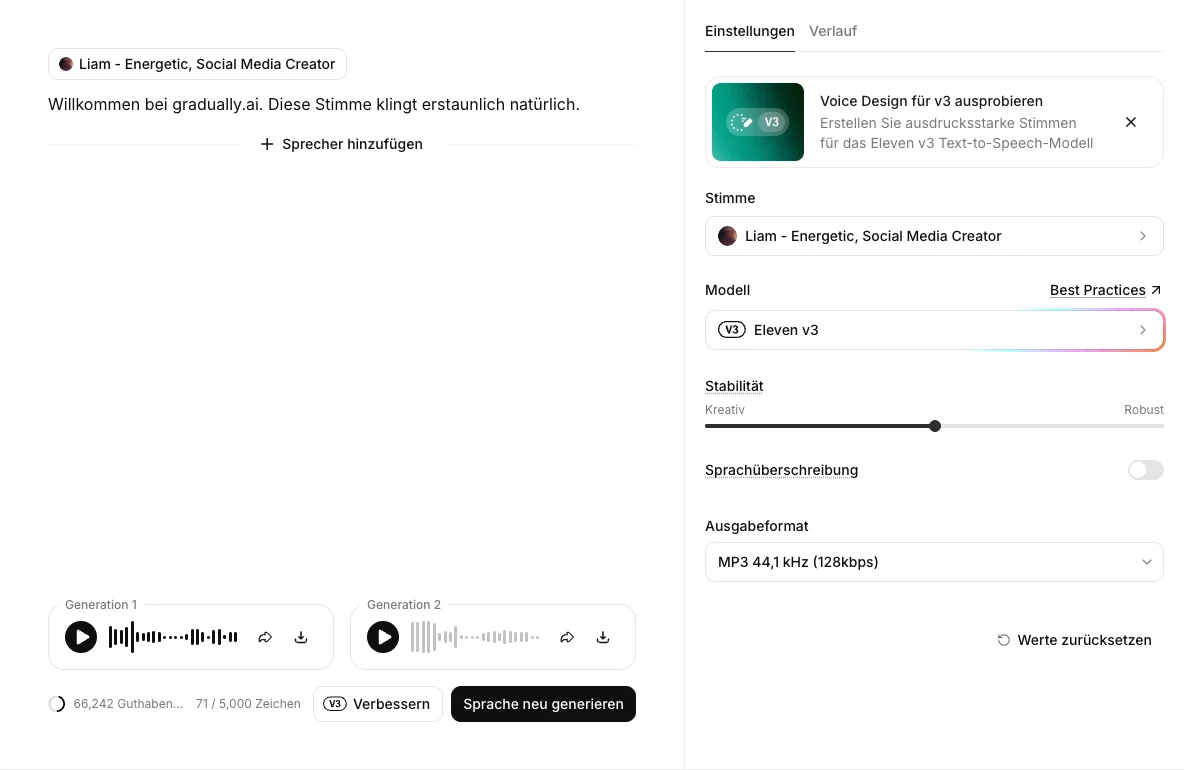
For my own audio work, I often return to ElevenLabs. There are two reasons for that.
The first is voice control. With Eleven v3, I can place audio tags such as [whispers] and [laughs] directly in the text. The editor highlights them. OpenAI TTS lets me describe the delivery in plain language.
The second reason is the portfolio. Some of the alternatives have grown broader than I expected, more on that in a moment. The whole chain, though, is still covered by ElevenLabs alone.
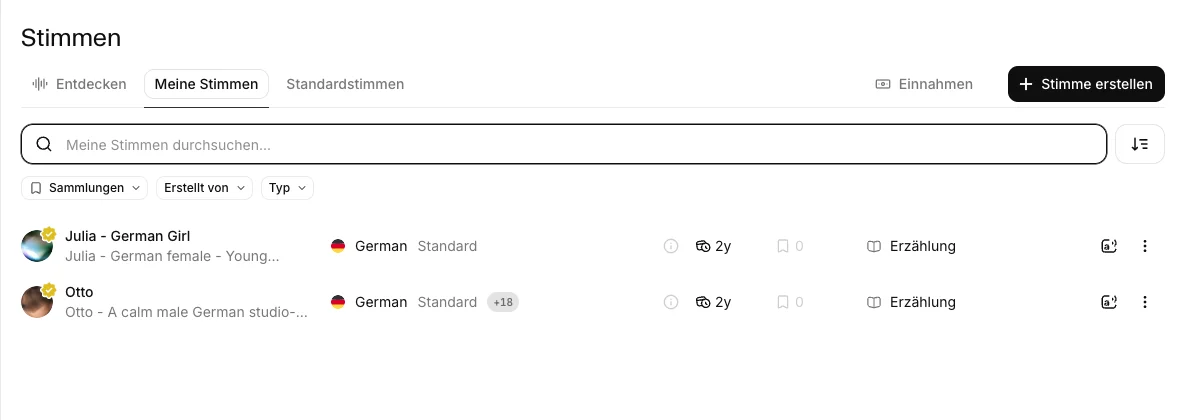
ElevenLabs offers several ways to create a voice, from text-based voice design to Professional Voice Cloning. For the latter, ElevenLabs recommends around 30 minutes of clean audio. I document the workflow and consent requirements in my ElevenLabs review.
What I do want to show you here is the result. For this comparison I built an Instant Voice Clone from about 22 seconds of audio, then generated the same German text once with the original voice and once with the fresh clone (German audio, since clone fidelity is what matters here, not the language):
Original: Liam, spoken with Eleven v3
Clone: the same text, generated with the freshly created Instant Voice Clone
To my ear, this single sample picks up the original's pitch and speech rhythm well from roughly 22 seconds of source audio.
The 22 seconds fall below ElevenLabs' recommendation. For Instant Voice Cloning, the provider recommends at least one minute, preferably one to two minutes, of clean, consistent audio. OpenAI custom voices are limited to eligible API customers with documented consent. Speechify Studio requires a paid plan for cloning.
How big the gap in feature scope really is shows best side by side:
| Feature | ElevenLabs | Lovo | Murf | Cartesia | Resemble | Speechify | WellSaid | Descript | OpenAI TTS |
|---|---|---|---|---|---|---|---|---|---|
| Text-to-speech | Yes | Yes | Yes | Yes | Yes | Yes | Yes | Yes | Yes |
| Voice cloning | Yes | Yes | Partial | Yes | Yes | Yes | Partial | Yes | Partial |
| Speech-to-text | Yes | Yes | Partial | Yes | Yes | Yes | No | Yes | No |
| AI musicGenerating music, not just adding it | Yes | No | No | No | No | No | No | No | No |
| Dubbing | Yes | Yes | Yes | Yes | Yes | Yes | No | Yes | No |
| Voice agents | Yes | No | Yes | Yes | Partial | Yes | No | No | No |
| Built-in editor | Yes | Yes | Yes | No | No | Yes | No | Yes | No |
| API | Yes | Yes | Yes | Yes | Yes | Yes | Yes | Yes | Yes |
| German voices | Yes | Yes | Yes | Yes | Yes | Yes | Partial | Yes | Yes |
September 2026. Values come from provider product pages and documentation. “Partial” for OpenAI voice cloning means custom voices are available only to eligible API customers. Murf lists custom voices as an Enterprise add-on. Speechify cloning refers to Studio, not Reader. The Lovo column rests on official search results because lovo.ai blocks direct fetching.
Two things stand out to me here.
First, Murf, Cartesia, and Speechify now cover more than their best-known use cases suggest. But access differs by plan. Murf lists custom voices as an Enterprise add-on, Speechify restricts cloning to paid Studio plans, and Cartesia starts cloning on Pro.
Second, exactly one gap stays open that none of the eight alternatives closes. In this field, only ElevenLabs generates AI music. Transcription, dubbing, and voice agents you can get elsewhere now, but the whole chain from one vendor only here. That's exactly what makes the difference in most cases.
And if you want a broader overview first, check out my comparison of the best AI voice generators.
Frequently Asked Questions About ElevenLabs Alternatives
The right alternative depends on your task. Speechify Reader is for listening to web pages and documents, Murf offers a ready-made voiceover editor, and Cartesia Sonic supports streaming. For API text-to-speech, OpenAI's gpt-4o-mini-tts costs $0.60 per million text input tokens and $12 per million audio output tokens; each generation's cost depends on its input and output token counts.
OpenAI has announced that it will remove the dated API snapshots gpt-4o-mini-tts-2025-03-20 and gpt-4o-mini-tts-2025-12-15 on January 6, 2027, so plan a migration if your longer-lived product uses either one. Compare German voice quality by generating the same script with each service and listening to the results.
Yes, but free access differs. Speechify Reader is free for listening to text. Speechify Studio offers 600 credits to try, but no commercial usage rights. WellSaid lists three download minutes per month in its free trial, also without commercial rights. ElevenLabs lists a free plan with 10,000 credits per month; voice cloning starts on Starter at $6 per month on its pricing page.
OpenAI gpt-4o-mini-tts bills by text and audio tokens. Its published API snapshots are scheduled for removal on January 6, 2027. A plan with no base fee can still charge for each generation. Check export and usage restrictions with other providers before relying on them.
Some alternatives offer it, but with different access conditions. OpenAI recording-based custom voices are available only to eligible API customers and require a consent recording. Speechify Studio currently does not accept new cloned voices, except for original voice dubbing for Business customers under a separate written agreement.
At ElevenLabs, Instant Voice Cloning starts on Starter at $6 per month and the provider says it needs about one to three minutes of audio. Professional Voice Cloning requires 30 minutes to about three hours, depending on the model. OpenAI's prompt-based custom voices work with GPT-Live, not the TTS API. OpenAI has announced the removal of the dated API snapshots gpt-4o-mini-tts-2025-03-20 and gpt-4o-mini-tts-2025-12-15 on January 6, 2027.
For setup steps and consent requirements, see the guide to cloning a voice with AI.




