
Imagine recording a podcast, a YouTube voiceover, or an entire audiobook without ever stepping in front of a microphone.
That is exactly what AI voice generators do. They convert text into spoken language that sounds surprisingly natural.
You can use them to have blog posts read aloud for your commute, narrate social media content, or produce full podcast episodes. Combine them with an AI text generator or AI video generator, and you have a complete content production pipeline.
Some tools even let you clone your own voice. Pretty cool, right?
I tested and compared five AI voice generators based on voice quality, language support, pricing, and feature set. Four of them can be tried for free, although Murf's allowance is a one-time trial rather than a recurring monthly plan.
- ElevenLabs leads with 3000+ voices, the expressive Eleven v3 model, and instant voice cloning starting at just $6 monthly
- Fliki follows in second place with 2000+ voices in 80+ languages, 500 ultra-realistic voices, and voice cloning on the Standard plan from $21 monthly with annual billing
- Four of the five tools can be tried for free, but allowances and download rights vary by provider
My quick picks by use case:
- Try ElevenLabs free if you want expressive voices. Instant Voice Cloning starts on the $6 Starter plan.
- Fliki if you want to turn blog posts directly into videos with voiceover. There is a free plan without a credit card.
- Murf.ai if you want to clean up recordings with the AI Voice Changer or fine-tune delivery.
AI Voice Generators Comparison
AI Voice Generators in Detail
Below you will find all AI voice generators in detail, with speech samples, screenshots, and my evaluation of usability, voice quality, and feature set.
1. ElevenLabs
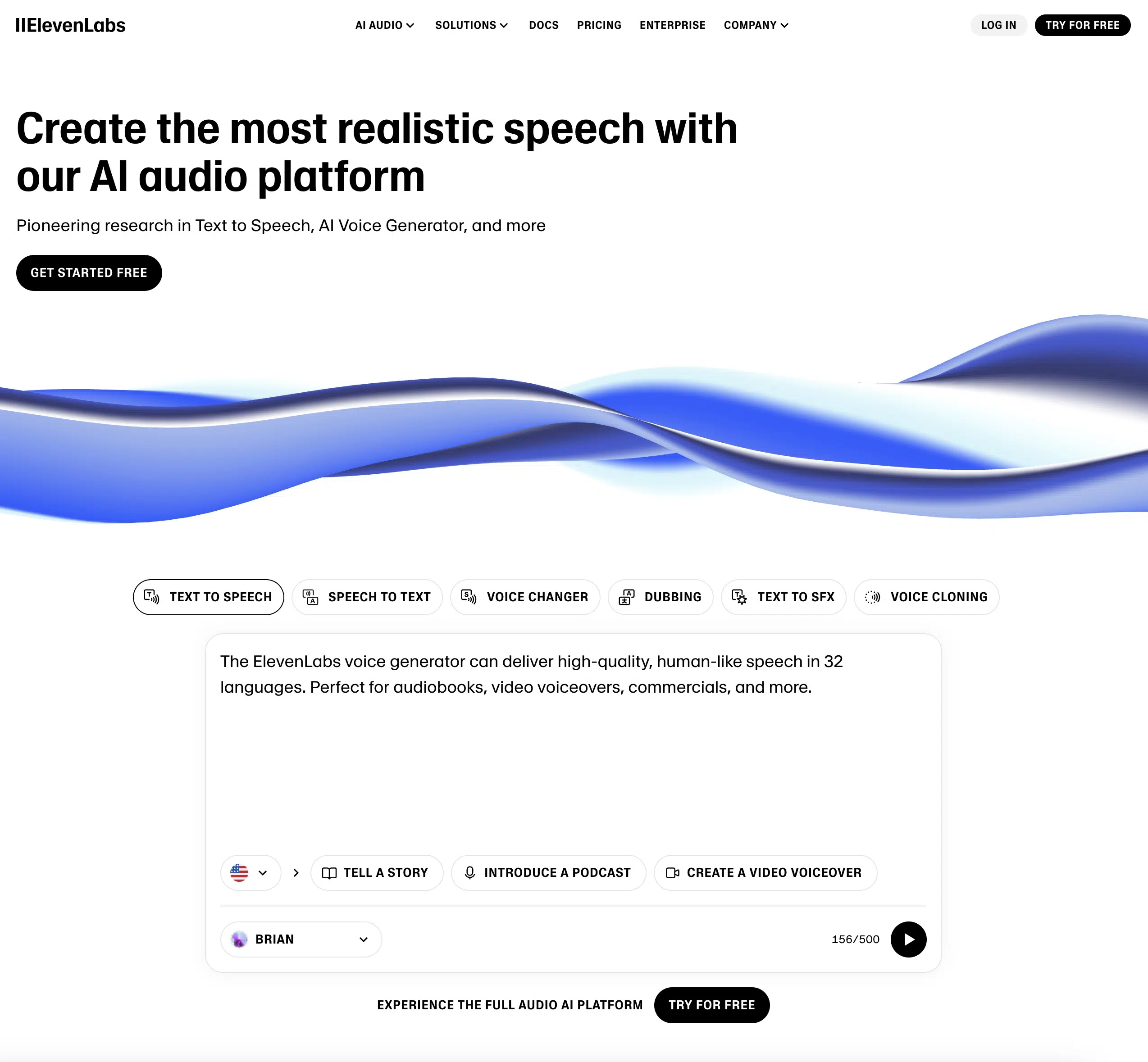
ElevenLabs is one of the best and most well-known text-to-speech tools right now. Its feature set and AI voice quality impressed me so much that it takes the top spot.
Two 2026 releases tipped the scales.
The flagship model Eleven v3 became generally available in March 2026. It supports 70+ languages, far more expressive voices, and so-called "audio tags" like [whispers], [laughs], or [French accent] that let you steer emotion, pacing, and emphasis directly inside the script. A new Text-to-Dialogue API also enables multi-speaker scenes where multiple voices interrupt each other and react naturally. This widens the gap to every other provider when it comes to expressiveness.
I tested ElevenLabs on the Creator plan in my own account. In the text-to-speech editor, Eleven v3 is genuinely the default model now, no outdated Multilingual v2 view in sight.
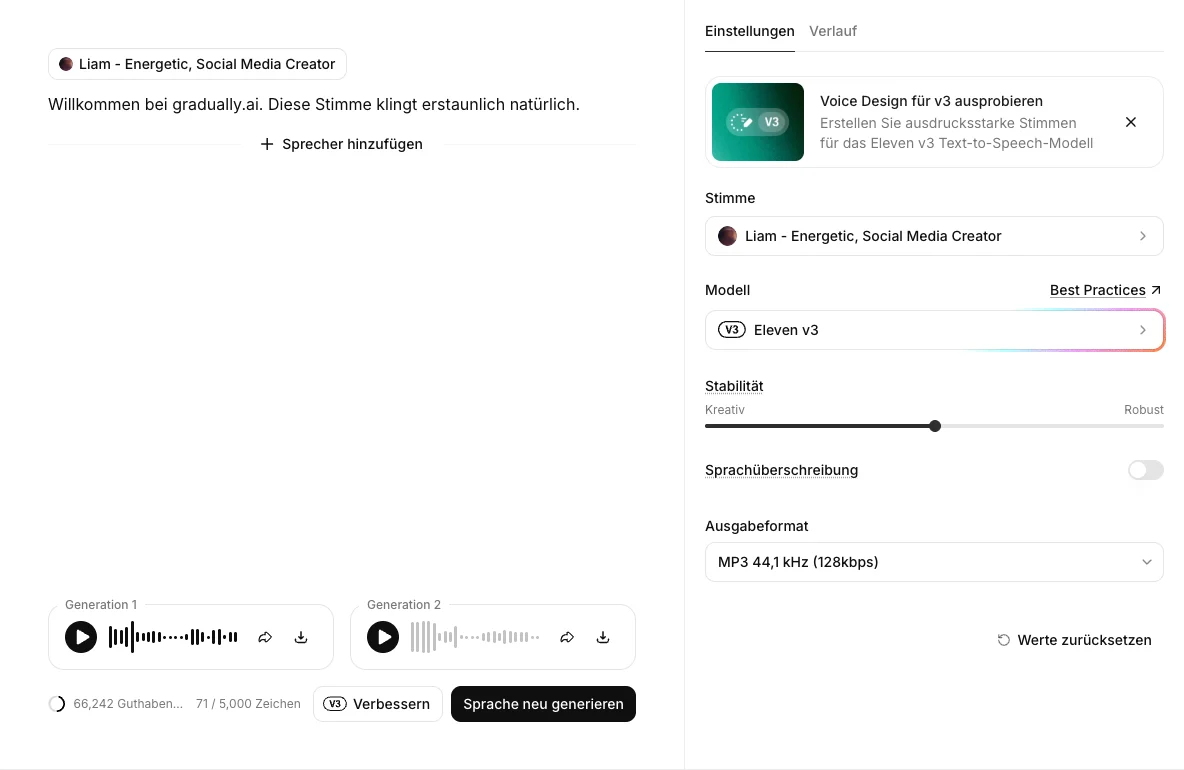
Audio sample: the Eleven v3 voice "Liam" reading a short test script, raw and unedited from my account
On top of that, since May 2026 there's Music v2, a dedicated music generator that produces tracks built on licensed data for your videos and podcasts. From the voice to the narration to the background music, ElevenLabs now covers almost the entire audio production in a single tool. No other voice generator on this list does that.
With ElevenLabs, you can not only convert text to speech using pre-made AI voices but also clone your own voice, a feature only Fliki also offers in my test.
The voice quality is genuinely high. You can use these voices for YouTube voiceovers, virtual assistants, or podcast narration.
Most of them sound natural enough that you would only notice the difference if you listen closely.
ElevenLabs' user interface is also intuitive and user-friendly. You can either use one of the pre-made AI voices or upload and clone your own voice:
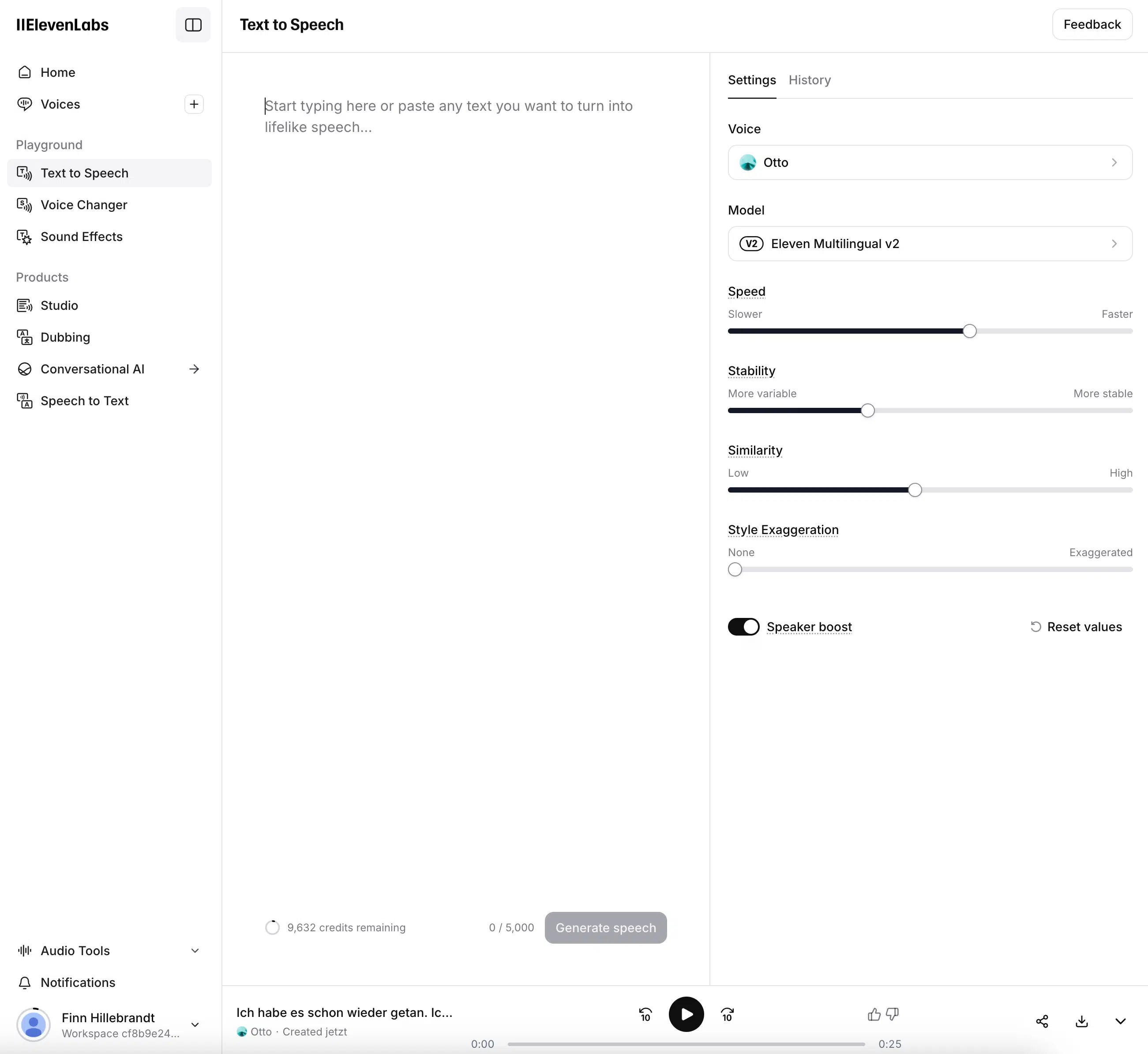
Voice cloning is a special highlight of ElevenLabs. You can upload a recording of your own voice and the software creates an artificial voice that sounds very similar to yours.
This process is simple and straightforward. The quality of the result naturally depends on the quality of the original recording. The clearer your recording is, the better the result will be.
ElevenLabs offers various pricing packages:
There's a free version that allows you to use up to 10,000 characters and 10 minutes of text-to-speech per month.
For $6 per month, the Starter package gives you instant voice cloning and up to 30,000 characters per month. Professional voice cloning, the higher-fidelity clone type, only kicks in from the Creator package at $22 per month. There are also more expensive packages with more features and larger character limits, e.g., for larger companies.
2. Fliki
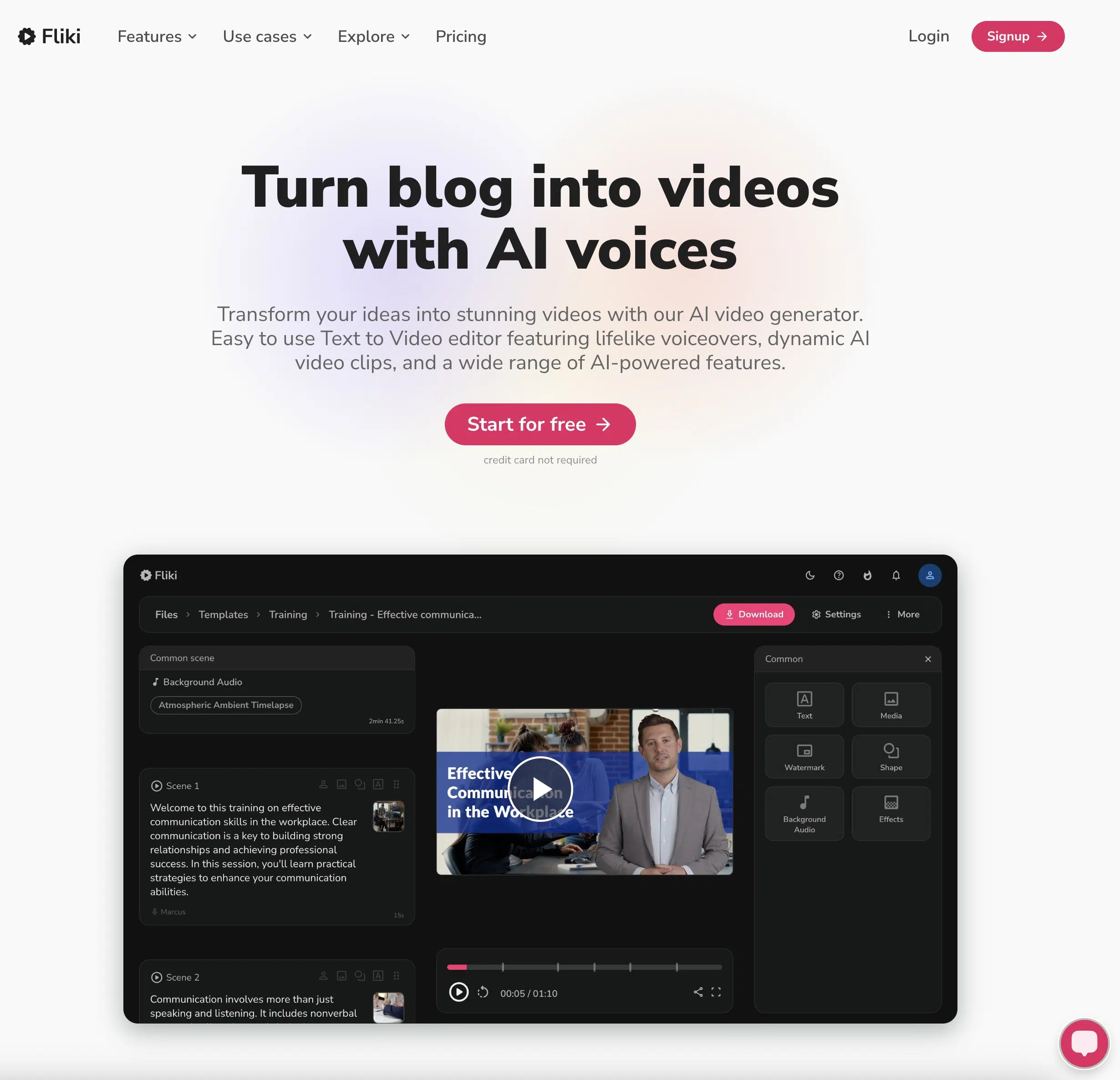
Fliki is the AI voice generator I use the most day to day, and it lands just behind ElevenLabs in second place. And there are many reasons for this.
First, Fliki offers an exceptional selection of voices across 80+ languages, including excellent multilingual support:
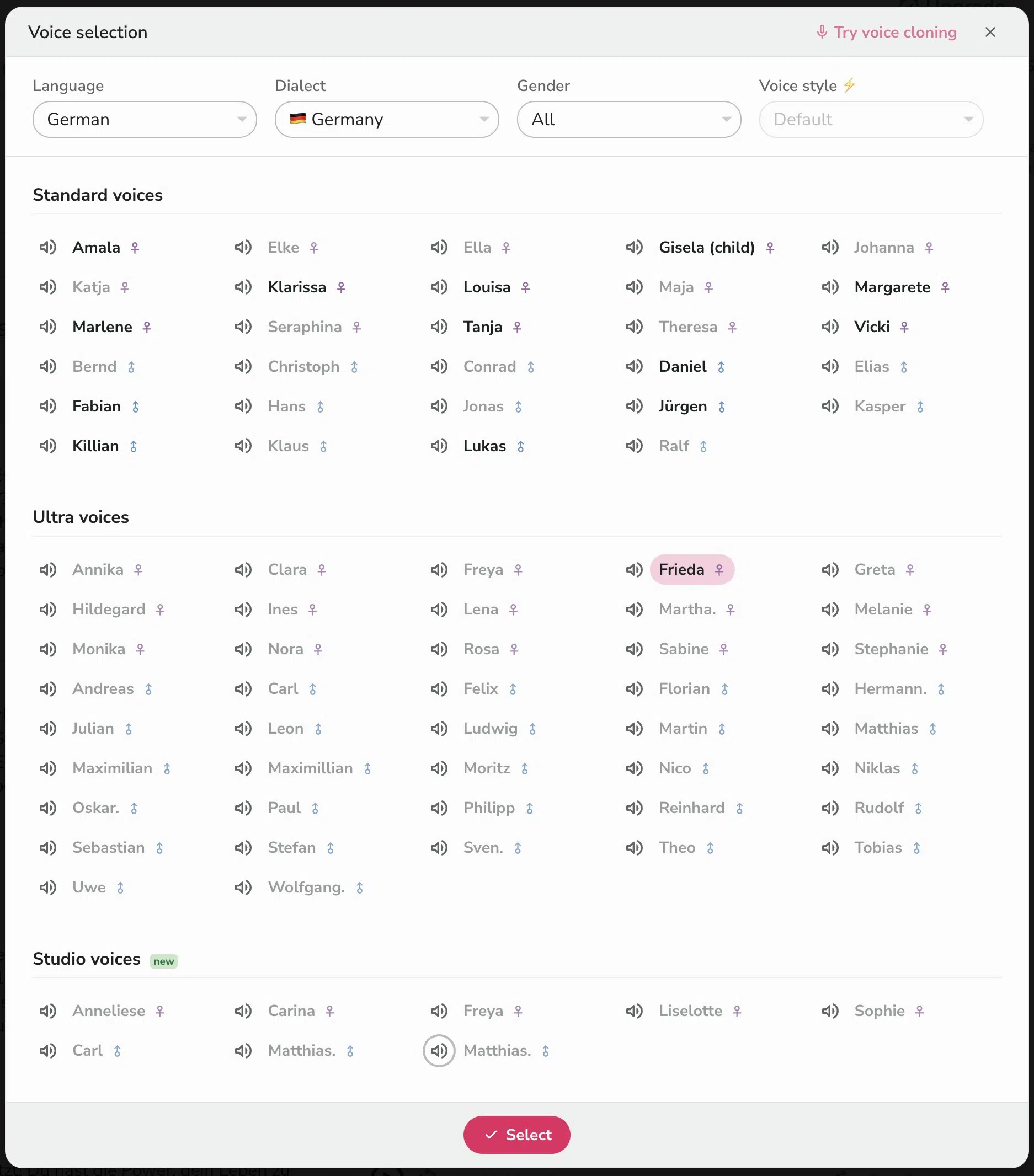
Second, Fliki offers excellent voice quality across all supported languages. The standard voices are qualitatively comparable to those from Murf.ai.
Unlike most other AI voice generators, Fliki offers 2,000+ voices overall. Standard includes 500 ultra-realistic voices, while Premium includes more than 1,000, plus "Studio Voices" recorded by real people.
Here's a speech sample using the first three paragraphs of Franz Kafka's "The Castle":
The only other provider with comparable premium voice quality is Murf.ai, though with a more limited selection.
Third, Fliki, alongside ElevenLabs, is one of the few tools that offers easy and quick voice cloning in multiple languages. One voice clone is included on the Standard plan from $21 per month with annual billing:
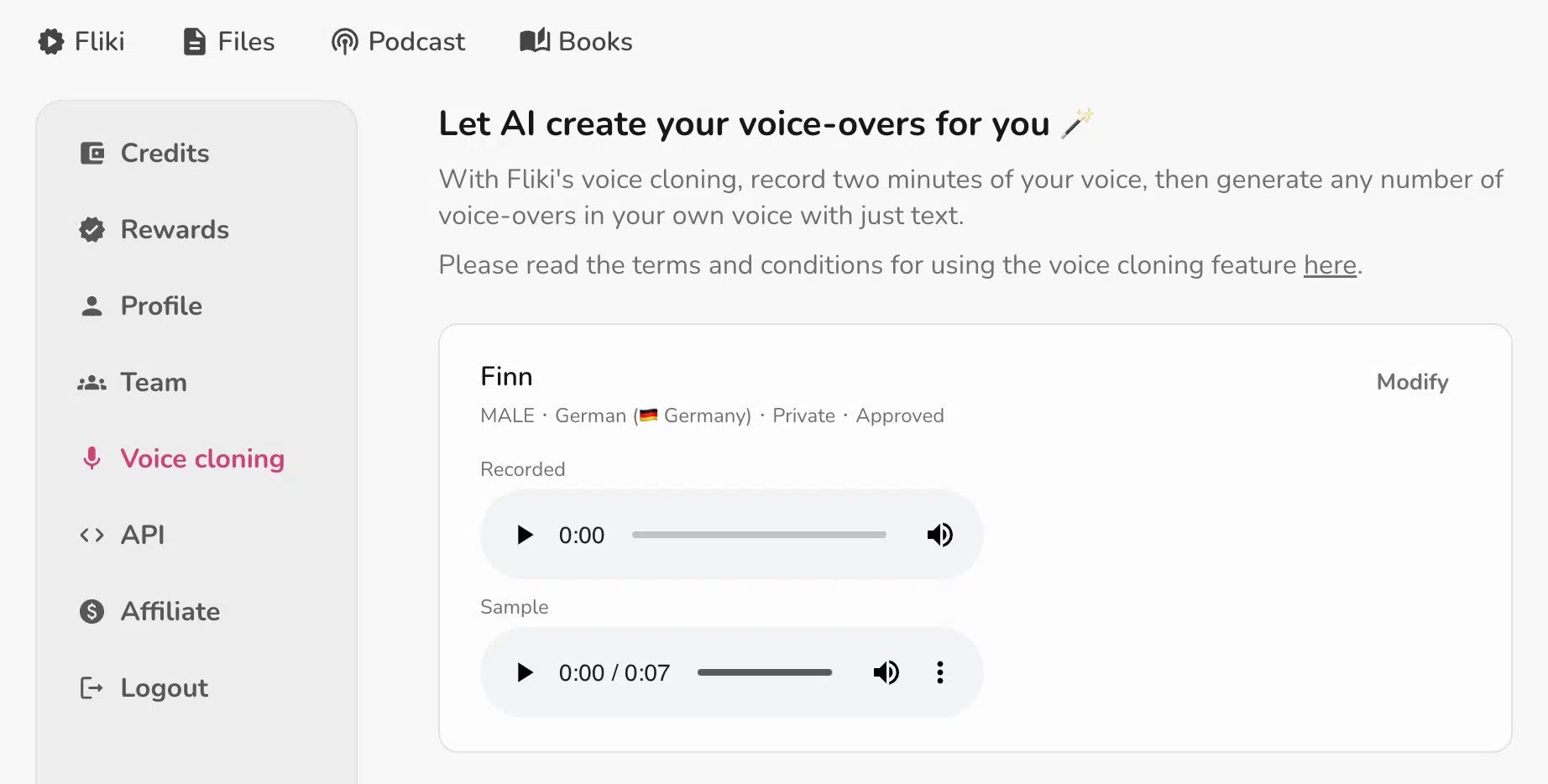
Other AI voice generators also offer voice cloning, but usually only on request (which translates to: very expensive!) or only in English.
You can try Fliki for free without entering a credit card. The free plan lets you create 5 minutes of audio or video per month.
The Standard plan now includes 500 ultra-realistic voices, Full HD exports, commercial rights, and one voice clone. Premium raises that allowance to more than 1,000 ultra-realistic voices and three voice clones.
3. Murf.ai
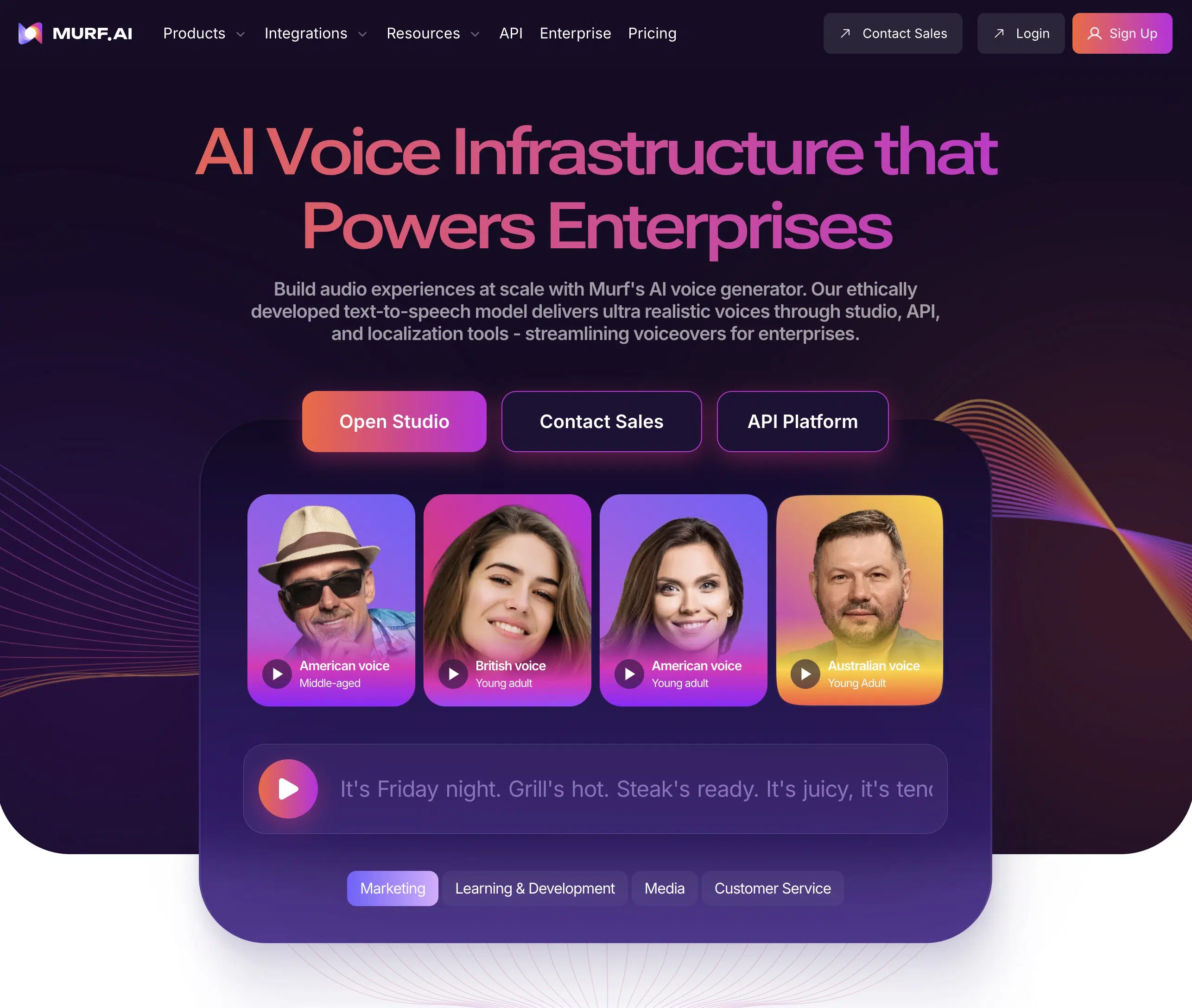
Murf.ai ranks as the third-best voice generator in my testing:
The premium voices are high quality and at least as good as Fliki's, if not a touch better.
Murf's library is smaller than Fliki's but now includes 300+ voices across 33 languages:
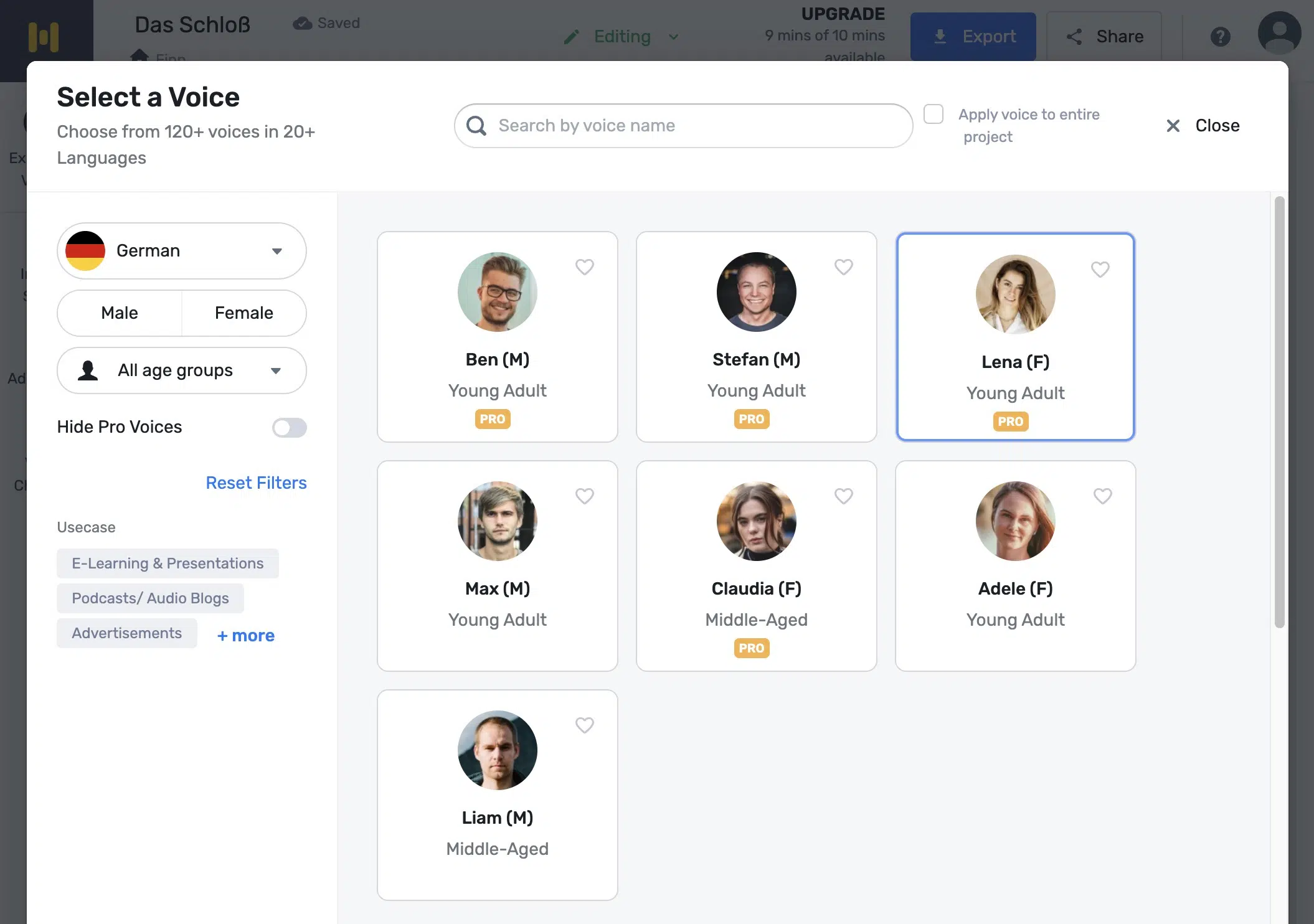
Murf's official library includes dedicated German voices as well as MultiNative voices that support German. English still has the largest selection.
A unique feature of Murf.ai is the "AI Voice Changer," which can transform a lower-quality recording of your own into a professionally recorded one. It removes background noise, stuttering, or filler words like "um" and "uh."
Murf.ai also scores with its user interface and versatile customization options. It offers a few more adjustment options than Fliki, e.g., you can set the pitch and pause length for each speech block (the latter is only possible for the entire audio file in Fliki).
Murf.ai offers a free trial with 10 minutes of audio generation and access to all voices. You need no credit card to start. However, no downloads are available during the trial.
4. Speechify
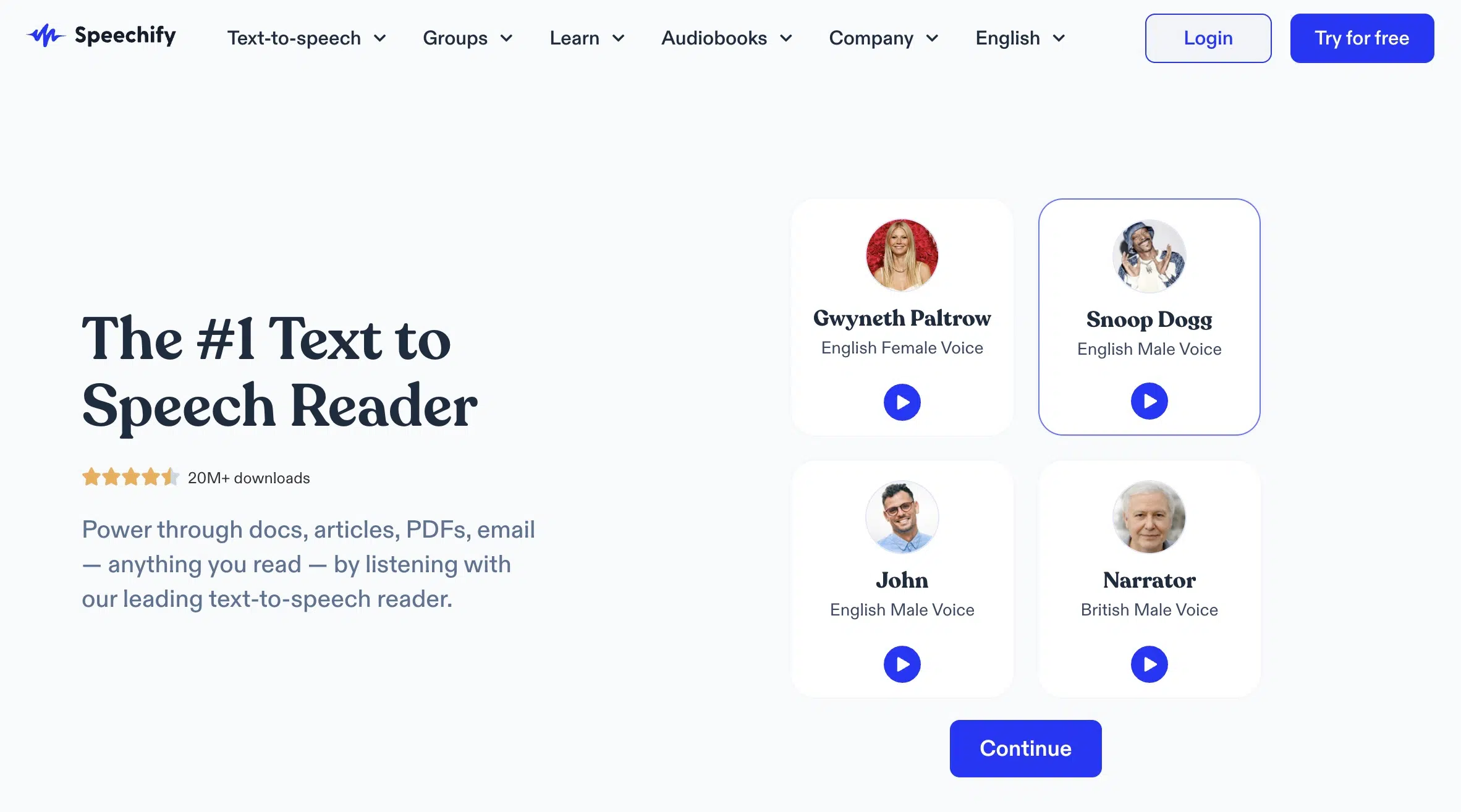
Speechify is a comprehensive tool with various text-to-speech functions:
Speechify's main function is reading books or documents in many different file formats. There are also apps for Android, iOS, and Mac. Speechify also offers a large library of audiobooks.
Unfortunately, the "read aloud" function has limited quality in non-English languages. While there are many voices available, only some offer acceptable quality for professional use.
However, this article isn't about the read-aloud function but about Speechify AI Voice Studio. In addition to creating AI voice-overs, it can clone voices, generate subtitles, and includes an AI video generator.
The user interface is intuitive and modern. In addition to basic settings, the audio editor offers many advanced options, such as emphasizing individual words, pitch, and pause settings:
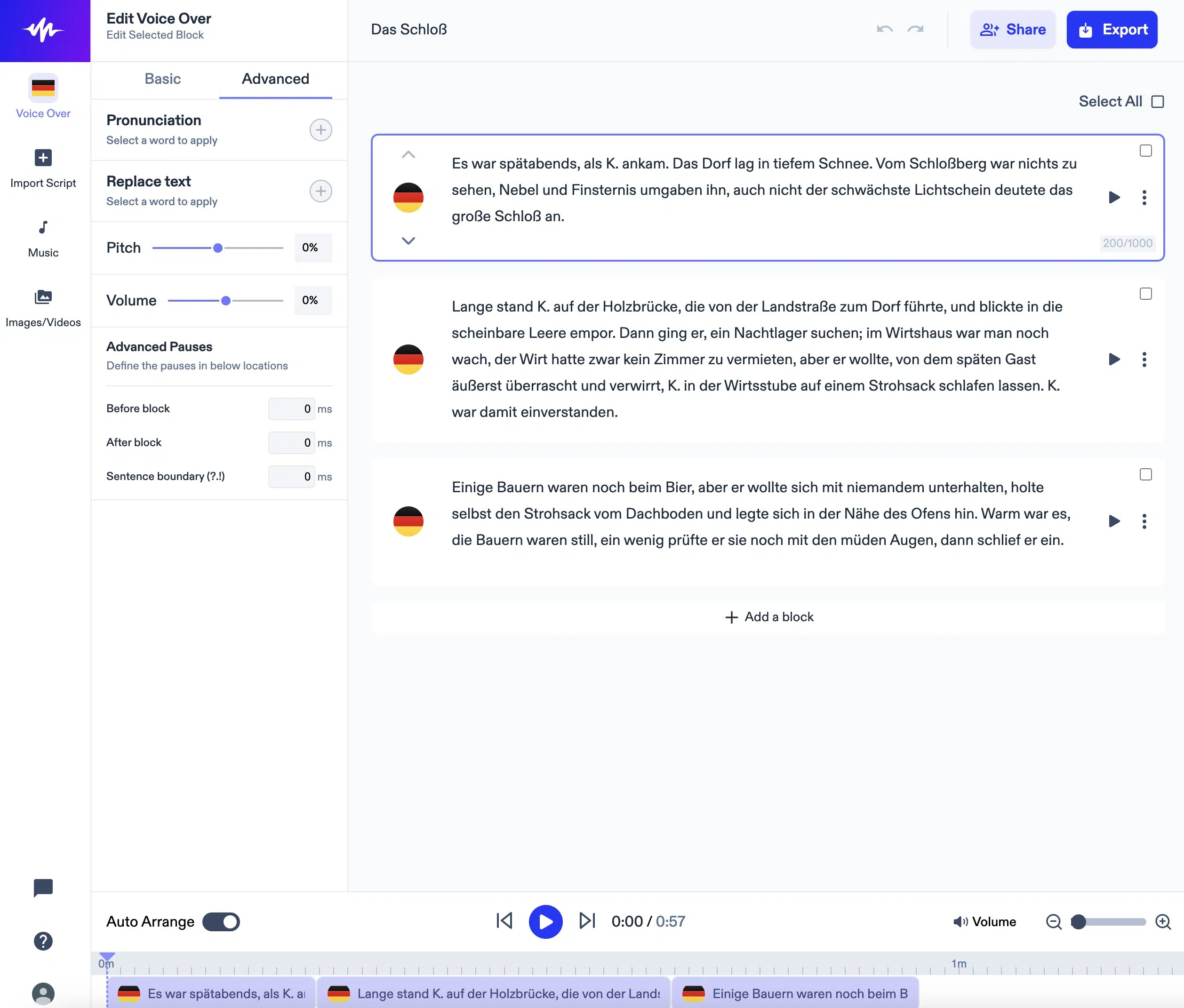
Unfortunately, where Speechify falls short is non-English AI voice quality:
Speechify offers 200+ voices across 30+ languages, but lacks the premium voice options that competitors like Fliki provide.
All in all, Speechify lands in fourth place because the non-English voice quality and interface are slightly better than LOVO, the last-placed AI voice generator.
5. LOVO
LOVO can compete with other AI speech tools in many respects:
It has a modern and user-friendly interface and offers 500+ voices across 100+ languages. The voice quality of English voices is very good.
Nevertheless, LOVO only takes last place in my test. The problem? Non-English voice quality. LOVO does not offer premium voices for languages other than English.
The available standard voices sound slightly monotone and robotic, as you can hear in the following sample:
Additionally, LOVO is the only tested AI voice generator that doesn't offer a free tier, only a 14-day trial, and has a somewhat worse price-performance ratio than the other tools.
In the Basic plan, available from $24 per month, you only get 2 hours of voice generation time. With Fliki, you pay $21 per month for the Standard plan, which includes 3 hours.
Premium vs. Standard Voices
Many providers distinguish between premium voices (also called "Pro" or "Ultra realistic") and standard voices.
I would always recommend a provider and plan that includes ultra-realistic voices, like Fliki Standard or Murf.ai Pro. These sound noticeably more natural, offer better intonation, sound less monotone and robotic, and have higher recording quality.
This is because they were trained with more and higher-quality audio material than standard voices.
Of course, premium voices still don't quite match human voice-over artists, especially for fiction or texts with high dialogue content. But AI voice generation is getting better and will increasingly replace voice-over artists in the medium to long term.
Frequently Asked Questions About AI Voice Generators
Quality has dramatically improved in 2026. Premium providers like ElevenLabs and Fliki achieve near-human quality in many languages. Key differences:
- Premium voices: Natural intonation, emotional expressiveness
- Standard voices: Often still robotic and monotone
- Language coverage: Major languages (Spanish, French, German, etc.) have best support
- Technical terms: Sometimes problematic with loanwords and specialized vocabulary
For professional projects, I always recommend premium voices - the quality difference is clearly audible.
Yes, but pay close attention to your provider's license terms:
- Free versions: Usually only for private, non-monetized videos
- Paid plans: Commercial use including YouTube monetization allowed
- Disclosure requirement: YouTube has required disclosure of AI-generated content since 2024
- Copyright music: Be careful with copyrighted background music
Tip: Save license receipts for each generated audio file for potential Content ID disputes.




