
Remember when text-to-speech sounded like a robot reading a dictionary? Those days are over.
Modern TTS tools use AI to produce voices that are surprisingly close to human narration. You can use them to listen to articles on your commute, turn blog posts into podcasts, or add voiceovers to videos.
Combine a TTS tool with an AI text generator or AI video generator, and you have a complete content pipeline.
Some tools even let you clone a specific voice, your own or even a celebrity's.
I tested and compared 8 of the best TTS tools based on the following criteria:
- Number and quality of voices
- Available languages, dialects, and accents
- Additional features like voice styles, pronunciation, and SSML
- Price and usage rights
- Integrations and support
- ElevenLabs leads with the most natural voice quality, audio tags like [whispers] and [laughs], and voice cloning, free tier available
- Murf.ai is the best pick for professional voice-overs with voice cloning from $19 per month when billed annually
- Amazon Polly offers the best scalability for developers at just $4/million characters, perfect for large text volumes
1. TTS Tools Comparison
2. The Tools in Detail
Below you'll find all text-to-speech tools in detail:
2.1 ElevenLabs
ElevenLabs is the best text-to-speech provider right now, and the reason it sits at the top of this list. The voices sound so natural that you'll often do a double-take the first time you hear them.
The flagship model Eleven v3 is generally available. It supports 70+ languages and so-called "audio tags" like [whispers], [laughs], or [French accent] that let you steer emotion, emphasis, and pacing directly inside the script. No other TTS tool offers this.
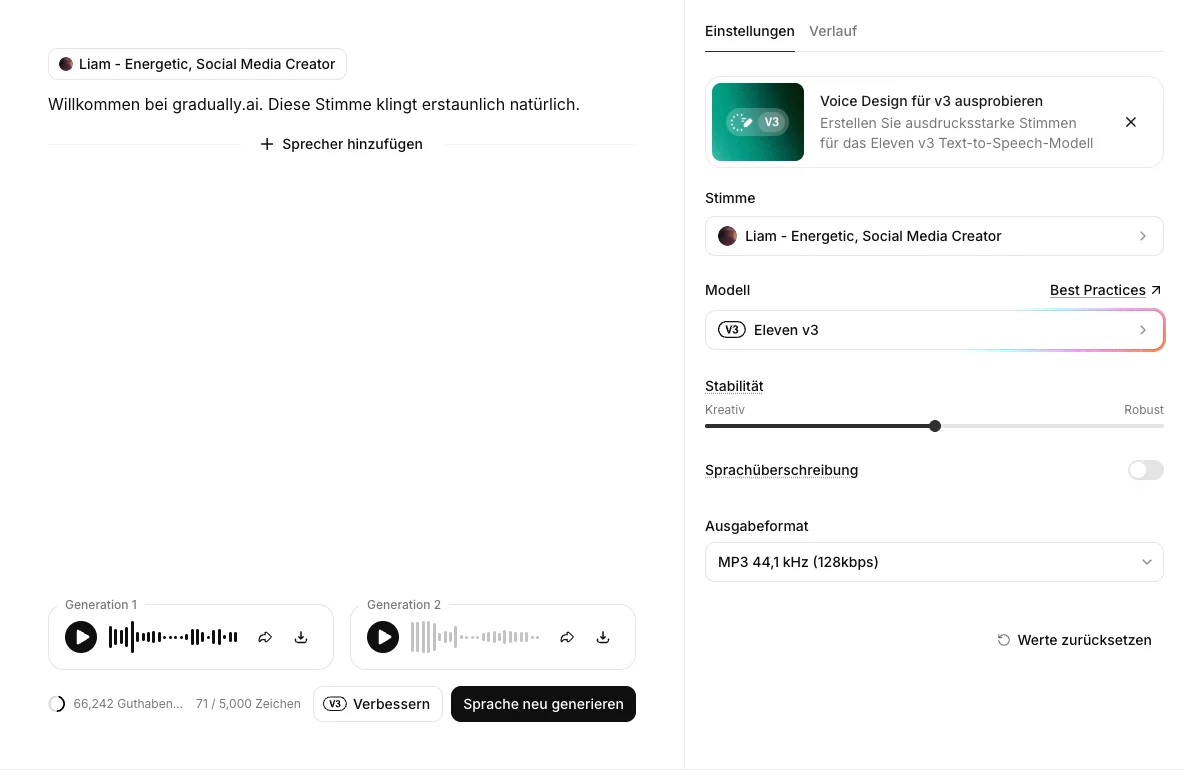
I tested ElevenLabs myself on the Creator plan. The screenshot shows my own editor with the currently active Eleven v3 model and the voice "Liam," and below it you can hear a sample I generated with the same voice in my account.
Audio sample: test sentence with the voice "Liam" (Eleven v3, unedited)
You can not only convert text to speech with pre-made voices but also clone your own voice. Instant Voice Cloning is available even in the cheapest paid plan, while the Professional Voice Clone (much closer to the original) starts with the Creator plan.
ElevenLabs is also far more than pure text-to-speech. It adds a speech-to-text engine (Scribe Realtime v2) and a dubbing tool for automatic video translation (currently Dubbing v2, in alpha), both supporting 92 languages. Since May 2026, with Music v2, it also offers a music generator built on licensed data, the music generator. For most audio projects, you only need this one tool.
Pricing
ElevenLabs has a generous free version and several paid plans:
- The free version gives you 10,000 credits per month, enough for around 10 minutes of text-to-speech to try it out.
- The Starter plan costs $6 per month and unlocks Instant Voice Cloning.
- The Creator plan costs $22 per month ($11 for the first month) and includes Professional Voice Cloning plus higher-quality audio output.
- For larger teams, there's the Pro plan at $99 per month. Bigger companies can step up to Scale at $299 or Business at $990.
Who is ElevenLabs suitable for?
ElevenLabs is for anyone who wants the most natural voice quality, from YouTube voiceovers to audiobooks and podcasts. Thanks to the audio tags and easy voice cloning, it's especially strong when you need emotion and expression, not just flat reading.
2.2 Murf.ai
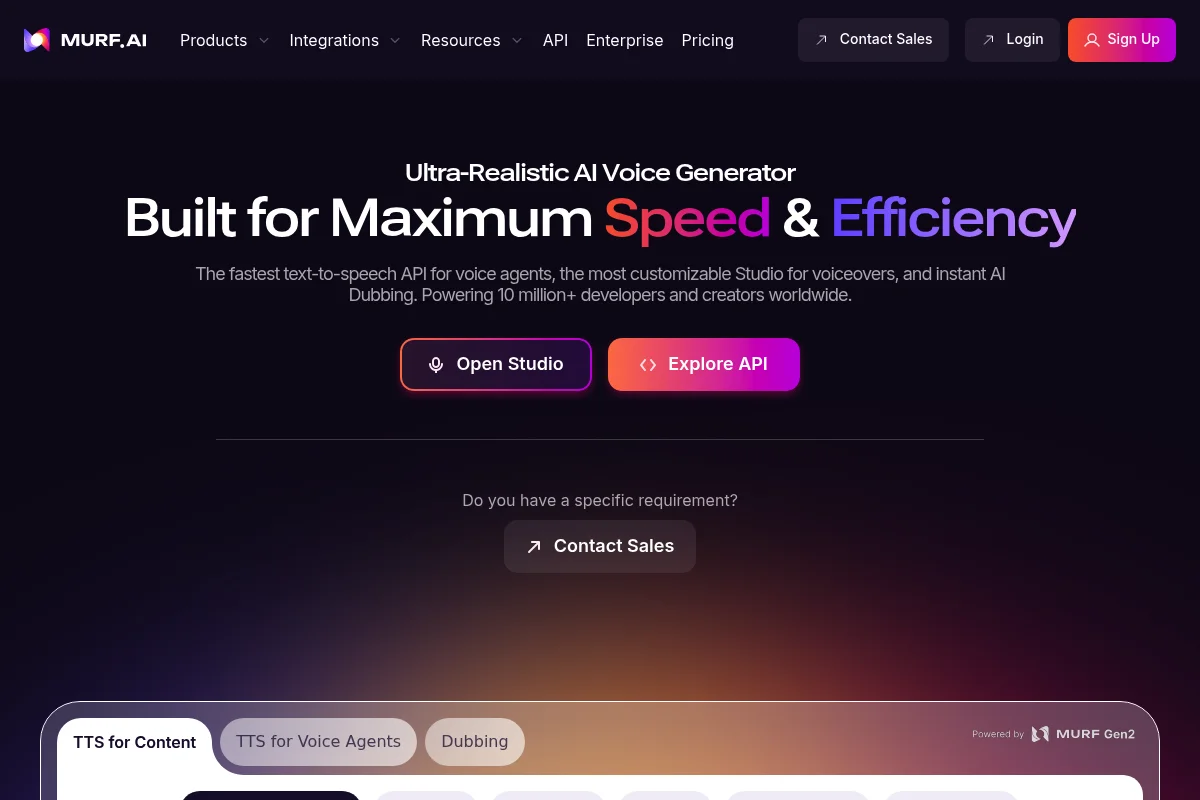
Murf.ai is an AI Voice Generator for creating professional voice-overs for podcasts, videos, and presentations.
For voice generation, you can choose from over 200 voices in more than 30 languages. You can simply upload or type your text and have it voiced with the voice of your choice. You can also adjust pitch, emphasis, and pauses.
Additionally, Murf.ai offers an AI Voice Changer that lets you convert your own recordings into voice-overs.
Murf.ai has a simple and clear interface. You create your voice-overs quickly and easily, then download them as MP3 or WAV or sync them directly with your videos or images.
The Enterprise plan also includes a collaborative workspace where you can share and edit projects with your team.
Pricing
Murf.ai has different pricing models for different needs:
- The free plan includes 10 minutes of voice generation and a limited number of projects. Downloads and commercial rights are not included.
- The Creator plan costs $19 per month when billed annually. It includes 24 hours of voice generation per year, 100 projects, unlimited downloads, and commercial rights.
- The Business plan costs $66 per month when billed annually. It includes 96 hours of voice generation per year, 500 projects, and additional editing controls.
- The Enterprise plan has custom pricing and adds unlimited voice generation, Single Sign-On, and advanced support, among other features.
Who is Murf.ai suitable for?
Murf.ai is particularly suitable for content creators who need high-quality voiceovers for their podcasts or videos. Murf.ai offers a wide selection of natural voices suitable for different topics and moods. Additionally, Murf.ai is very user-friendly and enables quick and easy creation of voice-overs.
2.3 Lovo
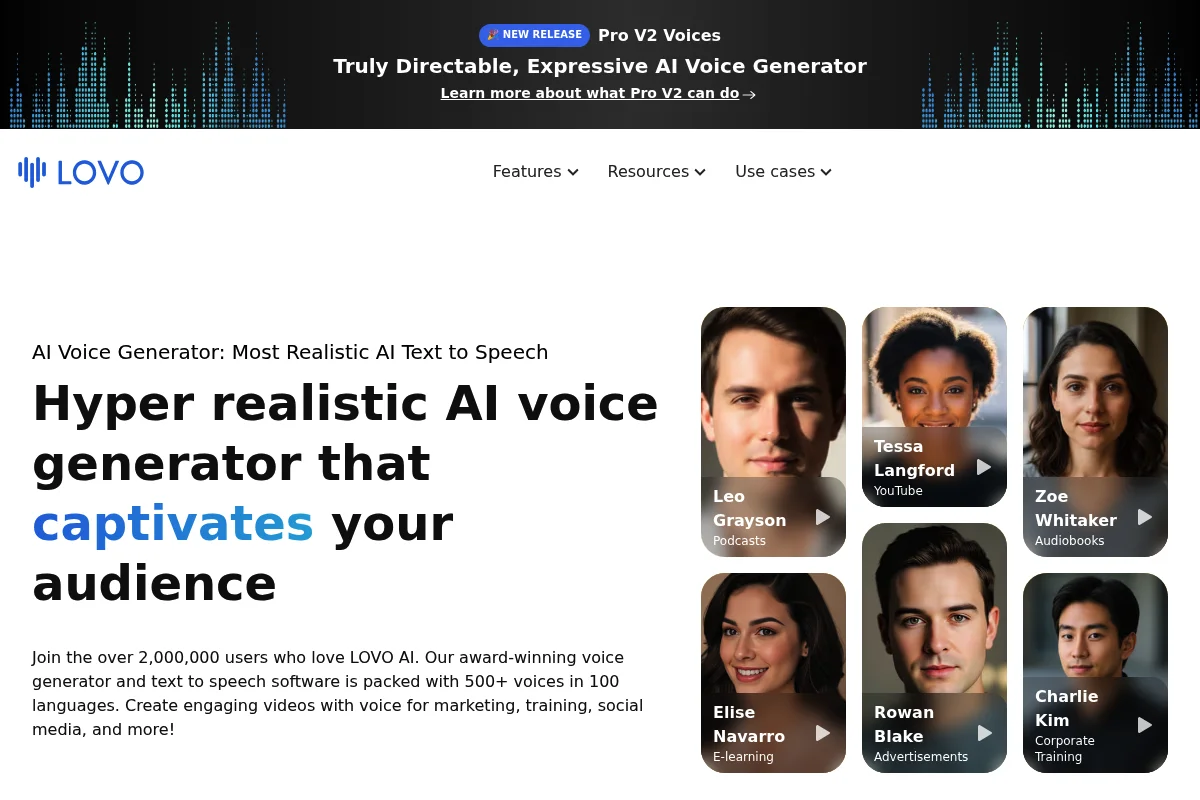
Lovo is an AI Voice Generator for creating personalized and emotional voices from your texts. With Lovo, you can choose from over 180 natural and expressive voices in 34 languages.
You can simply enter or upload your text and have it read aloud with the voice of your choice. You can also adjust the emotions, speed, and pitch of the voice.
Lovo has an intuitive and modern interface. You can create your voices quickly, then download them as MP3 or WAV or sync them directly with your videos or images.
You can also clone your own voice or "mix" voices based on various parameters like age, gender, or accent.
Pricing
Lovo has different pricing models for different needs:
- The free version includes 1,000 characters per month and lets you try all voices.
- The Basic version costs $9.99 per month for 10,000 characters per month.
- The Pro version costs $19.99 per month for 100,000 characters per month.
- The Enterprise version offers unlimited voicing plus additional features like API access, Voice Cloning, and Custom Voice Creation.
Who is Lovo.ai suitable for?
Lovo is particularly suitable for marketers who need personalized and emotional voices for their campaigns. Lovo offers a wide selection of natural and expressive voices suitable for different scenarios and target audiences. Additionally, Lovo is very innovative and enables individual voice customization.
2.4 Uberduck
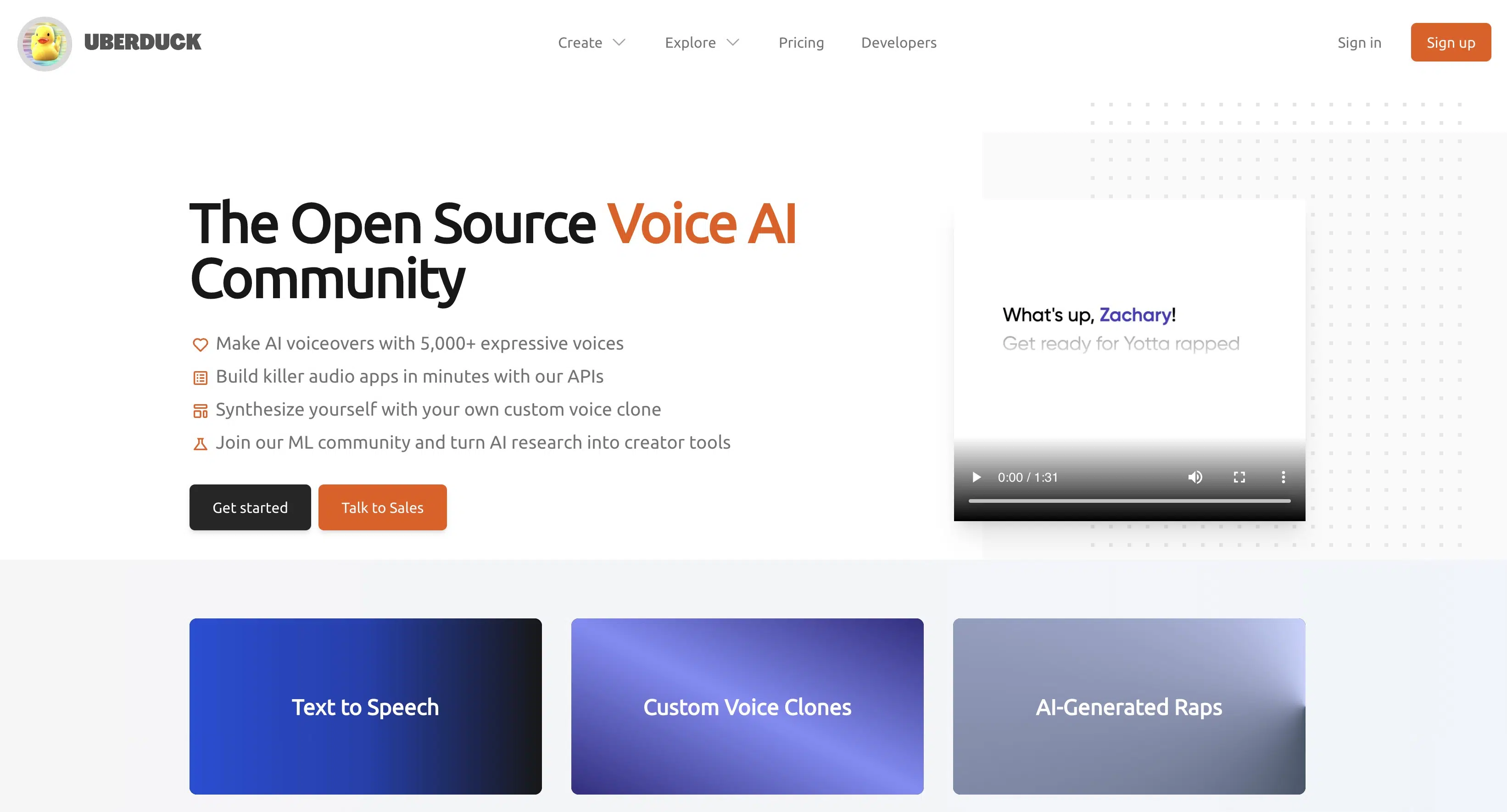
Uberduck is an AI Voice Studio for imitating the voices of celebrities, cartoon characters, or fictional persons. With Uberduck, you can choose from over 5,000 voices or clone your own voice.
You can use Uberduck for various purposes, such as memes, parodies, podcasts, videos, or games. You can simply enter or upload your text and have it voiced with the voice of your choice. You can also adjust the speed and pitch of the voice.
Pricing
Uberduck has different pricing models for different needs:
- The free version includes 10 audio renderings per month with access to selected voices.
- The Creator version costs $8 per month and gives you unlimited renderings plus access to all public voices.
- The Clone version costs $20 per month, lets you clone your own voice, and includes unlimited renderings.
- The Enterprise version offers unlimited renderings, voice cloning, and API access plus additional features like priority support and custom voices.
Who is Uberduck.ai suitable for?
Uberduck is particularly suitable for creatives who want to have fun and spice up their content with well-known voices.
Uberduck offers a wide selection of voices suitable for different genres and formats. Additionally, Uberduck is very easy to use and enables quick and fun creation of voice-overs.
2.5 Amazon Polly
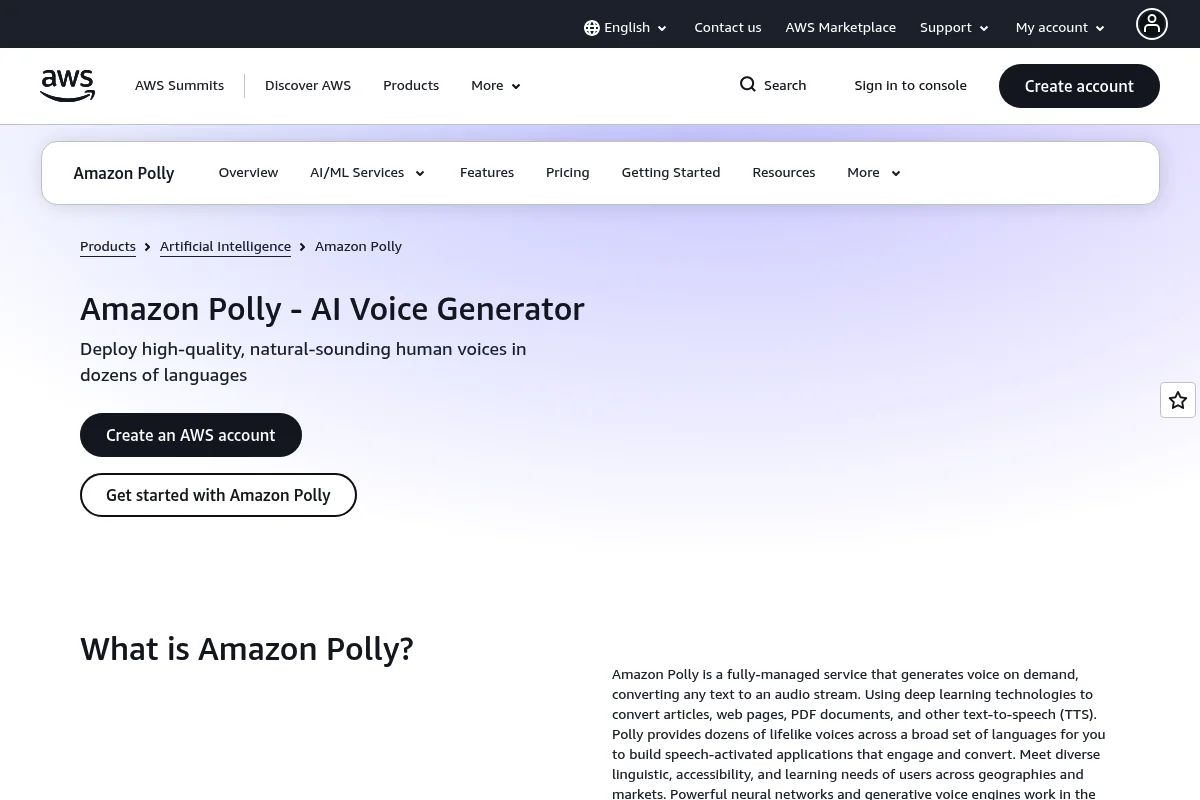
Amazon Polly is a text-to-speech service from Amazon Web Services (AWS) for creating natural and lifelike voices. With Amazon Polly, you can choose from over 60 voices in 31 languages.
You can simply enter your text via the AWS Console, API, or SDK and have it read aloud with the voice of your choice. You can also use SSML tags to adjust pronunciation, emphasis, speed, or volume of the voice.
The tool also offers neural voices that are even more realistic and expressive than standard voices. Amazon Polly is a cloud-based service that offers high scalability, reliability, and security.
Pricing
Amazon Polly is a usage-based service that only charges you for the characters you voice:
- For standard voices, it costs $4 per million characters.
- For neural voices, it costs $16 per million characters.
- The free tier includes 5 million characters per month for standard voices and 1 million characters per month for neural voices. This free tier is valid for the first 12 months after signing up for AWS.
Who is Amazon Polly suitable for?
Amazon Polly is particularly suitable for developers who want to integrate speech features into their applications.
Amazon Polly offers high quality, flexibility, and scalability for various scenarios and industries. Additionally, Amazon Polly is very cost-effective and enables usage-based billing.
2.6 Speechify
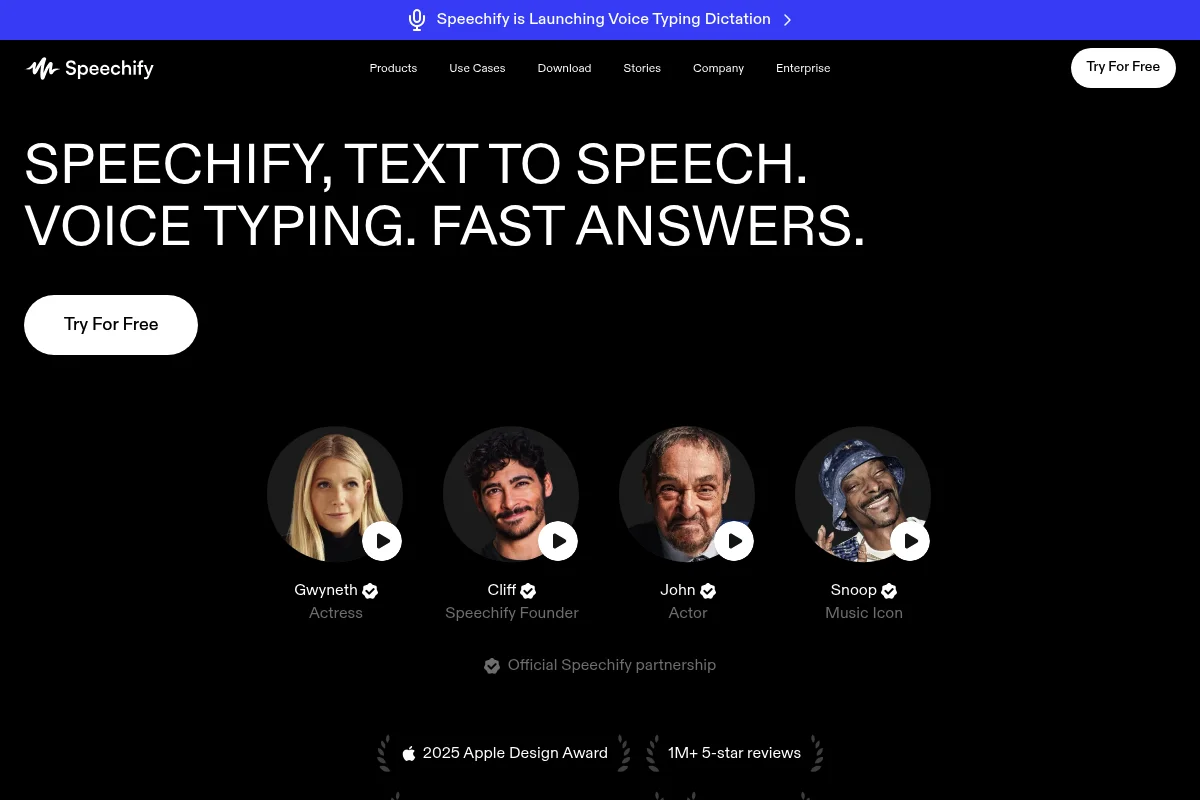
Speechify is a text-to-speech app that helps you read texts faster and more conveniently. With Speechify, you can choose from over 30 natural voices in various languages and accents.
You can import texts from various sources, such as websites, PDFs, e-books, Google Docs, or photos. Speechify then reads the texts aloud with the voice of your choice. You can also adjust the voice speed from 0.5x to 4.5x.
Speechify also offers premium voices that are even more realistic and expressive, such as the voices of Gwyneth Paltrow or Snoop Dogg. The tool syncs your texts and settings across all your devices, so you can switch between your smartphone, tablet, or computer without missing a beat.
Pricing
Speechify has different pricing models for different needs:
- The free version includes unlimited text listening and access to 10 standard voices.
- The Premium version costs $9.99 per month and gives you all premium voices, offline listening, and text translation.
Who is Speechify suitable for?
Speechify is particularly suitable for students or professionals who need to read a lot and want to improve their reading speed and comprehension.
Voice quality sits in the middle of this comparison. Speechify is still very user-friendly and syncs across all your devices without any friction.
2.7 Synthesys
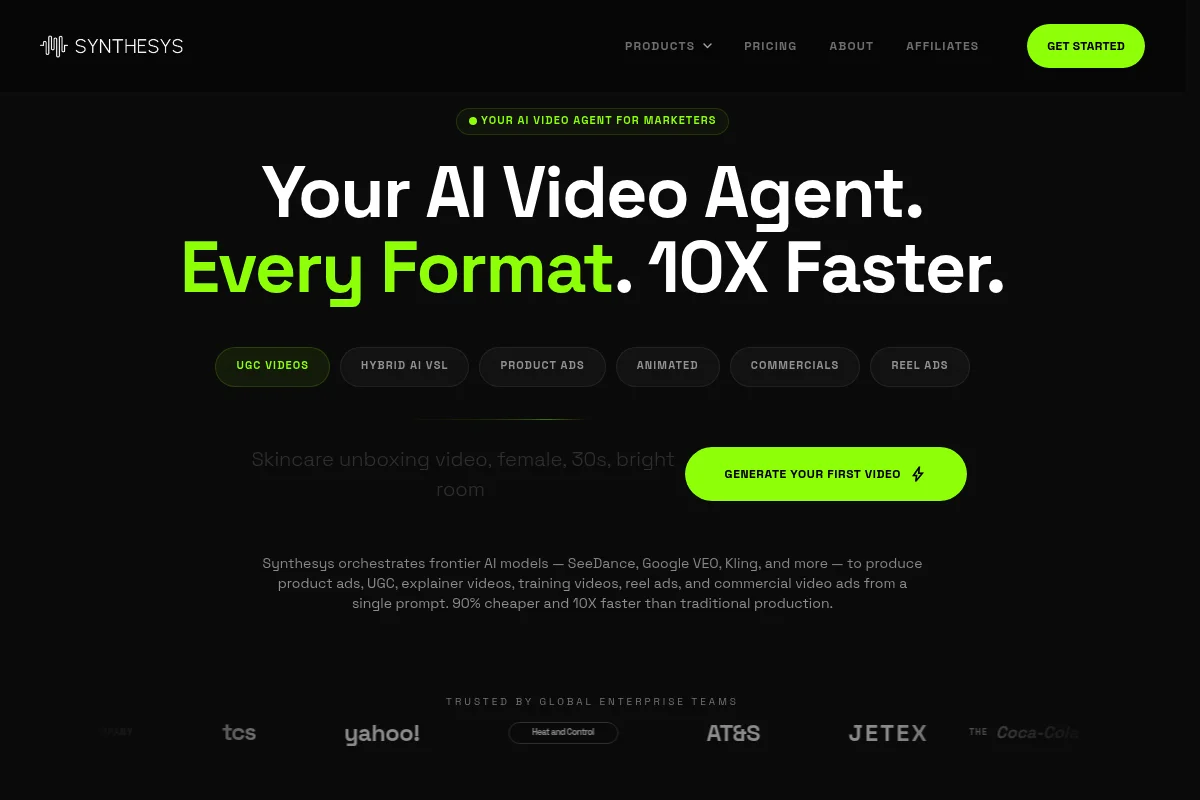
Synthesys is an all-in-one AI content suite that helps you create professional videos, voice-overs, and images. With Synthesys, you can choose from over 70 AI avatars and over 250 AI voices in over 140 languages.
You can simply enter or upload your text and have it processed into a video with the avatar and voice of your choice. You can also customize the background, music, and subtitles.
Synthesys also offers an AI Voice Generator that lets you create voice-overs without avatars. You can download your voice-overs as MP3 or WAV or sync them directly with your videos or images.
Pricing
Synthesys has different pricing models for different needs:
- The Personal version costs $19 per month for 30 minutes of AI video per month with access to all AI avatars and AI voices.
- The Commercial version costs $49 per month for 125 minutes of AI video per month.
Who is Synthesys suitable for?
Synthesys is particularly suitable for content creators who need professional videos, voice-overs, and images for their projects.
For voice quality, Synthesys sits in the middle of this comparison. It still offers variety for different scenarios and industries, and its interface makes creating AI content quick and straightforward.
2.8 ReadSpeaker
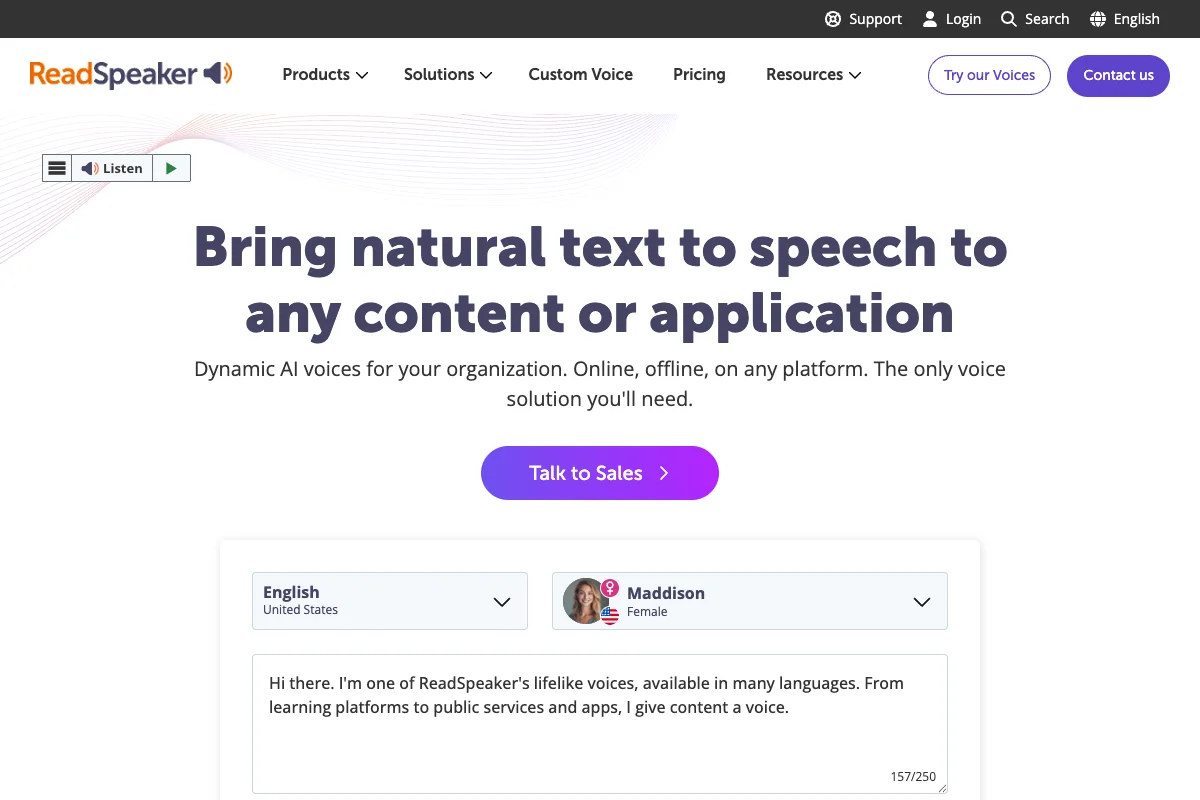
ReadSpeaker is a professional text-to-speech platform with over 200 voices in over 50 languages.
You can use ReadSpeaker for various applications, such as websites, apps, e-learning, e-books, documents, or IoT devices. ReadSpeaker offers different solutions depending on your use case.
ReadSpeaker also offers the ability to create your own brand voice that is unique and distinctive. It uses neural networks and deep learning to generate natural sounding voices, but voice quality sits in the middle of this comparison.
Pricing
ReadSpeaker has custom pricing models that depend on various factors, such as the solution, voice, language, usage, and license.
You can request a quote or book a demo to learn more about pricing.
Who is ReadSpeaker suitable for?
ReadSpeaker is particularly suitable for businesses, organizations, or educational institutions that want to make their digital content more accessible, engaging, and effective.
The tool offers variety and adaptability for various applications and industries. Additionally, ReadSpeaker is an established name in the text-to-speech industry, with over 20 years of experience.
3. Which tools can I use to imitate celebrity voices?
Frequently Asked Questions About Text-to-Speech Tools
Commercial use depends heavily on the provider you choose. Most paid TTS services like Murf.ai or Amazon Polly grant you full commercial usage rights for the audio files created. This means you can use the files for YouTube videos, podcasts, advertising, or selling audiobooks.
Important points to consider:
- Rights typically remain valid even after your subscription expires
- Commercial rights are often restricted with free versions
- Voice cloning always requires explicit consent from the original voice owner
- Always read the specific license terms of your provider
Beyond the advertised base prices, you should factor in these potential additional costs:
- Character limits: Many providers limit monthly character counts - exceeding them costs extra
- Premium voices: The best and most natural-sounding voices are often only available in more expensive plans
- API calls: When integrating into apps, additional API fees may apply
- SSML processing: Advanced markup features are sometimes billed separately
- Storage costs: For permanent storage of large audio files
Tip: Calculate your actual needs in advance and plan a 20 to 30% buffer for experiments and corrections.
For best results with TTS voices, follow these tips:
- Write out numbers ("twenty" instead of "20") for clear pronunciation
- Avoid overly long nested sentences - short sentences sound more natural
- Use hyphens in compound words when emphasis is important
- Replace abbreviations with written-out words
- Use clear punctuation for distinct pauses
For technical terms or proper names, you can add phonetic spellings in parentheses or use SSML tags for correct pronunciation.
SSML tags are special markers you can use in your text to influence speech output. With SSML tags, you can adjust pronunciation, emphasis, speed, or volume of the voice.
SSML tags are a standardized method to refine and personalize text-to-speech. They are supported by various text-to-speech providers, but not all tags are available or work the same way with all providers. You should therefore always check the documentation of your provider before using SSML tags.
There are various ways to integrate text-to-speech into your website or app. One option is to use a text-to-speech provider that offers an API or SDK.
You typically need to write or insert code to activate and control the speech output.
Another option is to use a text-to-speech provider that offers a widget or plugin. Here, you usually just need to copy or install a script or link to activate and customize the speech output.




