
Building a website used to mean either learning to code or paying someone thousands of dollars to do it for you.
Not anymore.
AI website builders can now generate a complete site from a few sentences of description. Design, content, images, mobile optimization, all handled automatically.
The good news:
There are now numerous AI-powered website builders that simplify the entire process. They support you from design selection to content structuring to final publication.
The best part? The days of hours of trial and error and frustration are a thing of the past!
In this blog post, I'll introduce you to the 7 best AI website builders that let you create impressive websites in no time. Some of them are even free or offer free trials.
- Wix (now AI Website Builder with AI agent Aria, formerly ADI) is the most user-friendly AI website builder with automatic content generation from $12/month
- Framer offers the most modern designs for landing pages from $5/month with AI support
- 10Web can clone any existing website and rebuild it - ideal for design inspiration
What Is an AI Website Builder?
In short, it is a tool that uses AI to automate and simplify the website creation process.
Instead of painstakingly placing and designing each element by hand, you tell the AI what your business does, pick a few preferences, and it generates a complete website with matching design and content.
The key features of AI website builders:
- Automatic Design: The AI selects appropriate layouts, colors, and fonts based on your specifications
- Content Generation: Automatic creation of texts and content for your website
- Image Selection: Suitable stock photos or AI-generated images for your page
- Responsive Design: Automatic adaptation for different screen sizes
- SEO Optimization: Basic search engine optimization is automatically applied
AI Website Builder Comparison
The 7 Best AI Website Builders in Detail
1. Wix AI Website Builder (formerly Wix ADI)
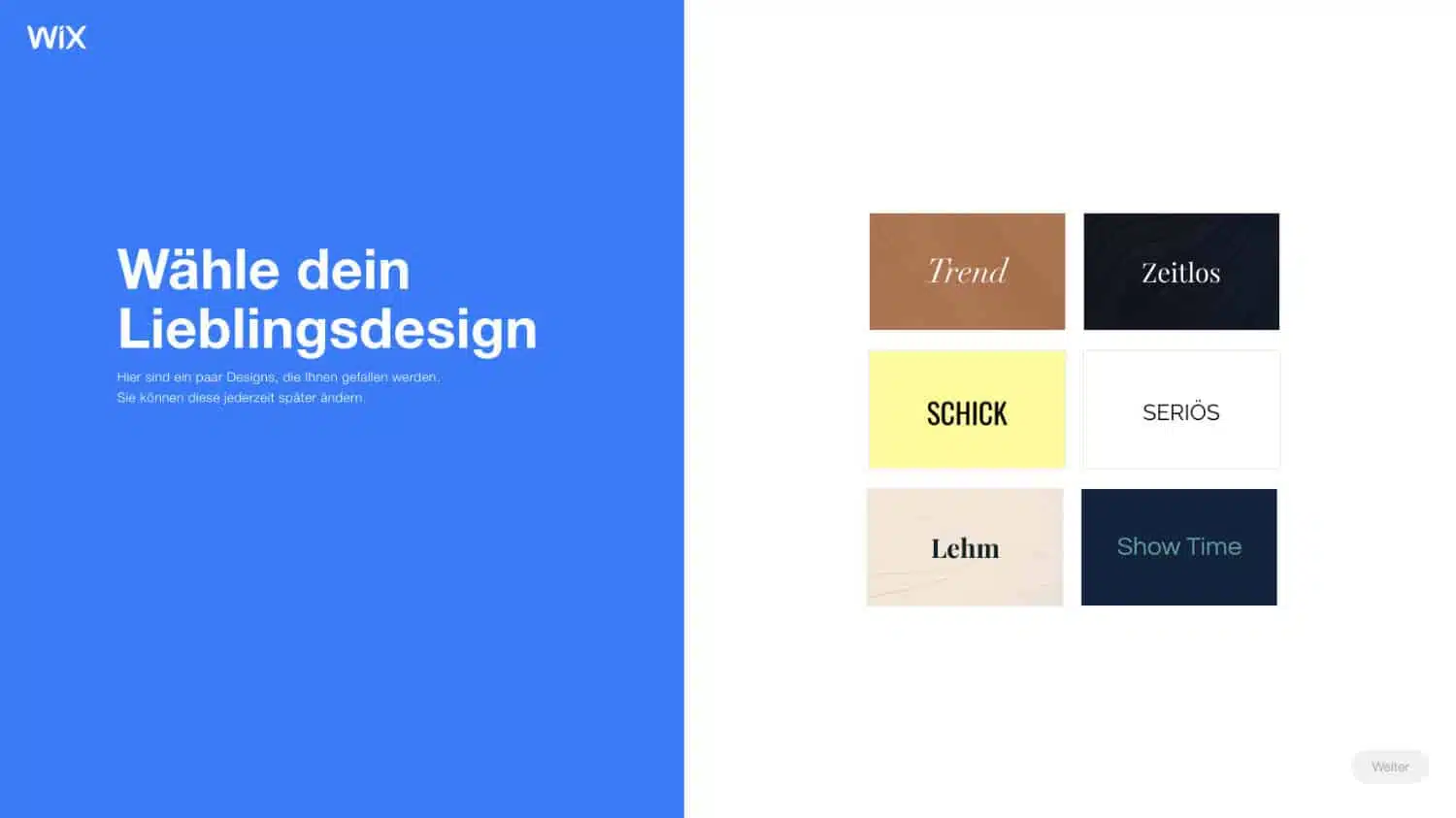
Wix is one of the most well-known website builders around. The ADI system (Artificial Design Intelligence) this entry used to be built on was officially discontinued on November 10, 2024, and is no longer available for new websites.
Its successor is the Wix AI Website Builder, part of Wix Harmony, powered by the AI agent Aria.
Wix Features:
- Very easy start through guided setup process
- Automatic integration of business functions (online store, appointment booking, etc.)
- Large selection of professional templates
- Extensive customization options after AI creation
- Integrated SEO tools and marketing features
- Mobile optimization automatically included
Ideal for: Small businesses, freelancers, and anyone who wants to quickly create a professional website without technical know-how.
Pricing:
- Free: With Wix subdomain and ads
- Light: $12 per month
- Core: $18 per month
- Business: $26 per month
- Business Elite: $44 per month
2. Framer AI
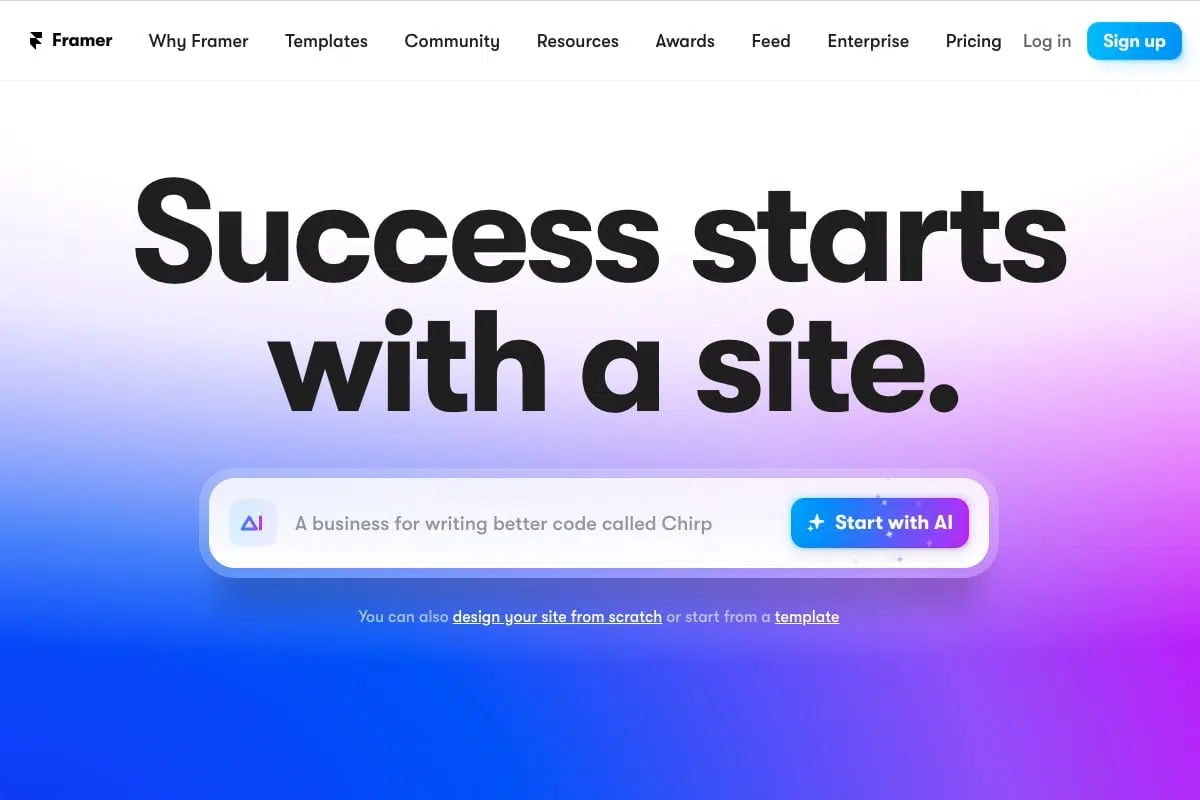
Framer has evolved from a pure design tool to a powerful website builder with AI features.
Framer's AI features are particularly strong in creating modern, design-oriented websites. You simply enter a description of your desired website and Framer automatically generates a matching page.
Framer AI Features:
- Text-to-Website: Describe your website and let the AI create it
- Particularly strong design AI for modern, appealing layouts
- Excellent performance and loading times
- Advanced animation and interaction capabilities
- Easy team collaboration
- Automatic responsiveness
Ideal for: Designers, agencies, and anyone who places special emphasis on modern, appealing design.
Pricing:
- Free: Free for personal projects
- Mini: $5 per month
- Basic: $15 per month
- Pro: $30 per month
3. 10Web AI Builder
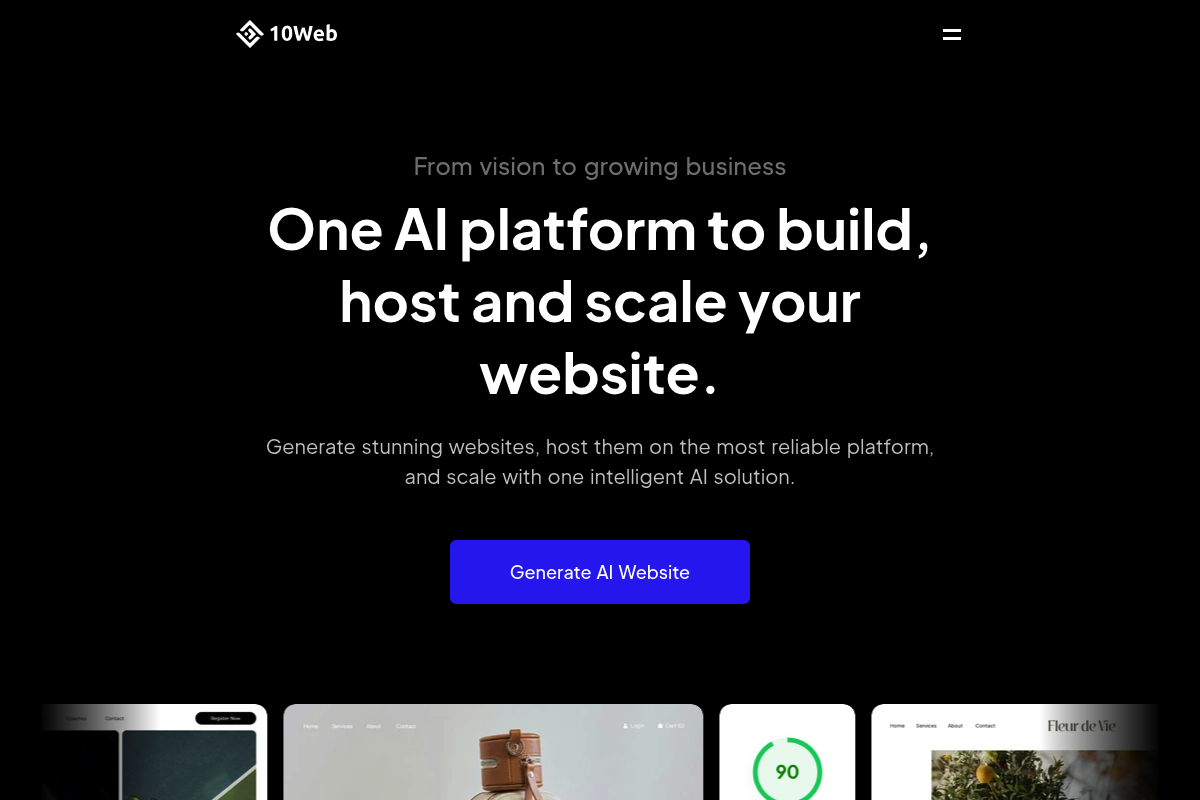
10Web offers a unique feature: You can use an existing website as a template and the AI creates a similar website for you.
This is particularly practical if you've seen a website you like but want your own version of it. The AI analyzes the design and structure and creates a new, unique website based on this example.
10Web Features:
- Website Cloning: Rebuild existing websites with AI
- WordPress-based with automatic updates
- Integrated performance optimization
- Automatic backups and security
- CloudFlare CDN included
- PageSpeed Booster with 90+ Google PageSpeed Score
Ideal for: Users who appreciate WordPress and want to use an existing website as inspiration.
Pricing:
- Personal: $10 per month
- Premium: $15 per month
- Agency: $30 per month
4. Unbounce Smart Builder
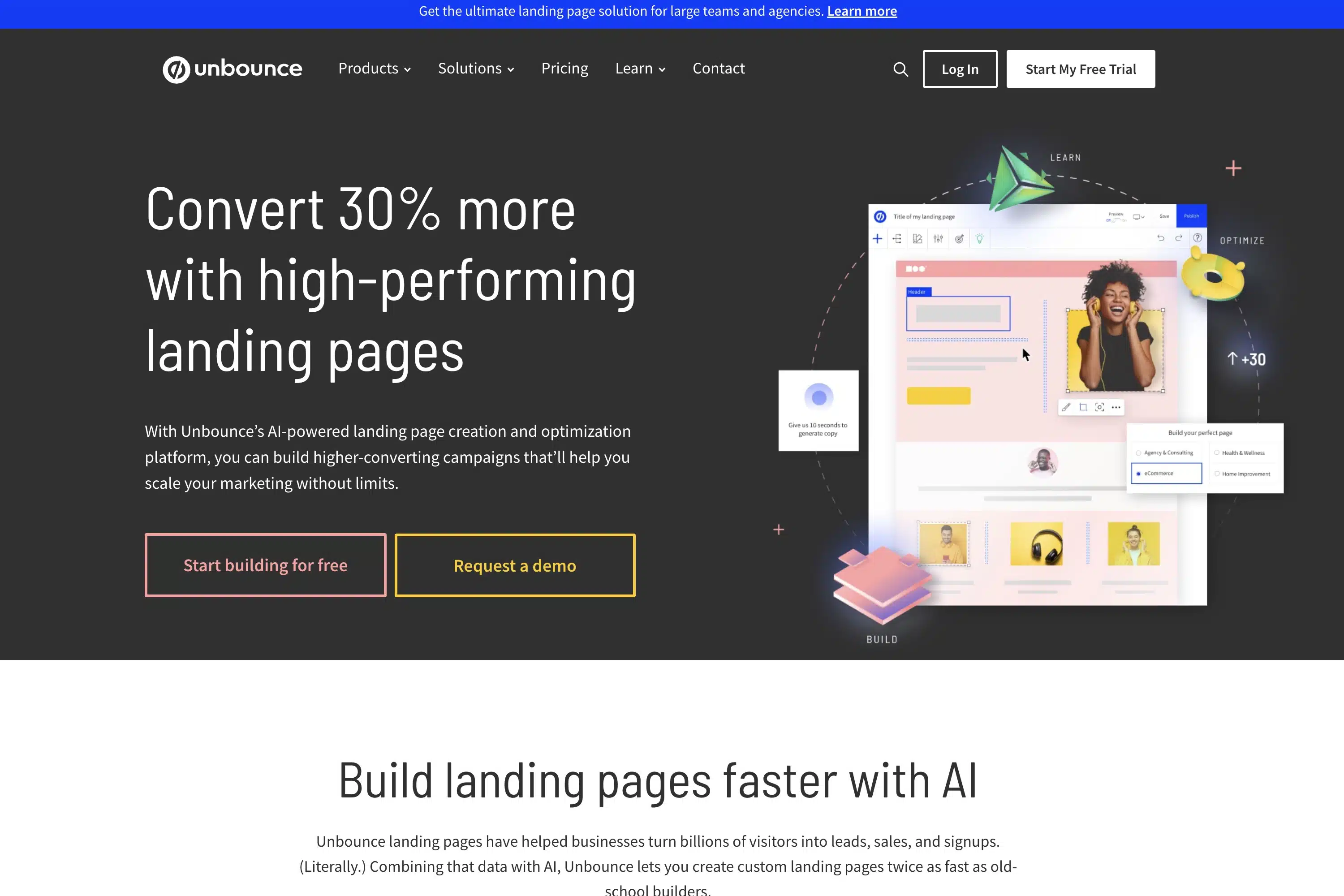
Unbounce specializes in landing pages and conversion optimization. The Smart Builder uses AI to create landing pages optimized for maximum conversion rates.
Unbounce's AI is based on millions of data points from successful landing pages and knows exactly which elements need to be placed where to achieve the best performance.
Unbounce Features:
- Specialized in high-converting landing pages
- AI-powered conversion optimization
- Smart Traffic: Automatic visitor routing to the best variant
- A/B testing with automatic winner determination
- Integration with over 1000 marketing tools
- Dynamic text replacement for personalized content
Ideal for: Marketing teams and businesses focusing on lead generation and conversion optimization.
Pricing:
- Launch: $89 per month
- Optimize: $135 per month
- Accelerate: $225 per month
- Scale: $405 per month
5. Elementor AI
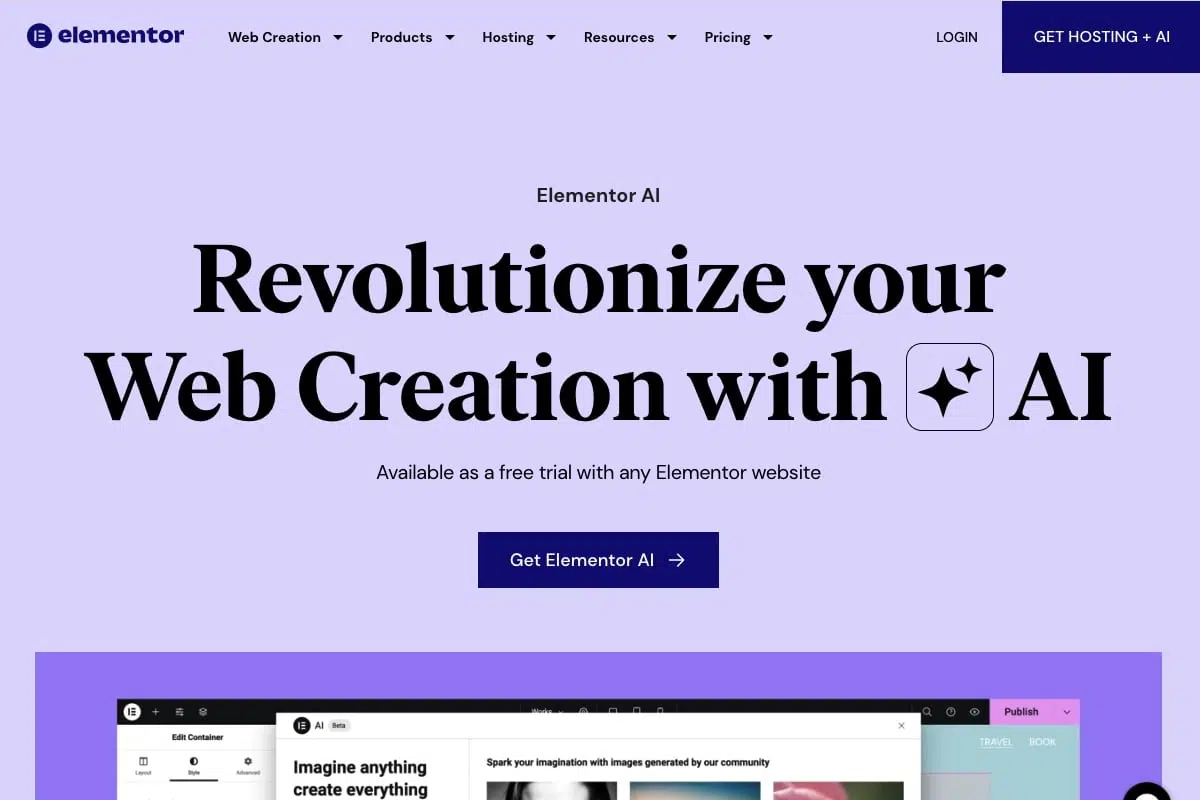
Elementor AI brings AI features to the popular WordPress page builder Elementor.
If you already work with Elementor or prefer WordPress, Elementor AI is a perfect addition. The AI can generate texts, create images, and even automatically design entire sections of your website.
Elementor AI Features:
- Built right into the existing Elementor workflow
- AI text generation directly in the editor
- AI image generation for unique graphics
- CSS code generation by AI
- Automatic layout creation
- Works with all WordPress themes
Ideal for: WordPress users and existing Elementor users who want to extend their workflows with AI.
Pricing:
- Essential: $3 per month
- Advanced: $6 per month
- Expert: $12 per month
- Studio: $18 per month
6. Hostinger AI Website Builder
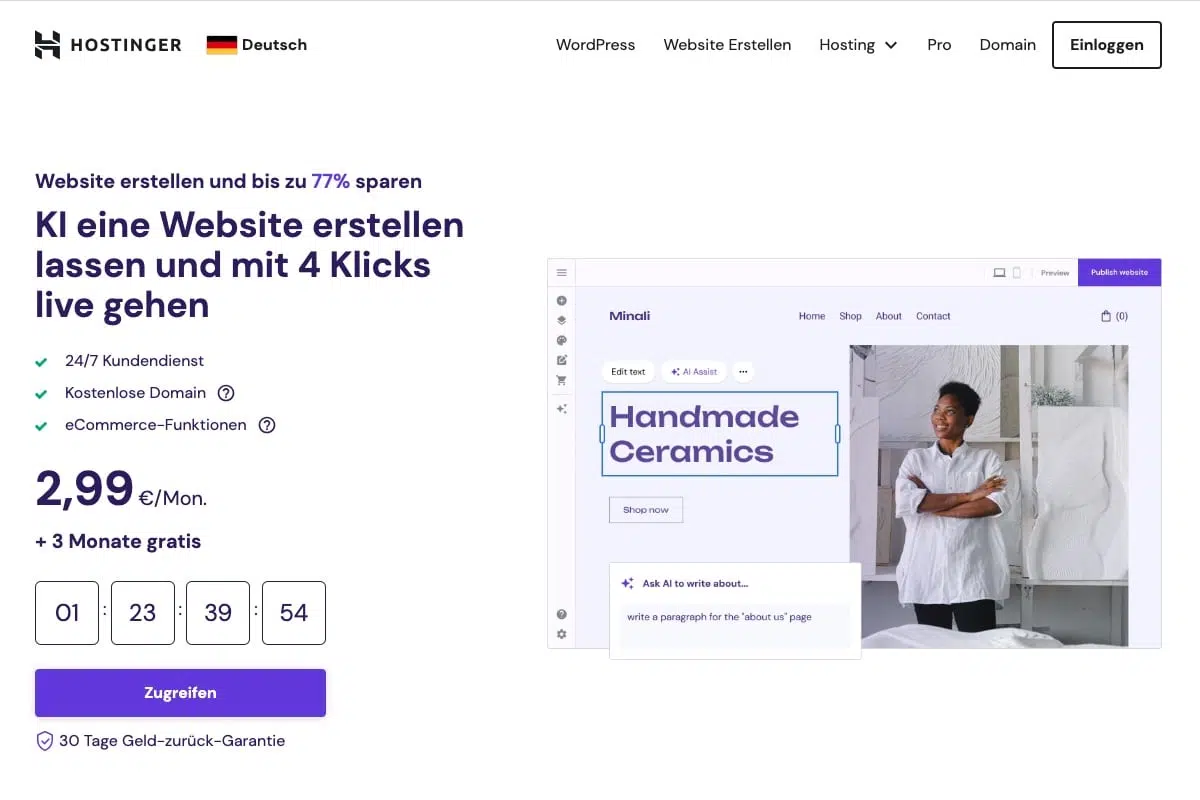
Hostinger combines its website builder with a guided AI setup. You describe your project and receive a complete draft that you can refine in the editor.
It is particularly suitable for beginners who want the website builder and hosting in one place. Check the contract term and renewal price before choosing a plan.
Hostinger AI Features:
- Guided creation of a complete website
- AI generators for copy and images
- Hosting, SSL, and domain management in one system
- Editor for manually refining the generated draft
- Ecommerce features on eligible plans
Ideal for beginners and small businesses that want to minimize technical setup.
Pricing:
Hostinger regularly uses promotional prices and longer contract terms. Check the current offer and renewal price directly on the destination page.
7. Squarespace Blueprint AI

Squarespace combines its website builder with Blueprint AI. You describe your business, desired brand personality, and required pages. The system turns those choices into an editable website draft.
Blueprint AI suggests layouts, colors, fonts, images, and copy. You can preview and change the selections before publishing.
Squarespace Blueprint AI Features:
- Personalized website draft based on a short brief
- Suggestions for pages, sections, and layouts
- AI-generated images and copy
- Coordinated color palettes and font pairings
- Live preview with manual customization
- Hosting and foundational SEO features included
Ideal for: Brands, freelancers, and small businesses that value a coherent design more than maximum technical freedom.
Pricing:
- Free trial: 14 days, no credit card required
- Paid plans: From $19 per month with annual billing
How Do I Choose the Right AI Website Builder?
Choosing the right AI website builder depends on various factors:
For beginners on a small budget: Hostinger combines a guided AI setup with hosting in one place.
For brand-focused business websites: Squarespace combines guided AI creation with a mature design system.
For most users: Wix is the most balanced solution with many features and customization options.
For design-oriented projects: Framer creates the most modern and appealing designs.
For WordPress fans: Elementor AI or 10Web are the best choice.
For marketing and conversion: Unbounce is unbeatable for landing pages and lead generation.
Tips for Using AI Website Builders
To get the best results from AI website builders, follow these tips:
- Be specific: The more detailed your specifications, the better the result
- Prepare content: Collect texts, images, and other materials in advance
- Test different options: Most tools offer free trial versions
- Plan your structure: Think beforehand about which pages you need
- Optimize after creation: AI is a starting point - refine the result manually
- Think about SEO: Even with AI-created websites, you should consider SEO basics
Frequently Asked Questions About AI Website Builders
Yes, but with limitations. The best AI website builders offer solid SEO fundamentals:
- Automatic meta tags and structured data
- Mobile-first design and Core Web Vitals optimization
- AI-powered SEO recommendations (Wix, GoDaddy)
- Sitemap generation and robots.txt management
However, advanced SEO features like schema markup customization or detailed canonical tag control are often missing. For local businesses or smaller projects, the SEO performance is completely sufficient, larger projects need additional optimization.
The differences are significant:
- Wix: Most comprehensive AI with design assistant, content generation, and SEO support
- 10Web: Unique website clone function - copy the design of any website
- Unbounce: AI specifically optimized for conversion rates on landing pages
- Framer: Best design AI for modern, animated websites
- Elementor AI: Integrated into WordPress, generates code and custom CSS
- Squarespace: Blueprint AI creates layouts, images, and copy around your brand personality




