Do you want to take your photos to the next level but don't have the desire or time to deal with complicated programs like Photoshop or Lightroom?
Then I have good news for you:
There are now many AI tools that greatly simplify the image editing process and can improve or change images with just a few clicks.
In this article, I'll introduce you to eight brilliant AI tools for image editing that you should definitely try out.
- Pollo AI is my top choice for AI image editing, upscaling, and image generation with several image and video models.
- Luminar is perfect for beginners with an intuitive user interface
- Topaz Labs offers strong AI technology for upscaling and noise reduction locally on your desktop
How Can AI Help with Image Editing?
You might have asked:
"Artificial intelligence is all well and good. But how can these AI tools actually help me?"
AI image editor tools are among the fastest-growing categories overall. Many creative professionals have been using them daily for a long time.
That's why, before getting to the tools, I've put together some possible applications of AI tools in image editing:
- Outpainting: A process that calculates how an image could continue at the edges to enlarge it (e.g., to add more sky to a landscape photo)
- Inpainting: In inpainting, missing, damaged, or washed-out parts of an image are filled in.
- Style Transfer: Here, the style of one image is transferred to another. You can use this, for example, to edit an image in the style of a famous painter or a specific era.
- Image Fusion: Here, two images are combined into one (e.g., a bear and a robot become a bear robot)
- Background Removal
- Colorizing Black and White Photos
- Upscaling: Here, the resolution of an image is increased. AI adds details so the image doesn't look pixelated.
- 2D to 3D: Here, a 2D image is converted into a 3D image
In short:
AI image editing can help you take your photos to a whole new level. And usually without much effort.
1. Pollo AI
Free plan: 20 starter credits
AI Features: image generation, upscaling, background removal, inpainting, and other image-editing tools
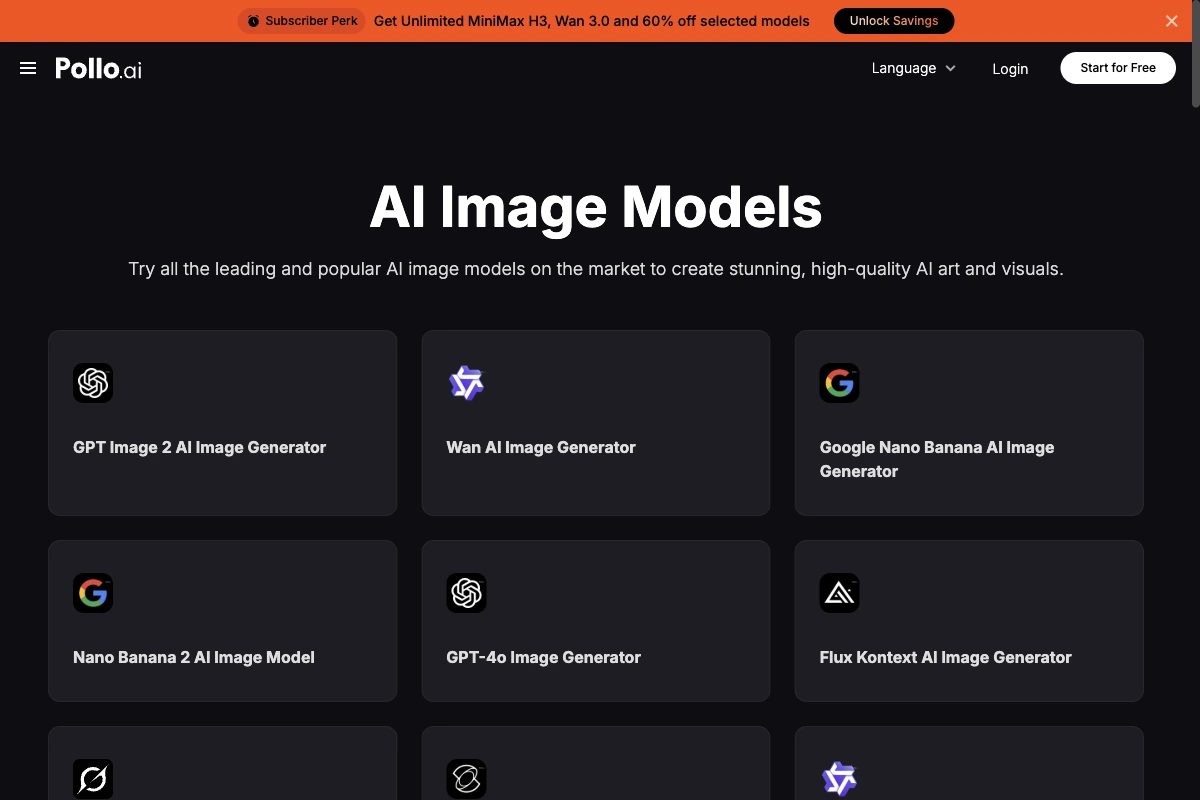
Pollo AI combines several image and video models with tools for image editing and upscaling. That lets you generate an image and then refine it in the same workflow.
The generator, upscaler, background removal, Magic Eraser, inpainting, uncrop, product-photo, and face-enhancement tools are clearly separated. That makes the platform more practical for many image tasks than a simple prompt box.
Several image models are visible in the public generator. The separate API also advertises a broader image and video catalogue. The exact credit cost depends on the model and tool you choose.
2. Luminar

Price: from $9/month
AI Features: many different ones
Luminar is an AI image editing program with more than 30 great photo effects and editing features.
In my opinion, it's currently one of the best Photoshop alternatives for editing photos. Not only because it offers a large feature set, but also because you can significantly improve images with just a few clicks.
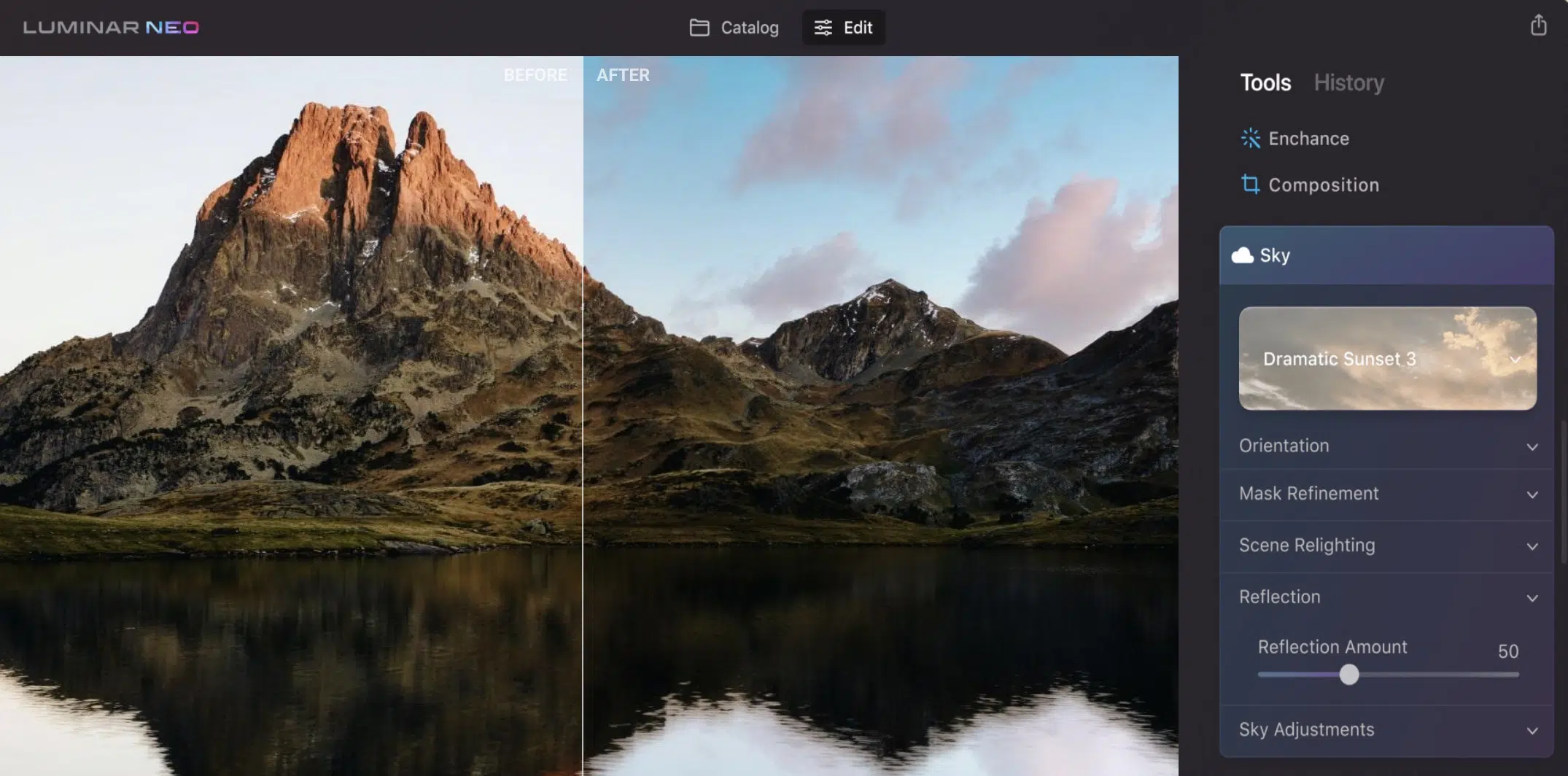
For example, you can completely replace the sky in a photo:
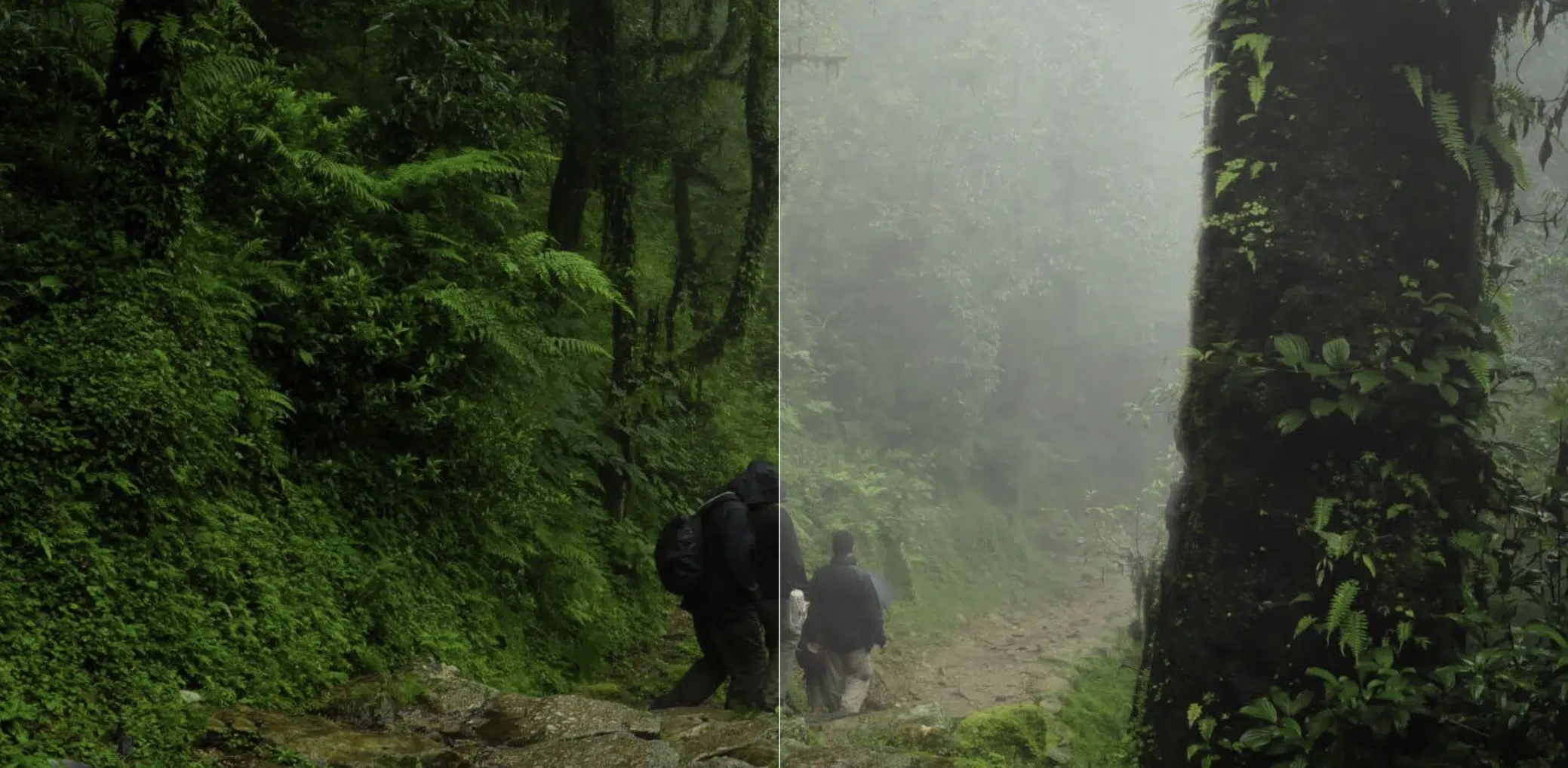
Or add fog:
Other AI features include:
- Exposure adjustment
- Depth of field adjustment
- Skin blemish improvement
- Background removal
- Noise removal
Unlike Photoshop and many other professional tools, the user interface is clear and understandable even for beginners.
Luminar can be used as a standalone program or optionally as a plugin for Photoshop or Lightroom and is available on Windows and Mac.
3. Palette.fm
Price: Freemium, from $0.14/image
AI Features: Colorize images
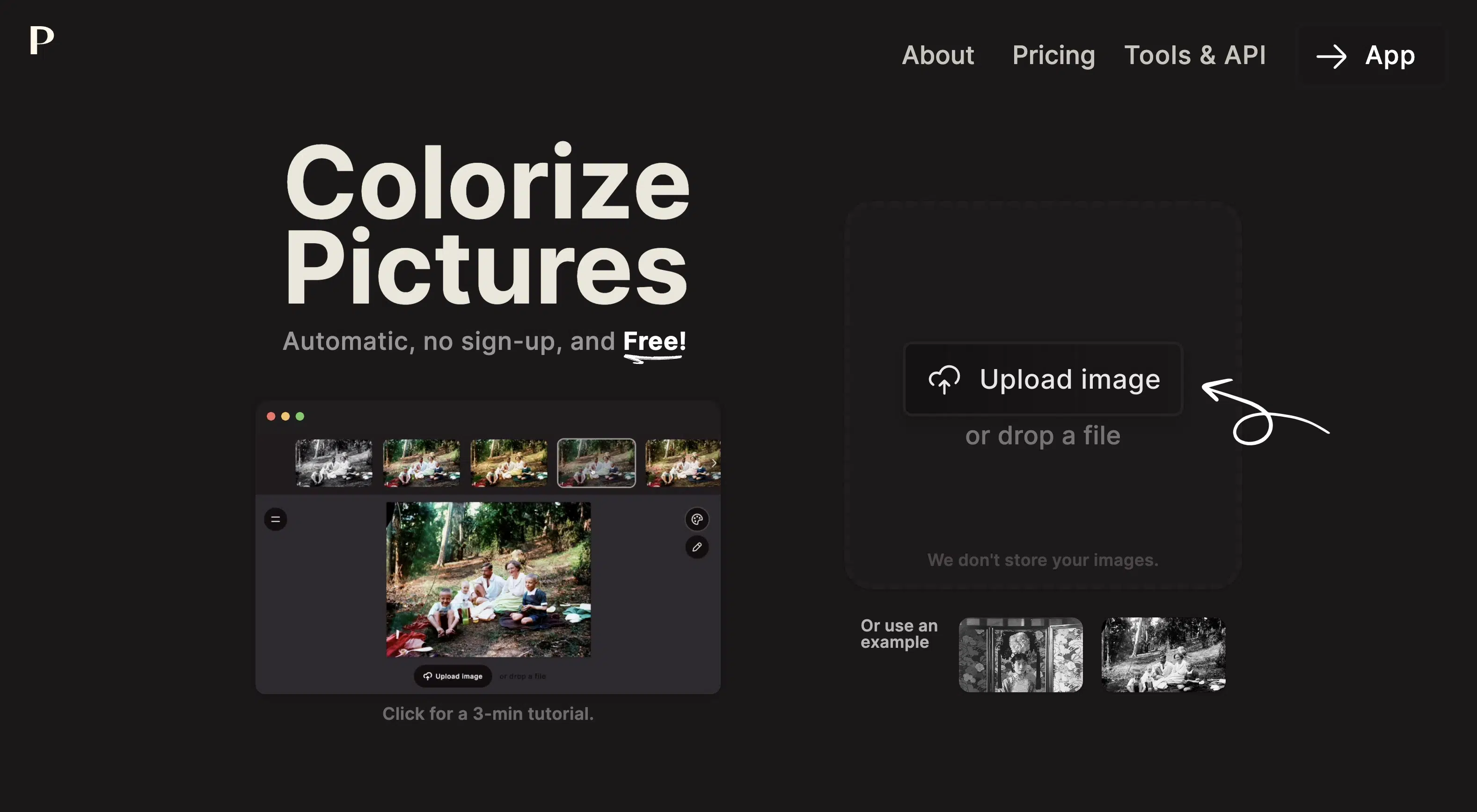
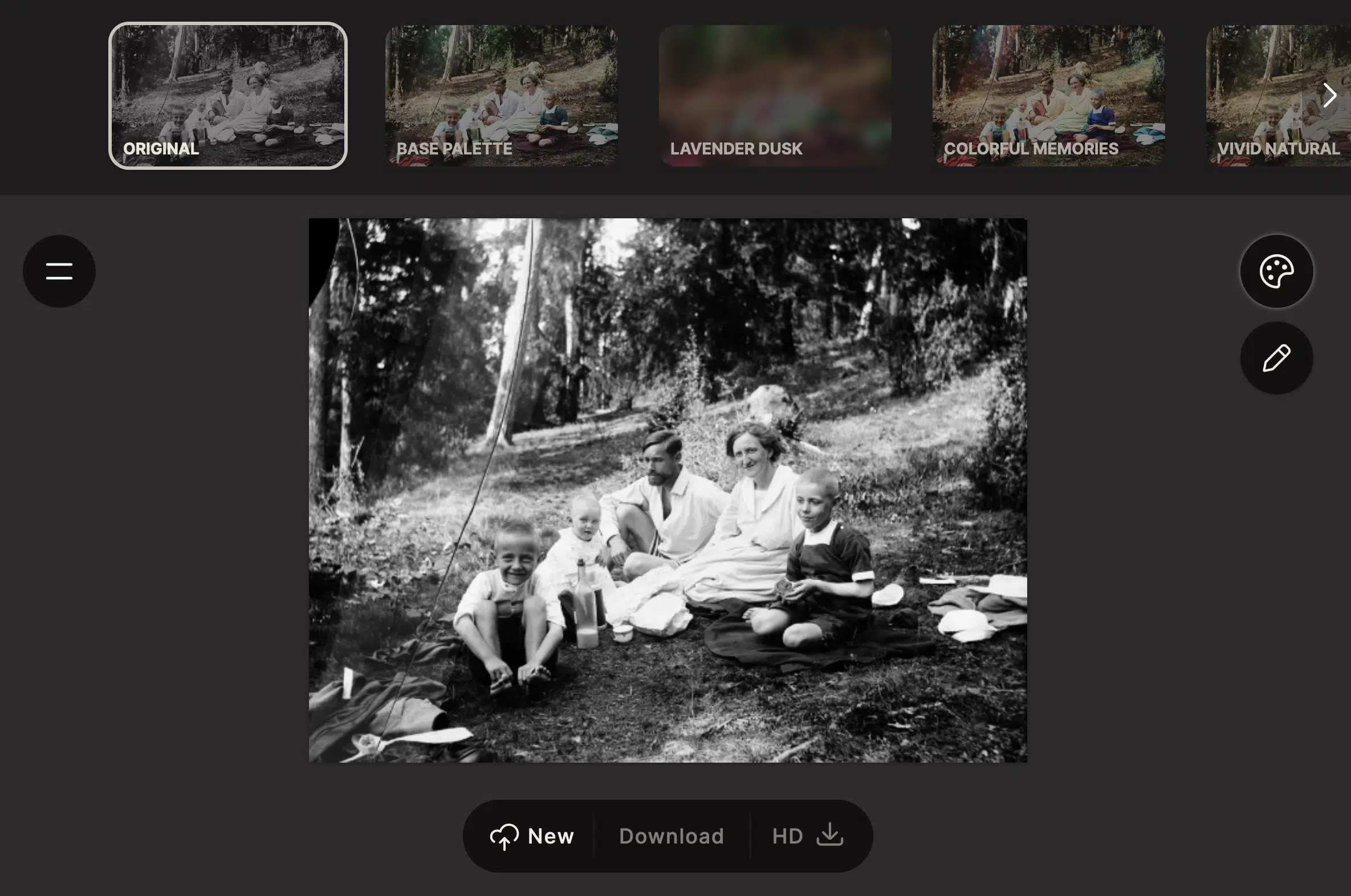
Palette.fm is an AI image editing program that lets you colorize black and white images and videos.
And the tool does this really well. This is the original black and white image:
This is the colorized image:
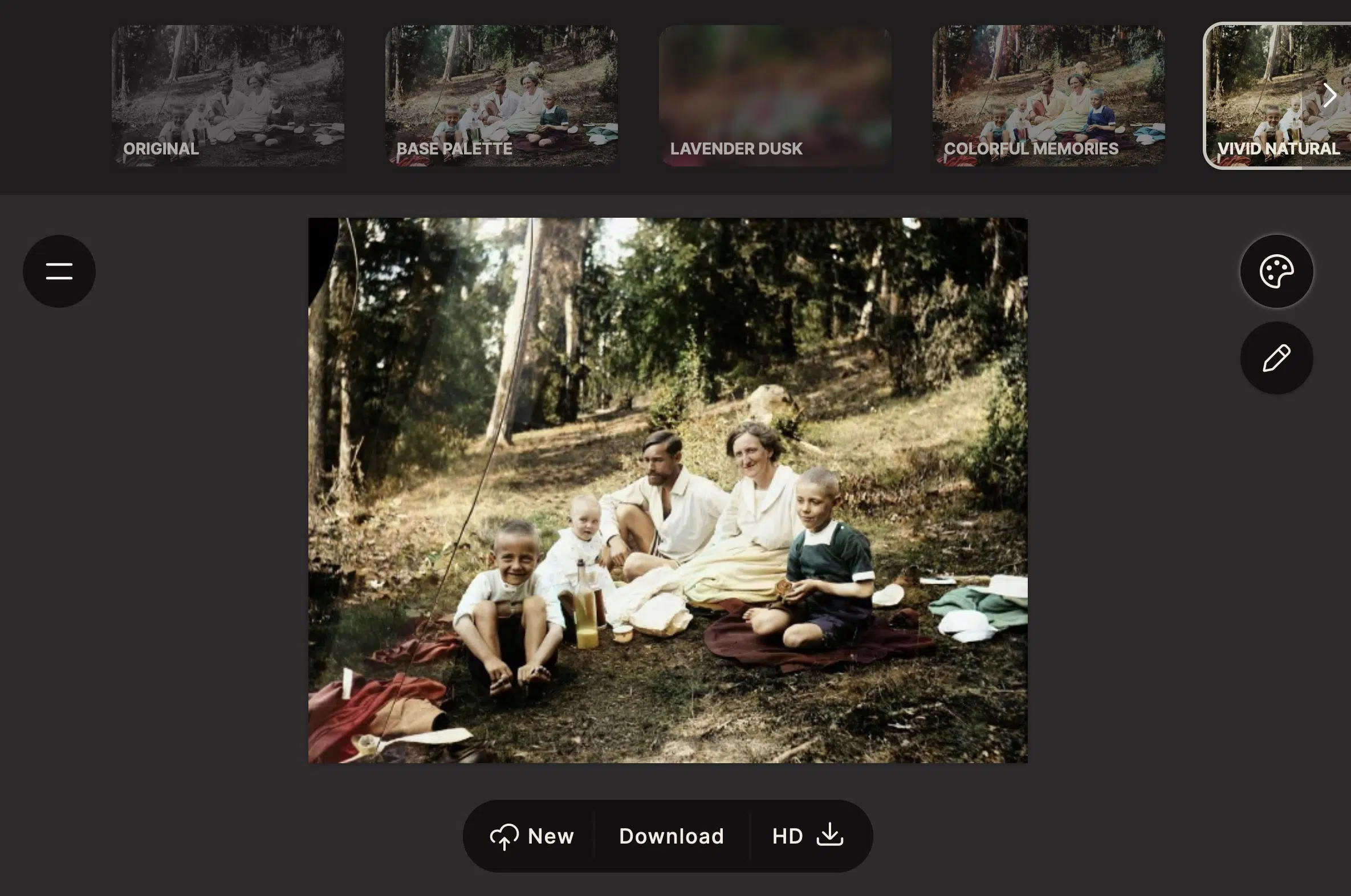
You can apply up to 20 different filters.
4. Runway
Price: Freemium, from $12/month
AI Features: many different ones
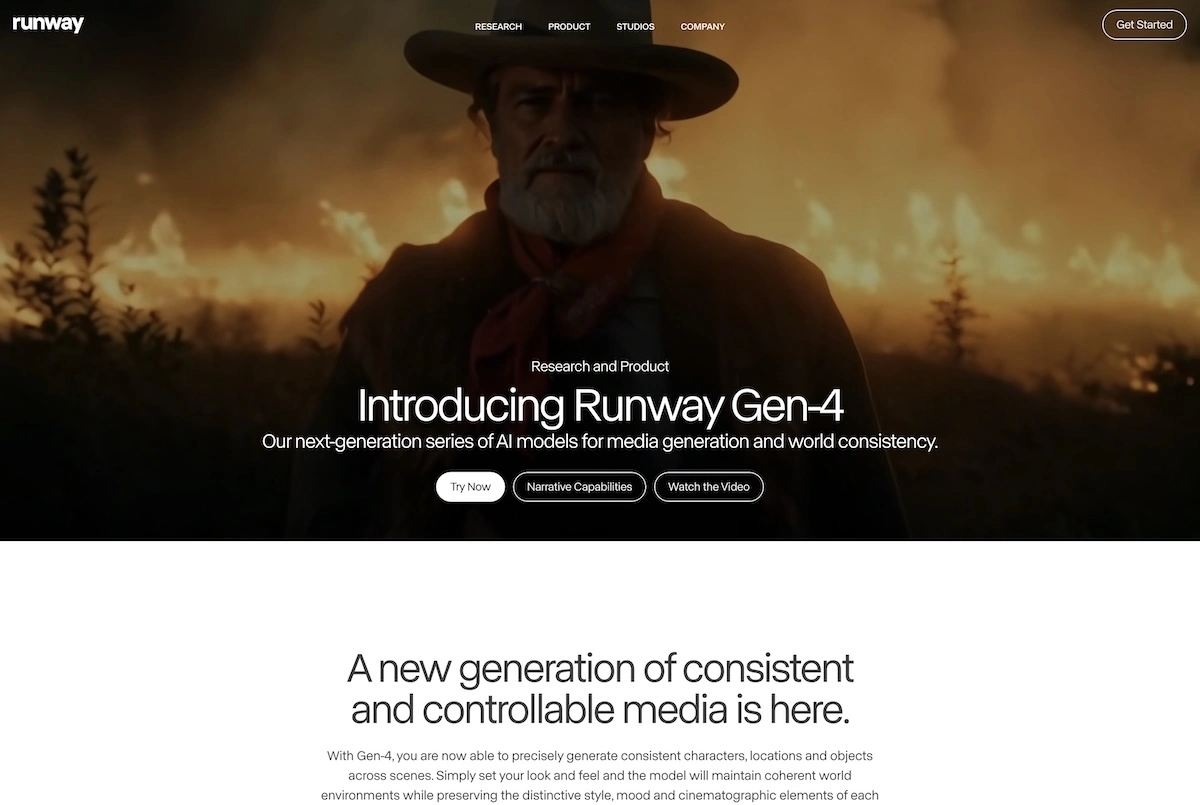
Runway is one of the big names in AI and has become one of the market leaders in image and video over the past 4 years.
With its Gen-1 and Gen-2 models, it has set new standards in AI video generation.
In addition to its research work, Runway offers a platform with 30+ different AI tools, including not only an AI image generator and an AI video generator, but also numerous tools for image editing:
- Image expansion (in all directions)
- Style changes
- Removal of people or objects from images
- Animation of 2D images
- Modification of existing images through text commands
- Colorizing black and white images
- Generating variations of an image
- Replacing or removing backgrounds
- Upscaling images
- and more
The platform is free to use. However, you only have 125 credits available.
If you want to buy more credits, you need to subscribe to the $12 per month Standard plan.
5. Topaz Labs
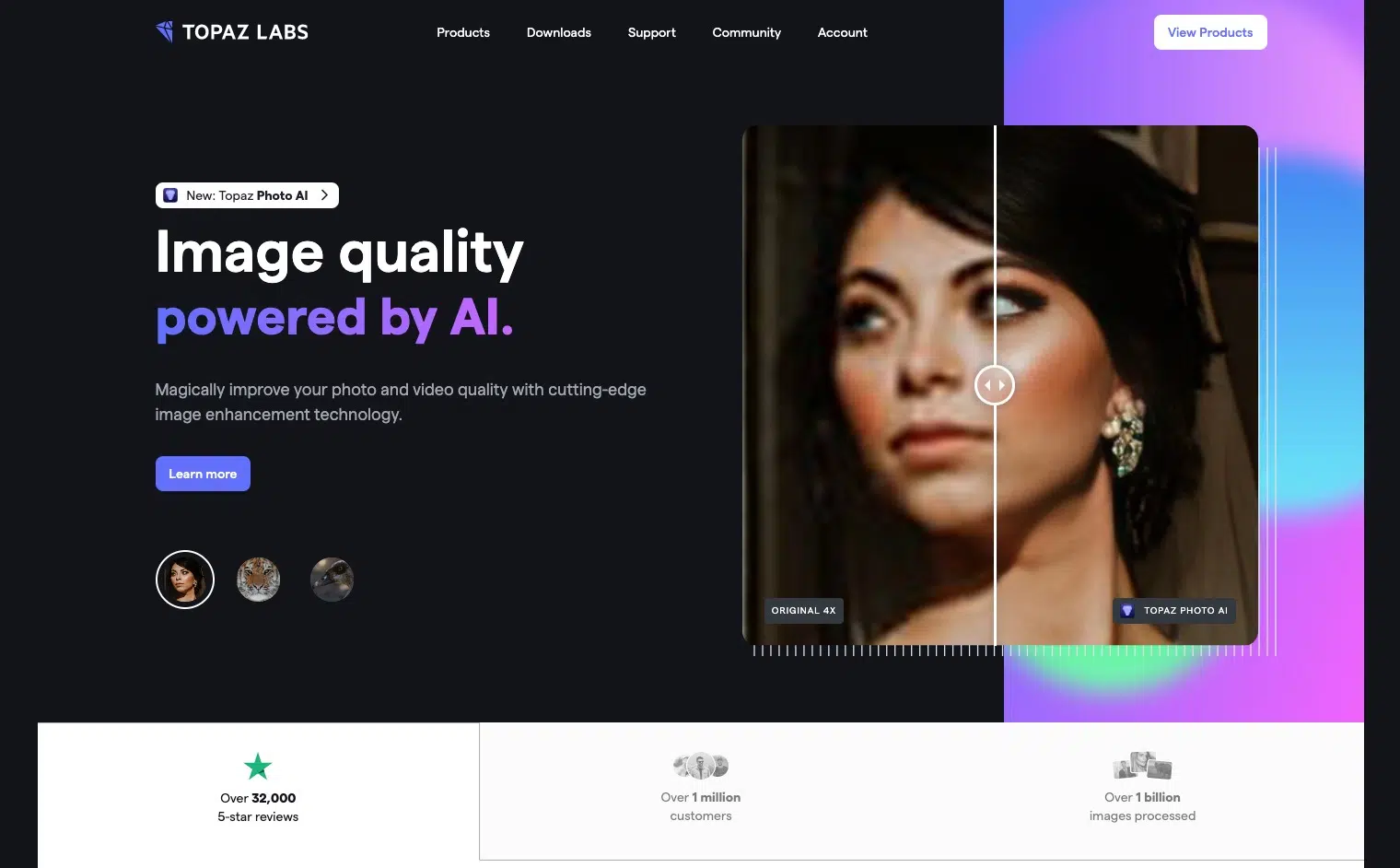
Price: $199.99 one-time (bundle)
AI Features: many different ones
Topaz Labs is a software suite containing various image editing tools that can be purchased separately or as a bundle:
- Gigapixel AI (for upscaling)
- Sharpen AI (for sharpening an image)
- DeNoise AI (for removing image noise)
- Photo AI (all-in-one tool for automatic image enhancement)
The tools are self-explanatory and usually achieve good results with just a few clicks.
The editing quality of Topaz Labs is very good and qualitatively comparable to Luminar.
6. Slazzer
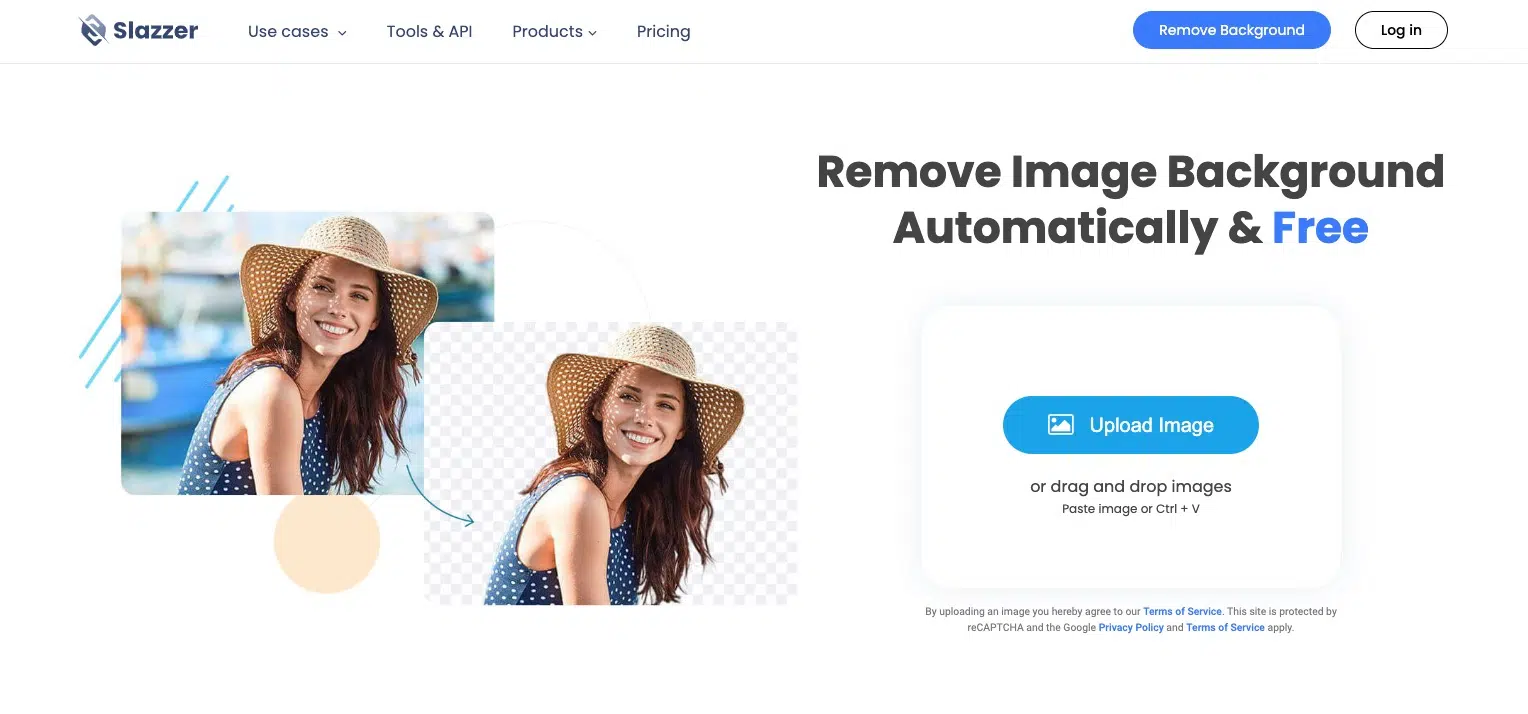
Price: Freemium
AI Features: Background removal
Slazzer is a user-friendly online tool for automatic background removal.
It supports JPG and PNG images with a maximum size of 12 MB and a resolution of 25 megapixels (e.g., 6,250 x 4,000 pixels).
Using Slazzer is straightforward and requires no prior knowledge or experience in image editing. You can simply drag and drop an image into the upload field or select it from your computer.
The download in low resolution is free. For HD resolution, you need to buy credits.
7. Lensa
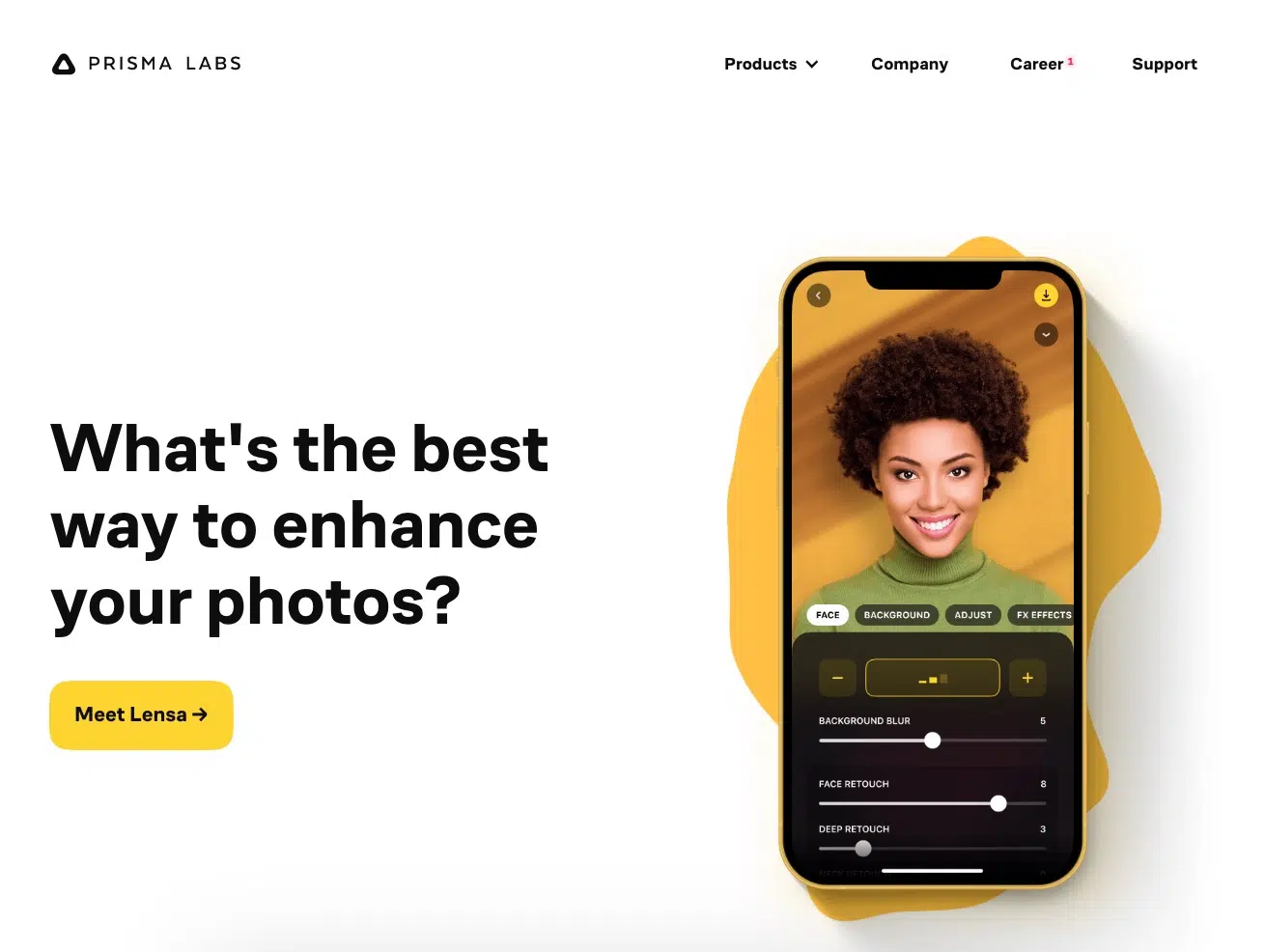
Price: Freemium
AI Features: various for portraits
Lensa is, alongside Facetune, one of the most popular apps for enhancing portrait photos, for example to use them as profile pictures for LinkedIn, Instagram, or a dating portal.
It offers the following AI features:
- Changing the background
- Beauty corrections, e.g., whiter teeth
- Changing hair color
- Applying art styles (e.g., cartoon character)
Lensa is available for iOS and Android and is free in its basic version.
8. Artbreeder
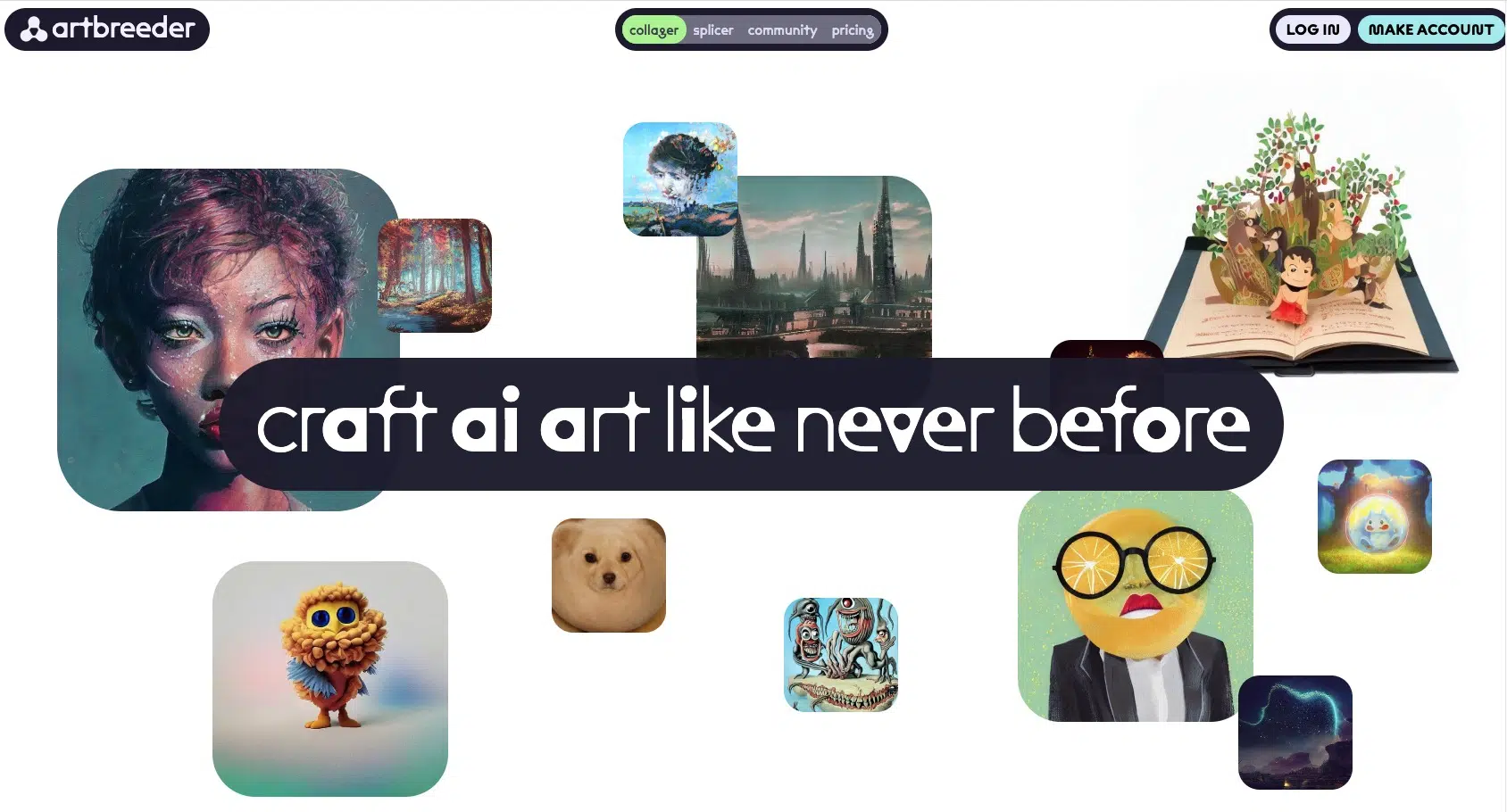
Price: Freemium, from $8.99/month
AI Features: various for portraits
Artbreeder is an AI tool that offers three exciting features:
1. Collager is an AI image generator that can generate an image based on a drawing and a prompt.
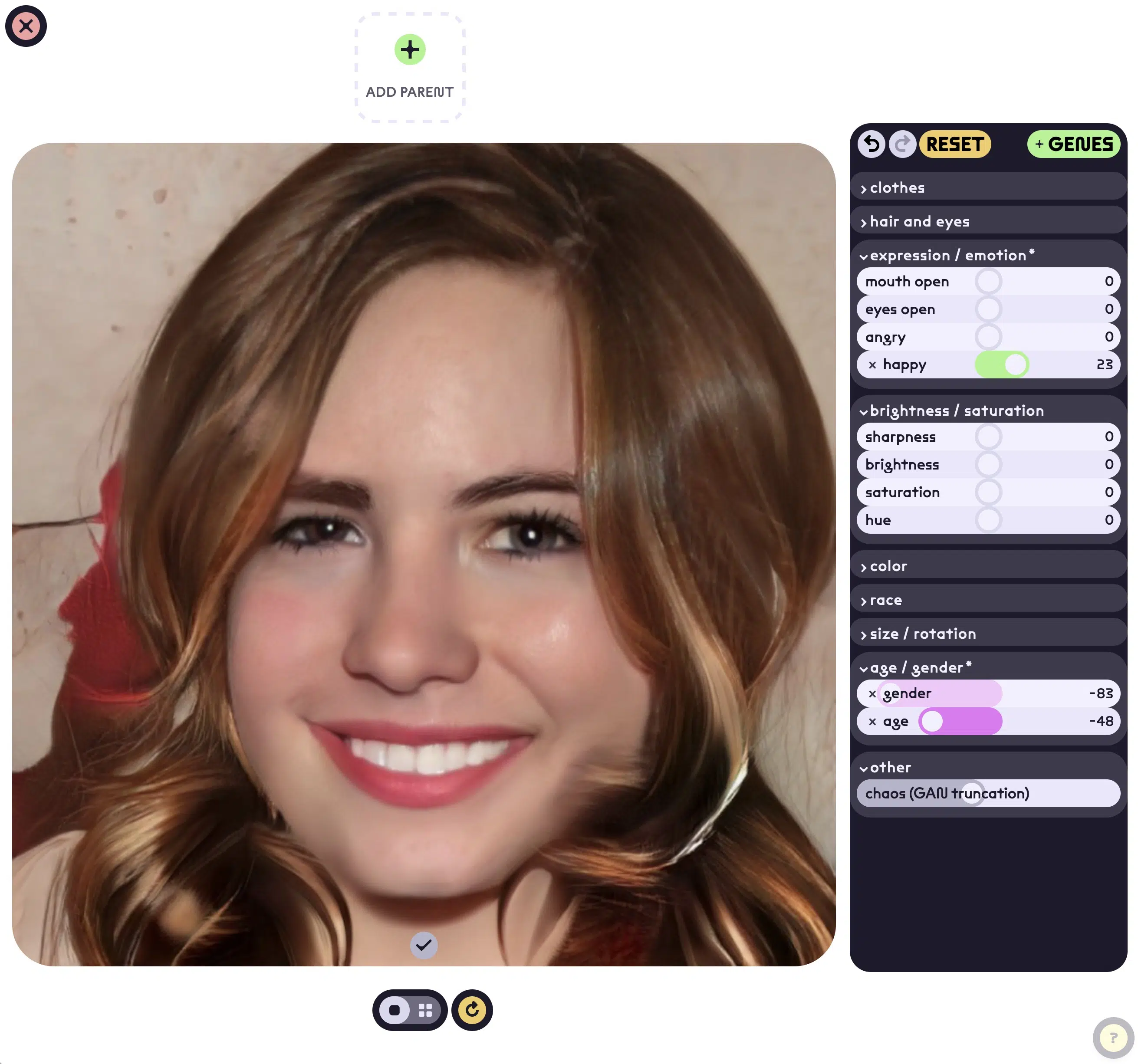
2. Splicer lets you "remix" image styles and change their properties. You can make people in photos more feminine, masculine, younger, or older, or change their facial expression:
3. Outpainter is a tool that lets you extend an image beyond its edges.
Frequently Asked Questions About AI Image Editing
In 2026, the subscription model is usually the better choice due to rapid AI development. Here are the cost comparisons:
- Luminar: $69/year vs. $119 one-time (without updates)
- Topaz Photo AI: $199 + $99/year for updates
Subscriptions bring continuous updates and new AI features, while one-time purchases are often outdated after 1-2 years.




