There are hundreds of AI voice generators by now. And honestly, most lists out there just throw them all into one pot and crown some "best" tool that might not even fit your specific case.
The problem with that?
A YouTuber who needs a quick voiceover has completely different needs than a developer who wants a privacy-friendly solution to self-host. And someone who just wants to have a text read aloud now and then doesn't need a $99 plan.
So in this guide I'm sorting 18 AI voice generators not by rank, but by use case: premium, free, open source, and special cases. For each tool you get one or two sentences so you instantly know whether it fits you.
- ElevenLabs is the most versatile platform: expressive voices (Eleven v3 with audio tags), voice cloning, speech-to-text, and license-cleared music in one tool
- You can start for free via free tiers (ElevenLabs, Murf.ai), pure free services (TTSMaker, Edge), or open-source models (Coqui XTTS, Kokoro)
- For the direct hands-on test of the six most important premium tools, see my comparison of the best AI voice generators
1. Premium and pro tools
These tools run in the cloud, are ready to use instantly, and deliver the most natural voices you can currently get. You pay monthly but skip all the setup. If you regularly produce professional audio, you start here.
ElevenLabs (my top recommendation)
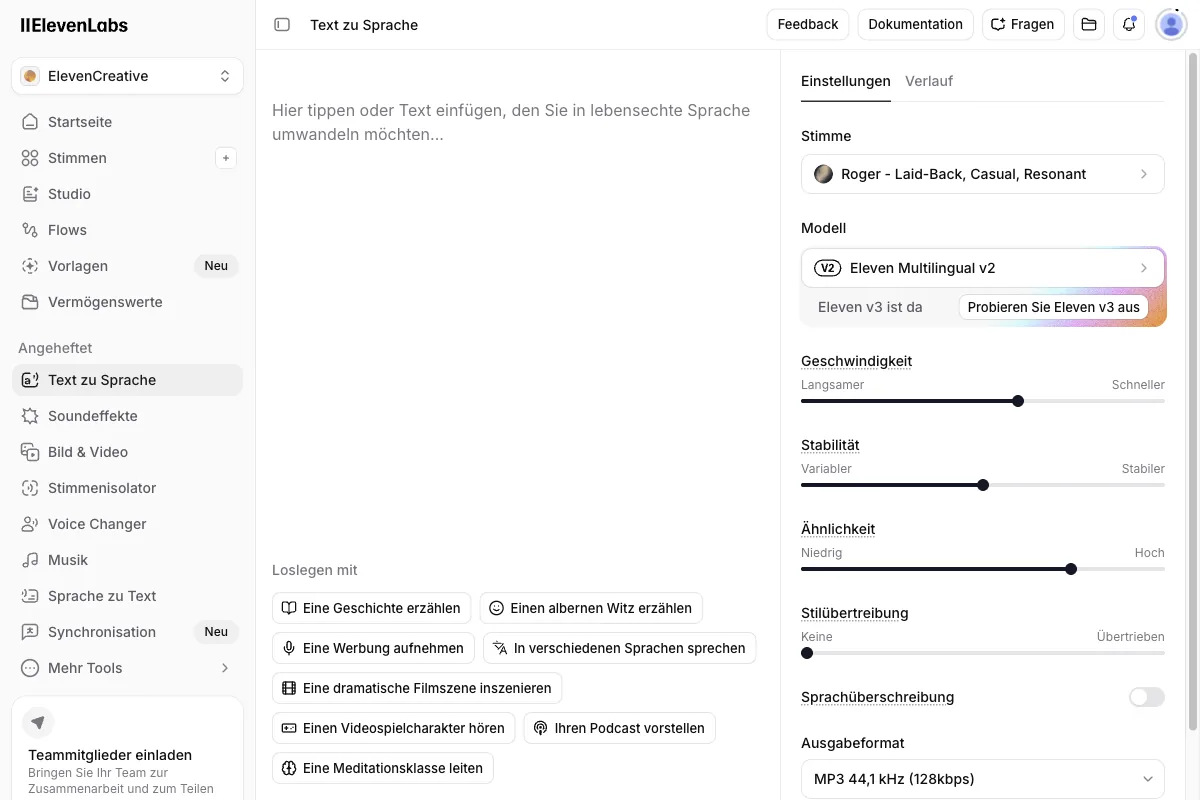
ElevenLabs is, to me, the most versatile AI voice generator on the market, and the reason is simple: it has grown from a pure text-to-speech tool into a complete audio platform.
Two 2026 additions tip the scales.
Since March 2026, the flagship model Eleven v3 has been generally available. It supports over 70 languages, far more emotional voices, and so-called "audio tags" like [whispers], [laughs], or [excited] that let you control emphasis, emotion, and pauses directly in the text. You basically write stage directions in square brackets, and the voice acts them out. No other tool does this in quite this form.
On top of that, since May 2026 there's Music v2, a music generator trained exclusively on licensed data. That makes it the only AI music tool you can use commercially without licensing worries. From the voice through the soundtrack to the background music, ElevenLabs now covers almost the entire audio production process.
And it doesn't stop at voice and music. The platform bundles several tools under one login:
- Text-to-speech: over 70 languages, thousands of preset voices, expressive thanks to Eleven v3.
- Voice cloning: Instant Voice Clone already on the Starter plan, professional cloning on the Creator plan.
- Speech-to-text: the Scribe Realtime v2 model transcribes 92 languages.
- Dubbing: automatic syncing of videos, currently Dubbing v2 in alpha with 92 supported languages.
- Voice agents: talking AI assistants for support or telephony.
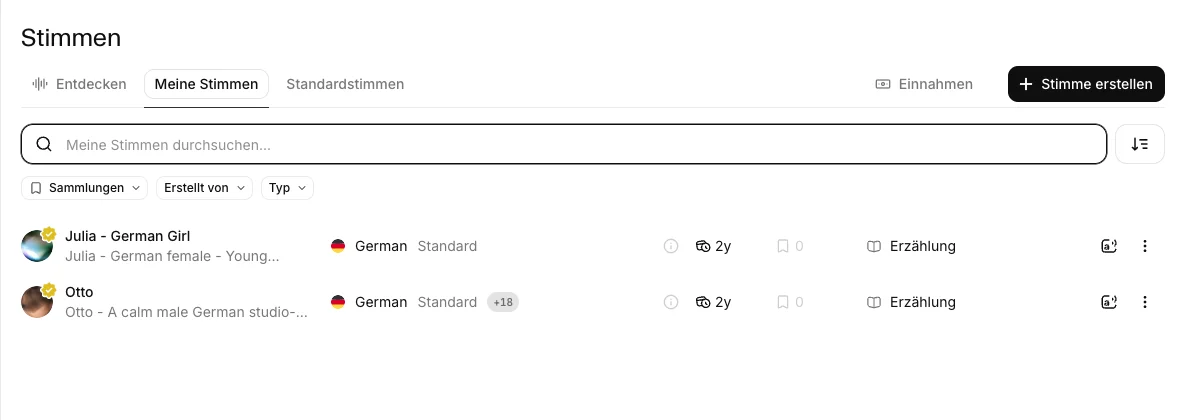
I tested ElevenLabs myself on the Creator plan, with a real account and real credits. What impressed me most was the sheer selection in the voice library, which I had right in front of me while testing.
The entry pricing is fair. There's a free tier with 10,000 credits per month for testing. The Starter plan costs $6 a month and unlocks instant voice cloning. For serious production, the Creator plan at $22 a month ($11 in the first month) is the sweet spot, giving you professional voice cloning and the highest audio quality.
- Most expressive voices thanks to Eleven v3 and audio tags
- Complete audio platform: TTS, voice cloning, speech-to-text, dubbing, music
- License-cleared music thanks to Music v2 (trained only on licensed data)
- Very good voice quality across major languages on the premium voices
- Free tier for testing, paid entry from $6 per month
If you want to go deeper: I've tested ElevenLabs in detail in my ElevenLabs review, broken down the ElevenLabs pricing, and compared the best ElevenLabs alternatives.
Murf.ai
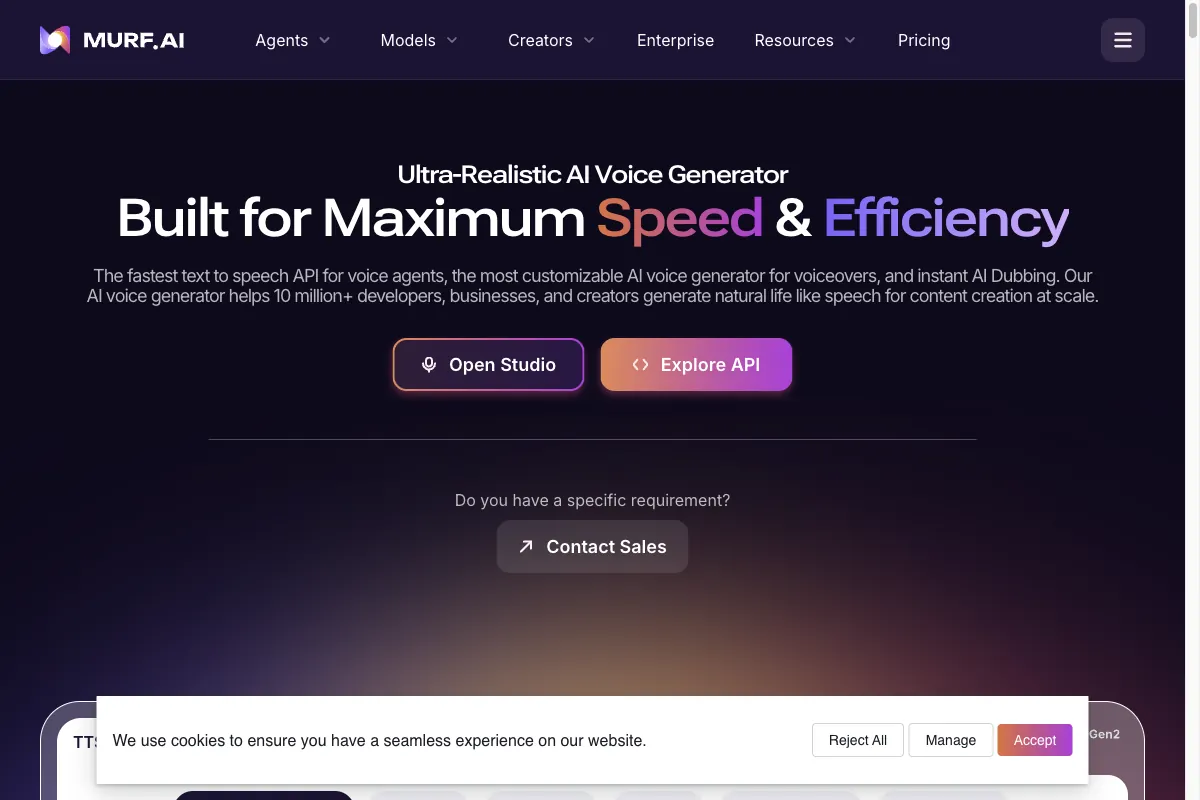
Murf.ai is the first choice if you work in e-learning, explainer videos, or corporate presentations. The premium voices are first-rate, and the fine controls for pitch and pause length per speech block are worth their weight in gold in a professional setting.
The one drawback: the selection of voices in smaller languages is limited. For clean, calm narrator voices, though, it's more than enough.
Fliki
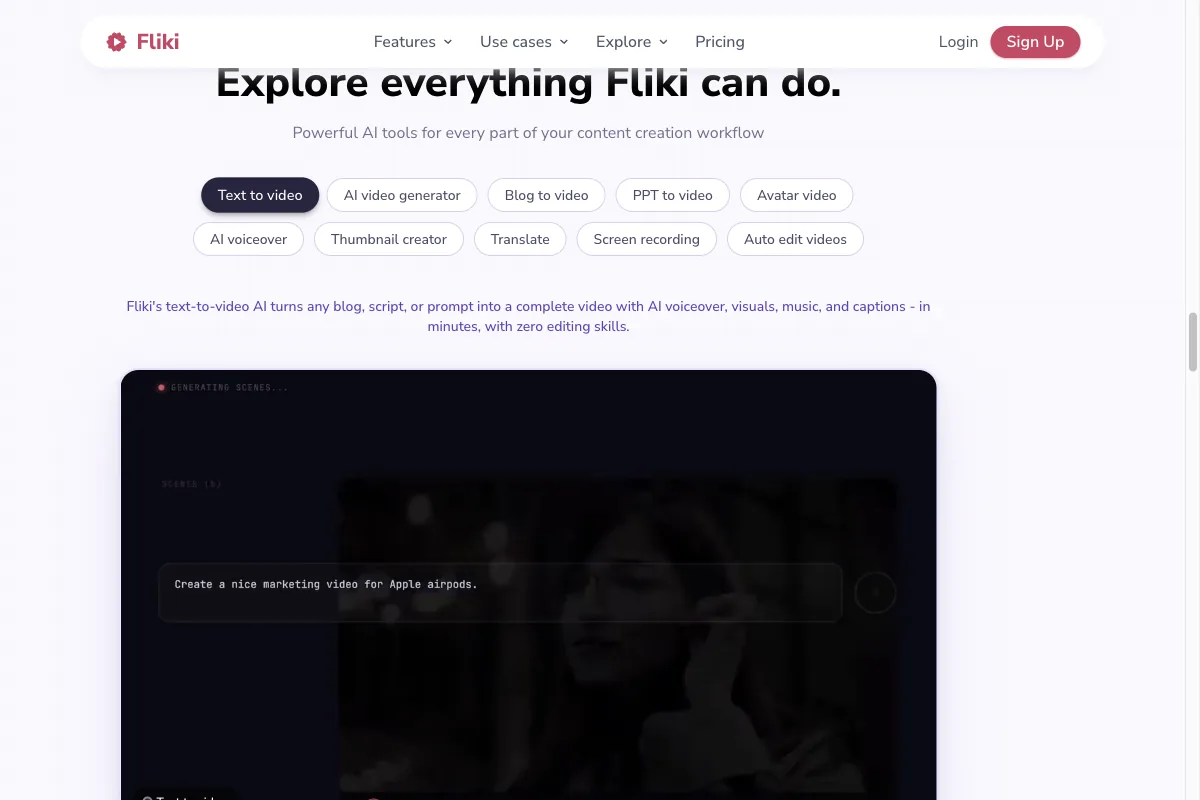
Fliki is my everyday favorite for social media videos. It offers one of the largest voice libraries (including many premium and studio voices) and combines voice generation directly with a video editor. Voice cloning is included on the Standard plan at $28 a month.
If you want to turn a blog article into a finished short video in one go, Fliki is hard to beat.
Cartesia
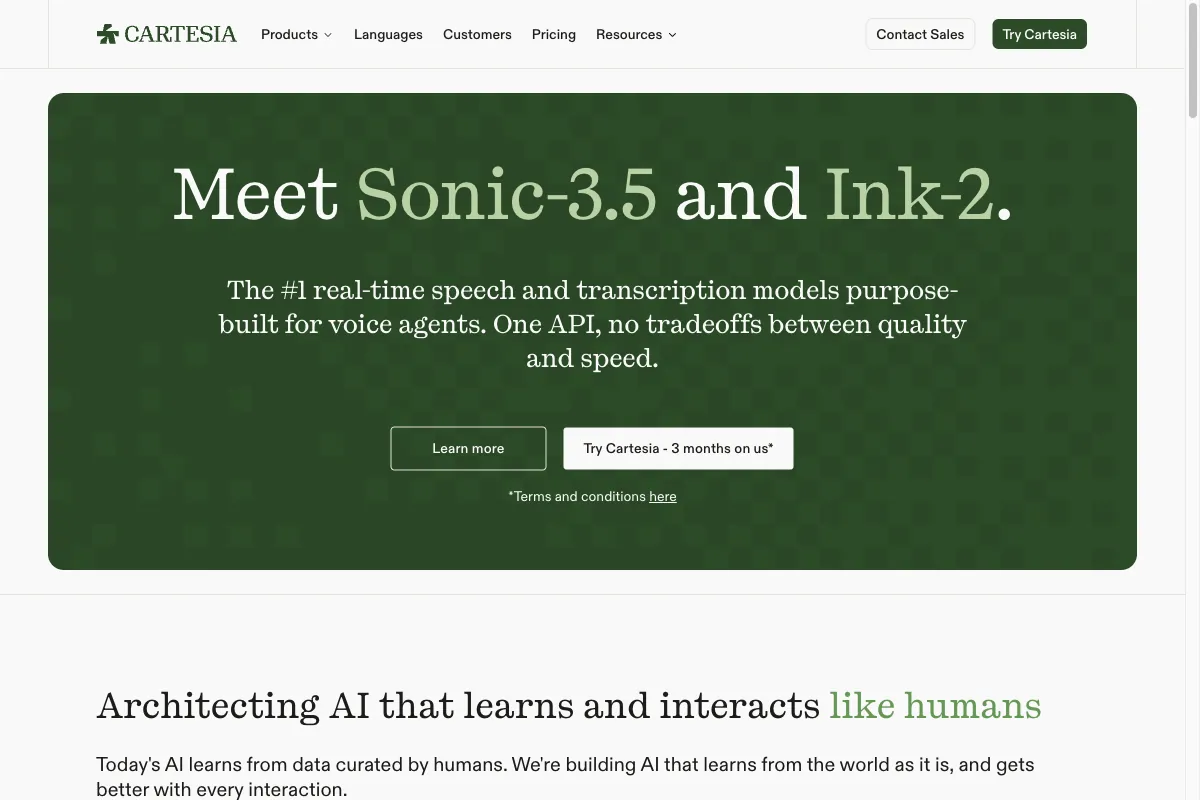
Cartesia is the newcomer in this lineup and comes from the developer side. Its in-house Sonic model produces very natural voices with extremely low latency, close to real time. Voice cloning is on board.
The interface is leaner than Murf or Fliki and clearly built for speed and for embedding voices into your own apps. It shines when you want to put voices into an app or a voice assistant. For classic desk-based voiceover production, the other premium tools are the more rounded packages.
Descript
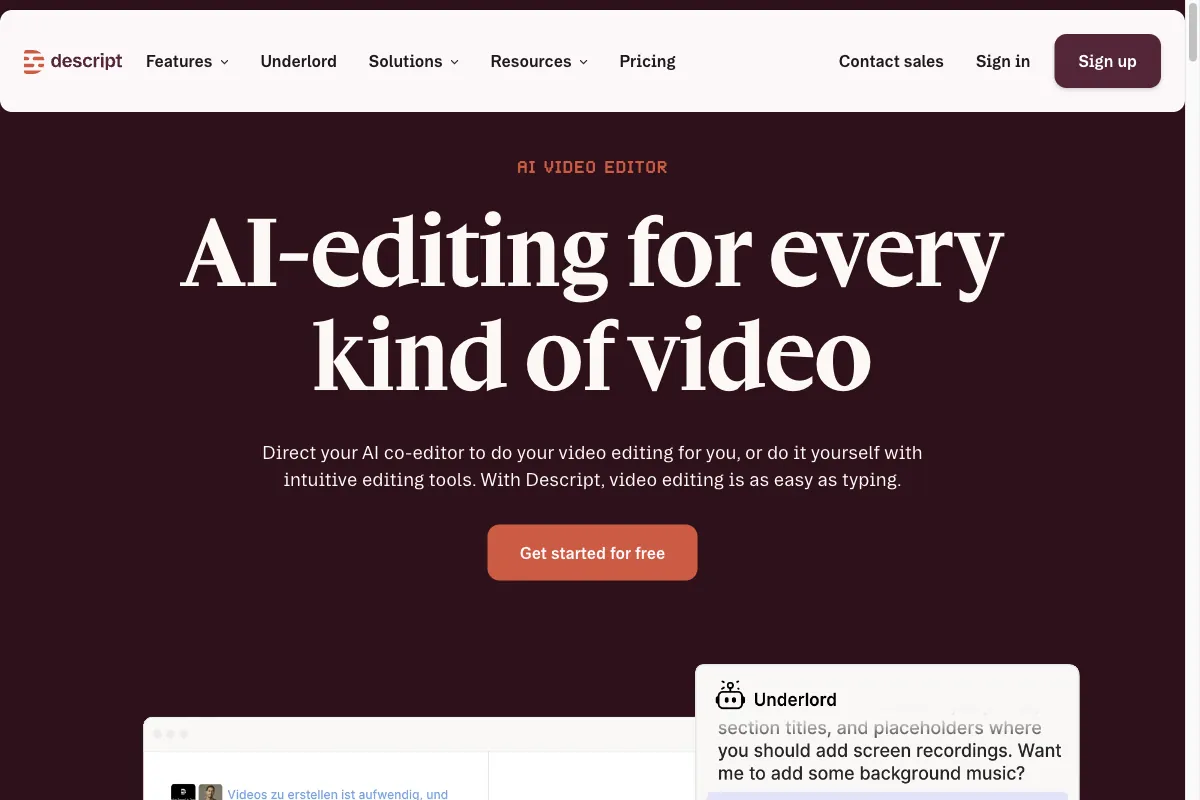
Descript is less a classic voice generator than a complete audio and video editor with an AI voice on board. The highlight: you edit audio like a text document. Fix typos in the script, delete stumbles, all through the text.
For podcasters and video producers who are already editing, the built-in Overdub voice is handy. As a pure TTS generator, it would be overkill.
WellSaid Labs
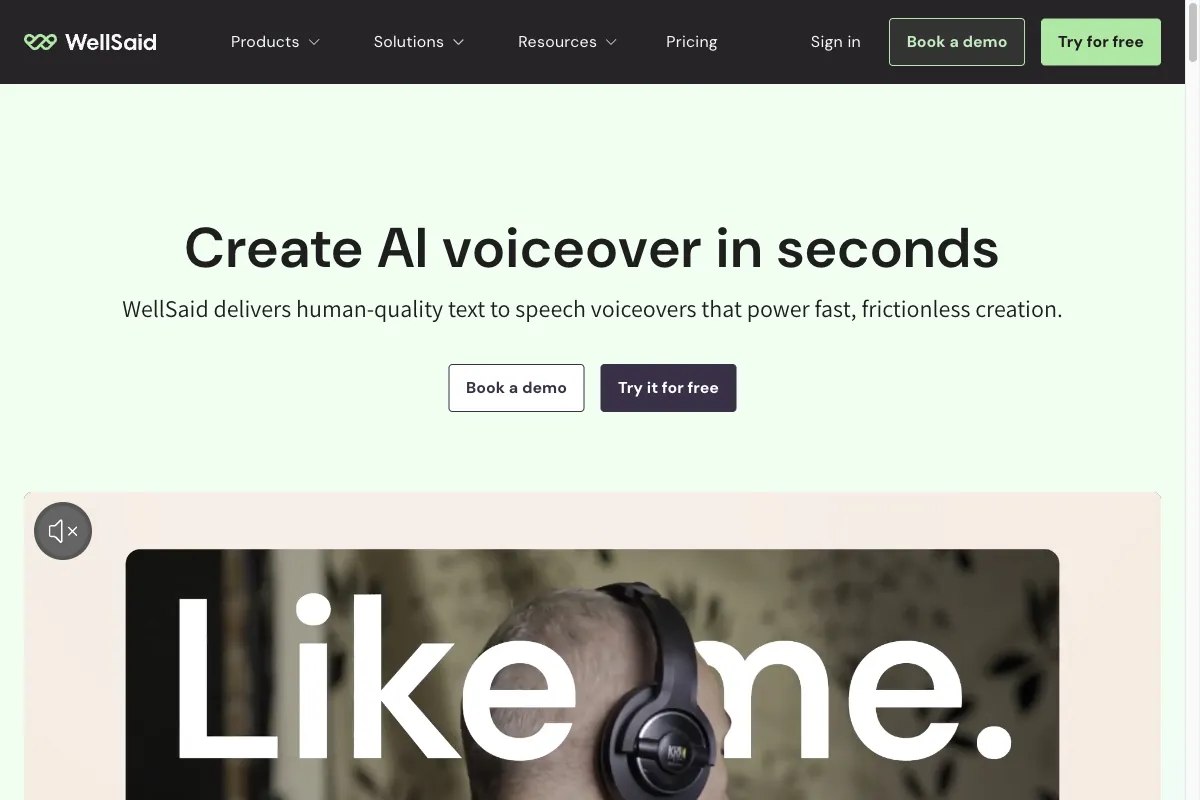
WellSaid Labs is a US provider focused on high-quality English narrator voices for enterprises and e-learning. The company has been part of Podcastle since 2024, though the product keeps running unchanged at wellsaid.io. The quality of the English voices is excellent and very consistent.
Other languages aren't its strength here. A serious choice for English-language corporate audio, less so for everything else.
2. Free and freemium tools
Not everyone needs a subscription. If you only have a text read aloud occasionally, or just want to try out what AI voices can do, you can get by with these options without spending a cent.
Speechify
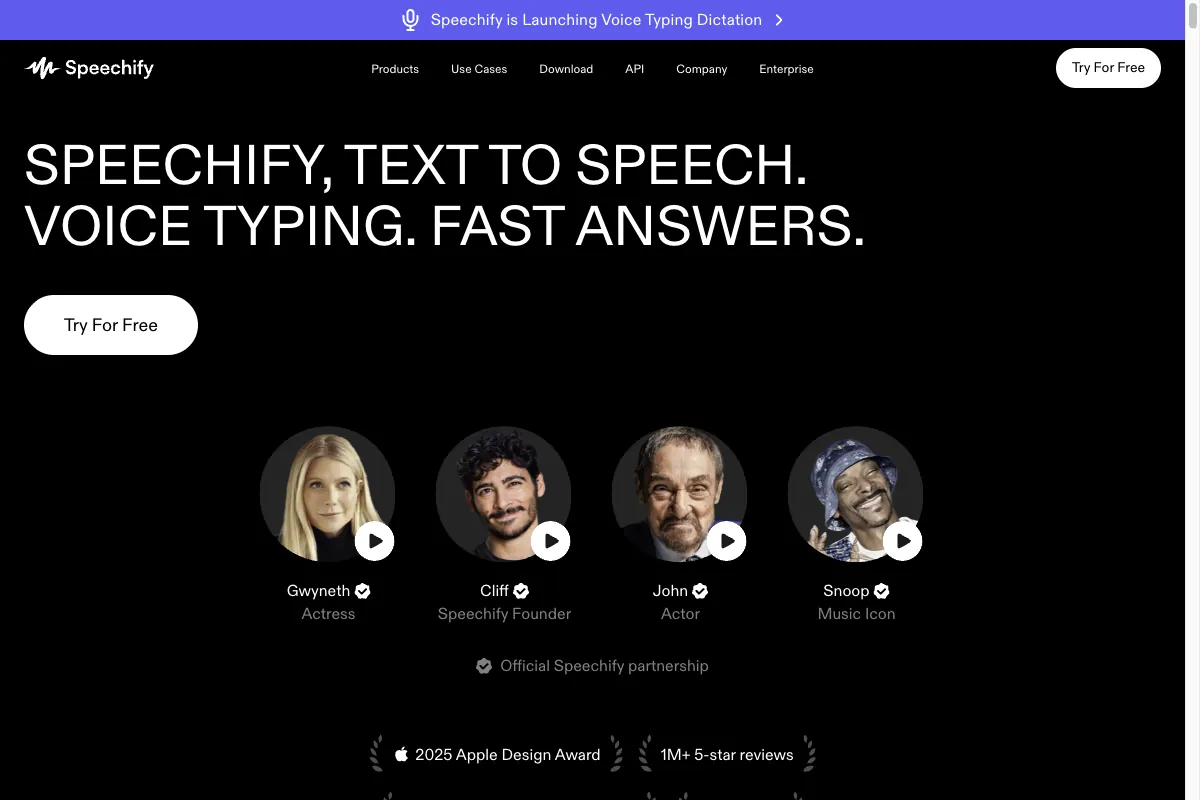
Speechify is primarily a read-aloud app: you upload books, PDFs, or web pages and have them read to you, even on the go via app. There's also an AI Voice Studio for voiceovers and voice cloning.
The voices are fine, but not outstanding. As a read-aloud tool for long texts, though, Speechify is super practical, and the free entry is enough to try it out.
LOVO
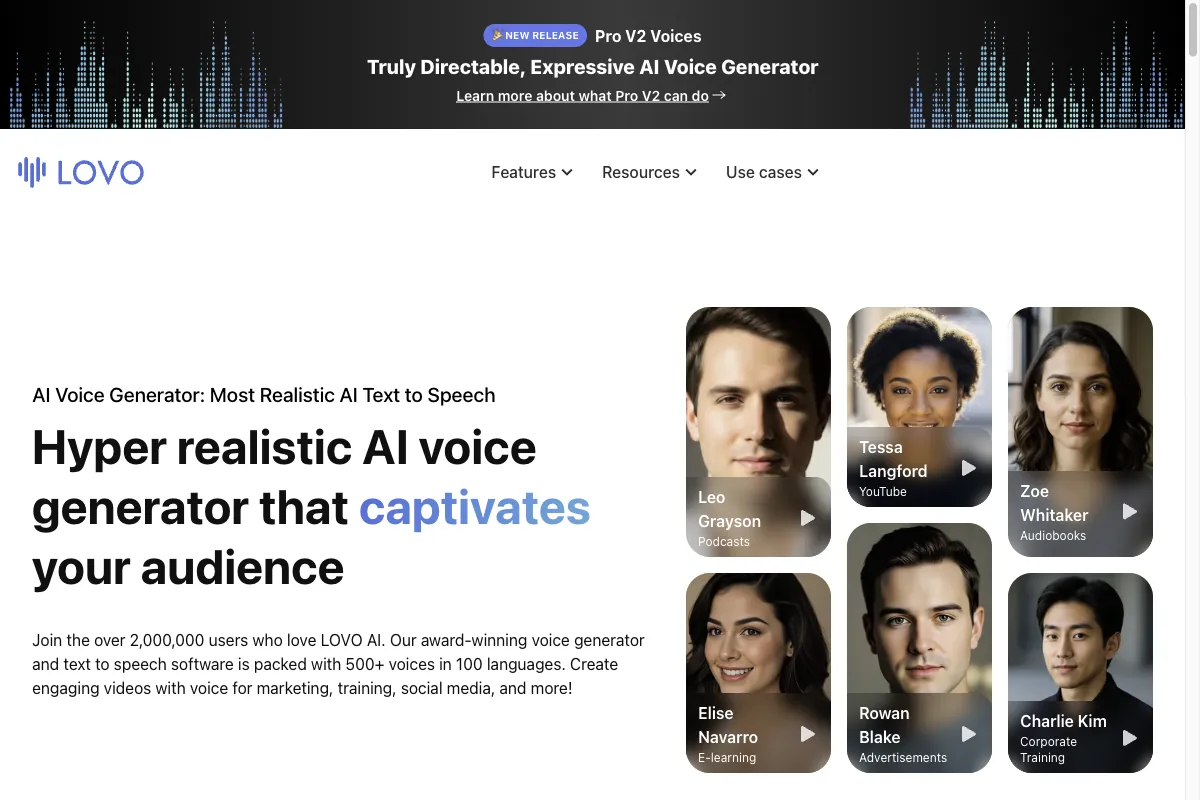
LOVO (also called "Genny") has a modern interface and a solid voice selection. The English voices sound very good.
On the standard voices in some languages it can sound a little monotone, and there's no real free tier, only a 14-day trial. That makes it more of a fit for English-language projects.
TTSMaker
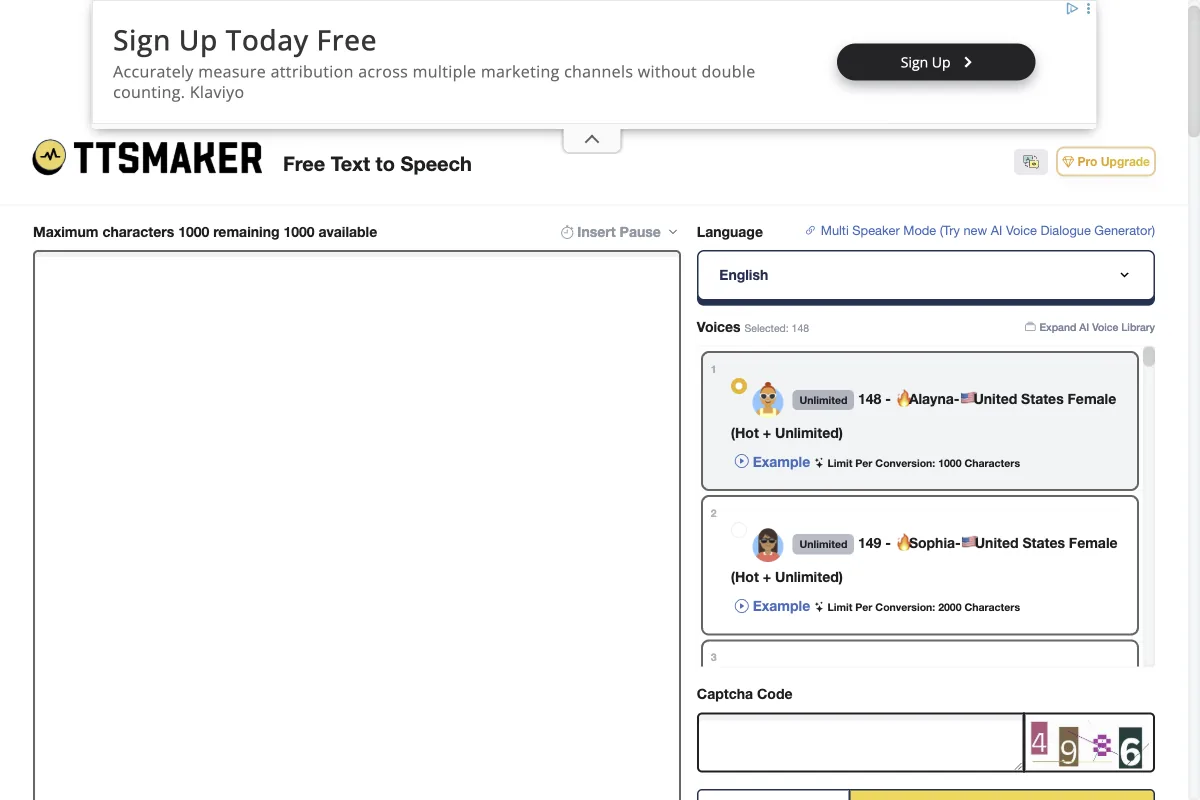
TTSMaker is my insider tip when it really has to cost nothing. The web service reads text aloud with no sign-up, up to 20,000 characters per week on the free tier, and even provides the results under a commercial license. Over 100 languages are included.
The quality obviously doesn't match ElevenLabs, but for a free tool it's surprisingly usable. For quick voiceovers on no budget, it's the first place to go.
Microsoft Edge (Read Aloud)
Probably the most underrated free AI voice generator is already on your computer: the "Read Aloud" feature in the Edge browser uses the same "neural voices" as Microsoft's Azure service. The voices sound surprisingly natural.
You can't export an MP3, but for proofreading your own texts by ear or having long articles read to you, it's free and instantly available.
Google Cloud Text-to-Speech
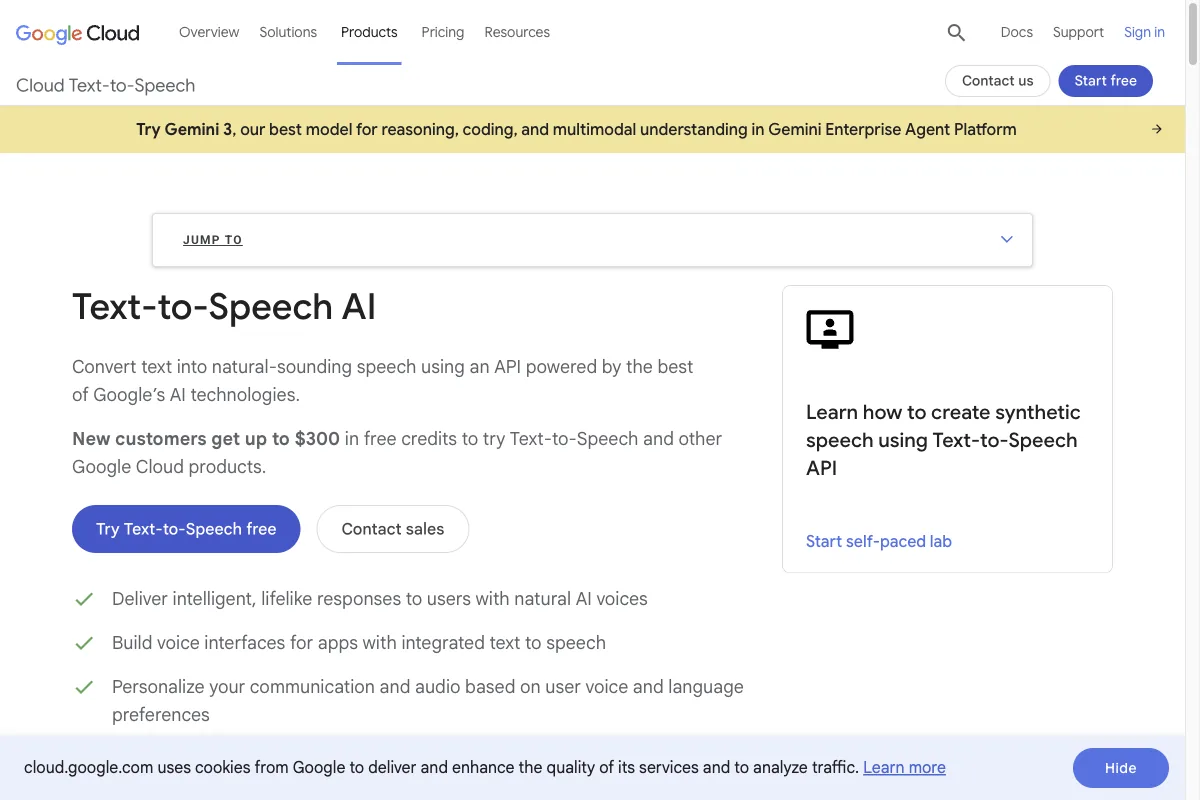
Google Cloud Text-to-Speech is aimed at developers and offers several million characters per month for free in its free tier. The WaveNet and Neural2 voices are very good across many languages.
For non-technical users, though, the setup through the Google Cloud Console is pretty clunky. If you can code, you get a lot of quality here for zero cost.
3. Open-source models
Now it gets interesting for anyone who values privacy and full control. These models run entirely locally on your machine. Your text never leaves your computer, there are no subscription fees, and you can customize them however you like. The price for that: you need some technical know-how and ideally a reasonably modern graphics card.
Coqui XTTS
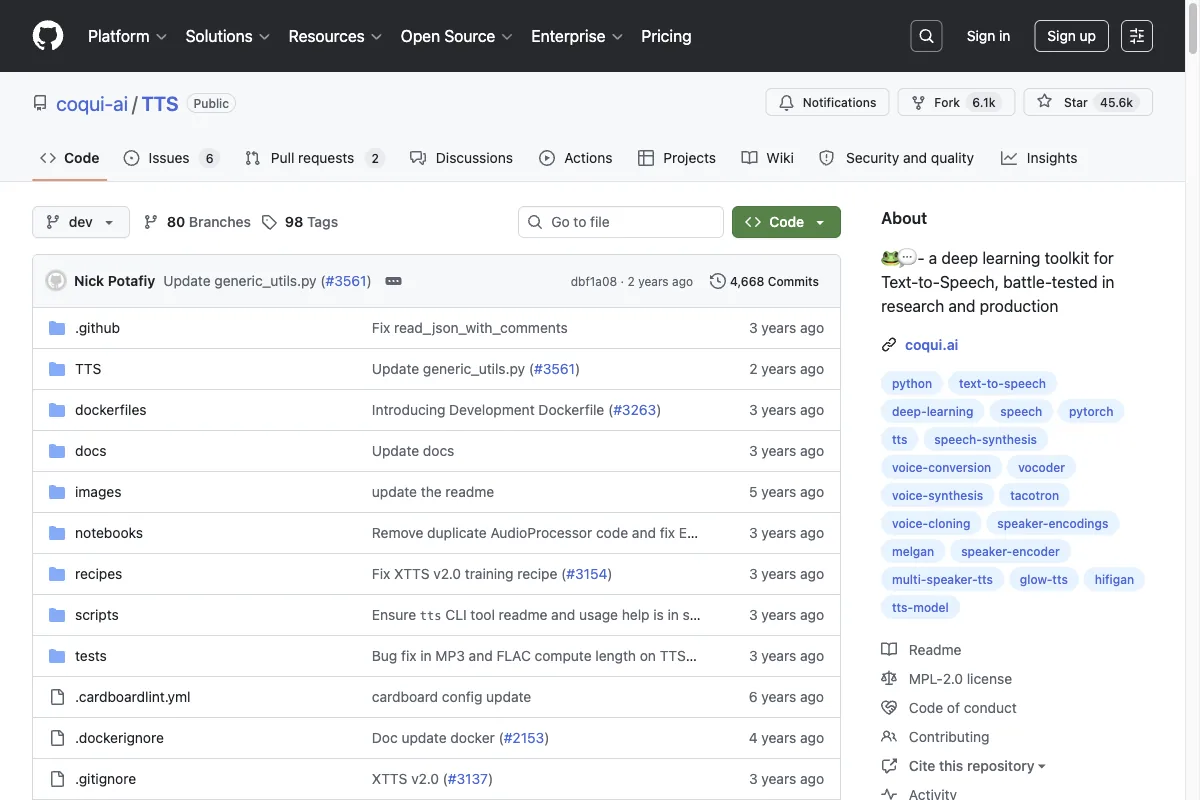
Coqui XTTS is probably the best-known open-source model for voice cloning. It clones a voice from a few seconds of audio and supports 17 languages. Even though the company behind Coqui shut down operations, the model lives on happily in the community.
For tinkerers who want to self-host and clone voices, it's the gold standard.
Piper
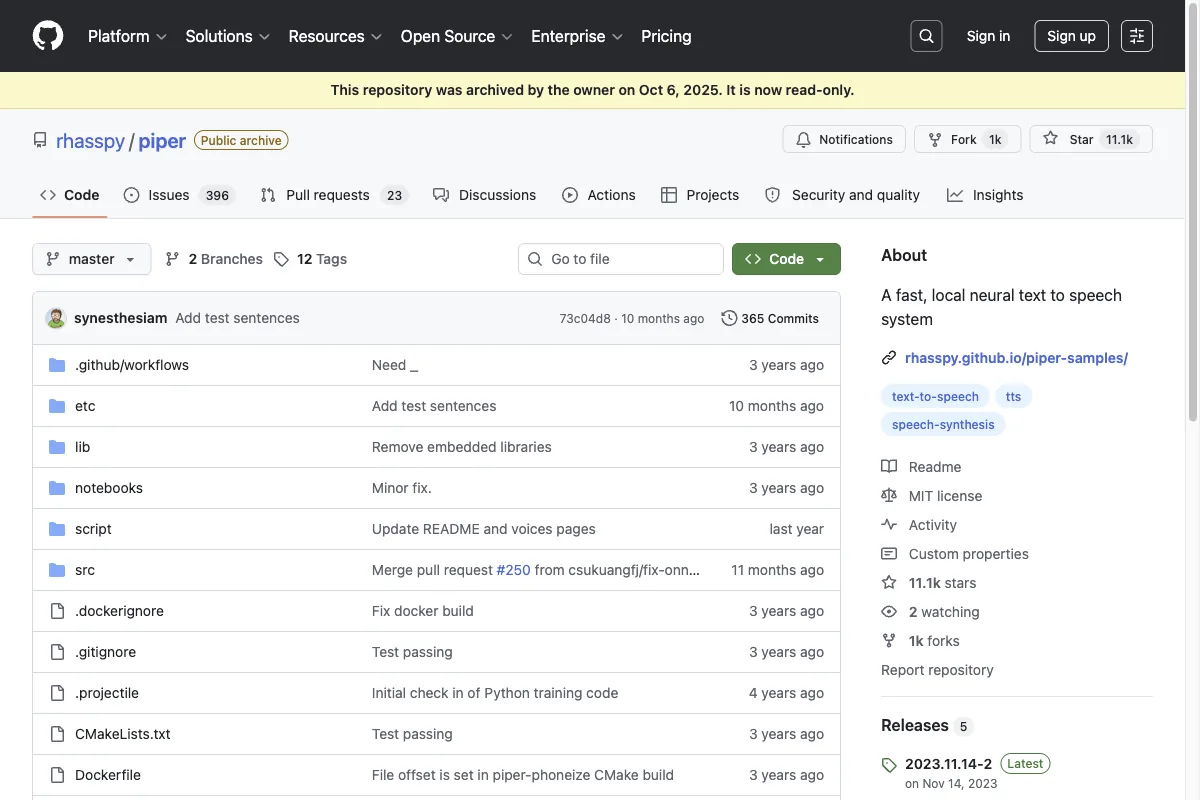
Piper is tuned for speed and efficiency and runs smoothly even on a Raspberry Pi. The voices aren't the most expressive, but they're fast, resource-friendly, and available in many languages.
If you want to build speech output into your own device or a smart-home setup, Piper is ideal.
Kokoro
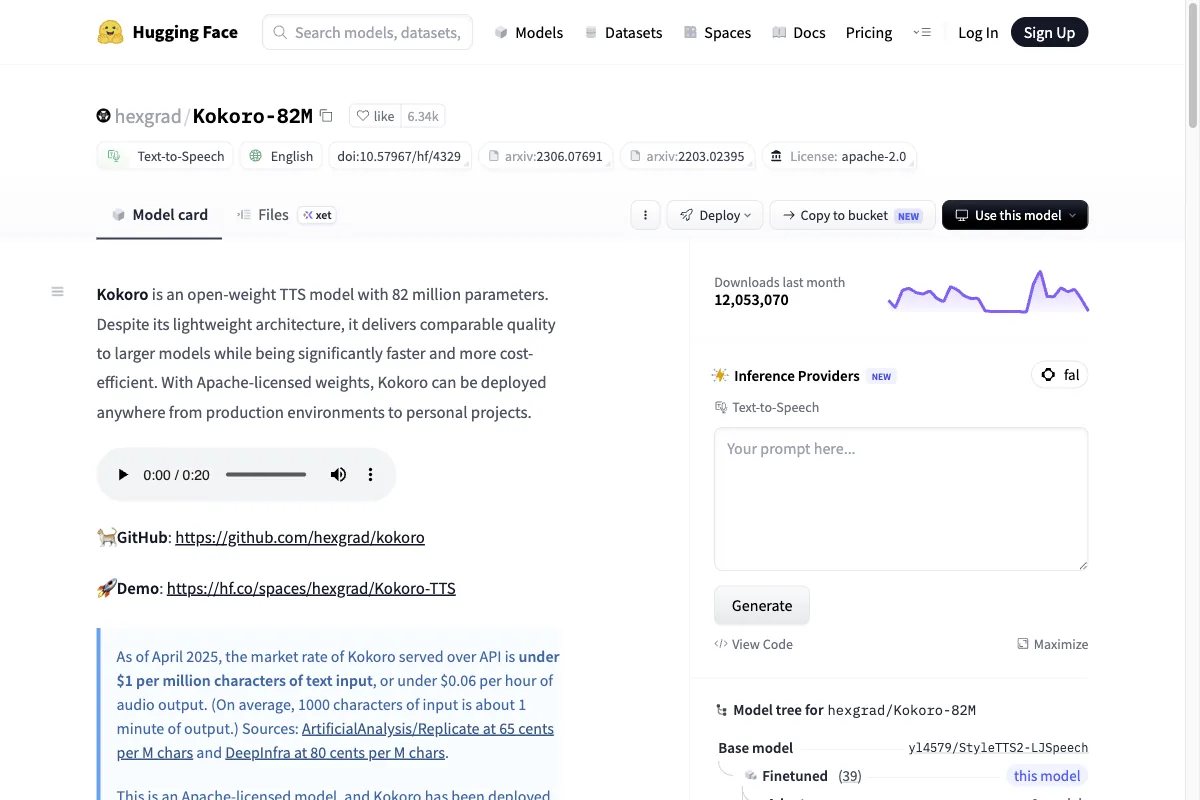
Kokoro is a remarkably small model (just 82 million parameters) that still delivers surprisingly natural voices, which is why it's getting a lot of attention right now. It runs fast, even without a beefy graphics card.
If you're after a lightweight, modern open-source TTS, Kokoro is worth a look.
Chatterbox
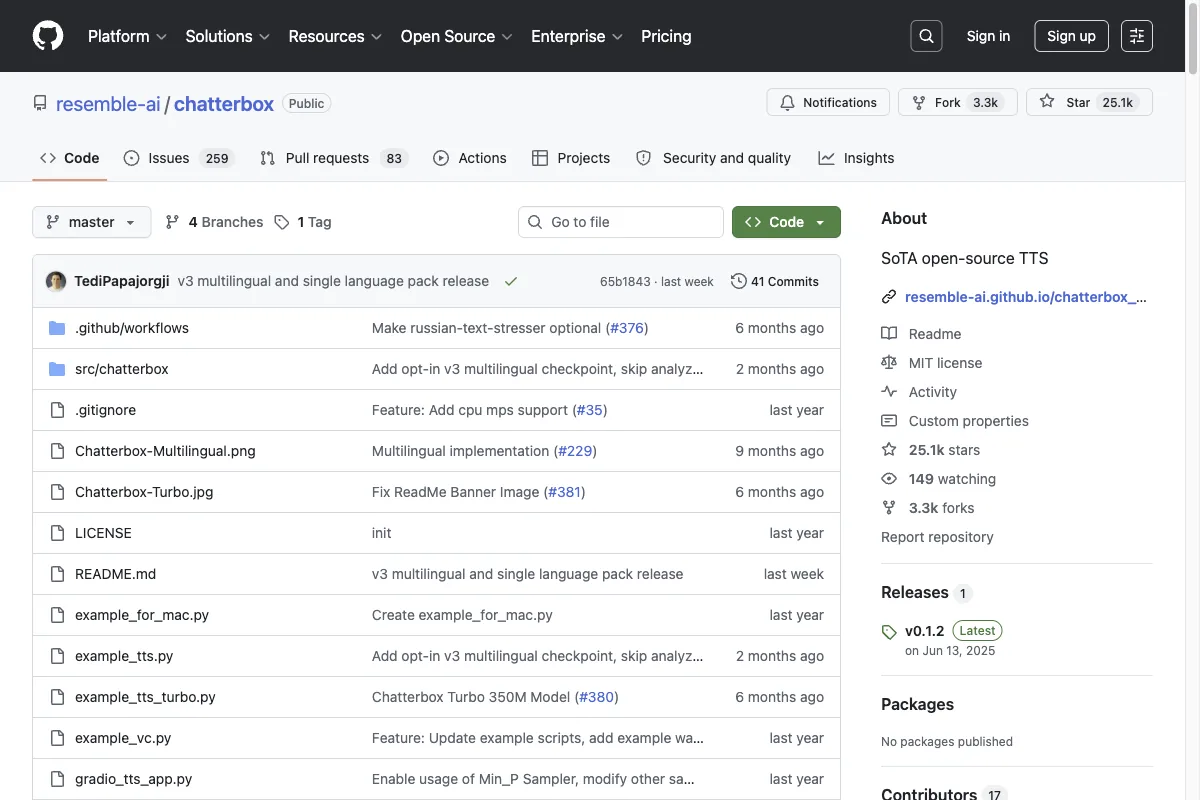
Chatterbox from Resemble AI is one of the newest open-source models and brings a special feature: a control for the emotional intensity of the voice. That gets it closer to the expressive style of the premium tools than most other free models.
Interesting for anyone who wants to generate emotional voices locally without going to the cloud.
4. Special and use-case tools
Some tools aren't classic voice generators, but they solve an adjacent problem so well that they belong here. If your use case goes beyond pure text-to-speech, take a look.
Synthesia (AI voice plus avatar)
Synthesia combines AI voices with photorealistic AI avatars. You type a script, pick one of over 240 avatars, and get a finished video in which a person speaks your text. You can even create your own avatar with your own voice.
For training videos, product demos, or multilingual explainers, it's the obvious choice. There's a free version (10 minutes of video per month) to try it out.
Suno (AI music with vocals)
Suno generates complete songs including sung vocals from a text prompt. You describe genre, mood, and lyrics, and get a finished track. That's fascinating for your own jingles, intros, or just for fun.
One important note on licensing: with generated AI music, there are open questions about commercial use following the music industry's legal disputes. If you need music for business and want to play it safe, the license-cleared Music v2 from ElevenLabs is the simpler choice.
Sonix (speech-to-text instead of text-to-speech)
Sonix flips the script: instead of turning text into speech, it turns speech into text. The transcription service converts audio and video files in dozens of languages into precise transcripts, including timestamps and speaker recognition.
It doesn't belong in the classic TTS camp, but it's exactly the tool you need when you want to transcribe interviews, podcasts, or meetings. Sonix is available through our link.
Which AI voice generator is right for you?
The short answer: it depends on your use case. So you don't have to ponder for long, here are my compact recommendations:
- You want the best quality and versatility: Go with ElevenLabs. It covers almost everything and is my clear top recommendation.
- You do e-learning or explainer videos: Murf.ai delivers calm, professional narrator voices with fine control.
- You produce social media videos: Fliki combines one of the largest voice libraries with a video editor.
- You don't want to spend anything: TTSMaker or the Edge browser are enough for occasional voiceovers.
- Privacy matters to you: Coqui XTTS or Kokoro run locally, your data stays with you.
- You need avatar videos: Synthesia turns your script into a video with a talking person.
And one last tip: test several tools with your own content before you commit. Almost all of them offer free allowances, and especially with pronunciation, there are noticeable differences from tool to tool. To hear which tool sounds best head to head, check out my in-depth test of the best AI voice generators.