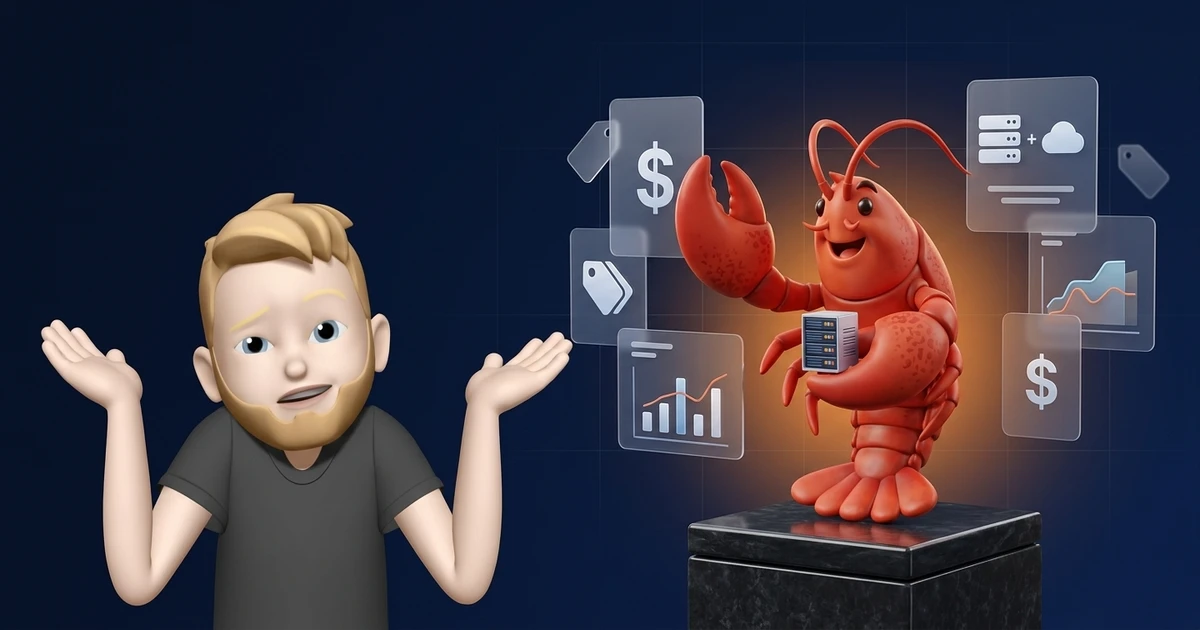
OpenClaw is free. At least the software itself.
And that is exactly the sentence you read on every other website when you search for "OpenClaw costs." It is true. OpenClaw is under the MIT license, you pay nothing for the installation.
The problem?
The software is only part of the equation. For OpenClaw to actually run, you need a server, an AI model, and depending on your setup, a few extras. And those cost money.
I have been using OpenClaw since the Clawdbot days across multiple servers and have tried pretty much every cost combination over the past few months. In this article, I will show you what OpenClaw really costs, what hidden costs exist, and how to plan your budget realistically.
- OpenClaw has no license fee. Monthly costs depend on hosting, model usage, and optional services.
- Hetzner's historical price reference for new CX23 orders from June 15, 2026 was €5.99 net with Primary IPv4, or €7.13 gross. The CX23 is currently unavailable. Model API charges depend on the provider, model, and actual usage.
- OpenAI lists ChatGPT Plus at $20/month in the United States; API usage is separate. Compare totals in the same currency.
The Cost Structure of OpenClaw at a Glance
The costs for OpenClaw break down into three pillars:
You can run OpenClaw for $0 if you run it locally on your machine and use a local model via Ollama. Once you want a server (and you do, if OpenClaw should be reachable around the clock), we are talking about $5 to $30 per month.
Hosting Costs: The Biggest Cost Factor
Hosting is the line item that varies the most. The range goes from about $2 for a cheap VPS during its promo period to over $30 for a managed solution.





Here are the starting prices side by side. For DigitalOcean, the chart shows the 1 GB RAM plan, because the 512 MB entry plan is too tight for OpenClaw. Euro prices are converted to dollars at the ECB reference rate of October 30, 2026 (€1 = $1.1172) so the bar lengths are comparable:

Hetzner's historical price for new CX23 orders from June 15, 2026 was €5.49 net per month before IPv4. Adding a Primary IPv4 at €0.50 net brought the total to €5.99 net or €7.13 including 19% German VAT.
Hetzner currently lists the CX23 as unavailable. The plan had 2 vCPUs and 4 GB RAM.
You can find a detailed comparison of all 10 hosting providers in my article on OpenClaw hosting.
API Costs: Which AI Model Fits Your Budget?
API costs are the second major expense and the most variable one. The table below shows typical models for OpenClaw, from local to premium:


The monthly costs are rough estimates for light personal use. What you actually pay depends on the number of tasks and the length of the context. With Claude Haiku 5.5, a prompt over 100,000 tokens costs five times as much.
The direct comparison shows how far apart the models are on input price per 1 million tokens alone:

Gemini 2.5 Flash Lite and DeepSeek V4.1 Flash are the cheapest cloud options in this selection at $0.10 and $0.15 per 1 million input tokens respectively. The DeepSeek prices are off-peak rates. On weekdays between 01:00 and 04:00 and 06:00 and 10:00 UTC, DeepSeek charges double.
If you need higher quality (for example, for complex analyses or code generation), Claude Sonnet 5.5 is the obvious pick. $2 per 1 million input tokens costs more. But the results are noticeably better. Claude Opus 5.5 is the most expensive option ($4 input) and only worth it for the most demanding tasks.
Claude Sonnet 5 has been available since June 30, 2026 and costs a permanent $2 input and $10 output per 1 million tokens, which makes it a good fit if you want solid value for money. Claude Opus 5 replaced Opus 4.8 at the same price of $5 input and $25 output.
On September 22, 2026, Claude Opus 5.5 followed as Anthropic's new leading model. It is cheaper than its predecessor at $4 input and $20 output per 1 million tokens, still with a 1 million token context window. Opus 5 remains available in parallel at its previous price.
The same day, OpenAI added two cheaper successors to its GPT-5.6 tiers, GPT-6 Sol ($2/$10) and GPT-6 Luna ($0.10/$0.50). GPT-6.1 Sol followed on September 29 at the same price as GPT-6 Sol. GPT-6 Astra costs far more at $10 input and $50 output per 1 million tokens.
On September 28, 2026, Claude Sonnet 5.5 followed as the second model of the Claude 5.5 family. It costs the same $2 input and $10 output per 1 million tokens as before, half the price of Opus 5.5. Per Anthropic, it costs up to 30% less per task than Sonnet 5, which stays available alongside it.
OpenClaw lists Sonnet 5.5 in its Anthropic documentation as anthropic/claude-sonnet-5-5, and the sonnet shortcut now points to this model.
On October 7, 2026, Anthropic completed the family with Claude Haiku 5.5. For prompts up to 100,000 tokens, it costs $0.10 input and $0.50 output per 1 million tokens. Above that, the rates are five times higher.
In OpenClaw, the haiku shortcut points to this model. Anthropic's default utility model in OpenClaw uses Haiku 5.5 as well.
The Free Alternative: Ollama
Ollama is the way to run OpenClaw completely without API costs. You download an open-source model (for example, Llama 4, Mistral, or Qwen) onto your machine.
However:
The local models are not (yet) as good as the cloud models. But for simple automations, summaries, and chat tasks, they are sufficient.
According to the OpenClaw docs, even the smallest curated model recipe needs at least 8 GB of memory, and larger models need much more. The actual amount depends on the model, context size, and runtime. A dedicated GPU helps enormously but is not strictly required.
Three Realistic Cost Scenarios
Scenario 1: Hobby (local or CX23 price reference from June 15, 2026: €5.99/mo. net, currently unavailable)
You want to try OpenClaw and use it privately. No 24/7 server needed.
Scenario 2: Small Project ($10 to $20/mo.)
You are using OpenClaw for a small project. The agent should be reachable around the clock.
Scenario 3: Business ($30 to $80+/mo.)
Professional use. Multiple users, premium models, high availability.
At this point, you should honestly ask yourself whether OpenClaw is the right choice. Not because it is bad, but because above $50+ per month you enter the range where commercial solutions might be cheaper (and less maintenance).
You can find an overview of alternatives in my article on OpenClaw alternatives.
Hidden Costs Nobody Tells You About
Time Investment for Setup and Maintenance
Expect 2 to 4 hours for the initial setup if you know what you are doing. If not, it can quickly become 8 to 10 hours. On top of that, 1 to 2 hours per month for maintenance.
Converted to dollars ($30/hour): $30 to $60 per month in hidden labor costs.
You can find a step-by-step guide in my article on installing OpenClaw.
Security Costs
In early 2026, a high-severity vulnerability in OpenClaw became public (CVE-2026-25253, CVSS score 8.8). It affected versions before 2026.1.29, so you need to install updates like that promptly. With a self-hosted solution, you are responsible for security yourself.
Learning Curve
OpenClaw is a huge project with hundreds of configuration options. It took me weeks until I truly had my setup under control.
OpenClaw vs. ChatGPT Plus: Which Is Cheaper?
Up to around $50 per month, OpenClaw is cheaper and more flexible. The comparison is somewhat unfair though: OpenClaw can do significantly more (WhatsApp, Telegram, Slack, Skills, internal systems).
5 Tips to Reduce Your OpenClaw Costs
Regardless of your setup, these tips help you get more out of your budget:
- Use Ollama for simple tasks: Reserve expensive cloud models for tasks where quality matters.
- Enable caching: With Claude, a cache hit costs only 2.5 to 10% of the normal input price, depending on the model, which makes recurring system prompts much cheaper.
- Set up rate limiting: Protects against buggy scripts that drain your budget.
- Choose suitable hosting: A CX23 had 2 vCPUs and 4 GB RAM. Hetzner currently lists the plan as unavailable. Whether that capacity is enough depends on the model, context, and concurrent tasks.
- Monitor your API costs: Set up budget limits with OpenAI and Anthropic.
Frequently Asked Questions
Yes. OpenClaw supports local models, including through Ollama. Install and start Ollama, download a model, and configure it in OpenClaw as a local provider. That avoids a hosted model API bill for local inference, but electricity and suitable hardware still cost money. Memory needs depend on the model, context, and runtime. OpenClaw notes that local models do not include hosted providers’ safety filters. For installation steps, see the OpenClaw setup guide.