
You speak into the microphone. And out of your speakers comes the voice of an orc, an old witch, or a complete stranger. In real time, with no delay, while you simply talk like you always do.
That's what an AI voice changer does.
A few years ago, voice filters like these still sounded tinny and artificial. Today the tech is so good that you can play a full character as a streamer or stay completely anonymous in a voice chat without it sounding robotic.
That said, there's one big tension I want to resolve in this article. On one side you have the fast gaming tools, where low latency and fun effects matter most. On the other side you have AI voice tech that turns your voice into a natural-sounding target voice, one that even keeps your emotion intact.
I'll show you which tools are good for what, how the speech-to-speech approach from ElevenLabs works, and what to watch out for around latency, cost, and the law.
- An AI voice changer turns your voice into a different one, either in real time (for streaming and gaming) or offline (for higher quality).
- For fun effects and gaming, Voicemod and Voice.ai are the classics. If you need a natural target voice with the emotion preserved, go with the speech-to-speech engine from ElevenLabs.
- Legally: changing your own voice or staying anonymous is no problem. Imitating a specific real person to deceive is off-limits.
1. What Is an AI Voice Changer?
An AI voice changer is a tool that takes your voice and converts it into a different one. You speak normally, and a completely different timbre comes out the other end, without you changing the way you speak.
The key difference from classic text-to-speech is this: with text-to-speech, you type in text and the AI reads it aloud. With a voice changer, you speak yourself, and the AI only swaps the voice. Your words, your pace, your emphasis stay your own.
Technically, what the modern tools do is called speech-to-speech. Voice A goes in, voice B comes out. The AI analyzes your input signal and maps it onto a target voice, ideally in a way that keeps your emotion and timing intact.
2. What Do You Use a Voice Changer For? (4 Use Cases)
Before we get to the tools, it's worth looking at what people actually use a voice changer for. Because depending on the use case, you need a different tool. Four situations come up most often for me.
2.1 Streaming and Content
Streamers on Twitch or YouTube use voice changers to bring a character to life or add some flavor to their show. A horror stream sounds twice as creepy with a deep, distorted voice. For voiceover in videos, you can quickly create a second voice this way too, without hiring anyone.
2.2 Gaming and Characters
In online games, the voice changer becomes a roleplay tool. You play a dwarf, a robot, or a dragon, and you sound like one. That makes co-op sessions and roleplay in games like a survival game or an MMO far more immersive. Here, low latency matters most, because the voice has to match the moment in the game.
2.3 Anonymity and Privacy
For many people, this is the most important reason. In public voice chats, you may not want to reveal your real voice. Women and younger players in particular use voice changers to dodge harassment or simply protect their privacy. A neutral, different timbre takes away part of what makes you a target.
2.4 Dubbing Prep
This is where the high-quality variant comes in. If you want to localize content or lay a different voice over a video, you can convert your recording into a fitting target voice via speech-to-speech. It's a precursor to full AI dubbing and useful when you record yourself but want to sound different in the end.
3. The Best AI Voice Changers at a Glance
Now to the tools. I deliberately split them into two camps, because they solve different problems. Some are optimized for gaming and fun, the other for natural voice quality.
3.1 ElevenLabs (Speech-to-Speech)
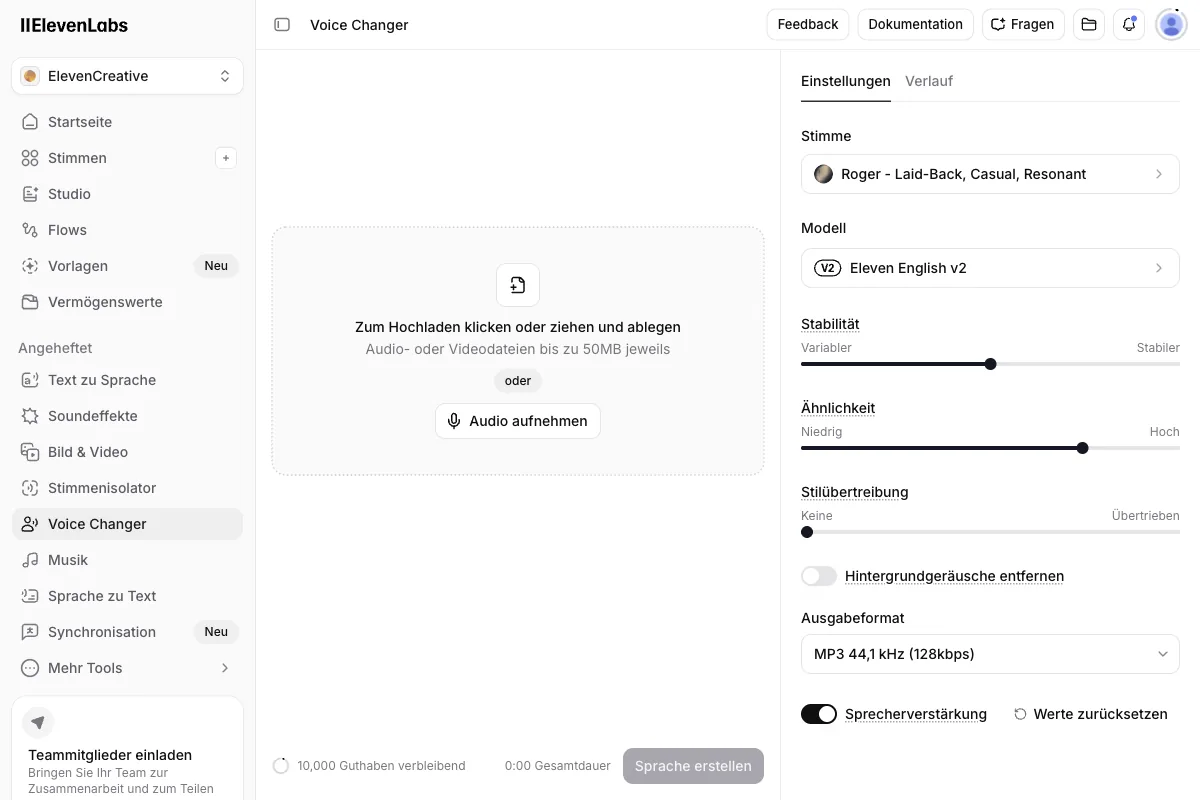
If you want a natural-sounding target voice, ElevenLabs is the strongest solution for me. The voice changer here works on the speech-to-speech principle: you record audio or speak live, and the AI maps it onto another voice without losing your emotion and timing.
That's exactly the difference from the gaming tools. Instead of just distorting your voice, it maps it onto a real, believable target voice. If you laugh or whisper in the original, the target voice laughs and whispers too. ElevenLabs offers this both in real time and offline, with the offline-processed version coming out cleaner.
I tried the voice changer in my own ElevenLabs account (Creator plan). The model dropdown there currently shows Eleven Multilingual v2, not the newer Eleven v3 that now powers text-to-speech. Here's a screenshot from my account:
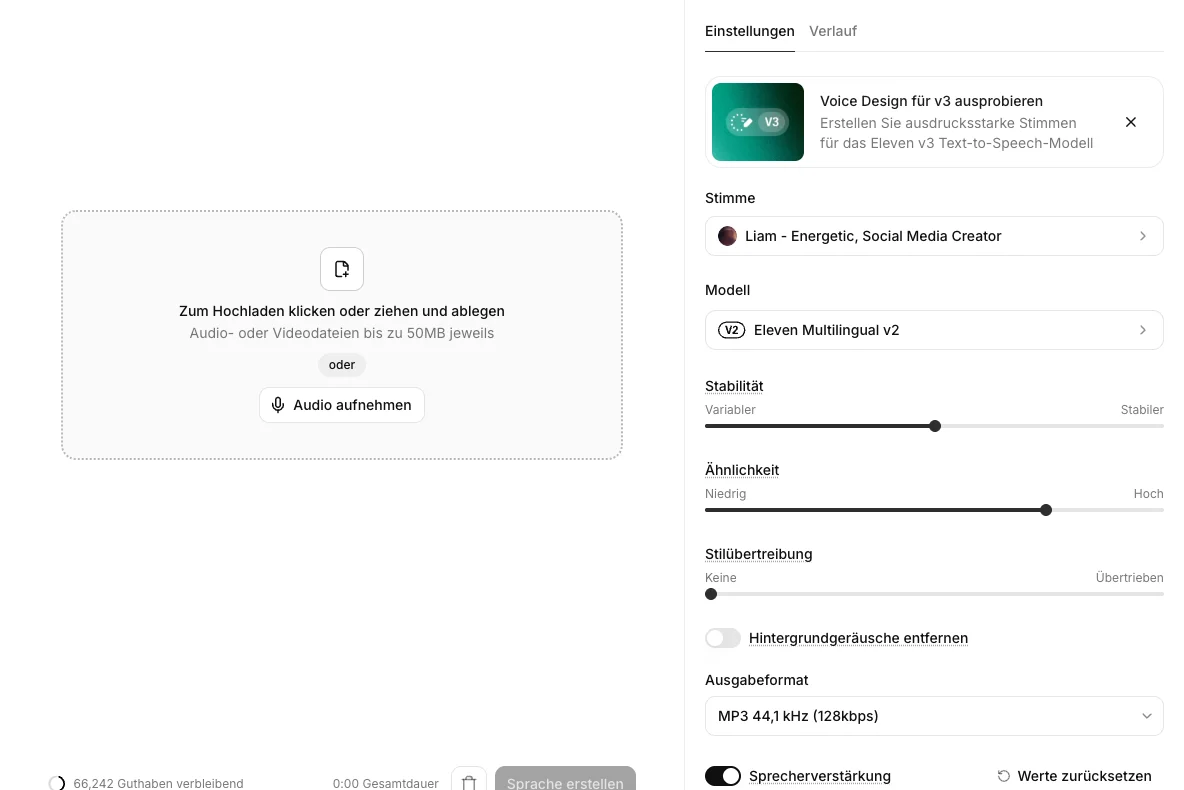
And because a screenshot alone doesn't tell you anything about the actual sound quality, I saw the test through to the end. I took my own German TTS sample of the male voice Liam and ran it through the Voice Changer to convert it into the female voice Julia. The controls covered stability, similarity, and style exaggeration, plus two toggles for removing background noise and boosting the speaker. You can upload a file up to 50 MB or record directly in the browser.
The 12-second conversion cost me exactly 197 credits, which works out to roughly 985 credits per minute. Down to the credit, because I compared my balance before and after.
Listen for yourself to how dramatically the voice changes. Both samples use the same German text (the point here is the voice conversion itself, not the language), first unprocessed, then after the conversion:
Source voice (Liam, before the Voice Changer)
After the Voice Changer (Julia)
The voice changer is part of the platform that also covers voice cloning, text-to-speech, and dubbing. That's handy when you don't just need a single feature but work around voices in general. You can start with the Free plan, and it becomes seriously usable from the Starter plan at $6 per month.
3.2 Voicemod
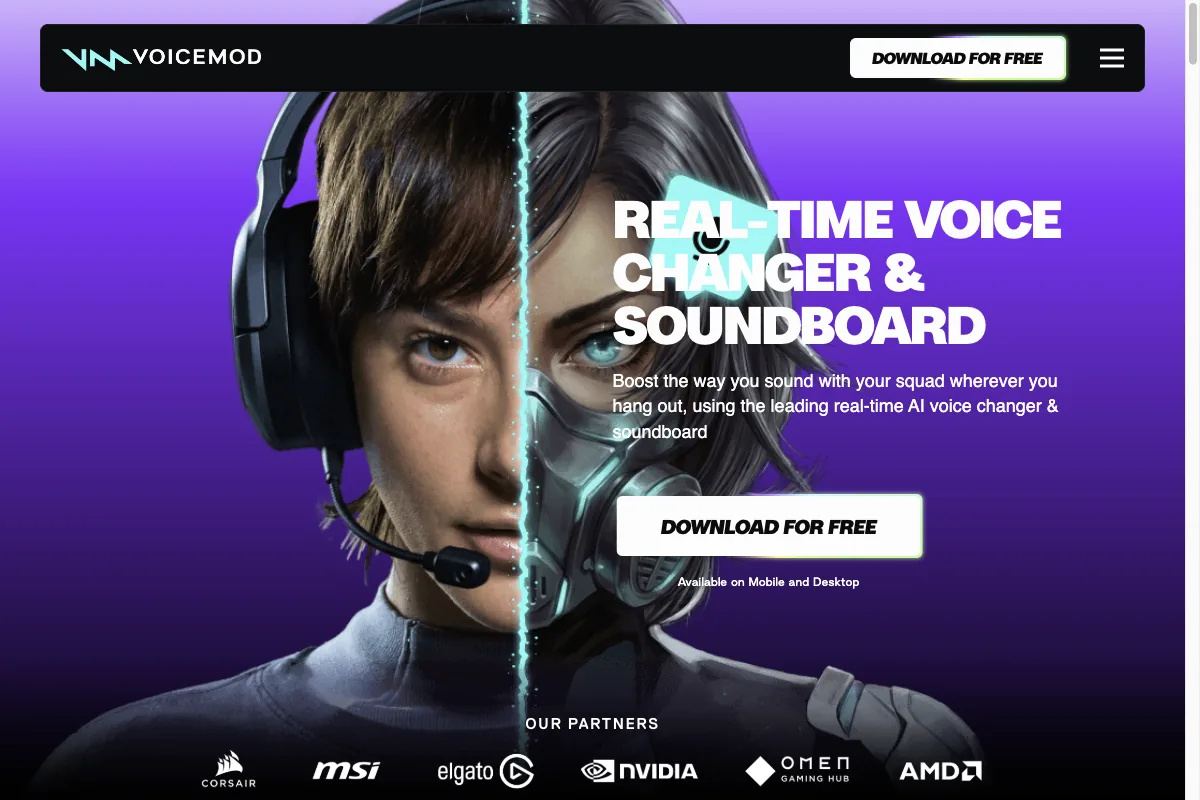
Voicemod is the classic in the gaming space. The app runs as a virtual microphone and pushes your voice in real time through a huge selection of effects and voices. On top of that, there's a built-in soundboard for memes and sounds.
Voicemod is built for fun and low latency, not for maximum realism. For Discord, streaming, and online games, it's exactly right. There's a free version with a limited selection of voices, and the full feature set comes in a subscription. You'll find more on the Voicemod website.
3.3 Voice.ai
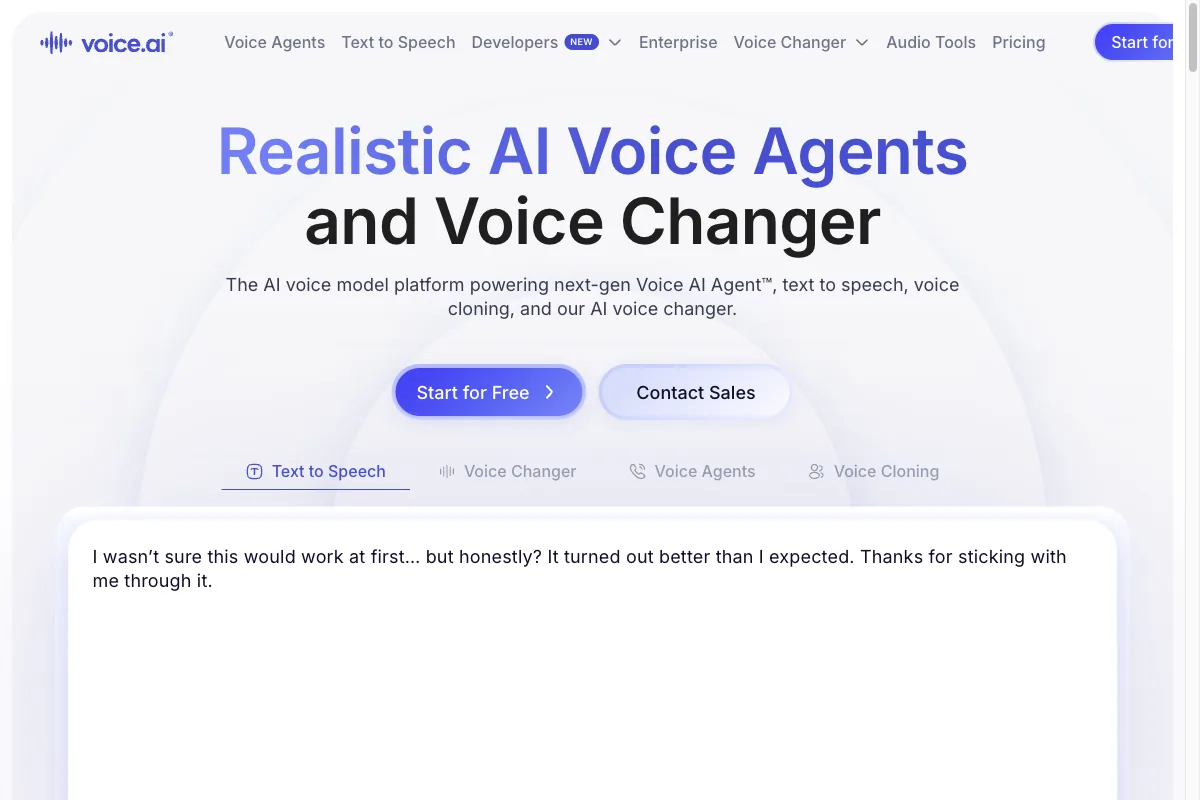
Voice.ai heads in a similar direction to Voicemod and also targets gamers and streamers. Here too, the focus is on real-time conversion with low latency and a large community library of voices.
The appeal lies in the sheer quantity: users share their own voices, so you can pick from a constantly growing catalog. For pure gaming and voice chats, that's a solid alternative to Voicemod. You'll find the details on the Voice.ai website.
3.4 Resemble AI
Resemble AI is less a finished end-user tool and more a platform for developers. The company offers a real-time voice changer API that lets you build voice conversion into your own applications, games, or products.
So if you're not looking for a ready-made app but want to integrate speech-to-speech into your own project programmatically, the Resemble AI website is worth a look. For the streamer on a weeknight, this is overkill. For a development team, it's exactly the right thing.
4. Real Time or Offline? The Latency Question
No matter which tool you pick, one question keeps coming up: should the conversion happen in real time, or is it allowed to take a moment? This decision determines which tool even works for you in the first place.
- Real time: your voice is converted while you speak, perfect for streaming, gaming, and voice chats
- Real time: you hear how you sound right away and can react on the fly
- Offline: usually higher audio quality, because the AI has more time to compute
- Offline: ideal for recordings, voiceover, and dubbing prep where quality beats speed
The rule of thumb is simple.
If you want to interact with others live, meaning stream, game, or chat, you need real time and should aim for the lowest possible latency. If you're after the best possible quality for a finished recording, go with offline mode and give the AI the time it needs for a clean result.
5. Law and Ethics: Where the Line Is
Now comes the part many people want to skip, but it matters. Because a voice changer is a powerful tool, and with that power comes responsibility.
The good news first: the vast majority of uses are completely fine.
Changing your own voice, wanting to stay anonymous, or playing a fictional character, all of that is legal and legitimate. Nobody gets into trouble for sounding like an orc while gaming or protecting their privacy in a voice chat.
It gets tricky in exactly one spot: when you deliberately want to sound like a specific real person in order to deceive others.
A person's voice is one of their personal characteristics, much like their face. Taking on someone else's identity to mislead them can violate personality rights. And the moment intent to deceive or harm comes into play, for example in fraud, it can even become a crime.
So for me, the line is clear.
Anonymity and creative characters are fine. Identity abuse of a specific real person is not. Use a voice changer to protect yourself or to entertain, never to pass yourself off as someone else and cause harm.
6. Conclusion: Which Voice Changer Fits You?
In 2026, an AI voice changer has grown from a toy into a serious tool. Which one to choose depends mostly on what you're planning to do with it.
If you're after gaming, streaming, and fun effects with low latency, Voicemod and Voice.ai are the obvious pick. Both have a free version you can start with right away.
If you instead want a natural-sounding target voice that keeps your emotion and timing intact, say for content or as dubbing prep, there's barely a way around the speech-to-speech engine from ElevenLabs for me. You can test it for free on the Free plan and then decide whether the quality is enough for your project.
And no matter which tool you use: stay on the ethically clean side. Change your own voice, protect your privacy, play creative characters. But never pass yourself off as a specific real person. That's the human in the loop that makes the difference with any AI tech.


