AI tools can take a lot of work off your hands. Whether private, as an employee, freelancer, or entrepreneur.
The problem is:
The market for AI tools is growing extremely fast. There are now an estimated over 15,000 AI tools on the market. And hundreds of new ones are added every month, making tool selection increasingly difficult.
But don't worry:
I've tested hundreds of AI tools for you so you don't have to. In this article, I've compiled the 9 best AI tools currently available. Tools that we use several times a month, several times a week, or even daily.
The best part:
Three of the featured tools are completely free to use, and most others offer free trials or starting credits.
- ElevenLabs combines voice generation, voice cloning, transcription, and music in one platform and is the most versatile AI audio tool on the market
- 3 tools are completely free: Microsoft Copilot, Google Gemini (Basic), and ChatGPT (Basic)
- Fliki leads in AI voices with over 2,000 voices and voice cloning, Midjourney V7 remains the leader in image quality
1. ElevenLabs
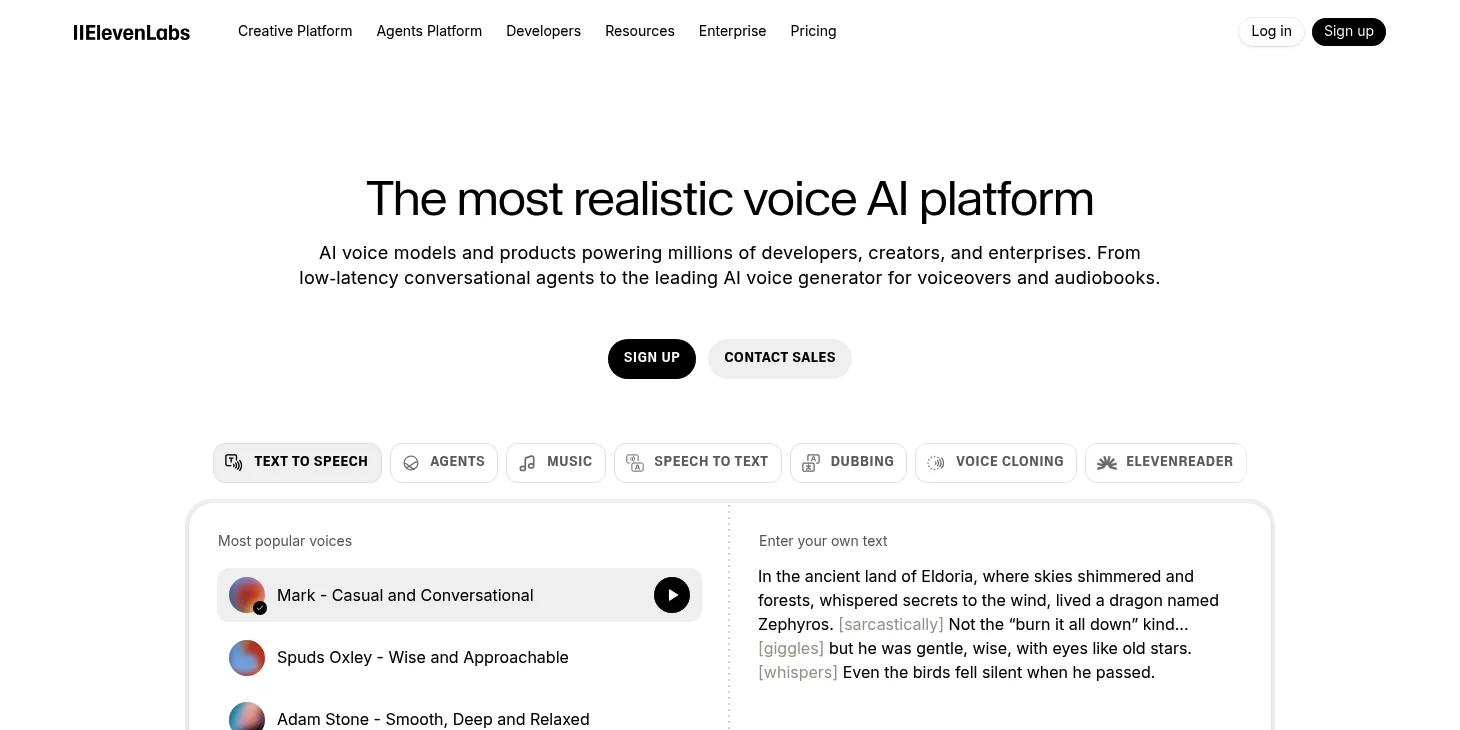
ElevenLabs is the most versatile AI audio tool on the market in 2026, combining multiple functions in one platform: voice generation, voice cloning, transcription, and since August 2025 also music generation.
What makes ElevenLabs special:
First, it offers over 100 voices in multiple languages that rank among the absolute best in our voice generator test. The voices sound natural and are often barely distinguishable from real human voices. Overall, ElevenLabs supports 32 languages with over 3,000 premium voices.
Second, you can clone your own voice with ElevenLabs. This works in multiple languages and is already included in the affordable Starter plan at $5 per month. The Instant Voice Clone feature requires only 1 to 5 minutes of audio material.
Third, ElevenLabs placed first in our transcription software test with a character accuracy of 98.11%. The speech-to-text feature supports 29 languages and delivers exports in PDF, DOCX, JSON, SRT, and other formats.
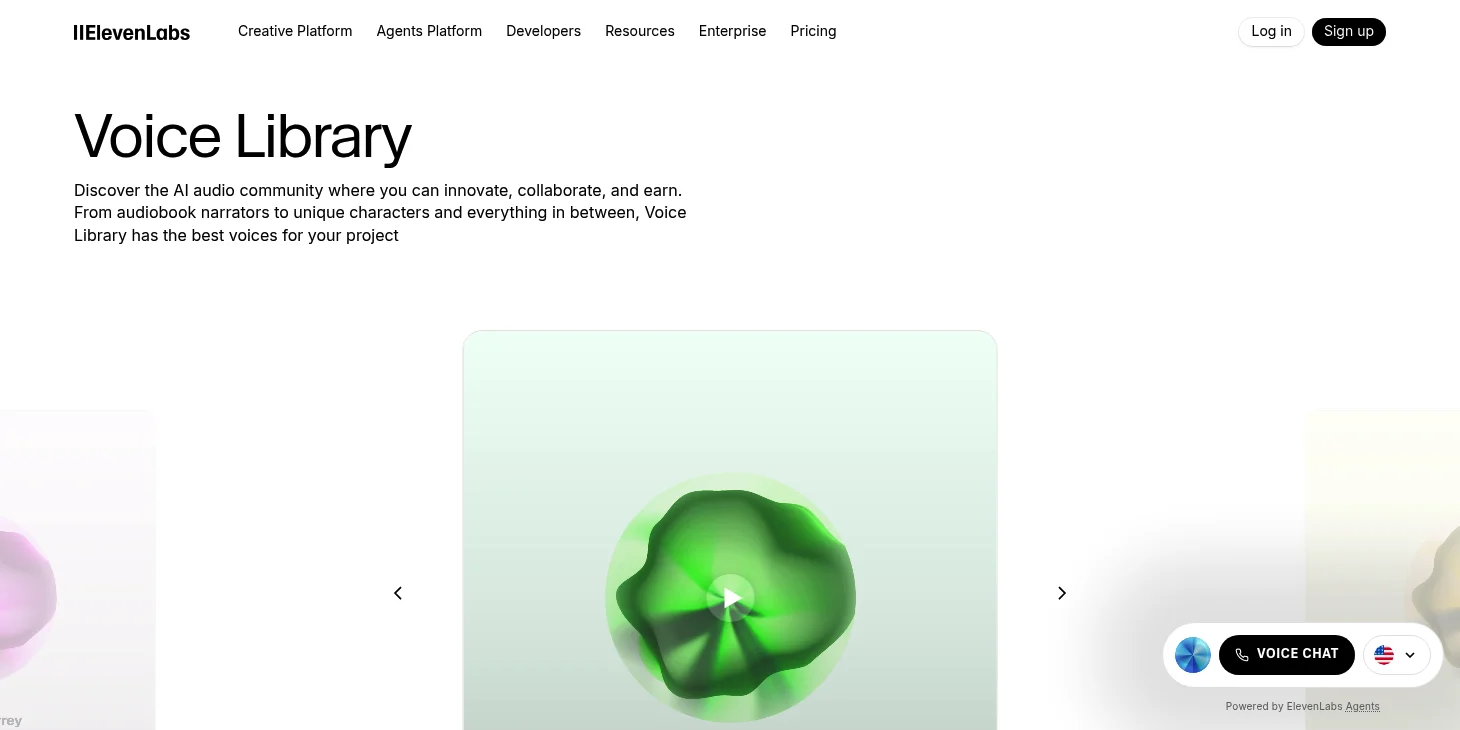
Fourth, in August 2025, ElevenLabs introduced ElevenLabs Music, which placed first in our music generator test. The reason: As the only platform, ElevenLabs offers legally secured commercial licenses through partnerships with the Merlin Network and Kobalt Music Group.
The best part:
ElevenLabs offers a free version with 10,000 credits per month (about 10 minutes of voice generation). The Starter plan costs $5 per month and already includes voice cloning and commercial usage rights.
2. ChatGPT
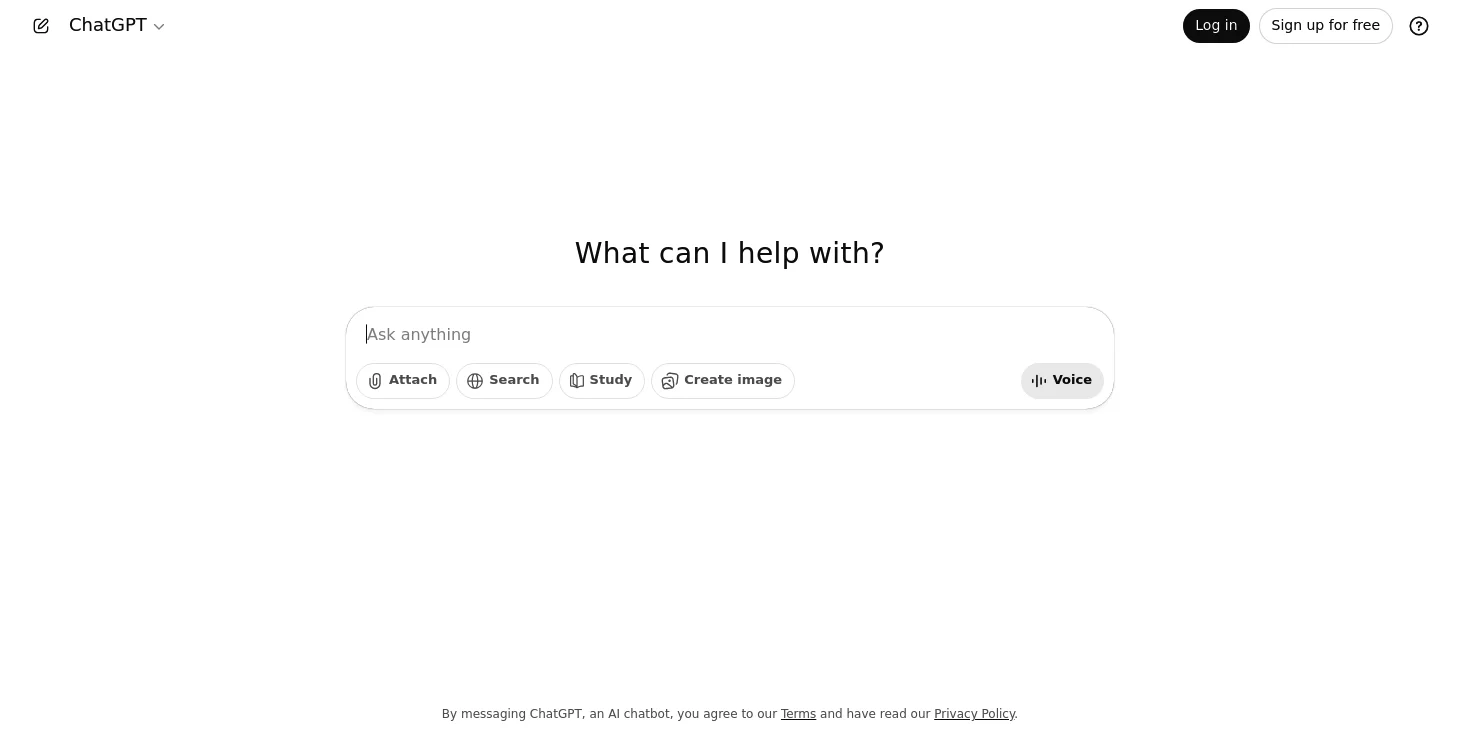
ChatGPT remains the standard chatbot in 2026 and has made an enormous leap with the GPT-5 series. In December 2025, GPT-5.2 was introduced, available in three variants.
The GPT-5.2 model family consists of:
GPT-5.2 Instant is the fast workhorse for everyday tasks and learning. It's available in the free version of ChatGPT (with about 10 messages every 5 hours).
GPT-5.2 Thinking is optimized for more complex tasks and hallucinates 30% less than GPT-5.1 Thinking according to OpenAI.
GPT-5.2 Pro is the smartest and most reliable model for difficult questions where a high-quality answer is worth the wait.
Pricing: ChatGPT Free ($0), ChatGPT Go ($8/month with Instant model), ChatGPT Plus ($20/month), and ChatGPT Pro ($200/month). All models have a knowledge cutoff of August 2025.
Especially exciting for developers: GPT-5.2-Codex is the most advanced agentic coding model and can independently perform complex software engineering tasks like refactorings and migrations.
Image generation: ChatGPT now uses GPT Image 1.5 instead of the outdated DALL-E 3. The new model generates images up to four times faster and leads the rankings for photorealism. The quality is significantly better, especially for hands and facial details.
3. Microsoft Copilot
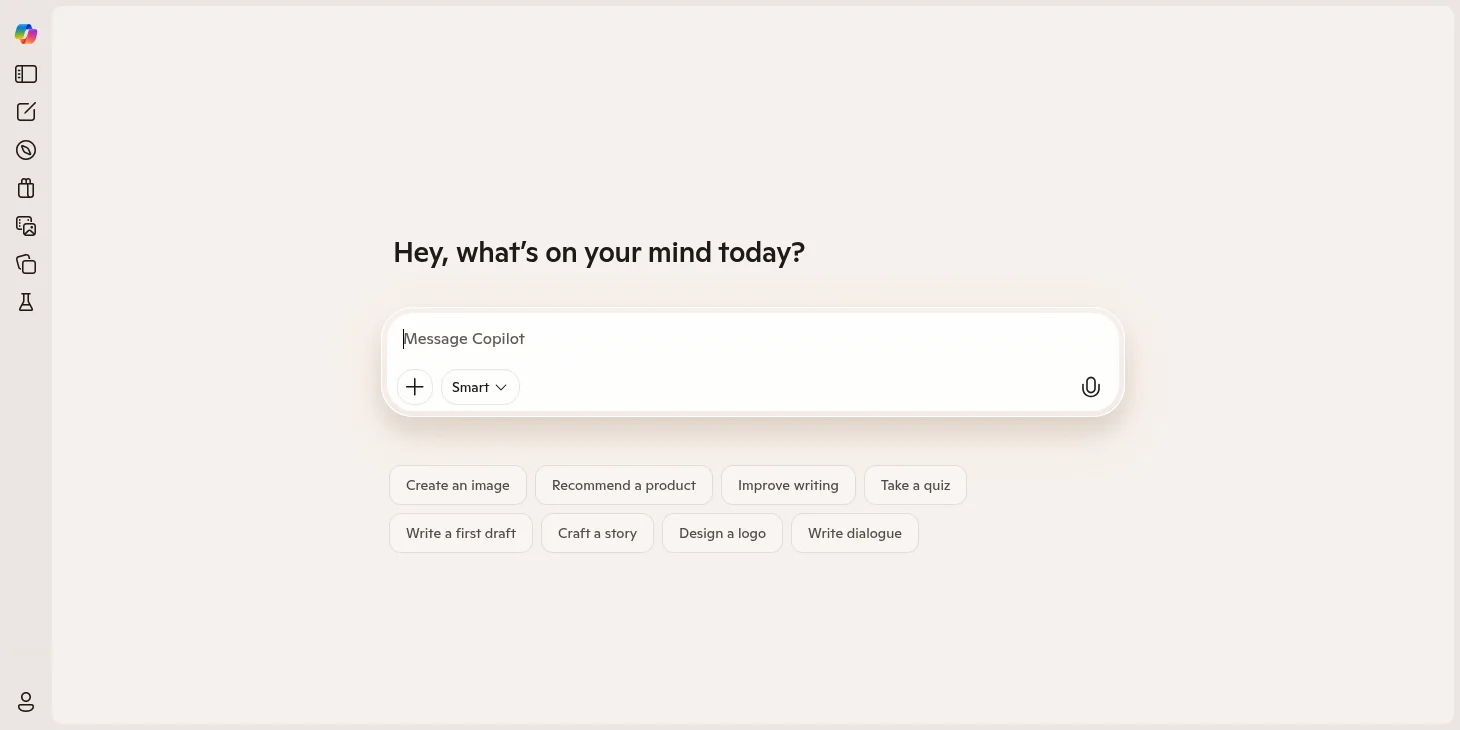
Microsoft Copilot has evolved from a simple chatbot to a system of autonomous AI agents in 2026. These "digital teammates" can independently perform multi-step processes.
The key innovations: With "Share with Copilot," you can now share app windows with Copilot directly from the Windows 11 taskbar and ask questions about the content. Copilot analyzes the content with cloud-based AI.
ContextIQ 2.0 is Microsoft's new intelligence layer: Copilot now has persistent memory and remembers your goals, preferred tone, and project history in Word, Teams, and Outlook.
The best part is:
The basic version is still completely free and usable without registration. Not only via the browser but also as an app for Android or iOS. Copilot uses GPT-4 and offers access to the internet, image generation, and plugins like Kayak, Klarna, and Suno.
Starting July 2026, Microsoft 365 prices will be adjusted, with AI and security features integrated into standard subscriptions.
4. Google Gemini

Google introduced the Gemini 3 series in early 2026, making a massive leap. The new flagship Gemini 3 Pro offers PhD-level reasoning and advanced agentic capabilities.
Gemini 3 Flash is particularly impressive: It offers comparable intelligence to larger models at significantly higher speed. In the Gemini app, you can choose between "Fast" for quick answers and "Thinking" for more complex problems.
Gemini 2.5 remains relevant for many applications: The Thinking model allows developers to control the "Thinking Budget," i.e., how much the model "thinks" before responding. Gemini 2.5 Flash-Lite offers the lowest latency and cost in the 2.5 family.
A major advantage of Gemini (in the Advanced version):
It has a very large context window and can process files with up to (approximately) 500,000 words of text.
New at CES 2026: Gemini for Google TV enables voice control of TV settings, searching personal photos, and deep-diving into topics directly from the TV.
5. Originality.ai

Originality.ai is one of the most popular and well-known AI text detectors on the market and has established itself in 2026 as the leader in detecting the latest AI models.
It can detect AI text created with GPT-5, GPT-5.2, Claude 4 Opus, Claude 4 Sonnet, Gemini 2.5, Gemini 3, DeepSeek V3, and other popular AI writing tools.
The accuracy is impressive: Originality.ai claims 99%+ accuracy across all leading flagship AI models from OpenAI, Google, Anthropic, and DeepSeek.
Particularly important: The tool is robust against AI humanizers and bypasser tools with up to 97% accuracy. Shortly after the release of GPT-5.2 in December 2025, Originality.ai confirmed that GPT-5.2 texts are also reliably detected.
There are three model versions: Lite (99% accuracy, 0.5% false positives), Turbo 3.0.2 (99%+ accuracy, robust humanizer detection), and the new Academic model(99%+ accuracy, <1% false positives, ideal for teachers and students).
6. Fliki
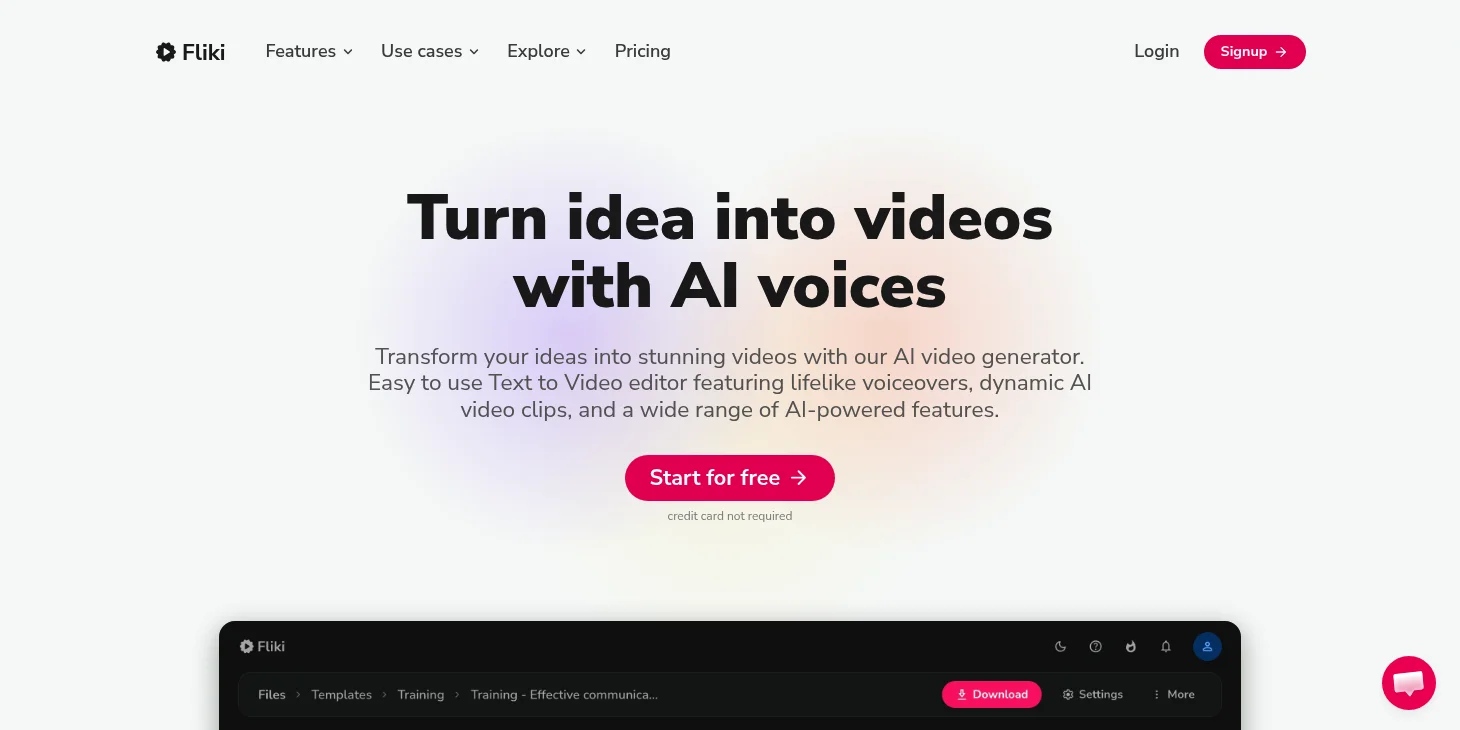
Fliki is the AI voice tool I currently use the most and which performed best in our voice generator test.
And there are many reasons for this:
First, Fliki now offers over 2,000 ultra-realistic voices in over 80 languages. The voice selection is excellent and offers both standard and premium voices with natural intonation.
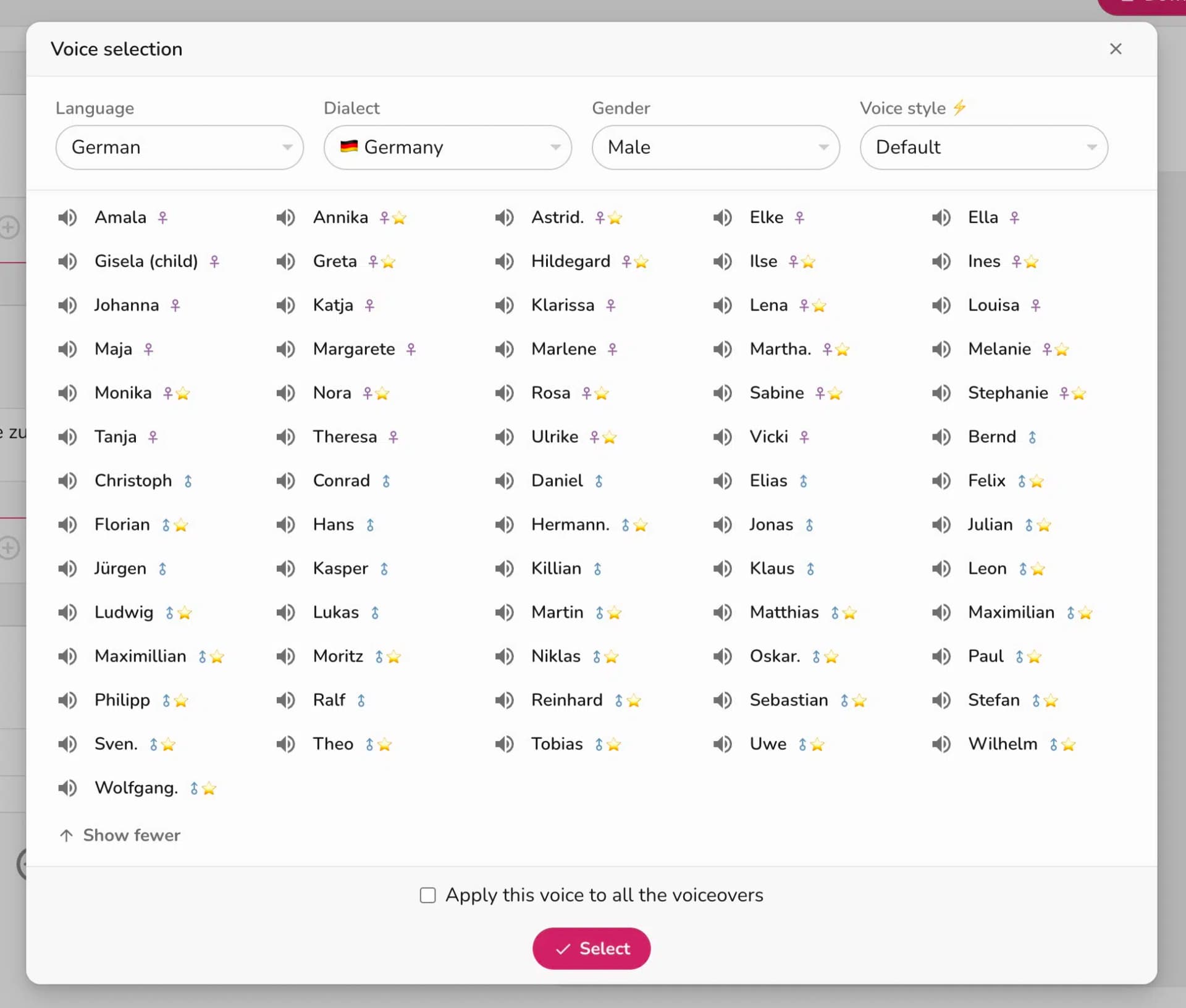
Second, Fliki offers voices with the best quality. The standard voices are qualitatively comparable to those from Murf.ai and play.ht.
The premium voices are significantly better than the standard voices and support emotions. You can add emotions like joy, sadness, or enthusiasm to voices.
Here's a speech example using the first three paragraphs of Franz Kafka's "The Castle":
Third, Fliki offers voice cloning, allowing you to clone your own voice:
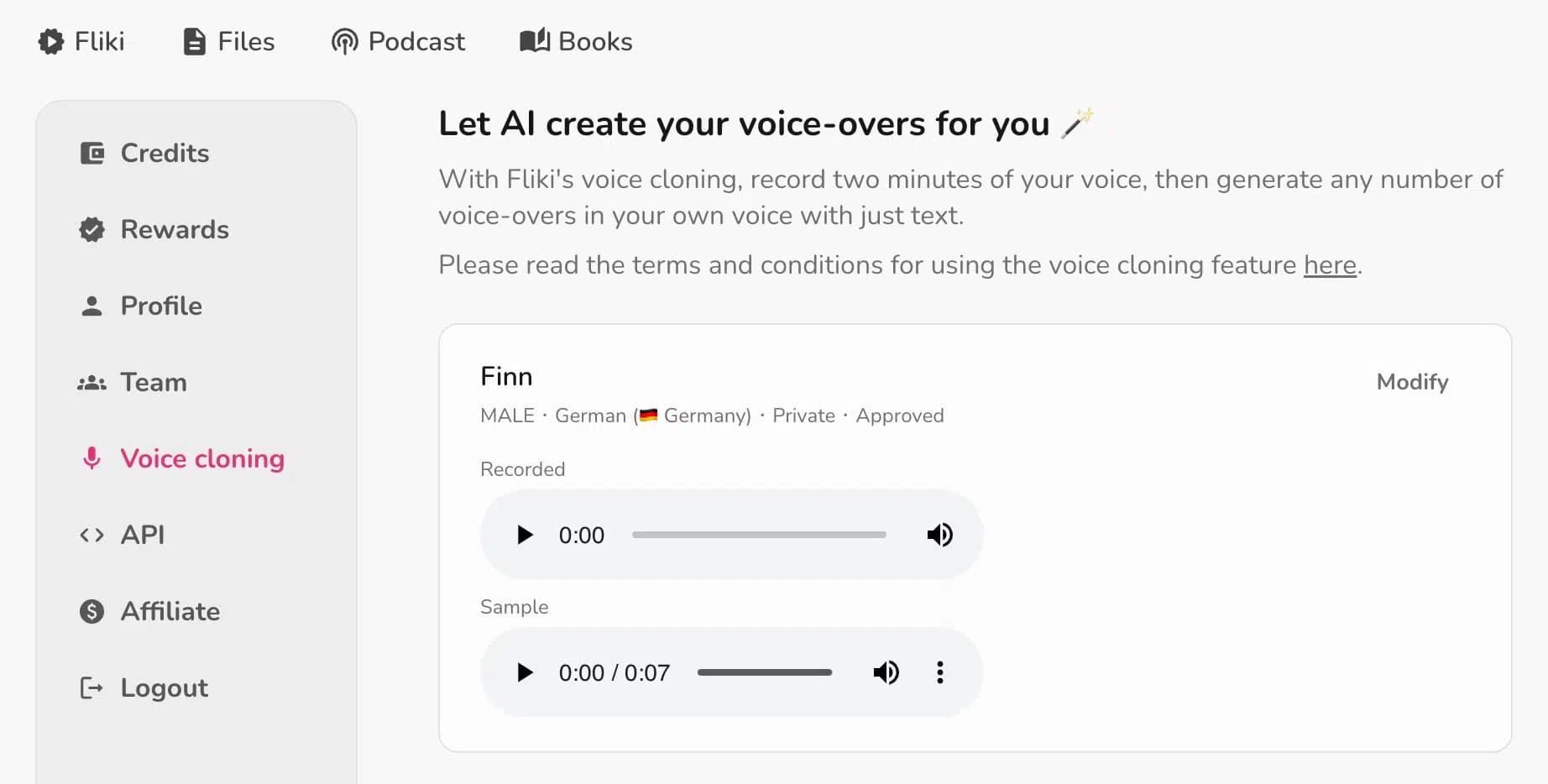
Pricing: There's a free version with 5 minutes per month. The Premium package costs $88 per month and includes voice cloning, extended storage, and API access.
7. Sonix.ai
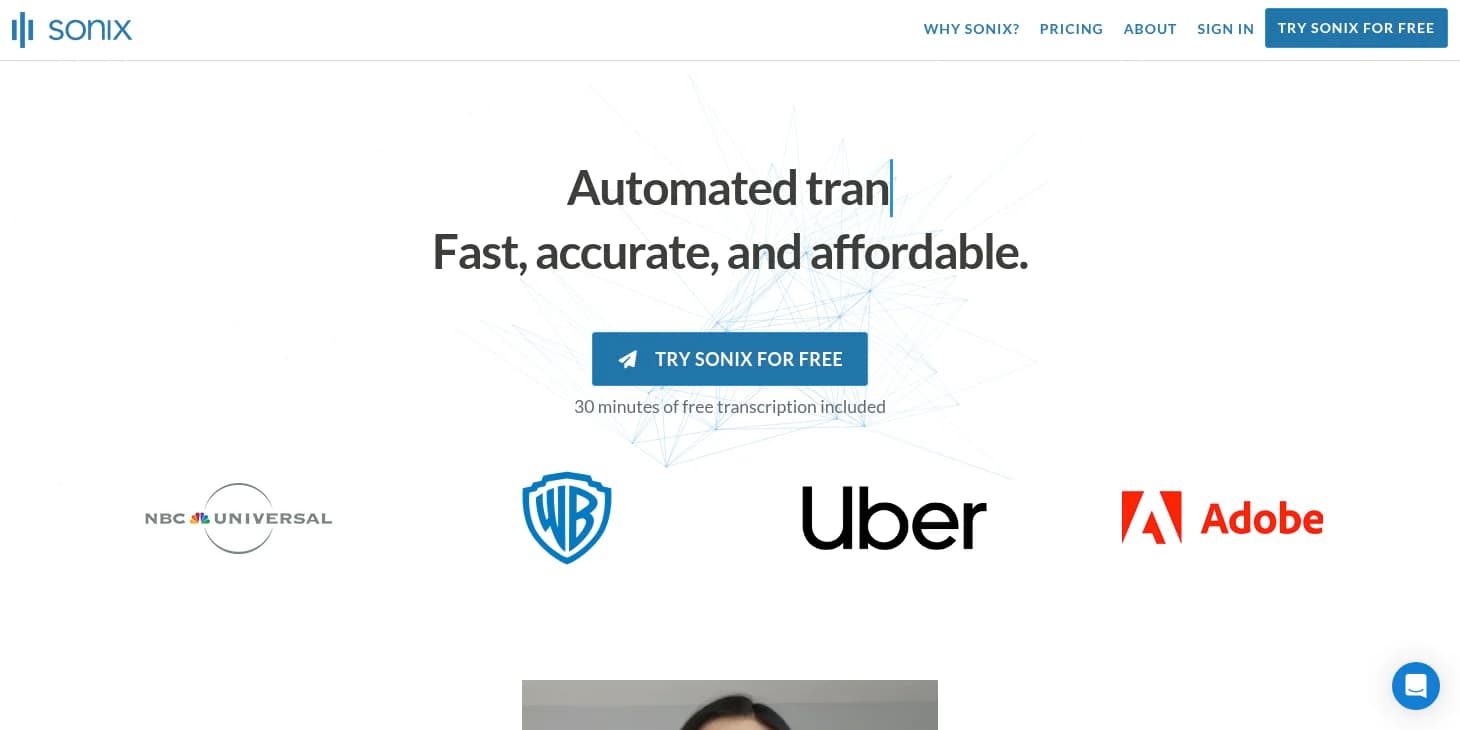
Sonix.ai is one of the best tools for AI transcription. It impresses with high accuracy of 95 to 97% (up to 99% under optimal conditions), fast transcription speed, and easy operation.
Sonix.ai supports transcription in over 53 languages. The tool also offers AI summaries that can convert transcripts into bullet points or paragraphs.
Pricing: Standard costs $10 per hour (pay-as-you-go), Premium costs $22 per user per month plus $5 per hour and offers API access, custom dictionaries, and 100 GB storage.
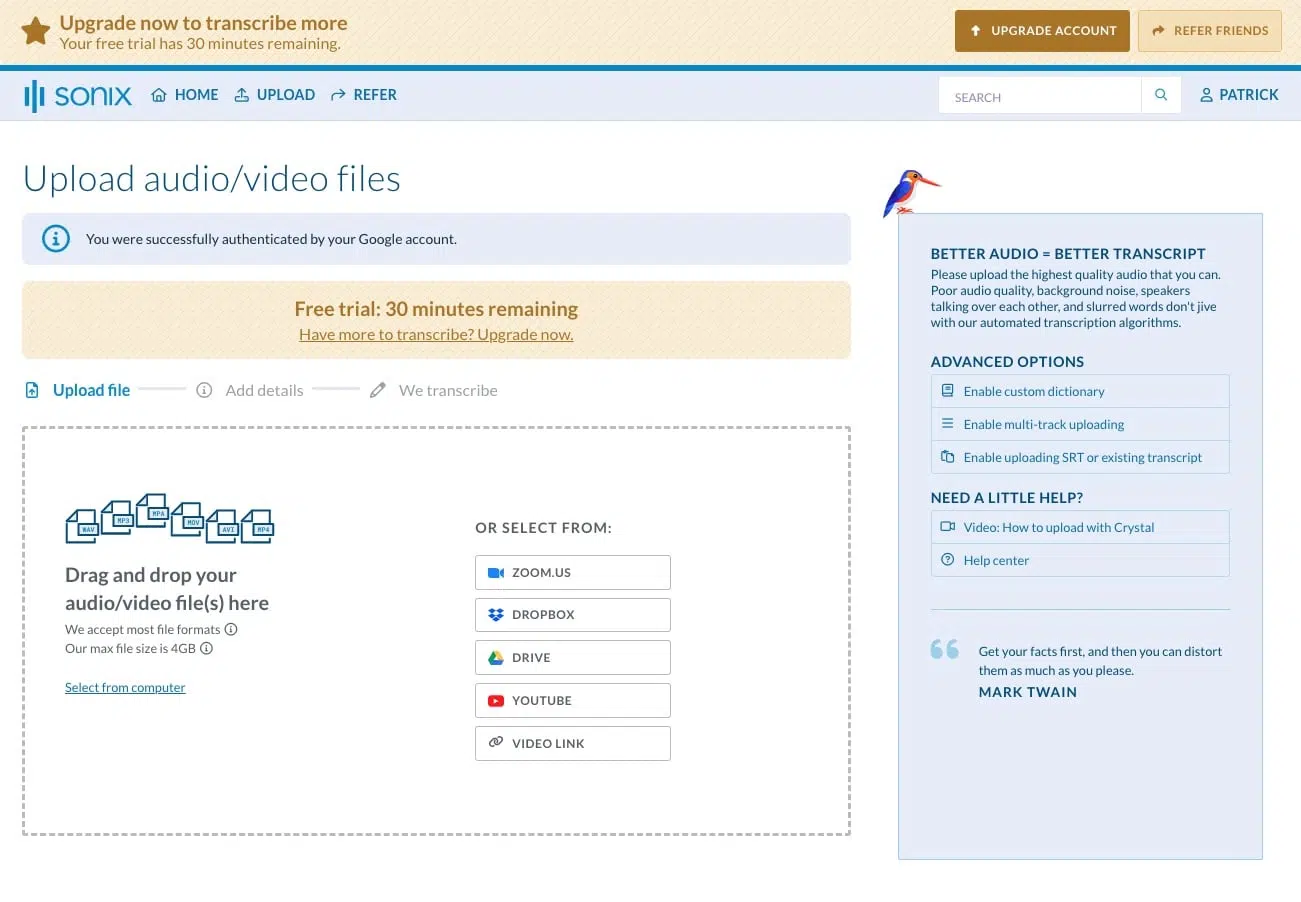
The design is clear and user-friendly. The interactive editor also leaves nothing to be desired. Confidence scores show color-coded which words or phrases may need manual review.
The AI tool is SOC 2 Type 2 certified and GDPR compliant, qualifying it for enterprise use.
8. HeyGen
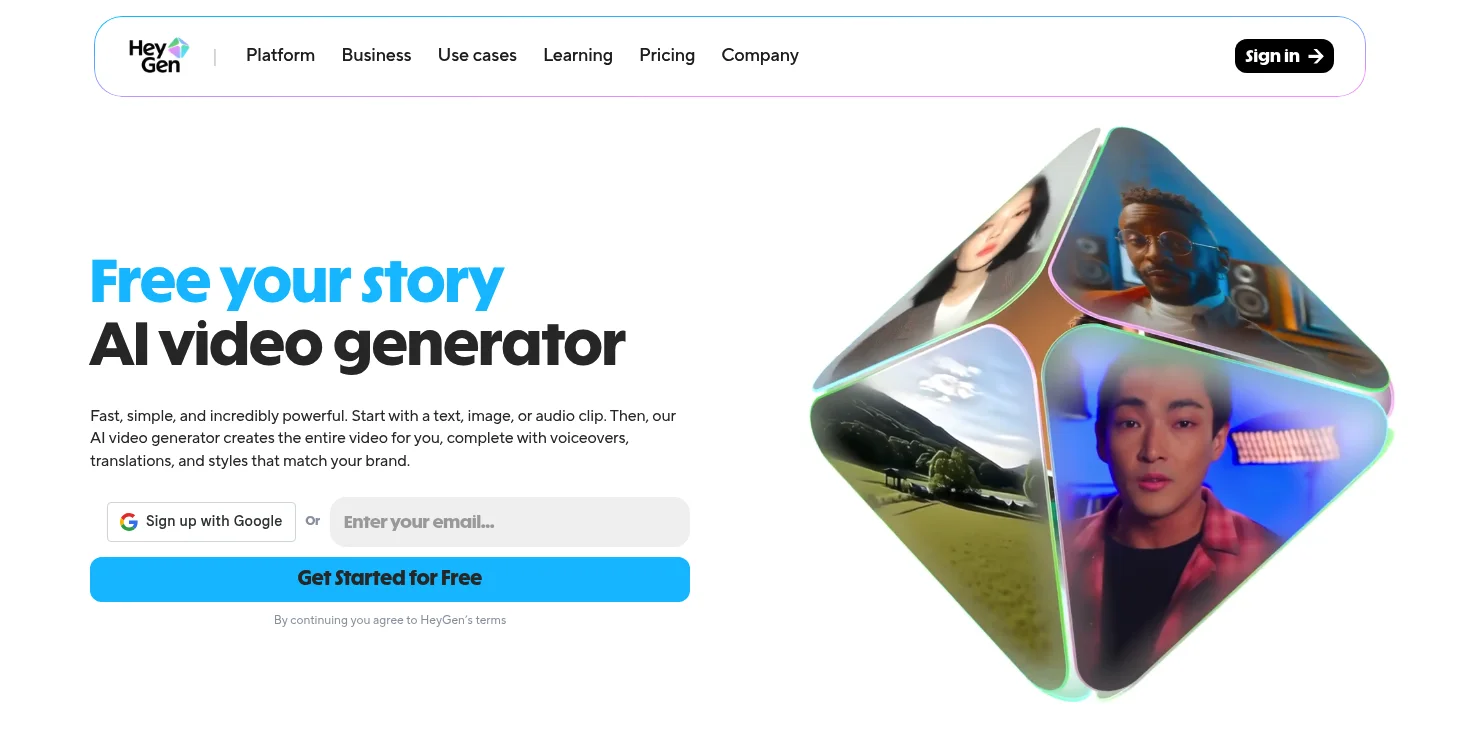
HeyGen has established itself as one of the leading AI avatar generators and AI video generators. With over 230 stock avatars and the ability to create custom avatars, HeyGen offers enormous flexibility.
In late 2025, the GenCredits system was introduced, a new currency for advanced AI features. Additionally, Avatar IV was unveiled, the most realistic avatar technology yet.
Also new are Interactive Video Agents: Real-time conversational avatars for customer support, coaching, or education. These respond to questions in real-time and can conduct complex dialogues.
Photo Avatar
With HeyGen's "Photo Avatar," you can create a speaking AI avatar from a photo of yourself:
Instant Avatar
The "Instant Avatar" is your "digital twin." You record a video of yourself and can then create further videos based on text inputs:
Pricing: Creator costs $24 per month (annually) or $29 monthly. The Team plan ($39 per seat) is no longer available for new customers starting January 2026. Video Translation enables translation into over 175 languages with lip synchronization.
9. Midjourney
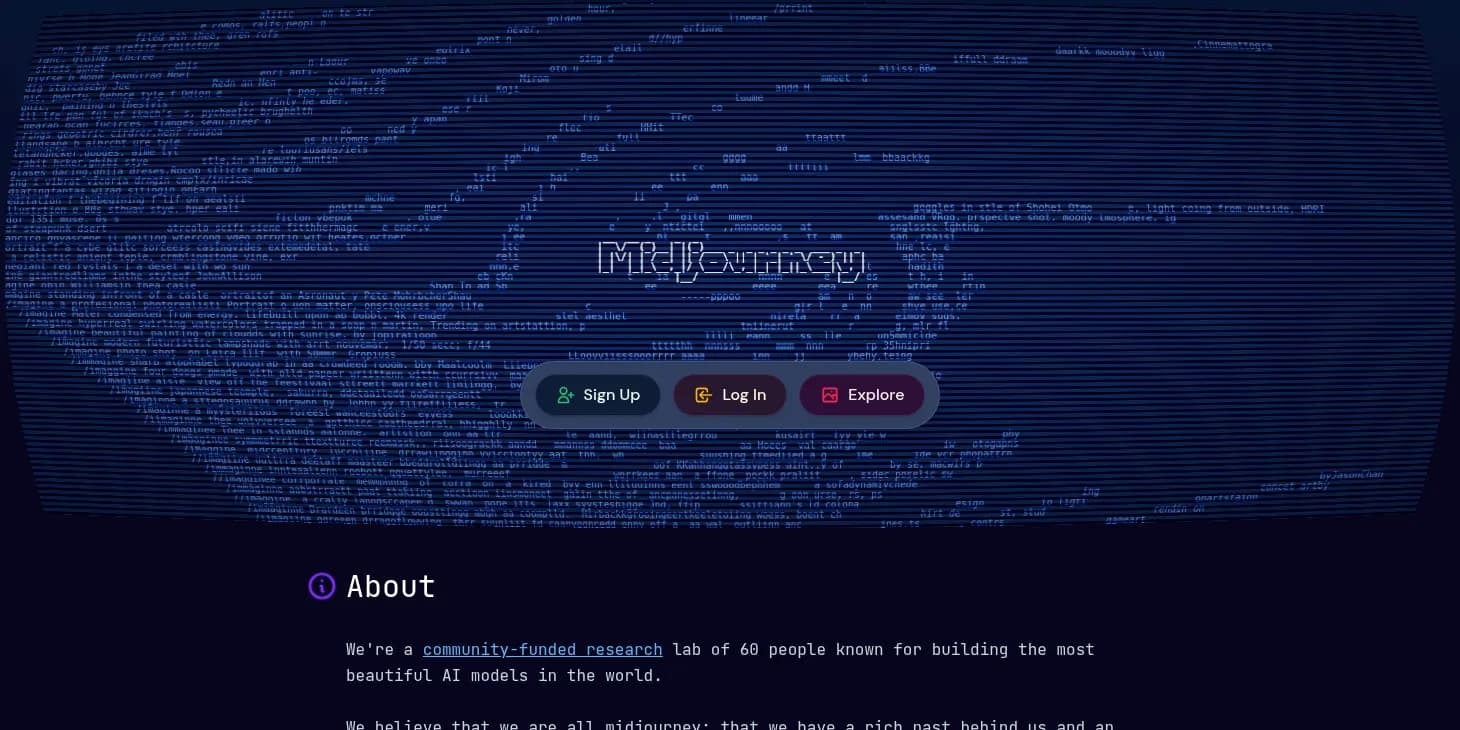
Midjourney remains the AI tool in 2026 that stands out with the best image quality in our image generator test. With Version 7 (April 2025) came the biggest update yet.
The key V7 innovations:
Voice-based prompts: You can now create images via voice input without having to type or formulate prompts.
Personalization: On first launch, you rate about 200 images, which teaches V7 your personal style and adjusts future generations accordingly.
Video tools: V7 can create 60 seconds of video from six images in about three hours.
Niji 7 was introduced on January 9, 2026, and offers significantly improved coherence for anime and Eastern aesthetic styles.
It also offers many advanced customization options, such as parameters. These allow you to generate images exactly the way you want them.
Pricing: Basic ($10/month), Standard ($30/month), Pro ($60/month), and Mega ($120/month). Important: V7 uses 2x more GPU time than V6 but is included in all existing subscriptions at no extra charge.
Midjourney's AI images are often colorful, vibrant, and dynamic. They contain many details, complex textures, and lighting effects. In short, you're rewarded with a unique image quality that is (partially) miles ahead of other image generators.