Parameters do more than move a slider. They give Midjourney concrete instructions for a format, result variety, stylization, references, or the random starting point. That is the difference between one successful image and a workflow you can understand.
Midjourney's current default version is V8.2. Older guides often mix commands from V5, V6, or V7 into one prompt. That can produce an error or a result that no longer resembles the examples. This guide separates current V8.2 workflows from version-specific parameters.
- V8.2 is Midjourney's current default. Check which version every older prompt was written for.
- For most image prompts, --ar, --c, --raw, --s, --seed, --no, and when needed --sref with --sw are enough.
- Not every combination is valid. --q belongs to V6 and V7, while --oref belongs to V7. Draft mode works in V8.1 and V8.2 only on midjourney.com.
The current parameter overview
Midjourney maintains a full parameter list. This table focuses on the commands that matter for day-to-day V8.2 work and makes the important exceptions visible.
| Parameter | Purpose | Context |
|---|---|---|
| --ar or --aspect | Aspect ratio | V8.2, default 1:1 |
| --c or --chaos | More variety between results | V8.2, 0-100, default 0 |
| --raw | Reduce automatic default styling | V5.1 and later, not another model |
| --s or --stylize | Control creative interpretation | V8.2, 0-1000, default 100 |
| --seed | Set a comparable random starting point | V8.2, for testing, not style storage |
| --no | Exclude elements | V8.2, multiple terms can use commas |
| --sref and --sw | Style reference and its influence | Style Reference from V6, --sw 0-1000 |
| --iw | Influence of an image prompt | Supported, range depends on the model |
| --tile | Seamless repeating pattern | V8.2, check edges after upscaling |
| --edit | Edit an image with text and references | V8 Edit Model |
| --sd or --hd | Standard or HD output | V8.1 and V8.2, HD at 2048 px |
| --p or --profile | Personalization profile or moodboard | Check availability and profile type |
1. Set the model version first
Use --v to select a model version. Without an explicit version, Midjourney uses V8.2. V8.2 replaced Omni Reference, Character Reference, and Retexture with the Edit Model. V7 was the default from June 17, 2025 to June 9, 2026, and remains relevant when you deliberately reproduce a prompt from that period.
The version overviewshould be your first stop when Midjourney rejects a parameter. It also documents the feature matrix for V6, V7, and V8.1/V8.2.
| Parameter or feature | Availability | What it means |
|---|---|---|
| --q | V6 and V7, not V8.1/V8.2 | The historic Quality examples below are not a V8.2 recipe. |
| --draft | V7 plus V8.1 and V8.2 on midjourney.com | The workflows differ by version. |
| --oref | V7 | Use the Edit Model in V8 instead. |
| --turbo | V6 and V7, not V8.1/V8.2 | Do not plan on it in a V8.2 prompt. |
| --niji 7 | Niji model line | A separate anime and illustration direction. |
| Multi-Prompting | V6 | Double colons from older prompts are not a V8 feature. |
2. Aspect ratio with --ar
--ar or --aspect controls the width-to-height ratio, not the final pixel dimensions. V8.2 defaults to 1:1. Common choices are --ar 2:3for a portrait orientation, --ar 4:3 for a moderate frame, --ar 16:9for widescreen, and --ar 9:16 for vertical content.
Use whole numbers only. --ar 139:100 works, while --ar 1.39:1does not. The documentation lists a maximum of 14:1 for V8.2, or 4:1 for HD images. Extremely wide or tall formats are experimental, and an upscaler can slightly alter final dimensions.
3. Variety with --chaos
--chaos, or --c, controls how different the four images in one job can be. The range is 0 to 100 and the default is 0. Higher values create more daring alternatives, but can move further away from the text prompt.
Start low when you are searching methodically. Raise the value in steps when you have not decided on a visual direction. A high chaos value is not a quality control. It produces more varied compositions.
4. Refine the look: --raw and --stylize
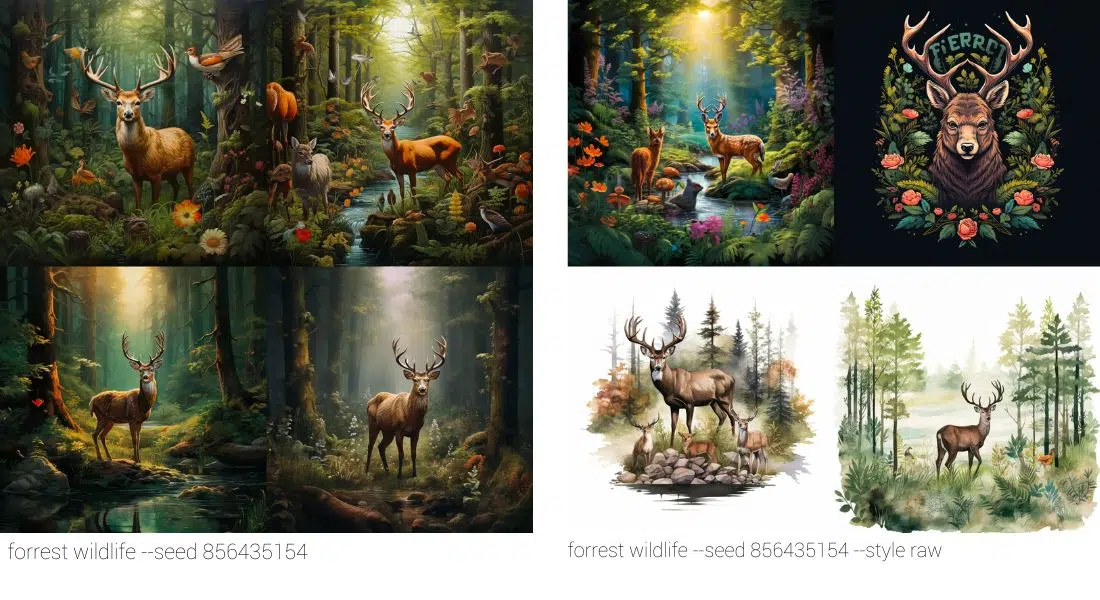
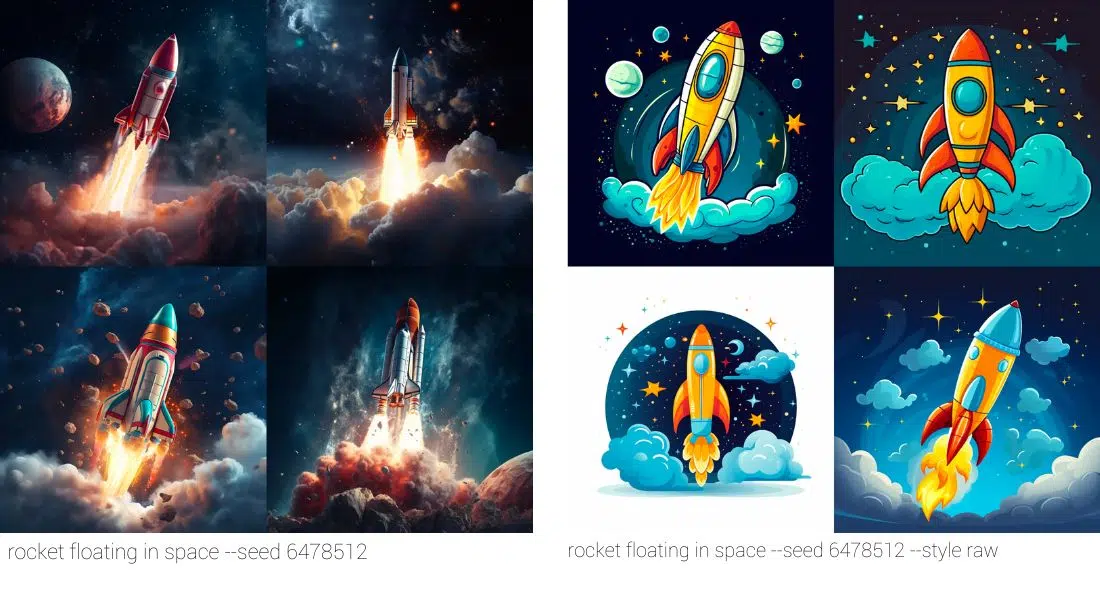
--raw reduces Midjourney's automatic default styling. With simple prompts it can produce more restrained or photographic images. With detailed prompts it gives you more influence over the visual direction. Raw is compatible with version 5.1 and later. It does not select a separate Midjourney model.
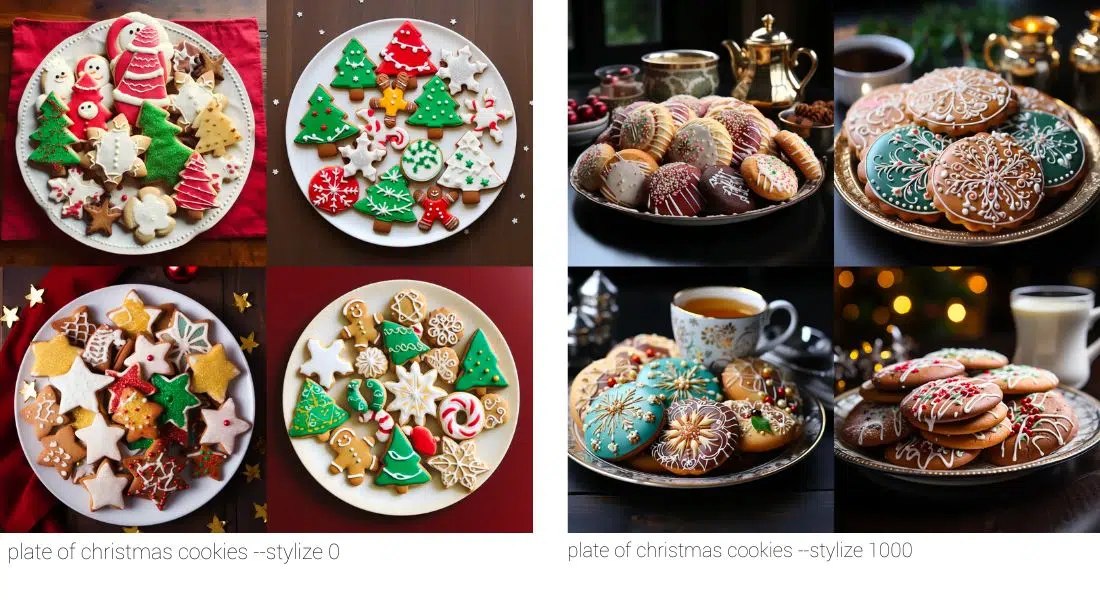
--stylize, or --s, controls how much creative freedom Midjourney gets while interpreting the request. Current versions allow values from 0 to 1000, with 100 as the default. A lower value tends to follow named details more directly. A higher value gives the model's own aesthetic more room.
editorial portrait of a ceramicist in a sunlit studio, natural texture --ar 2:3 --raw --s 75 --c 15 --seed 12345Use the prompt as a test setup, not as a style guarantee. Change one factor per run, such as --s first and then --c. That makes it possible to see which change belongs to which parameter.
5. Exclude, test, and repeat
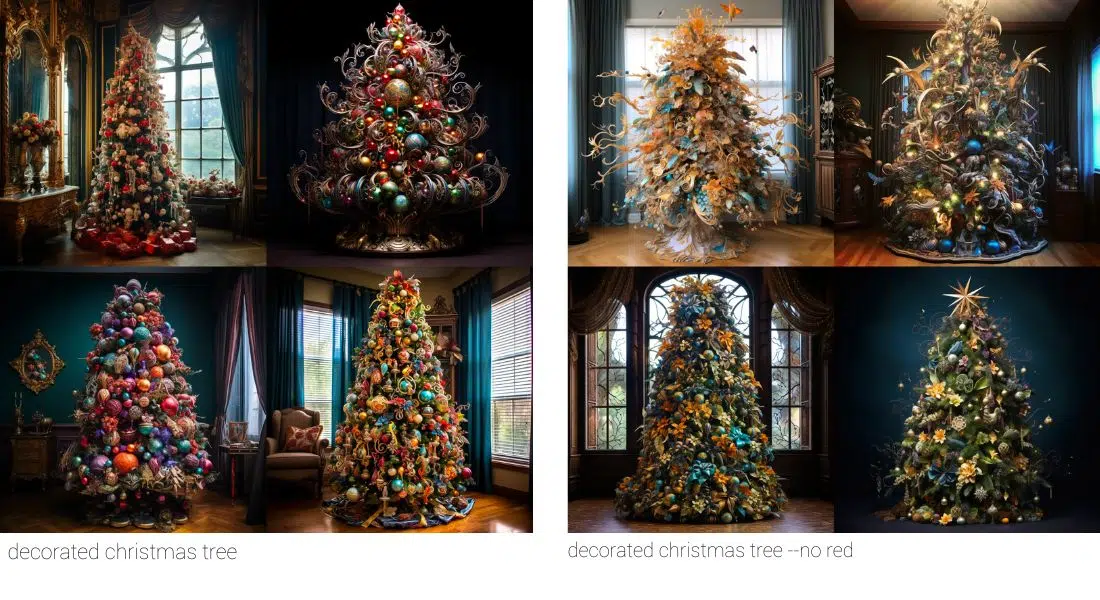
--no
Use --no to exclude elements. Separate a list with commas, for examplestill life gouache painting --no fruit, apple, pear. State desired content positively where you can. Moderation can interpret terms in a compound negative separately.
--seed
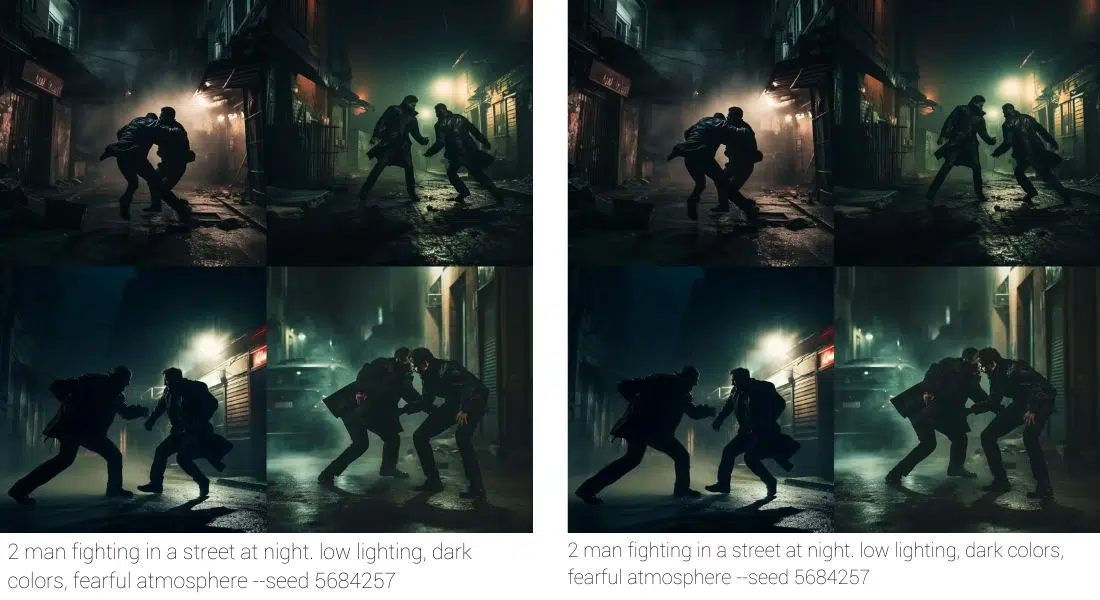
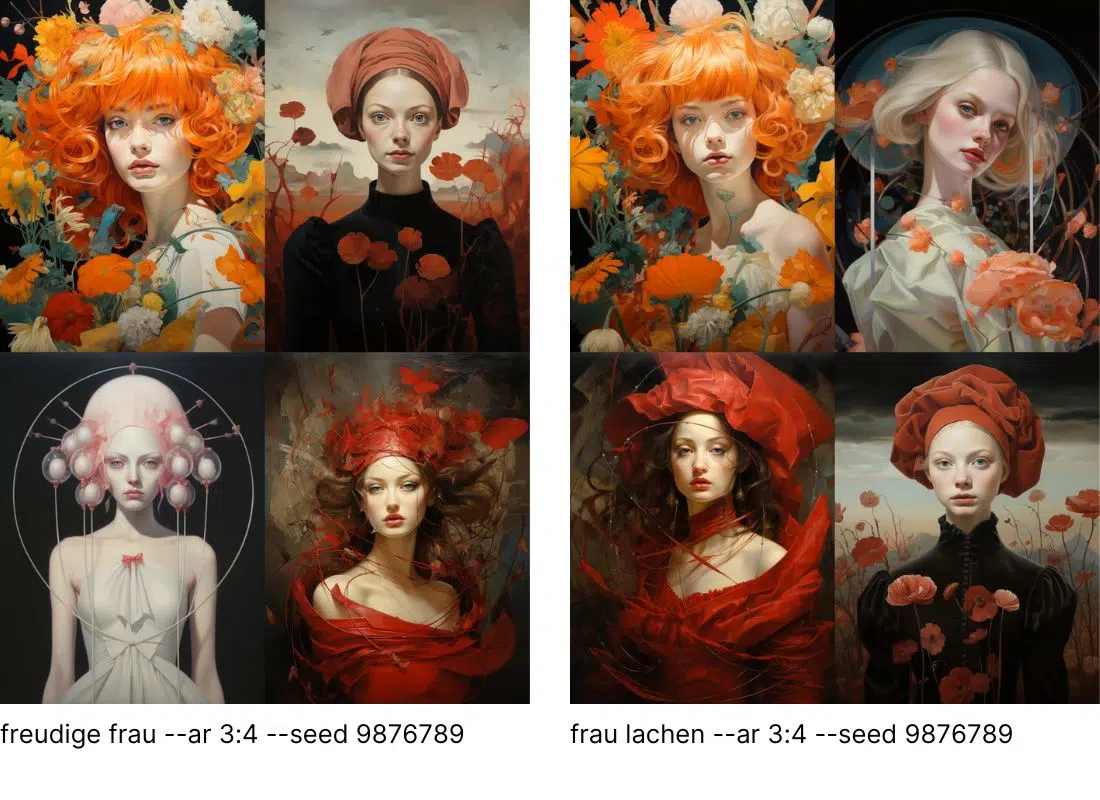
A seed is the random starting point for the generation. With --seed you enter a whole number from 0 to 4,294,967,295. It is useful when comparing two prompt phrasings. Midjourney says V8.X seeds are 99% identical, but model version, prompt, parameters, and session can still change a result.
A seed does not store a character, a style, or visual identity. Style References and a personalization profile are better tools for consistent style. Do not use Turbo when you need seed locking to make a reliable comparison.
--repeat
--repeat, or --r, runs the same prompt multiple times. The available range depends on your subscription. Repeat only works in Fast or Turbo, not Relax, and every run uses GPU time like an individual job. The finished prompt strips the command, so you need to add it again when you run the prompt later.
6. Use image references well
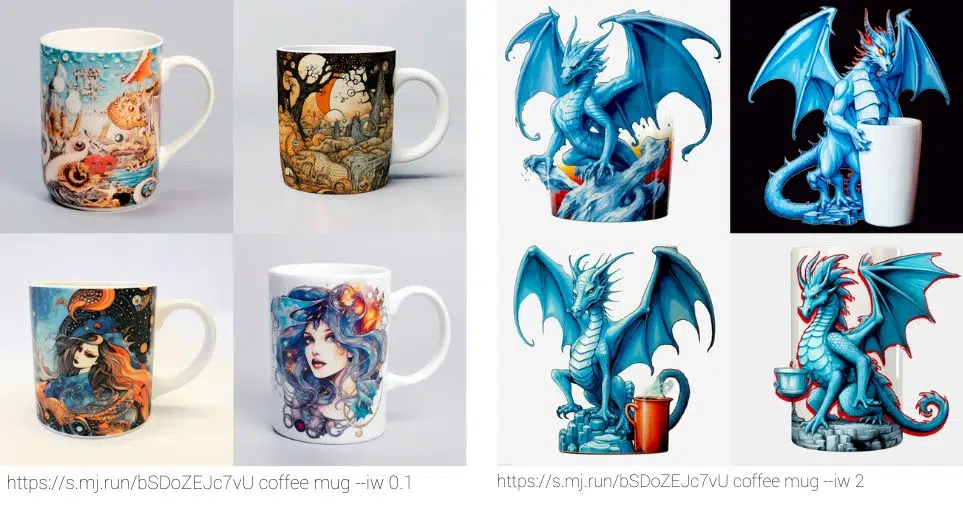
Image Prompt and --iw
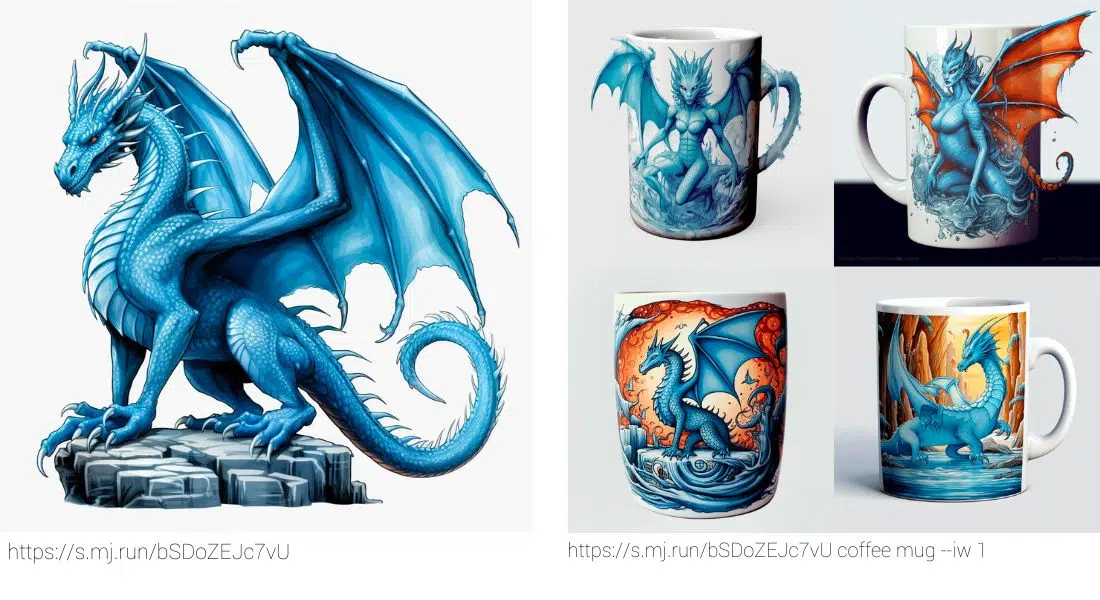
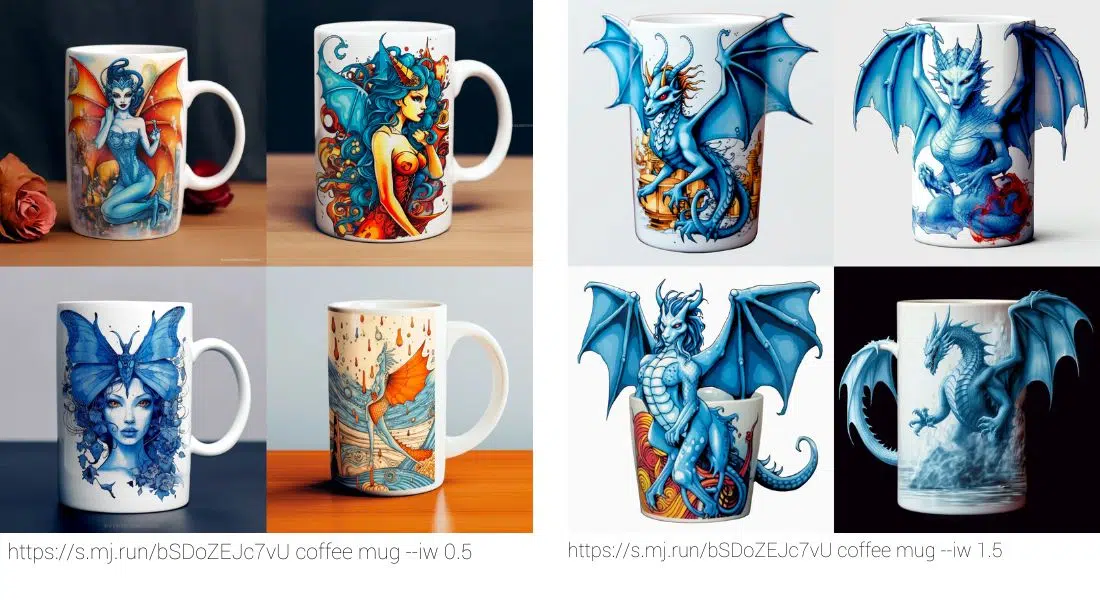
An Image Prompt gives Midjourney visual hints about content, shape, color, or composition. It does not copy the reference exactly. --iw controls the influence of the image reference relative to the text prompt. Its supported range depends on the model, so check the documentation for the version you selected instead of copying a number from a V6 or V7 tutorial.
Style Reference with --sref and --sw
A Style Reference carries across visual language, including colors, textures, lighting, or medium. It does not carry across the objects or people in the image. It works from V6. In Discord, --sref is followed by a publicly accessible image URL. Use--sw to control its influence from 0 to 1000, with 100 as the default.--sw is not compatible with moodboards.
Personalization and the Edit Model
--p, or --profile, activates a personalization profile or moodboard. Profile types differ by version. A Global V7 profile works with V8.1 and V8.2, while V8 profiles do not work with V7. For deliberate image changes, V8 uses the Edit Model with --edit and up to four reference images.
7. Tile, Weird, and V8 resolution
--tile
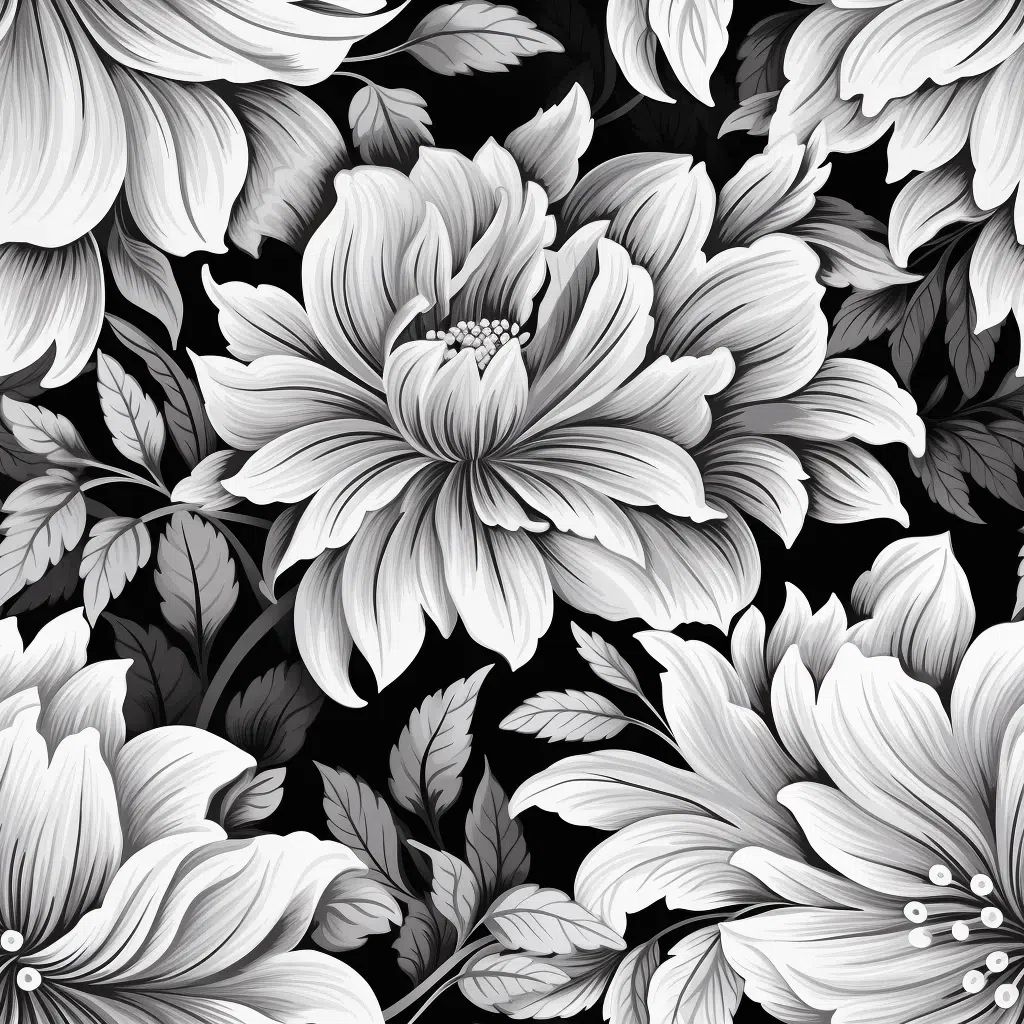
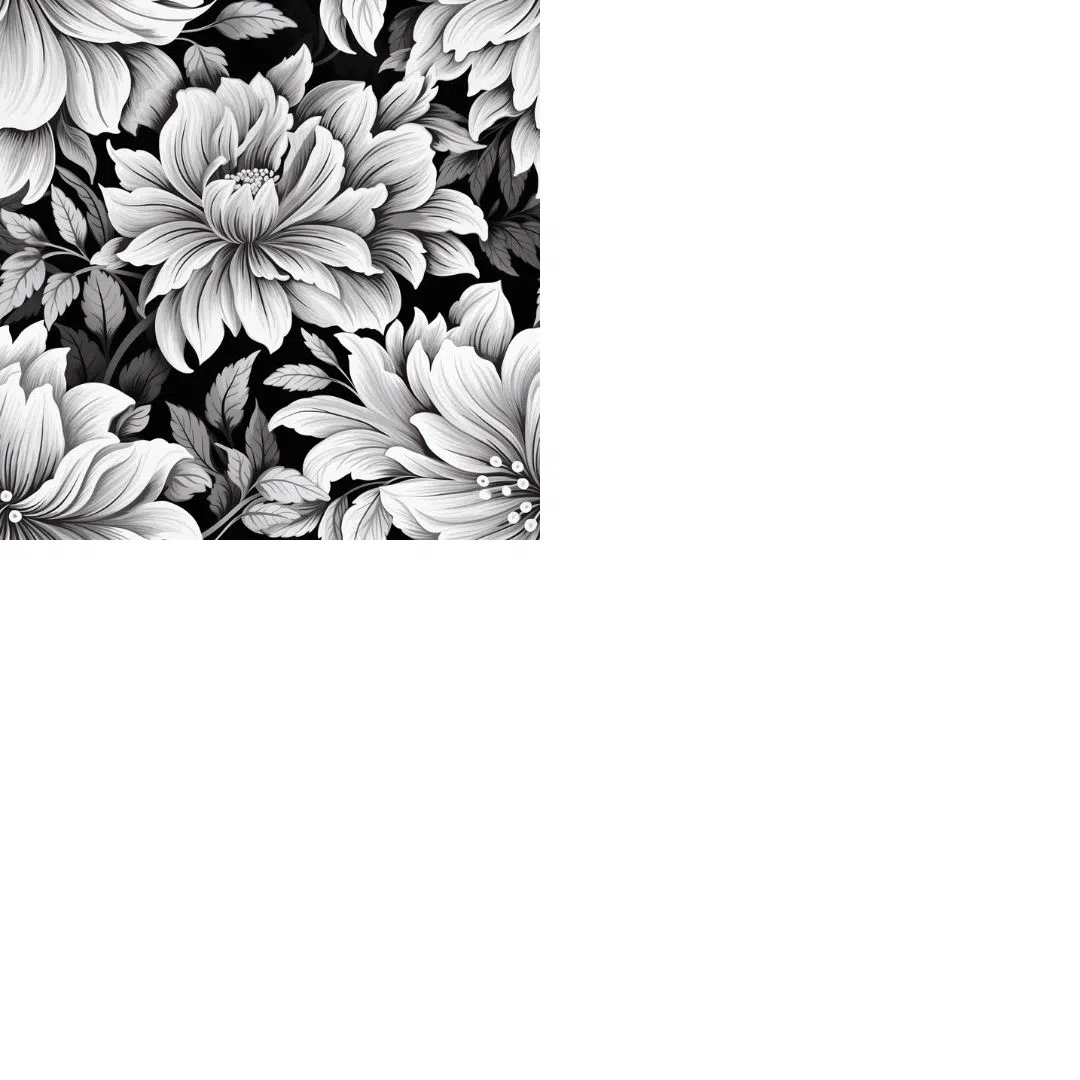
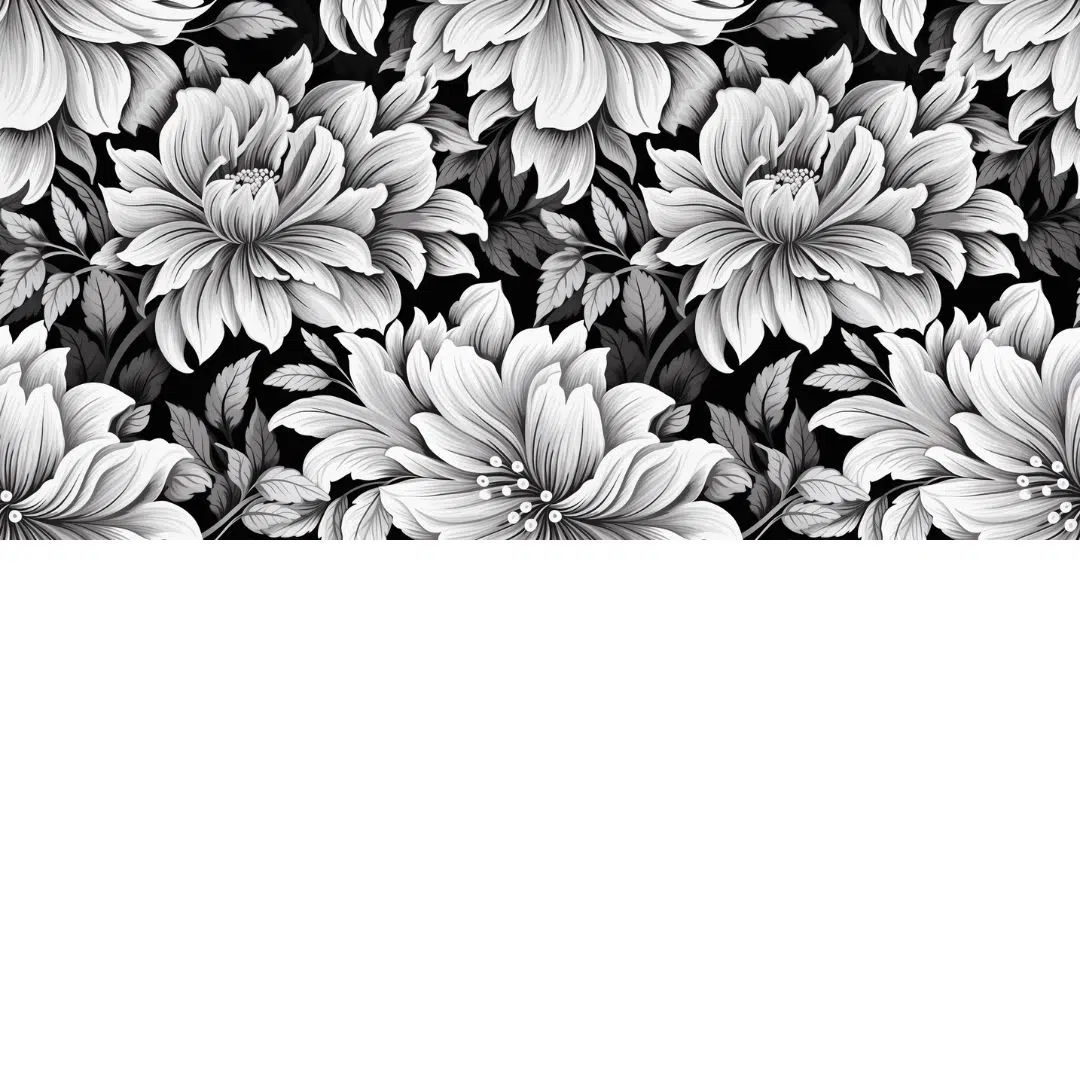
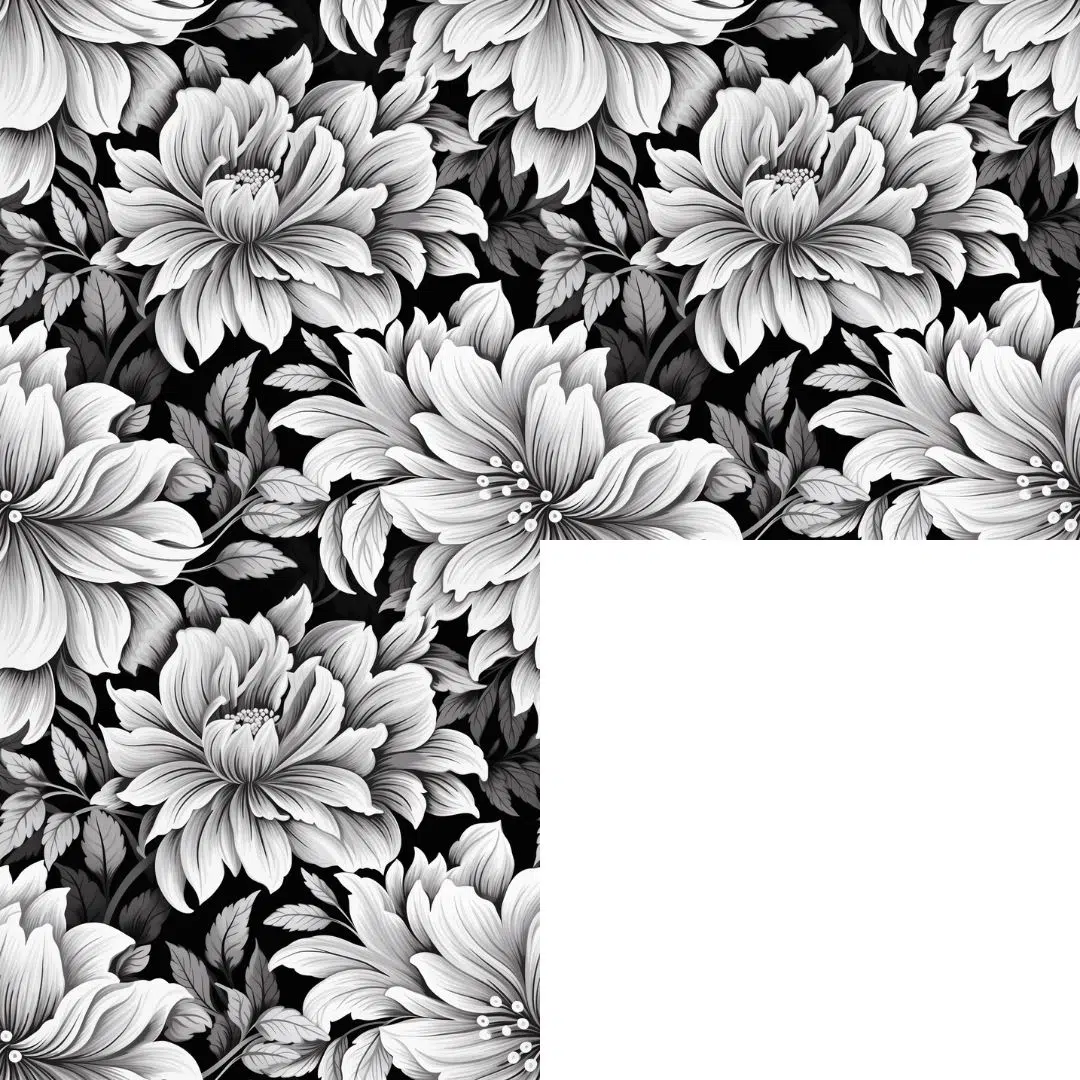
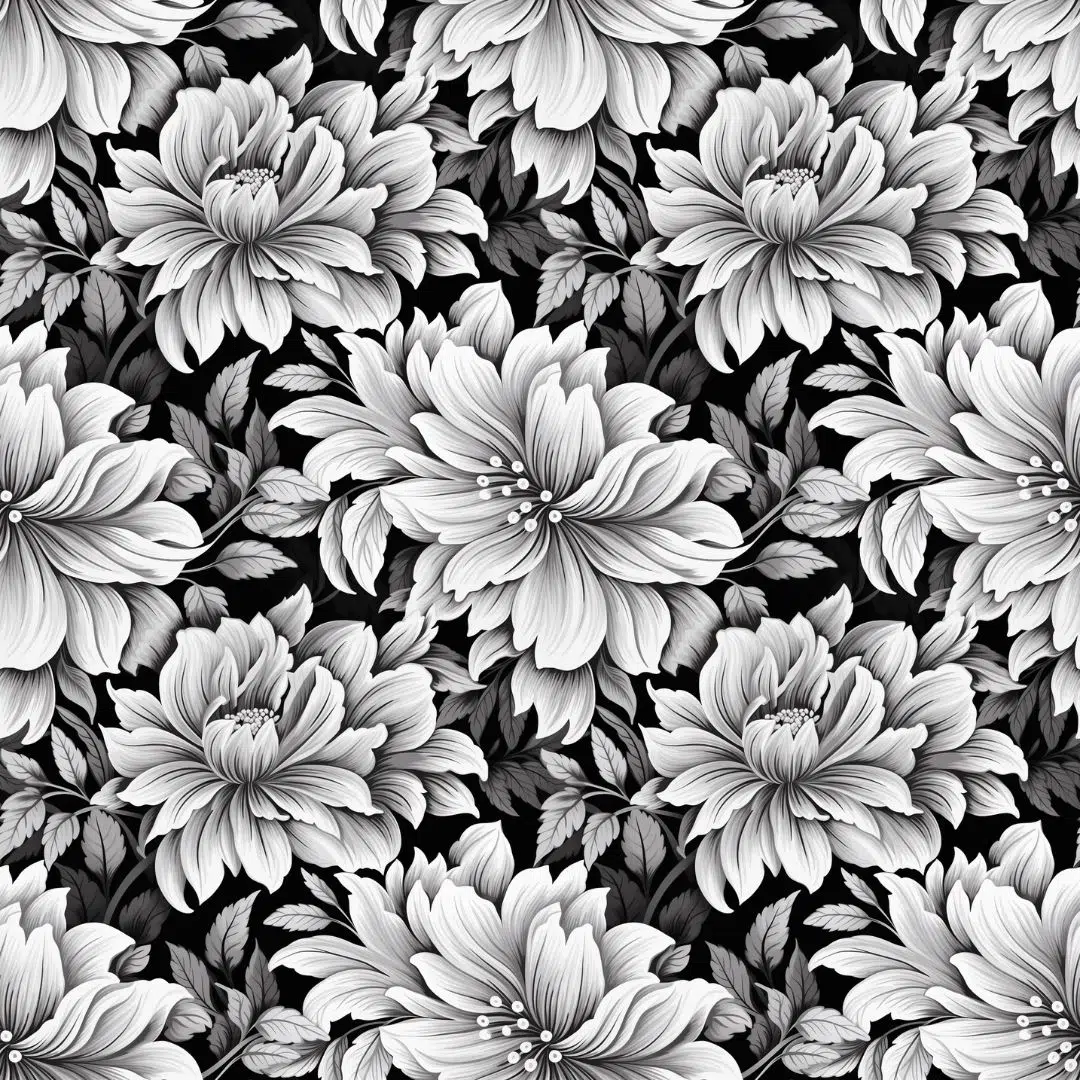
--tile creates a seamless repeating pattern. Open the result in a tiled preview before using it in a design and inspect the edges. Upscaling can disrupt the seamless effect.
--weird
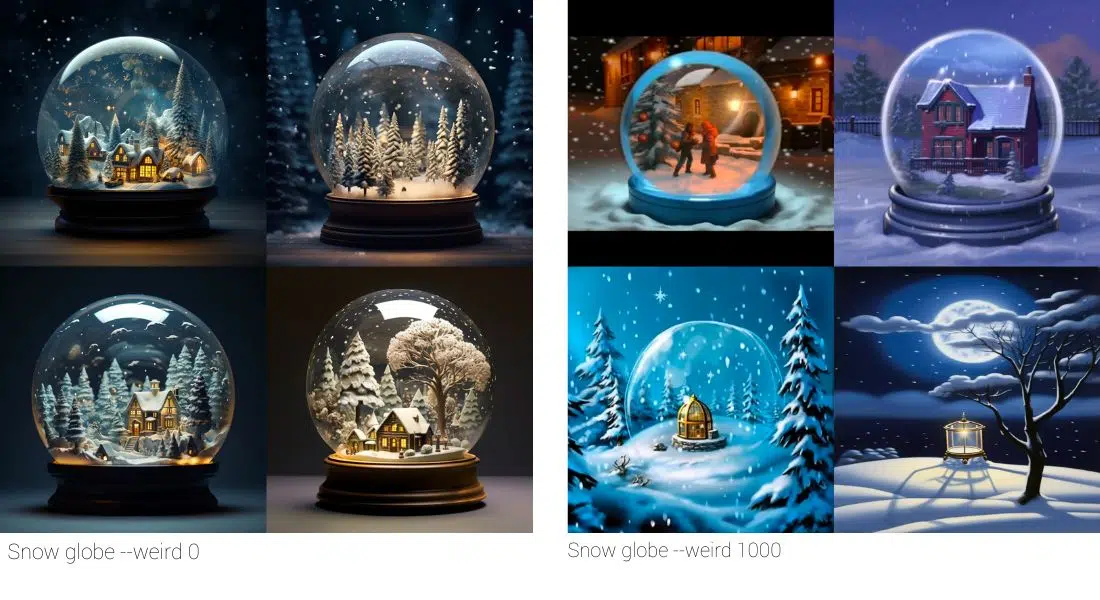
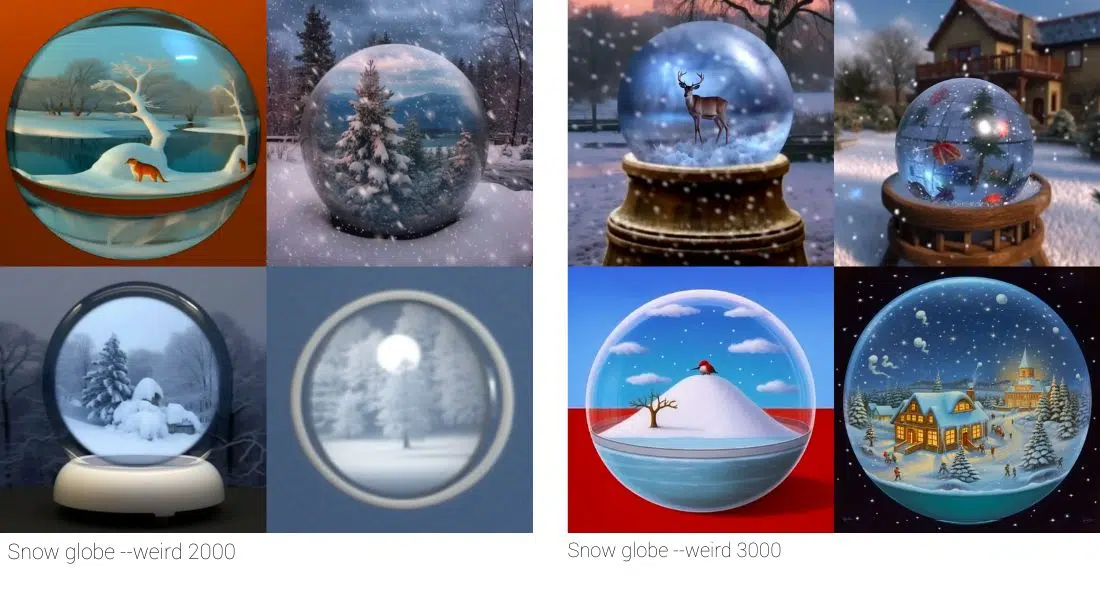
--weird, or --w, adds unconventional, experimental ideas. Its range is 0 to 3000. It works for deliberately strange concepts, not repeatable production work. Its effect is not equally predictable in every model or with every seed.
--sd and --hd
V8.1 and V8.2 offer --sd for 1024-pixel standard output and --hdfor 2048-pixel HD output. HD creates the higher resolution directly, but uses more GPU time. Tools such as Pan, Zoom Out, or local editing can downscale an HD result back to SD.
8. Parameters for V7 and older prompts
These commands have not disappeared, but they are version-specific. Use them only when you deliberately work in the matching model generation or reproduce an older workflow.
The official Draft documentation distinguishes two workflows. In V7, a Draft prompt creates four images at half the GPU cost. In V8.1 and V8.2, Draft mode works only on midjourney.com. Each prompt there creates 24 images at 512 x 512 pixels and costs 0.4 GPU minutes.
| Parameter | Correct context |
|---|---|
| --q or --quality | In V7, Quality controls GPU time for the initial set of four images. Valid values are 1, 2, and 4. V8.1/V8.2 do not support it. |
| --draft | Available in V7 and on midjourney.com in V8.1 and V8.2. The workflows differ. |
| --oref | Omni Reference belongs to V7. V8 replaces it with the Edit Model. |
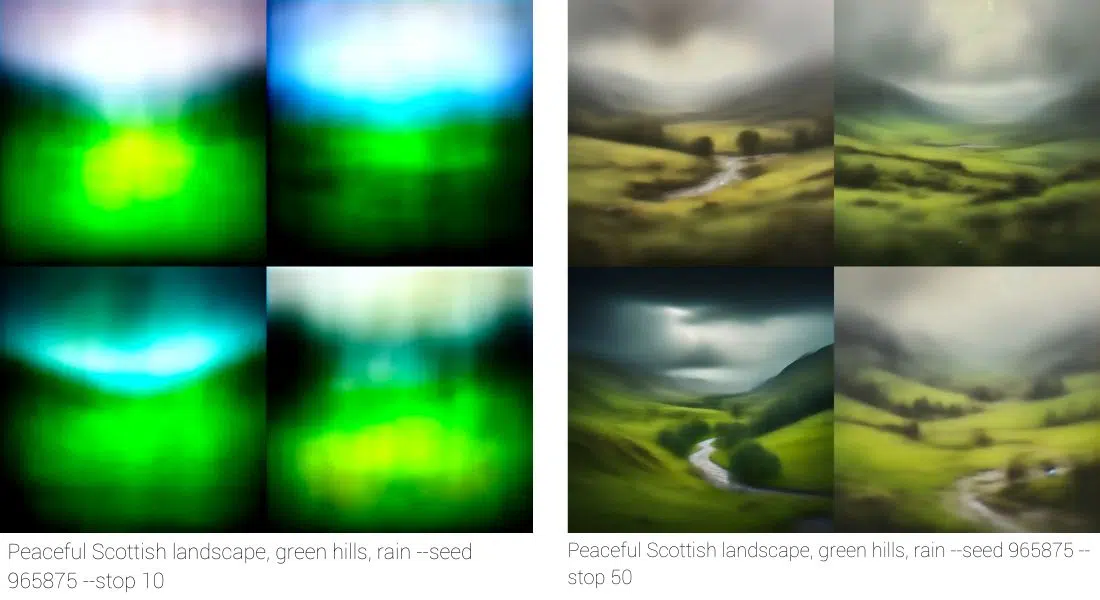
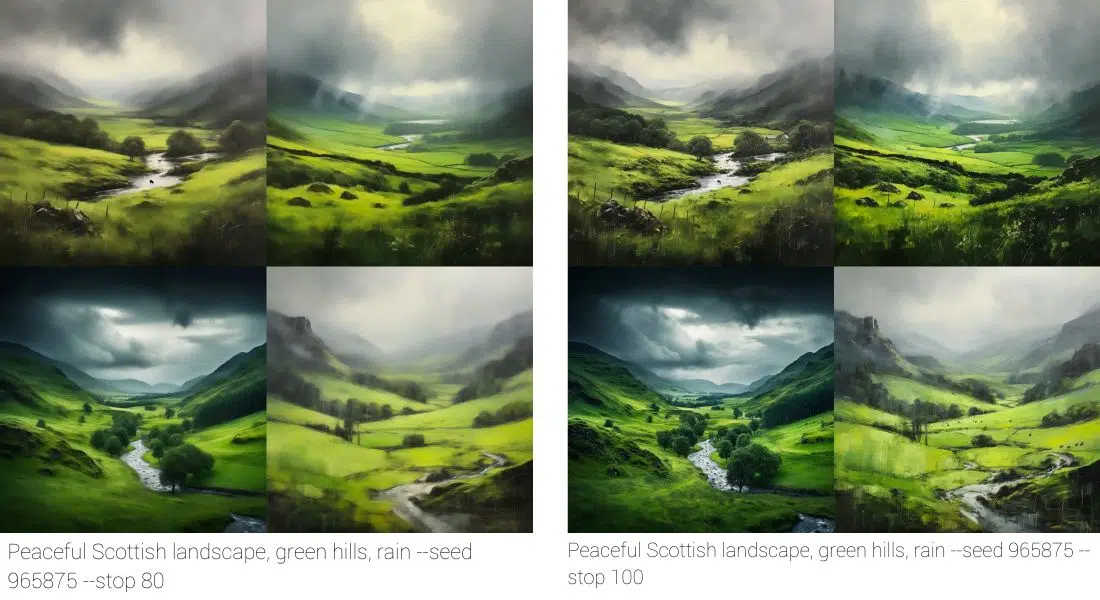
| --stop | A historic parameter. Check the legacy documentation instead of placing it in a V8.2 prompt. |
| --style raw | Historic syntax. Current prompts use --raw. Raw is not a model change. |
| --turbo | The version overview lists it for V6 and V7, not V8.1/V8.2. |
9. Other modes and video parameters
The parameter list also includes --fast, --relax,--stealth, --public, and --niji for the Niji model line. Fast and Relax control GPU mode, while Stealth and Public control visibility on the Midjourney website. Availability and cost depend on your plan and mode.
For video jobs, Midjourney lists separate commands including --motion low,--motion high, --loop, --end, --bs, and --video. They belong in a video workflow. Do not combine them blindly with an image prompt. Follow the video documentation for the job you want to create.
10. Historic image examples
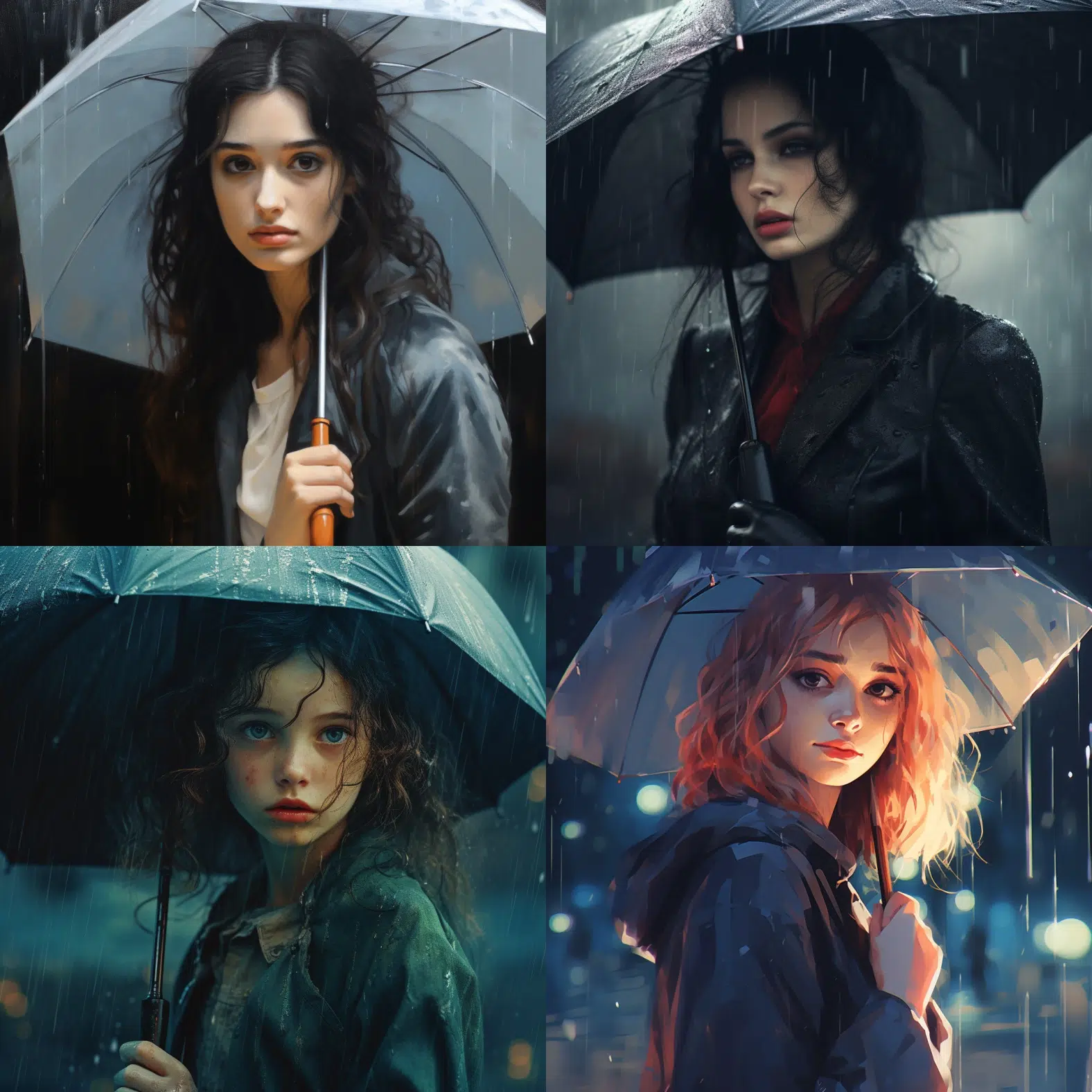
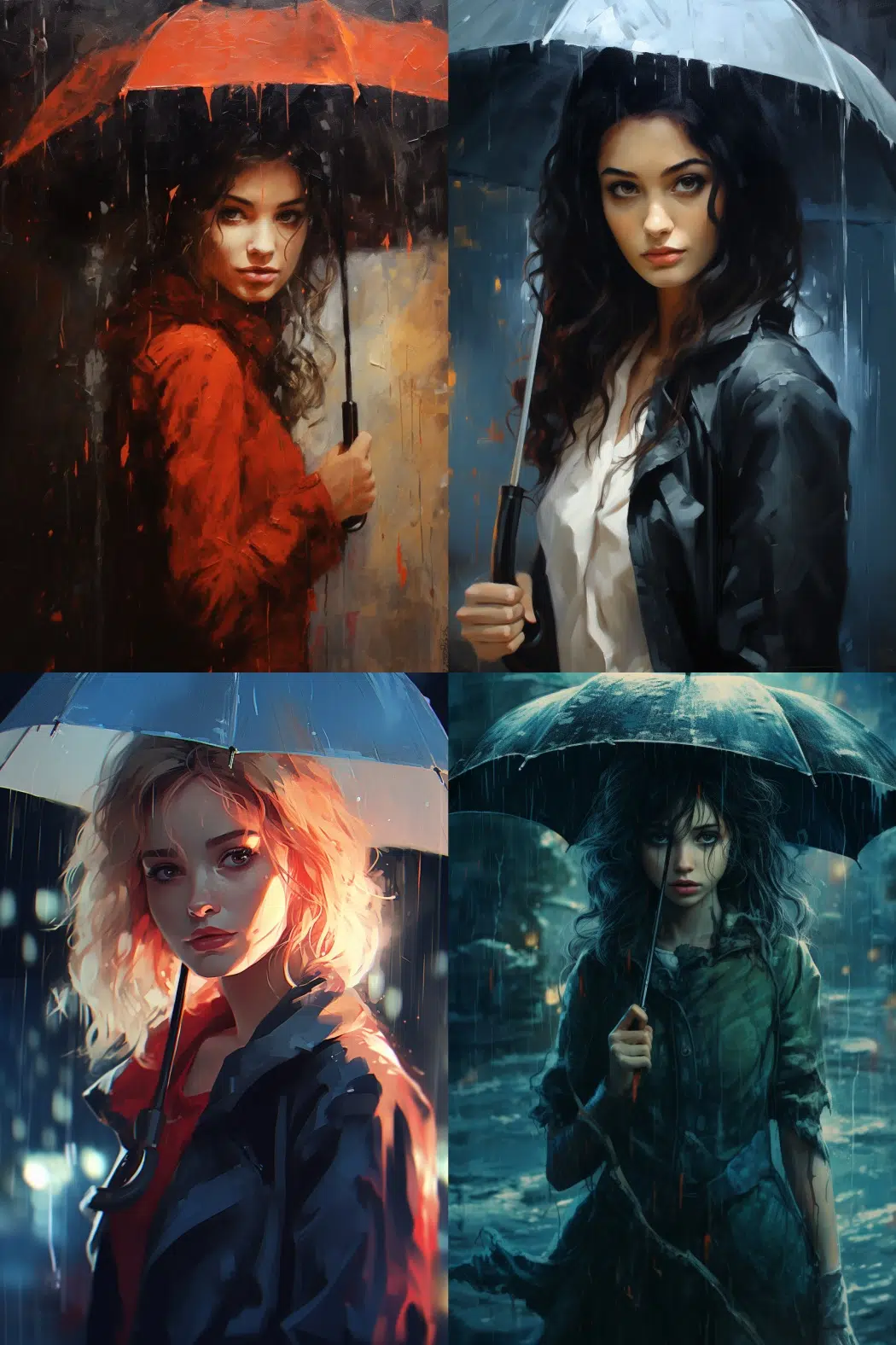
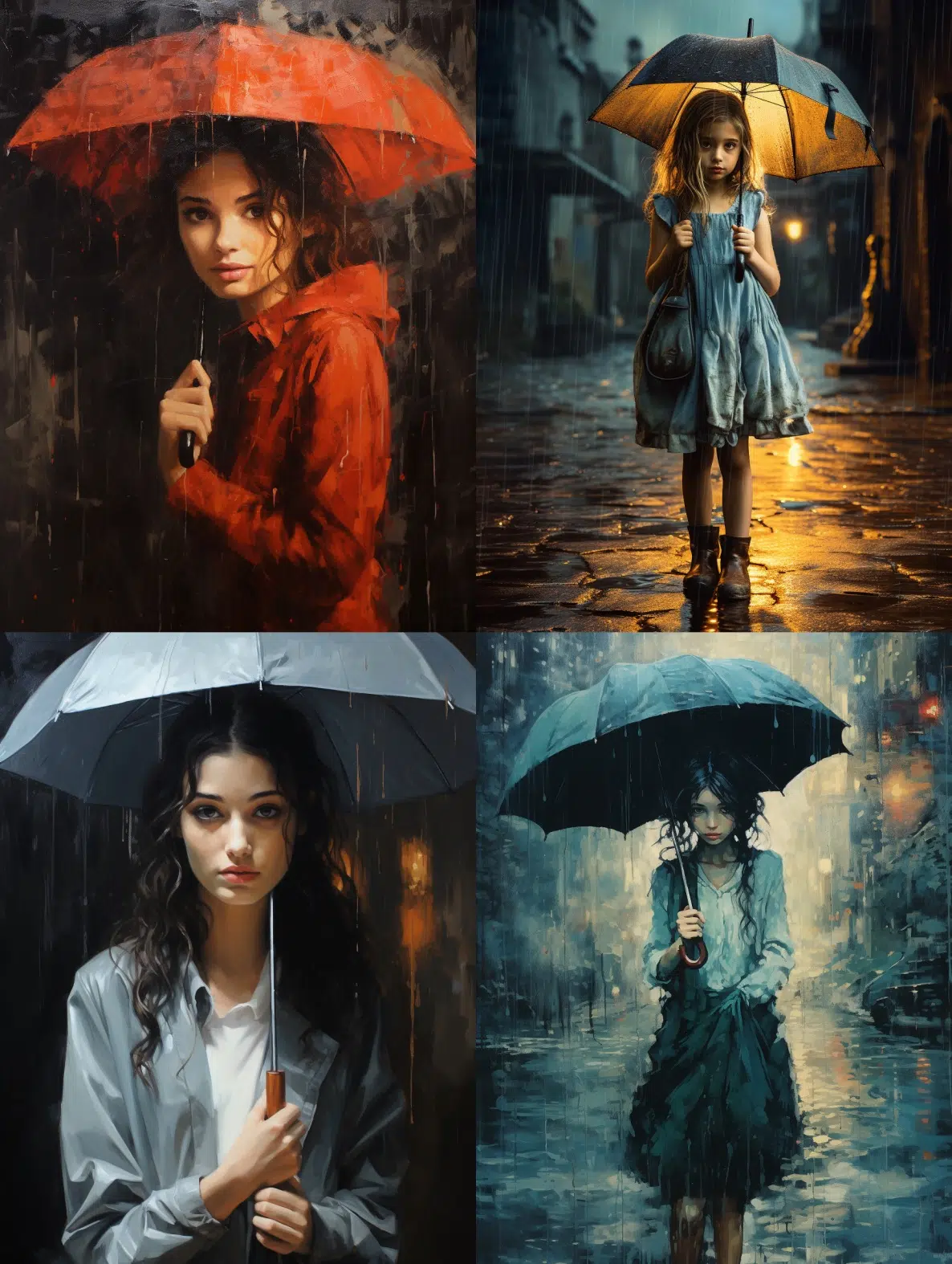
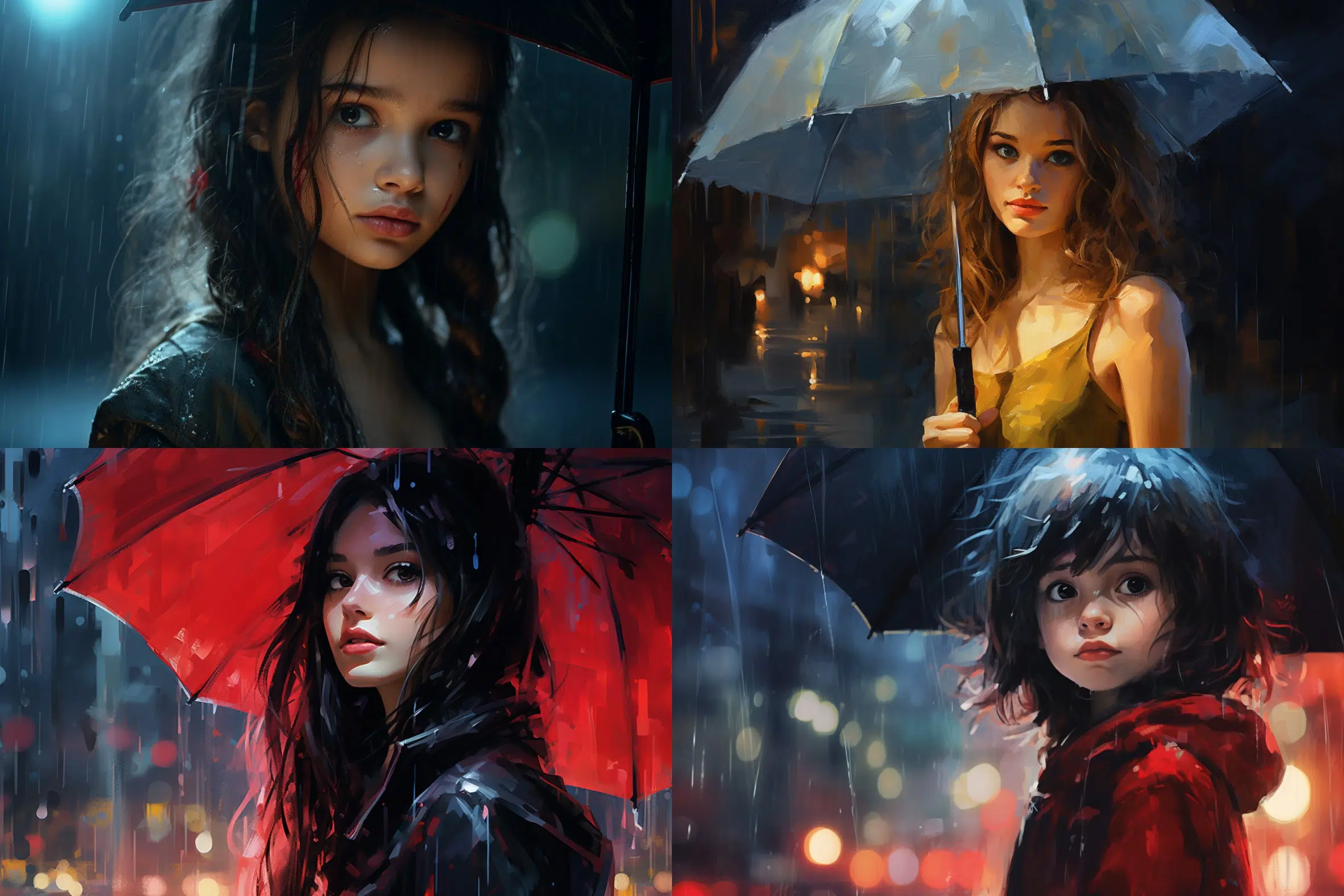
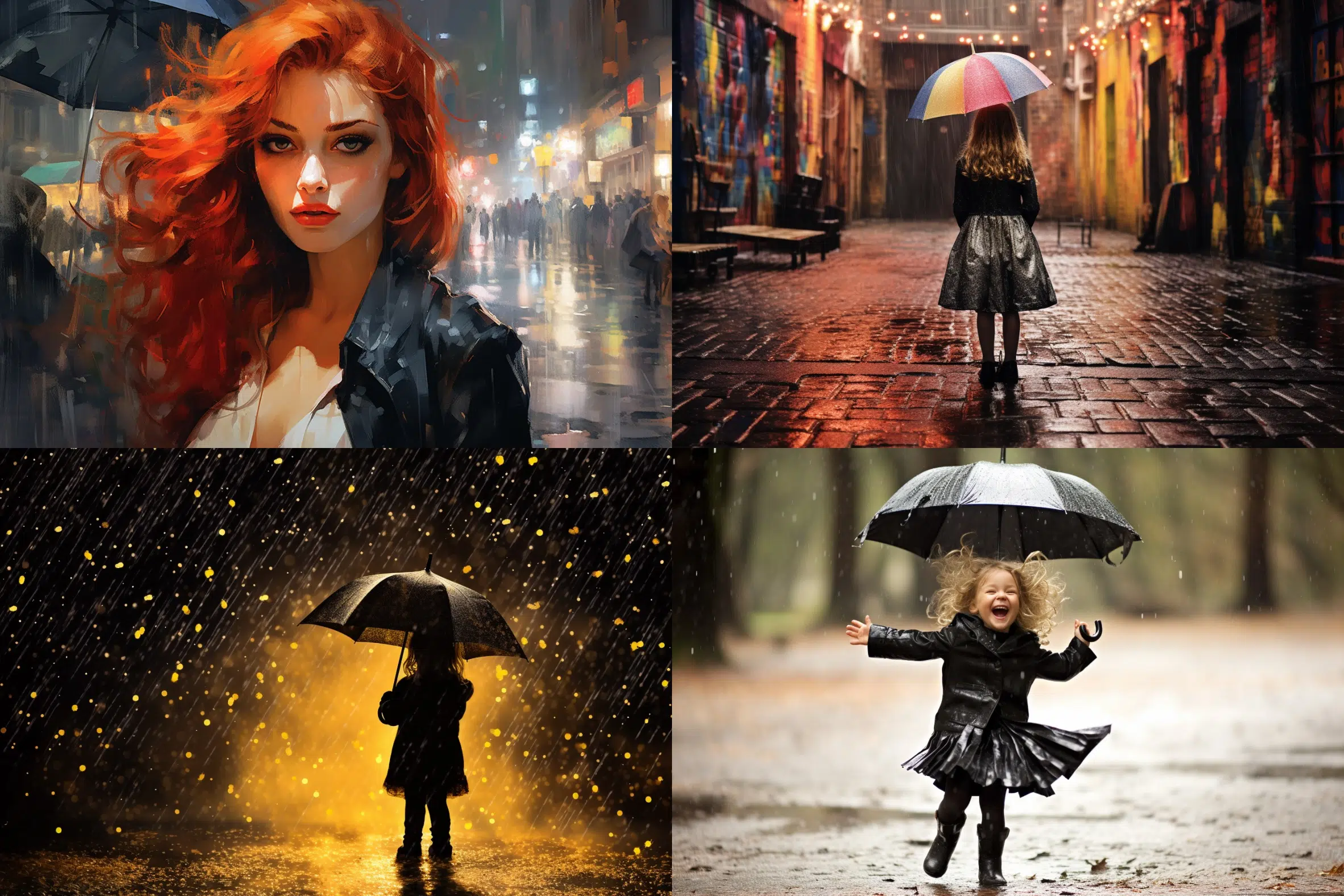
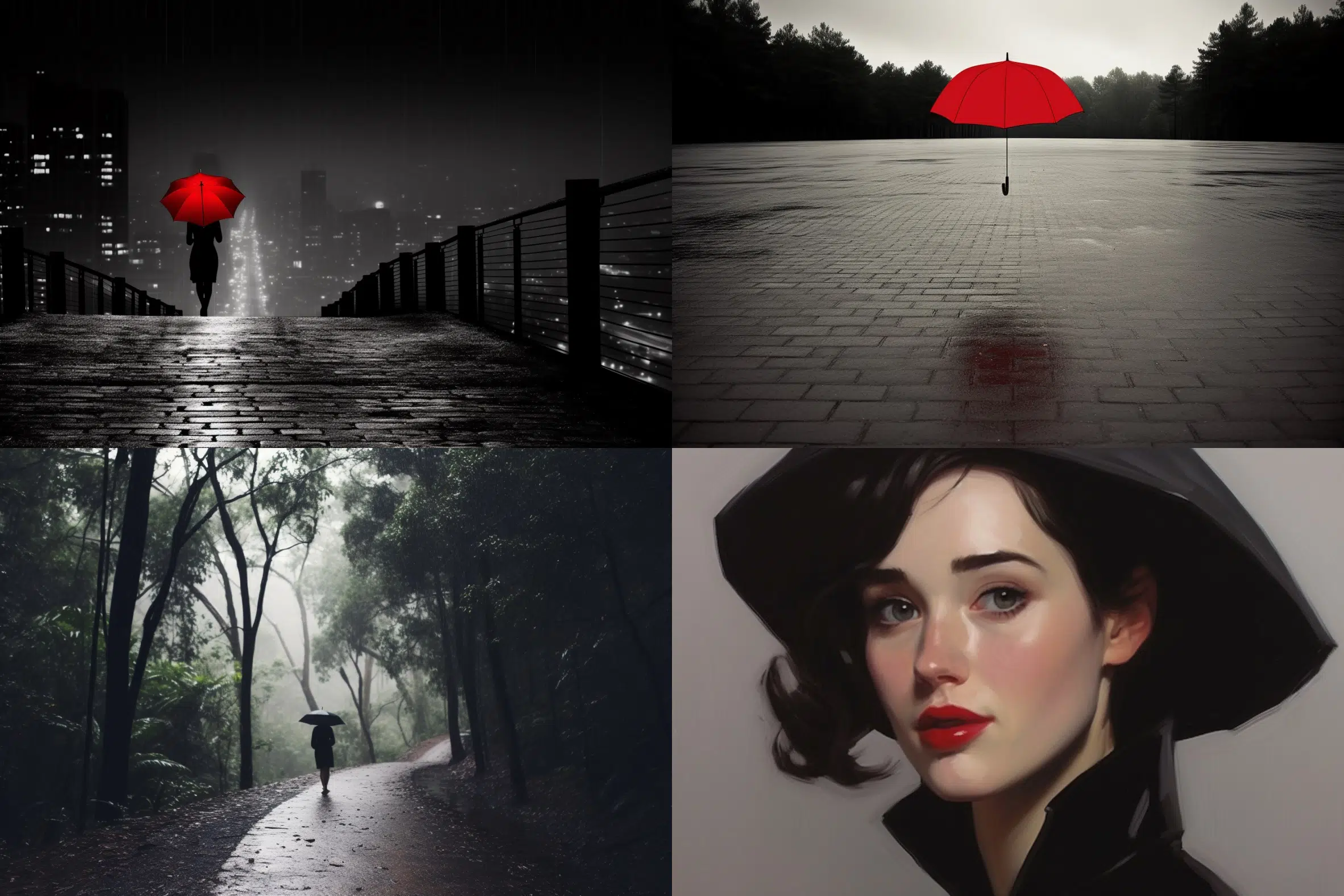
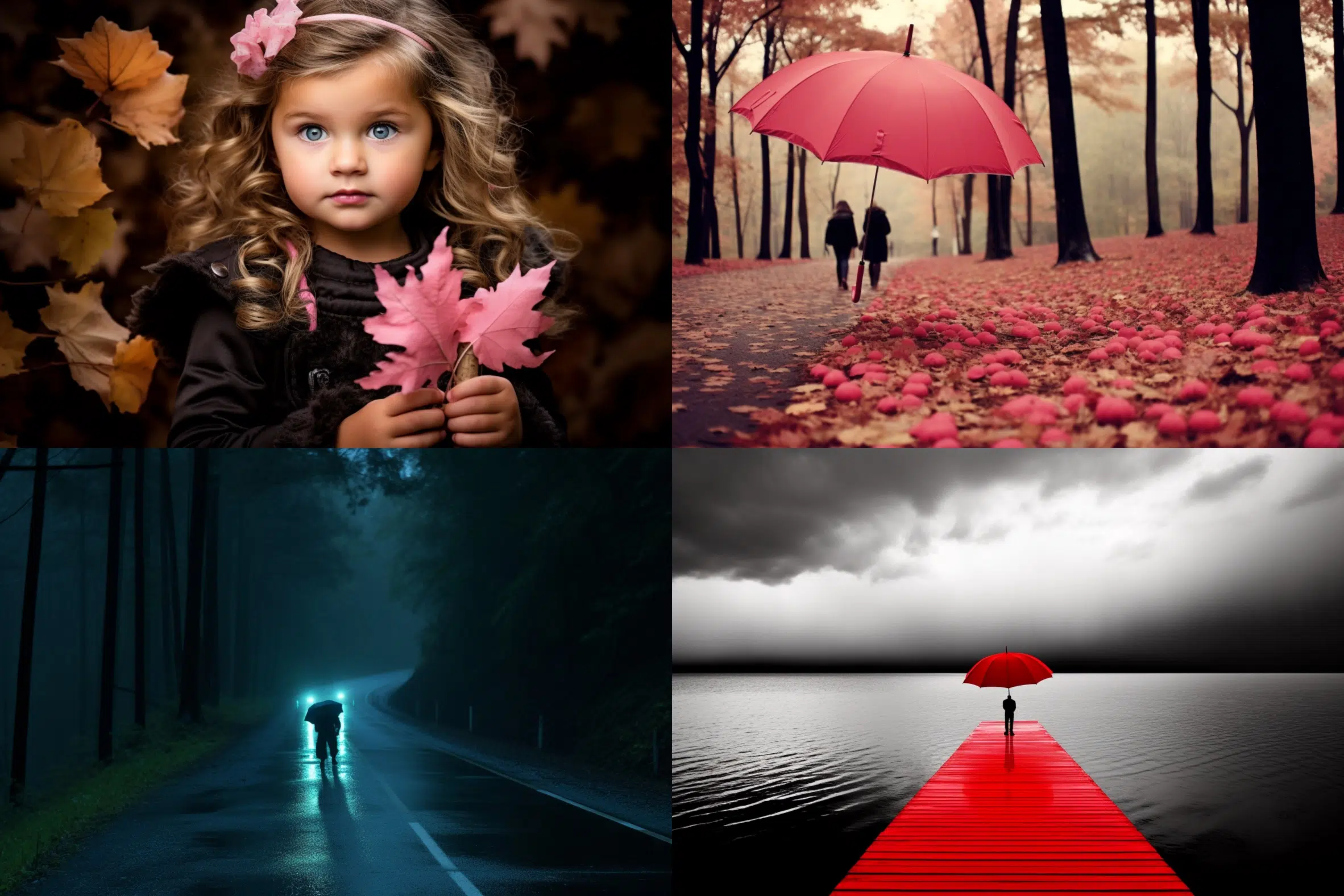
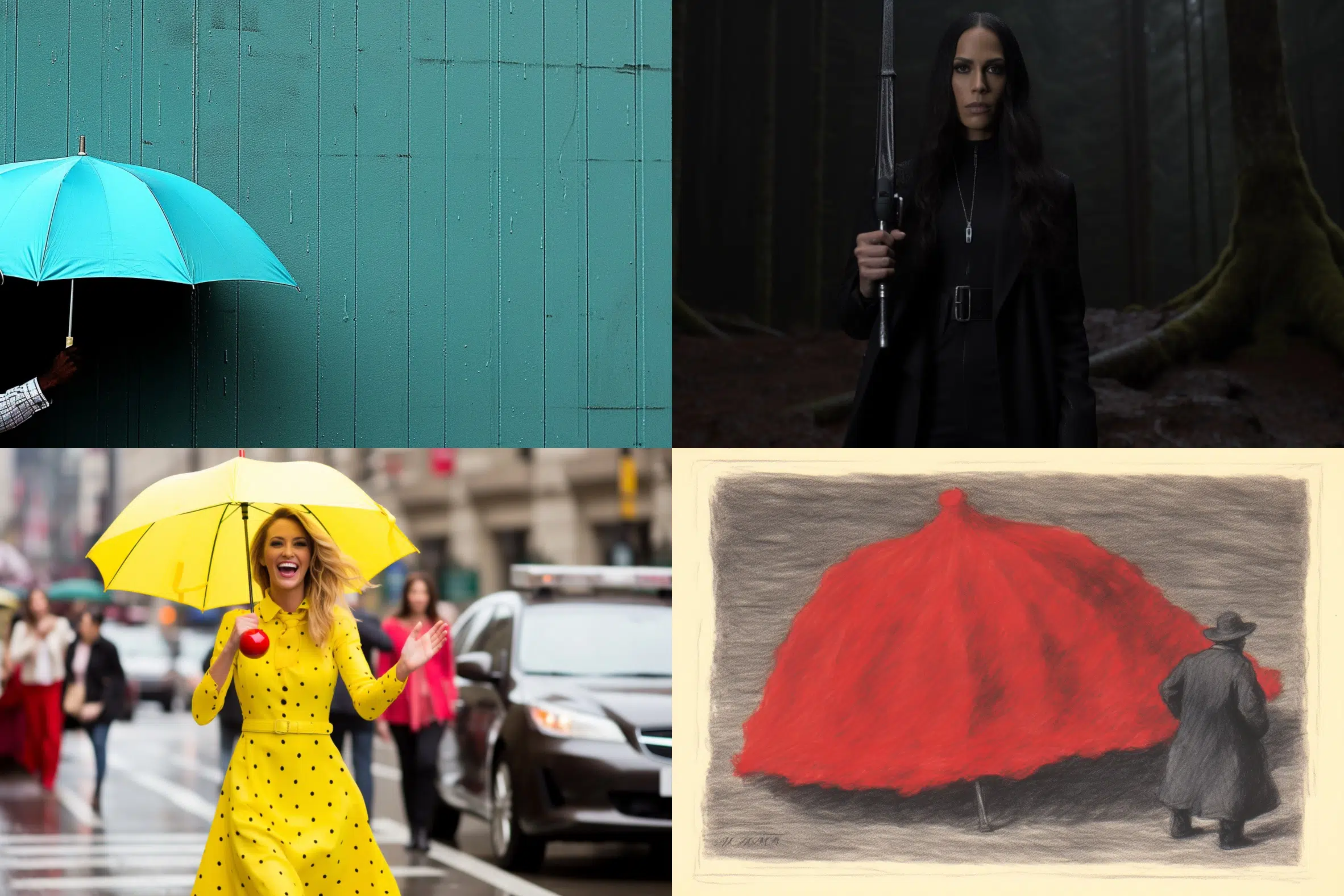
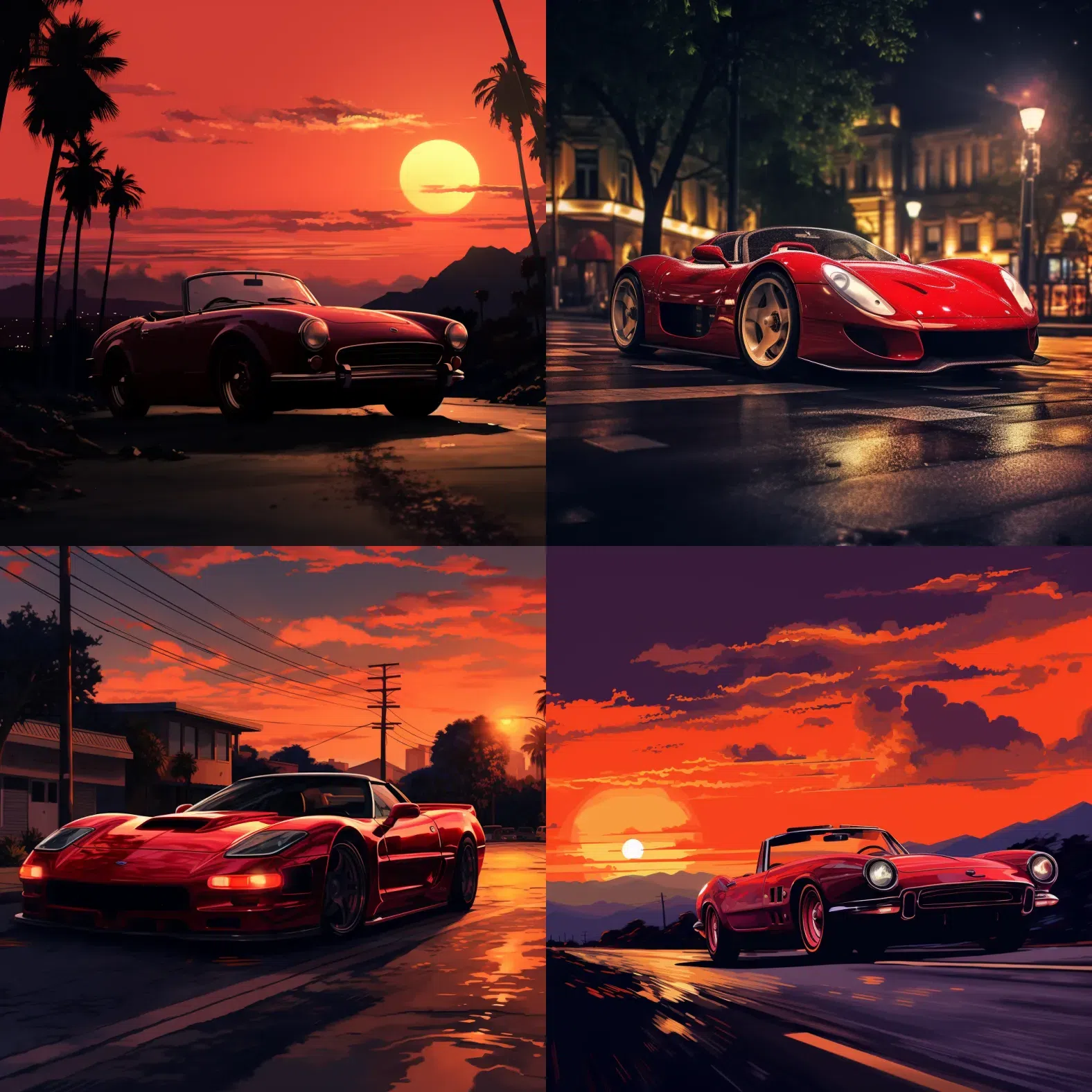
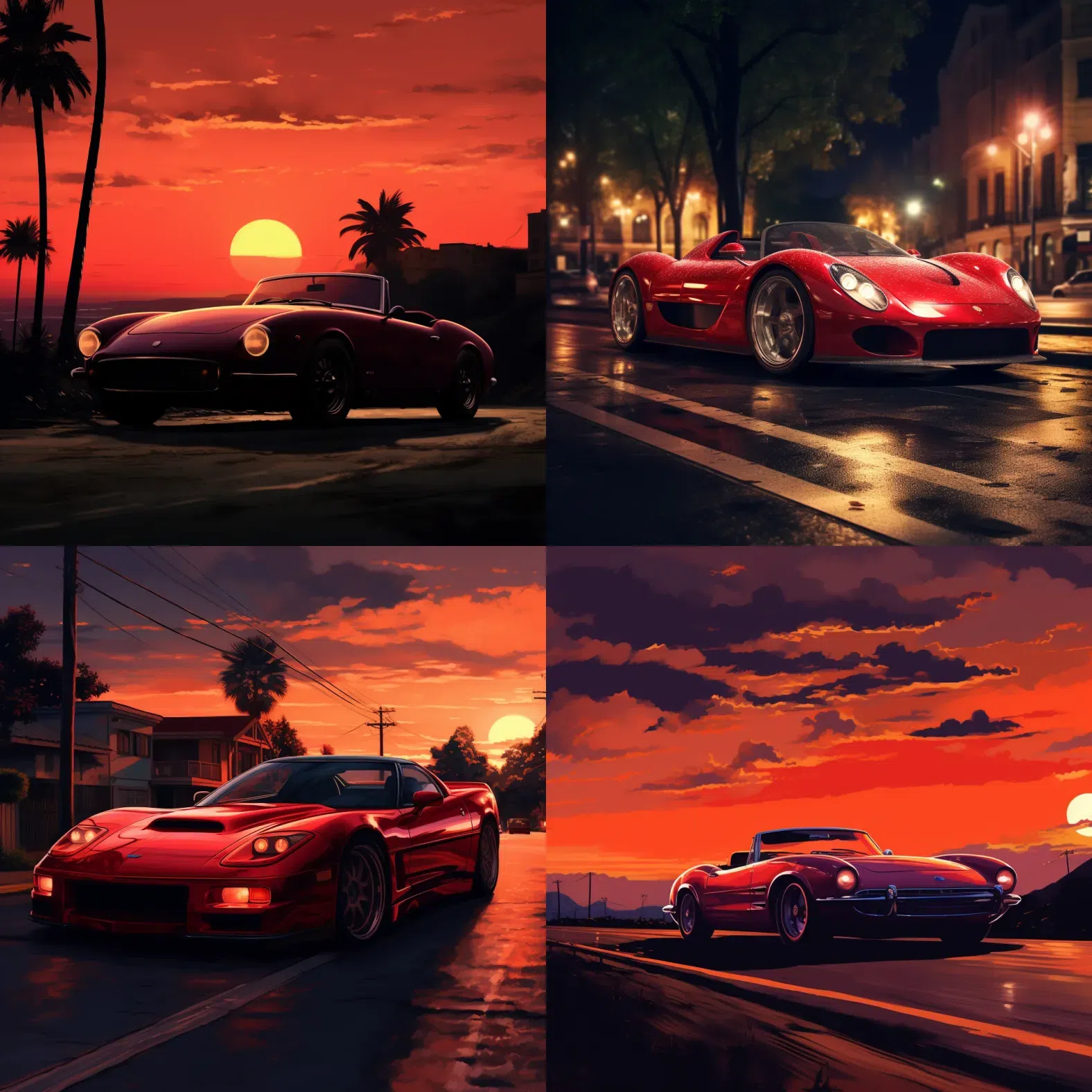
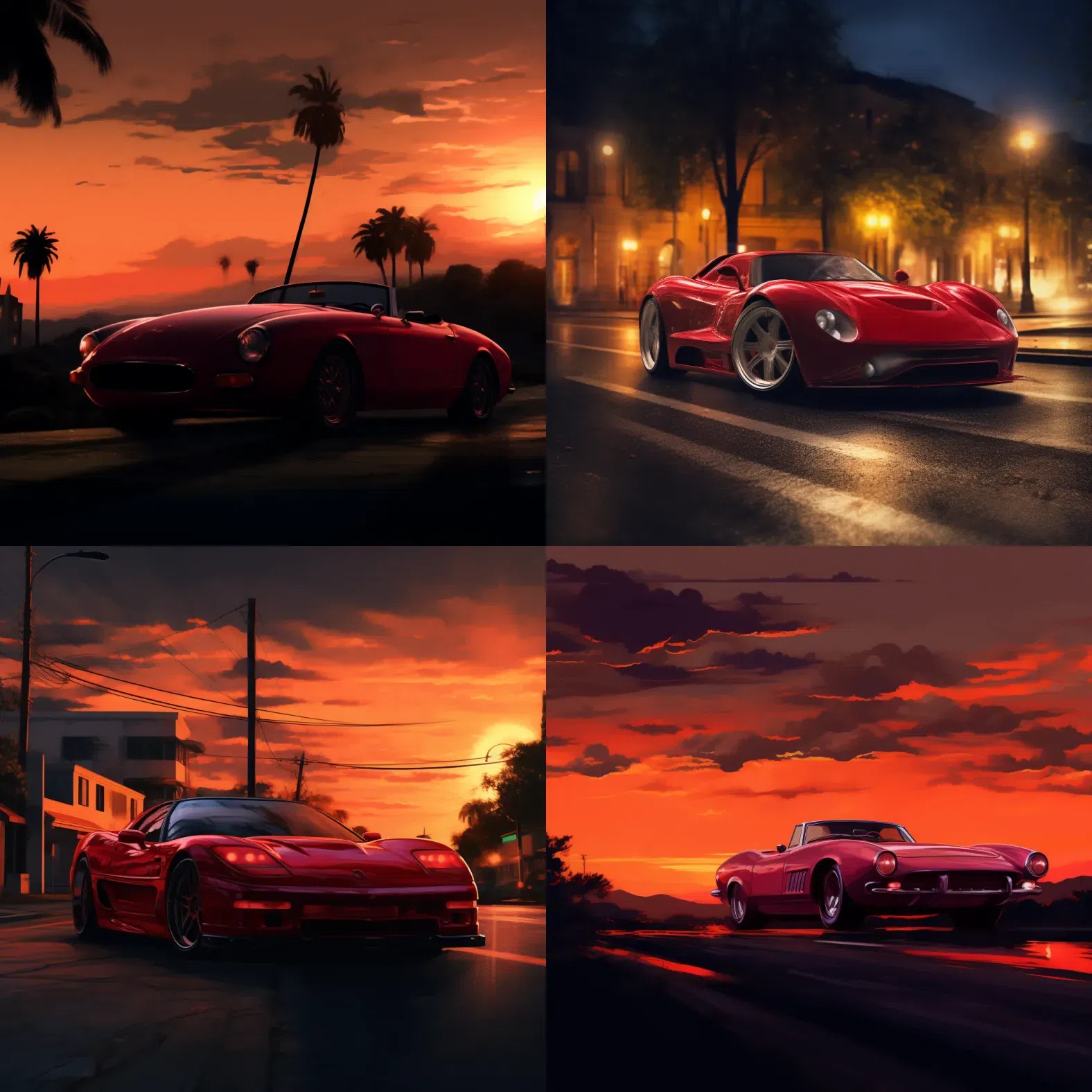
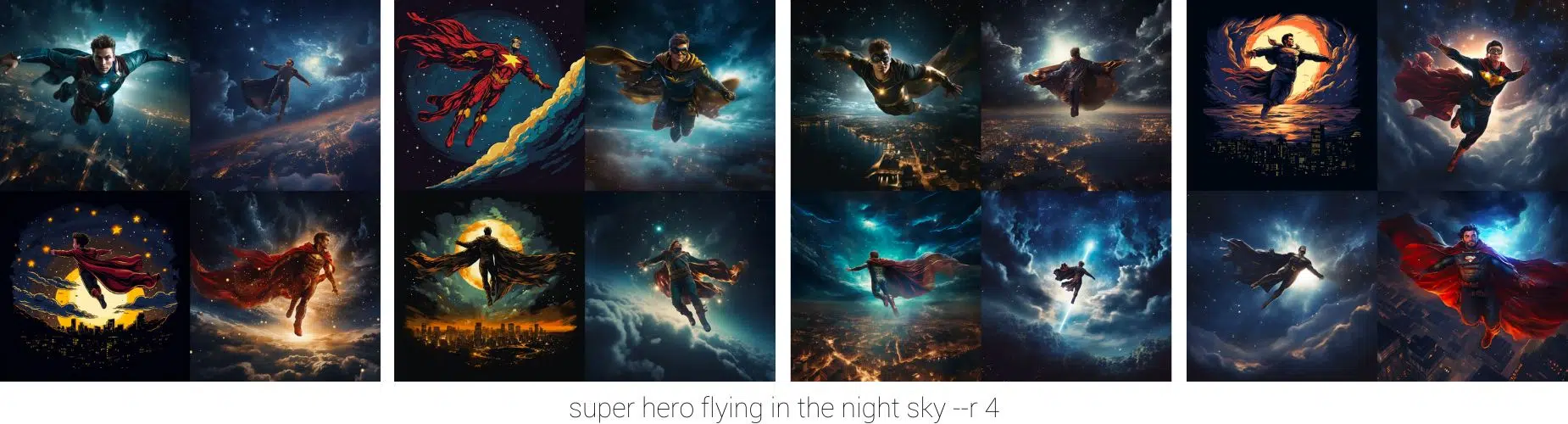
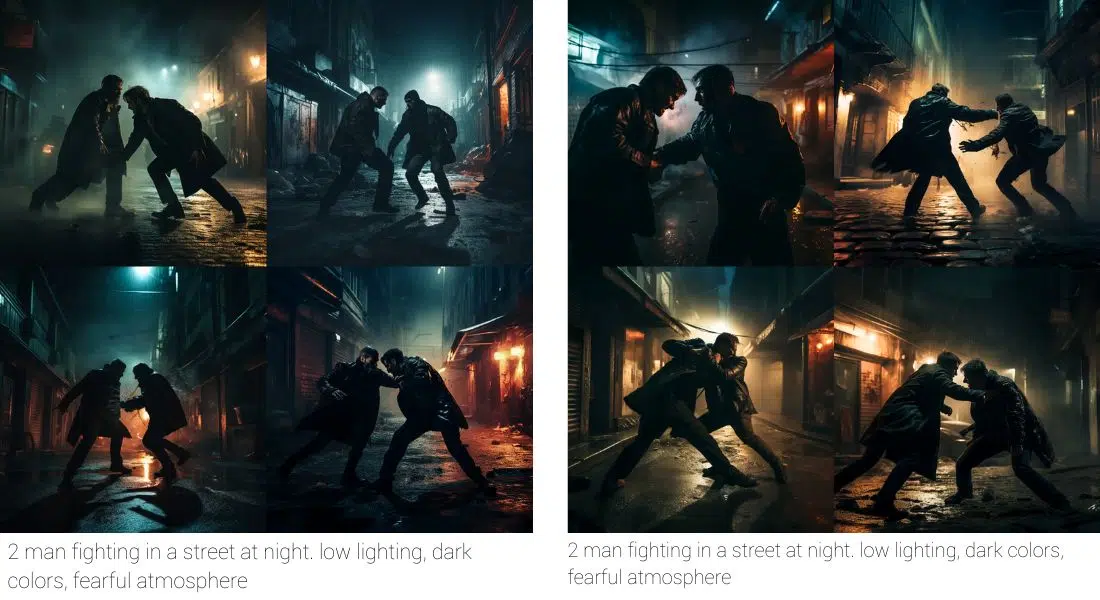
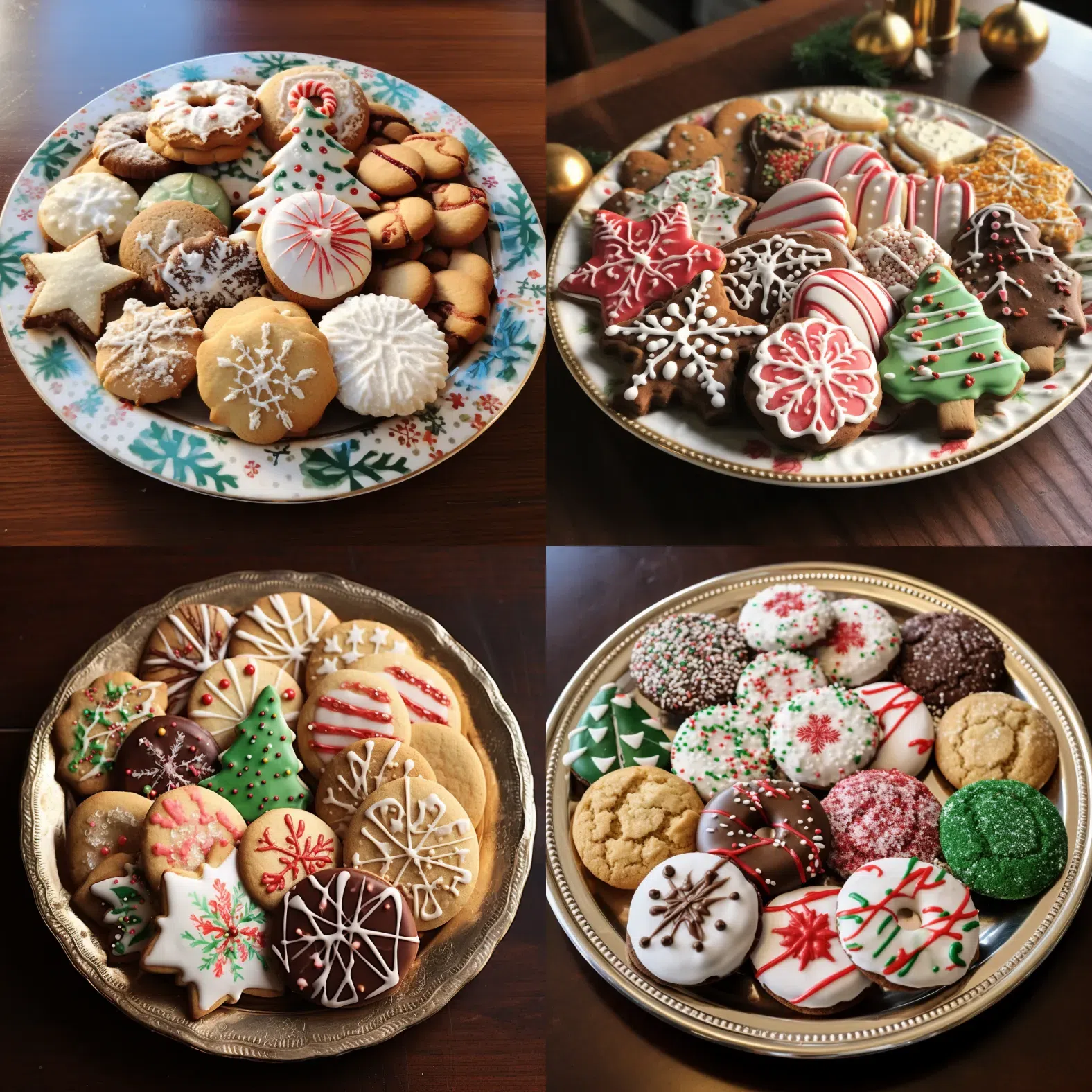
These 32 images show parameter effects in older Midjourney versions. They are not V8.2 comparisons. Midjourney continues to develop its models, default styling, supported parameters, and upscalers. You should not expect an identical image from the same prompt or seed.
11. The safest order for prompting
Write the subject, action, perspective, and lighting first. Then set the aspect ratio. Add a parameter for visual language, variety, or references after that. Add a seed only when you compare something. This keeps it clear which building block changed a result.
For more tools and use cases, see our guide to AI image generators and their practical strengths.
12. Official sources
Midjourney's documentation is the source of truth for active parameters and model limits. The most useful starting points are the parameter list, version overview, aspect ratio guide, Image Prompts guide, and the Style Reference documentation.