Skills for Claude Code & Co.

From WordPress to a Fast Astro or Next.js Site That Doesn’t Look AI-Made

One skill moves your WordPress site to Astro or Next.js, without the plugin baggage, with redirects and an SEO check before you switch over. On top, 17 web design skills keep the new site from looking like generic AI slop. Everything runs right inside Claude Code.

17web design skills
445brand design systems
from €247one-time, plus VAT

As seen in

Heise
Der Standard
TAZ
IHK München
Trusted Shops
WordPress Migration

Leave WordPress, with Redirects and an SEO Check

The "wordpress-migration" skill moves your public site and checks the result before you switch over. You get it as a download in the "Skills + Migration Skill" package.

Capture first, then build

The skill first reads the public frontend of your WordPress site, meaning pages, posts, menus, media, and SEO data. It downloads images as full-size originals instead of thumbnails.

Astro or Next.js

The skill picks the framework based on your site. If you have already decided, it sticks with your choice. It rebuilds the design with Tailwind CSS and shadcn/ui, and no theme or plugin code comes along.

Redirects and SEO parity

Your URLs stay the same by default. Every changed URL gets a redirect and a test. Titles, descriptions, canonicals, schema, and sitemaps from Yoast, Rank Math, and others are kept.

A check before you switch

A final check compares every piece of content with the original, looks for 404 errors, and matches the visuals. You handle deployment and the DNS switch yourself, and the skill gives you the checklists for both.

What the migration is built for

Blogs, magazines, and company and service sites. WooCommerce catalogs without a checkout move over, too.

What it is not built for

Shops with a cart and checkout, online courses, membership areas, customer accounts, and multisite. With page builders like Elementor and with WPML, the content moves over, but the layout needs manual work.
The Problem

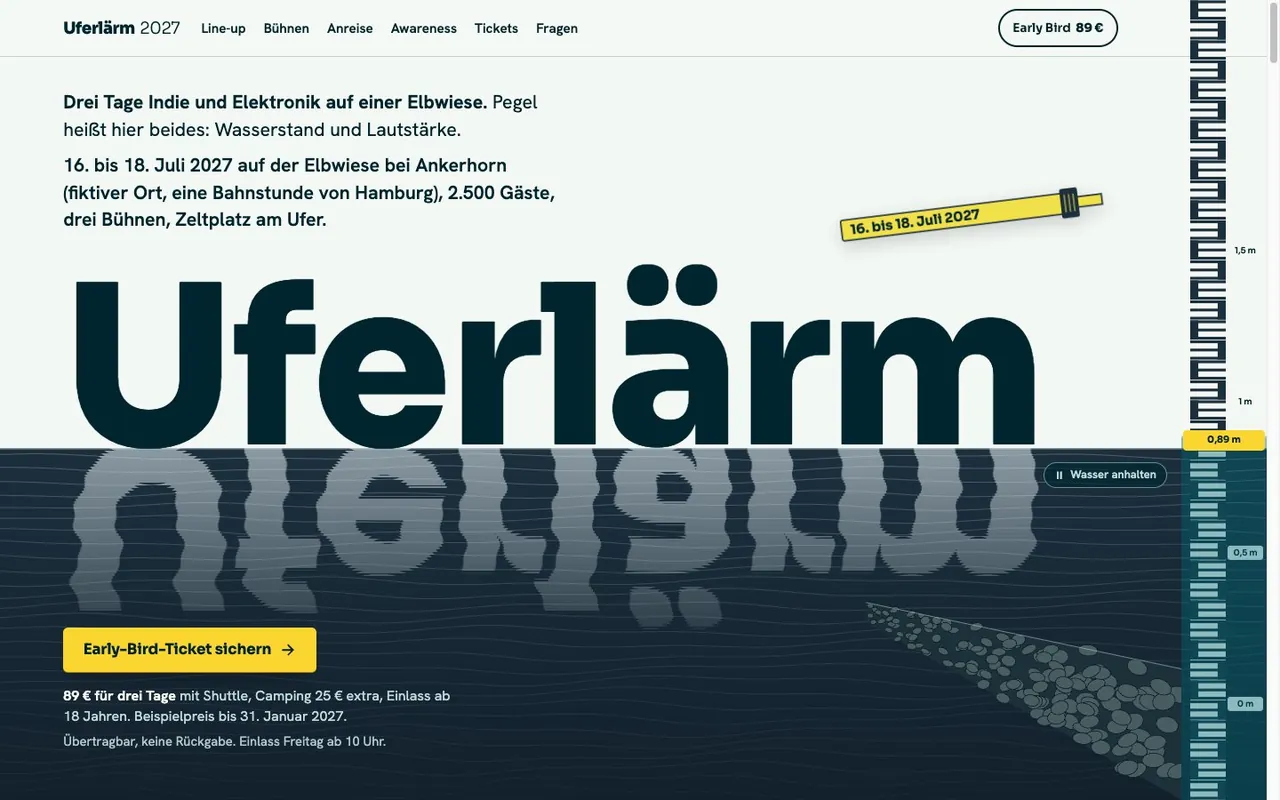
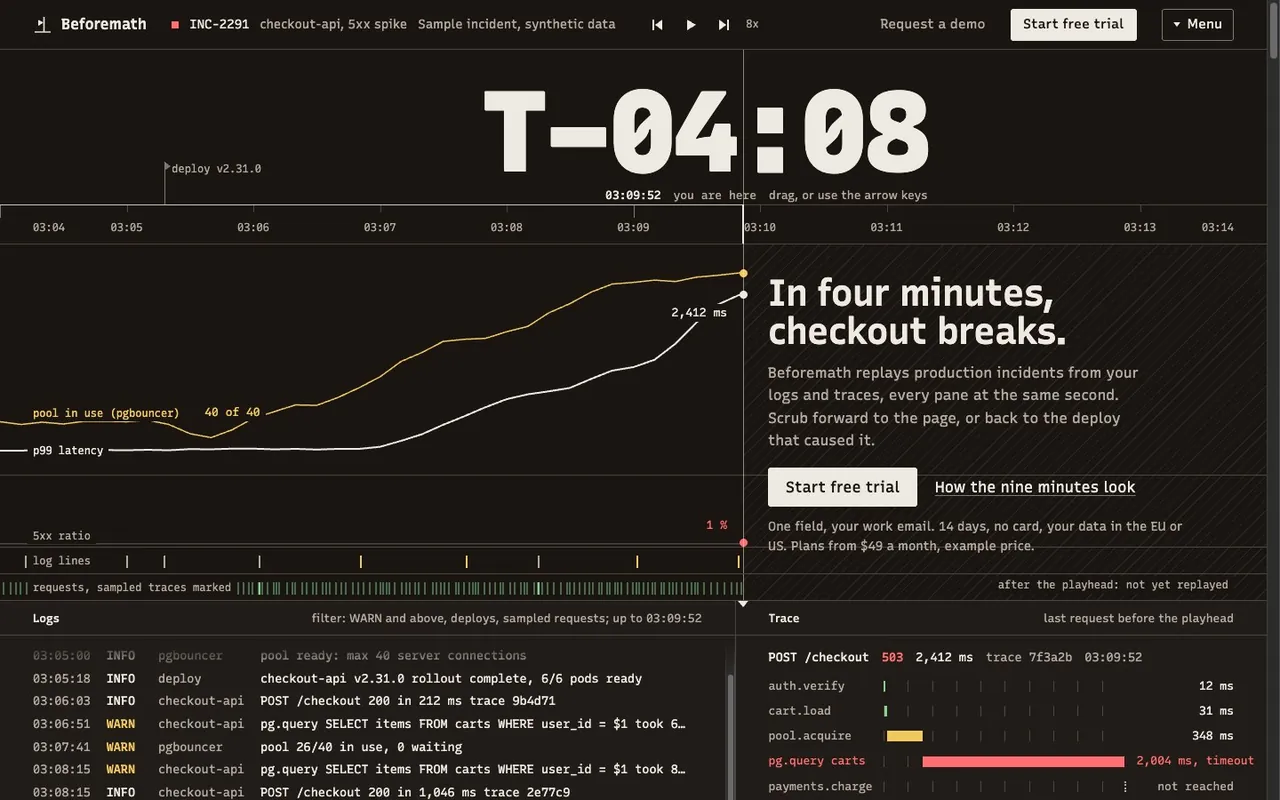
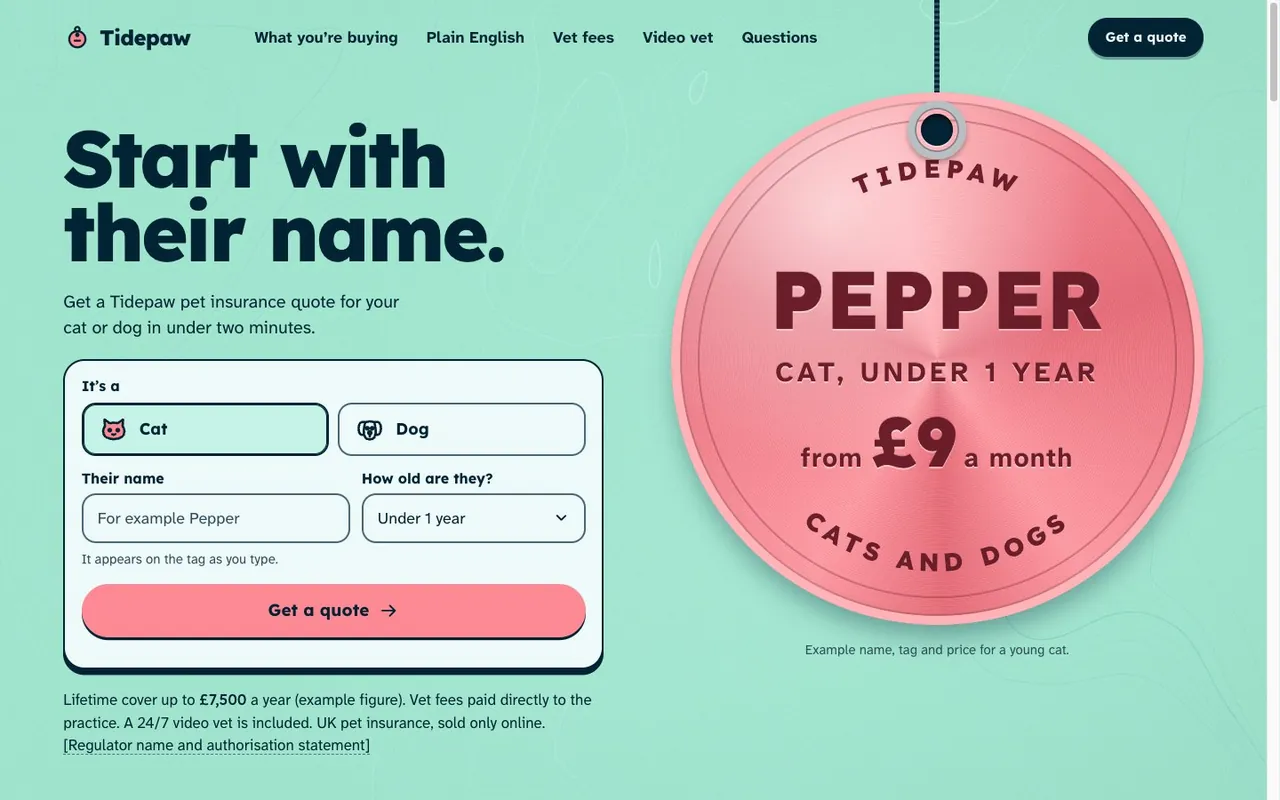
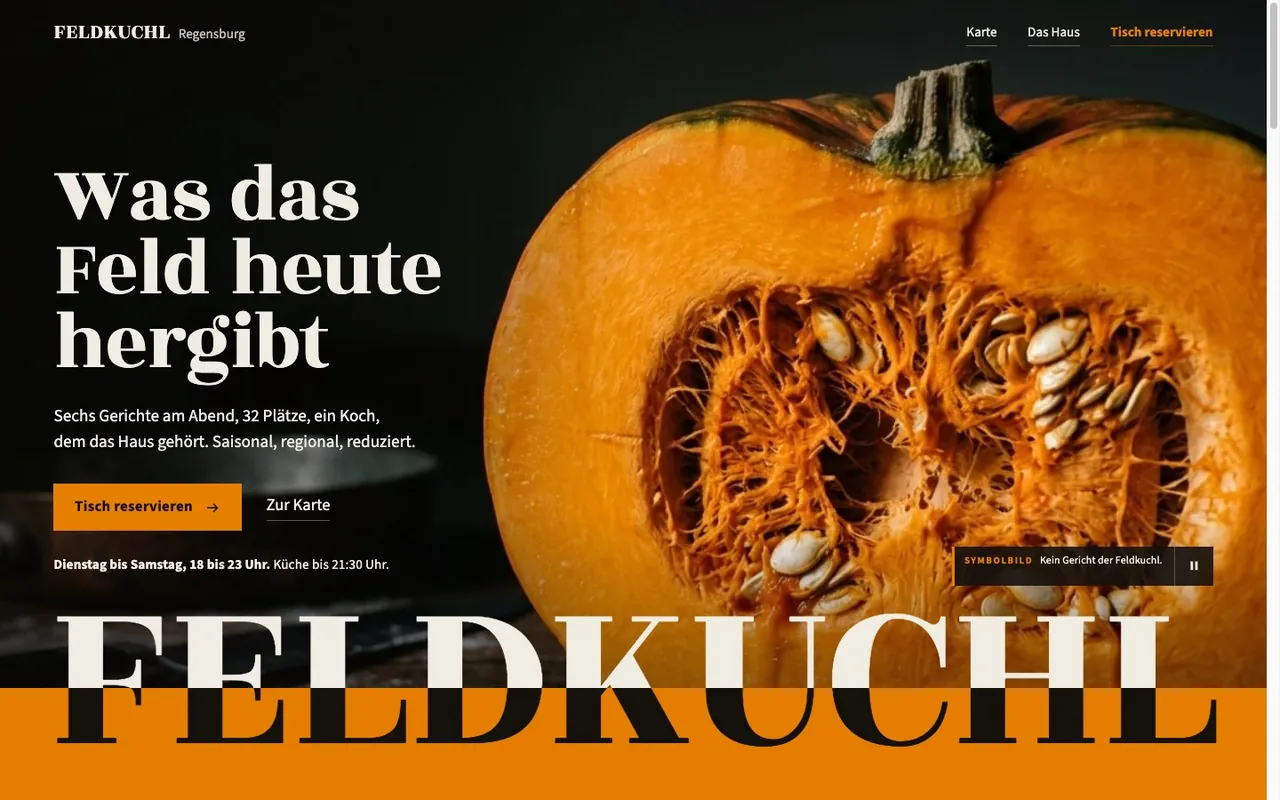
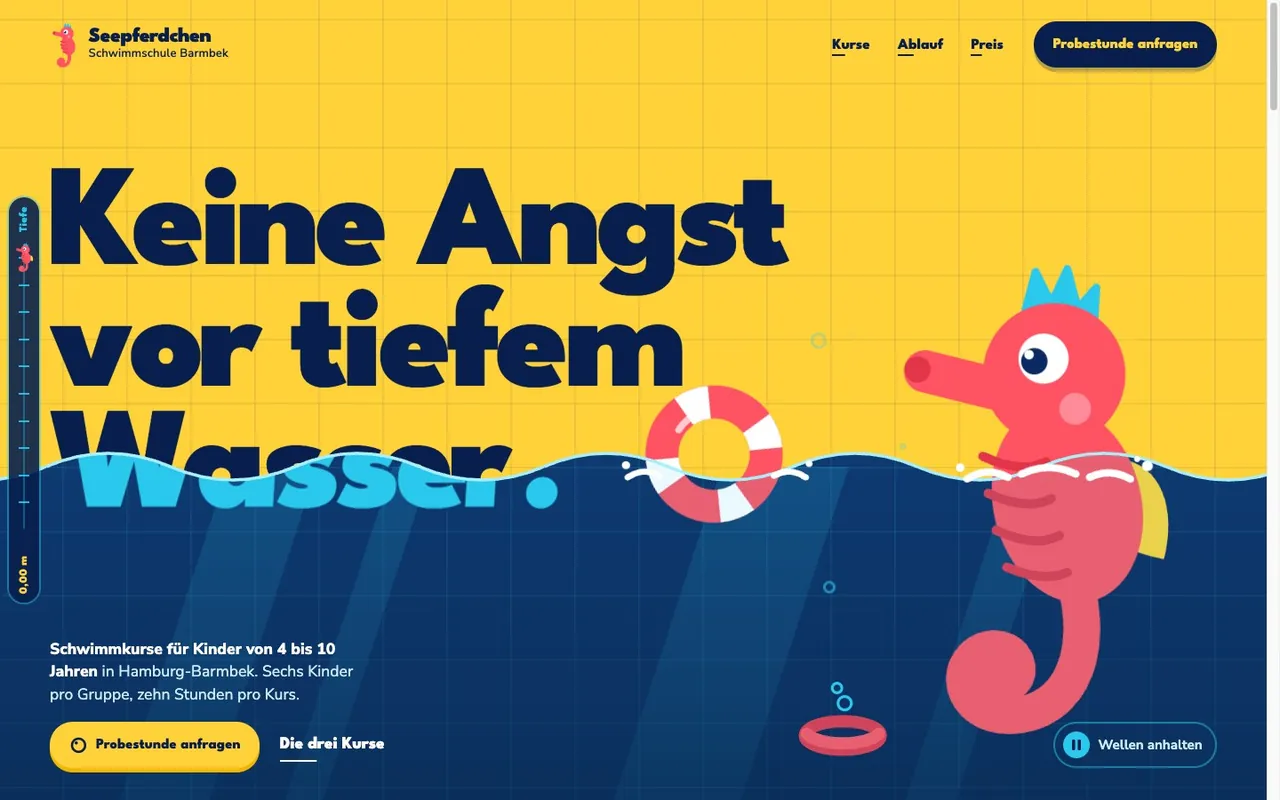
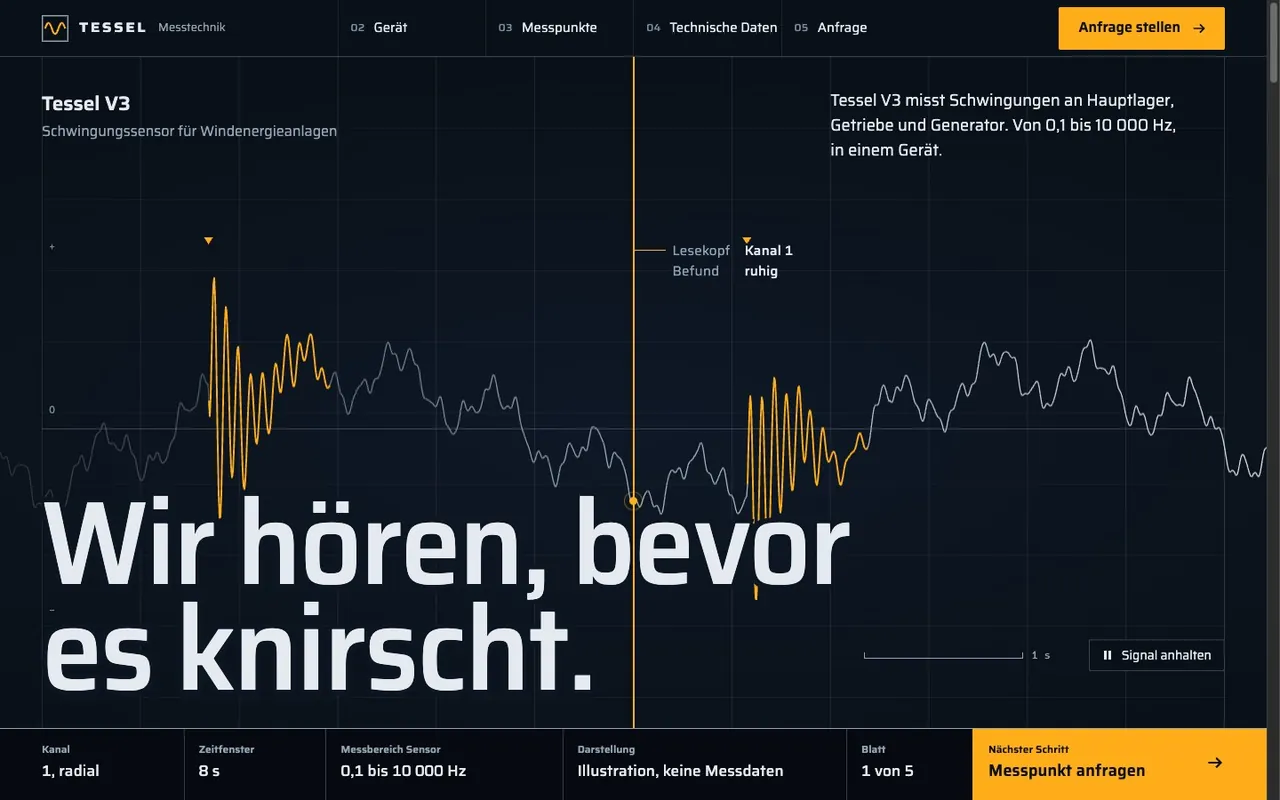
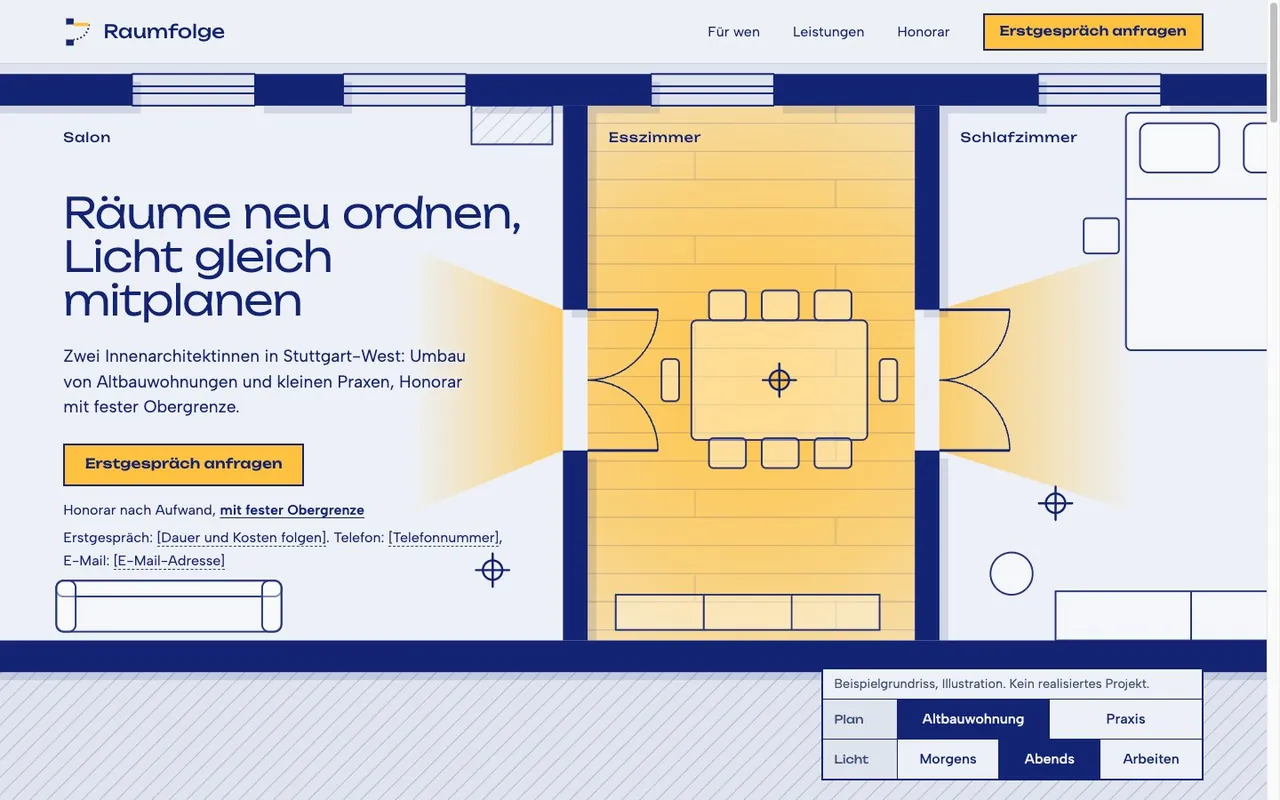
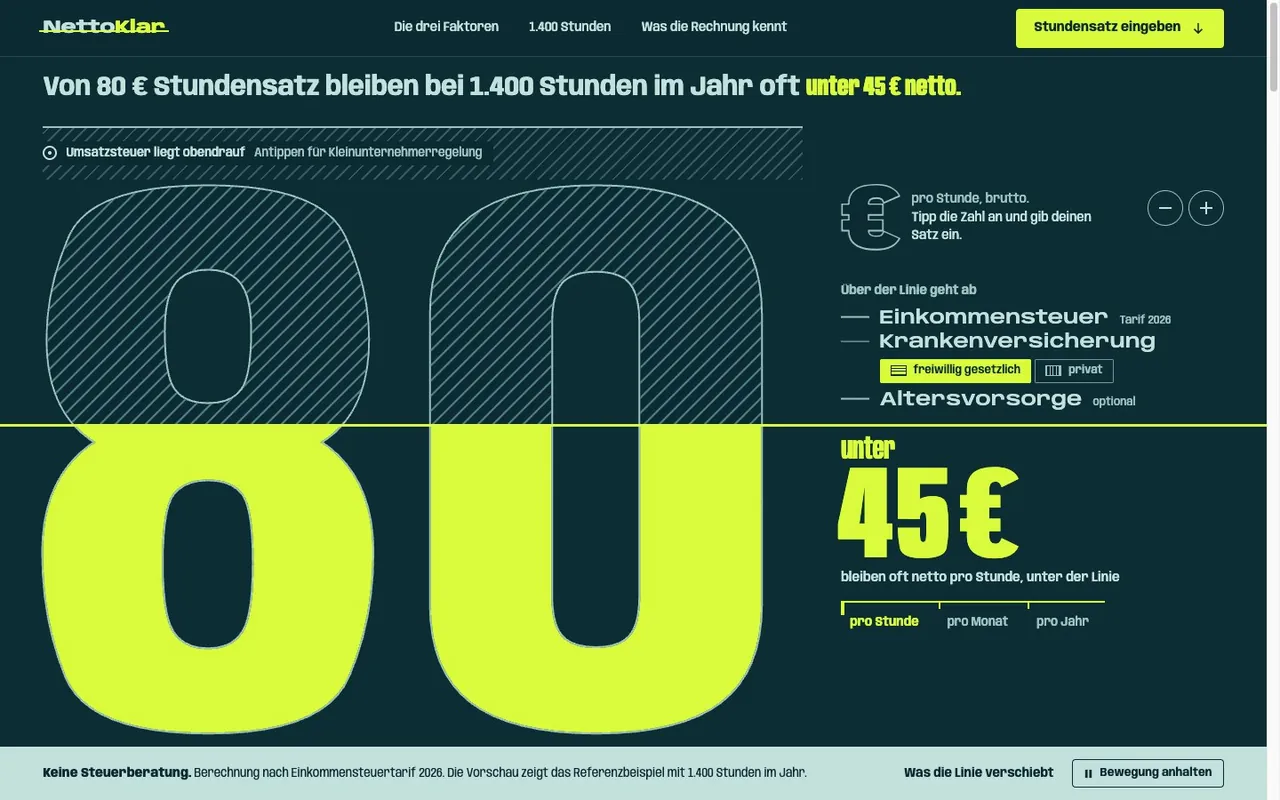
You spot AI-generated web design at first glance. So do your visitors.

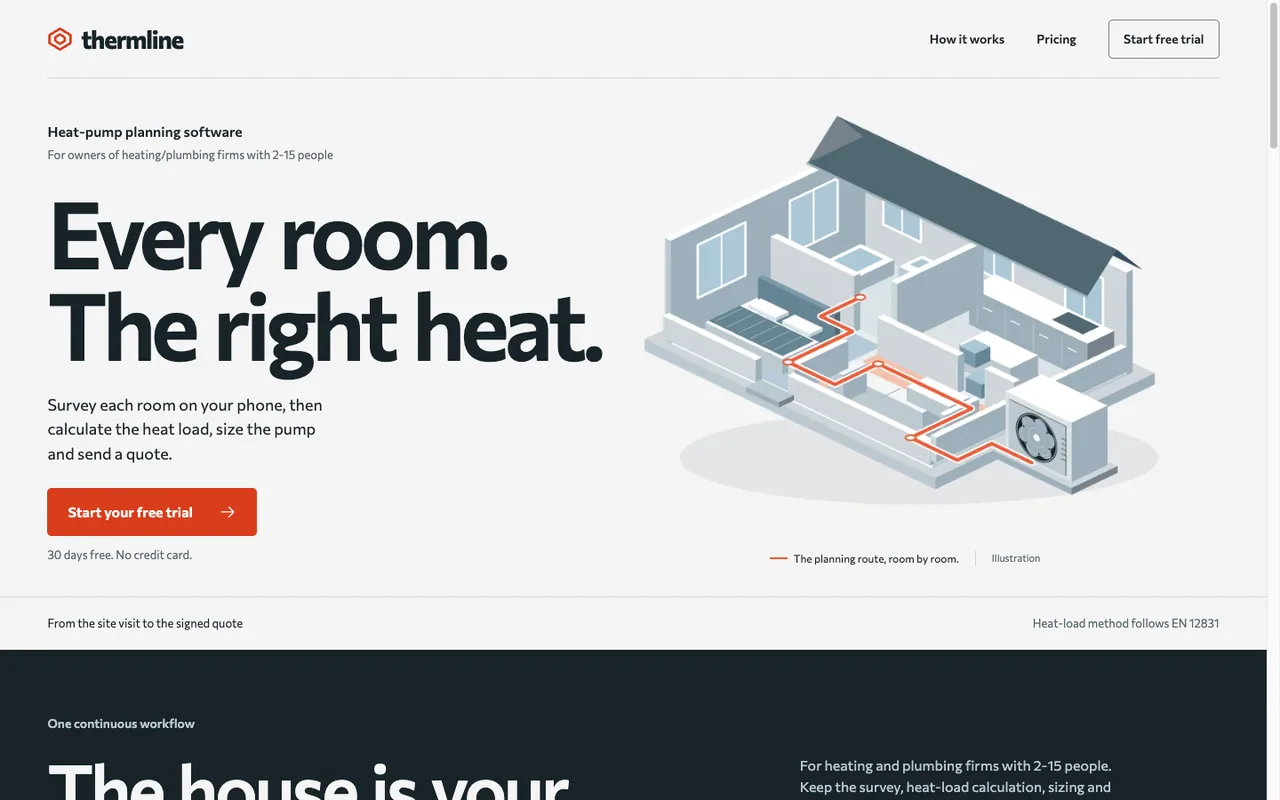
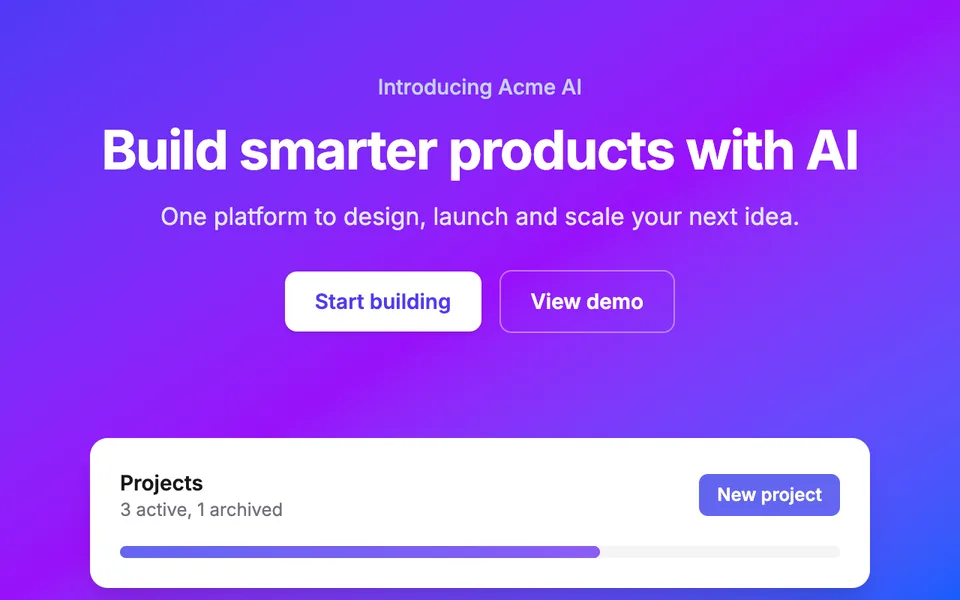
  • Hero with a purple-to-blue gradient, the white headline Build smarter products with AI and a white card with a purple button

    Not like this: Purple gradient as the default accent (#6366f1)

    Indigo to blue in the hero, #6366f1 on the button. The color nobody chose for this brand.
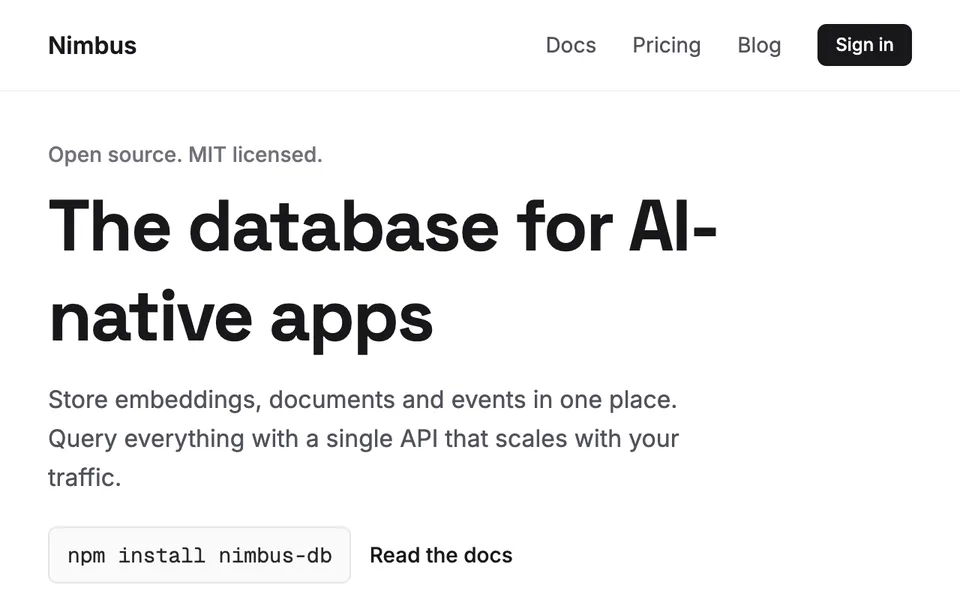
  • Homepage of a database tool: headline in Space Grotesk, body text in Inter, an npm install command in Geist Mono

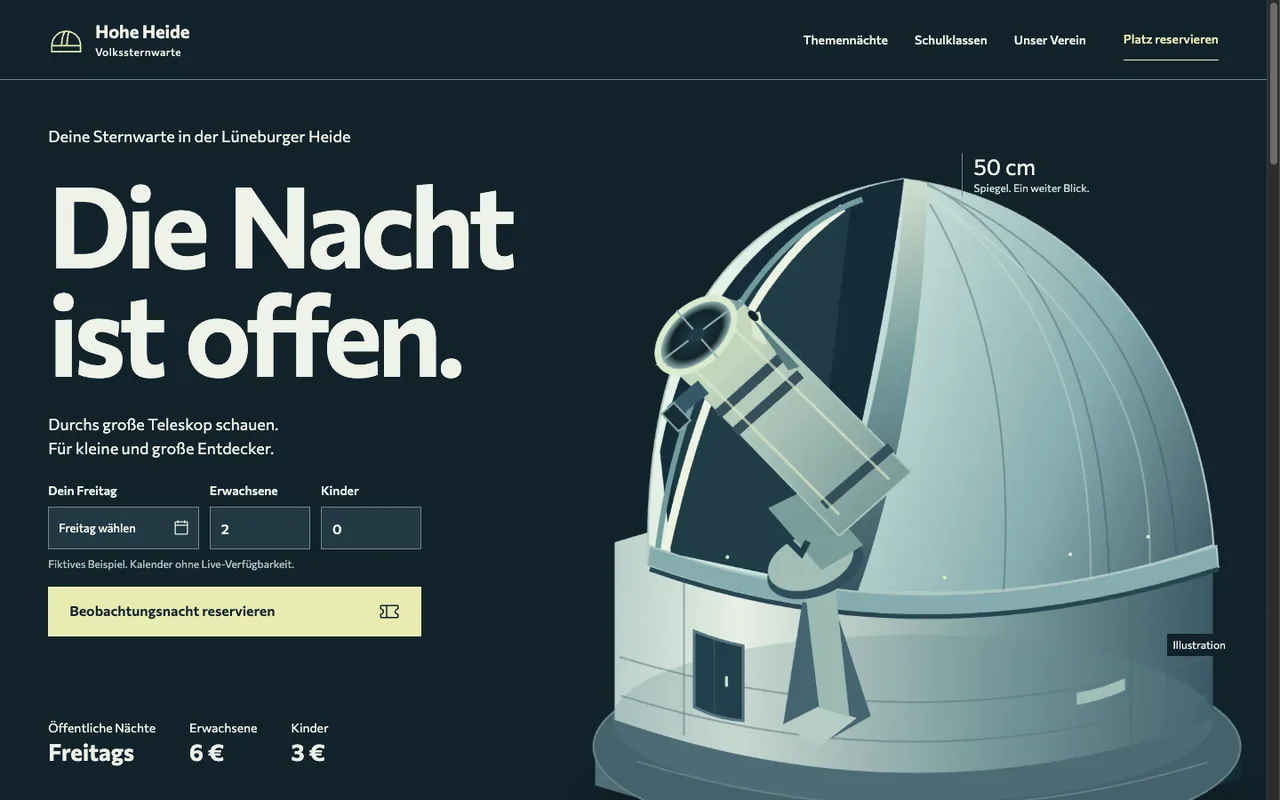
    Not like this: Inter, Geist, or Space Grotesk without intent

    Space Grotesk in the headline, Inter in the body, Geist Mono in the snippet. The same pairing as a thousand other homepages.
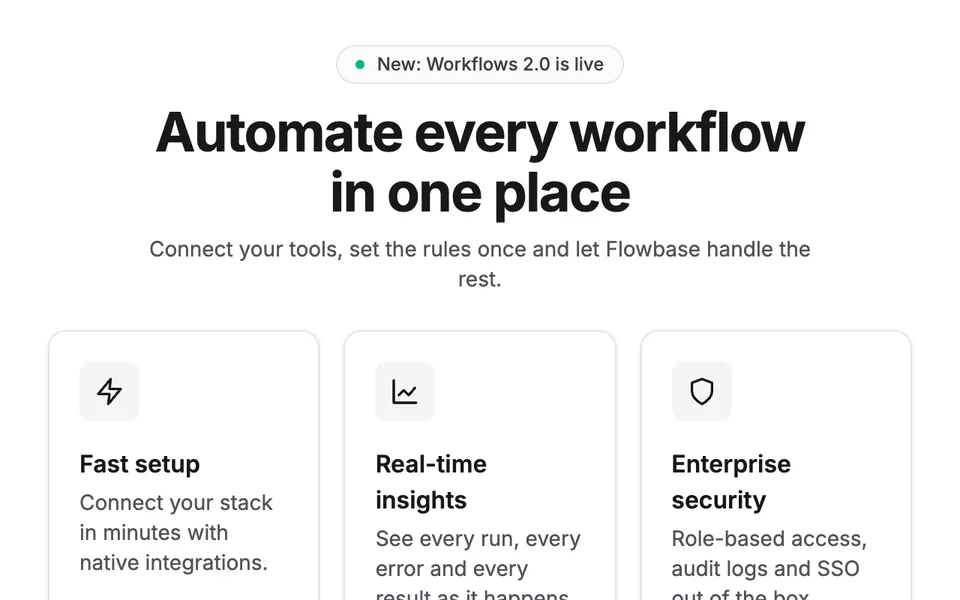
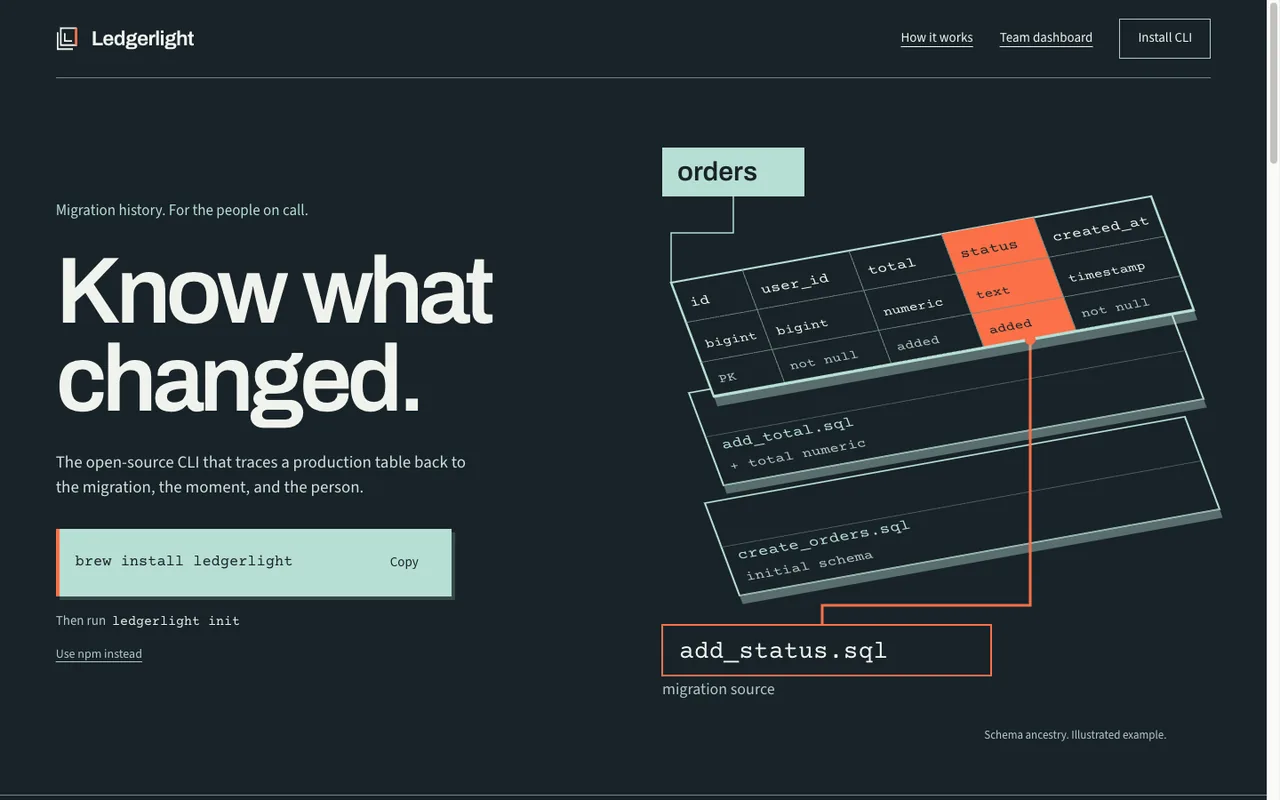
  • Centered hero with a small pill reading New: Workflows 2.0 is live, a large headline and three identical cards with an icon, a title and one sentence

    Not like this: Eyebrow pill plus huge headline plus three icon cards

    Centered pill, centered headline, three identical cards with an icon in a grey square. The opening move of nearly every generated landing page.
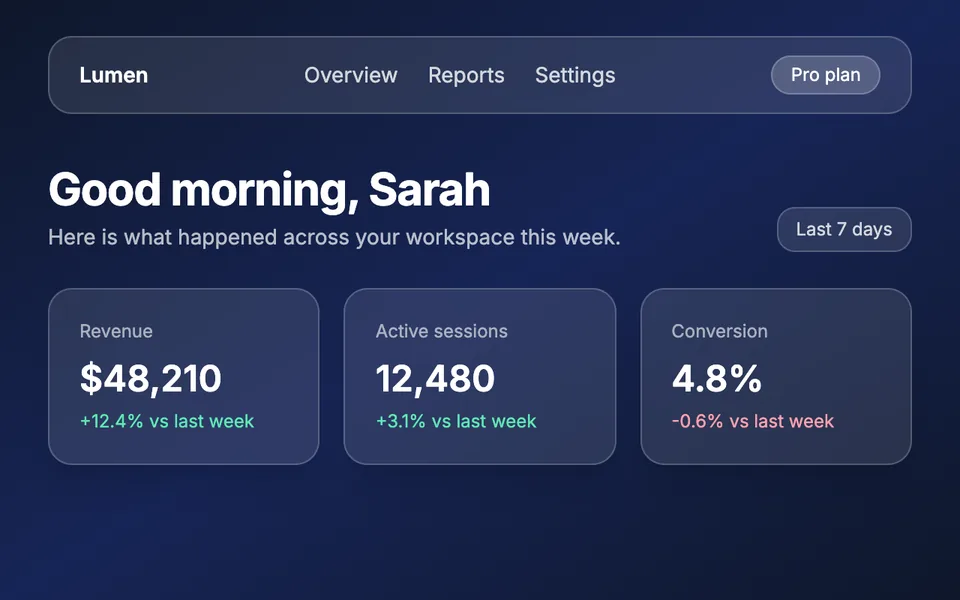
  • Dark dashboard with a semi-transparent navigation bar and three frosted-glass metric cards

    Not like this: Glassmorphism as the default card look

    Five frosted panels with blur and a white border on a dark gradient. Glass as the default surface instead of a single accent.
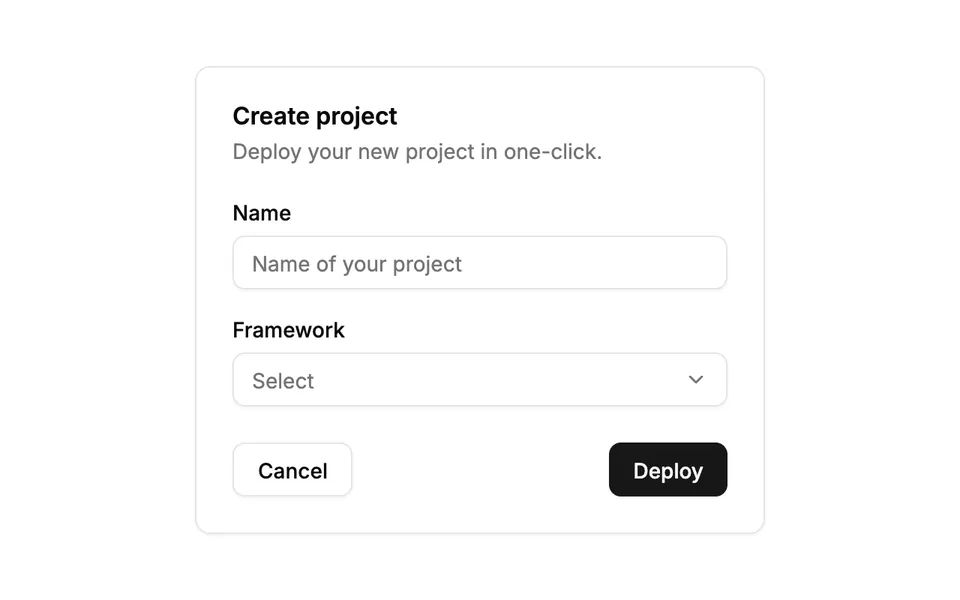
  • Form card titled Create project with a text field, a select and a black Deploy button in the untouched shadcn/ui look

    Not like this: Unstyled shadcn/ui defaults

    Black button, grey borders, 0.625rem radius and the untouched token block from the install. A scaffold nobody styled.
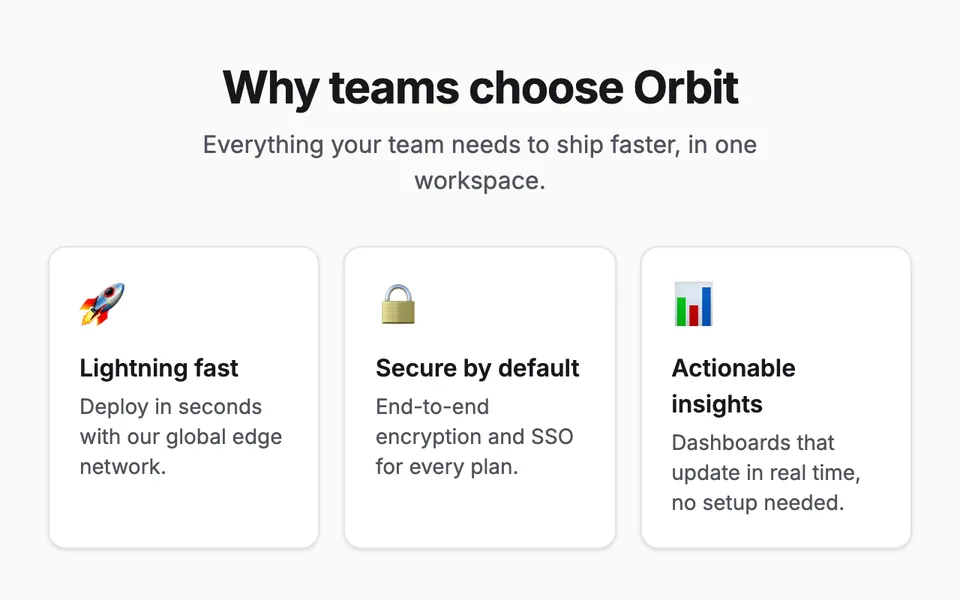
  • Three feature cards with a rocket, padlock and chart emoji in place of icons

    Not like this: Emojis instead of real icons

    Rocket, padlock and bar chart as feature icons. They look different on every device and templated on all of them.

  • Dark hero with the white headline Ship features 10x faster with your AI copilot, the words 10x faster filled with a purple-to-orange gradient

    Not like this: Gradient text in the headline

    Two words of the headline in purple to orange, the rest white. After AI purple, the most recognizable move of generated heroes.
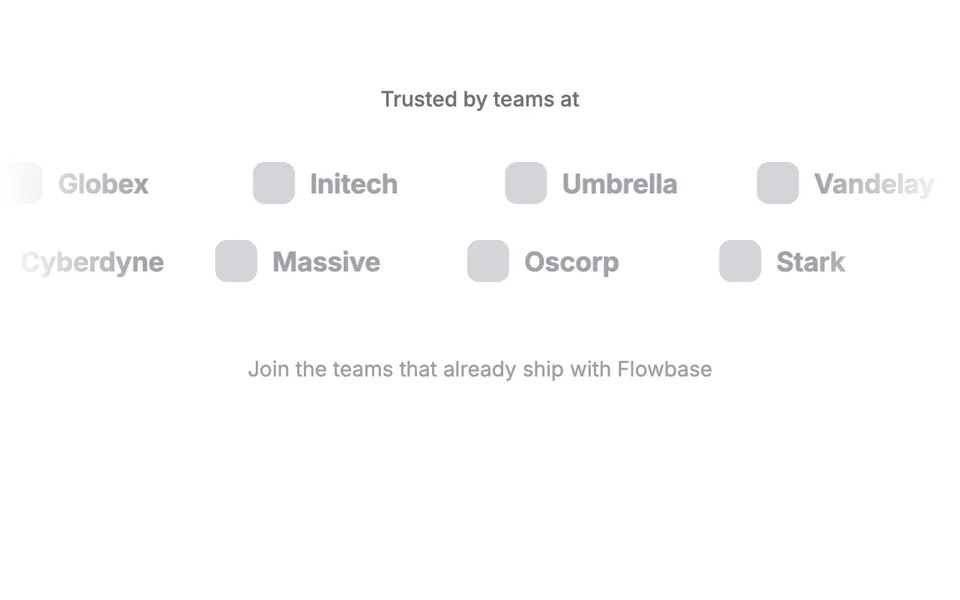
  • Two rows of grey placeholder logos with names like Globex and Initech under the line Trusted by teams at

    Not like this: "Trusted by" logo band with placeholder logos

    Grey wordmarks of invented companies scroll endlessly across the screen. Motion standing in for proof.
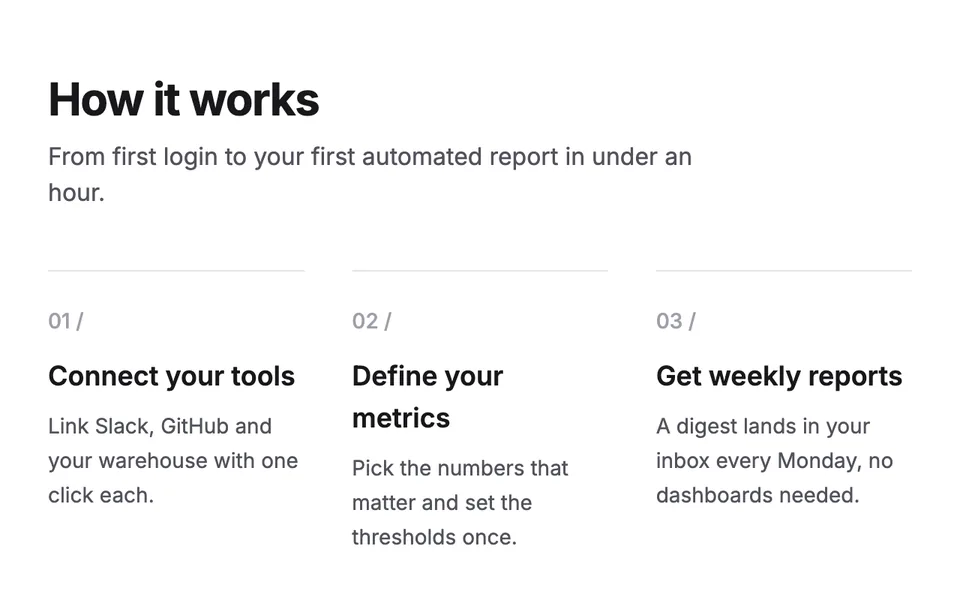
  • Section titled How it works with three columns, each with a small grey 01, 02 or 03 and a slash above its heading

    Not like this: Decorative "01 / 02 / 03" eyebrows

    Numbers above sections nobody reads in order. Borrowed from portfolio templates to make a plain section look art-directed.
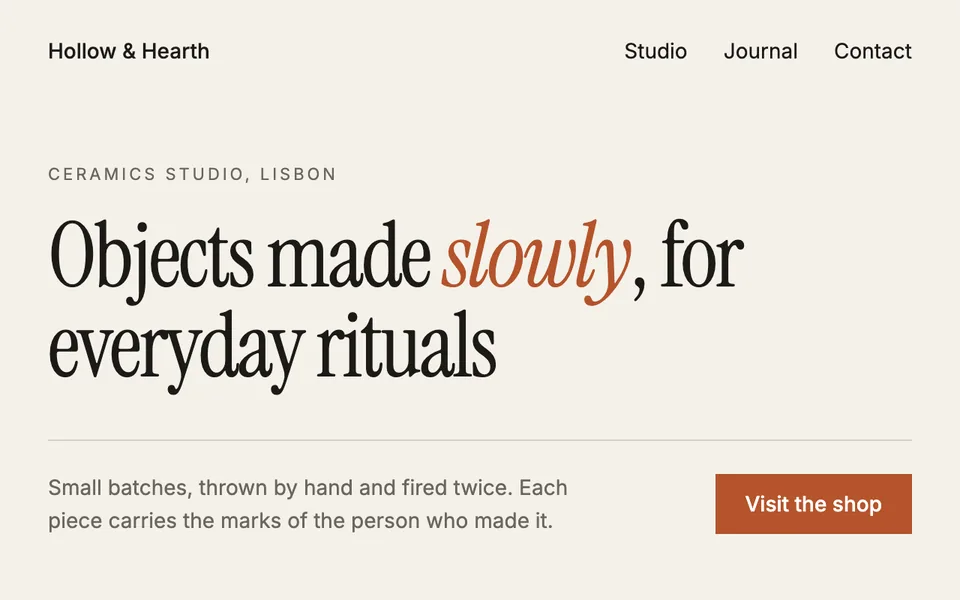
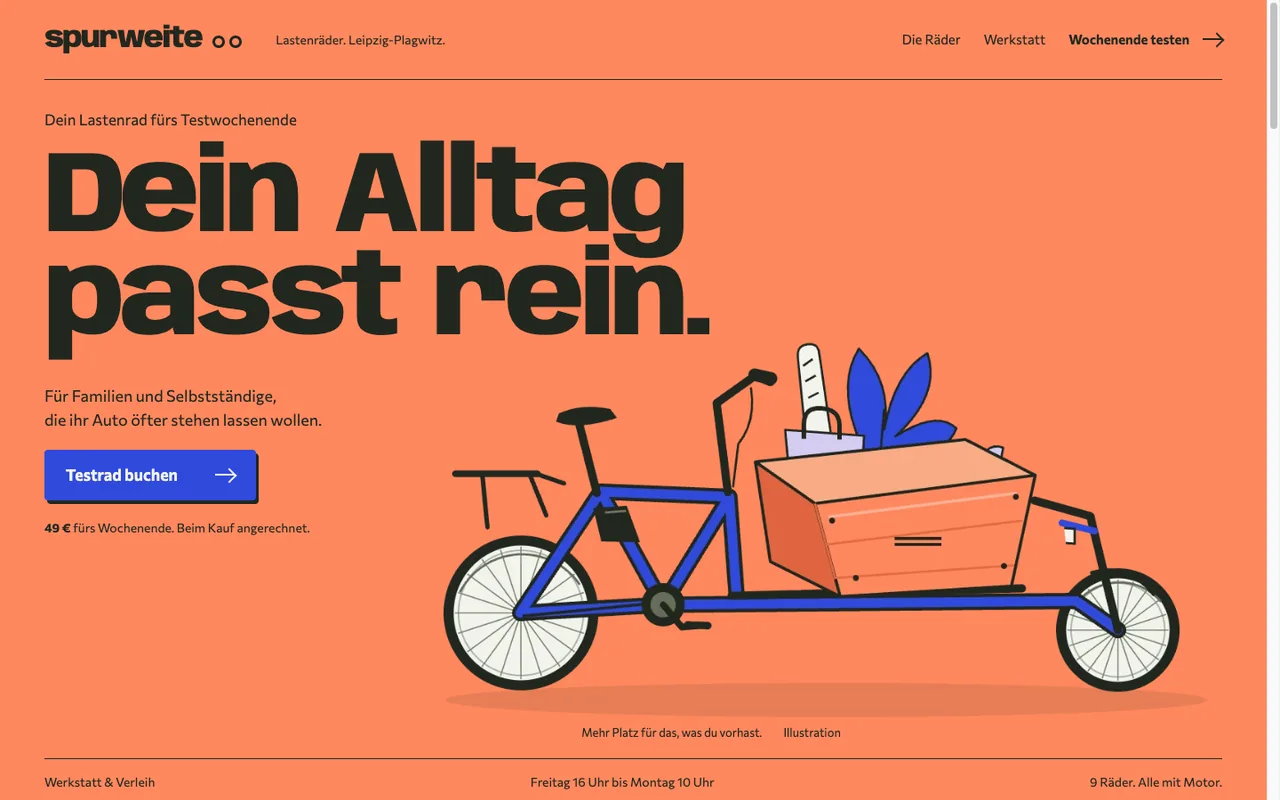
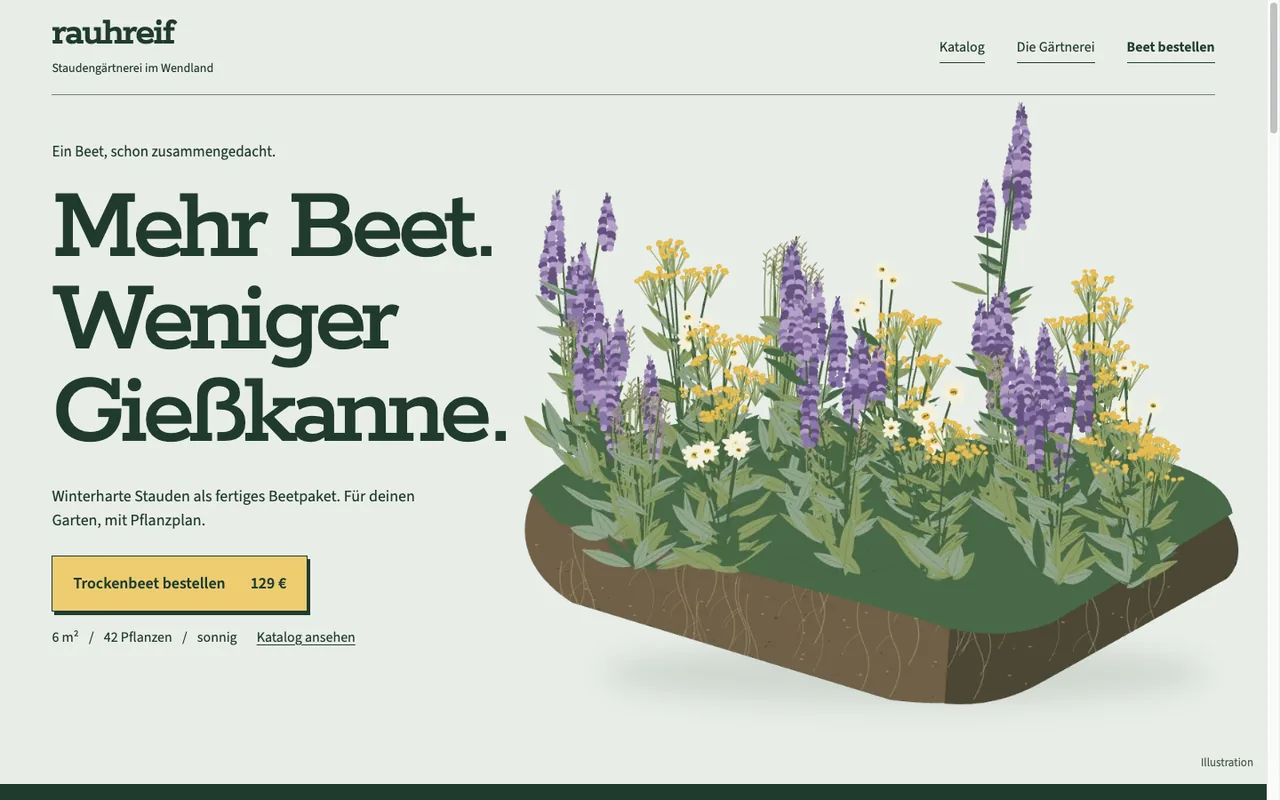
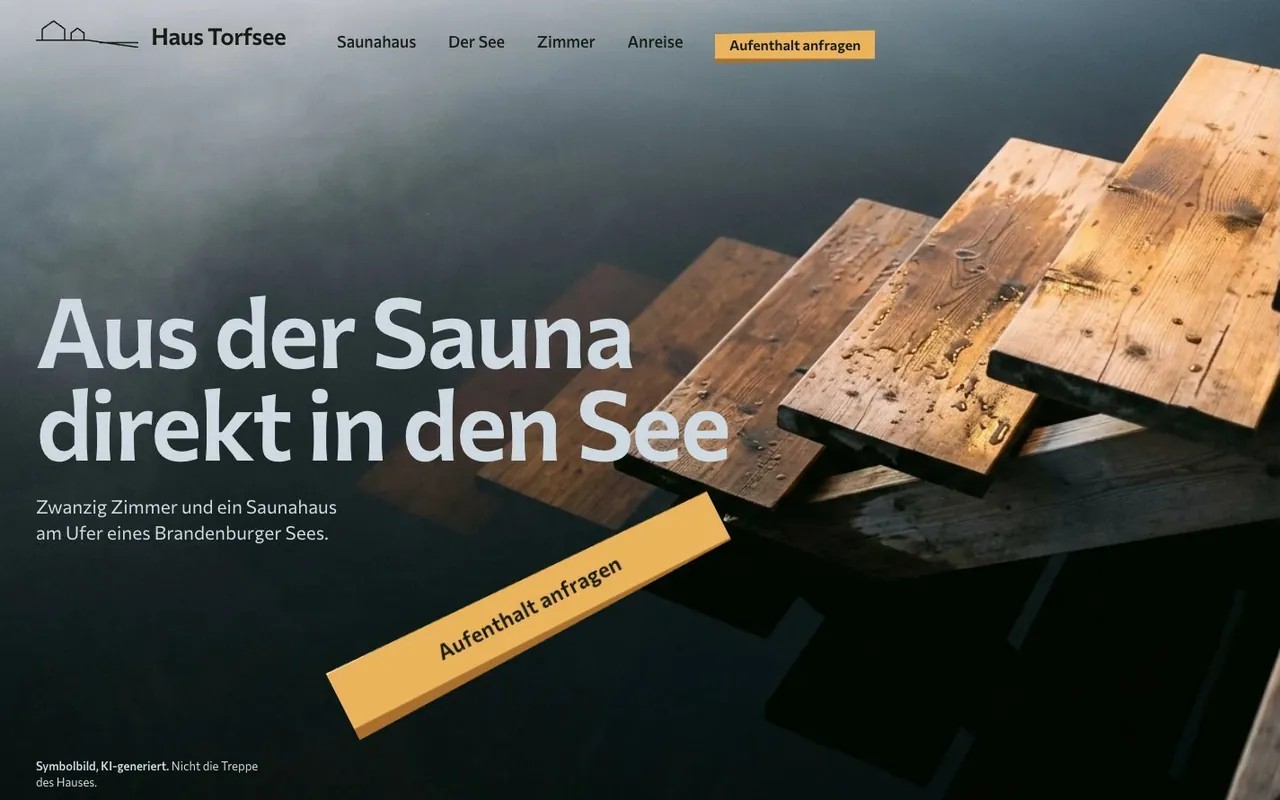
  • Cream-colored homepage of a ceramics studio with a serif headline, one italic rust-colored word and a rust-colored button

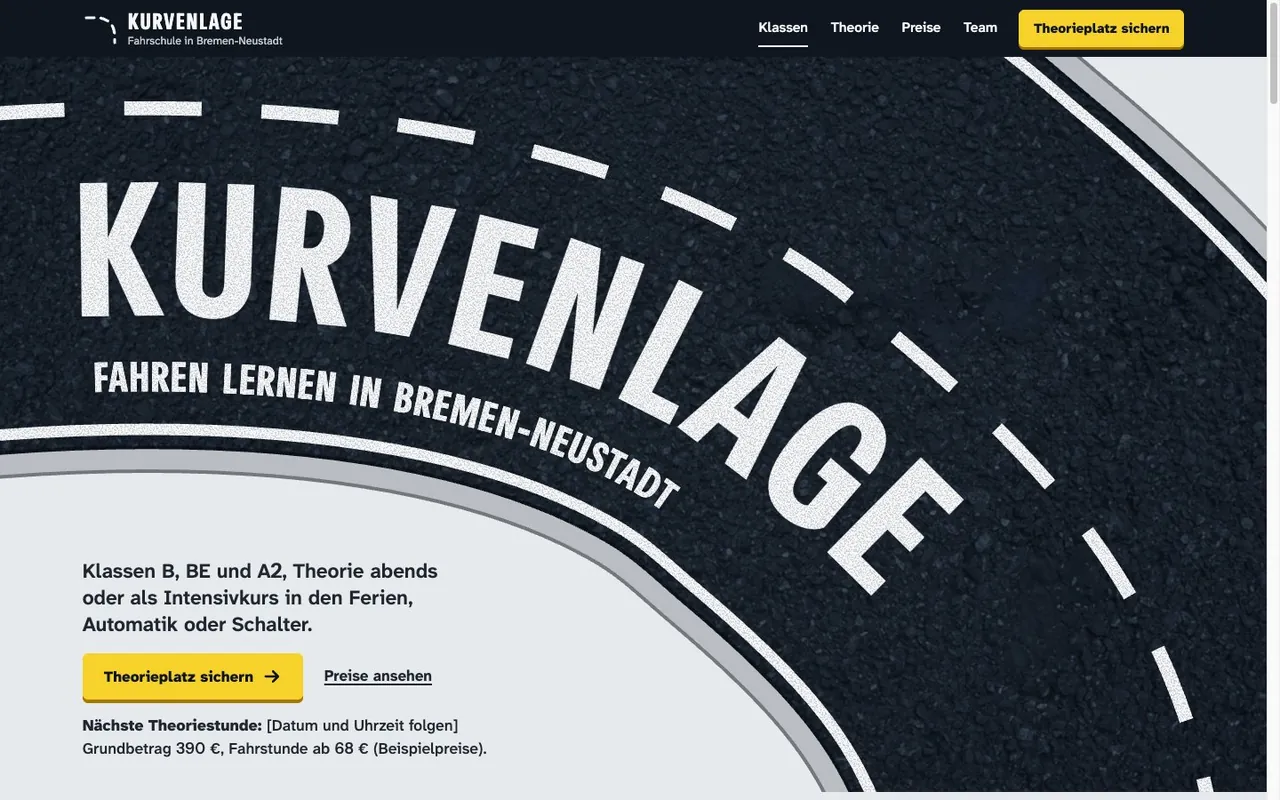
    Not like this: Cream, rust and italic serif: the new quiet default

    Cream background, rust accent, serif headline with one italic word. The "premium" that current models produce when nothing in the brief decides.

The Bundle

17 Skills for Web Design That Doesn’t Look AI-Made

Version 6.1.0 covers everything from site architecture through design, fonts, and icons to the pre-launch audit. Each skill is a fixed rule set with its own scripts, not a vague prompt.

webdesigner

  • Builds interfaces, from one component in your app to the first draft of a new website
  • 445 real brand design systems and 11 MIT-licensed website templates to start from
  • The full process develops three directions, runs critique rounds, and ends with a release check
  • Optional image generation with your own Gemini key

webdesigner-codex

  • The webdesigner variant for GPT models in Codex
  • Builds two directions and compares them as real screenshots before you choose
  • An independent critic reviews the rendered pages
  • Meant for Codex only, in Claude you use webdesigner

site-architecture

  • Plans page types, navigation, URL structure, languages, and redirects
  • Three depths, from a quick sketch to a detailed plan
  • Recommends only Next.js, Astro, or plain HTML/CSS/JS as the stack
  • Optional CSV check without extra packages

design-md-builder

  • Builds a DESIGN.md from brand documents, a live site, screenshots, Figma, or code
  • A bundled extractor measures a live page in the background
  • Keeps measured values, proposals, and open decisions apart
  • Hands the design tokens to webdesigner and color-palette-generator

color-palette-generator

  • Color palettes from a hex value, an image, or a brand reference
  • Checks WCAG contrast up to the AAA matrix and derives dark mode variants
  • Previews color vision deficiencies
  • Exports for Tailwind, CSS, SCSS, Figma, Style Dictionary, and Material

custom-font-creator

  • Designs original display fonts and delivers TTF, WOFF2, CSS, and an HTML specimen
  • Turns a brief into 12 distinct directions
  • Builds static font families in several weights
  • Sets a logo as an SVG wordmark

icon-set-designer

  • Helps you draw a consistent, original SVG icon set in your brand’s style
  • Checks every shape and measures what stays readable at 16 pixels
  • Creates contact sheets and a blind recognition test
  • Exports SVG files, sprites, React components, and CSS

web-cloning

  • Rebuilds an existing page in a new project with shadcn/ui and Tailwind CSS v4
  • Runs on Next.js or Astro
  • Measures the original in the browser and copies no source code
  • Compares original and rebuild pixel by pixel until they match

design-slop-remover

  • Finds generic and AI-looking patterns on an existing site
  • A scanner lists candidates, an optional check measures contrast, focus, and motion
  • Fixes stay small and need your approval
  • A scanner hit alone never counts as a defect

website-audit

  • One entry point for the full audit or any of 14 sub-audits
  • WCAG 2.2 accessibility, performance, security, privacy, and SEO basics
  • Also covers mobile, forms, localization, and DE/EU legal questions
  • Writes a combined report with findings and manual checks

web-image-optimizer

  • Audits how your site delivers images
  • Plans formats, responsive variants, srcset, and sizes
  • Takes care of stable dimensions and the LCP image
  • Never overwrites your originals

web-code-standards

  • Clean HTML, CSS, and JavaScript with a dated browser-support snapshot
  • Semantic, accessible markup, forms, and error messages
  • Cascade layers, container queries, color, and motion
  • Replaces the former separate CSS, HTML, and JavaScript skills

next-best-practices

  • Current guidance for Next.js 16 with the App Router
  • Server and Client Component boundaries, async APIs, and Cache Components
  • Metadata, images, fonts, security, and accessibility
  • Works in plain chat tools, too

screenshot

  • Website screenshots locally in the background, no external API
  • Uses a browser you already have installed
  • Leaves your personal browser profiles alone by default

logo-downloader

  • Downloads company, app, and website logos from 22 sources
  • SVG first, raster as a fallback
  • Sanitizes SVGs and records where every file came from

domain-checker

  • Brainstorms brand and domain names
  • Checks 100 domain endings via RDAP
  • Tells registered, free, and uncertain apart and never buys anything

remove-background

  • Removes image backgrounds locally, no cloud service
  • Transparent PNG and WebP or a background of your choice
  • Handles whole folders and uses CoreML on Apple Silicon
Examples

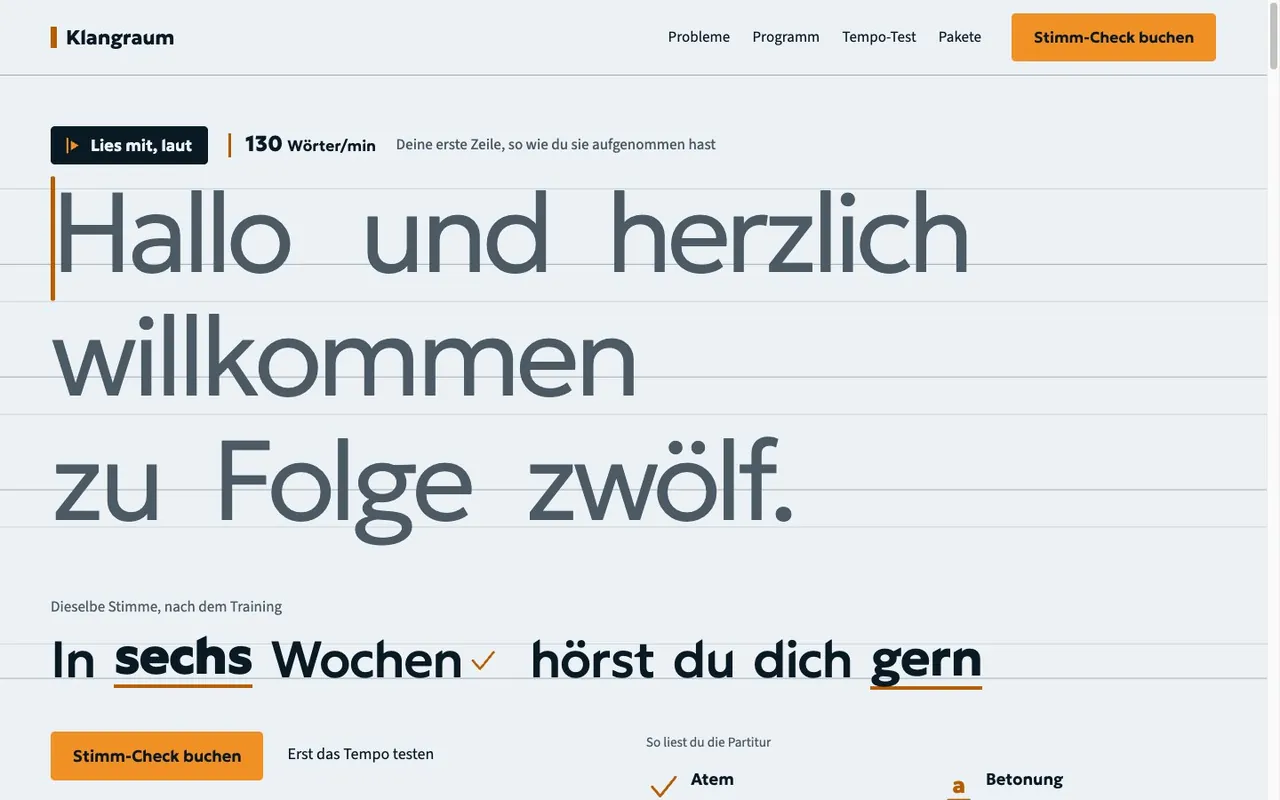
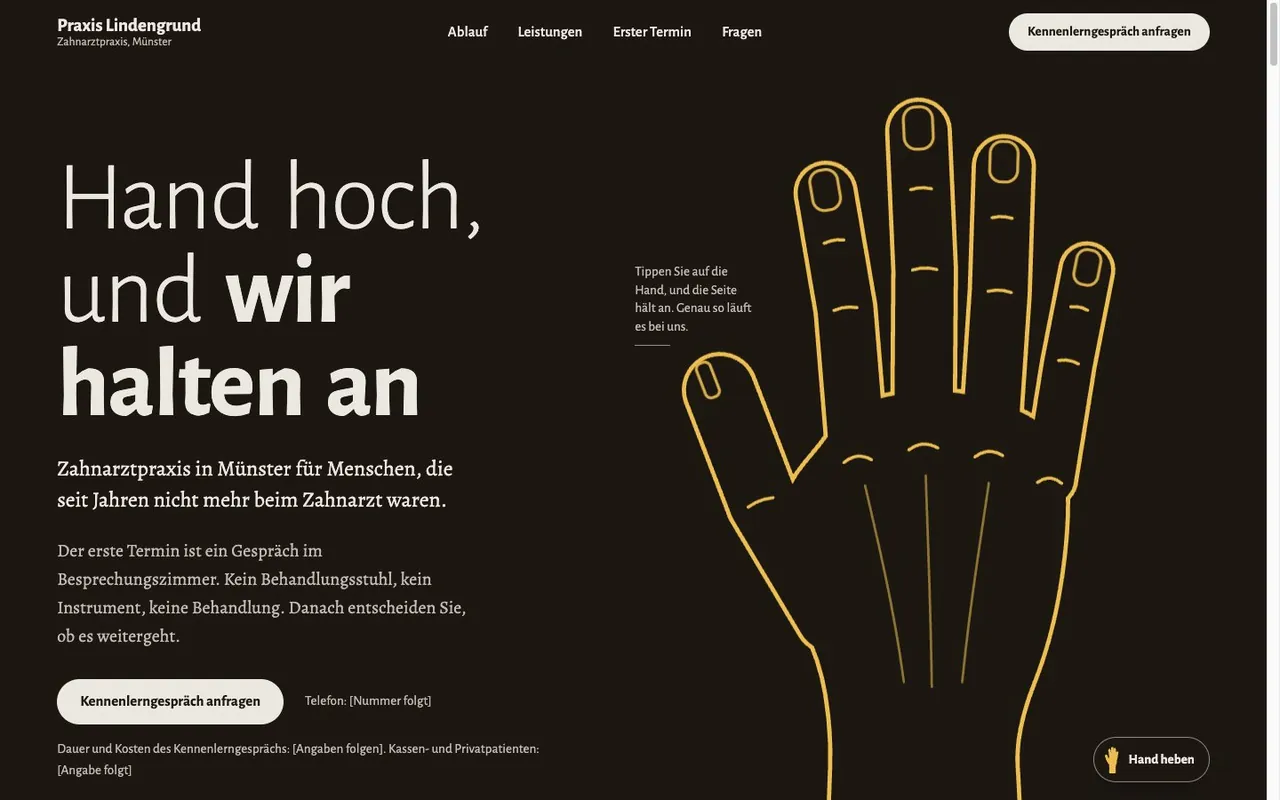
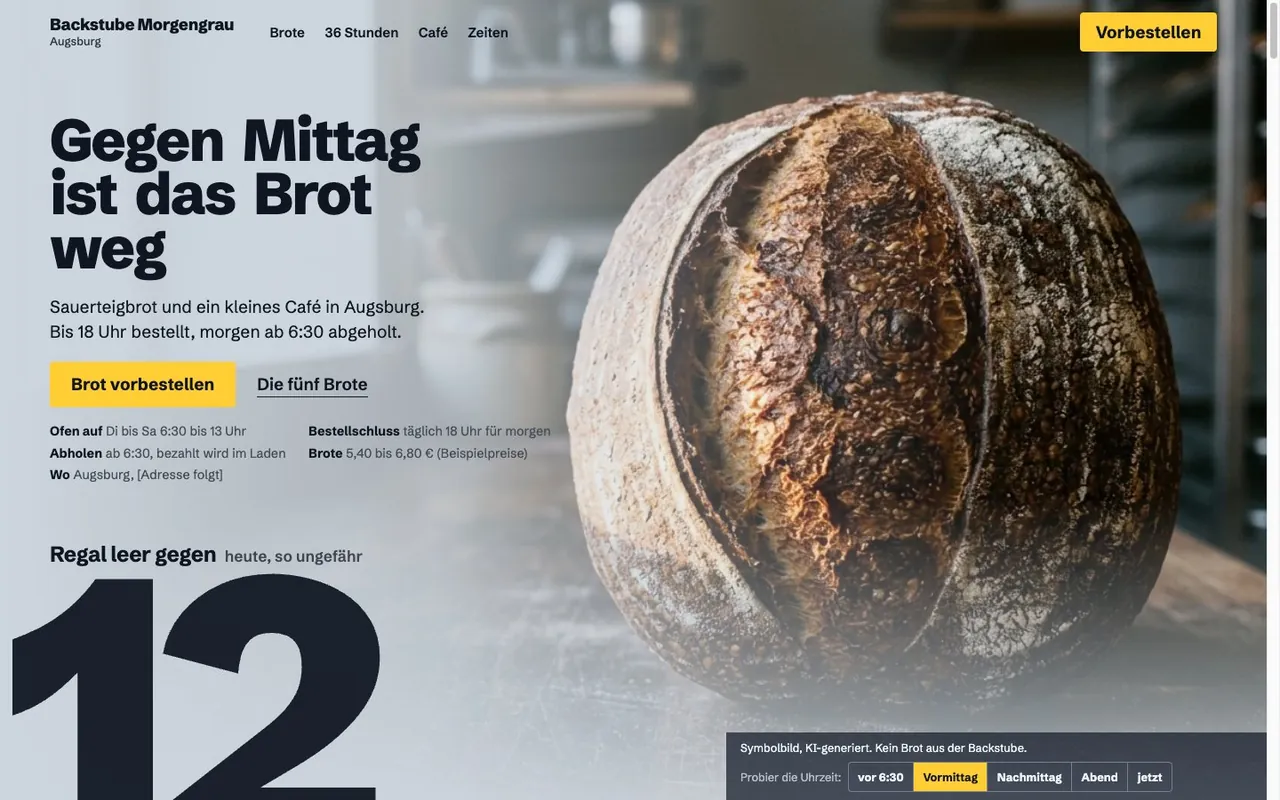
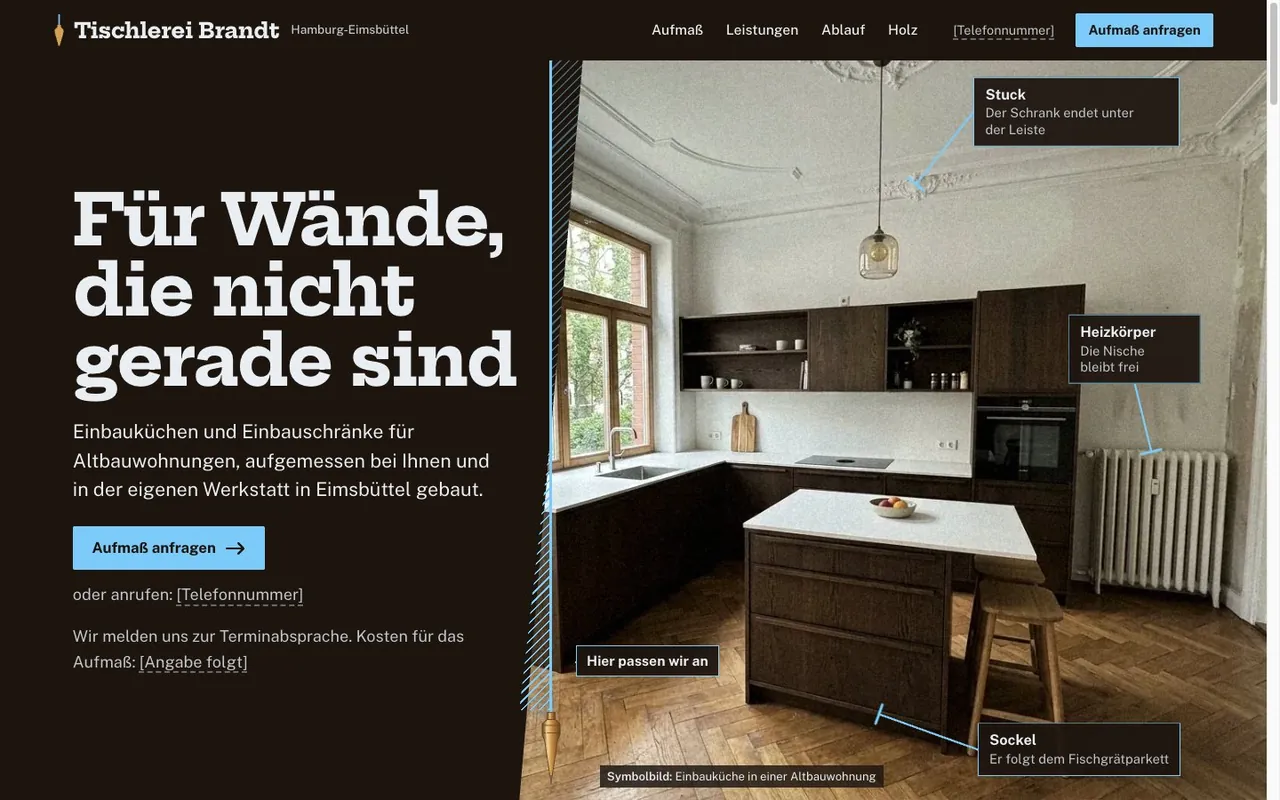
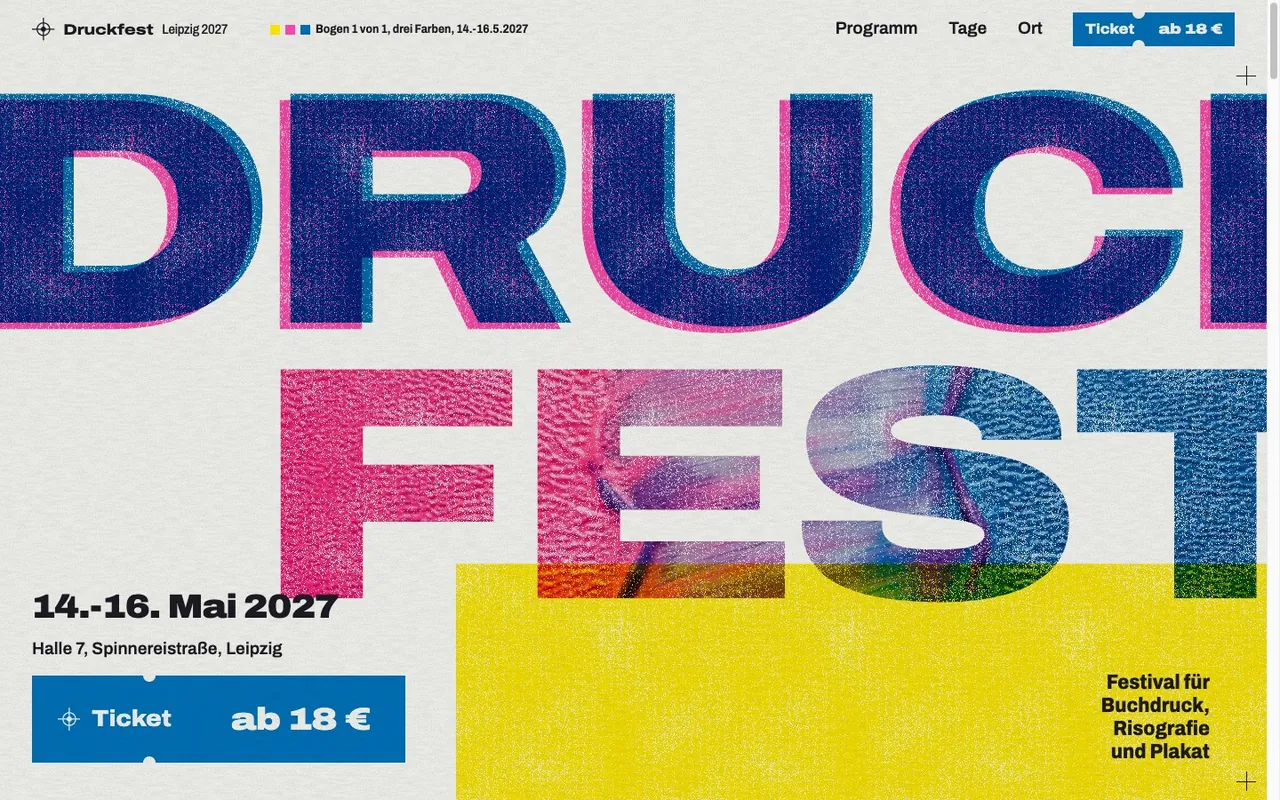
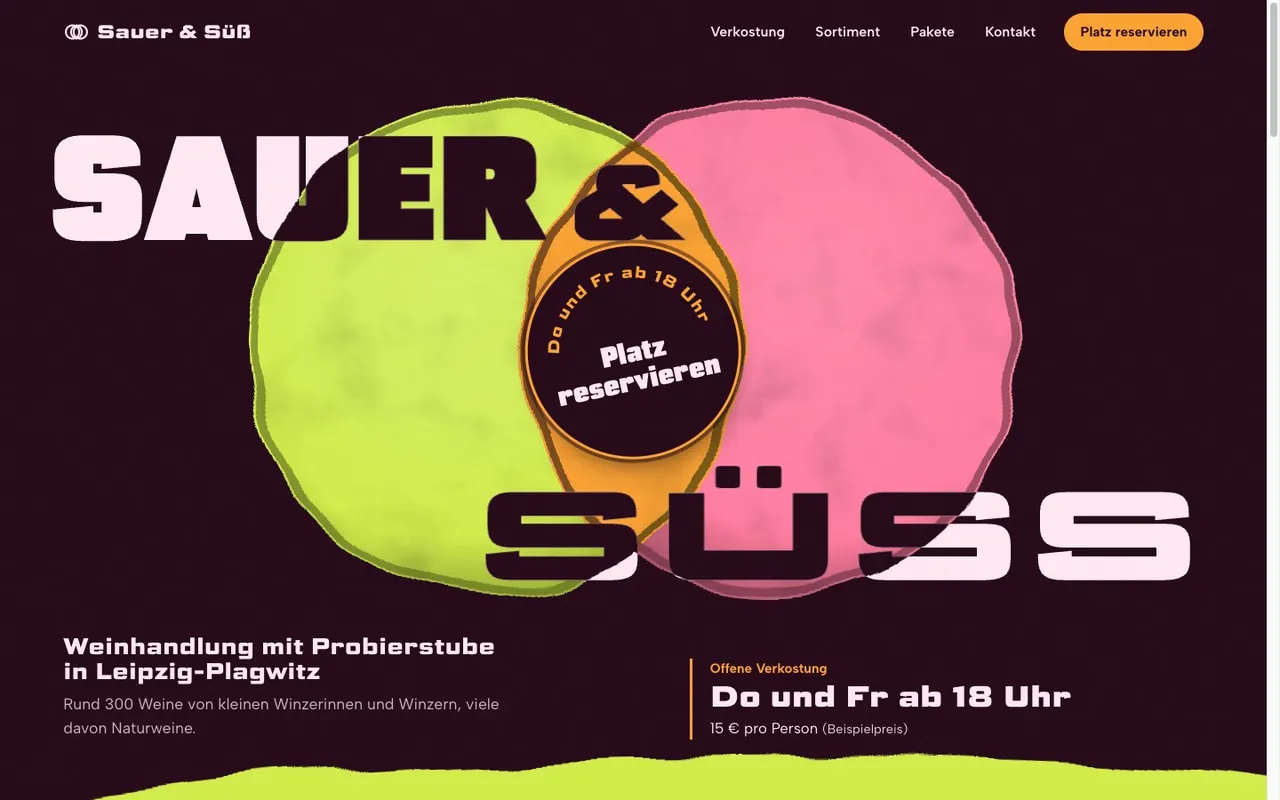
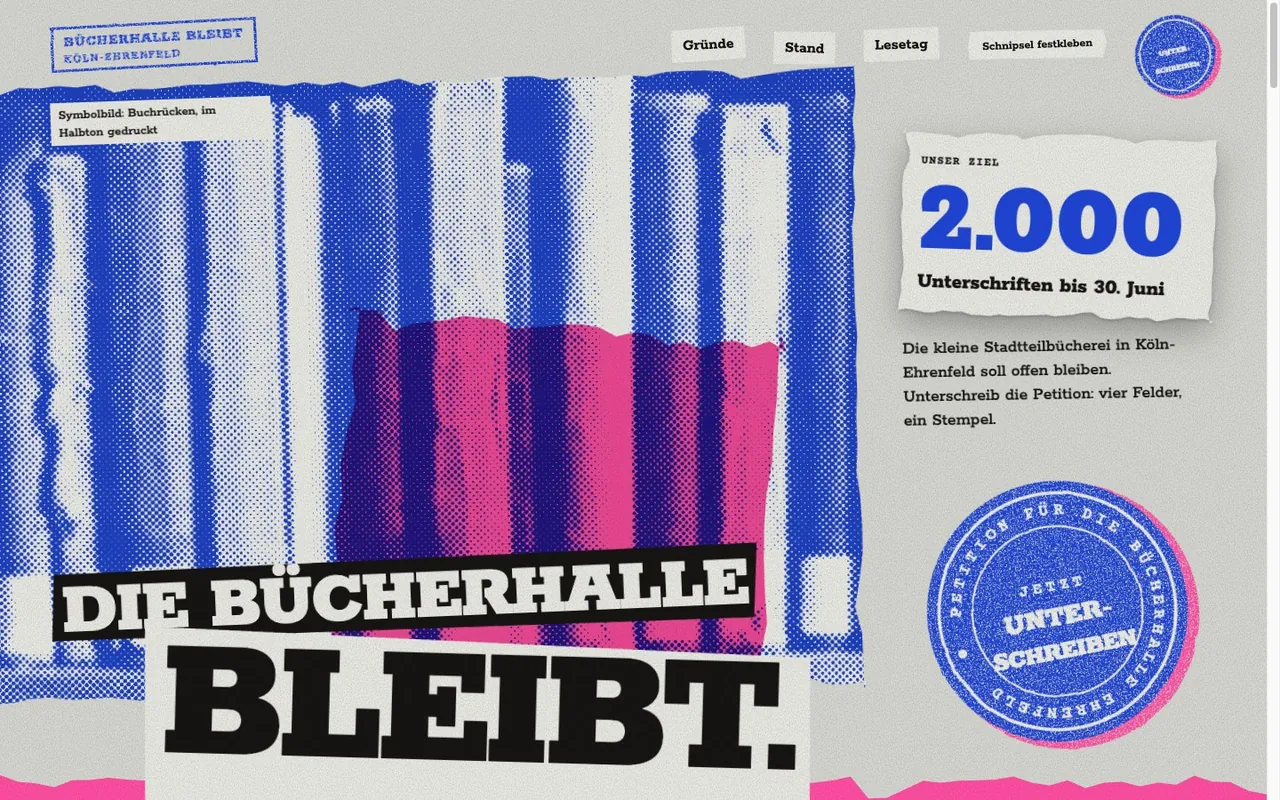
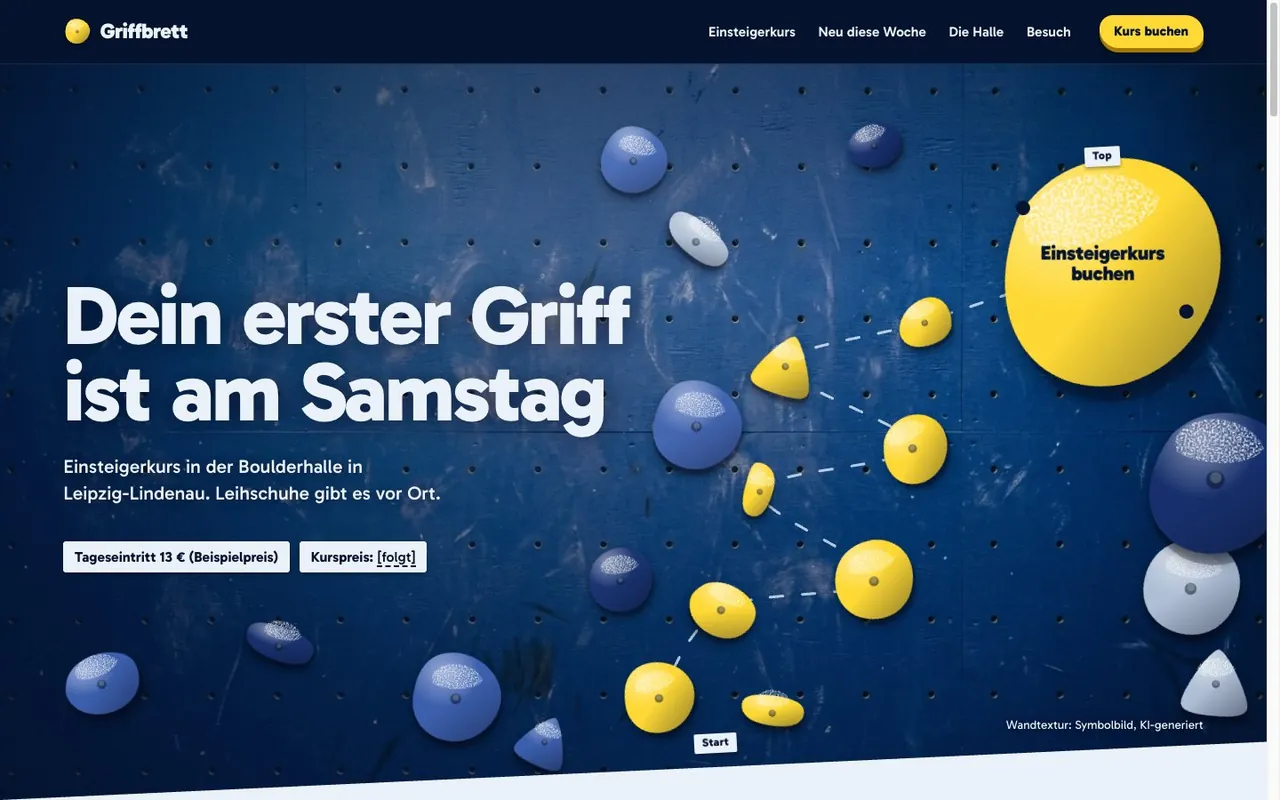
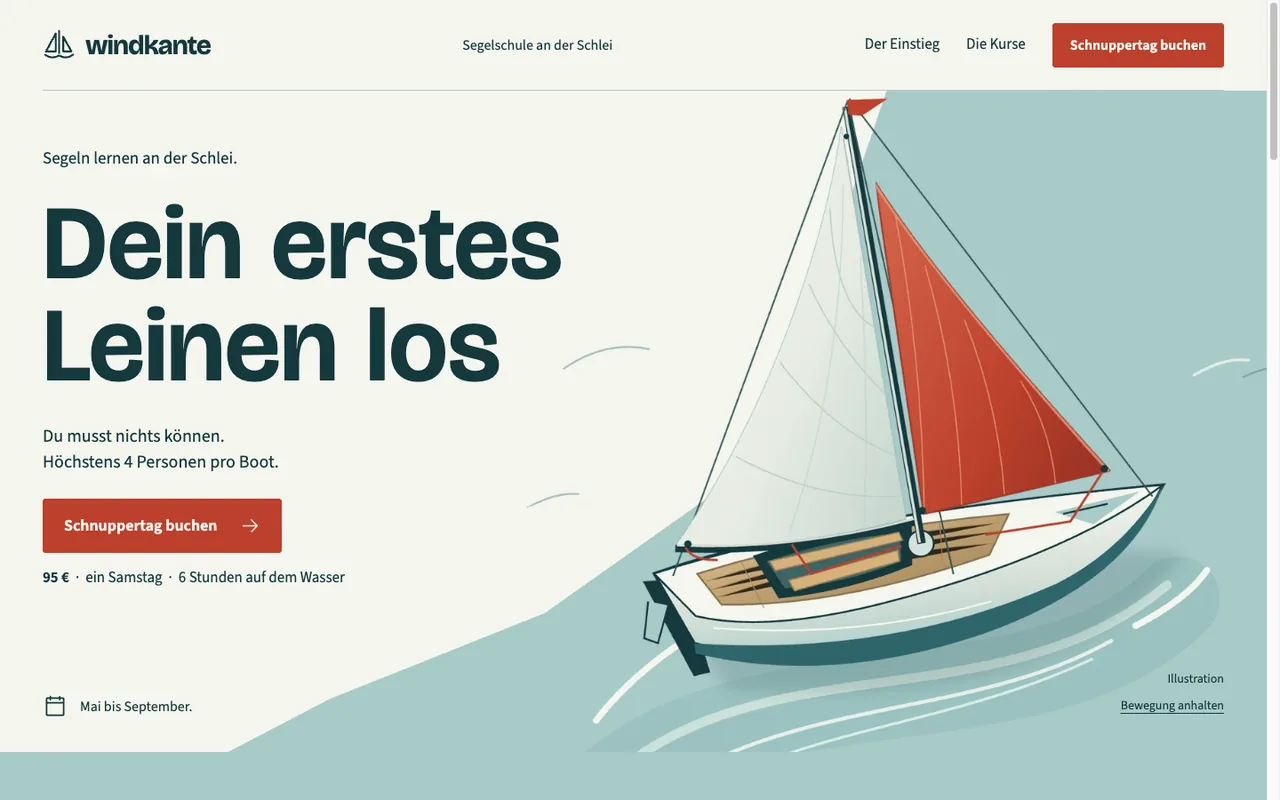
22 example pages to click through

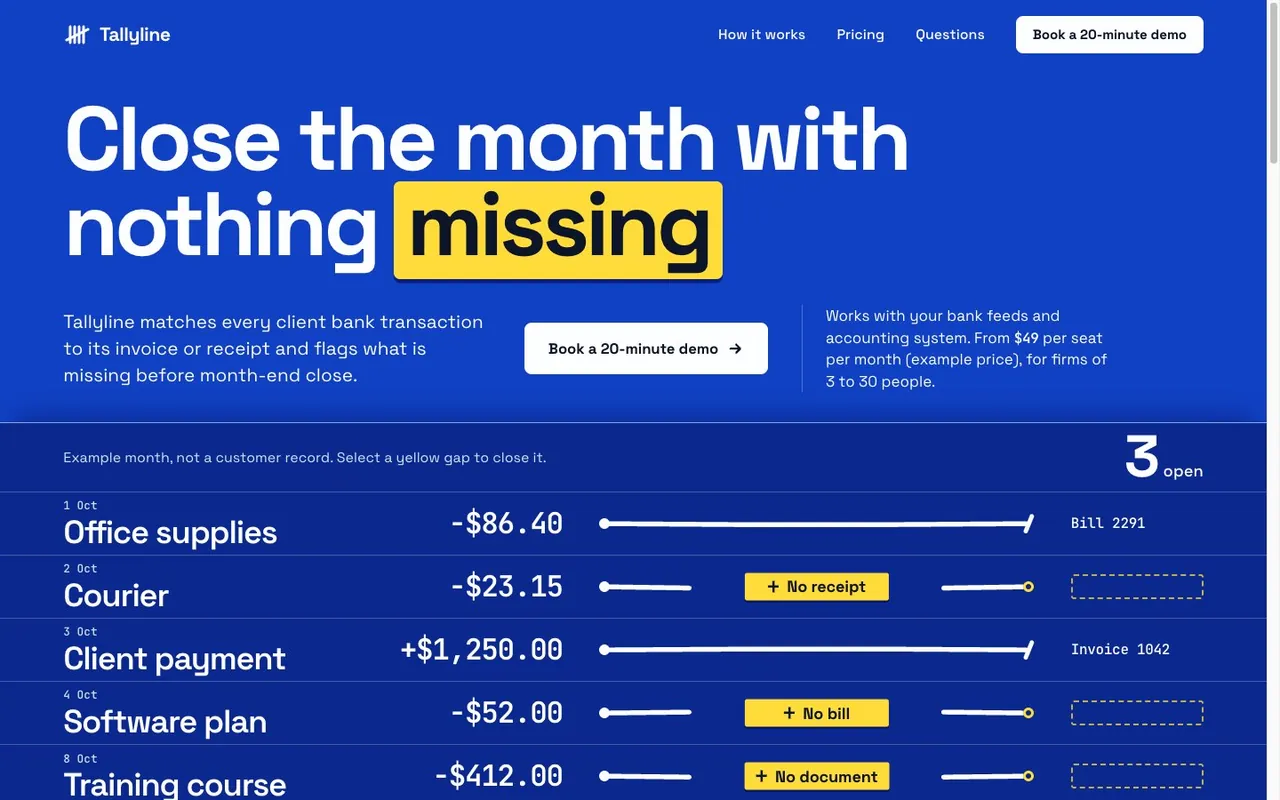
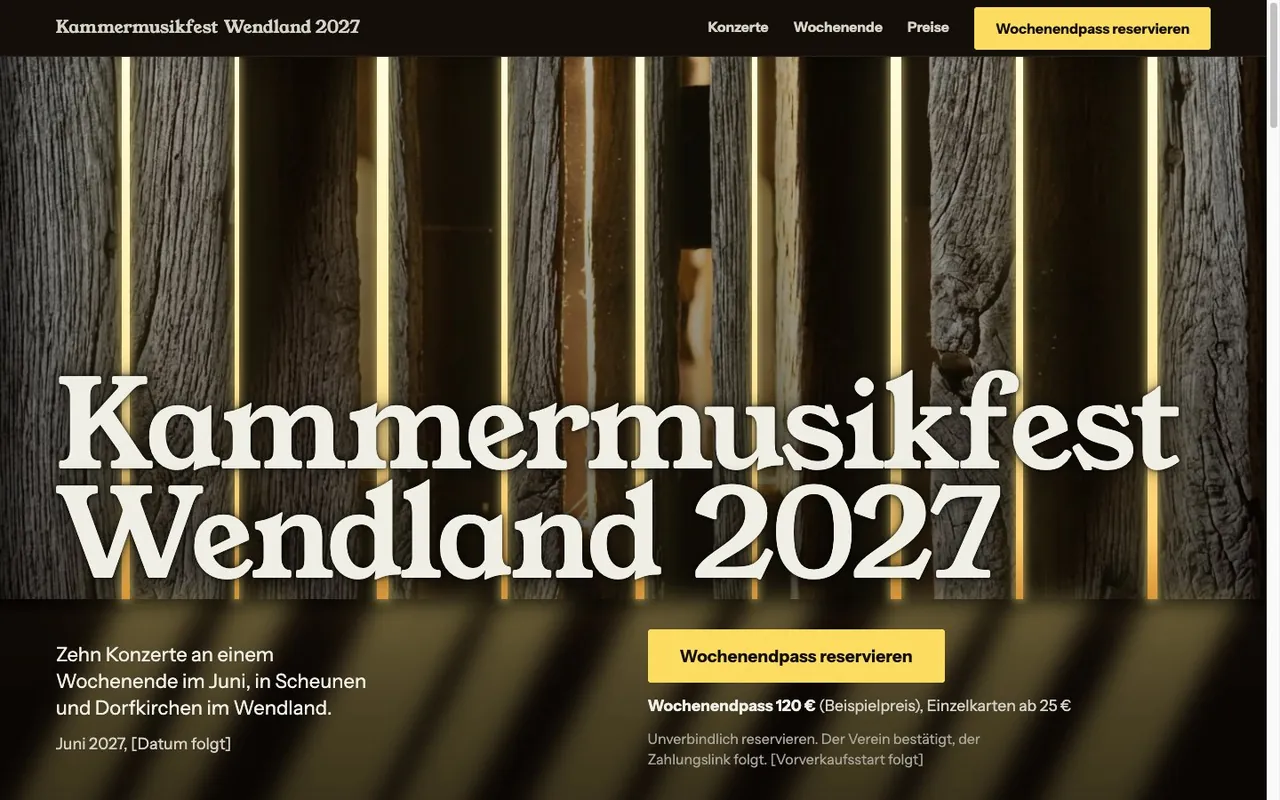
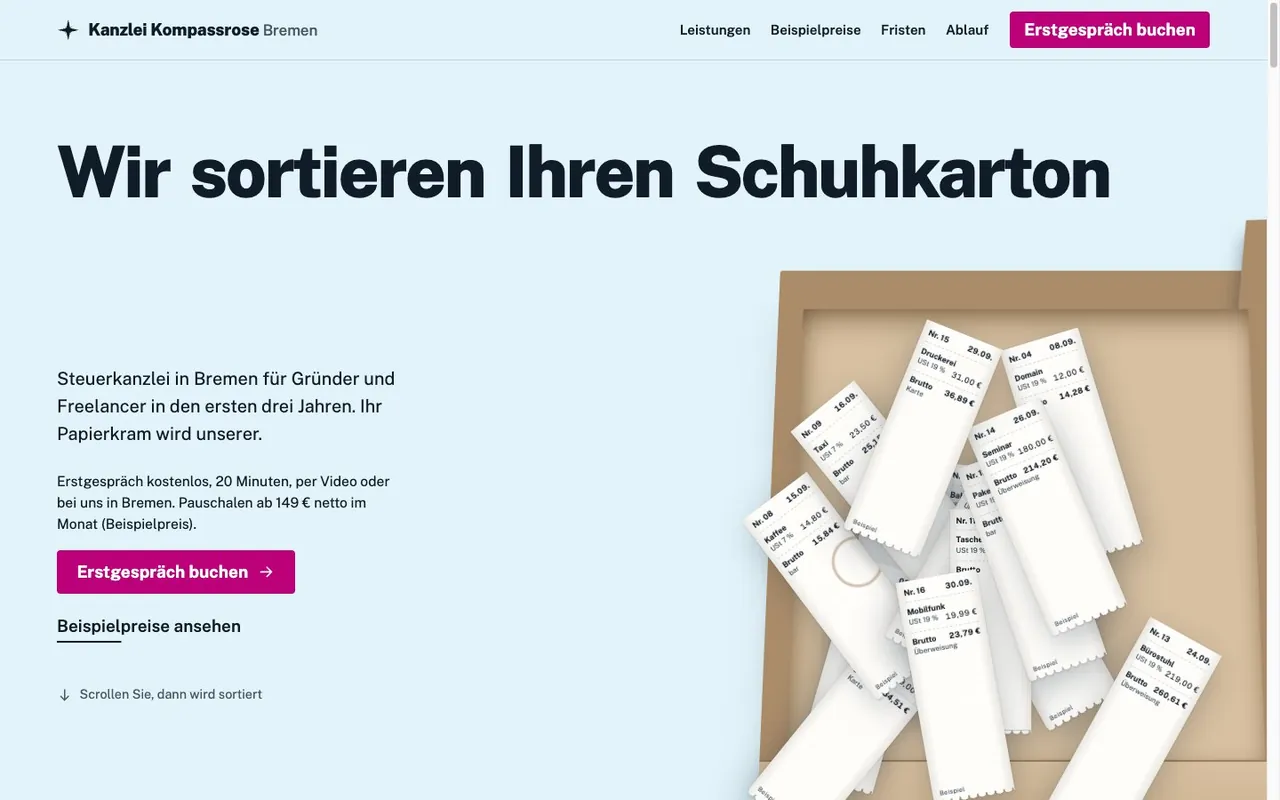
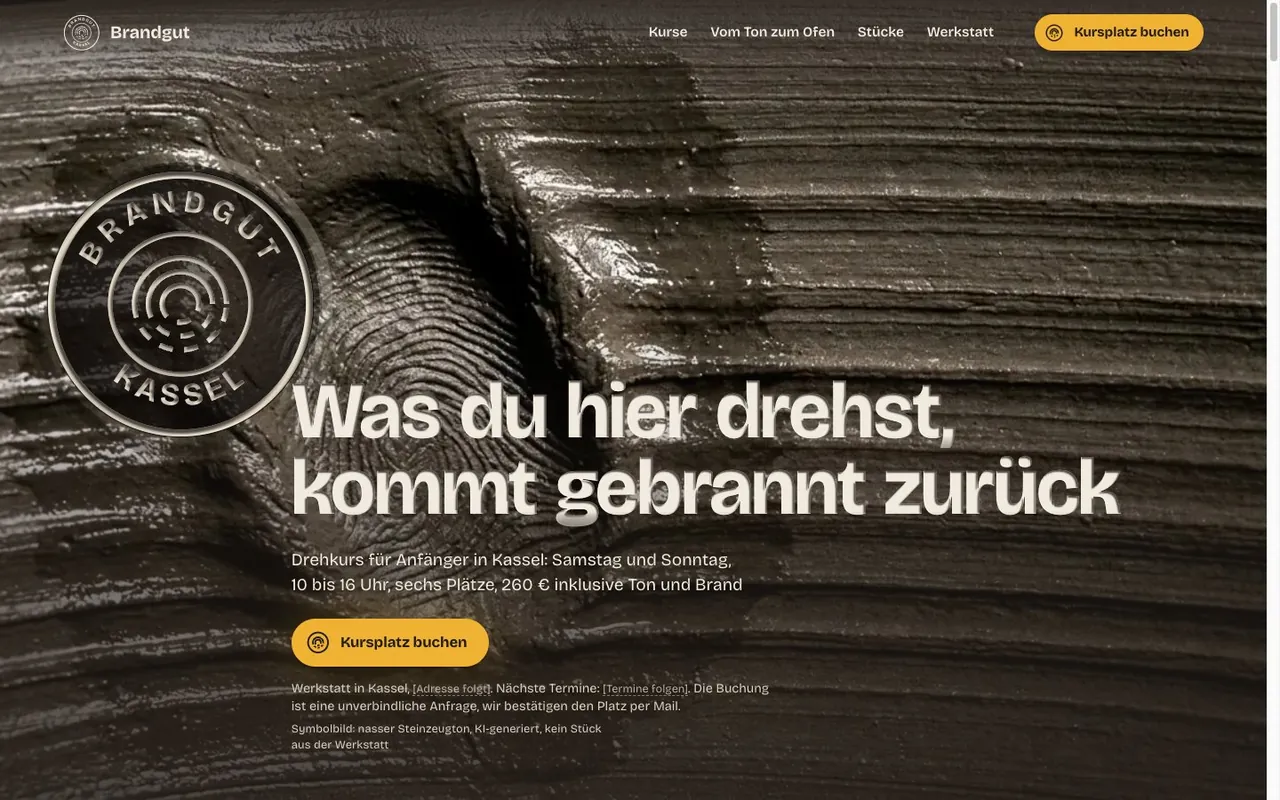
Every client on this page is made up. AI agents built these example pages with the skills and polished them over several critique rounds. They are not finished client projects, and they are not perfect.

Treat them as work samples. Each demo opens as a real web page in a new tab. Forms send nothing, and copy, prices and contact details are invented. If a demo is in German, the card says so.

Built with Codex

6 example pages from Codex

The Webdesign Skills do not only work in Claude. Codex built these pages with GPT-6.1 Sol and webdesigner-codex, a separate variant of the skill for GPT models. Every client here is made up too.

Codex designed and built each page itself. After an independent visual review, it improved them in fix rounds. Of the 8 pages it built, these are the 6 that passed a strict final review.
Compatibility

Runs in Your Tools

The skills use the open skill format. I tested them in Claude Code and in Codex.

Claude Code
ChatGPT Codex
webdesigner
webdesigner-codex
site-architecture
design-md-builder
color-palette-generator
custom-font-creator
icon-set-designer
web-cloning
design-slop-remover
website-audit
web-image-optimizer
web-code-standards
next-best-practices
screenshot
logo-downloader
domain-checker
remove-background

Most skills run scripts and therefore need a tool with an execution environment. Only web-code-standards and next-best-practices also work in plain chat. webdesigner-codex is meant for Codex, where it replaces webdesigner. Other tools with skill support read the same format, but I have not tested them.

How It Works

Buy, Unzip, Get Going

No subscription and no mandatory API keys.

1. Buy and download

Secure payment via Polar. You get the download link by email right after.

2. Unzip and copy

One terminal command copies the 16 skills for Claude to the right place. You set up webdesigner-codex only for Codex.

unzip webdesign-skills-*.zip && cd webdesign-skills && cp -R webdesigner color-palette-generator custom-font-creator design-md-builder design-slop-remover domain-checker icon-set-designer logo-downloader next-best-practices remove-background screenshot site-architecture web-cloning web-code-standards web-image-optimizer website-audit ~/.claude/skills/

3. Build like you always do

Claude Code loads the skills as soon as you build a page, design an interface, or start a migration.
What you need

  • Claude Code or another tool with skill support, plus a terminal
  • Node.js 22 or newer and an installed Chrome, Chromium, Edge, or Brave for the browser skills
  • You need Python 3.12 or 3.13 for all 17 skills. custom-font-creator and remove-background also need the Python packages named in the included instructions. The separate WordPress migration runs on Python 3.11 or newer.
  • Built and tested on macOS. On Linux (arm64) the test suites pass, and I have not tested Windows.
Finn
15+ Years Online Marketing
1,200+ Customers
Who’s Behind This

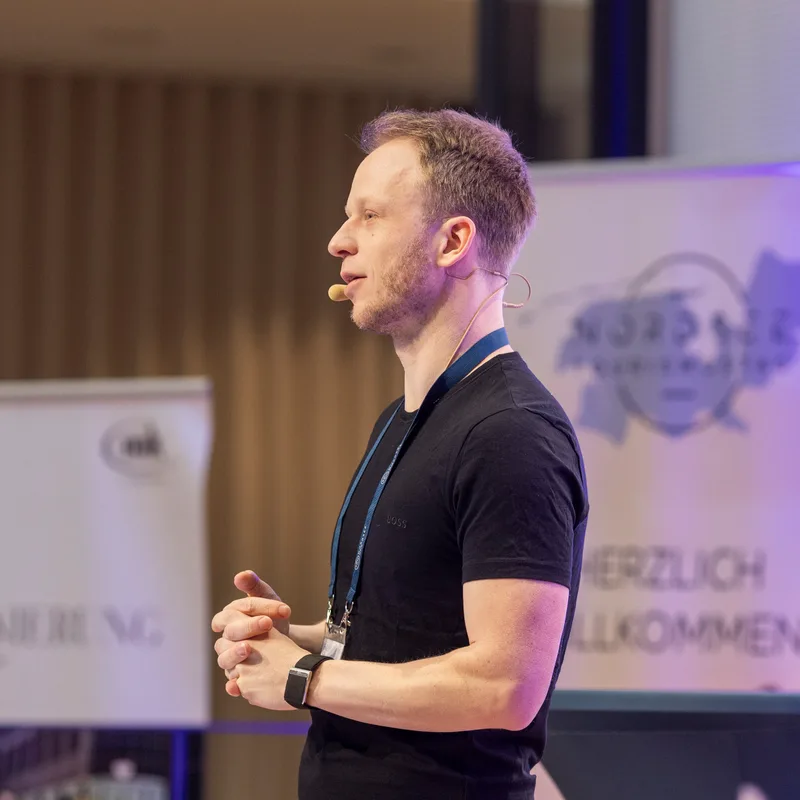
Hi, I’m Finn

AI Expert, Founder of gradually.ai and Blogmojo

I’m not a programmer and not a designer. Still, I’ve built hundreds of real apps, scripts, and websites with Claude Code, including gradually.ai itself.

Along the way, I kept falling into the same trap. AI-generated pages all look the same, with purple gradients, the same font, and the same three cards. These skills are the result, a fixed rule set against exactly that problem.

I’ve been an online entrepreneur since 2011 and have helped more than 1,000 people use AI well in my online courses and my AI membership, the KI Business Club.

  • Built hundreds of apps, scripts, and websites with Claude Code
  • Founder of Blogmojo and Gradually AI
  • From non-programmer to app builder
  • 100+ smaller and larger tools built with AI
PS: These skills aren’t theory. I use them for every new page and every new tool on gradually.ai.
Pricing

Pick Your Package

All prices are one-time payments plus VAT. No subscription.

Skills

The 17 web design skills for your next site, without the migration.

€247

one-time, plus VAT

  • All 17 skills in version 6.1.0
  • 445 brand design systems and 11 website templates
  • Lifetime updates
  • For your own projects and client work
Buy now

Secure payment via Polar. VAT is added at checkout, and the invoice arrives automatically.

Recommended

Skills + Migration Skill

For everyone who wants to leave WordPress. The package I recommend to most people.

€500

one-time, plus VAT

  • Everything in "Skills"
  • The "wordpress-migration" skill as a download for the move to Astro or Next.js
  • Redirects, SEO parity, and a final check before you switch over
  • A clear traffic light for which WordPress sites are a good fit
Buy now

Secure payment via Polar. VAT is added at checkout, and the invoice arrives automatically.

On request

Done for You

€9,997one-time, plus VAT

You don’t want to do the migration yourself at all? Then I clone your website one to one, set it up completely, and explain everything to you in a coaching session.

A good fit for content sites like blogs and company and service sites. I don’t take on shops or membership areas. We clarify the exact scope in a call first.

Request by email

Frequently Asked Questions

Everything you need to know before buying.

I already bought the Webdesign Skills. What do I get?
You get version 6.1.0 with all 17 skills as a free update. Download it as usual via your Polar purchase.
Which package is right for me?
If you want to build new sites or improve existing ones, "Skills" is enough. If you want to leave WordPress, take "Skills + Migration Skill". Both packages are downloads you use yourself in Claude Code. If you want me to handle the migration for you, request "Done for You".
What is a Claude Code skill, anyway?
A skill is a folder with instructions, rule sets, and sometimes scripts that Claude Code loads when needed. You copy it into your skills directory once, and from then on it kicks in for every matching task.
What do I need for everything to work?
Claude Code or another tool with skill support, a terminal, Node.js 22 or newer, and Python 3.12 or 3.13 for all 17 skills. custom-font-creator and remove-background also need the Python packages named in the included instructions. The separate WordPress migration runs on Python 3.11 or newer. The browser skills need an installed Chrome, Chromium, Edge, or Brave.
Does it run on Windows?
I built and tested everything on macOS. On Linux (arm64) the test suites pass. I have not tested Windows, so I can’t promise it works there.
Which WordPress sites can the migration move?
Blogs, magazines, and company and service sites are a good fit, also with Yoast, Rank Math, Contact Form 7, or a WooCommerce catalog without a checkout. With page builders like Elementor and with WPML, the content moves over, but the layout needs manual work. Shops with a checkout, online courses, membership areas, customer accounts, and multisite are out of scope.
What happens to my rankings?
The skill keeps your URLs, adds a redirect for every changed URL, and carries over titles, descriptions, canonicals, schema, and sitemaps. Before you switch over, it checks that no old URL leads nowhere. Still, nobody can guarantee rankings after a move, and neither can I.
Does the skill also move my site to the server?
No. You handle deployment, the DNS switch, and shutting down WordPress yourself. The skill gives you checklists for that and recommends a GitHub-based workflow.
What’s the difference between webdesigner and webdesigner-codex?
Both share the same rule set. webdesigner is meant for Claude, webdesigner-codex for GPT models in Codex. The Codex variant reads examples and scripts from the webdesigner folder, which is why both sit side by side in the bundle.
Do I need an API key?
No. Only a few optional extras use your own key, for example the image generation in webdesigner with a Gemini key or the image studies in custom-font-creator and icon-set-designer. Everything else runs without one.
Is this a subscription?
No. You pay once and use the skills for as long as you want. Prices are plus VAT.
Do I get updates?
Yes. Updates to the 17 skills are free for life. You can download new versions anytime via your Polar purchase.
Can I use the skills for client work?
Yes. Your own projects and client projects are explicitly allowed. The only thing you can’t do is resell or share the skills themselves.
How does the purchase work and who issues the invoice?
Payment runs through Polar as the merchant of record. Polar handles EU VAT and automatically issues a correct invoice. Right after the purchase, you get the download link by email.
Can I get a refund?
For digital products, the right of withdrawal expires once you agree to the immediate download (standard with Polar). If something still isn’t right, just write to me at info@gradually.ai. We’ll find a solution.