ChatGPT is brilliant. But out of the box, it is missing a few things.
No web search results in chat, no voice input, no way to use it directly in Gmail or Google Search. Fortunately, Chrome extensions can fill those gaps.
Two things are reshaping this market right now. OpenAI is shutting down its own browser, ChatGPT Atlas, on August 9, 2026, less than a year after launch, and folding its agentic features straight into the official Chrome extension. Chrome extensions are more relevant for ChatGPT users in 2026 than ever, even though OpenAI briefly tried a different path.
ChatGPT itself has also gained features, most notably native web search and a native voice mode right in the chat. That makes a few of the extensions below less essential than they used to be. I call that out where it applies instead of glossing over it.
I have tested dozens of extensions. Here are the nine that are actually worth installing.
- OpenAI's official ChatGPT extension takes over the agentic features of the discontinued Atlas browser starting August 2026 and is the most obvious starting point
- WebChatGPT, Merlin, and Sider extend ChatGPT with web search and usage on any website, even though ChatGPT can now search and talk on its own
- Jetwriter AI, GPT Workspace, and AI Prompt Genius improve email and workspace workflows plus chat history export
1. The Official ChatGPT Extension
OpenAI now offers an official Chrome extension for ChatGPT. It brings up ChatGPT as a side panel, keeps context across multiple tabs, and, per the store listing, can now even navigate the browser on its own to complete tasks for you.
According to reporting from July 2026, OpenAI is actively expanding the extension: since the in-house browser ChatGPT Atlas is being discontinued on August 9, 2026, its agentic features are moving directly here. For most ChatGPT users, the official extension is now the most obvious starting point, ahead of the third-party tools further down this list.
2. WebChatGPT
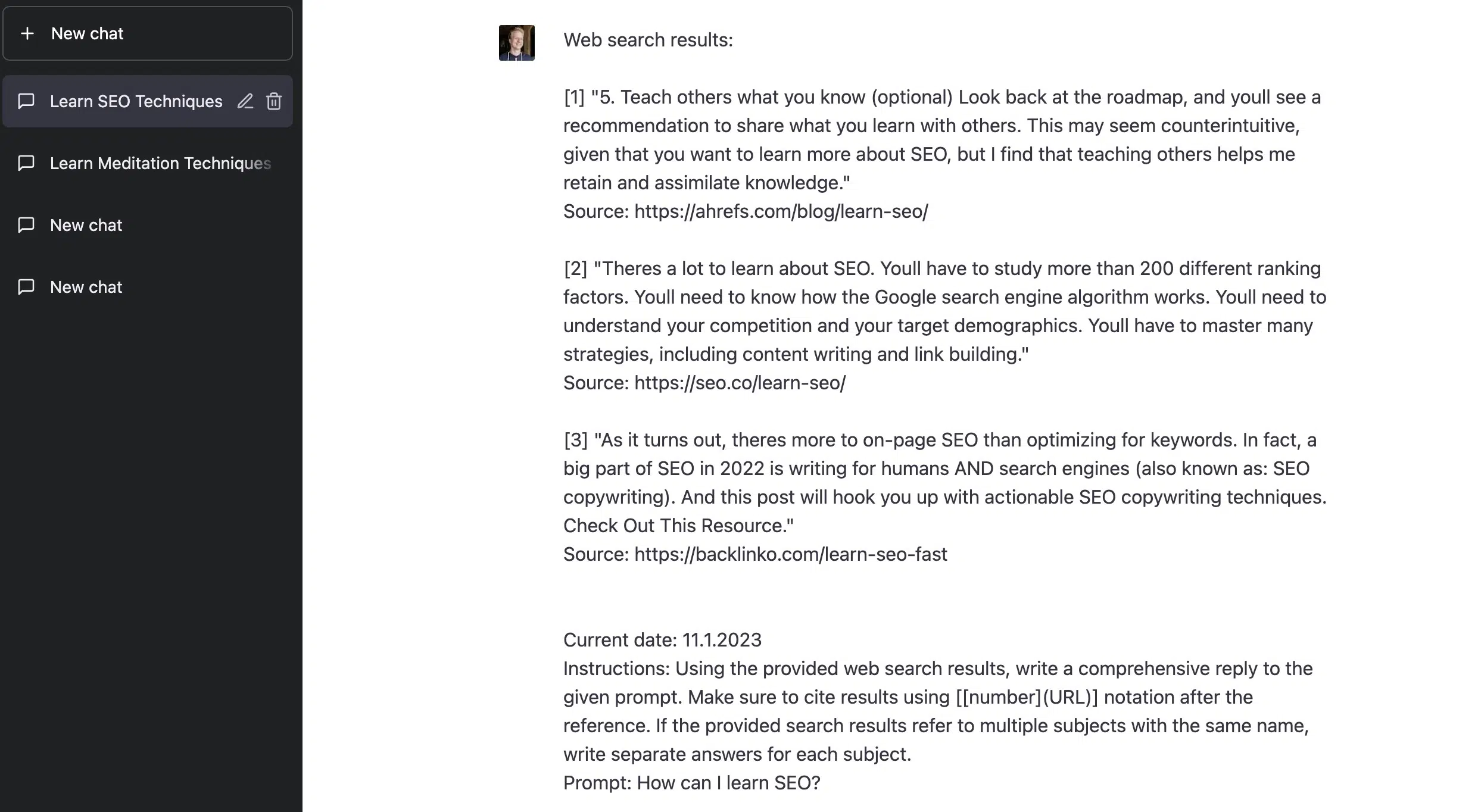
With WebChatGPT, you can display search results in the chat history, which is super helpful for questions or text commands with current relevance or for fact-checking.
A caveat up front: ChatGPT can now search the web on its own, no extension required. WebChatGPT is still worth it if you want granular control over the number of results, the time period, and the region, which the native web search does not let you set.

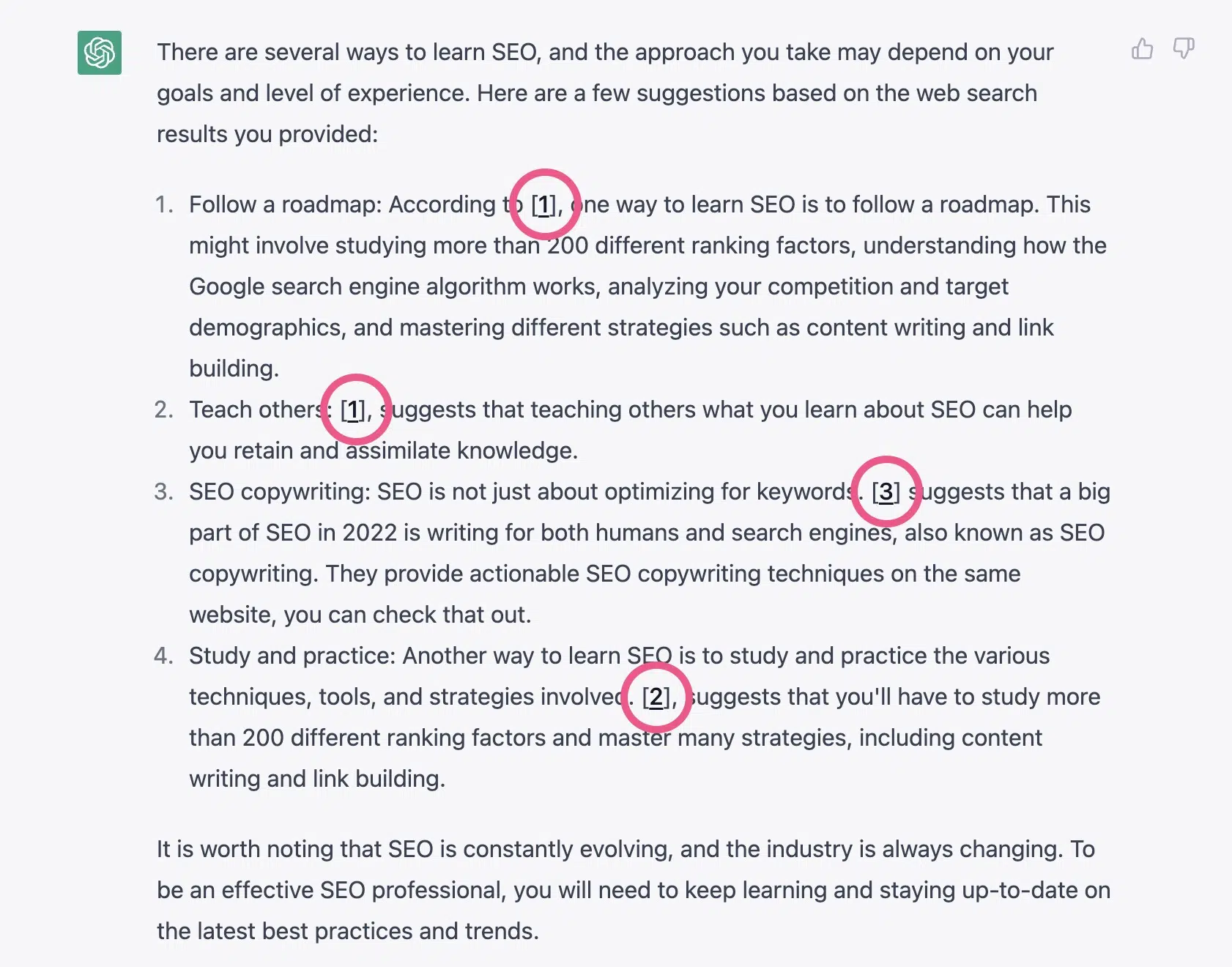
The search results are not only displayed at the beginning of a chat but are also integrated directly into ChatGPT's response with footnote markers:
3. Merlin
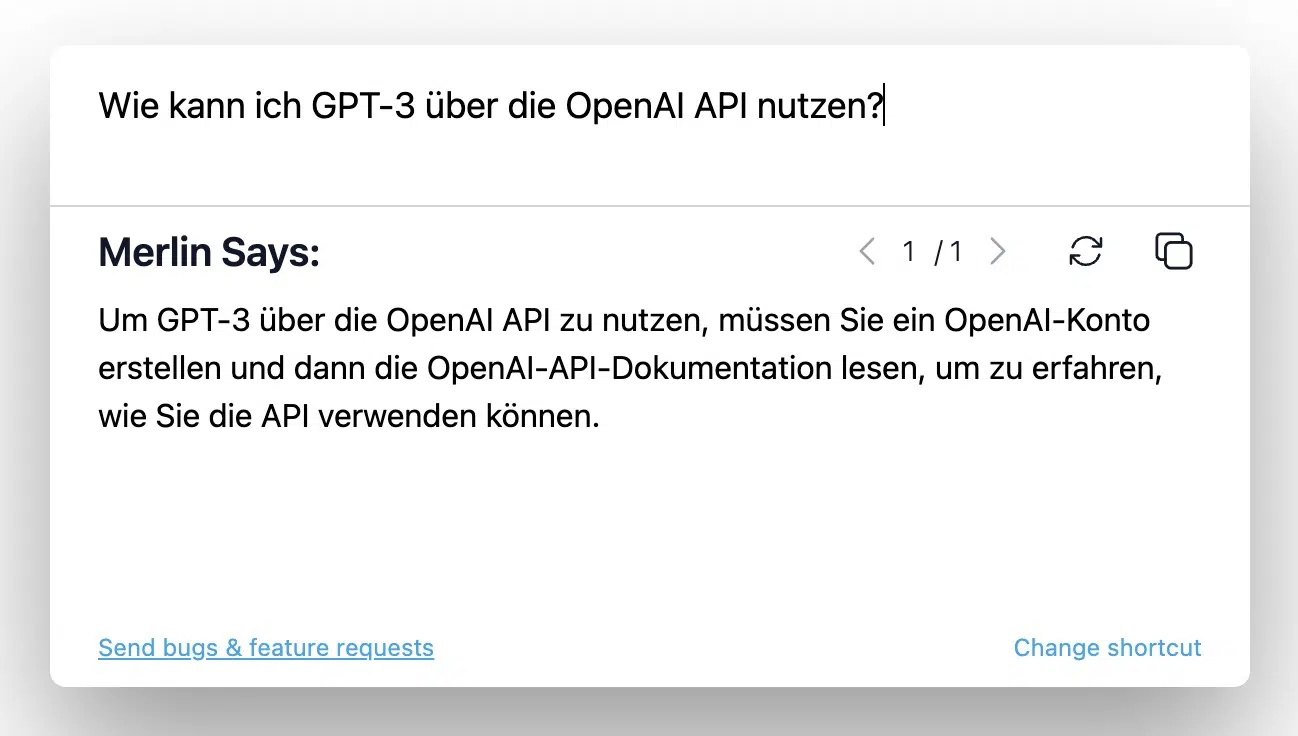
Try Merlin in your browser and use ChatGPT on any website, e.g., in Google Search, in Gmail, on LinkedIn, or on GitHub.
To start Merlin, simply highlight text on a webpage, press CMD/CTRL + M, and then instruct the tool what to do with the highlighted text. Alternatively, you can also use Merlin without highlighting text first.
4. Sider
If Merlin feels too tied to a single model: Sider is an alternative that lets you use GPT-5, Claude, Gemini, DeepSeek, and Grok side by side in one sidebar. It also summarizes and translates the current page and lets you pull highlighted text straight into the chat.
According to review sites, the extension has over 5 million downloads and a 4.9-out-of-5 rating, making it one of the most-used alternatives to Merlin.
5. Jetwriter AI (formerly ChatGPT Writer)
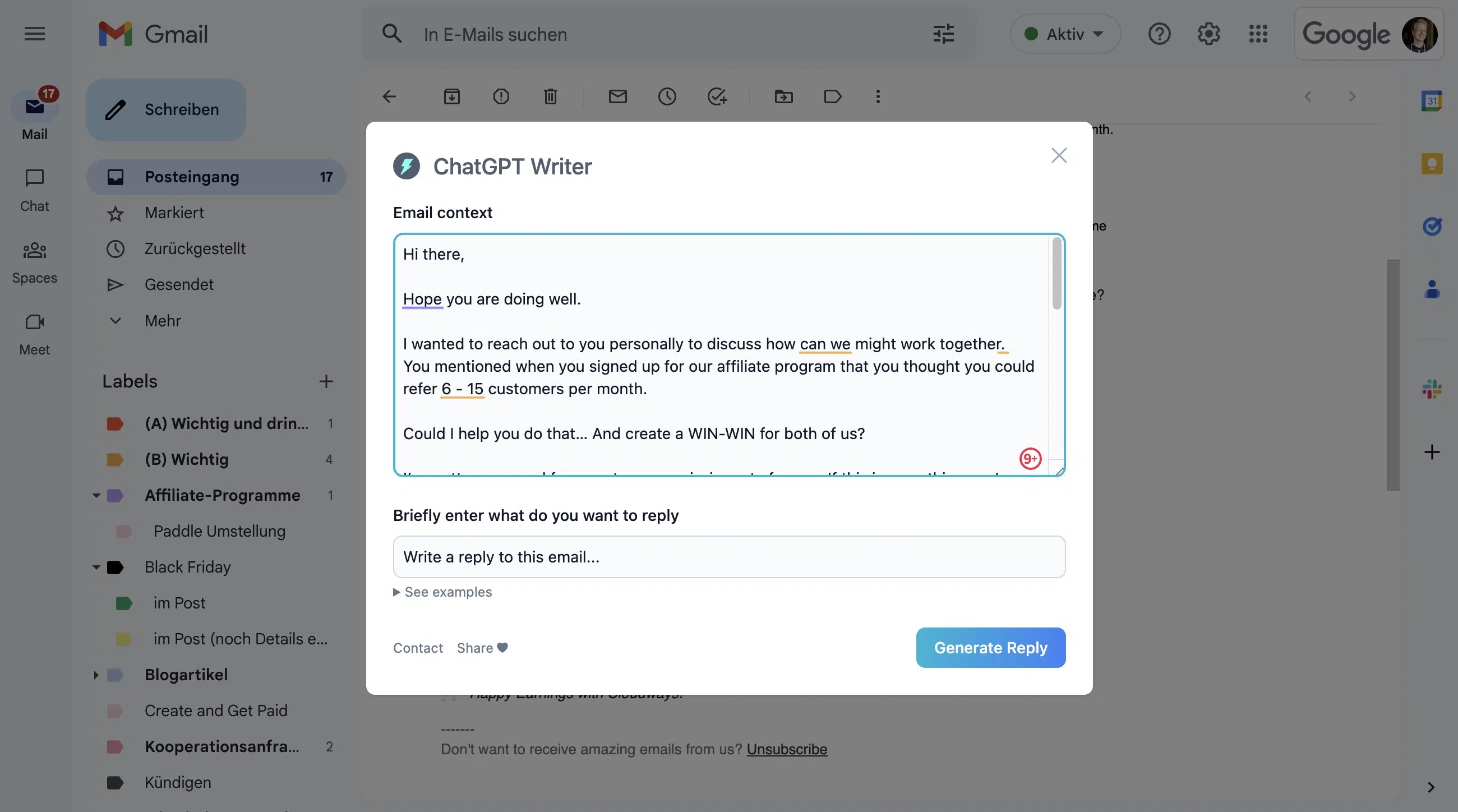
The extension formerly known as ChatGPT Writer is now called Jetwriter AI and has grown well beyond its original Gmail-only scope: it now works in LinkedIn, WhatsApp, Outlook, and Zendesk too, and lets you choose between GPT, Claude, and Gemini.
When you click the lightning bolt icon in the editor, a window opens with the option to have a reply written for you.
For Gmail and the other supported platforms, this is still much more practical than doing it manually with Merlin or Sider.
6. GPT Workspace
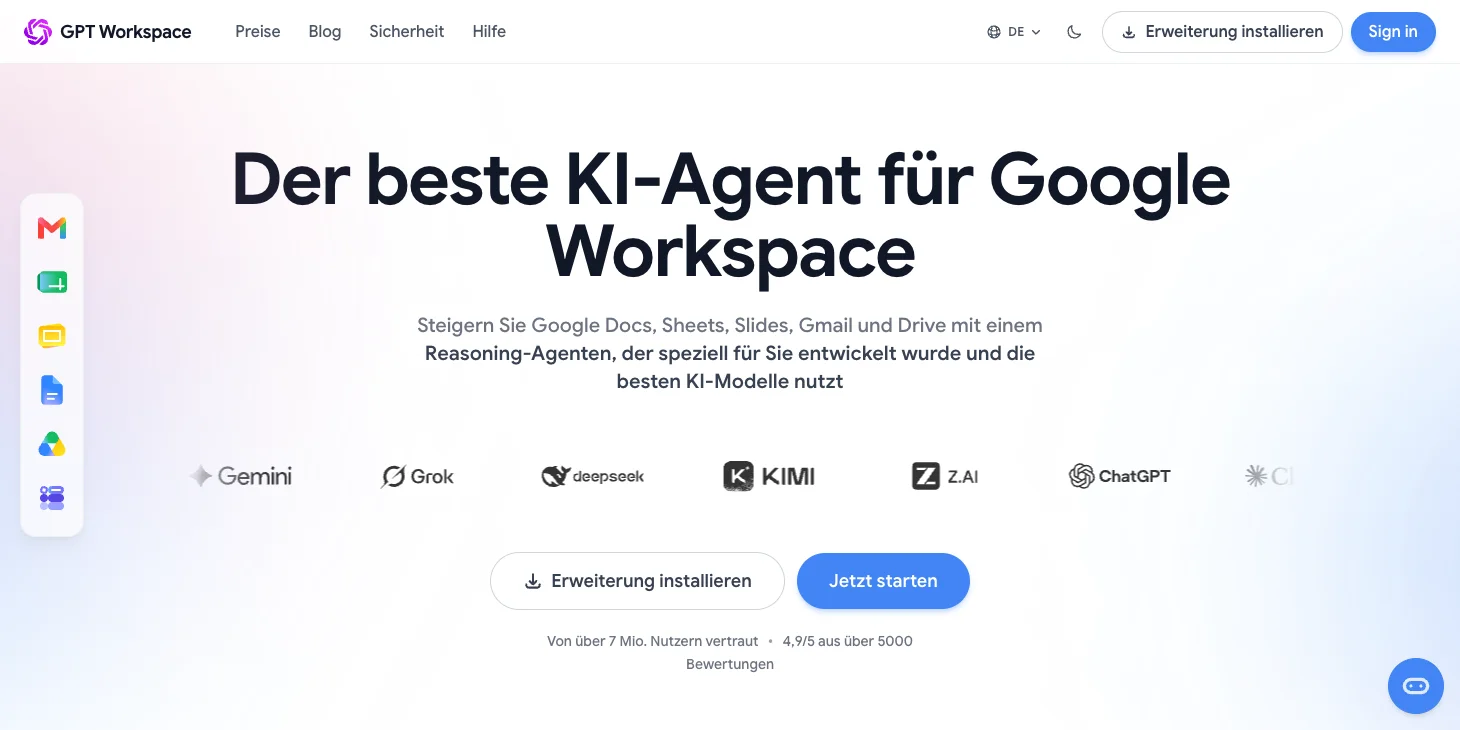
GPT Workspace embeds ChatGPT (along with Claude and Gemini) directly into Gmail, Google Docs, Sheets, Slides, and Drive.
Handy if your workflow already lives entirely inside Google Workspace and you do not want to keep switching tabs just to get an AI answer and jump back.
7. AI Prompt Genius (formerly ChatGPT Prompt Genius)
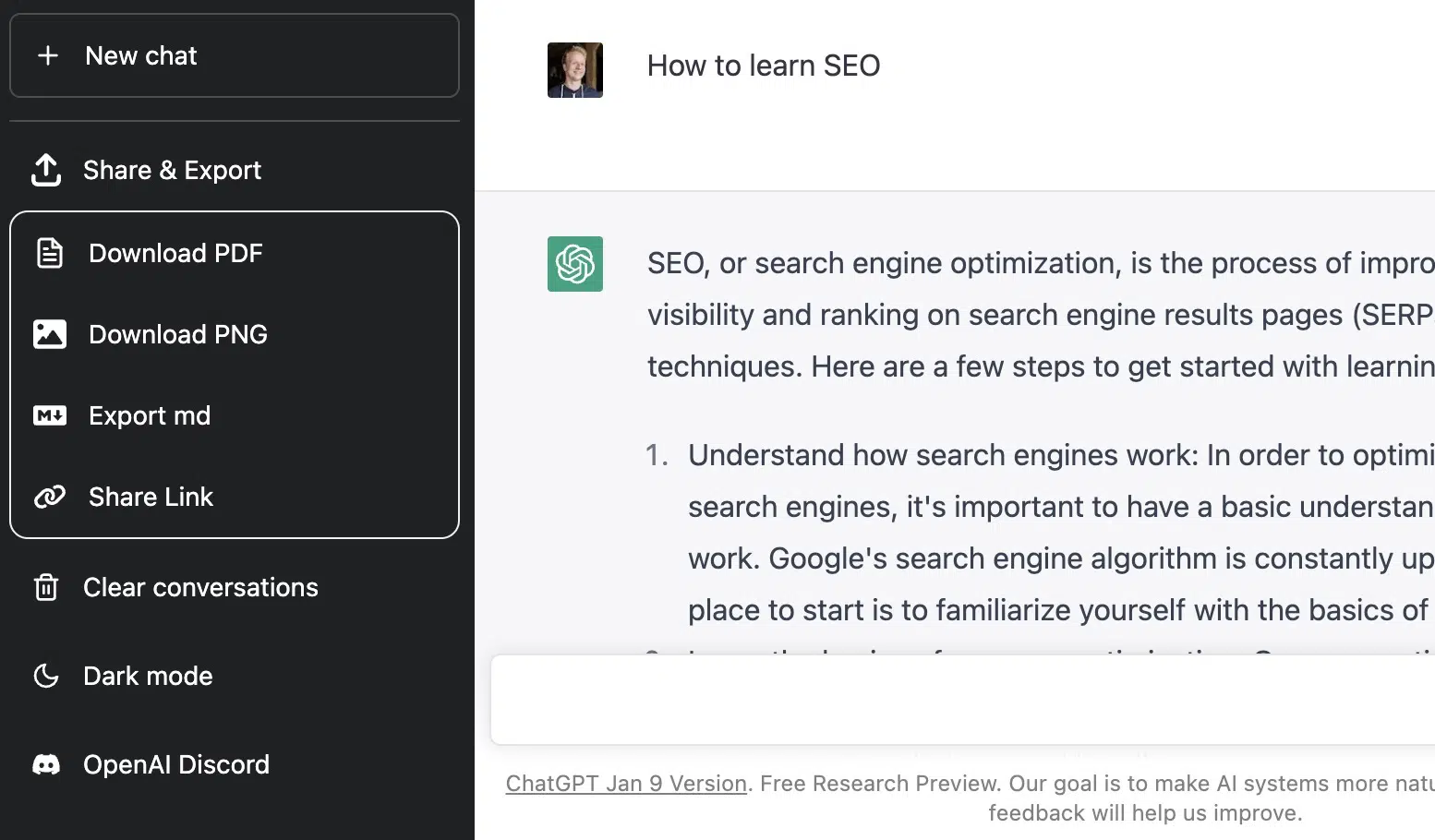
AI Prompt Genius (formerly ChatGPT Prompt Genius) is still a simple but super useful Chrome extension that allows you to download your chat histories in various formats and share them with others.
It adds the menu item "Share & Export" to ChatGPT.
8. Voice Control for ChatGPT
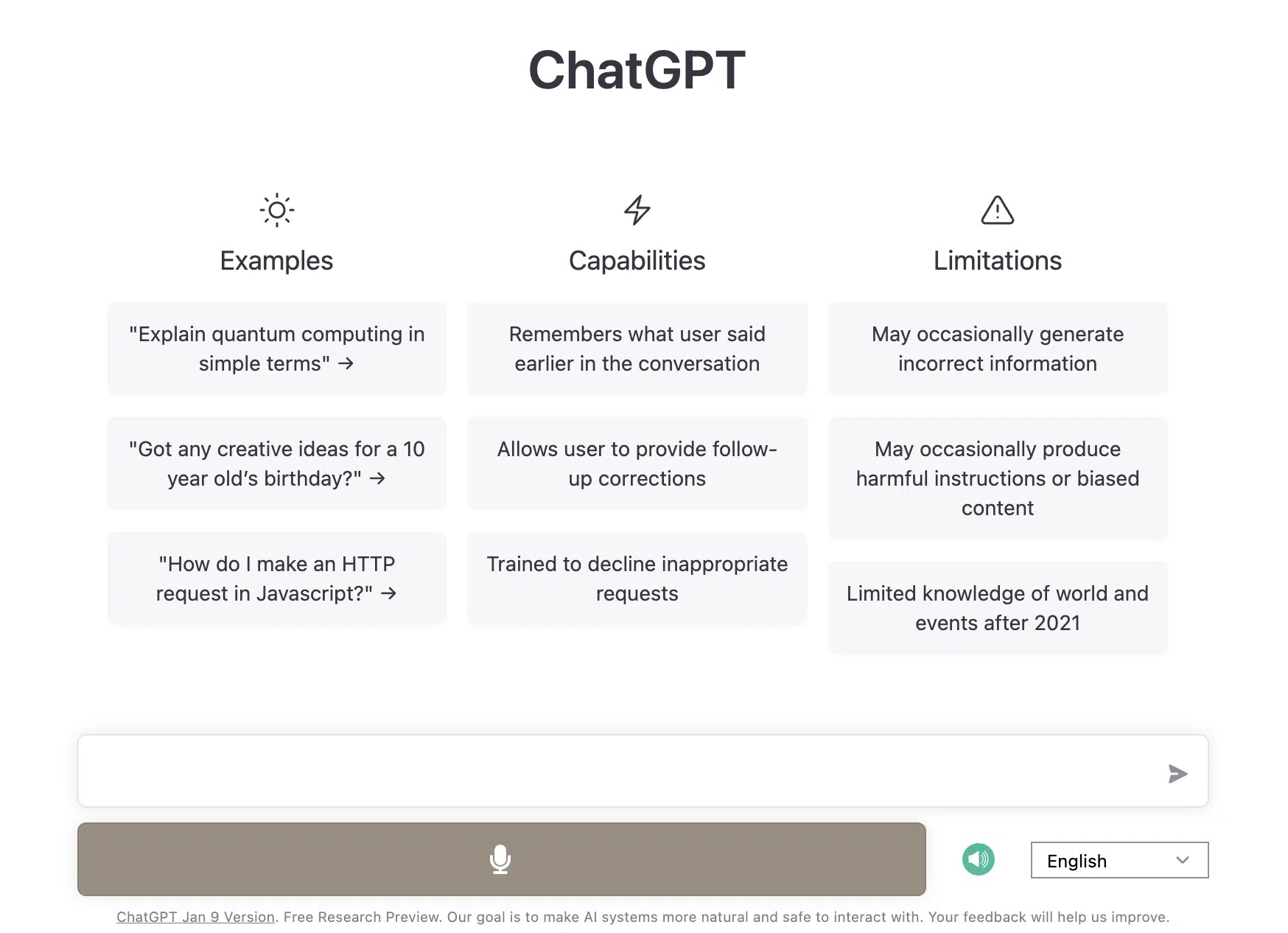
Voice Control for ChatGPT adds the ability to speak prompts to ChatGPT and now also works with Claude.
ChatGPT itself now has a native voice mode in the web app, but the extension still earns its keep for three things: a custom dictionary for jargon, push-to-talk instead of always-on listening, and the option to use it outside of ChatGPT too. To make a voice recording, you can click the button or simply hold down the spacebar.
Additionally, it can read ChatGPT's responses aloud, which can optionally be disabled.
9. AI Chat for Search (formerly ChatGPT for Google)

AI Chat for Search (formerly ChatGPT for Google) still adds an AI answer alongside Google search results. It is now developed by Butterfly Effect PTE. LTD., the company behind the AI tools Monica and Manus, though as its own standalone product rather than a renamed Monica.
You can set different themes and specify when the AI answer is triggered (for all search queries or only for questions). With roughly 2 million users and a 4.6-out-of-5 rating, it remains one of the more established extensions in this category.
Frequently Asked Questions About ChatGPT Chrome Extensions
Many of the popular ChatGPT extensions are also available for Firefox:
Yes, there are several alternatives to ChatGPT-based extensions:
- Jasper Chrome Extension - similar to Merlin, but with its own AI model
- Writesonic - its own Chrome extension for text generation
- Grammarly - for grammar checking and writing assistance
- Notion AI - if you use Notion




