A single 20-minute YouTube video can become 10 or 15 TikToks, Reels, and Shorts. That is a lot of content from one recording.
The problem?
Manually cutting, editing, and formatting all those clips takes forever. Subtitles, zoom effects, vertical cropping, the right hook for each clip. It adds up fast.
Fortunately, AI tools now handle most of that automatically. Upload your video, and the AI picks the most interesting moments, crops them to vertical format, adds subtitles, and even predicts which clips will perform best.
I tested 5 of these tools and compared them on quality, pricing, and ease of use.
- Opus Clip leads in content recycling with 60 free minutes per month and intelligent scene selection, though prices rose in 2026
- 2short.ai offers the best value for YouTube Shorts at just $1.33/hour with 15 hours per month
- Submagic creates the best animated subtitles with emojis and keyword highlighting (important since 69% of users watch videos without sound)
AI Tools for TikToks, Reels & Shorts Compared
1. Opus Clip
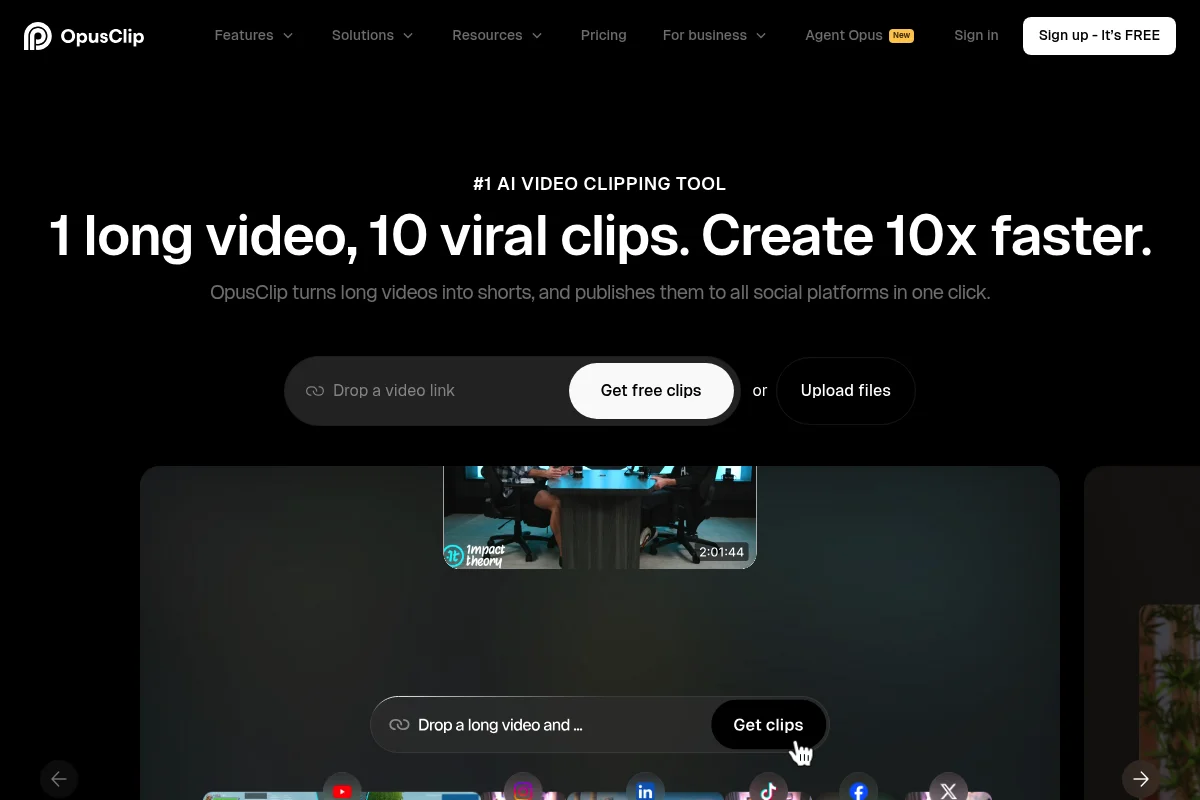
Opus Clip is in my opinion the best AI tool for content recycling and creating TikToks, Reels, and Shorts from longer videos.
The tool works very simply: You upload a video (or enter a YouTube link) and Opus Clip automatically analyzes the video and creates multiple short clips with the most interesting moments.
The tool uses AI to identify the most important statements and most emotional moments in the video and create standalone, coherent clips from them.
The generated clips automatically include:
- Appealing subtitles with various styles
- Emoticons and highlights for important words
- Automatic zoom effects for more dynamism
- A Virality Score that shows how viral the clip could become
Especially practical: Opus Clip can process videos in over 20 languages, including German.
Opus Clip Pricing
- Free: 60 minutes per month free (with watermark)
- Starter: $15/month for 150 minutes of processing (raised from $9 in 2026)
- Pro: $29/month for 300 minutes including AI virality scoring and 1080p export
2. Vidyo.ai

Vidyo.ai (recently rebranded to Quso) is another excellent AI tool for creating social media clips from longer videos and now combines clip generation with a full social media management suite (scheduling, analytics, multi-platform publishing).
The tool stands out particularly for its intelligent scene recognition. It can automatically identify the best moments in a video and create coherent clips from them.
Vidyo.ai also offers:
- Automatic subtitle generation
- Intelligent crop functions for different aspect ratios
- Brand templates for consistent design
- Integration with Zapier for workflow automation
Vidyo.ai Pricing
- Free: 75 minutes per month free
- Essential: $29/month for 300 minutes per month
- Growth: $59/month for 600 minutes per month
3. Simplified
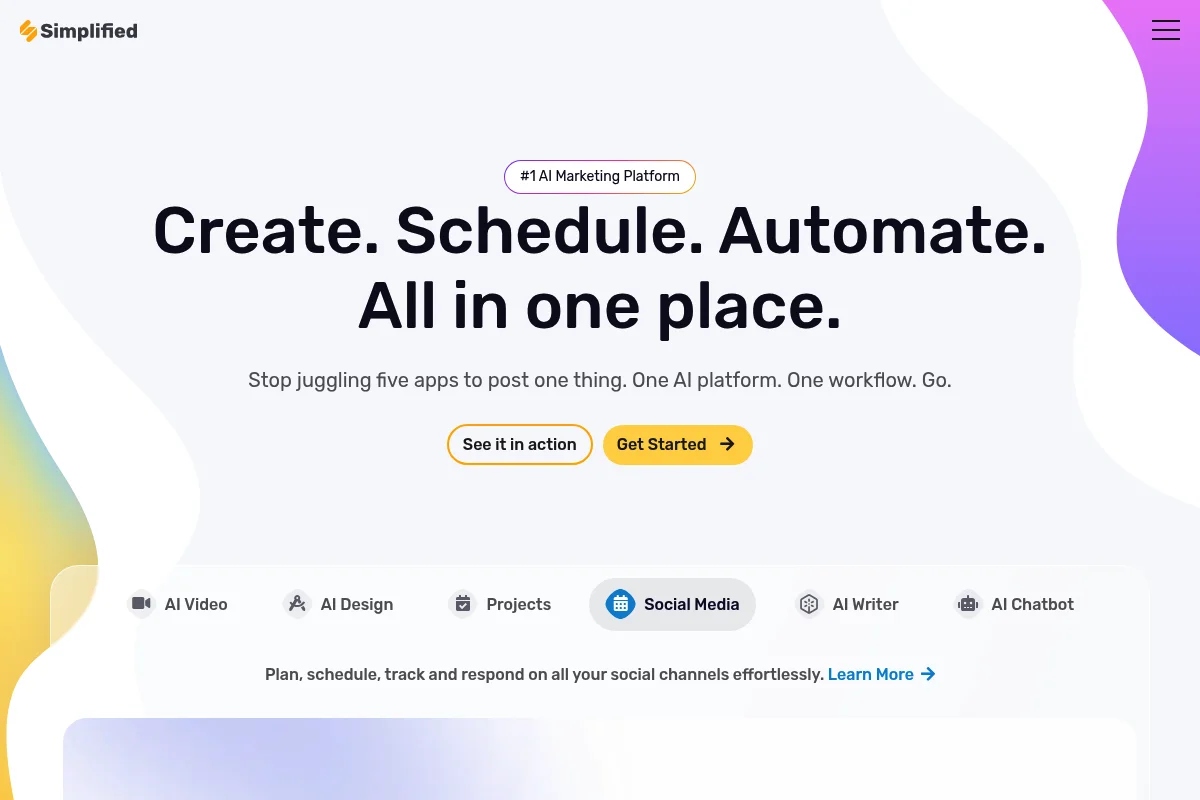
Simplified is an all-in-one platform that offers graphic design, content planning, and AI text generation in addition to video editing.
For creating TikToks and Reels, Simplified offers:
- AI-powered video clips from longer videos
- Automatic subtitle generation
- Large library of templates
- Social media scheduler for direct posting
- Brand kit for consistent design
The big advantage of Simplified is that you can complete all your content creation tasks in one platform.
Simplified Pricing
- Free: Limited features free
- Small Team: $12/month for 1 user
- Business: $20/month for 5 users
4. 2short.ai
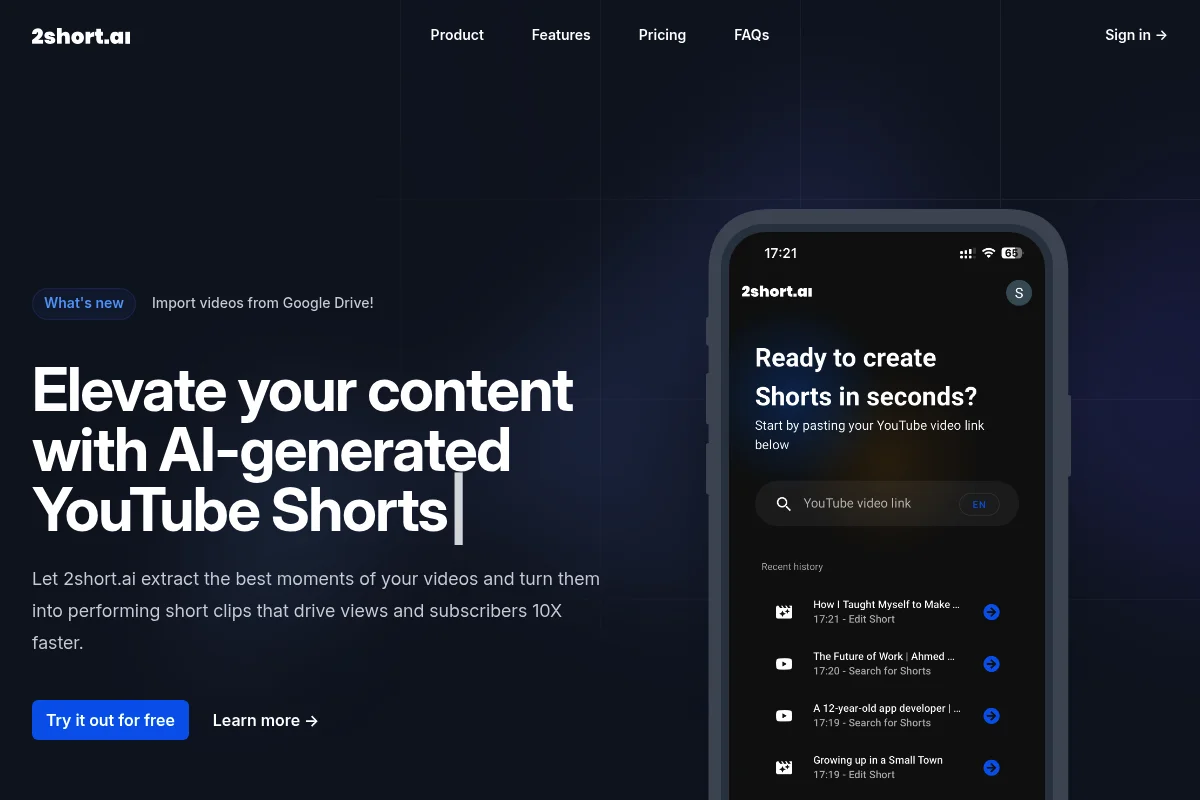
2short.ai is specifically optimized for creating YouTube Shorts from longer YouTube videos.
The tool analyzes YouTube videos and automatically extracts the best moments for Shorts. It pays particular attention to:
- Emotional highlights
- Punchlines and important statements
- High-engagement moments
- Natural cut points
2short.ai is particularly well-suited for YouTubers who want to recycle their existing videos for Shorts.
2short.ai Pricing
- Free: 15 minutes per month free
- Lite: $9.90/month for 150 minutes per month
- Pro: $19.90/month for 450 minutes per month
5. Submagic
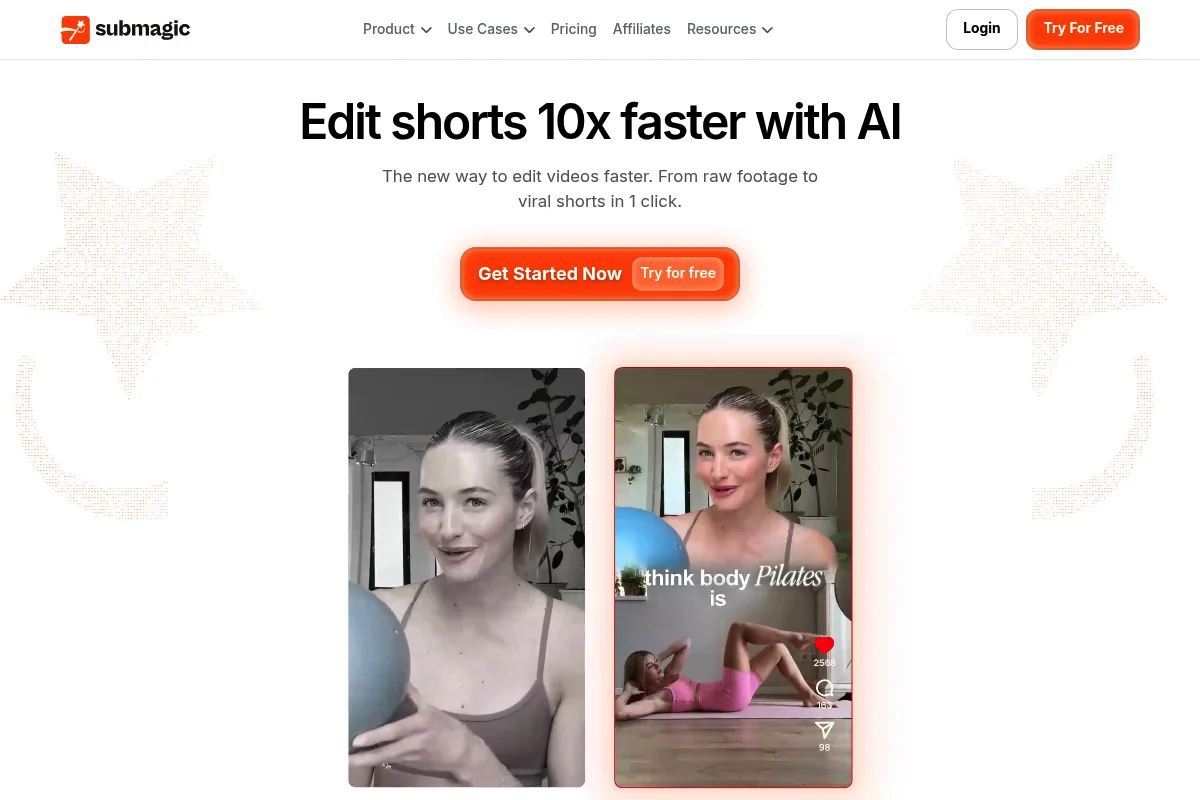
Submagic is an AI tool that specializes in creating appealing subtitles and optimizing videos for social media.
Submagic offers:
- 47 different subtitle styles
- Automatic emoji integration
- Sound effects for more engagement
- Automatic video optimization for different platforms
- B-roll integration
The tool is particularly well-suited if you already have short videos and want to enhance them with professional subtitles and effects.
Submagic Pricing
- Free: 3 videos per week free
- Starter: $14/month for 20 videos per month
- Pro: $24/month for 40 videos per month
Bonus: CapCut
As a bonus, I'd like to mention CapCut - a free video editing tool from ByteDance (the makers of TikTok).
CapCut doesn't offer the same AI automation as the other tools, but it's completely free and offers many professional features for creating TikToks, Reels, and Shorts:
- Automatic subtitle generation
- Large template library
- Professional effects and transitions
- Music library
- Multi-track editing
CapCut is a good alternative for users on a tight budget or for those who want more manual control over their video editing.
Price-Performance Comparison
To help you decide, I've compared the cost per hour of video material for all tools:
Based on this comparison, 2short.ai Pro offers the best value with only $1.33 per hour of video material.
Which Tool Should You Choose?
The choice of the right tool depends on your specific needs:
For content recycling and automation: Opus Clip is the best choice. It offers the most intelligent AI analysis and creates the highest quality clips.
For beginners on a budget: 2short.ai offers the best value and is easy to use.
For an all-in-one solution: Simplified is ideal if you want to complete other content creation tasks on the same platform.
For professional subtitles: Submagic offers the best subtitle styles and effects.
For free editing: CapCut is completely free and still offers professional features.
The Right AI Voice for Your Shorts
Many viral Reels and Shorts thrive on a punchy voiceover. If you don't want to talk into a mic yourself, or you need a consistent voice across all your clips, an AI voice generator does the job.
I like to use ElevenLabs for this. The voices sound natural, and with voice cloning you can even reuse your own voice across every clip without recording each time. You'll find more tools for this in my comparison of the best AI voice generators.
Frequently Asked Questions About AI Tools for TikToks, Reels & Shorts
The optimal length has become highly differentiated in 2026:
- TikTok: Either 5-9 seconds or over 60 seconds - everything in between lands in the "Dead Zone"
- Instagram Reels: 15-30 seconds for highest engagement rates
- YouTube Shorts: 30-60 seconds, since October 2024 also up to 3 minutes possible
Important: The first 3 seconds determine success or failure - the hook must land immediately!
69% of users watch videos without sound - subtitles are therefore absolutely critical for reach and retention. AI tools like Submagic or Filmora not only create automatic subtitles with 96%+ accuracy but optimize them for engagement: keyword highlighting, animated effects, emojis, and creator templates. German AI subtitles now work excellently and demonstrably increase interaction rates on Instagram and TikTok.
The most important trends for 2026:
- Text colors: White on black, yellow on black, or red work best
- Trending sounds: Use current audio trends immediately - they're often only relevant for a few days
- AI Virality Scores: Tools like quso.ai analyze your video in real-time and predict viral potential
- Hook optimization: Skip intros completely - start directly with the most exciting part
Content consistency remains king: 10+ videos per week are almost mandatory for algorithmic success.