Using Claude Code for free. Sounds too good to be true?
It kind of is. At least partially.
Yes, you can actually use Claude Code without spending a cent. You get 2 to 5 prompts per 5-hour window, which in practice means: you type your third command, Claude Code says "limit reached," and you stare at your terminal in frustration.
I have been using Claude Code for over 200 hours on real projects. From small scripts to full web apps. And I will tell you honestly: the free tier alone is not enough for productive work.
However:
There are a few smart ways to get significantly more out of the free tier without immediately putting down $20 per month. In this article, I will show you all four ways to use Claude Code for free, the specific limits of each plan, and 7 strategies to conserve your tokens.
- Claude Code can be used for free, but productive work requires tricks or an upgrade
- With $5 in API credits or $300 in Google Cloud credits, you can get 1 to 3 weeks of use
- 7 token-saving strategies help you squeeze the maximum out of the free tier
Is Claude Code really free?
Short answer: Yes. But with a big "however" attached.
Claude Code can be used with a free Claude.ai account. No credit card required, no subscription, no trial period with automatic renewal.
The problem?
You only get 2 to 5 prompts per 5-hour window on the free tier. That is enough to try Claude Code once and see what it feels like. For a real project? Forget it.
For context: the average developer spends about $6 per day with Claude Code, according to Anthropic. 90% of users stay under $12 per day. That makes it pretty clear that 2 to 5 free prompts will not get you far.
The good news:
There are several ways to get significantly more free usage.
4 ways to use Claude Code for free
Before we get into the details, here is the quick overview:
| Feature | Claude.ai Free | API credits | Google Cloud | Guest Pass |
|---|---|---|---|---|
| Free allowance | 2 to 5 prompts per 5 h | $5 in credits | $300 starting credits | 7 days of Pro |
| Enough for | Trying it once | 1 to 3 days of intensive use | Several weeks of intensive use | Pro access incl. Claude Code |
| Setup effort | Create an account, done | API account + configuration | Higher (activate Vertex AI) | Invite from a Max user required |
| The catch | Shares its budget with claude.ai | New API accounts only | Credits expire after 90 days | No extension possible |
Claude.ai free account
The most obvious route. You create a free account on claude.ai, install Claude Code, and off you go. Just not very far.
2 to 5 prompts per 5-hour window. Claude Code and claude.ai share the same budget.
Who this works for: if you want to test Claude Code once.
Who this does not work for: everyone else.
Anthropic API credits ($5)
New Anthropic accounts receive about $5 in free API credits. $5 is enough for about 8 to 16 sessions or 1 to 3 days of intensive use.
The catch: you need a new Anthropic API account and have to configure Claude Code to use the API.
You can find the complete setup in my Claude Code guide.
Google Cloud Vertex AI ($300 starting credits)
The insider tip. Google Cloud offers new users $300 in starting credits, valid for 90 days. You can use Claude models through Vertex AI. $300 is enough for several weeks of intensive use.
The setup is a bit more involved. You need a Google Cloud account, have to activate Vertex AI, and configure Claude Code accordingly.
Vertex AI is available in the EU. You do not need to route through US servers.
Guest Pass (7 days of Pro)
If you know someone with Claude Max, they can send you a Guest Pass. 7 days of Pro access, including Claude Code.
The problem is:
No extension. After 7 days, it is over.
The limits of free access
Two things many people overlook:
First: Claude Code and claude.ai share the same budget. I only noticed this myself after a week.
Second: The prompt numbers are guidelines, not hard guarantees.
Depending on how many tokens your prompt uses, the actual number of messages can vary. Long code files in the context cost significantly more than short questions.
7 tips: Getting more out of the free tier
Whether you are on Free, Pro, or API credits: the fewer tokens you use, the longer your budget lasts. These are the strategies I use myself every day.
- /compact: Summarize the conversation. Rule of thumb: run /compact after every 15 to 20 messages.
- /clear: Clear the conversation completely. Do this with every topic switch. This alone reduced my token usage by about 30%.
- /model sonnet: about 2.5x cheaper than Opus, sufficient for most tasks.
- /effort low: Less Extended Thinking. For routine tasks.
- Keep CLAUDE.md lean: Under 500 lines. Use skills instead of a verbose CLAUDE.md.
- Plan Mode (Shift+Tab): Plan first, then implement. Fewer attempts = fewer tokens.
- /cost: Keep an eye on your usage.
You can find a complete overview of all commands in my Claude Code command reference.
Free vs. Pro: When is the upgrade worth it?
The math: $6 per day on average. Pro costs $20 per month. Starting at 3 days per month, you save compared to API billing.
For the full cost breakdown: Claude Code pricing.
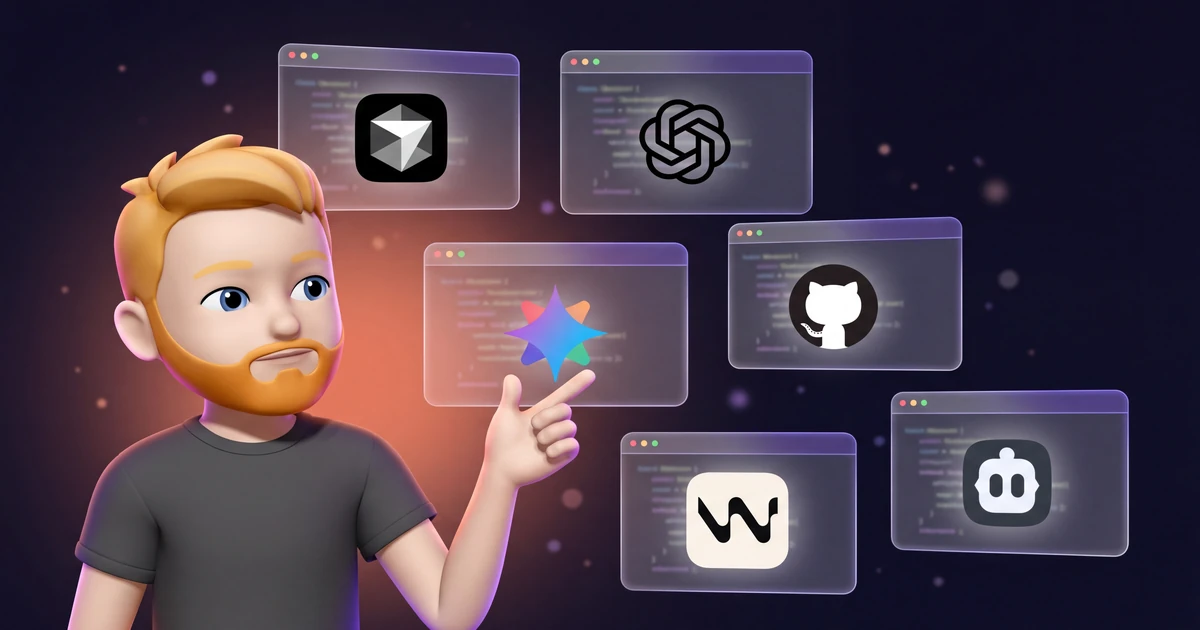
5 free alternatives to Claude Code
Antigravity CLI (Google)
Google's successor to the Gemini CLI (command: agy). Free during the public preview, but with only about 20 agent requests per day instead of the former 1,000. Enough for testing, not for daily work. In return, you get Gemini 3.1 Pro with a 1 million token context window and even Claude models to choose from.
Comparison: Claude Code vs. OpenAI Codex.
GitHub Copilot Free
2,000 code completions and 50 chat requests per month. Integrated directly into VS Code and JetBrains.
OpenAI Codex CLI
Free with a ChatGPT Free account, subject to usage limits.
Cursor Free
2,000 completions and 50 premium requests per month.
Aider + Ollama (fully local)
The only option without limits. Open source, runs offline. Requires a capable GPU. Quality is below Claude level.
Running Claude Code on a Cheap VPS
Once the free routes start feeling too tight and you want to use Claude Code (or a local alternative like Aider) for more than a quick terminal session, letting tasks run for hours or overnight, it is worth looking at a cheap VPS.
The reason: your own machine no longer has to stay on. You save battery, fan noise, and your local resources, and the session stays alive even when you close the laptop. You install Claude Code on the server once, connect via SSH, and let it work in headless mode. None of this changes the cost of Claude Code itself: you keep using your credits or your subscription, just on a different machine.
A server is not free, of course. For 24/7 tasks, however, a small Hostinger VPS is an affordable starting point. Liquid Web is another option if you prefer a general-purpose VPS with full root access. Either route is usually much cheaper than buying a capable GPU just to run local models.