
A good CLAUDE.md does not remove the need to think. It removes the need to repeat the same technical facts, boundaries, and checks in every session.
It works best when it is not a wish list. The file should tell Claude Code which commands work, where important code lives, what must not change, and how to recognize a finished result.
- CLAUDE.md is durable, explicit project memory for Claude Code. Use it for rules, commands, and reliable orientation.
- Claude Code loads files from the user directory through the active project path. Rules in deeper folders join the context when Claude works there.
- When a rule appears to be missing, check the working directory and context first. /context, /memory, and claude doctor are more useful than guessing.
What a CLAUDE.md does
CLAUDE.md is a normal Markdown file. Claude Code loads it as project memory and uses its content as additional working instructions. It is therefore a useful home for details that apply to many tasks.
- reliable commands for development, tests, and builds
- a short map of important directories and entry points
- architecture rules and dependencies
- hard boundaries such as “do not run a database migration without approval”
- clear criteria Claude can use to verify a task
It is not a replacement for a good task brief. The concrete outcome, scope, and acceptance criteria still belong in the current prompt. A chat can be compacted or lose earlier details. Put an important, durable project rule in the file, not only in a conversation.
Hierarchy: global, project, and subfolders
Claude Code combines memory files along your working path. At launch, it composes files from the outer directory toward the inner one. A CLAUDE.local.md is loaded after CLAUDE.md in the same directory. Another CLAUDE.md inside a subfolder joins the context when Claude reads files in that area.
~/.claude/CLAUDE.md
  Personal rules that apply across projects

~/projects/shop/CLAUDE.md
  Shared rules for the shop

~/projects/shop/apps/admin/CLAUDE.md
  Rules specific to the admin frontend

~/projects/shop/apps/admin/src/payments/CLAUDE.md
  Extra safeguards for payment work
Put shared project information either in CLAUDE.md or .claude/CLAUDE.md at the project root. Choose one convention and keep it consistent in the repository. Write rules so they do not conflict. Claude Code adds their content together instead of offering a reliable priority system for contradictory instructions.
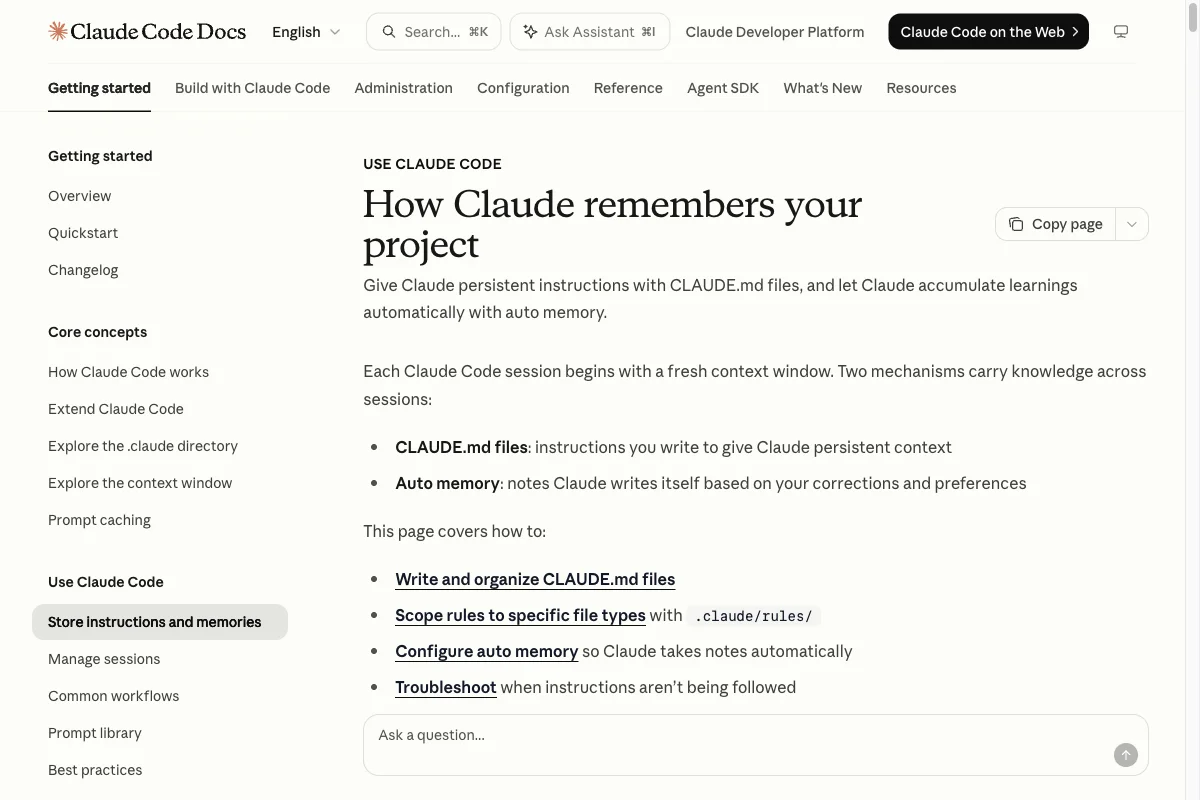
Anthropic documents project, user, and local memory files in its official Memory documentation. Interfaces and individual terms can change, so revisit it when you make a larger setup change.
What belongs in each file
Global CLAUDE.md
~/.claude/CLAUDE.md is for your personal rules that span projects. That may include formatting preferences, your preferred language for code and comments, or a personal verification routine. It should not contain assumptions about a specific repository.
Project CLAUDE.md
The file in the repository describes the shared state. Keep it version-controlled when a team should know the same commands and boundaries. Include only facts that come from code, configuration, or an agreed team decision.
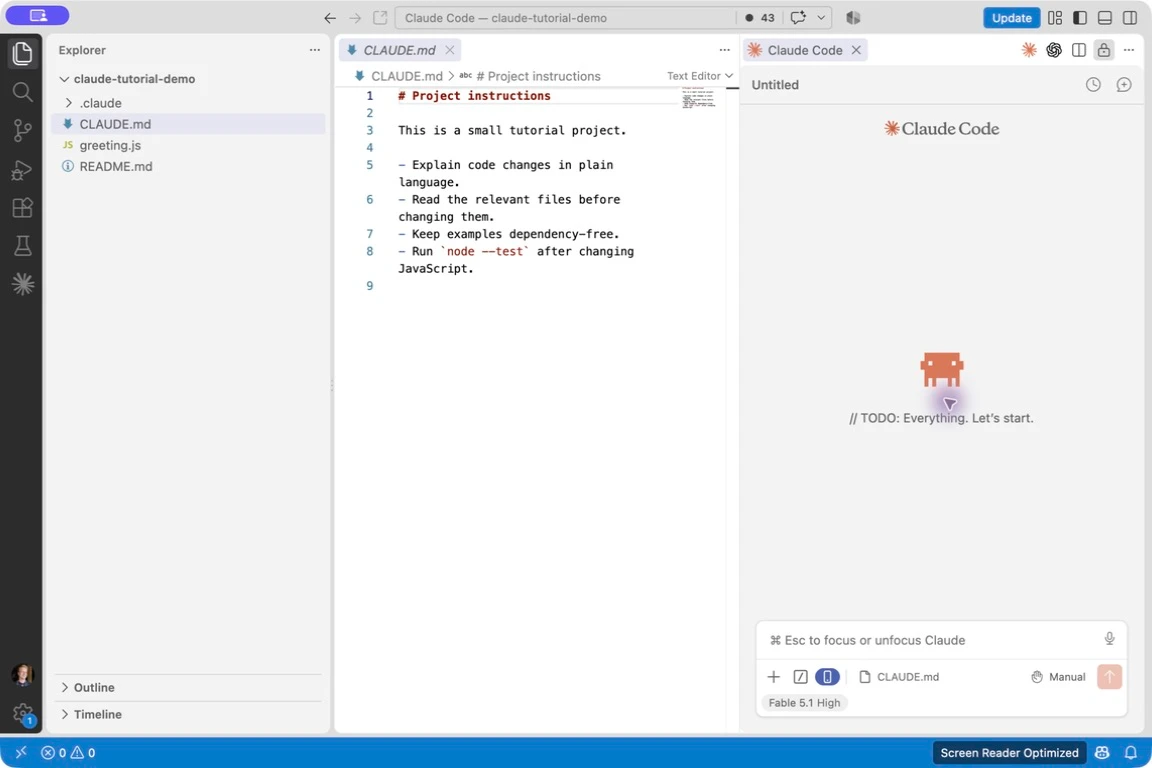
In VS Code, you can open the project file next to the Claude Code extension. This example contains short rules for changes and tests:
CLAUDE.local.md
Use CLAUDE.local.md for personal additions in the same location, such as local test data or a private workflow. Put it in .gitignore. Passwords, API keys, customer data, and other secrets remain outside all CLAUDE.md files.
Subfolder rules
A subfolder file is worthwhile when an area has extra risks or conventions. Payments, data migrations, and a mobile app are good examples. Do not repeat the whole root file there. Add only what is specific to that area.
A global CLAUDE.md for your working style
The global file at ~/.claude/CLAUDE.md should be independent of a repository. It is the right place for how Claude should generally work with you. It should not contain framework or project-specific assumptions.
# Personal working rules

## Collaboration
- Explain the plan and verification step before larger changes.
- Ask when the outcome or scope is unclear.

## Code
- Prefer TypeScript when the project already uses it.
- Use the project’s existing formatting and test tools.

## Before finishing
- Name changed files and the checks you ran.
- State open risks clearly.
A lean template for the project root
Create the file directly at the project root, or let Claude Code generate a starting draft with /init. An automatically generated draft cannot know your project perfectly. Review it, remove assumptions, and then add only the rules that actually apply.
# Project name

One sentence about the product and its users.

## Important areas
- src/app/: routes and pages
- src/lib/: business logic and integrations
- tests/: automated checks

## Run and verify
```bash
npm run lint
npm run test
npm run build
```

## Binding rules
- Check existing components before creating new ones.
- Validate input at API boundaries.
- Document changes to public interfaces.

## Boundaries
- Do not write secrets into files or output.
- Do not run data migrations without a confirmed plan.
- Ask before proceeding when product requirements are unclear.

## Done when
- The agreed checks pass.
- Affected documentation and tests match the behavior.
Point to longer, stable documents with @ imports. An entry such as @docs/architecture.md loads that file at startup. Imports can reference further files only to a limited depth, so do not import an entire documentation collection by default.
CLAUDE.md and Auto Memory are different
Auto Memory stores reusable learnings separately and locally. It can help when Claude Code discovers a stable characteristic of the project during work. It is not the same as a reviewed, shared instruction in a repository.
CLAUDE.md remains the reliable source for standards, security boundaries, commands, and architecture decisions. Use Auto Memory as a supplement. /memory lets you inspect and manage its saved entries.
When Claude Code does not follow a rule
- Run pwd to confirm that Claude Code started in the intended project directory.
- Open /context and inspect what is present in the active session.
- Use /memory to make sure Auto Memory is not being confused with an explicit project rule.
- Run claude --version and claude doctor when the installation or configuration looks suspicious.
- Try claude --safe-mode for a broken customization. This mode does not load CLAUDE.md files, skills, plugins, hooks, MCP servers, or Auto Memory. Authentication, model selection, built-in tools, and permissions remain active. Managed policy still applies.
If the file is loaded but Claude still acts differently, make the rule narrower and name the check. Instead of “be careful with email,” write “show recipient, subject, and body for approval before sending an email.”
Working with other coding tools
Some teams also use AGENTS.md. Avoid copying rules into several files whenever you can. Claude Code can include a shared file with an import such as @AGENTS.md. The short CLAUDE.md can then explain why that file is authoritative and which Claude-Code-specific additions apply.
Verify the real commands and the most important rules after every larger change. A small, correct file is more useful than a long collection of outdated instructions.