ChatGPT is a Swiss Army knife:
It can not only write texts of all kinds but also make countless tasks easier for you as an Instagram creator or influencer, or even take them over completely.
In this article, I'll present eight brilliant ways you can use ChatGPT for your Instagram channel.
Of course, with example outputs and the corresponding prompts.
- ChatGPT can automatically create quotes, carousel posts, and editorial calendars for Instagram
- The tool helps with finding ideas for posts, Reels, and responding to difficult comments
- With the right prompts, you can save hours daily as a creator on content creation
1. Generate Quote and Sayings
ChatGPT is quite good at generating quotes or sayings that you can use either as a standalone Instagram post or as part of a carousel post.
The following prompt has proven effective for this:
Create a list of 50 quotes that [motivate/provoke thought/evoke longing]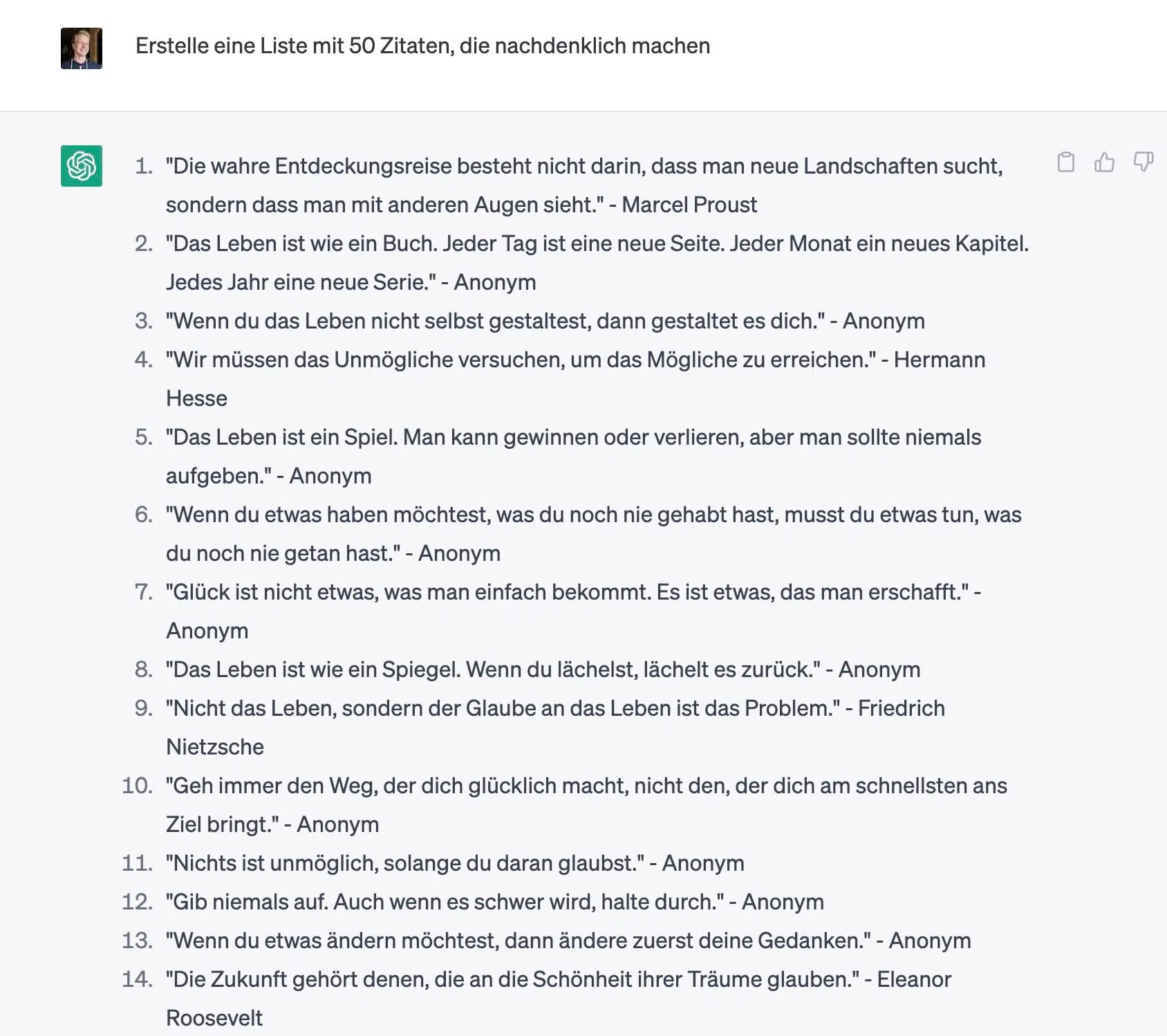
Alternatively, you can have ChatGPT generate quotes on a specific topic:
Create a list of 50 quotes about [topic]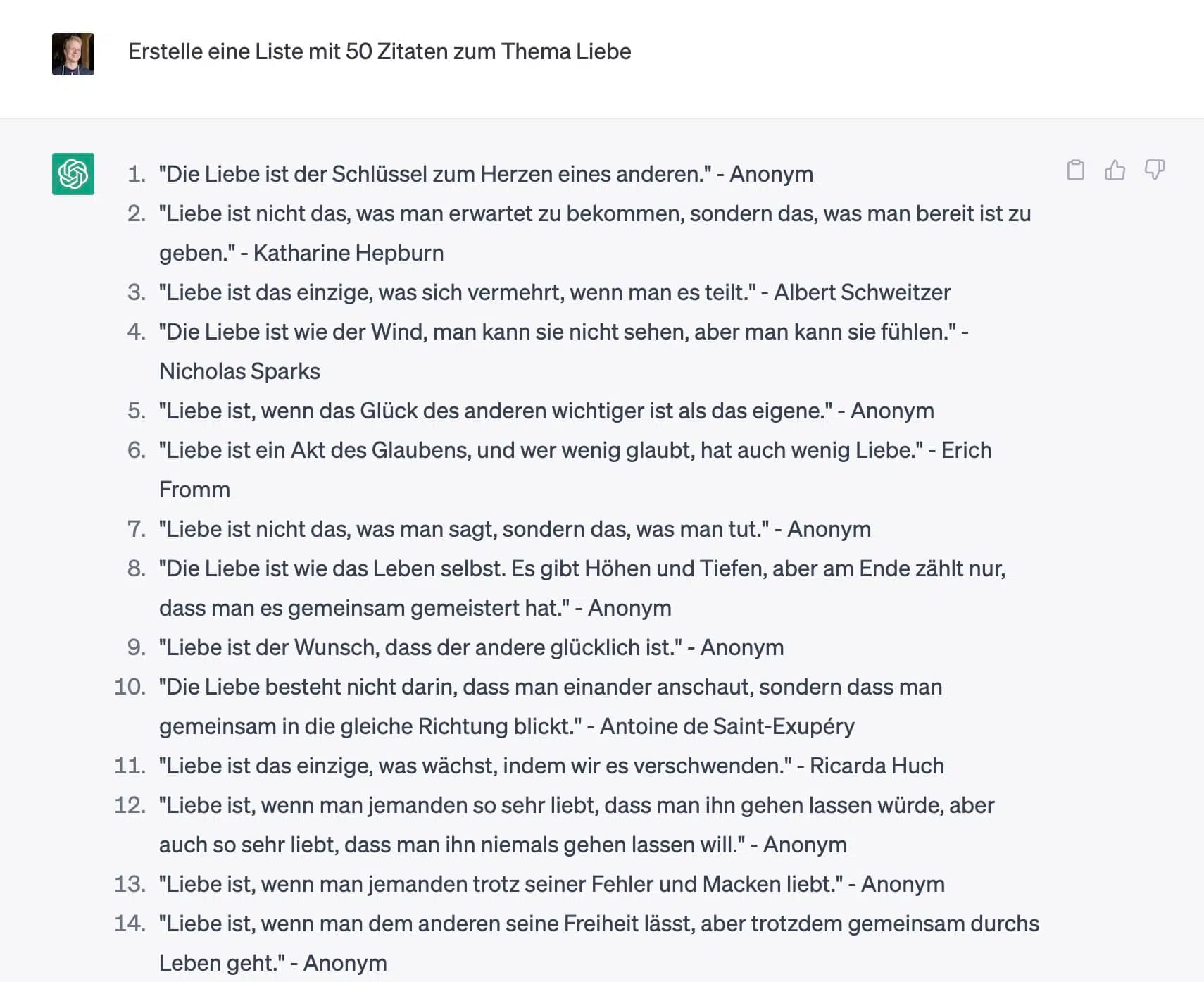
2. Create Carousel Posts from Blog Articles
A brilliant use case for ChatGPT is content recycling.
For example, you can use the tool to turn your blog articles into carousel posts.
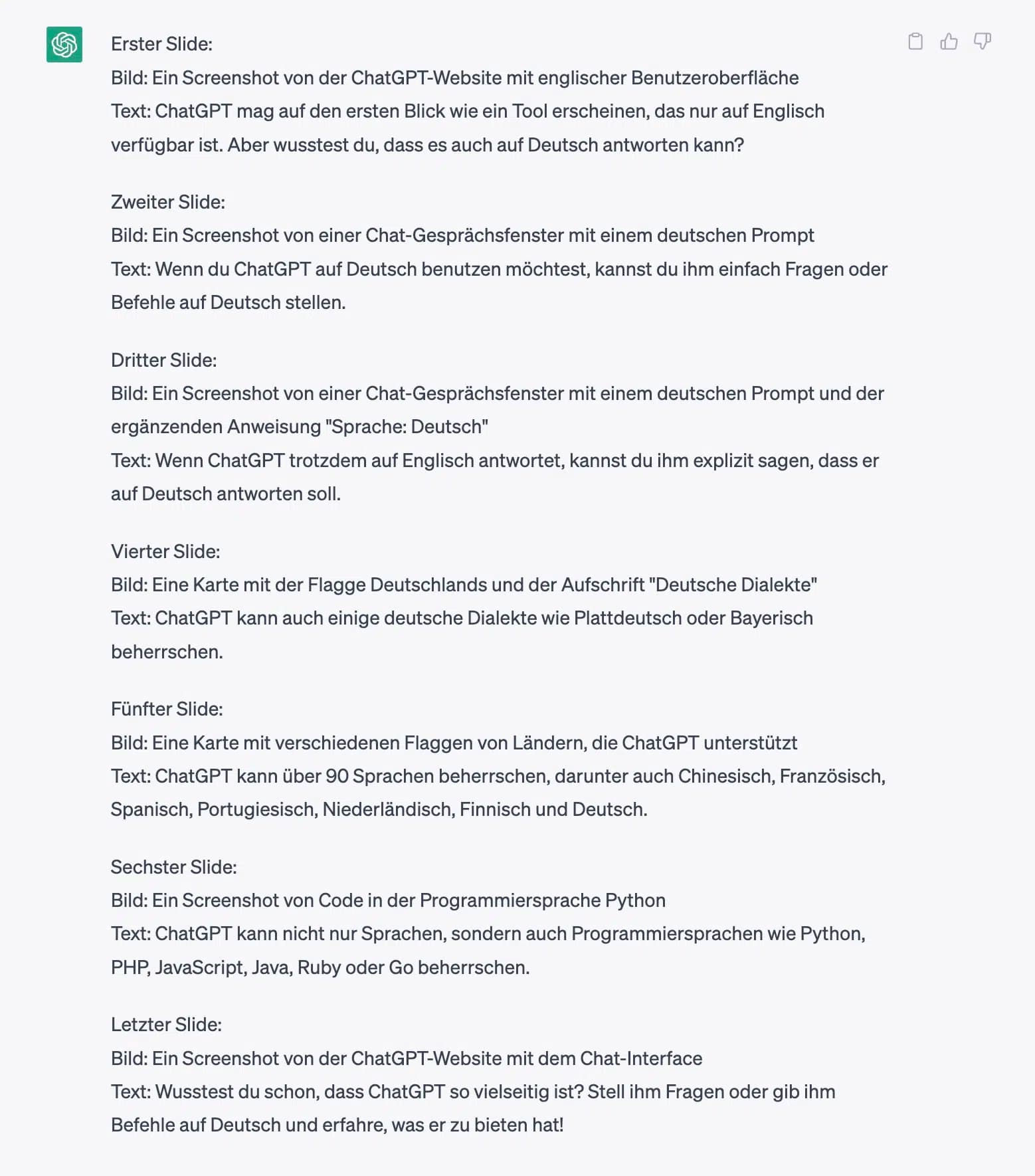
Create an Instagram carousel post with [number] slides from the following blog article:

[paste blog article]
Here's what comes out when I use my article about how to use ChatGPT for this:
3. Find Discussion Topics
Want more interaction on your Instagram profile? Then it might make sense to focus more on topics that are frequently discussed in your niche.
ChatGPT can help you find such topics perfectly:
Create a list of 20 discussion topics in the area of [topic/niche].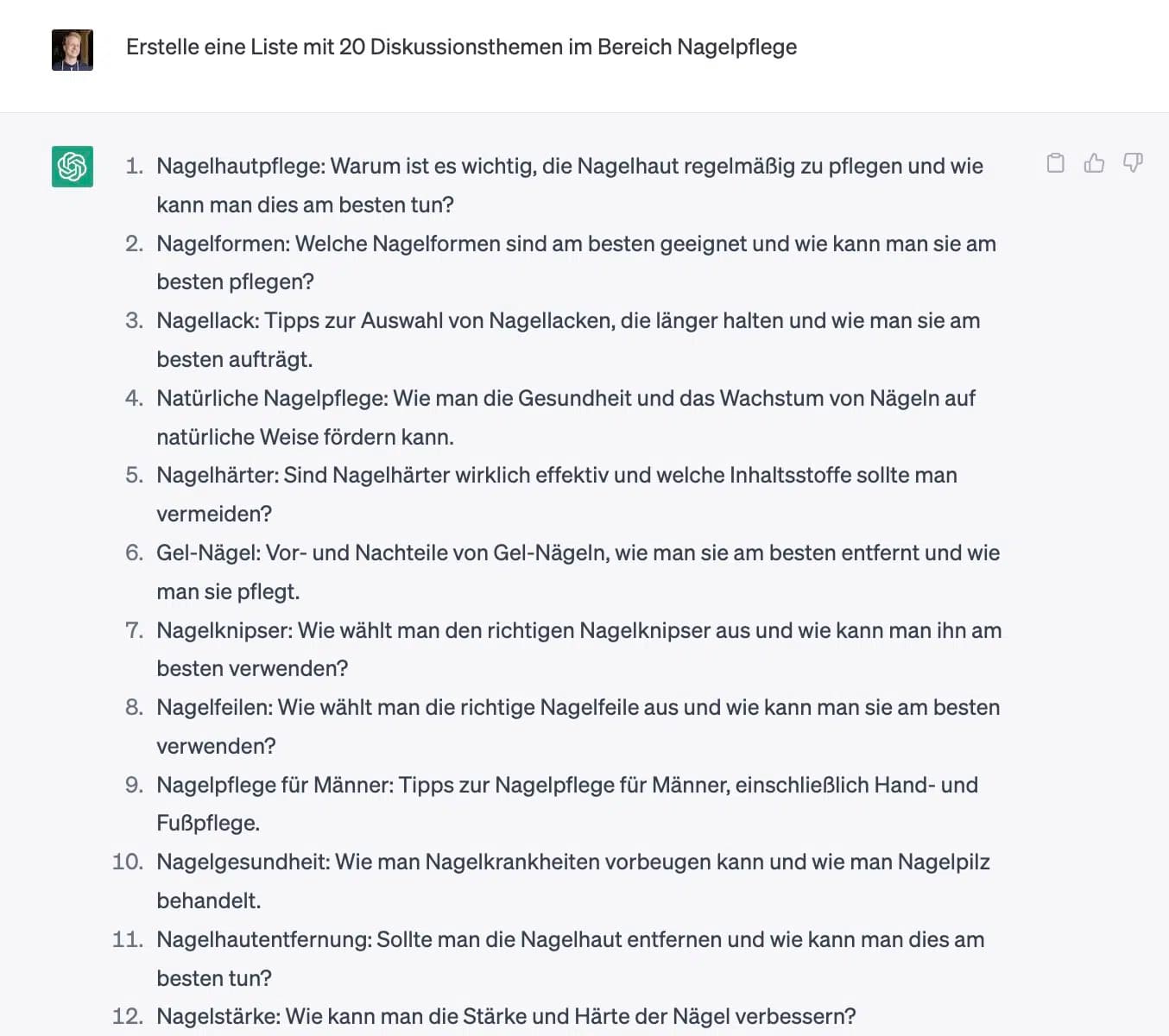
You can even go a step further and have it output controversial topics that should generate even more conversation:
Create a list of 20 controversial topics in the area of [topic/niche].4. Create Polls
Want to increase your engagement with polls?
No problem. ChatGPT is great for this too:
Give me 10 ideas for Instagram polls about [topic] with 4 answers each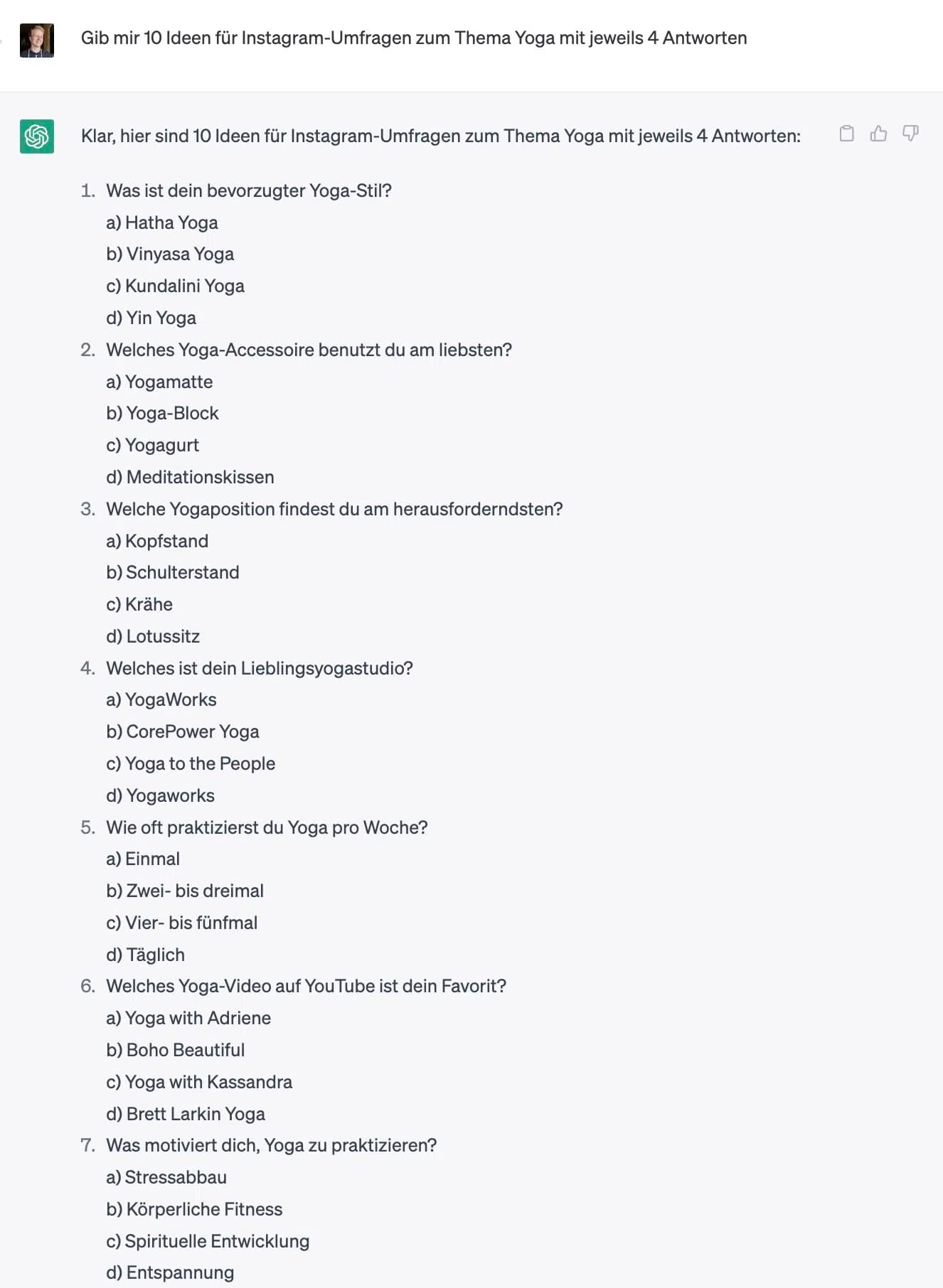
5. Respond to Difficult Comments
Don't know how to respond to negative, critical, strange, or very long Instagram comments? Professional responses are crucial to maintaining a trustworthy presence.
ChatGPT can handle this for you too. Without becoming defensive or unfriendly:
Generate a short and friendly response to the following comment that is a maximum of 3 sentences long. Include appropriate emojis in your response.

If the comment is critical, don't respond defensively in your answer, but with a growth mindset. However, avoid making too large or specific concessions or promises:

[paste comment]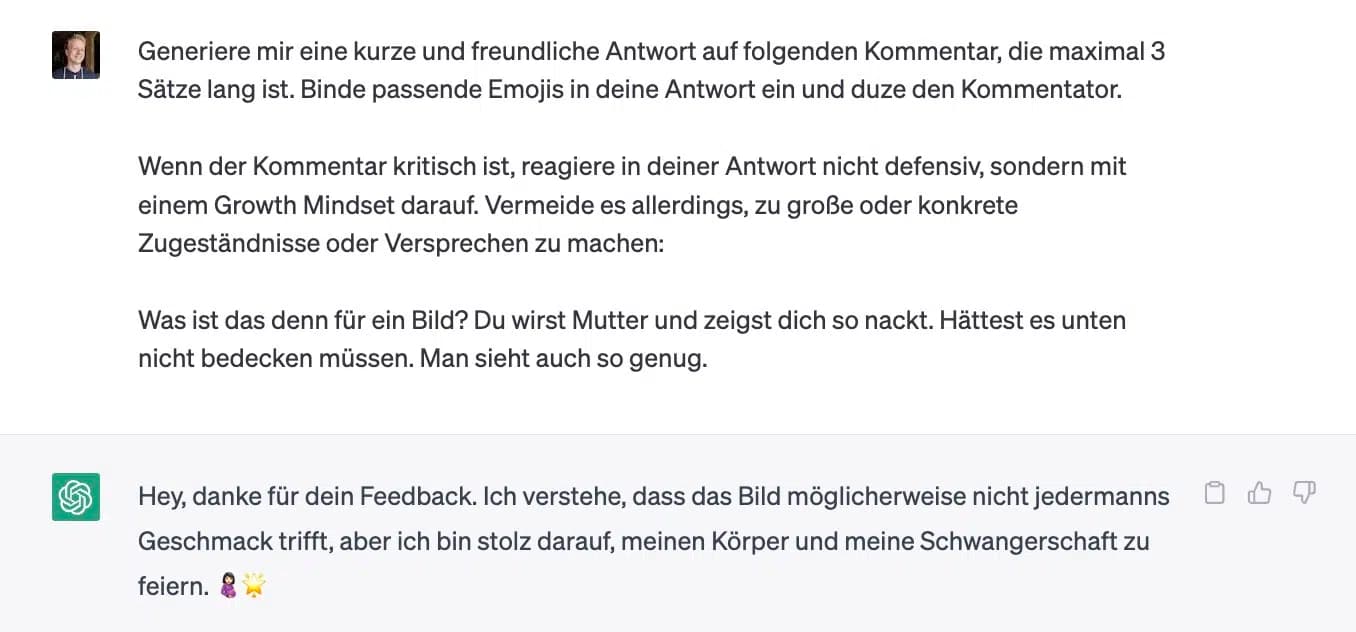
6. Find Post Ideas
Don't know what to post next?
No problem. ChatGPT is great for idea generation. With the mass of Instagram users, good content is more important than ever:
I run an Instagram channel about [topic]. My target audience is [insert target audience]. Create a list of 20 ideas for Instagram posts.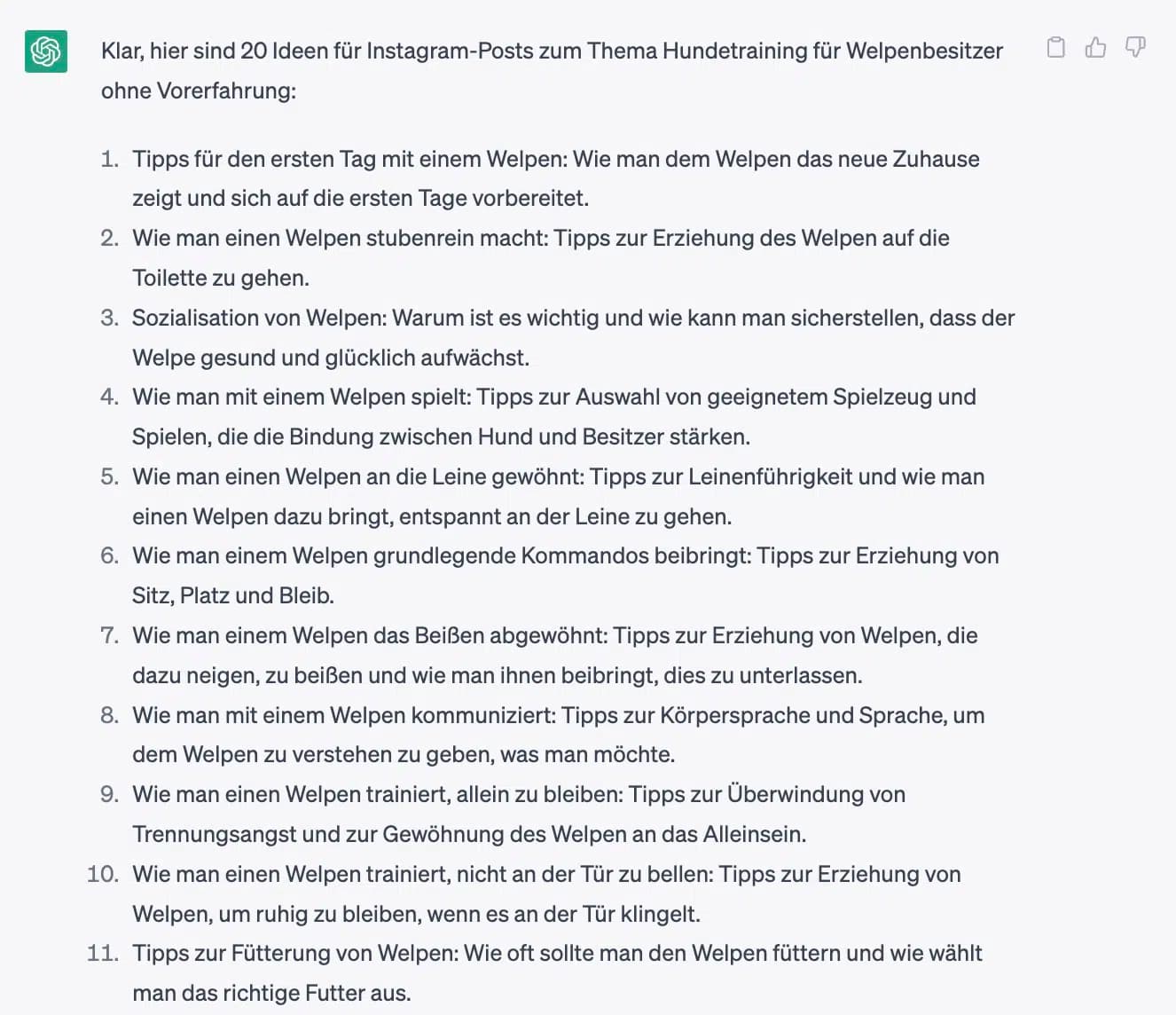
7. Find Reel Ideas
What works for posts naturally works for Instagram Reels too:
I run an Instagram channel about [topic]. My target audience is [insert target audience]. Create a list of 20 ideas for Instagram Reels.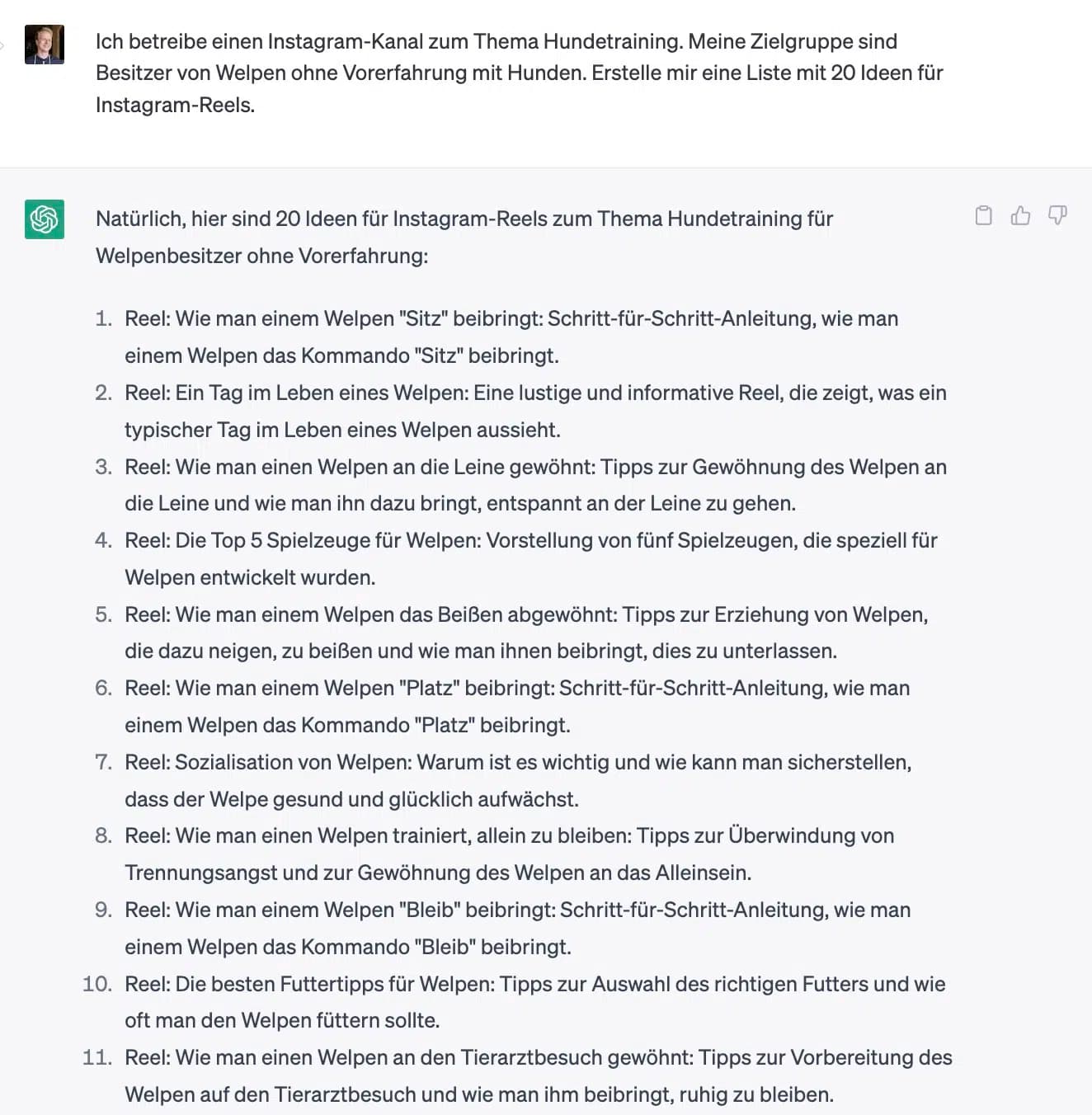
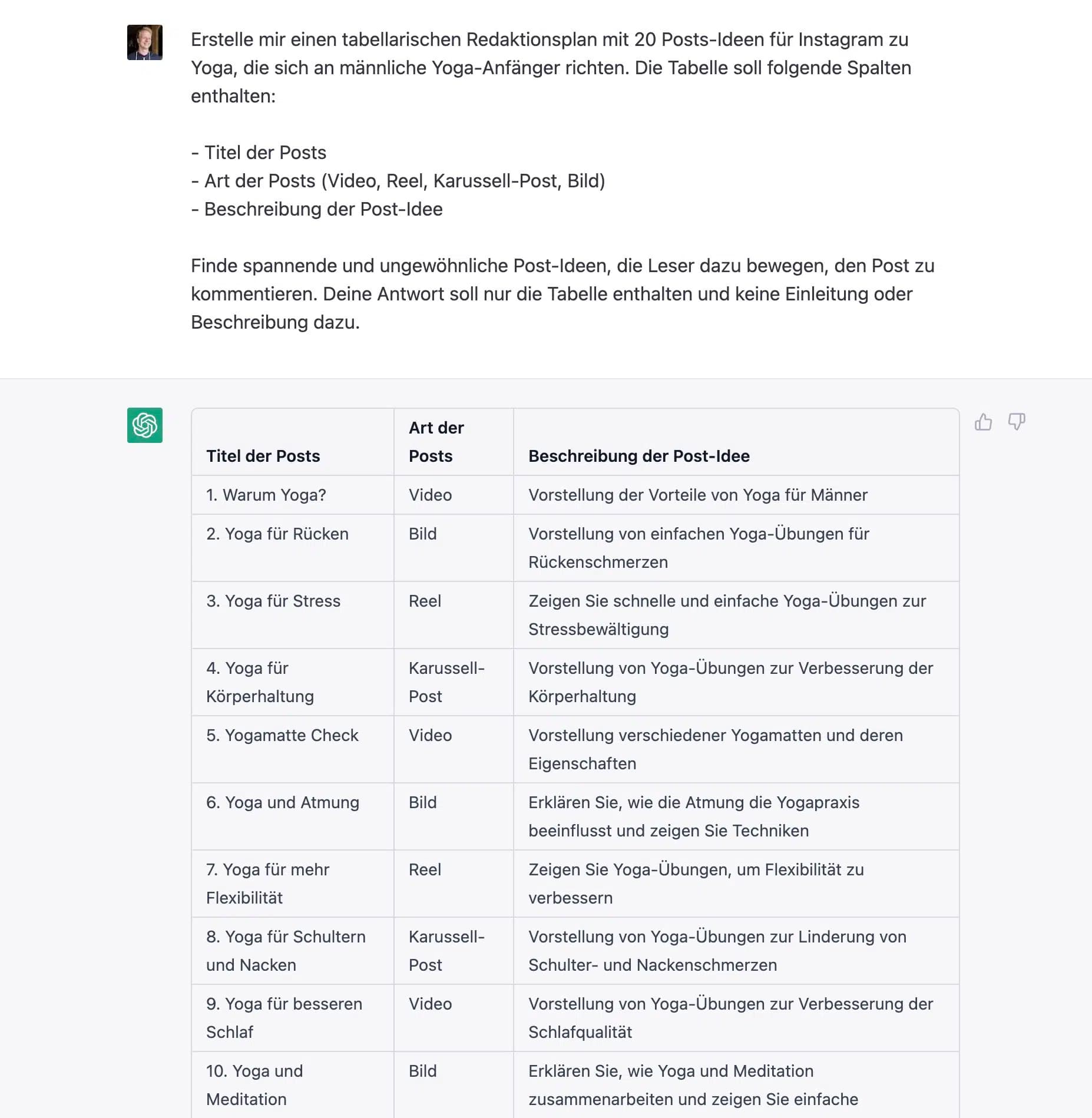
8. Create an Instagram Editorial Calendar
Beyond ideas for posts or Reels, ChatGPT can do even more.
You can even use it to create a complete Instagram editorial calendar:
Create a tabular editorial calendar with 20 post ideas for Instagram about [topic], targeted at [target audience]. The table should contain the following columns:

- Post Title
- Post Type (Video, Reel, Carousel, Image)
- Description of the post idea

Find exciting and unusual post ideas that encourage readers to [desired action, e.g., comment on the post]. Your response should only contain the table and no introduction or description.