You have probably heard of ChatGPT by now. It is everywhere. And for good reason.
ChatGPT represents an enormous advancement in AI text generators. It can write, rewrite, and continue texts on command. It remembers the chat history. It can ask follow-up questions. And it works in English, German, and dozens of other languages.
The best part:
You can use ChatGPT for free. I'll show you how to do that in this article (don't worry, it's dead simple and takes about 3 minutes).
- ChatGPT registration is free: Create an account at OpenAI, confirm your name and phone number, done in 3 minutes
- Free users have access to GPT-5 and the GPT Store. Without registration, 5 messages per chat are possible
- ChatGPT understands and responds in English. Just enter English commands and get started
1. Create an Account at OpenAI
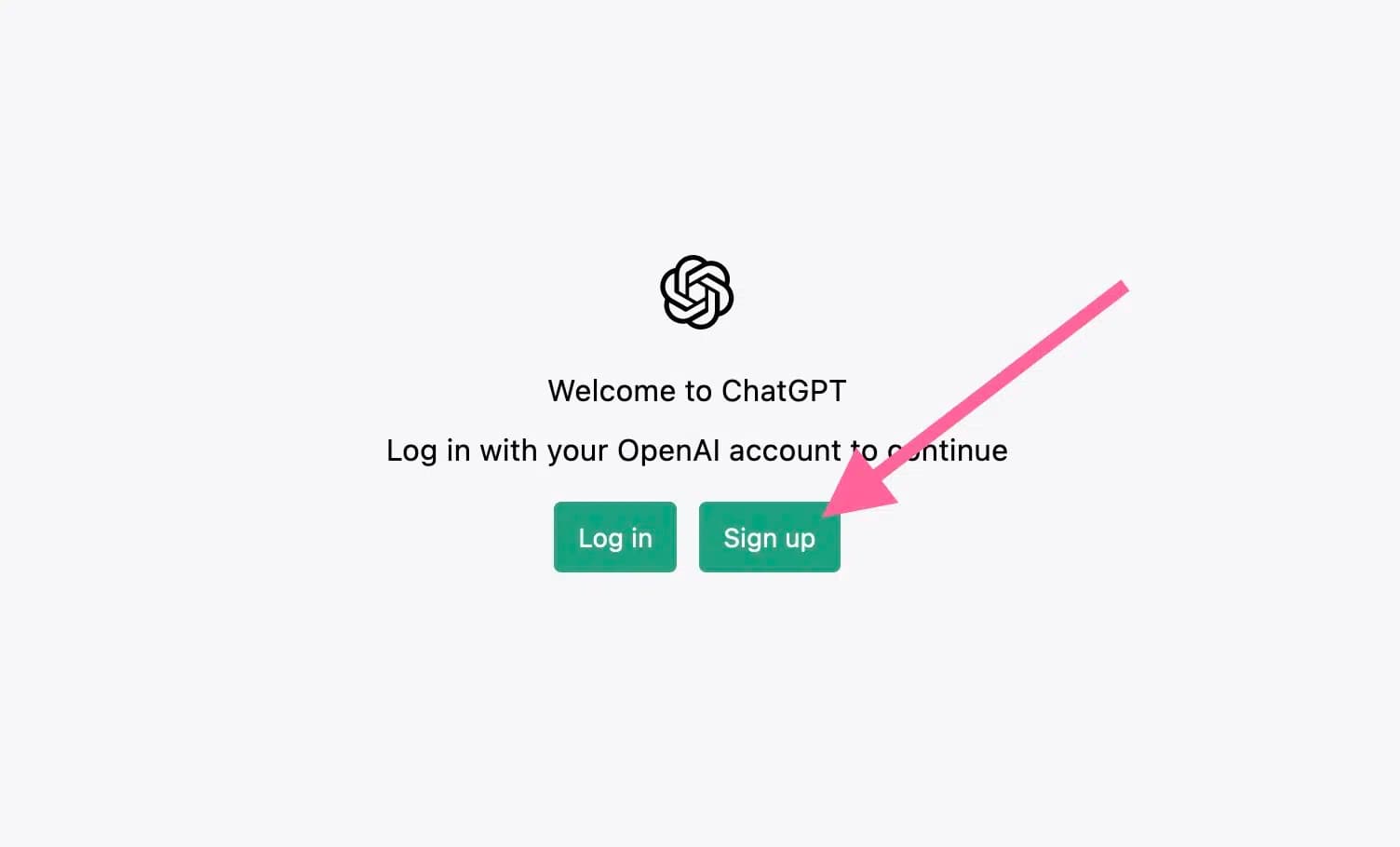
First, you need to create an account at OpenAI. To do this, click on this link, which will take you to the ChatGPT login page.
Once there, click on the right button "Sign up":
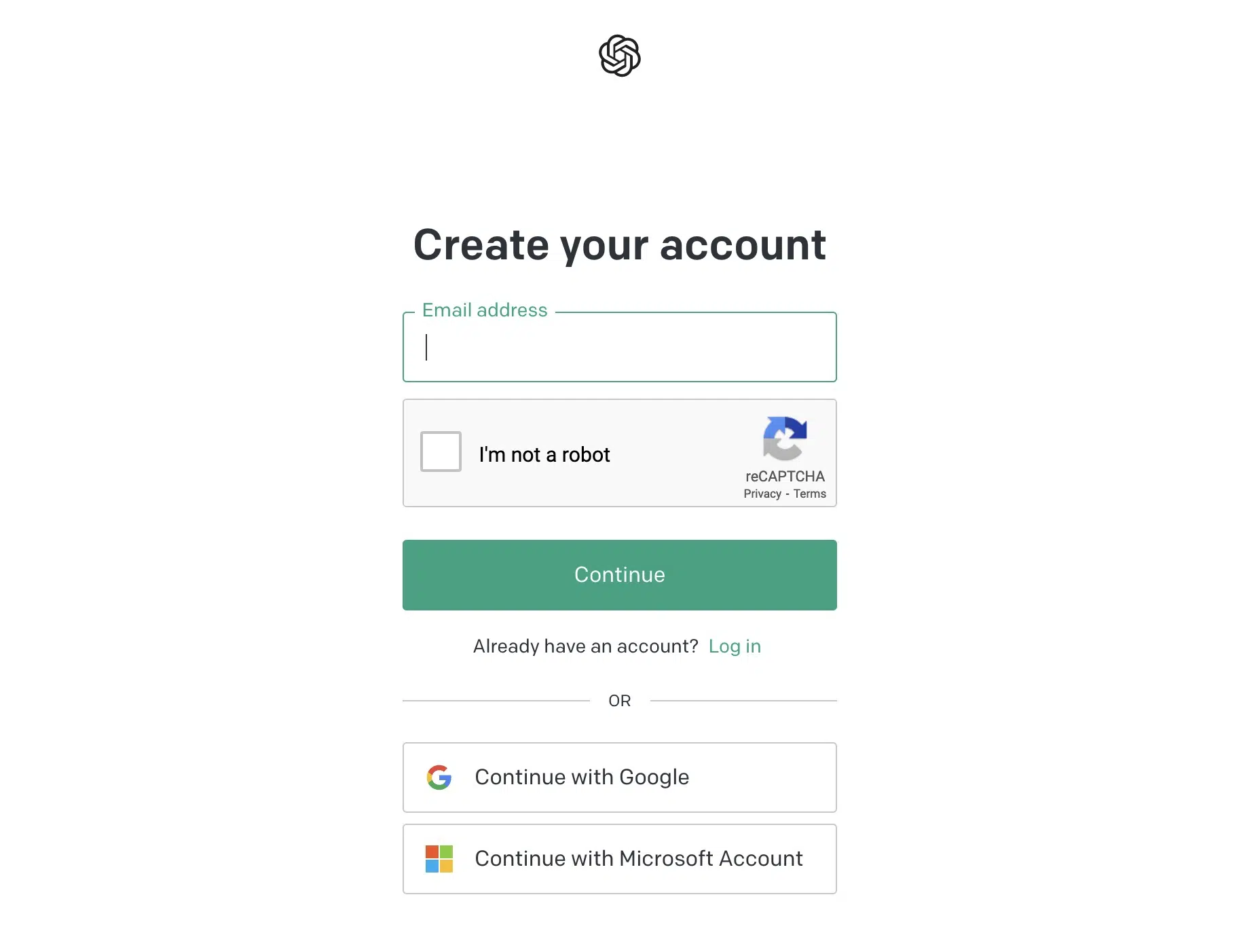
Next, you can register with your email address, a Google account, or a Microsoft account:
2. Enter Your Information
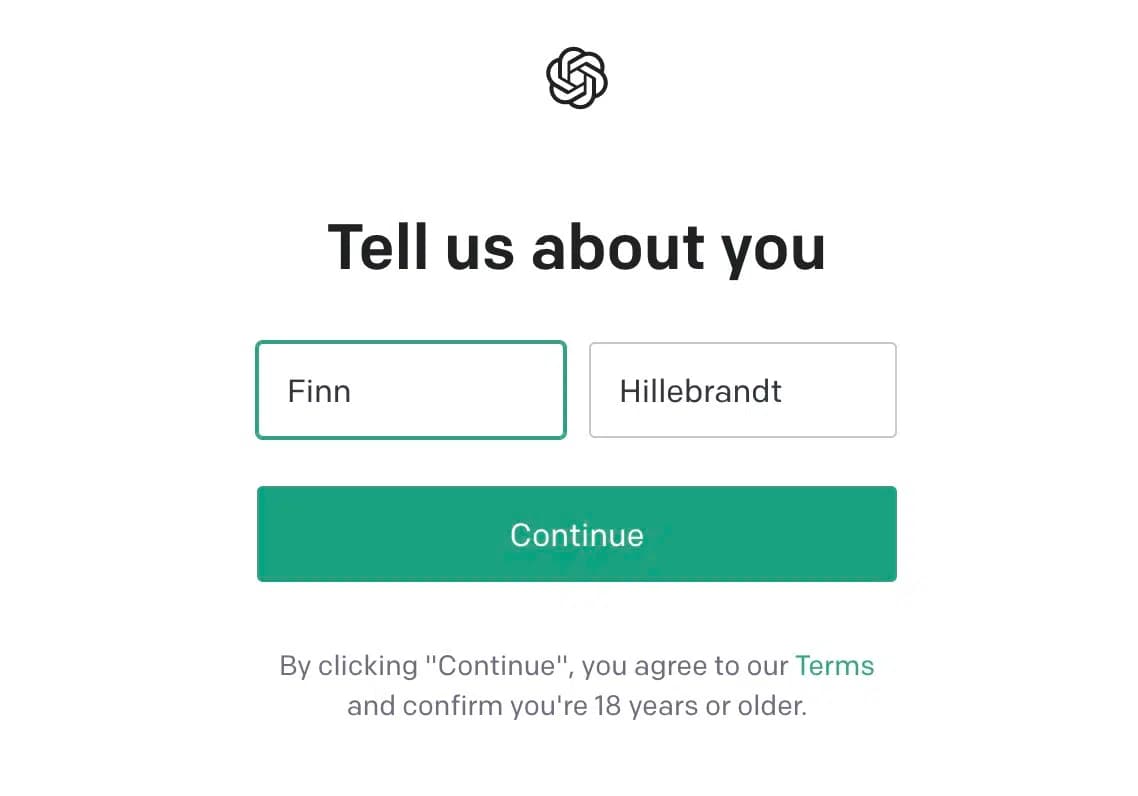
Once you're logged in for the first time, you'll need to enter your first and last name for your OpenAI account:
Then you need to enter your phone number, to which a code will be sent that you need to confirm.
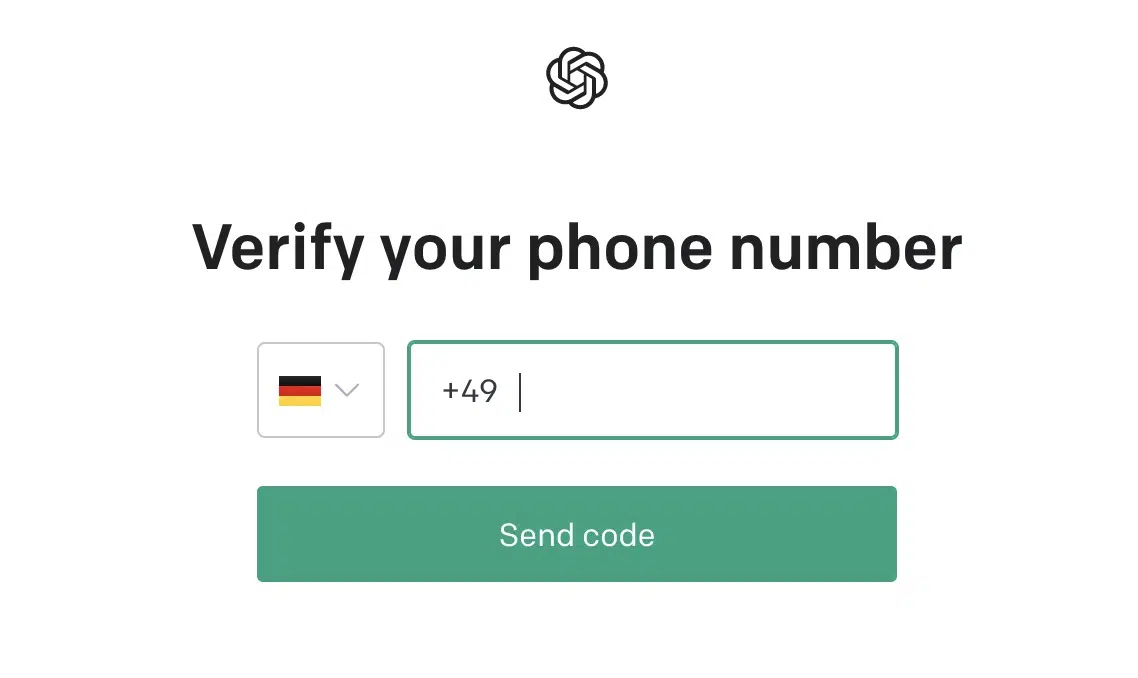
Once your phone number is confirmed, you'll be redirected to the ChatGPT app:
3. Use the ChatGPT App
In the ChatGPT app, you'll first see a welcome screen that informs you that the system can sometimes output incorrect or misleading information.
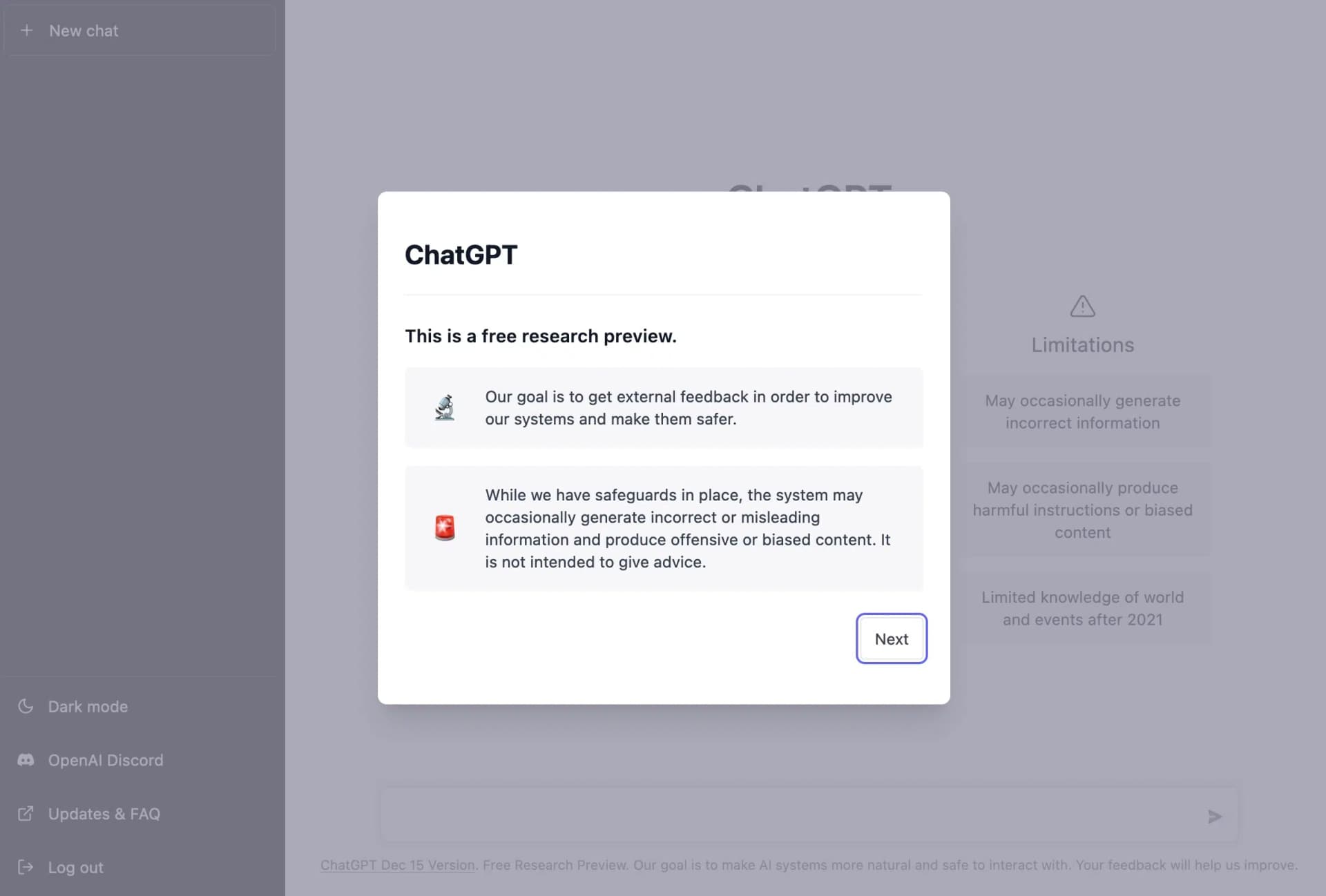
When you click "Next", you'll see information that OpenAI employees may review your chat history with ChatGPT for improvement purposes, and that you should therefore not share sensitive data with the tool:
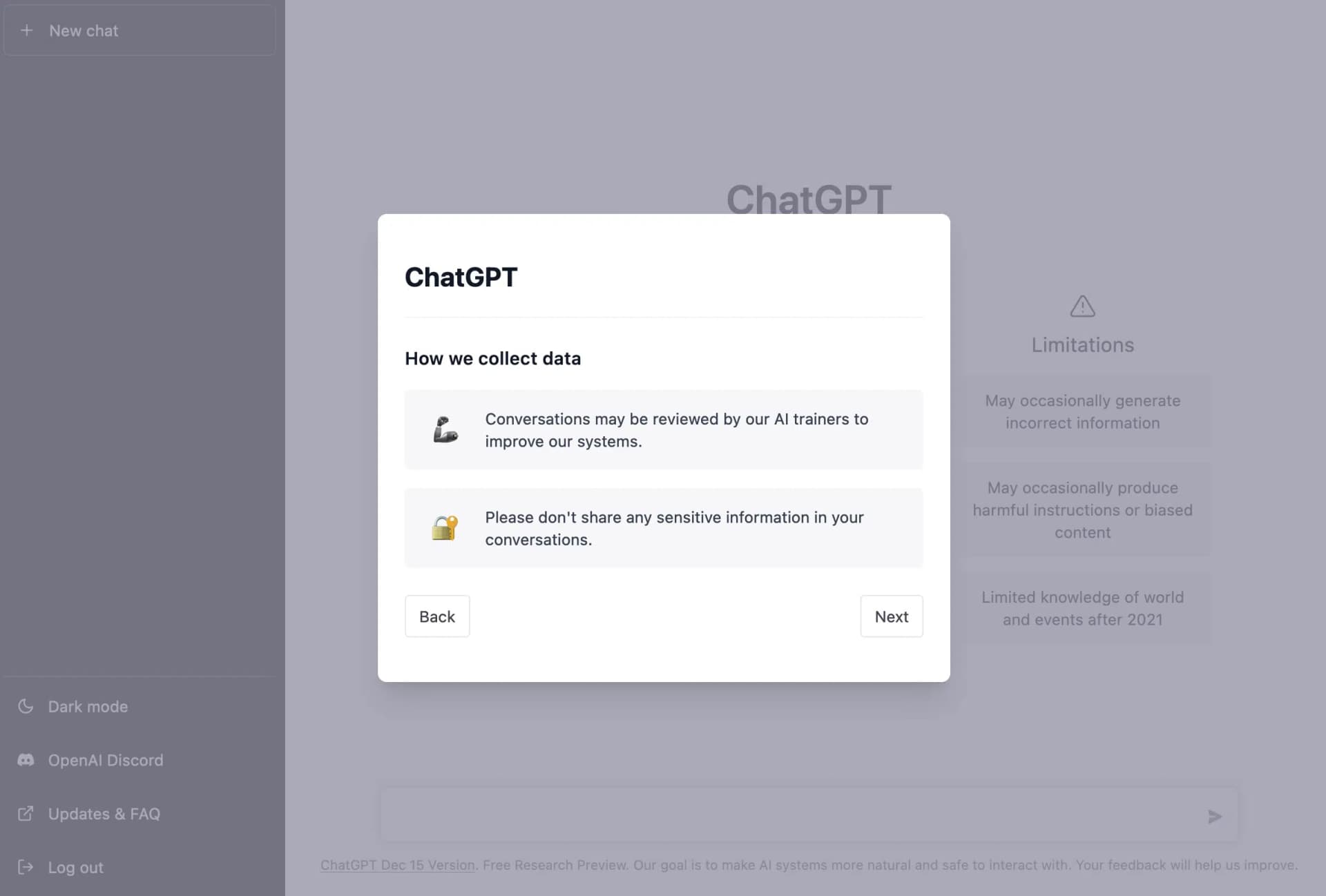
The final notice window contains a request for feedback, which you can share on OpenAI's Discord server if you wish.
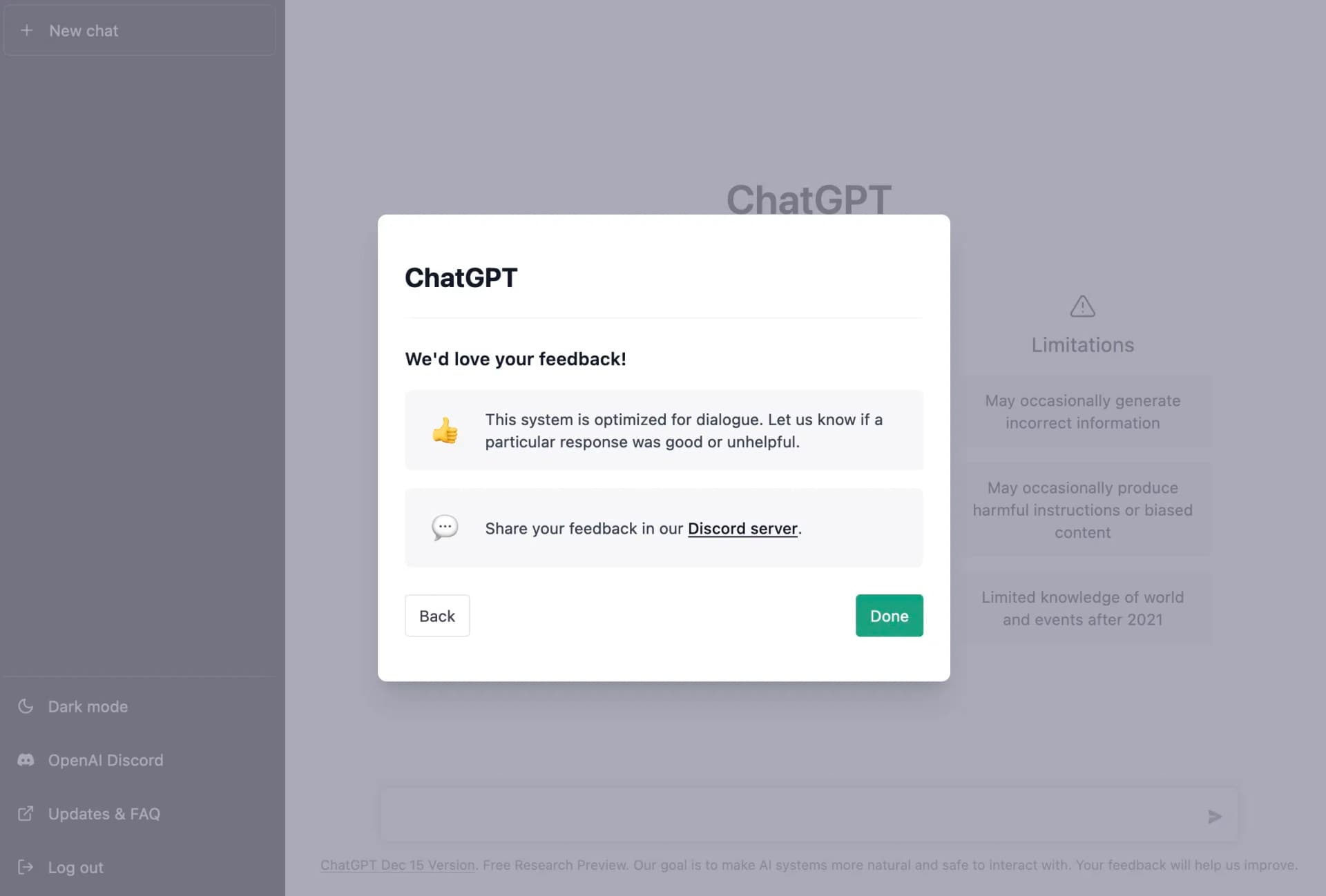
After clicking "Done" in the last window, the dashboard will be unlocked and you can get started!
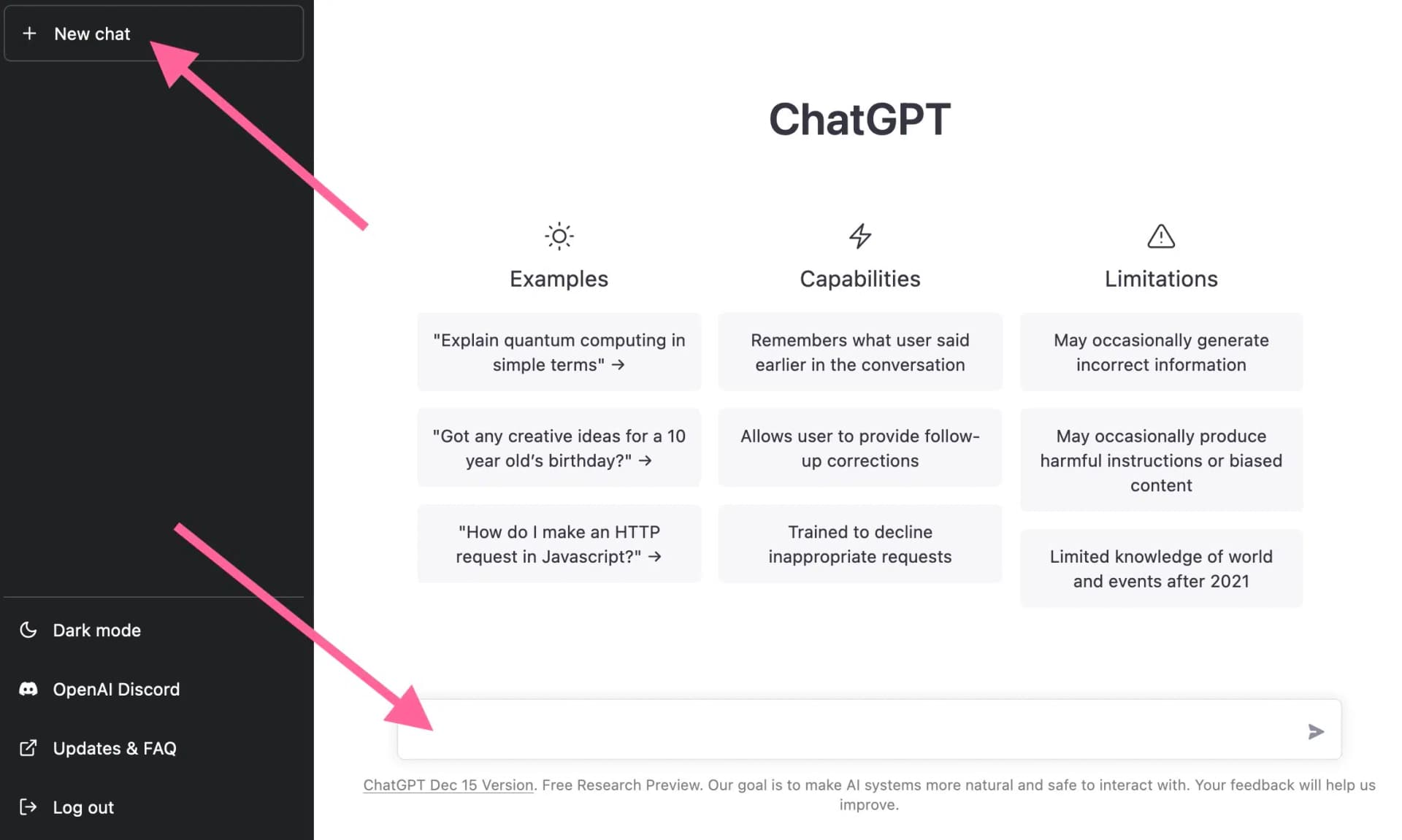
To start a new chat with ChatGPT, you can either click "New chat" in the top left or enter your questions or commands to ChatGPT in the input field at the bottom:
By the way:
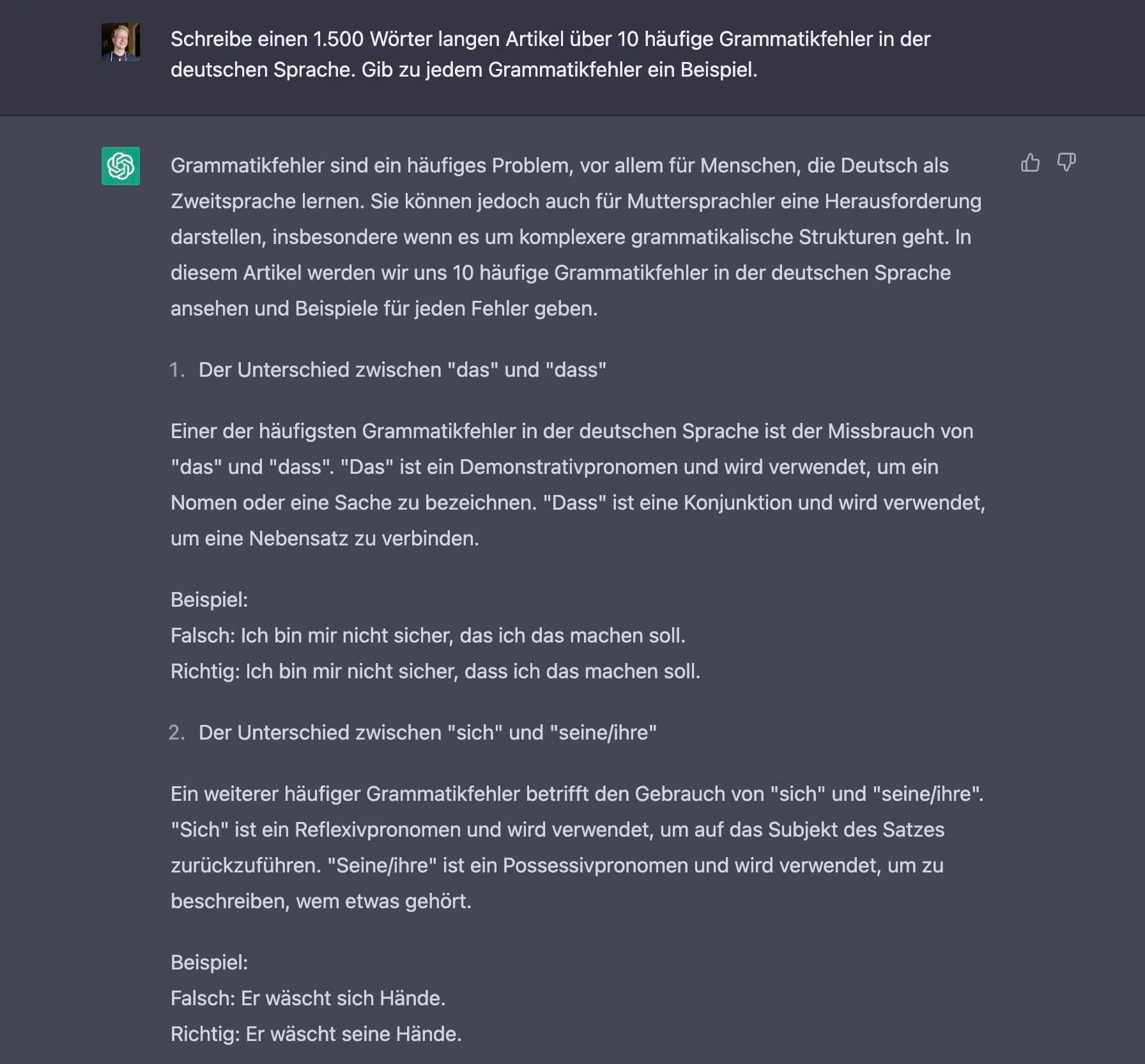
ChatGPT also understands German. If you give the chatbot a German question or command, it will respond in German.
In the following example, I instructed ChatGPT to write a 1,500-word article about common grammar mistakes in the German language: