
A professional logo used to cost $500 to $2,000 from a designer. Or you'd spend hours fumbling around in design tools, ending up with something that looks like every other small business logo out there.
AI logo generators have changed this equation. Not perfectly, but significantly. You answer a few questions about your brand, and the AI spits out dozens of logo concepts in minutes.
I tested eight tools to see which ones produce usable results. I have not tested LogoAI 2.0 myself. My experience with LogoAI comes from the earlier version.
- Designs.ai leads the list with the best overall package (free trial available and a full suite of design tools included)
- Looka Logo Maker offers the best user-friendliness with intuitive operation and professional results from $20
- Ideogram has a free plan. Plus starts at $15 per month with annual billing. Commercial image use is permitted, but you must check trademark rights yourself
1. What is an AI Logo Generator?
The idea is simple. You tell the tool your company name, pick your industry, choose some colors and styles you like, and the AI generates dozens of logo concepts for you.
Most of these tools produce a large number of design variations in seconds, and then let you customize fonts, colors, and layouts until something clicks.
1.1 What Makes the Ideal AI Logo Generator?
Design quality comes first. If the logos look generic or amateur, nothing else matters.
After that, usability is key. You shouldn't need a design degree to create something decent. And the generator should be upfront about commercial image rights so you know exactly what you're allowed to do with the result.
Our test criteria are:
- Design quality: High-quality, professional-looking logos are the main goal and the most important test criterion
- Usability: An intuitive user interface and easy customization options are essential.
- Export: The most important file formats for a logo are, in order: SVG, PNG, JPG, and PDF.
- Commercial image rights: Clear information about usage rights is essential for commercial use.
2. AI Logo Generators Comparison
3. Test Results in Detail
Below you'll find the test results of all AI logo generators in detail:
3.1 Designs.ai
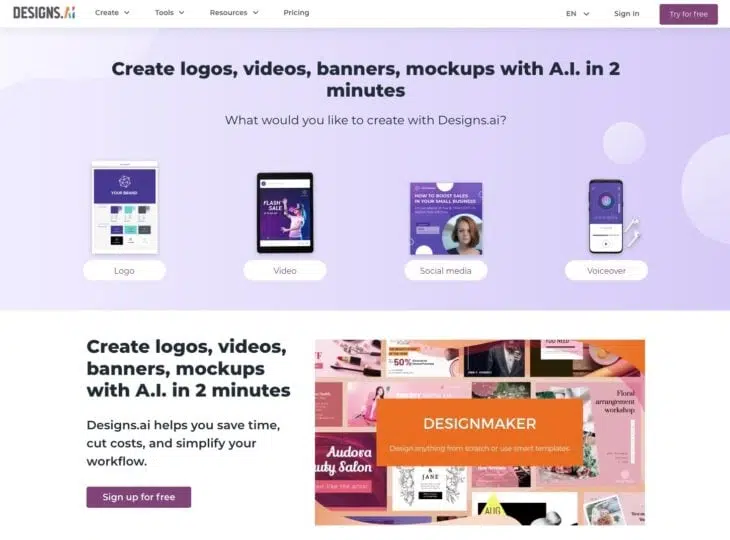
Designs.ai is the AI logo generator I use most often and that performed best in our test.
The interface is clean and intuitive. You specify your preferences, add text for a personal touch, and Designs.ai does the rest.
What I also appreciate is the transparency around commercial image rights. You know exactly how you can use the generated logos. And the customization options are solid.
You can download the logo in the most important file formats: SVG, PNG, JPG, and PDF.
3.2 Looka
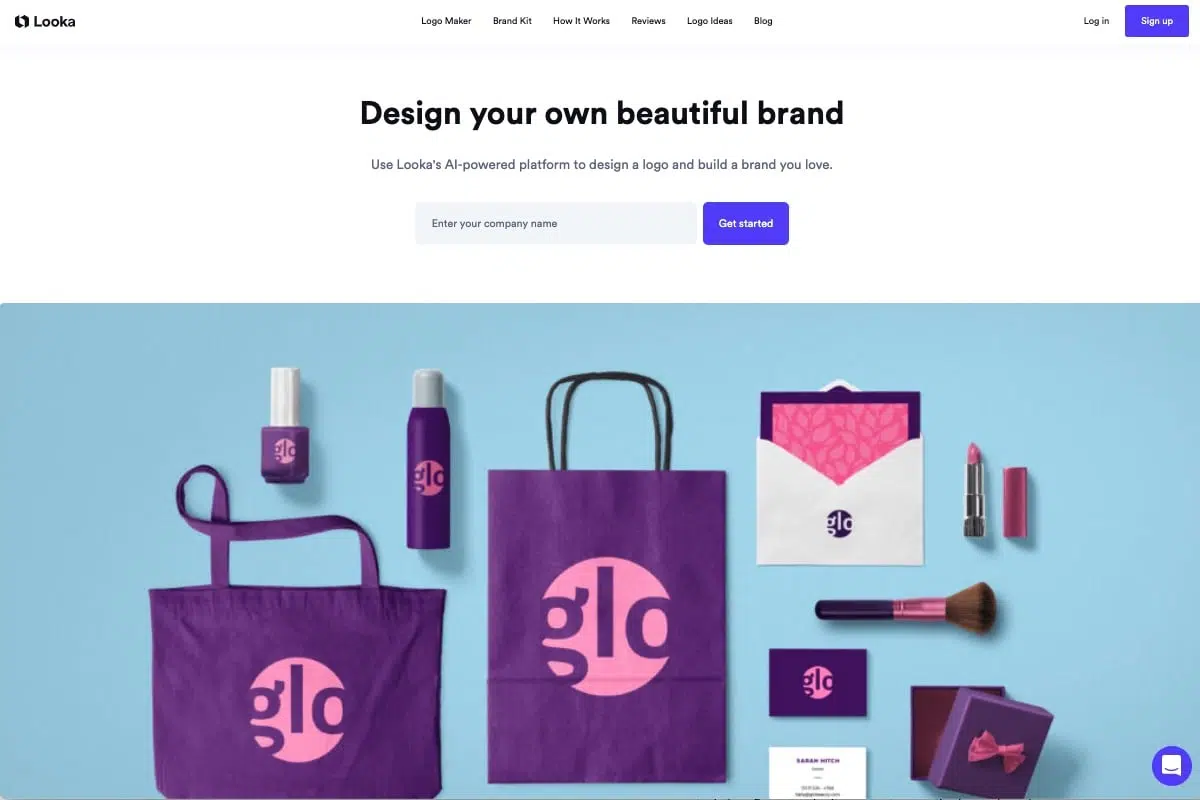
The logo generator Looka also impressed us with its good usability.
A small drawback is the lack of variety in the logos. Looka creates rather simple text logos. However, you can purchase these in a brand kit with 300+ templates, just to name a few core features and highlights.
Looka also stands out with its realistic preview features. Users can see how their logo would look on various platforms and products.
The realistic representation helps you see how the logo will work across different use cases, which makes the final decision a lot easier.
Even though you can purchase the logo for as little as $20, the catch is that it's only a PNG file, which honestly isn't very useful afterward.
For $65, you get not only all common file formats but also "Full Ownership," i.e., the commercial rights to your logo and unlimited editing options.
3.3 Logomaster.ai
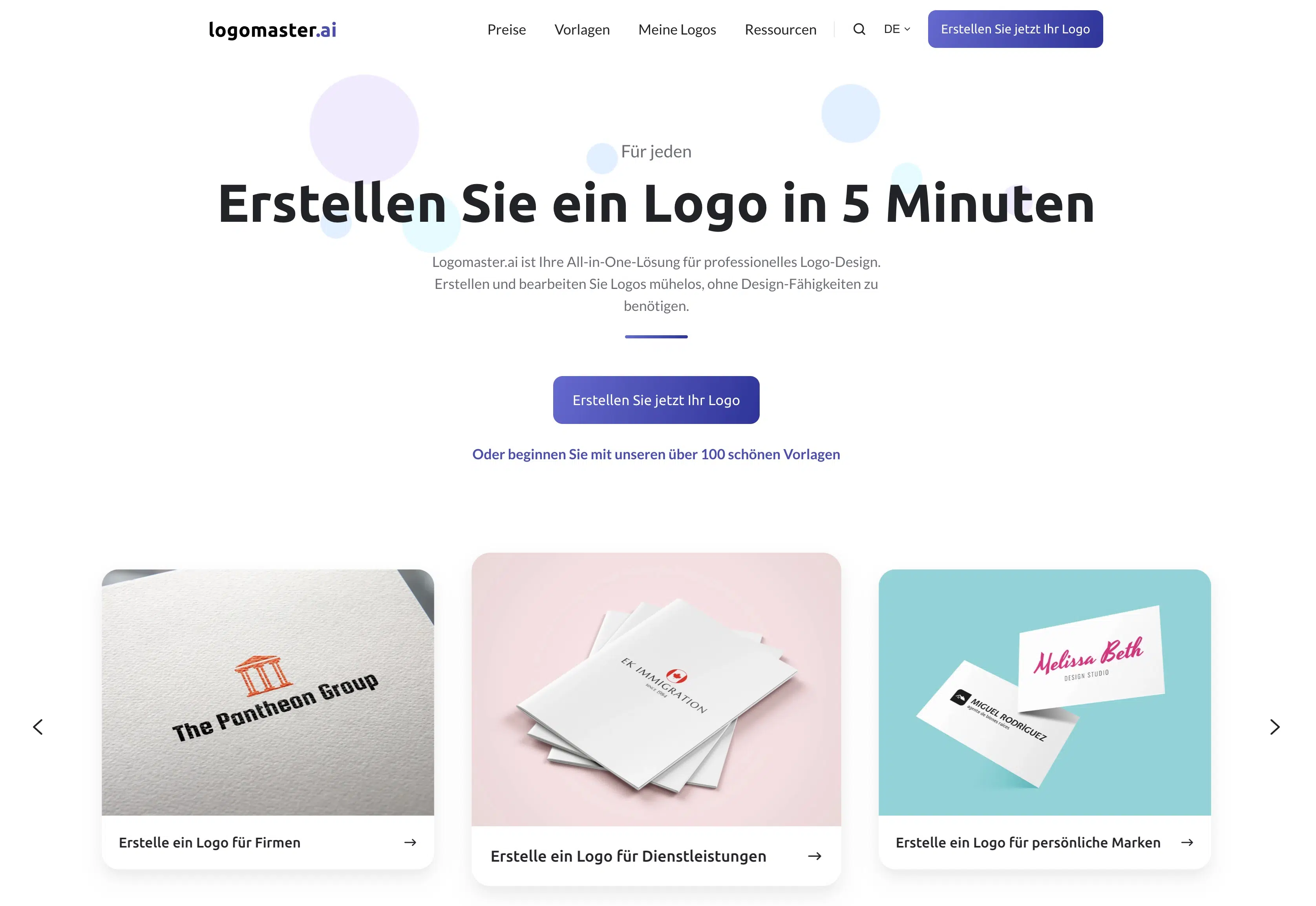
Logomaster.ai delivers on its advertising promise: You can actually create a logo in just 5 minutes. I'm impressed!
The workflow is extremely simple: You enter the desired company name and optionally a slogan, choose reference logos, colors, and symbols you like, and Logomaster creates the first designs.
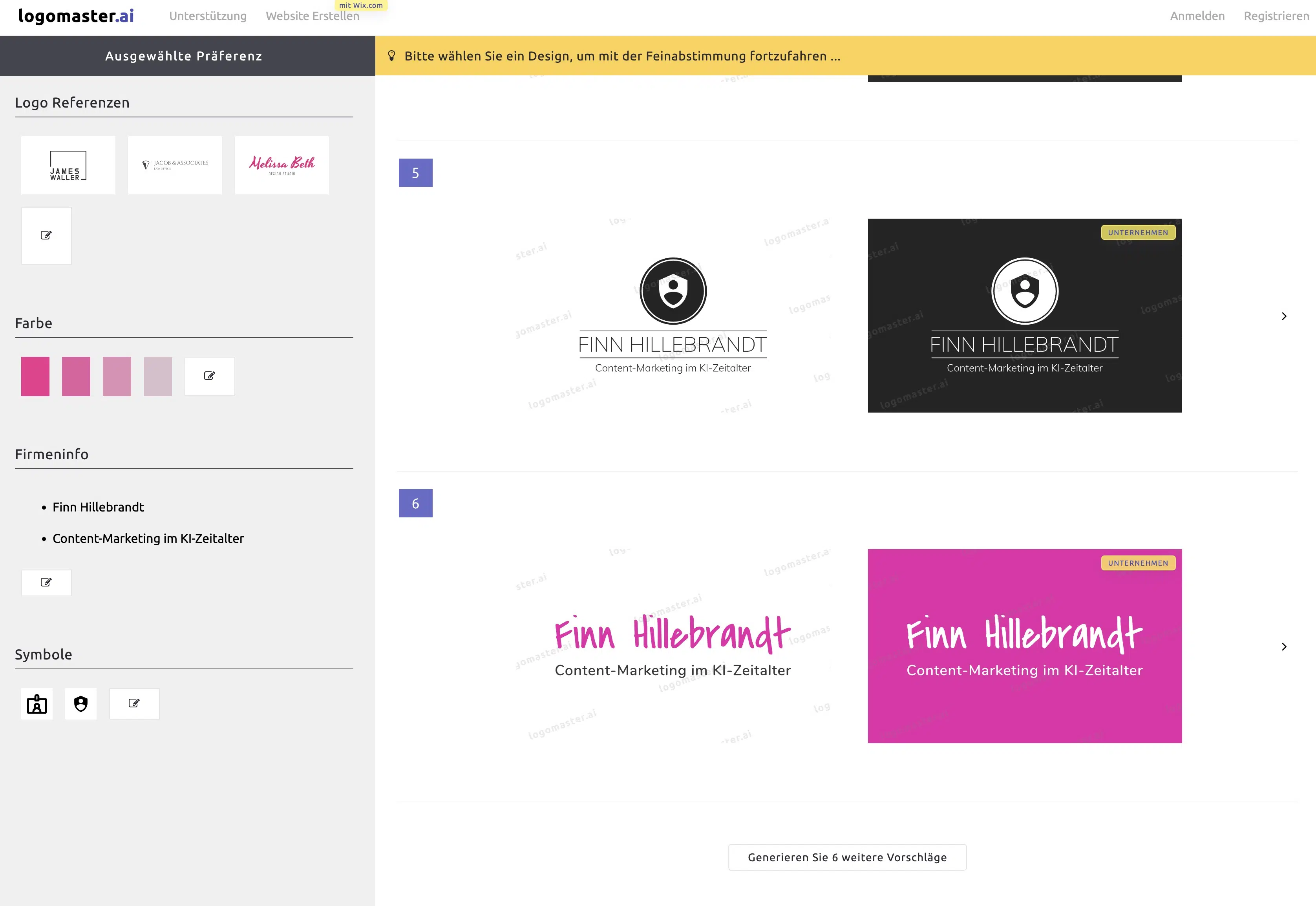
All selected settings and preferences can be changed at any time, so you have maximum flexibility to experiment with colors, fonts, and symbols.
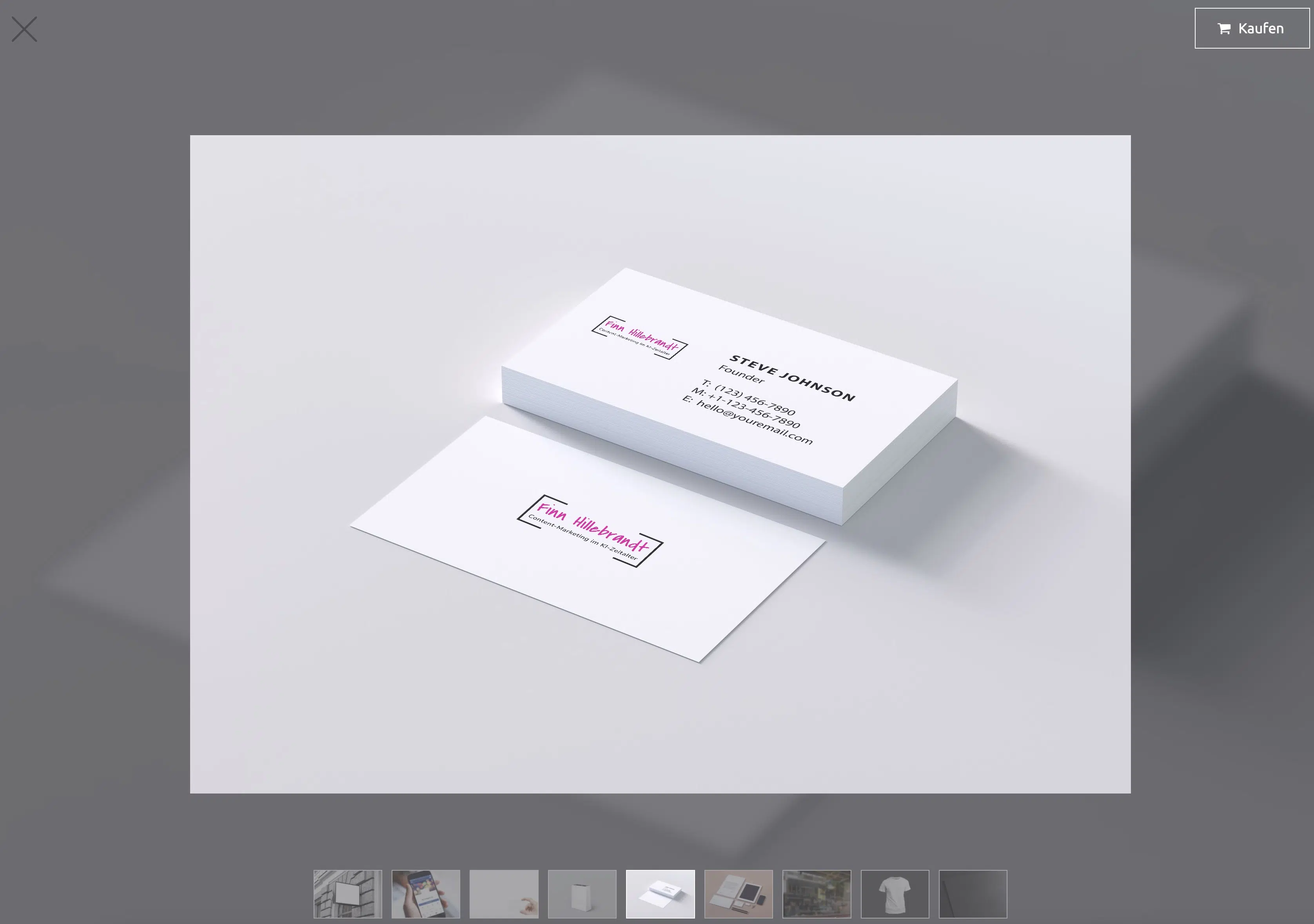
Logomaster.ai has developed a clever method to encourage you to buy: Logo creation is completely free, user-friendly, and in my opinion very well done. You only have to pay when you're satisfied with the result and want to download your logo.
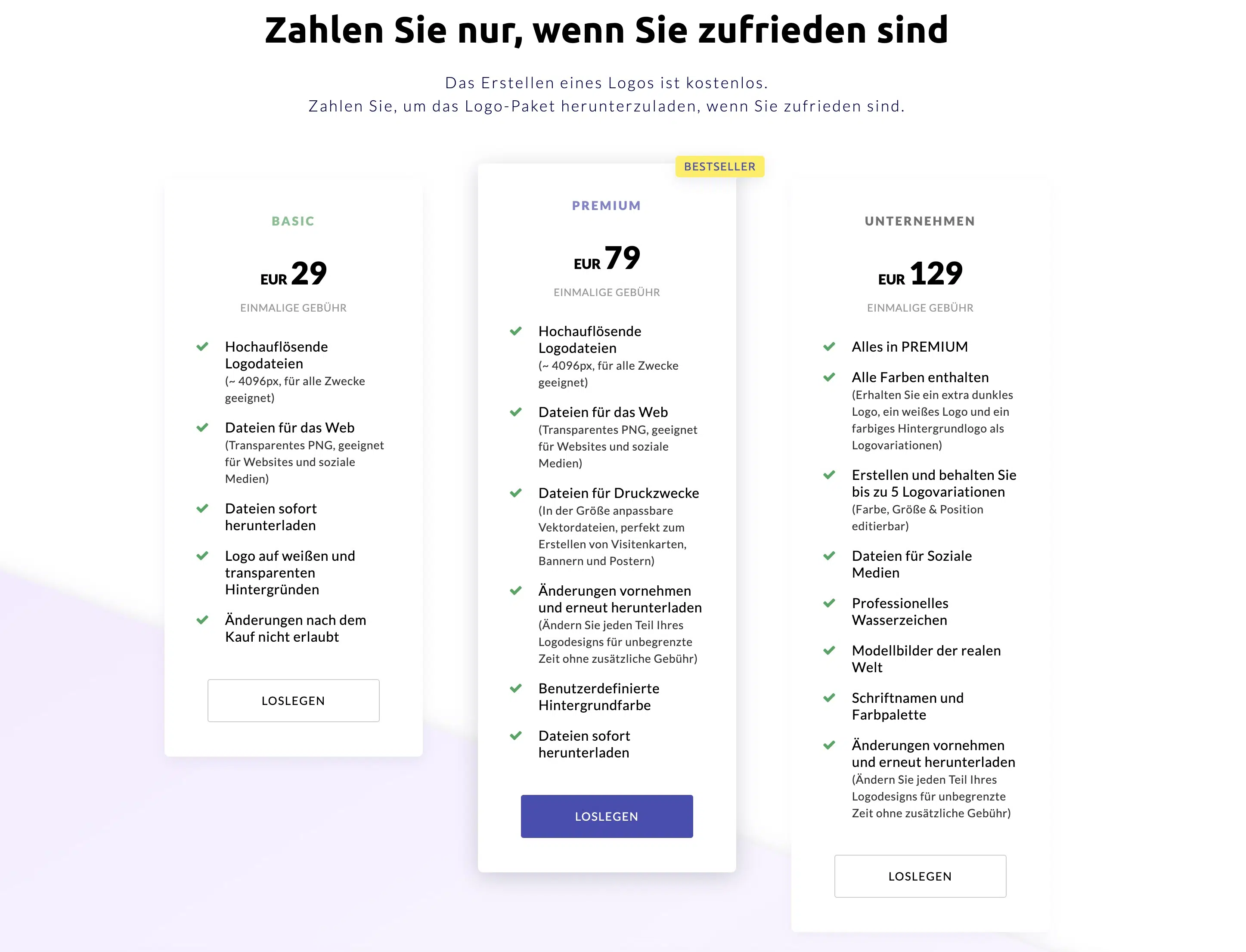
The price is in the mid-range: For $29 you get high-resolution files, especially for digital use. From $79 or $129 you also get print files, the ability to change the logo unlimited times, and up to five logo variations.
3.4 Wix Logo Maker
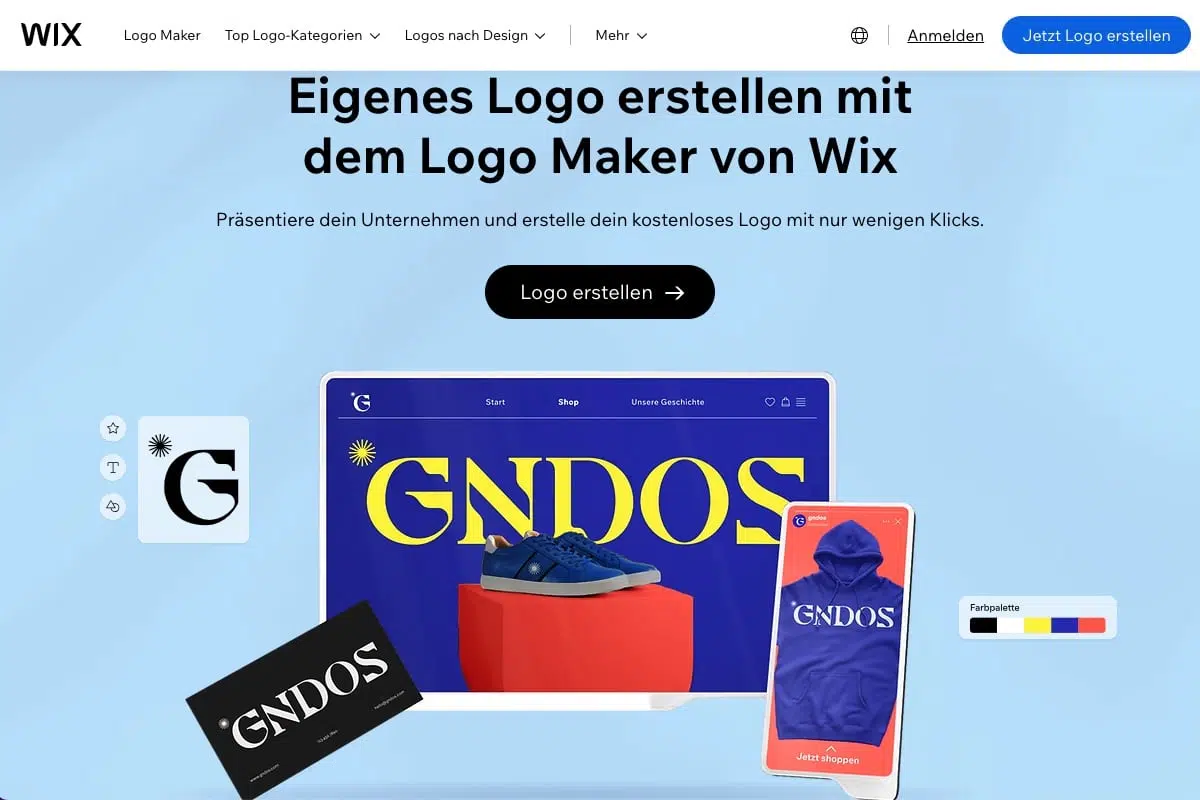
The Wix Logo Maker uses AI to create personalized logo suggestions based on your answers to a few questions.
The process begins with entering your brand name and roughly categorizing it by industry, hobby, and so on. Then you're shown five pairs of logos for comparison, where you indicate which one you prefer so Wix can learn your preferences.
The personalized suggestions and extensive customization options make it easy to create a logo that feels closely tied to your brand identity.
You can choose from different styles, colors, fonts, and symbols and customize your logo according to your wishes. The customization options are very good, but the design is rather standard and not very fancy.
When you choose a package that allows you to download your logo, you get all commercial usage rights for your logo. You can use your logo anytime and anywhere.
For $24 you get eight high-resolution image files. However, you only get fully scalable files for $59.
3.5 Fiverr Logo Maker
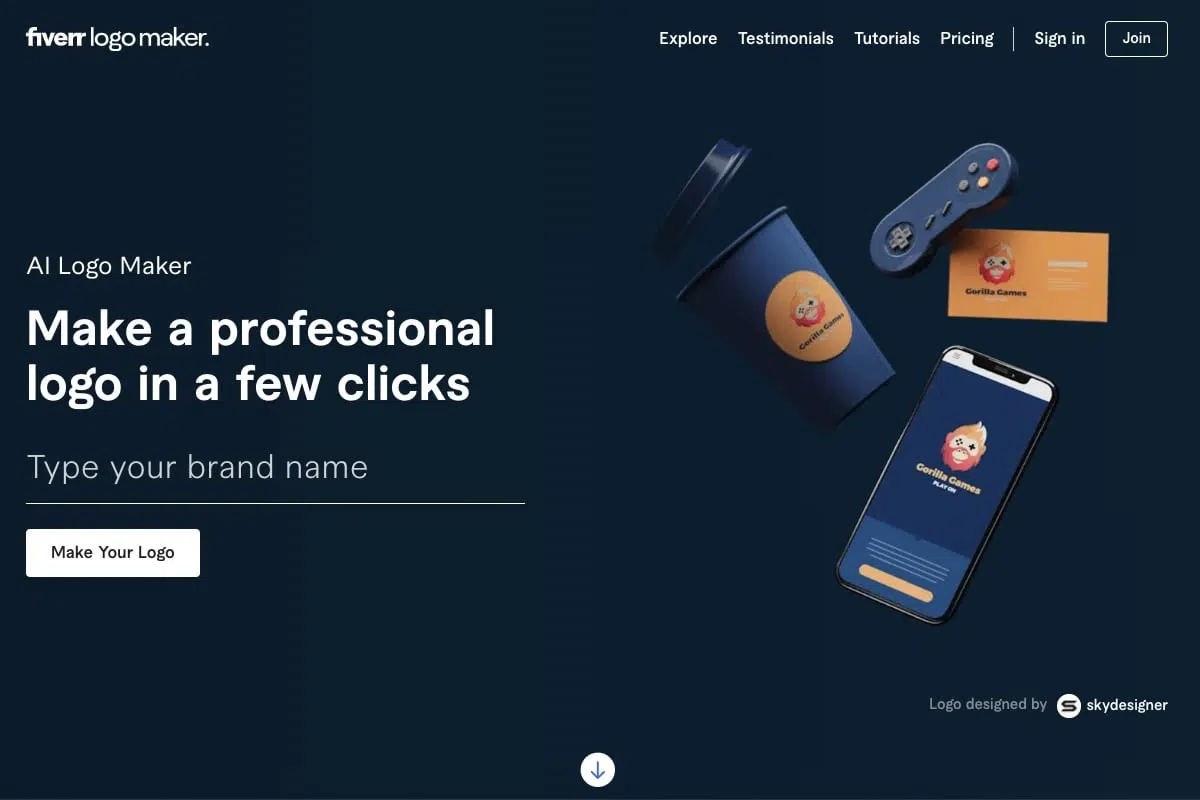
With Fiverr Logo Maker, you can personalize your logo with your brand name and slogan, select the industry that matches your business, and set your logo style with sliders.
You can also change the colors, fonts, and layouts of your logo. In the creation process, you can select the style your logo should be created in, e.g., Minimalist, Hand-Drawn, 3D, Geometric, Vintage, or Cartoon.
The selection here is really different from conventional logo generators, but unfortunately the selected style isn't always recognizable.
You acquire the image rights at Fiverr with even the cheapest package. However, you only get fully scalable files from $60.
3.6 LogoAI
LogoAI now uses generative AI to create logo concepts from a business name and selected styles. You can refine a concept with text instructions, modify an existing logo, or turn an image into a logo. Its Brand Kit Studio brings the logo together with colors, fonts, and matching assets, as described on LogoAI's product page. I have not tested the output quality of LogoAI 2.0. My impression comes from the earlier version.
LogoAI lists JPG, PNG, PDF, and SVG exports. Some advanced exports and AI tools use credits. Its current pricing page offers a $10 seven-day trial with 200 credits that renews at $20 per month unless canceled, or a $20 monthly Pro plan with 500 credits. Paid plans include commercial use, but that does not guarantee an exclusive design or trademark registration.
3.7 Brandmark
Brandmark is another AI-based logo generator that's ideal for users without design knowledge. In just a few minutes, you can create professional-looking logos by filling out a short questionnaire.
While Brandmark doesn't reinvent the wheel, it still allows you to generate appealing text logos in no time.
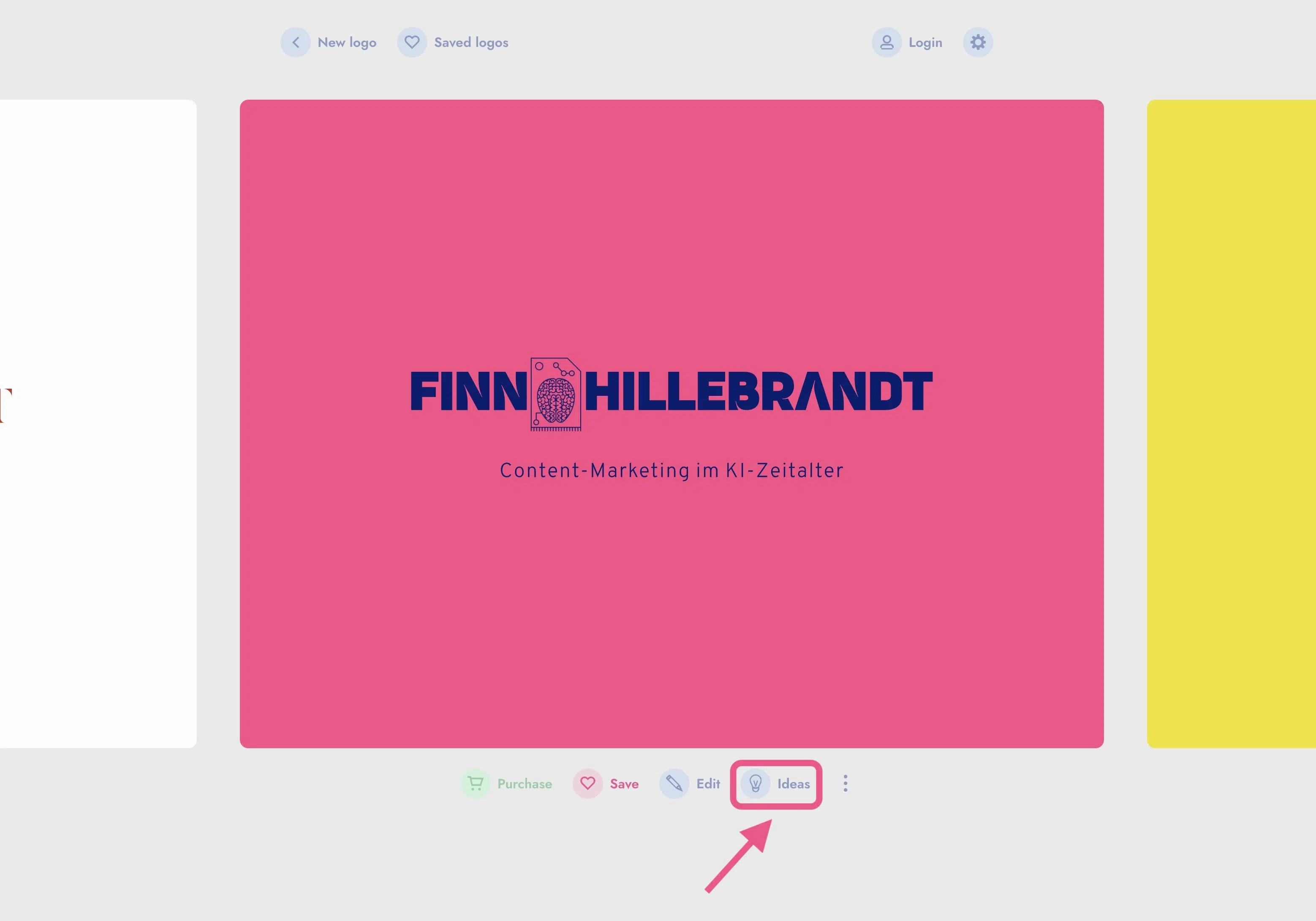
The process is, like with other logo generators, simple and well structured. Particularly convincing is the "Ideas" feature, which presents the selected suggestion in different colors, fonts, symbols, and arrangements. While no completely new logo is created, the chosen variant is displayed in numerous variations, making it easier for the user to be sure of their choice or make small adjustments.
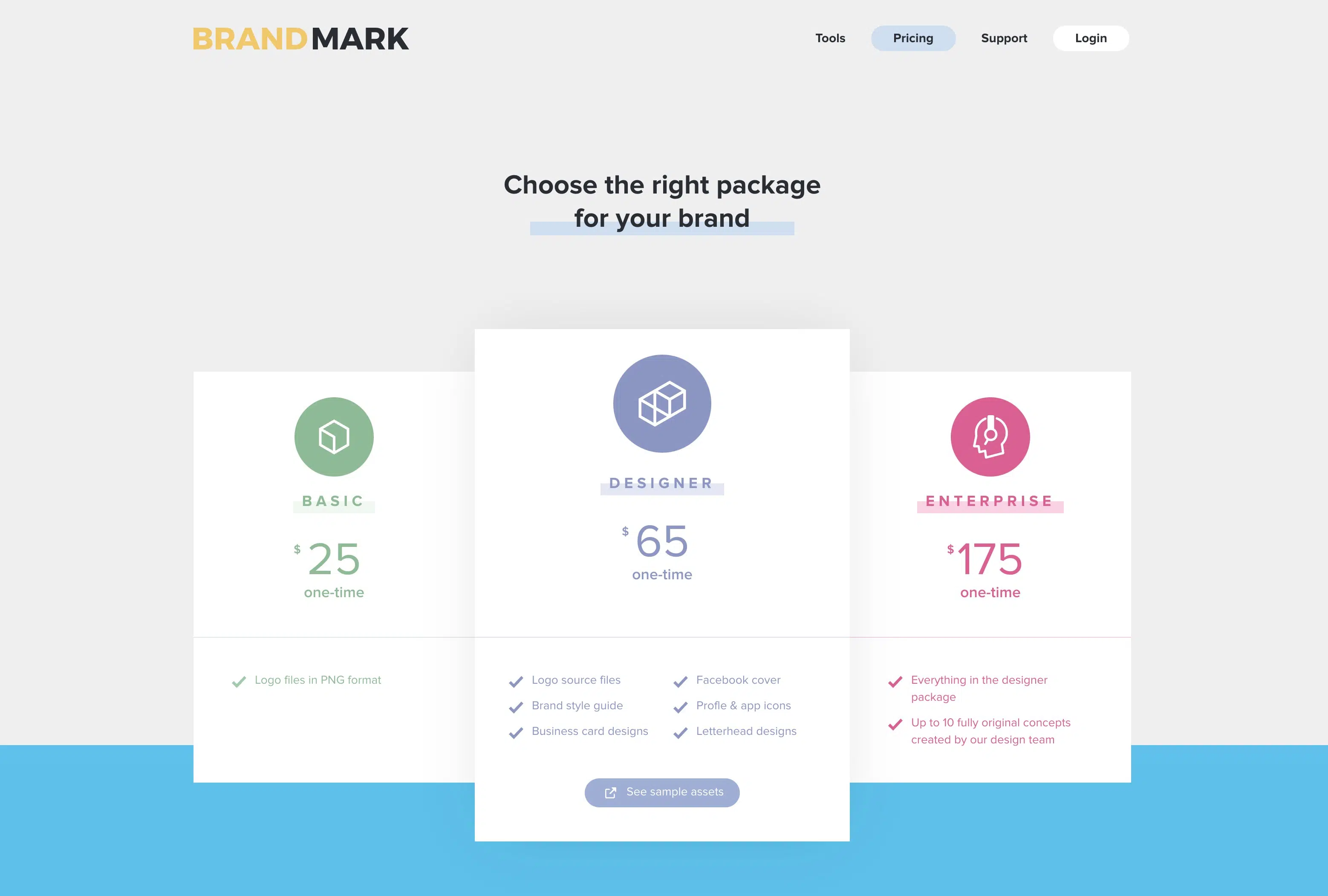
For $25 you get the logo as a PNG file, ideal for web graphics where transparency plays a role, such as logos or other graphics. Nothing more is included in this package.
However, if you want full control over your logo, including a style guide, profile icons, and other extras, you should consider the Designer package for $65. Still a fair price.
3.8 Ideogram
Ideogram (current model: Ideogram 4.0, June 2026) isn't a classic logo tool, but it's still one of the strongest models for rendering text inside images. Ideogram 4.0 scores 0.97 on the X-Omni-English-OCR benchmark, which makes it particularly useful for logos with text or a tagline.
If you'd rather approach logos through an image generator and already work with AI images a lot, a platform with a wider model selection pays off. I recommend Pollo AI. It combines several image and video models with image editing and upscaling tools. For finished, properly licensed vector logos, though, the dedicated tools further up remain the more direct choice.
It's very suitable for stickers, posters, t-shirts, and also for creating text logos or logos where text is an important part.
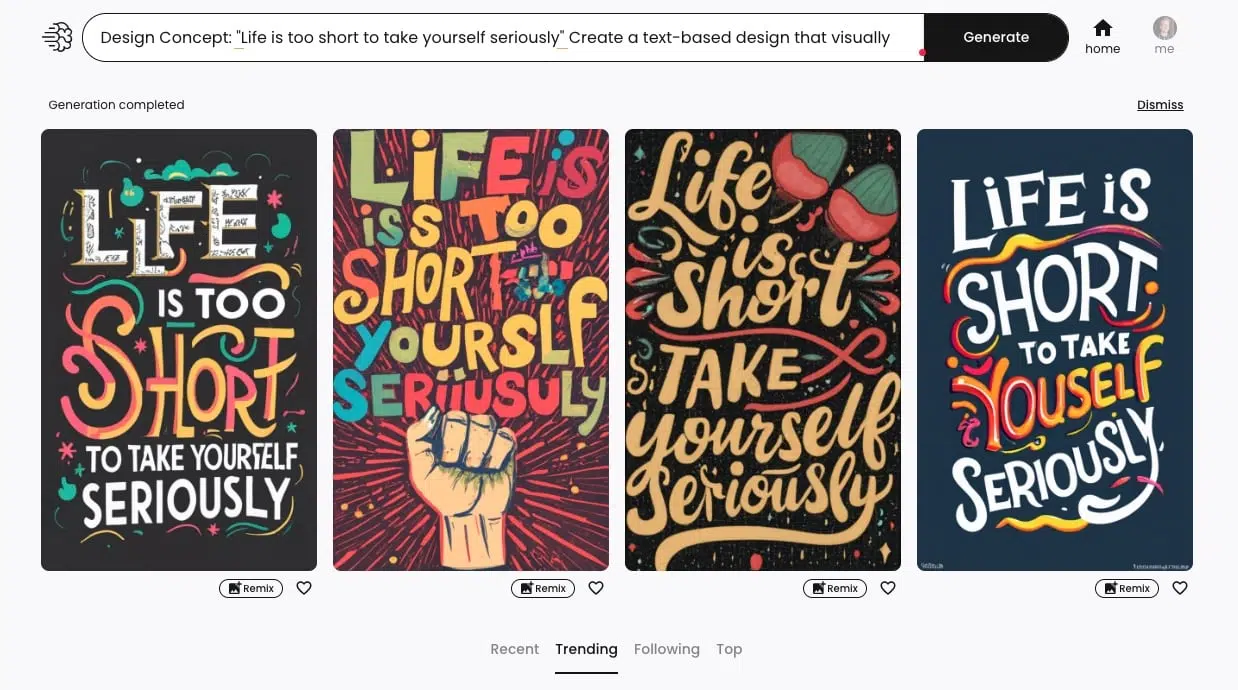
Using Ideogram is simple and clear. Ideogram's homepage is somewhat reminiscent of Pinterest. In a gallery, you can see what others have created and get inspired:
Ideogram offers a free plan with weekly credits for eligible accounts. Plus costs $20 per month, or $15 per month with annual billing ($180 paid upfront), according to its current pricing page. The former Basic plan is no longer available to new customers, as Ideogram's plan documentation explains.
Ideogram says it does not claim ownership of generated images and permits commercial use. Before using one as a logo, you still need to check whether it conflicts with anyone else's image or trademark rights.
Frequently Asked Questions About AI Logo Generators
The most important file formats for logos are:
- SVG: Vector format, infinitely scalable without quality loss, ideal for all sizes
- PNG: With transparency for web and digital use
- JPG: For web without transparency, smaller file size
- PDF: For professional printing and sharing with designers
Make sure your chosen generator offers at least SVG and PNG.




