You've been staring at the blank screen for an hour. Another video due tomorrow, zero ideas. Sound familiar?
I've been there. And honestly, ChatGPT has changed how I approach content creation for YouTube. Not because it does everything for you, but because it removes the blank-page problem.
In this article, I'll show you 10 ways to use ChatGPT for your YouTube channel. From brainstorming video ideas to writing scripts to planning entire video series.
- ChatGPT creates video ideas, storyboards, scripts, and optimizes titles for better YouTube performance
- The tool helps with thumbnail concepts, channel branding, and video series planning
- For more engagement, ChatGPT assists with comment responses and collaboration strategies
1. Generate Video Ideas
If you're looking for new video ideas for your YouTube channel, ChatGPT can help you develop creative and engaging concepts. Simply describe the topic or niche you're working in, and let ChatGPT develop some ideas for you.
Give me 5 creative ideas for YouTube videos about **[topic]**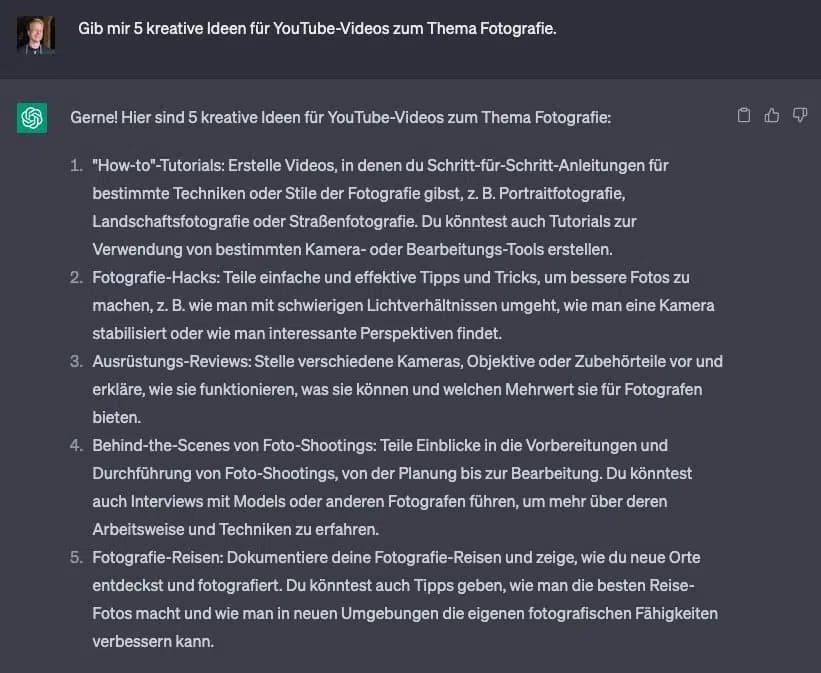
2. Create a Video Storyboard
A well-planned storyboard contributes significantly to the quality of your YouTube videos. ChatGPT can help you create a detailed storyboard for your video by entering your idea or desired style. A storyboard gives you the opportunity to visualize the structure and flow of your video and helps you create an engaging and well-organized video.
Create a storyboard for a YouTube video showing 5 tips for **[topic]**.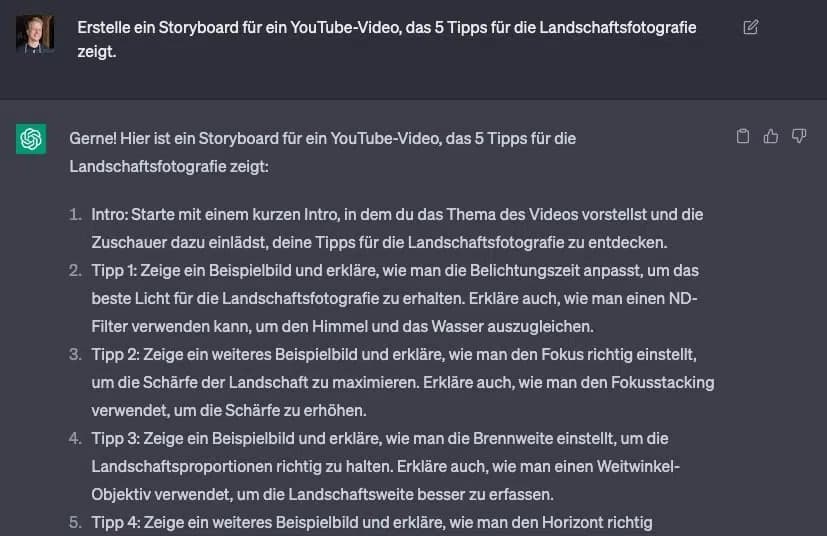
3. Write a Script for Your YouTube Videos
A good script is the key to a successful YouTube video. It helps you organize your thoughts, clearly convey your message, and captivate your audience. ChatGPT can help you create engaging scripts for your videos that inform and entertain your audience. Simply enter your video topic and desired tone, and ChatGPT will generate an appropriate script.
Write a script for a YouTube video explaining the basics of **[topic]** for **[target audience]**.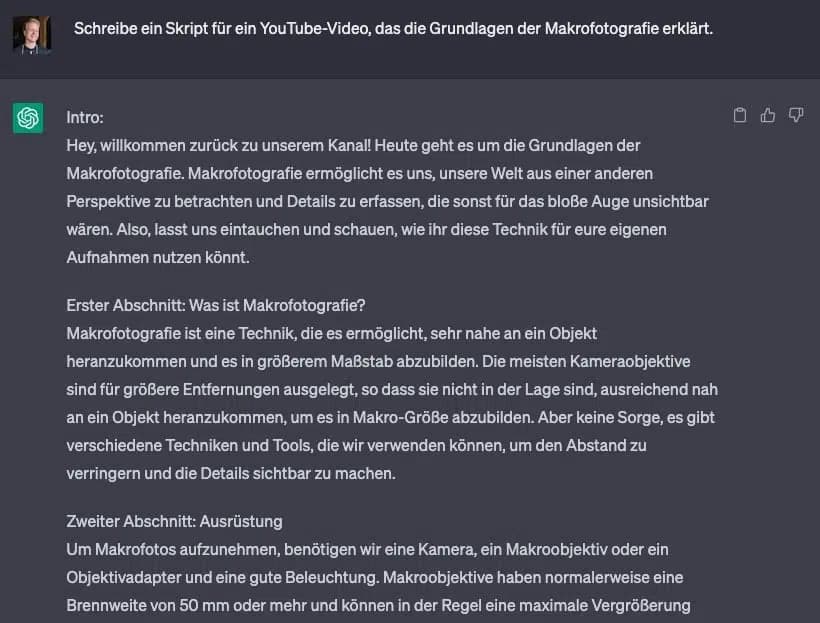
4. Write Video Titles and Descriptions
An appealing title and a meaningful description are crucial to capture the attention of your YouTube viewers. ChatGPT can help you create effective titles and descriptions for your videos by using keywords and topics relevant to your content.
Create a title and description for my YouTube video about **[topic]**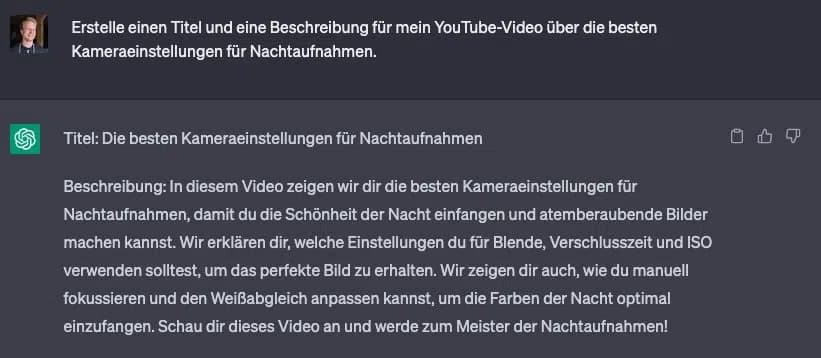
5. Generate Thumbnails and Graphics
An appealing thumbnail is crucial to attract the attention of potential viewers and increase the click-through rate of your videos. ChatGPT can help you develop creative ideas for thumbnails and graphics for your YouTube videos.
Give me an idea for a thumbnail design for my YouTube video about **[topic]**
6. Find Suitable Music and Sound Effects
Music and sound effects help improve the atmosphere of your YouTube videos and make them more entertaining. ChatGPT can help you find suitable music pieces and sound effects for your videos by specifying your video's topic and mood.
Find me suitable music and sound effects for a YouTube video about **[topic]**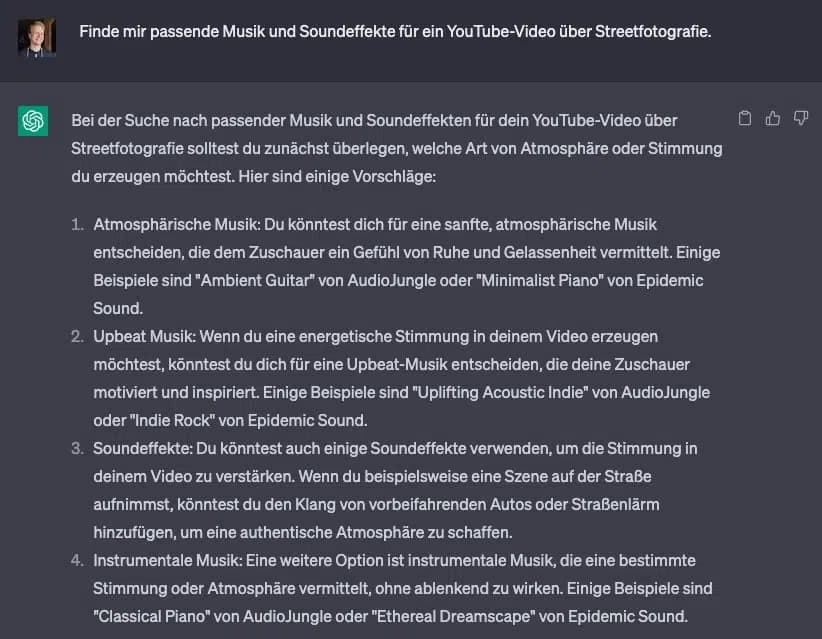
7. Respond to Viewer Comments
Engagement with your audience is crucial for the success of your YouTube channel. ChatGPT can help you create creative and attention-grabbing responses to comments from your viewers. Simply provide the comment and desired tone, and ChatGPT will generate an appropriate response.
Create a friendly response to this comment: **[insert comment]**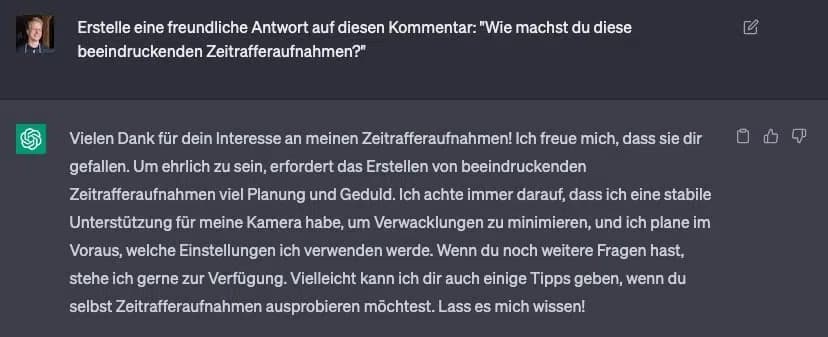
8. Create YouTube Channel Banners and Profile Pictures
An appealing channel banner and profile picture are important elements to strengthen your YouTube channel branding. ChatGPT can help you develop ideas for channel banners and profile pictures that reflect your channel identity and appeal to your target audience.
Give me an idea for a channel banner and profile picture for my YouTube channel about **[topic]**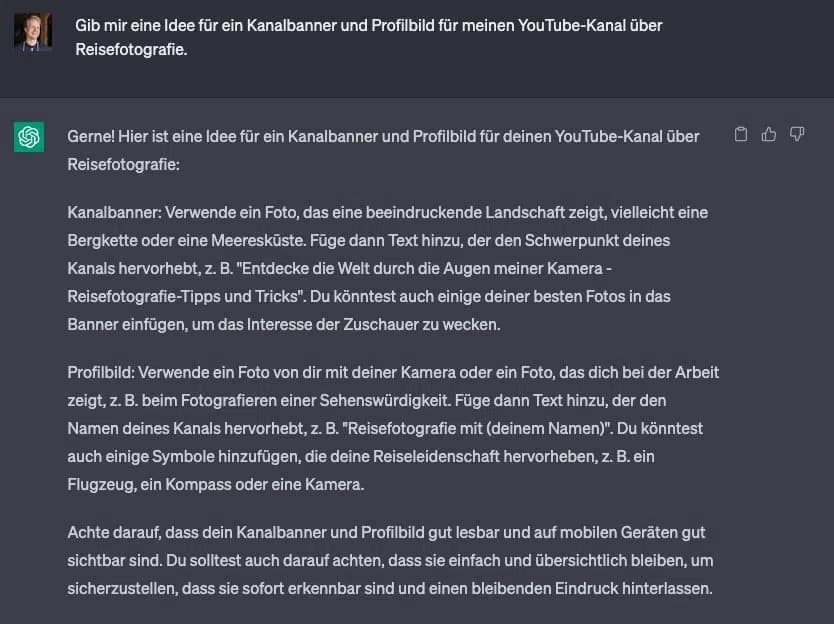
9. Plan Video Series and Playlists
A well-organized playlist or video series can help maintain your viewers' interest and encourage them to consume more of your content. ChatGPT can help you develop ideas for video series and playlists tailored to your niche and target audience. Example prompt:
Create an idea for a video series about **[topic]** for my YouTube channel about **[theme]**.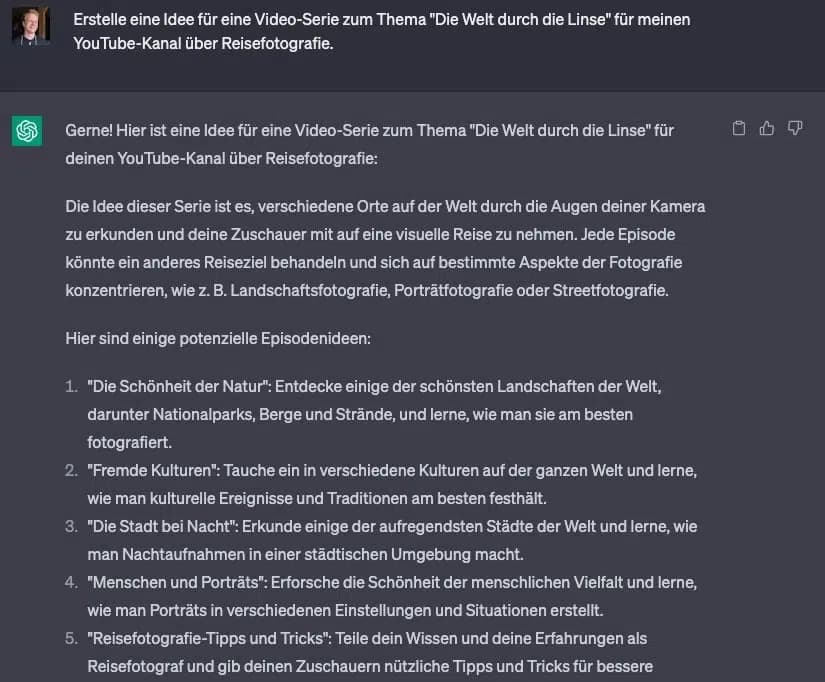
10. Develop Collaboration Ideas
Collaborating with other YouTubers can help expand your audience and create interesting content. ChatGPT can help you develop creative collaboration ideas that benefit both you and your potential partners. Example prompt:
Give me an idea for a YouTube collaboration between a **[topic]** blogger and a **[topic]** expert.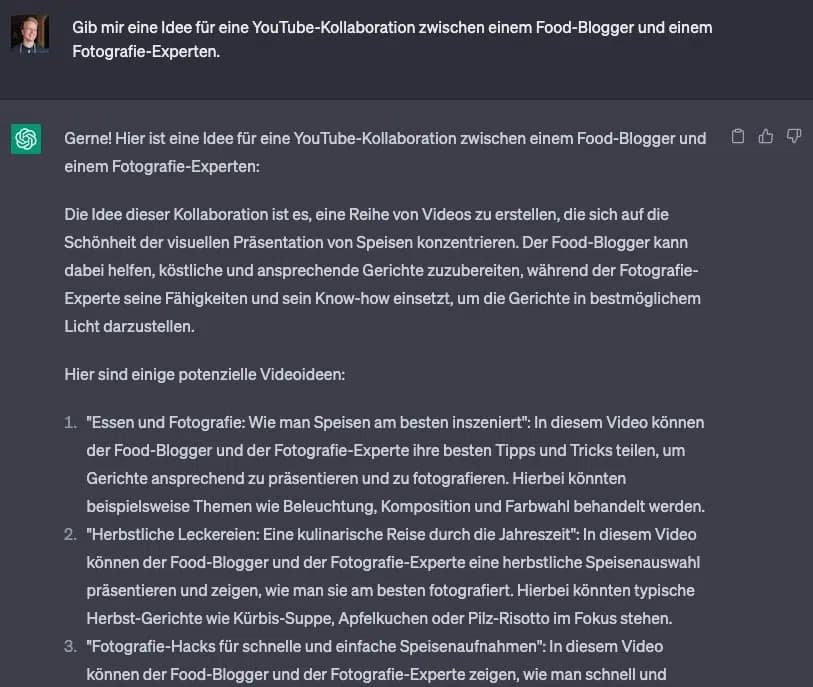
Those are 10 solid ways to use ChatGPT for your YouTube channel. Will it replace your creativity? No. But it removes the friction that slows you down.
My advice: start with one or two of these methods, see what fits your workflow, and go from there. According to HubSpot, 77% of marketers already use ChatGPT for their work. The key is treating ChatGPT as a starting point, not a finished product. Always add your own personality and expertise.