Remember ChatGPT plugins? They were everywhere for about a year, then OpenAI pulled the plug in April 2024 and replaced the entire ecosystem with GPTs.
OpenAI announced the discontinuation of ChatGPT plugins in March 2024:
- Since March 19, 2024, it was no longer possible to start new chats with plugins or install new plugins.
- As of April 9, 2024, plugins were completely deactivated.
This step was foreseeable with the introduction of GPTs in November 2023, as they offer more features than plugins and are significantly easier to create.
To make the transition from plugins to GPTs easier, I compiled a list of the 100 most popular ChatGPT plugins and found the corresponding GPTs (meaning GPTs from the same developer that work the same or similarly):
- ChatGPT plugins were fully shut down on April 9, 2024 and replaced by GPTs and native ChatGPT features
- Most plugin functionality (web search, code execution, file uploads) is now built directly into ChatGPT
- For the 100 most popular plugins, corresponding GPT alternatives exist, though not all GPTs are still active
1. Popular ChatGPT Plugins and Their GPT Replacements
2. Using ChatGPT Plugins
2.1 How Did You Get Access to the Plugins?
To get access to ChatGPT plugins, you needed ChatGPT Plus, the paid version of ChatGPT at the time. For current plans and pricing, see our ChatGPT pricing comparison.
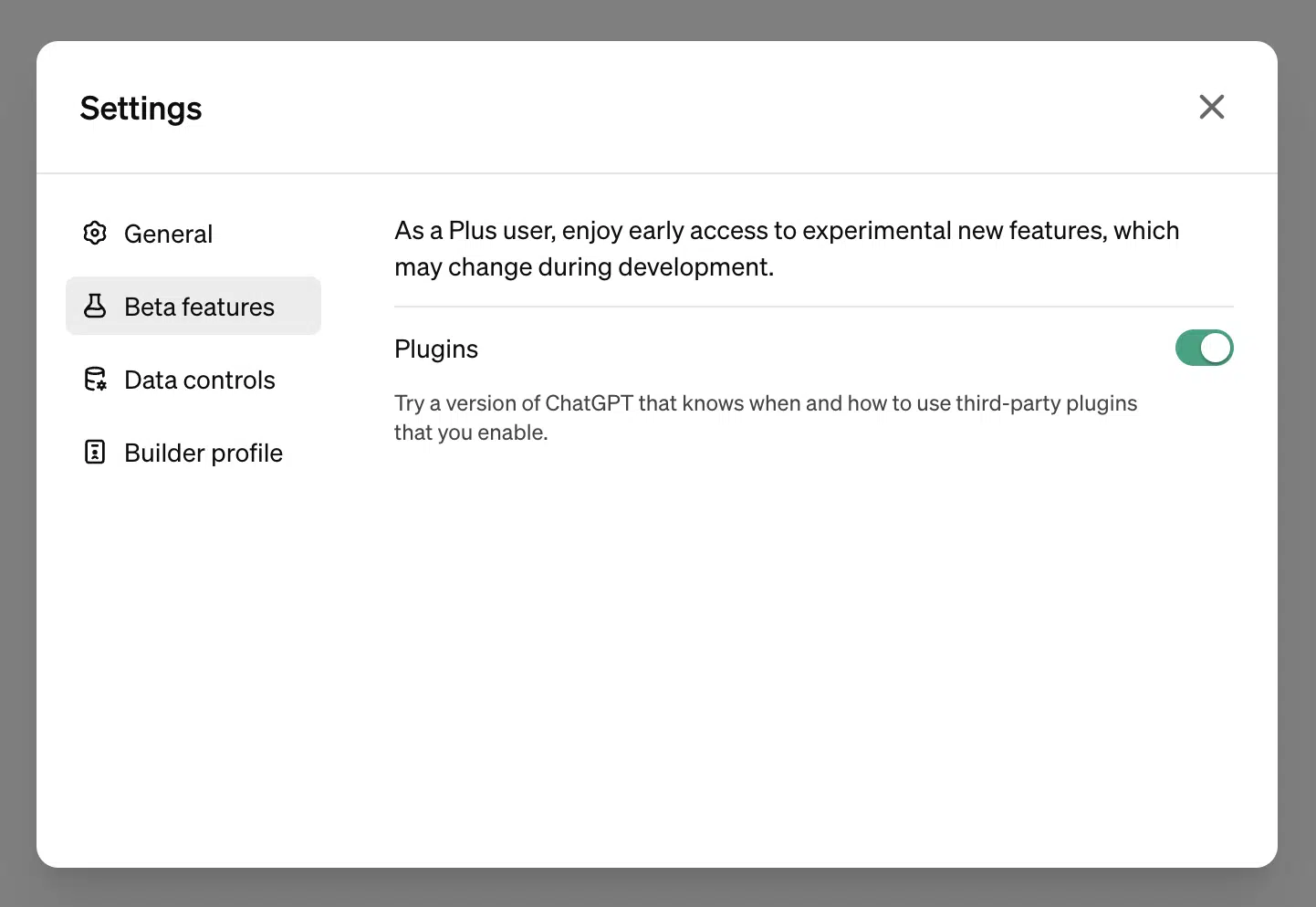
Additionally, you had to enable the plugins in the settings, as it was a beta feature (until the discontinuation in March/April 2024):
2.2 How Could You Use ChatGPT Plugins?
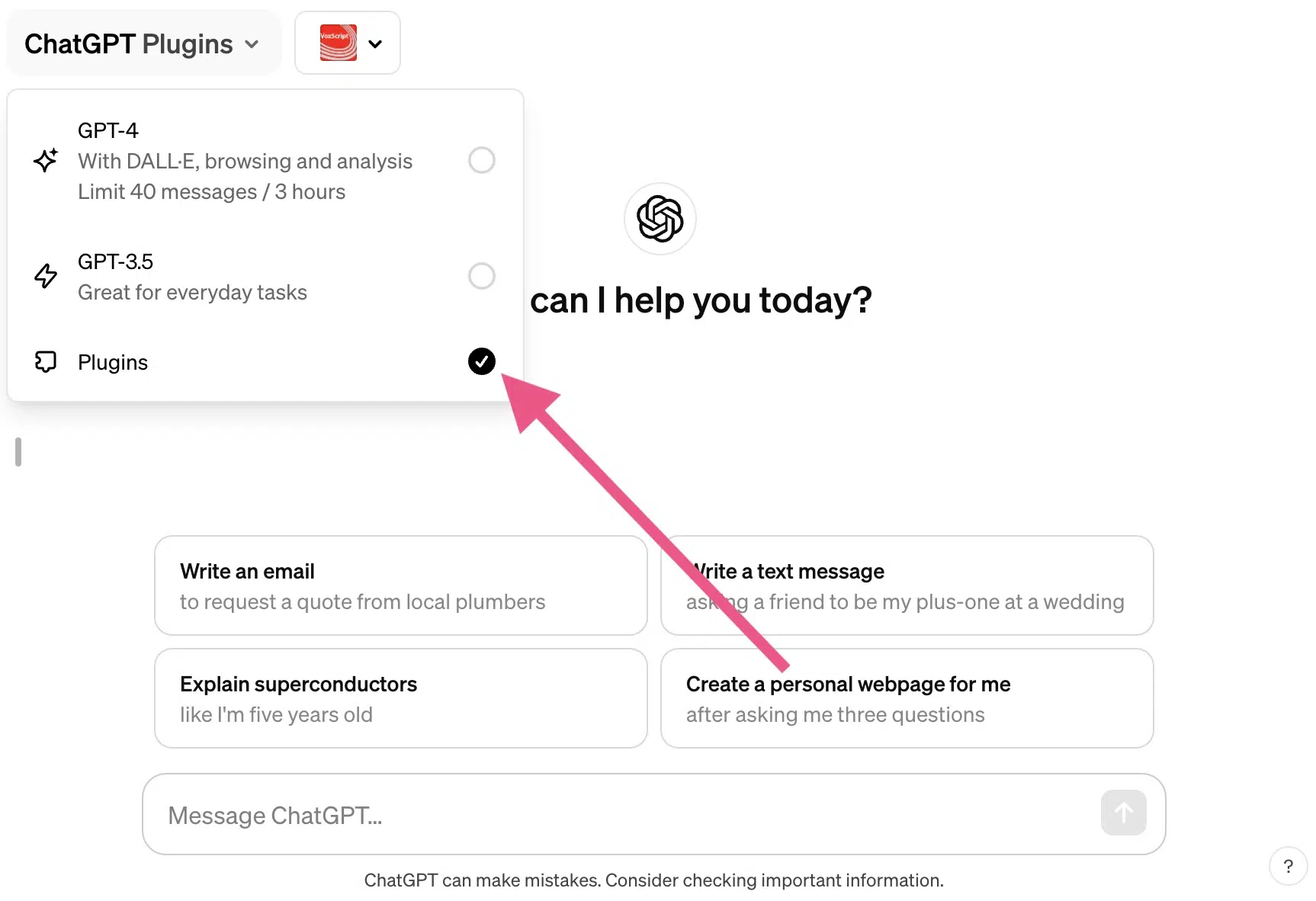
To use ChatGPT plugins, you first had to switch to the plugin model in ChatGPT.
You could do this with the same dropdown menu that allowed you to choose between GPT-3.5 and GPT-4:
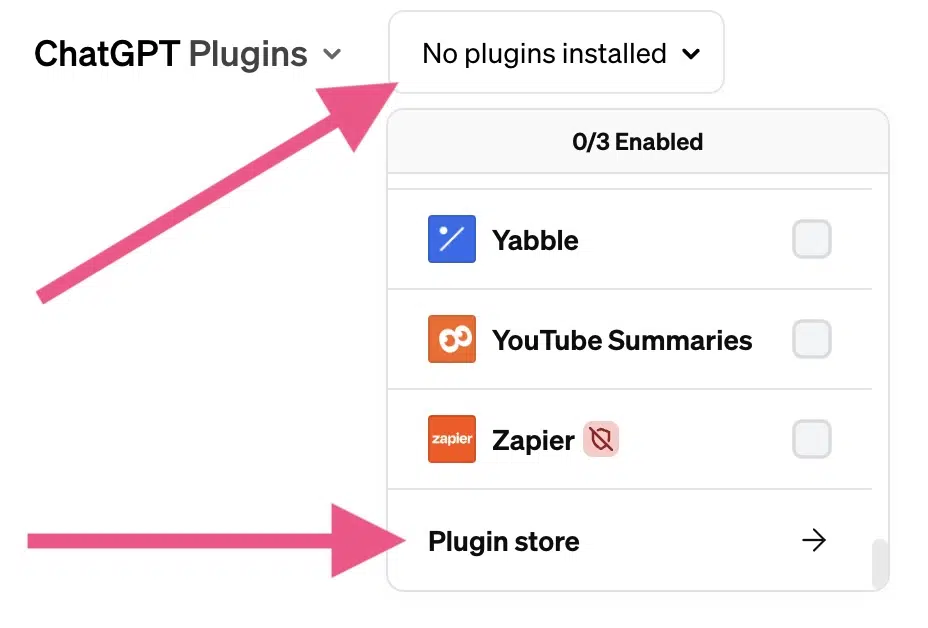
Similar to the Apple App Store, you could add or remove ChatGPT plugins as you wished through a Plugin Store.
You could find the store by opening the upper right selection menu "No plugins enabled" and then clicking on "Plugin store":
2.3 Why Were ChatGPT Plugins Useful?
Plugins compensated for one of ChatGPT's biggest weaknesses at the time:
ChatGPT's training data only extended to September 2021 (in GPT-3.5) or April 2023 (in GPT-4), which often led to the tool outputting outdated numbers, dates, or facts. Today, this problem has been largely solved through built-in web search and current models like GPT-5.
With plugins, ChatGPT could access the internet and external databases, allowing it to deliver more accurate and up-to-date information.
Additionally, plugins could massively extend functionality and capabilities. With the Wolfram Alpha plugin, ChatGPT could do math really well, and with Show Me Diagrams, it could create diagrams. Both capabilities are now either natively available or accessible through GPTs.