Funko Pop figures, action figures, Polaroid effects, interior redesigns. All from a single photo and a text prompt. ChatGPT's image editing capabilities are seriously impressive.
I have been experimenting with it for weeks and collected the prompts that consistently deliver the best results. In this post, you will find the 28 best ChatGPT image editing prompts, ready to copy with example images.
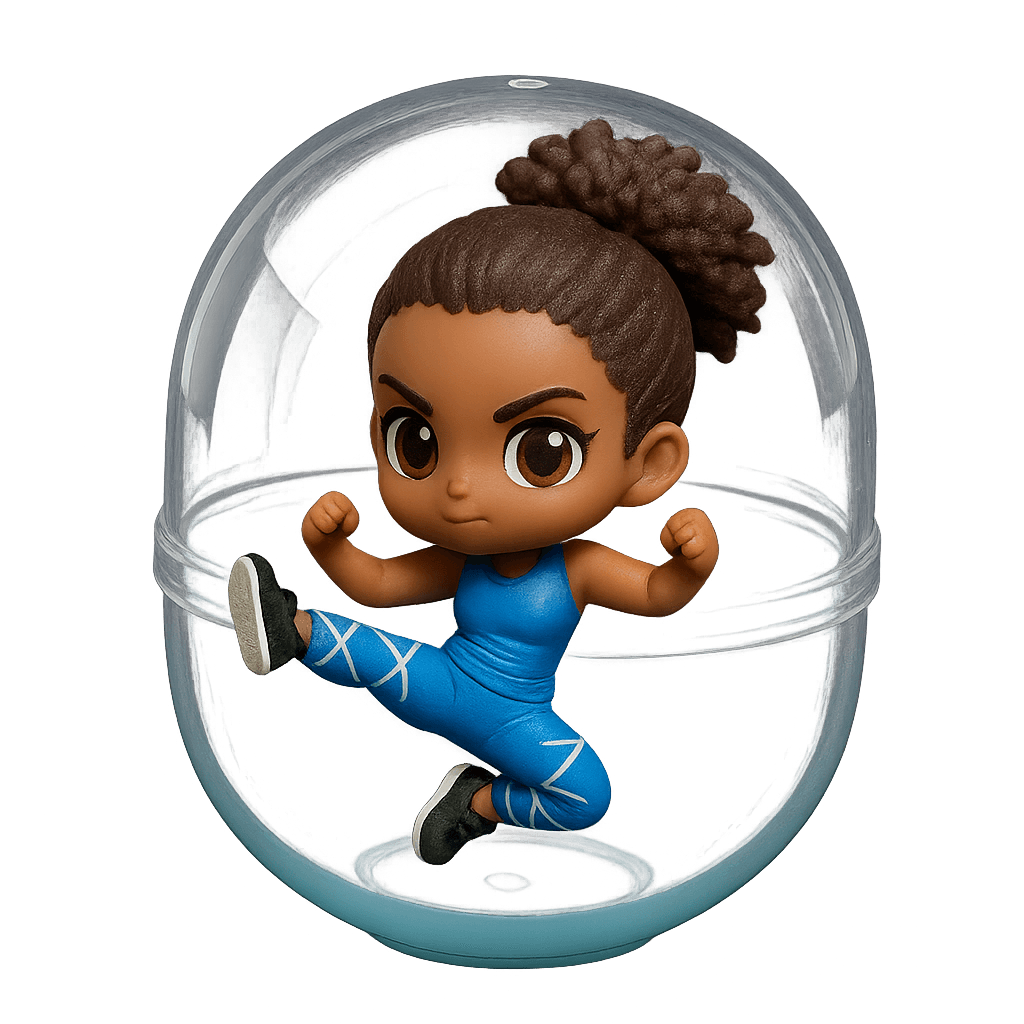
1. Character Capsules
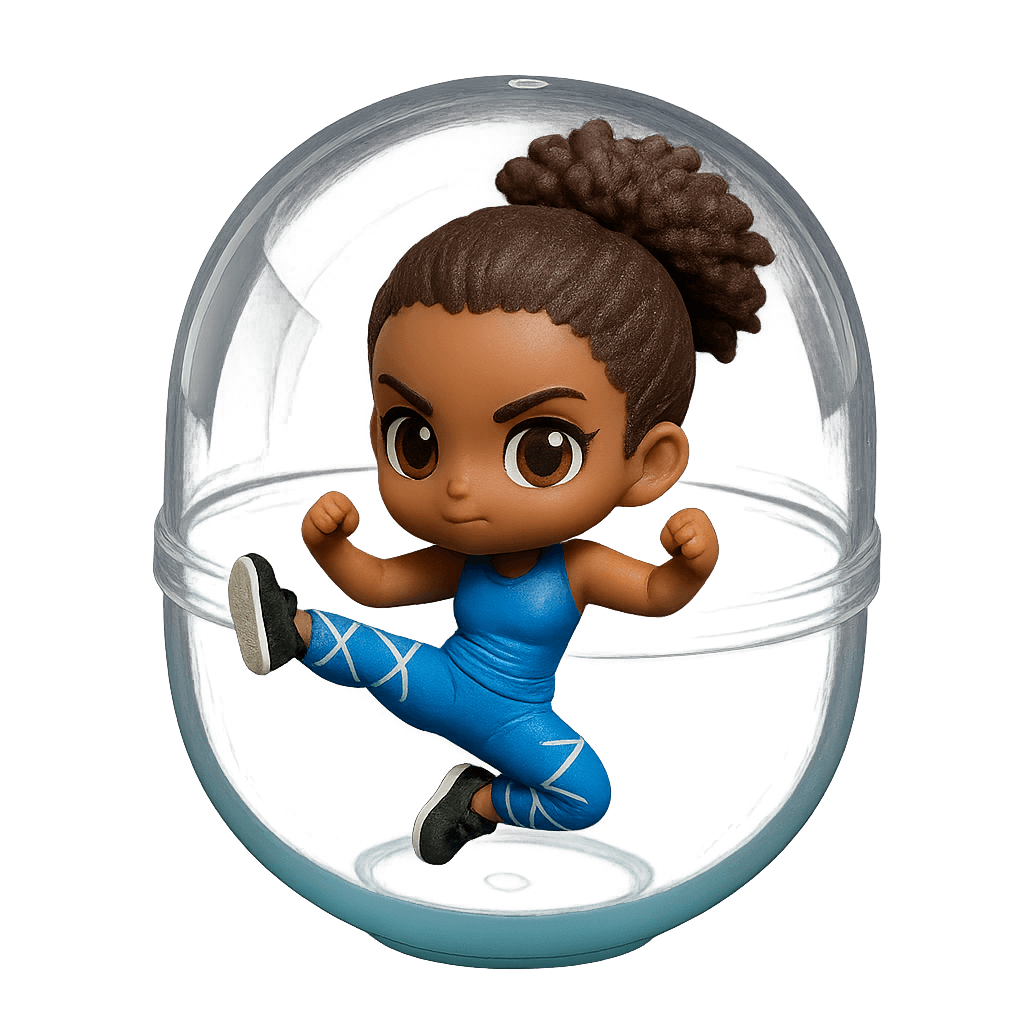
Transform any portrait into a collectible Gashapon figure in typical Japanese capsule toy style. ChatGPT creates a cute chibi version with an oversized head and simplified features in transparent capsule packaging.
Transform this into a collectible capsule toy figure in chibi-style with oversized head and tiny body inside transparent plastic capsule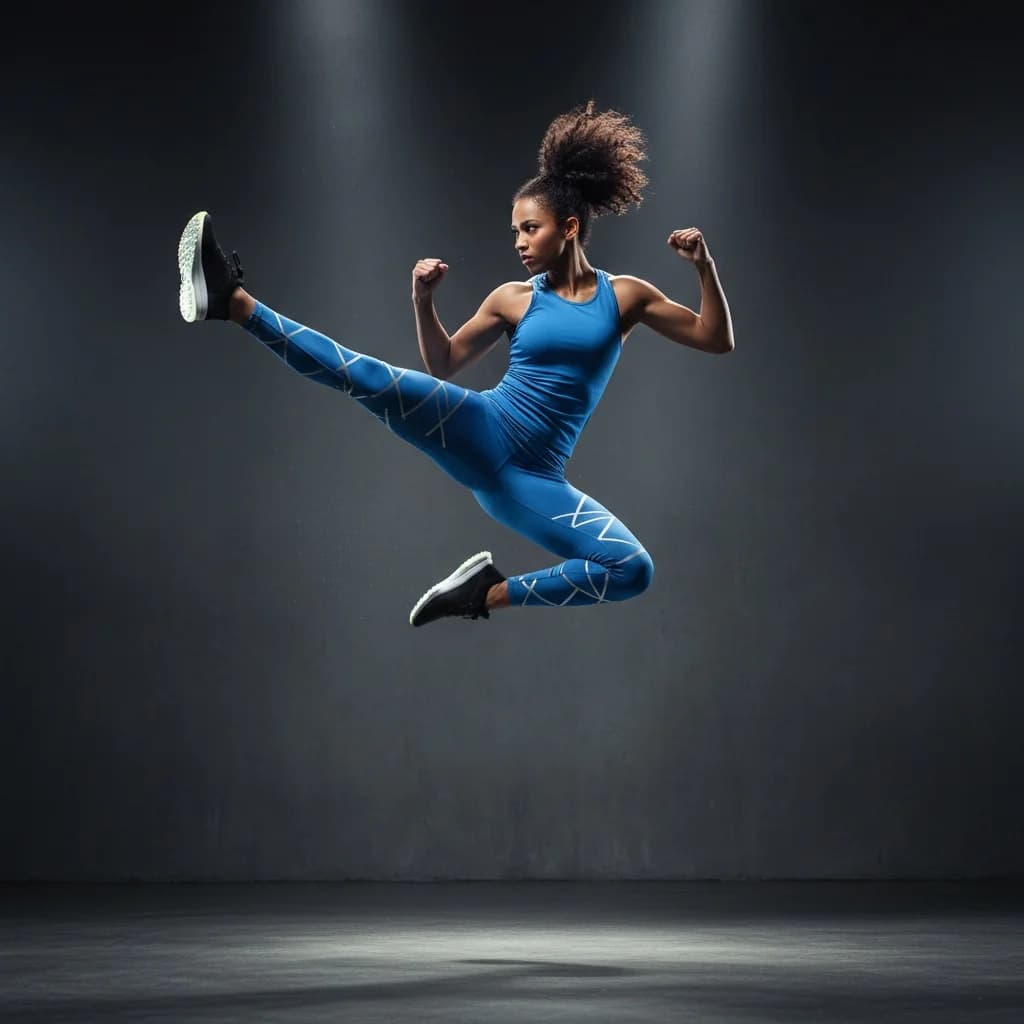
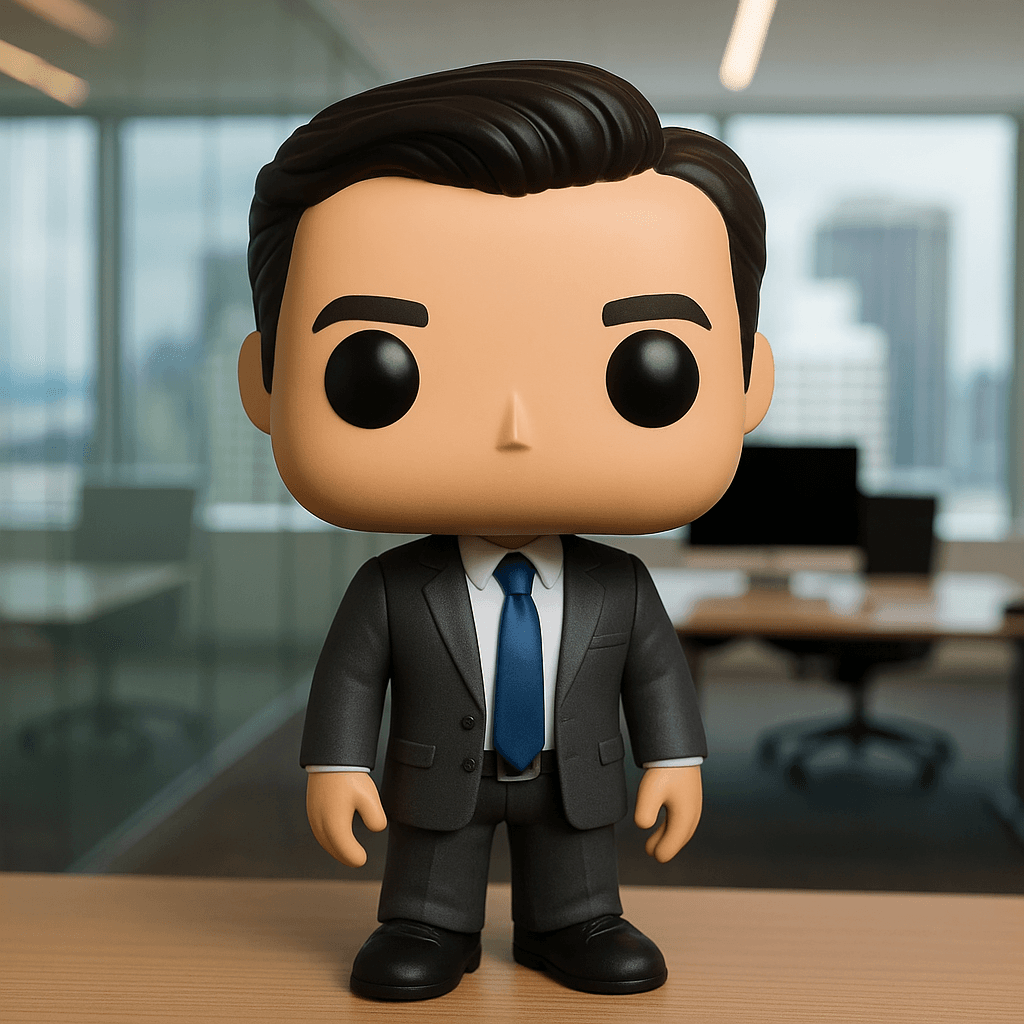
2. Funko Pop Figure
With ChatGPT, you can create a detailed Funko Pop figure from any photo - complete with the characteristic oversized head and distinctive black eyes. Perfect for personalized gift ideas or creative social media posts.
Transform into a Funko Pop vinyl figure with massive square head, tiny body, glossy black circular eyes
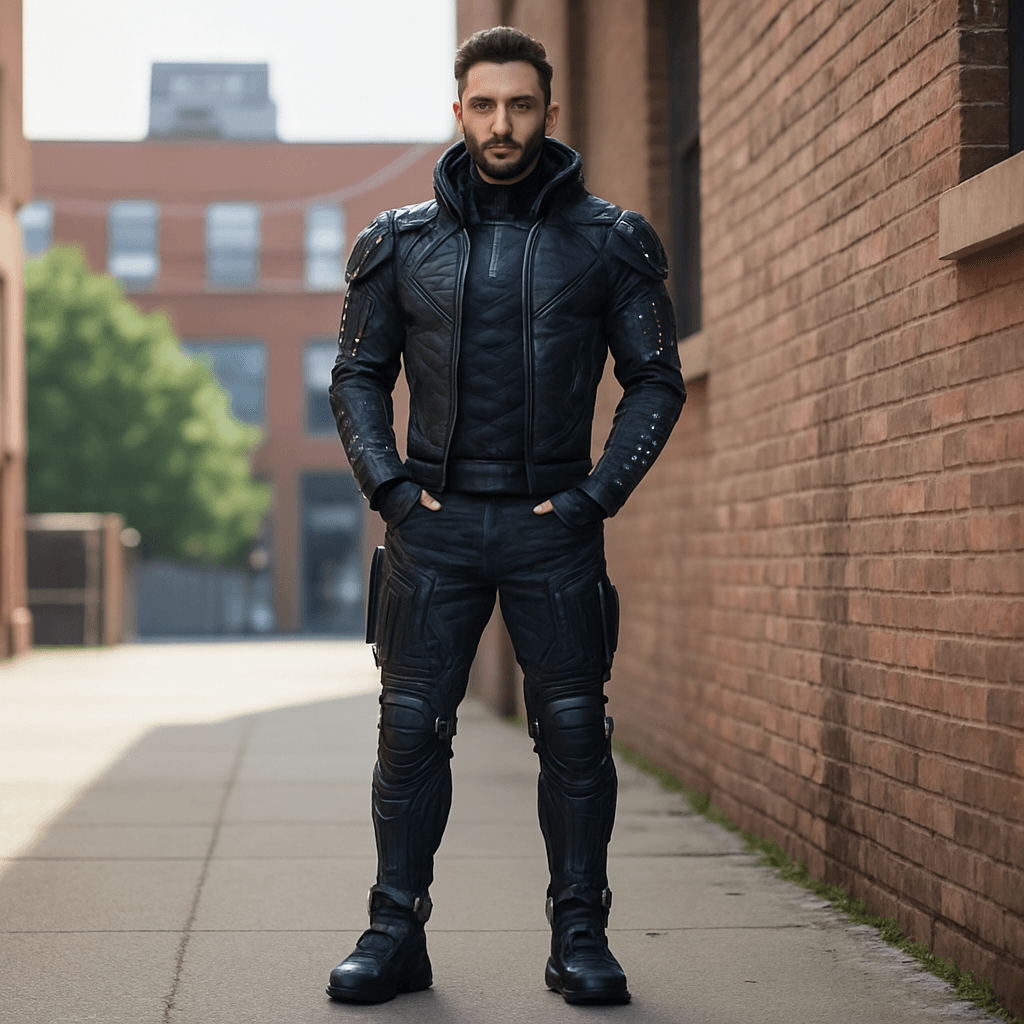
3. Change Clothing
ChatGPT can virtually swap clothing on photos without changing the person's pose or facial features. Whether business look or futuristic outfit - the AI handles it photorealistically.
Change the outfit to futuristic cyberpunk clothing with glowing purple LED strips in black leather jacket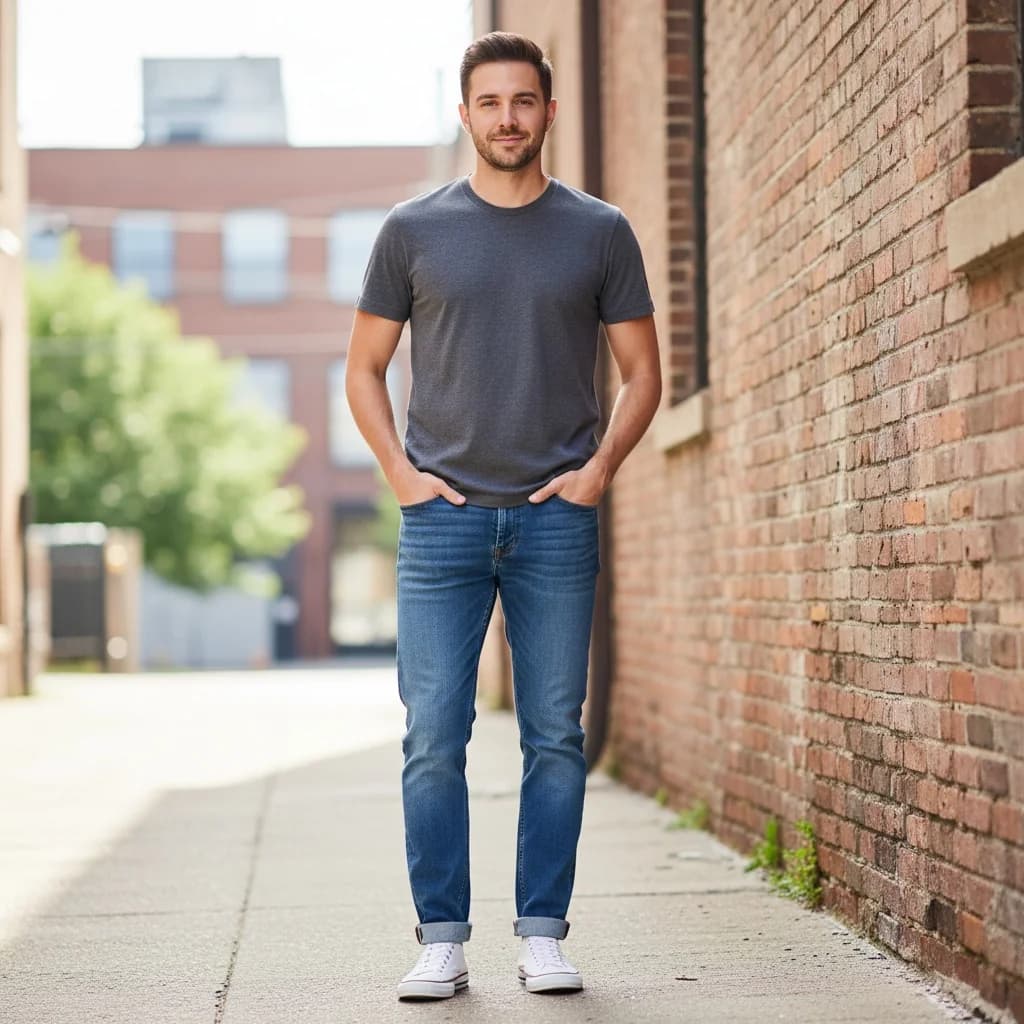
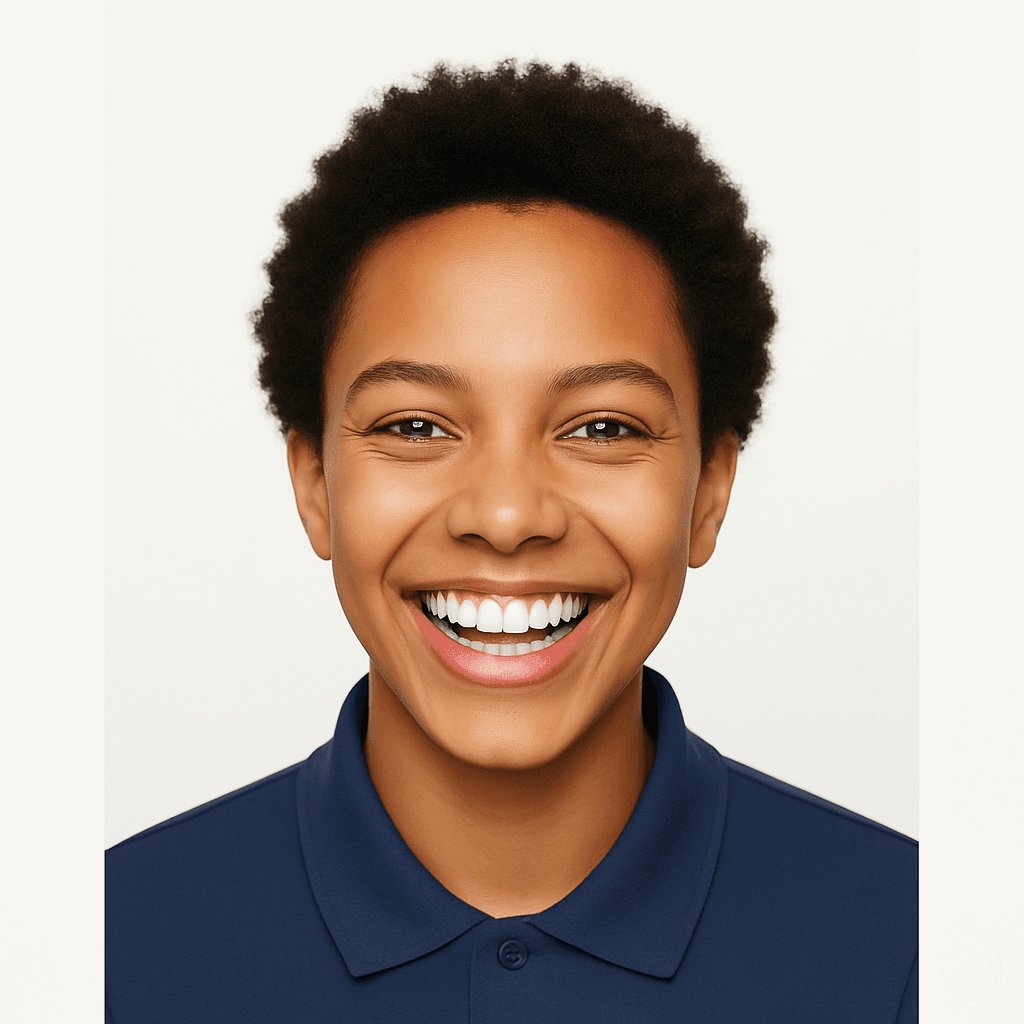
4. Change Facial Expression
Transform any facial expression with a simple prompt. ChatGPT can convincingly portray emotions like joy, surprise, or thoughtfulness while keeping the person recognizable.
Transform the facial expression to show pure joy with huge smile and sparkling eyes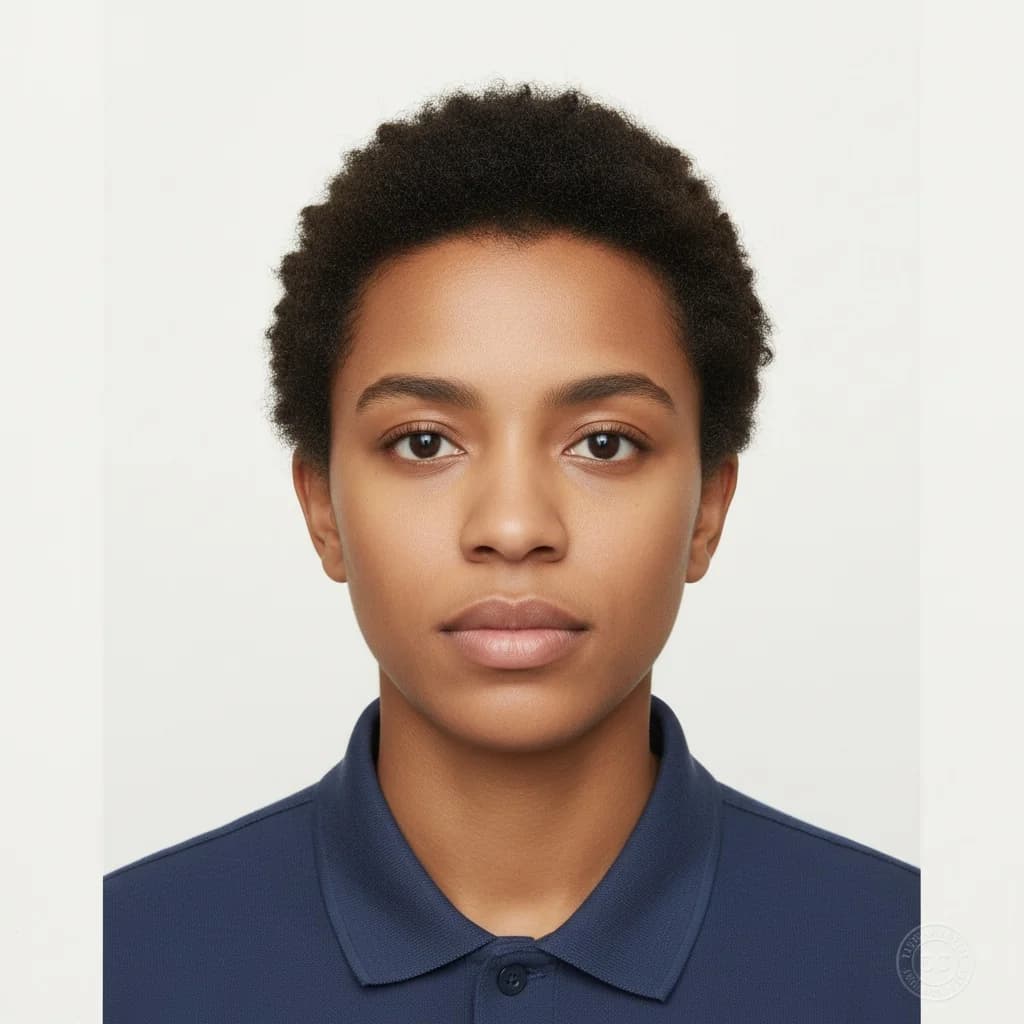
5. Change Poses
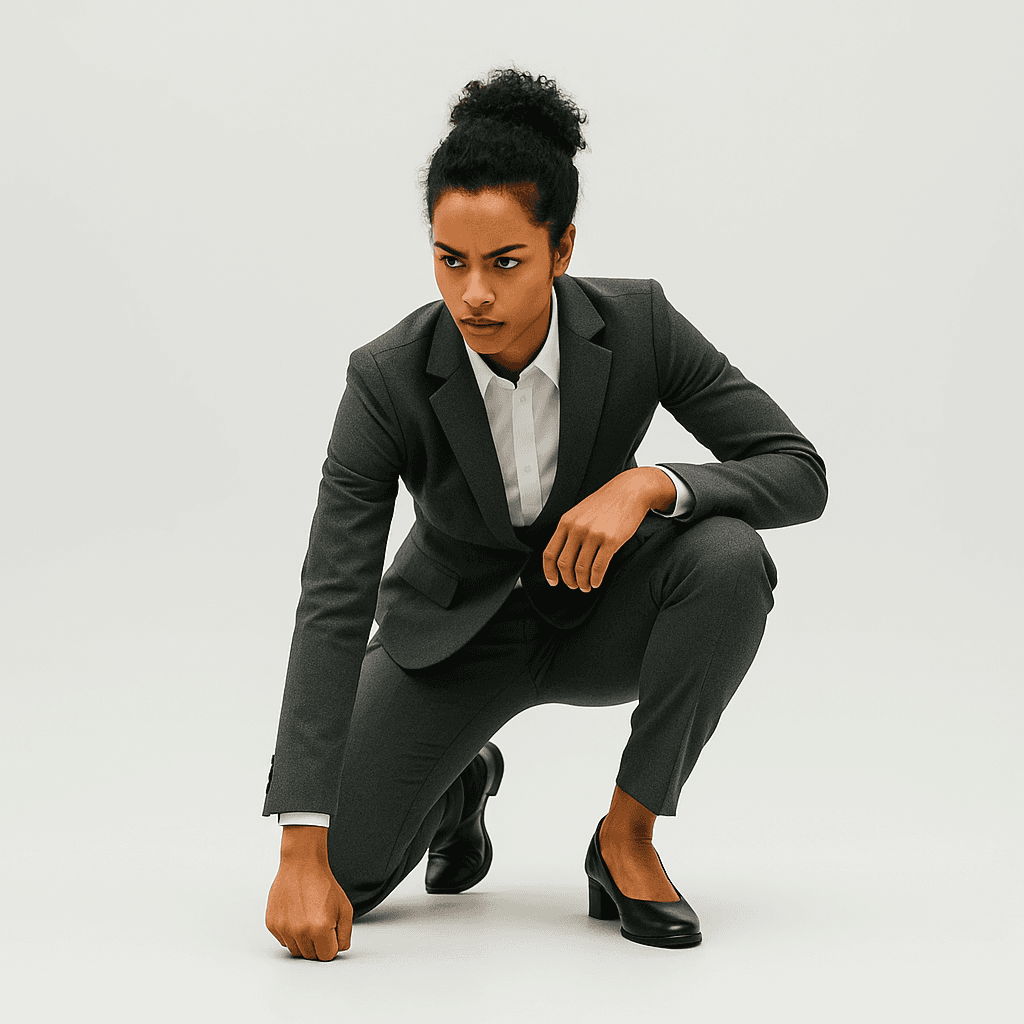
ChatGPT can completely change the body posture and pose of people in images. From dynamic action poses to relaxed stances - anything is possible.
Change pose to dynamic superhero landing with one knee on ground and fist touching earth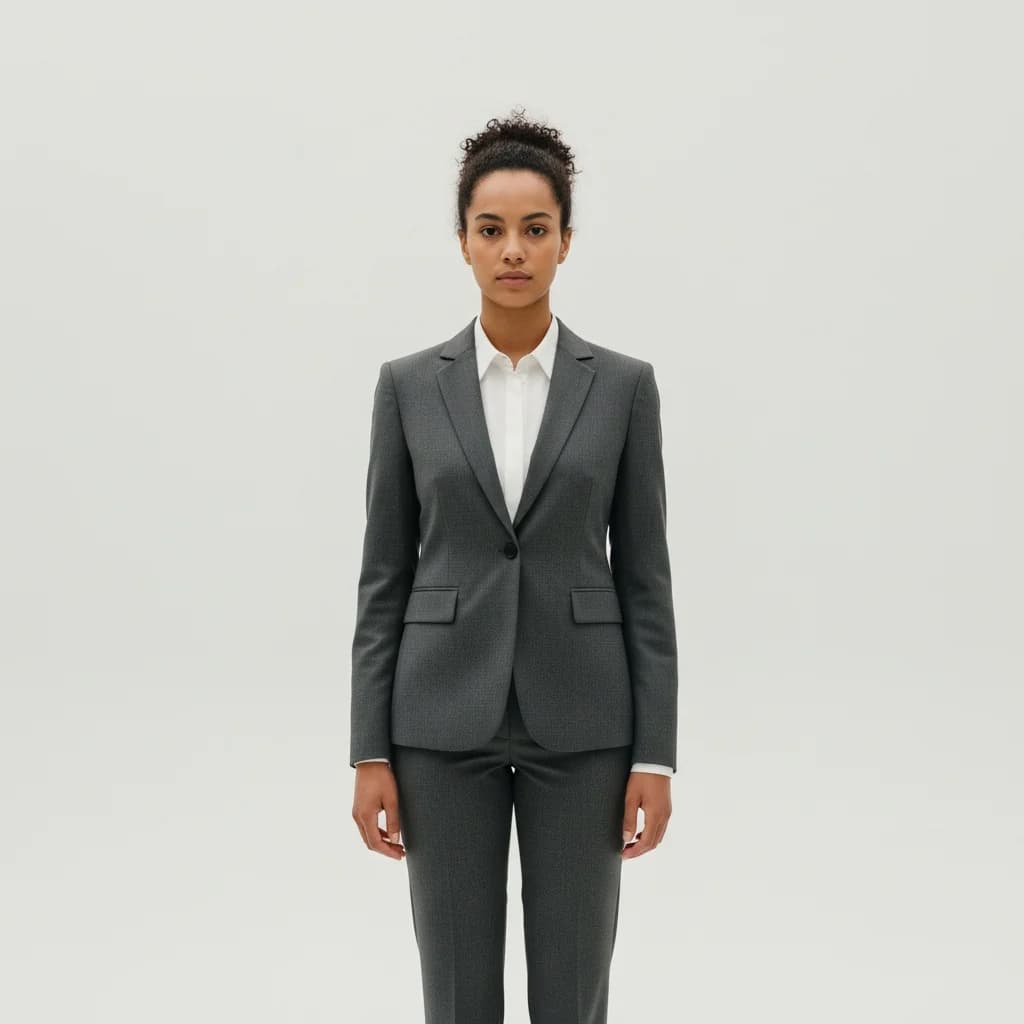
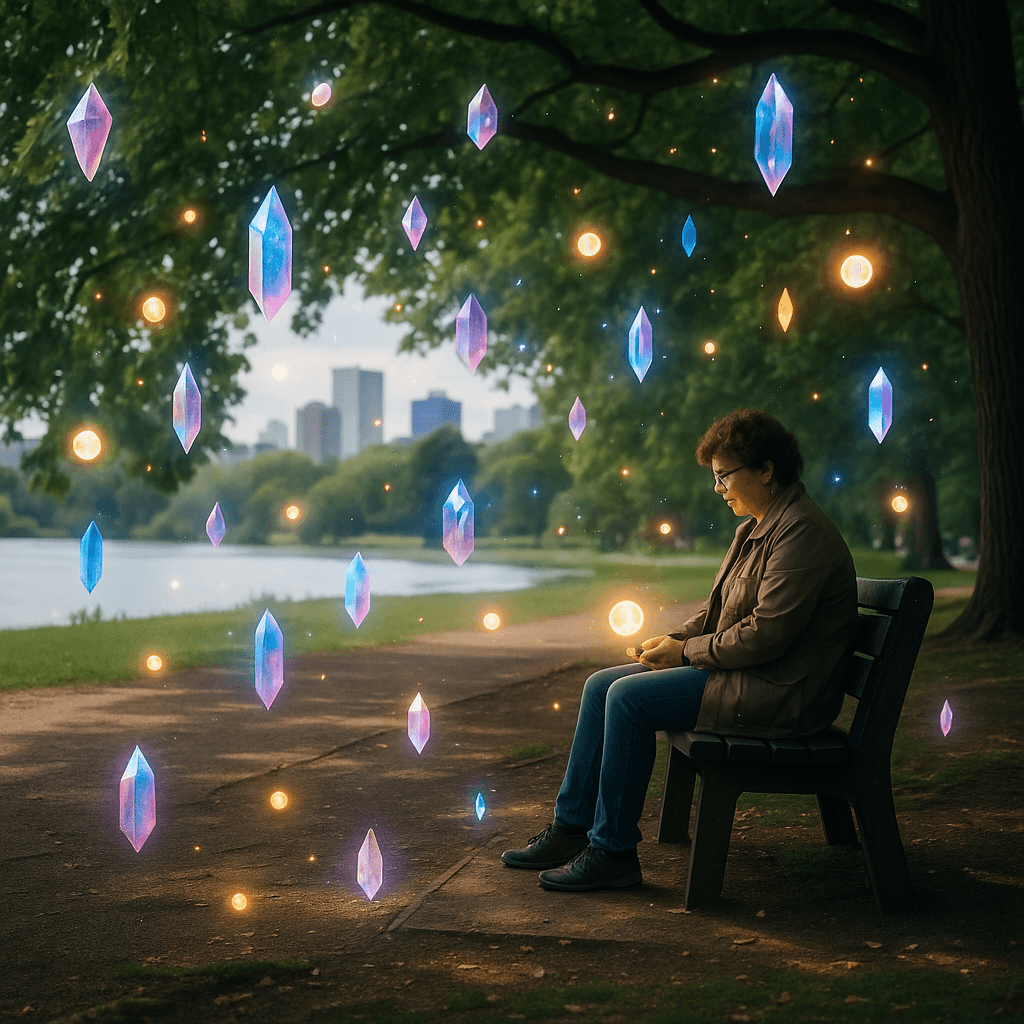
6. Add Objects
Add magical elements, accessories, or other objects to your images. ChatGPT blends them naturally and realistically into the existing scene.
Add magical floating crystals and glowing orbs around the subject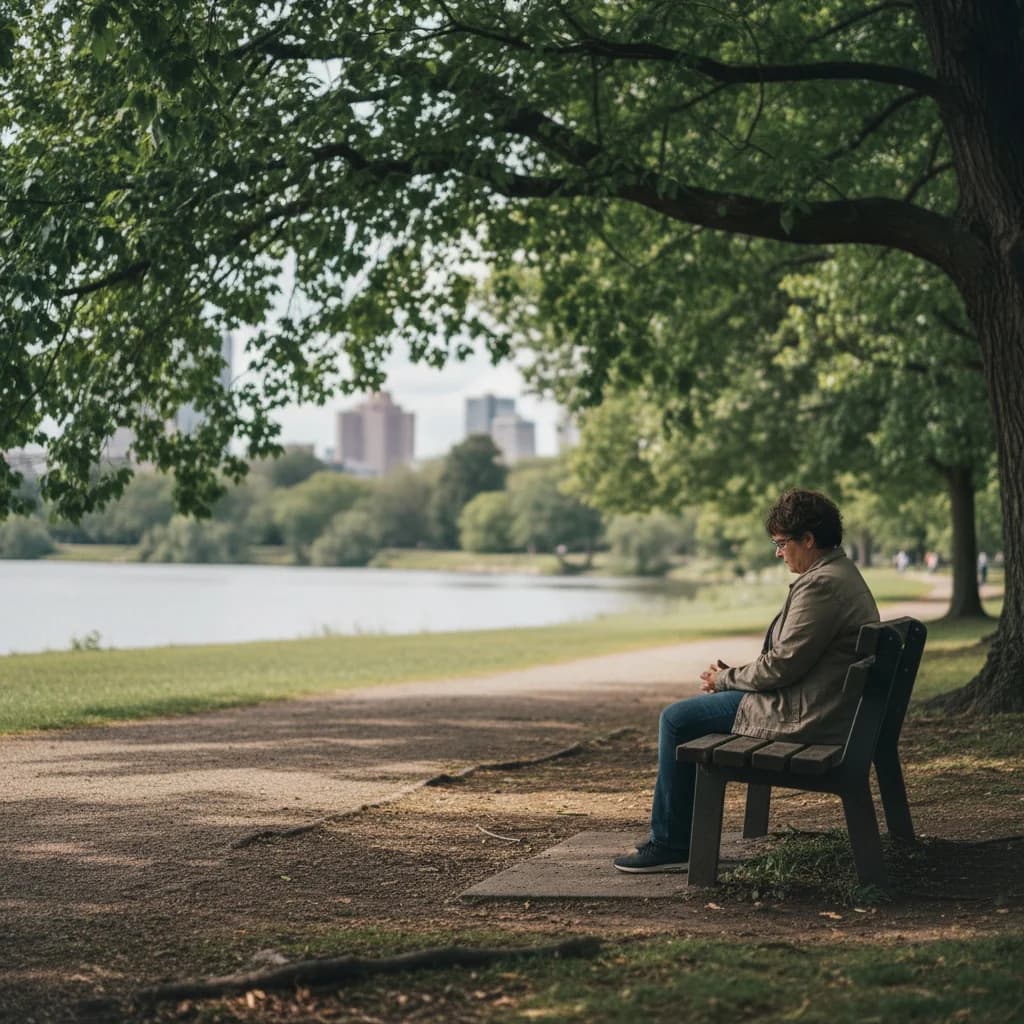
7. Edit Text
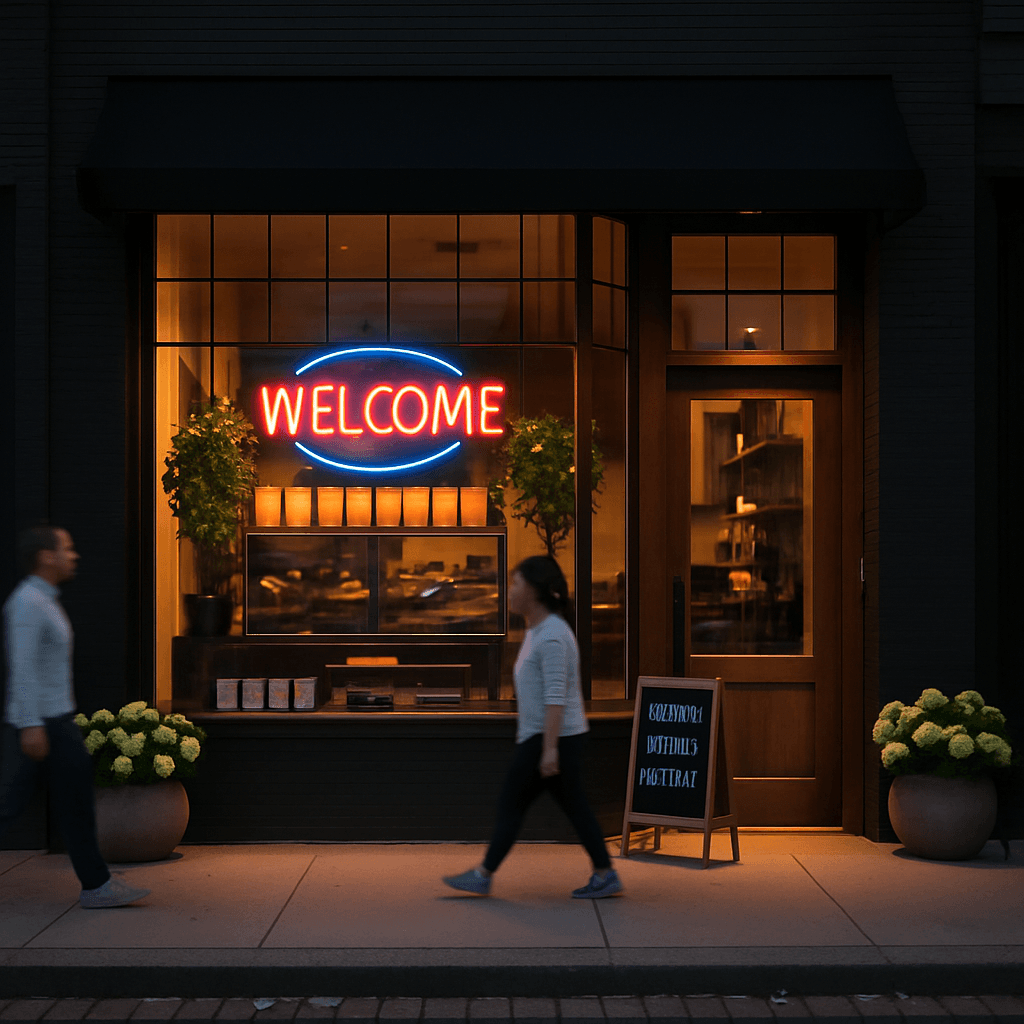
ChatGPT can modify existing text in images or add new text. Especially useful for signs, neon signs, or labels.
Change only the text in the existing neon OPEN sign to read WELCOME instead, keep everything else exactly the same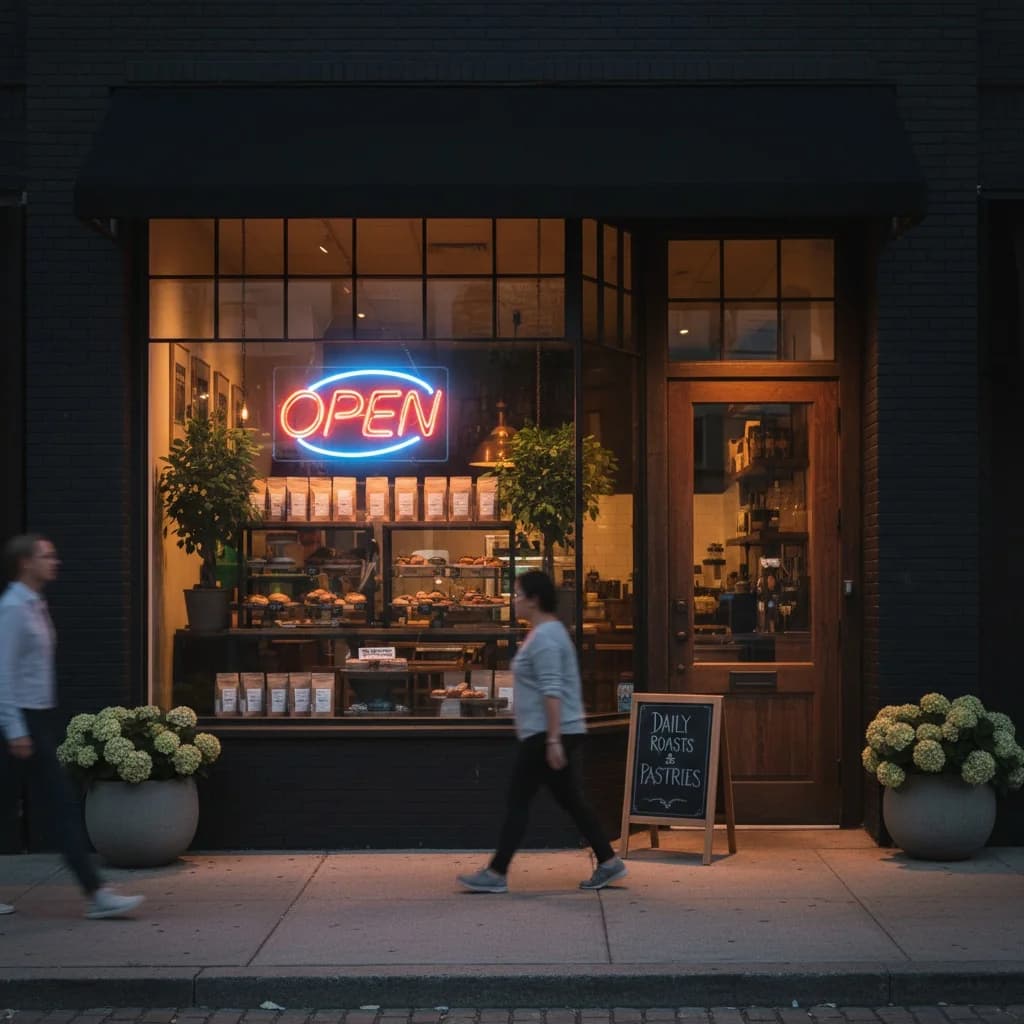
8. Change Weather
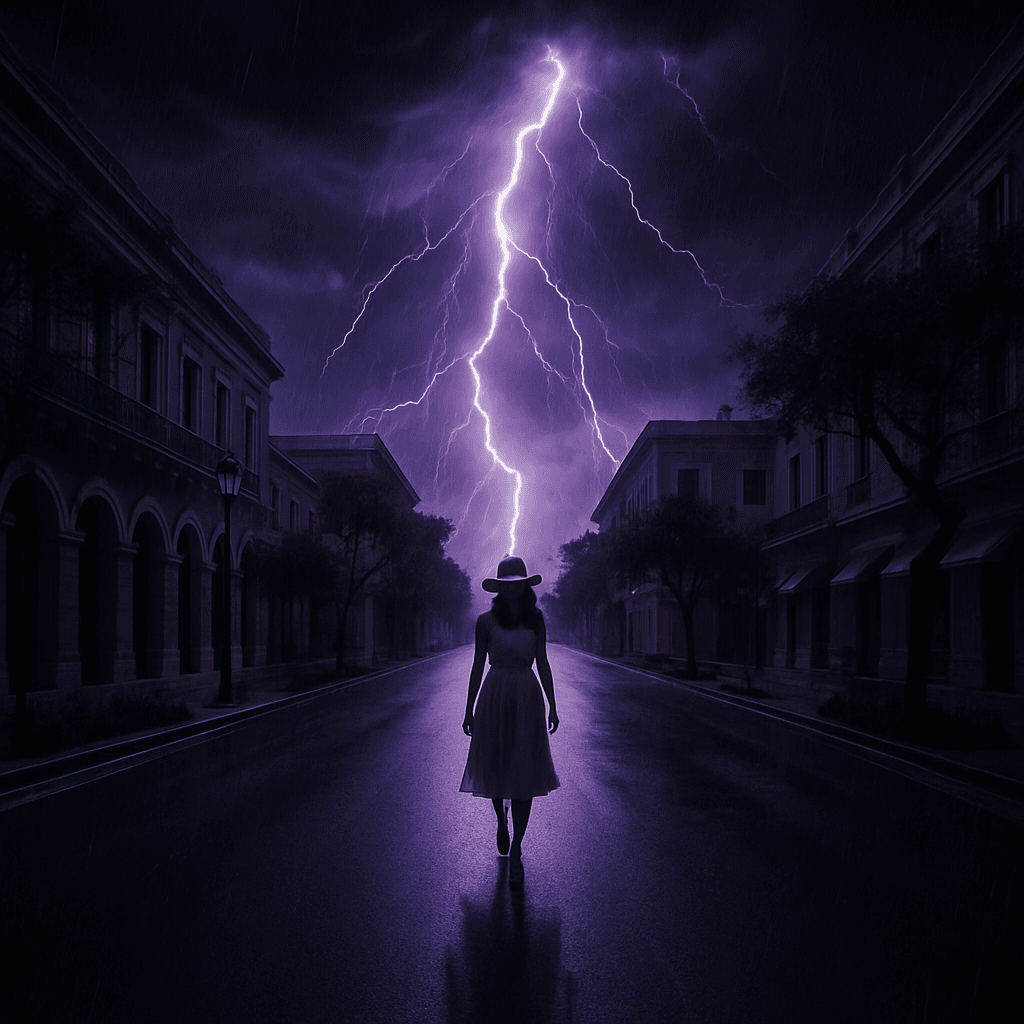
Transform sunny days into dramatic thunderstorms or add snow to summer scenes. ChatGPT perfectly adapts lighting and atmosphere to the new weather conditions.
Transform weather to dramatic thunderstorm with purple lightning and dark clouds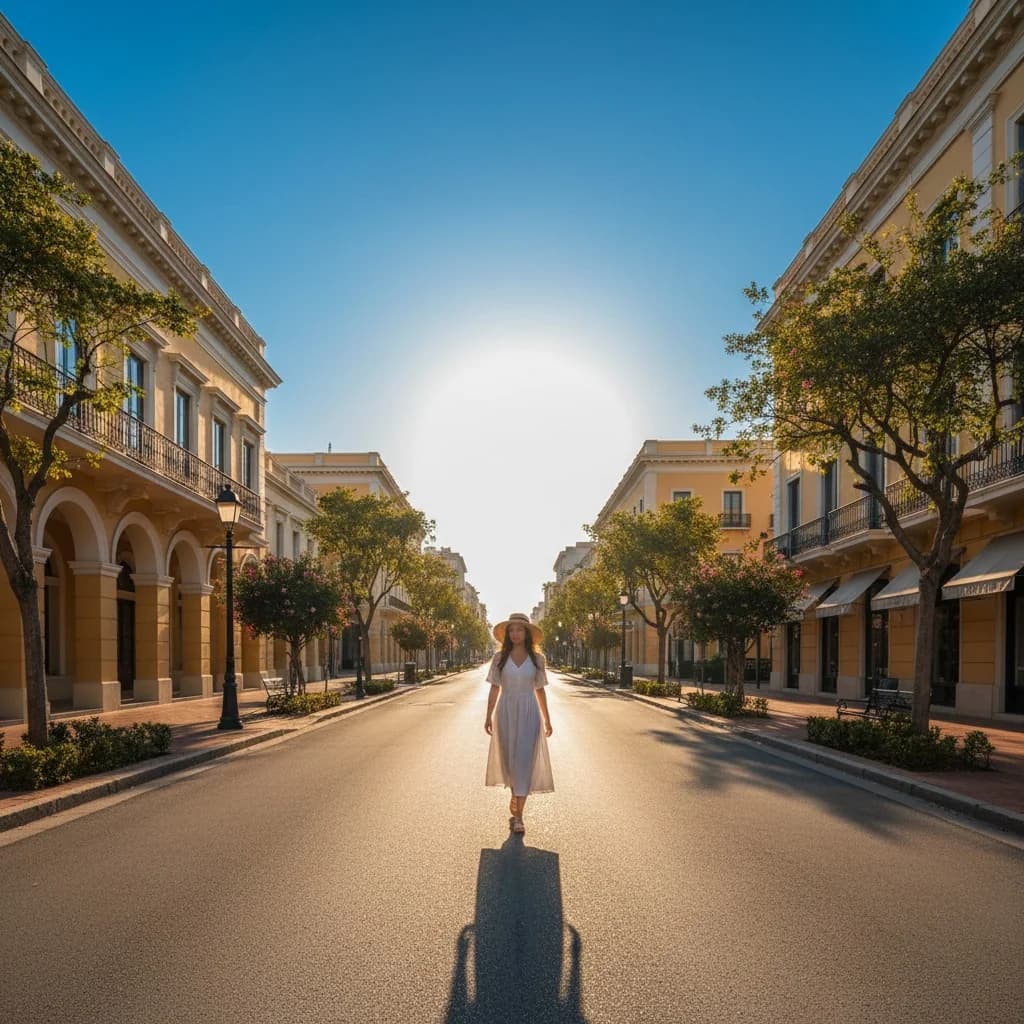
9. Anatomy Illustration
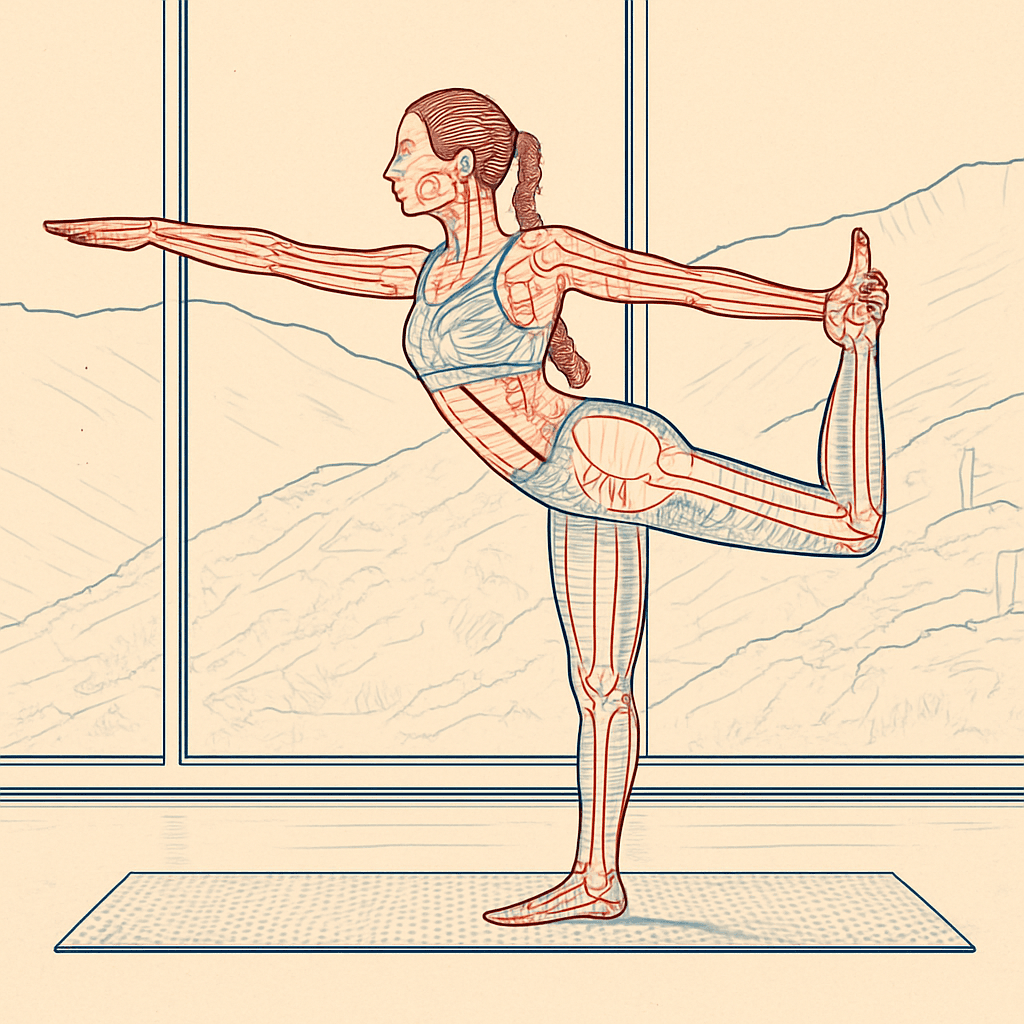
Create technical cutaway views or anatomical illustrations from normal photos. Ideal for educational materials or artistic projects.
Convert to technical anatomical cutaway illustration showing internal mechanisms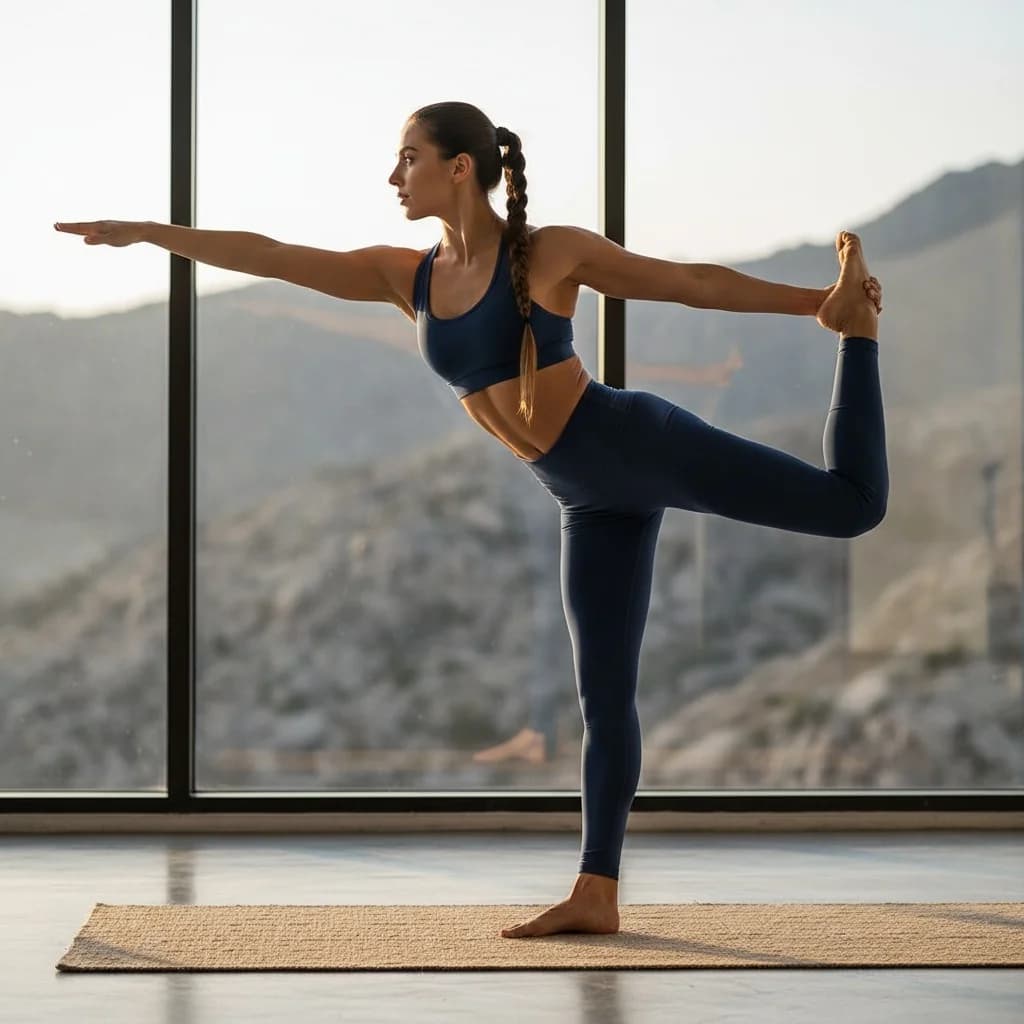
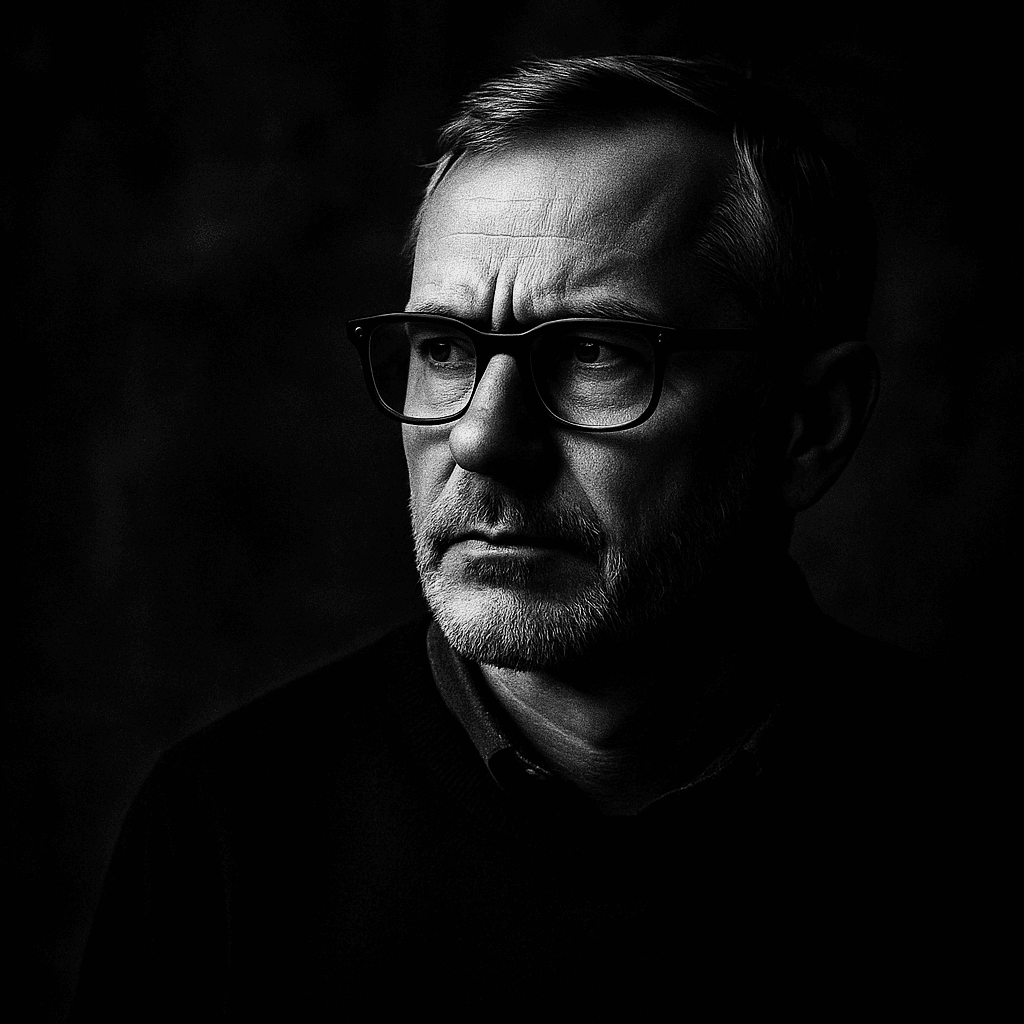
10. Black and White Portrait
Transform color photos into dramatic black and white portraits with high contrast. ChatGPT creates artistic results with a professional look.
Transform into dramatic black and white portrait with high contrast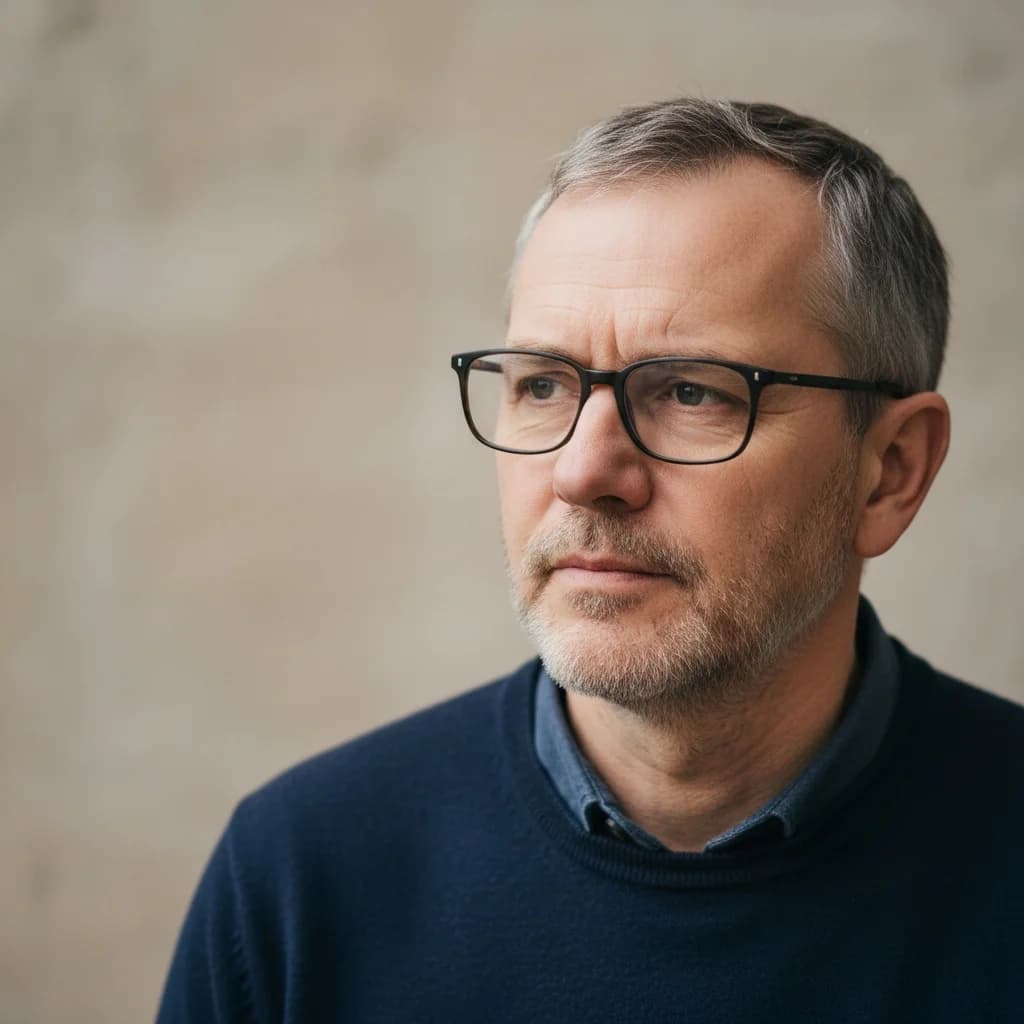
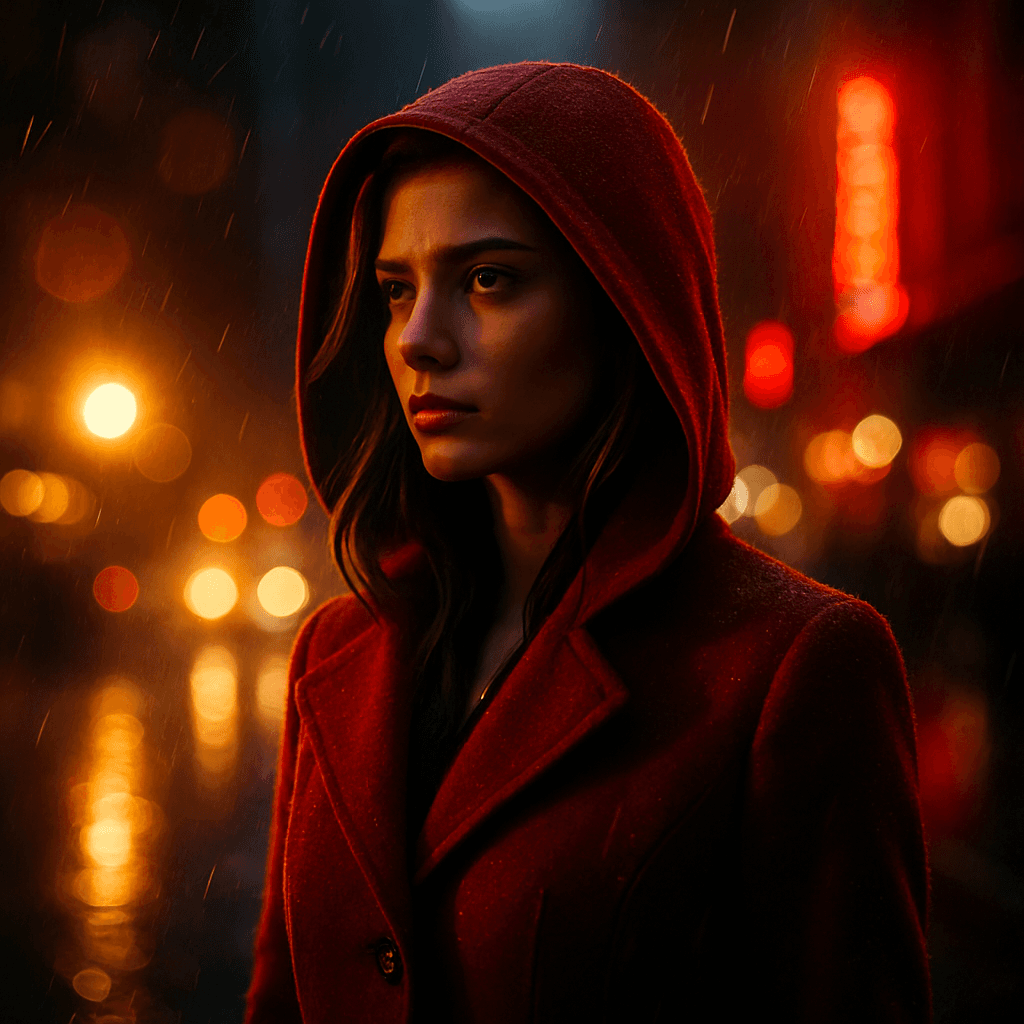
11. Cinematic Portrait
Create cinematic portraits with lens flares and dramatic lighting. Your photos will look like movie posters or professional productions.
Create cinematic movie portrait with lens flares and dramatic lighting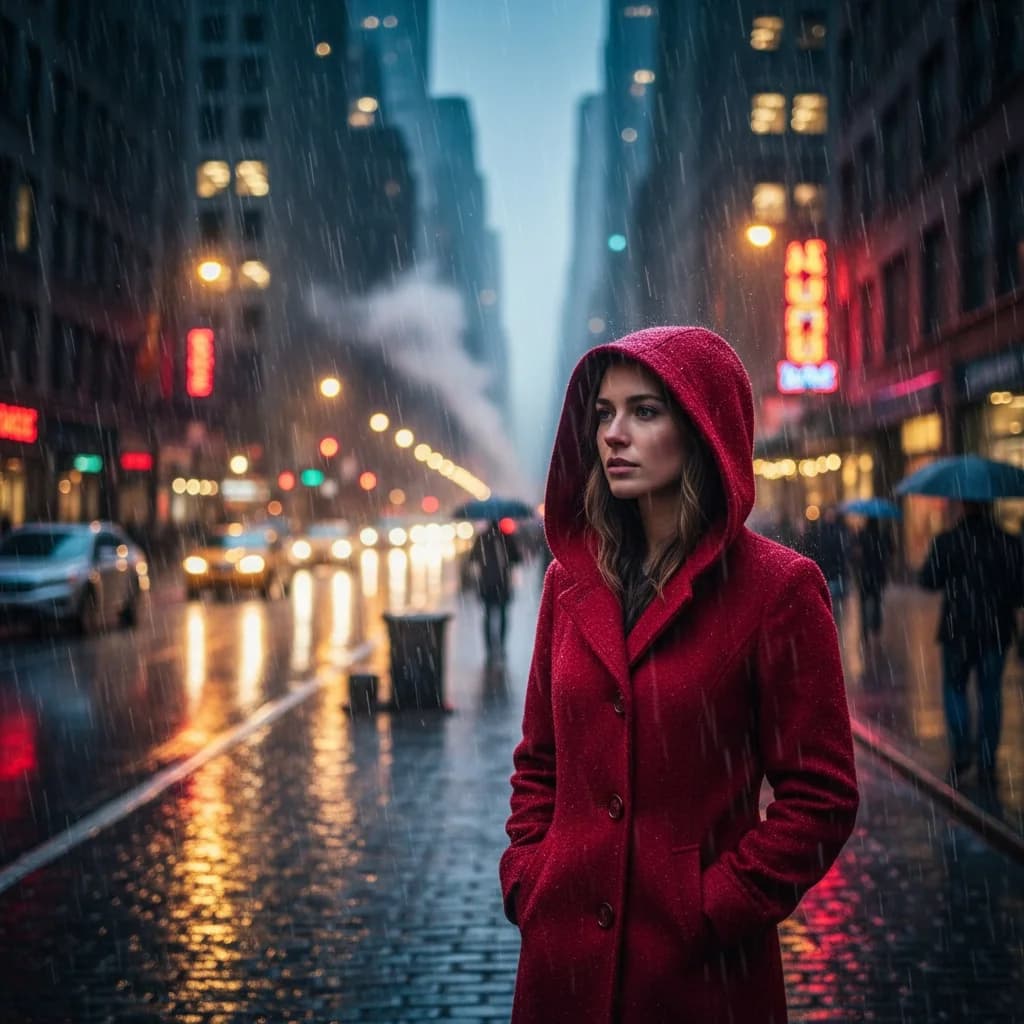
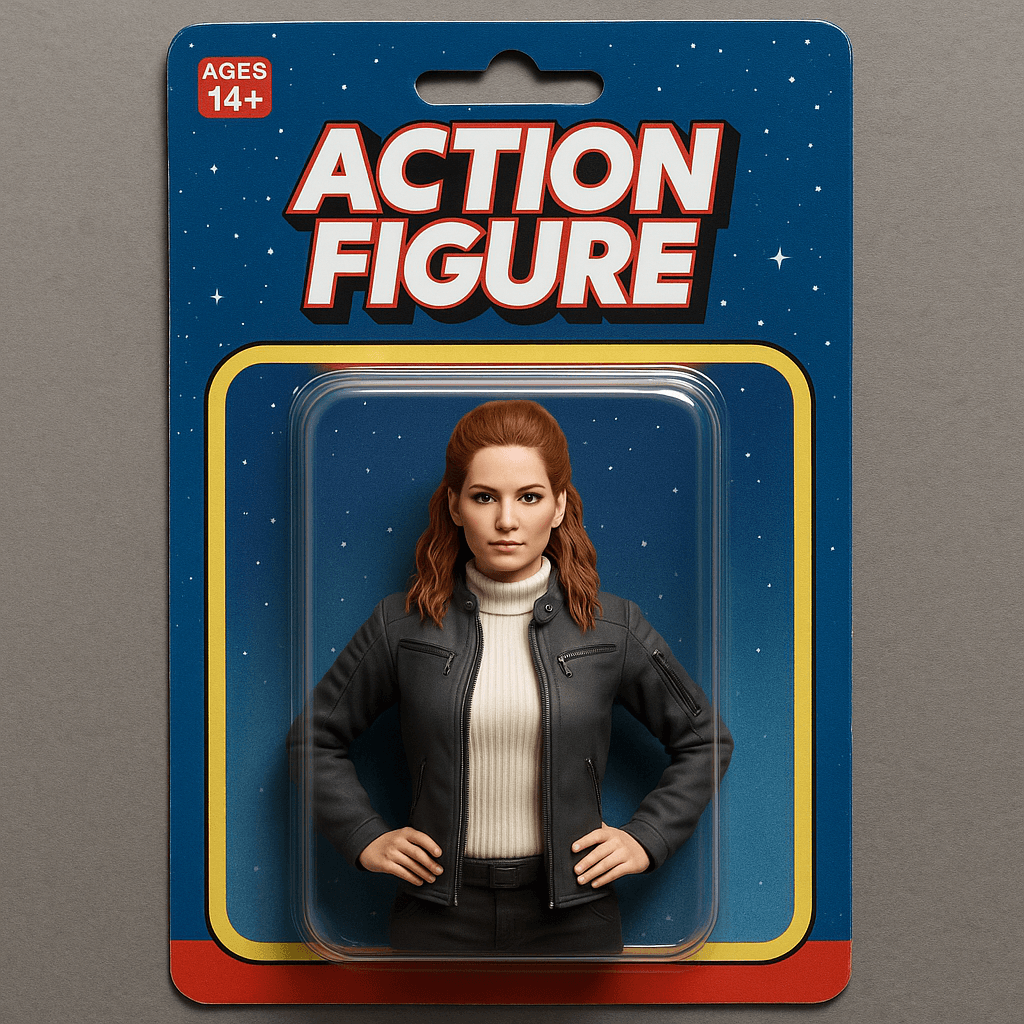
12. 3D Action Figure
Transform people into premium action figures with visible joints and display base. The figures look like high-quality collectibles in original packaging.
Transform into detailed action figure in collector's packaging with transparent plastic window showing articulated figure on display stand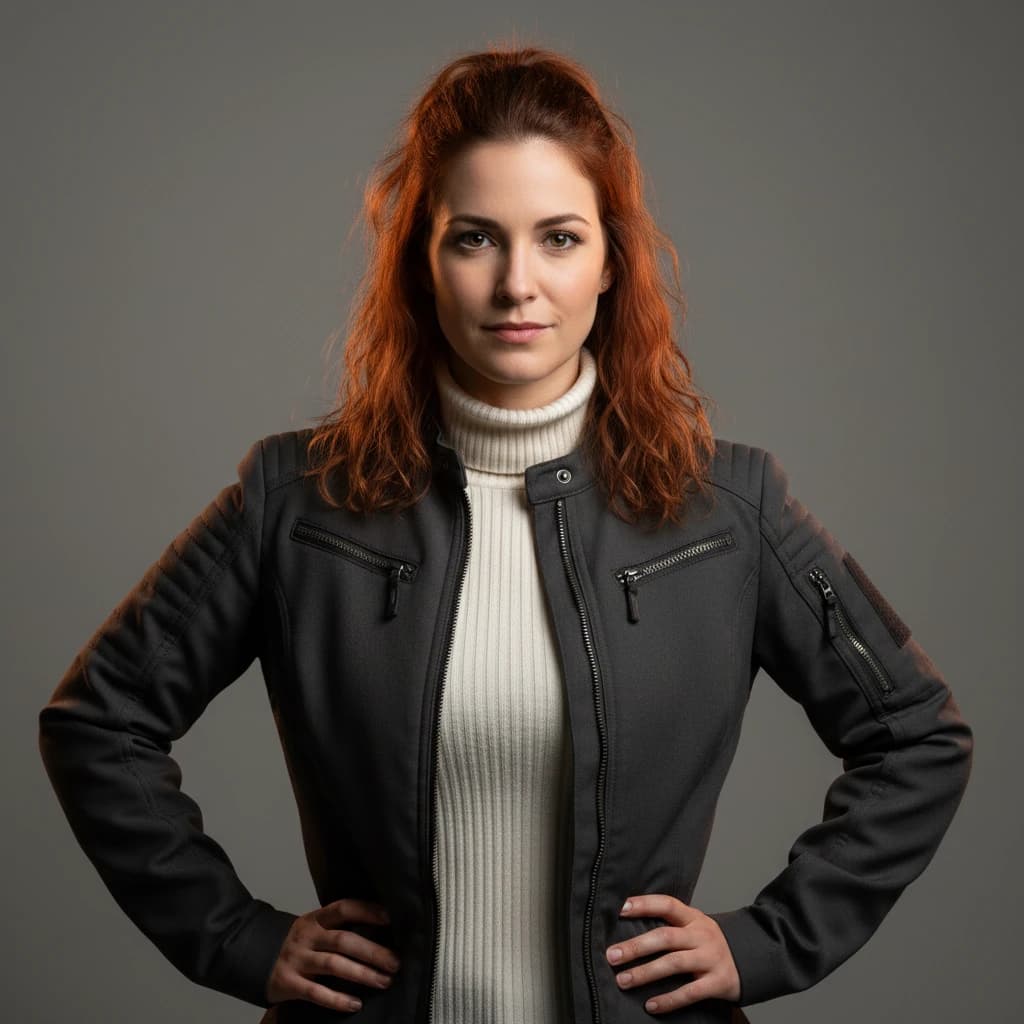
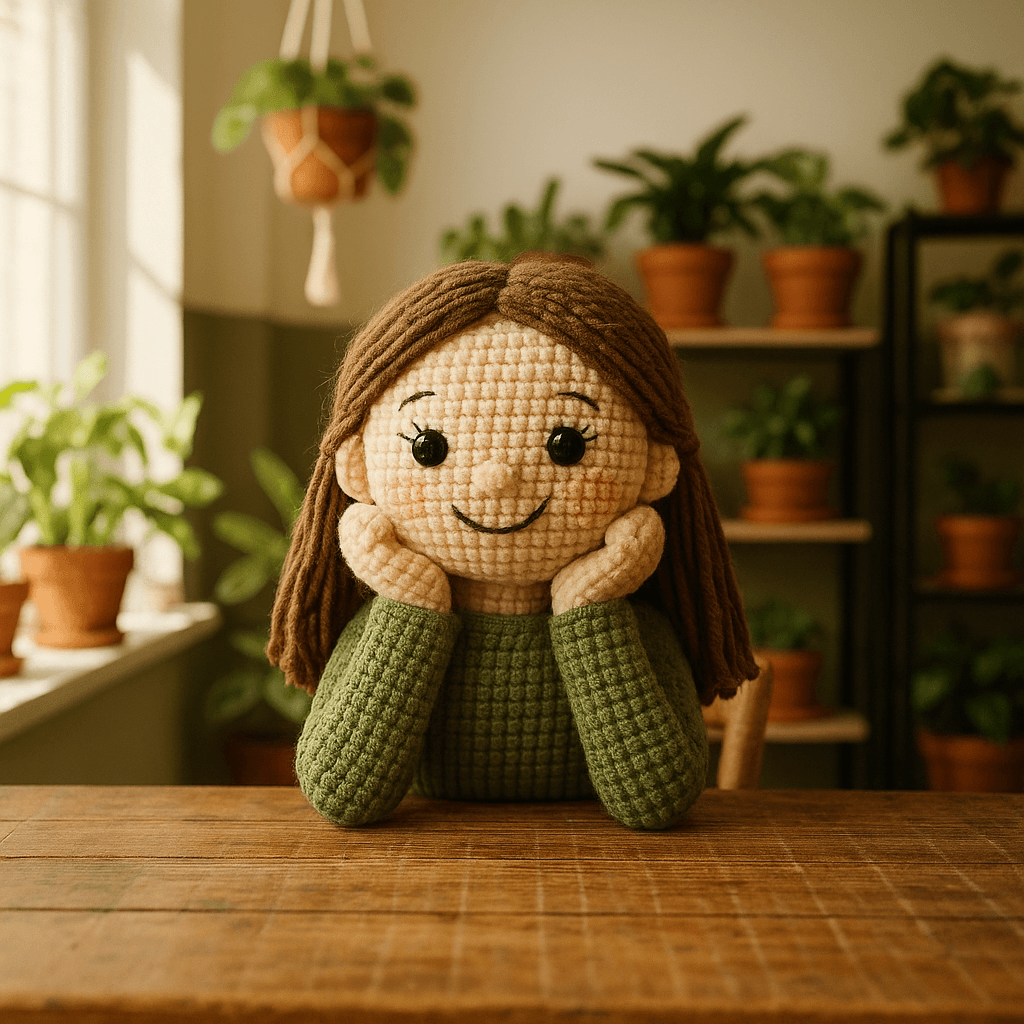
13. Chibi Crochet Doll
Create cute crocheted amigurumi dolls from any photo. ChatGPT transforms the template into a handmade crochet figure with visible yarn texture and button eyes.
Transform the entire image into a cute crocheted amigurumi doll with visible yarn texture, stitches, and handmade wool appearance with button eyes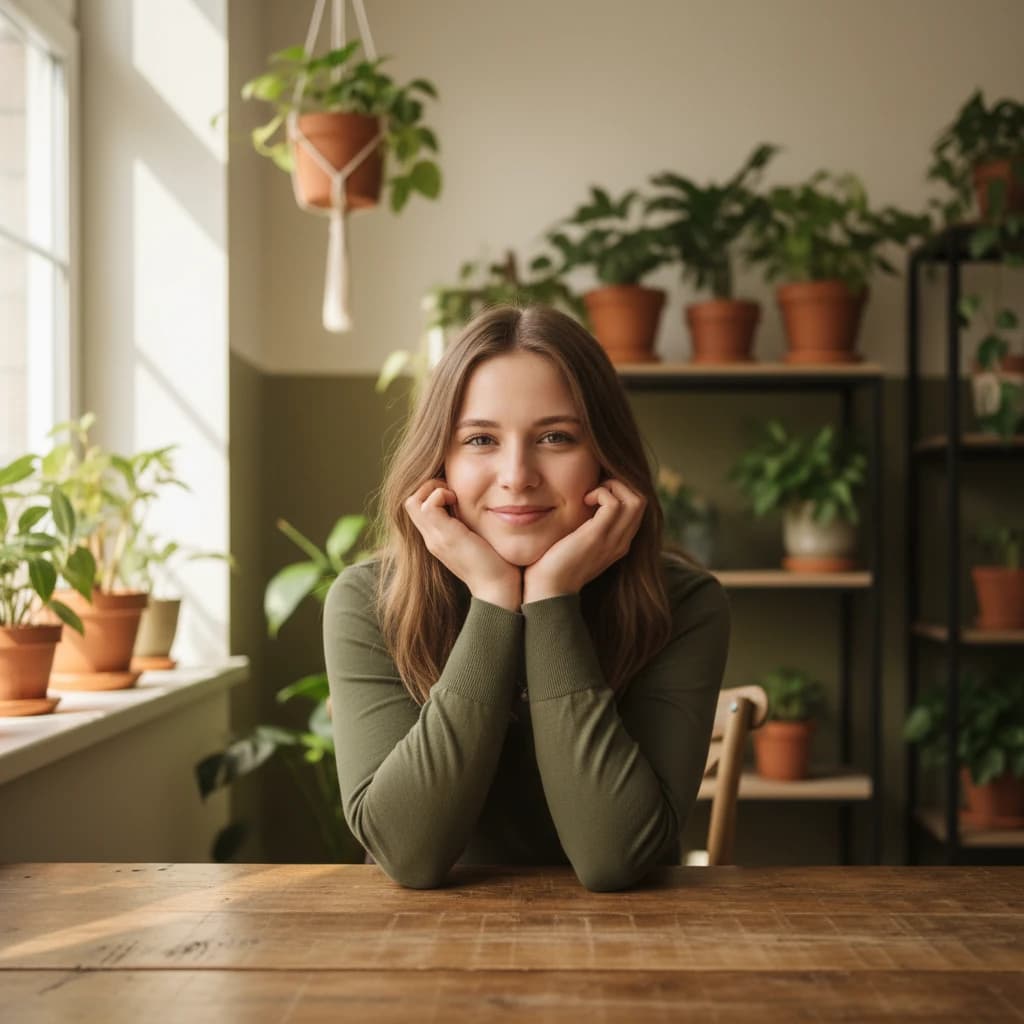
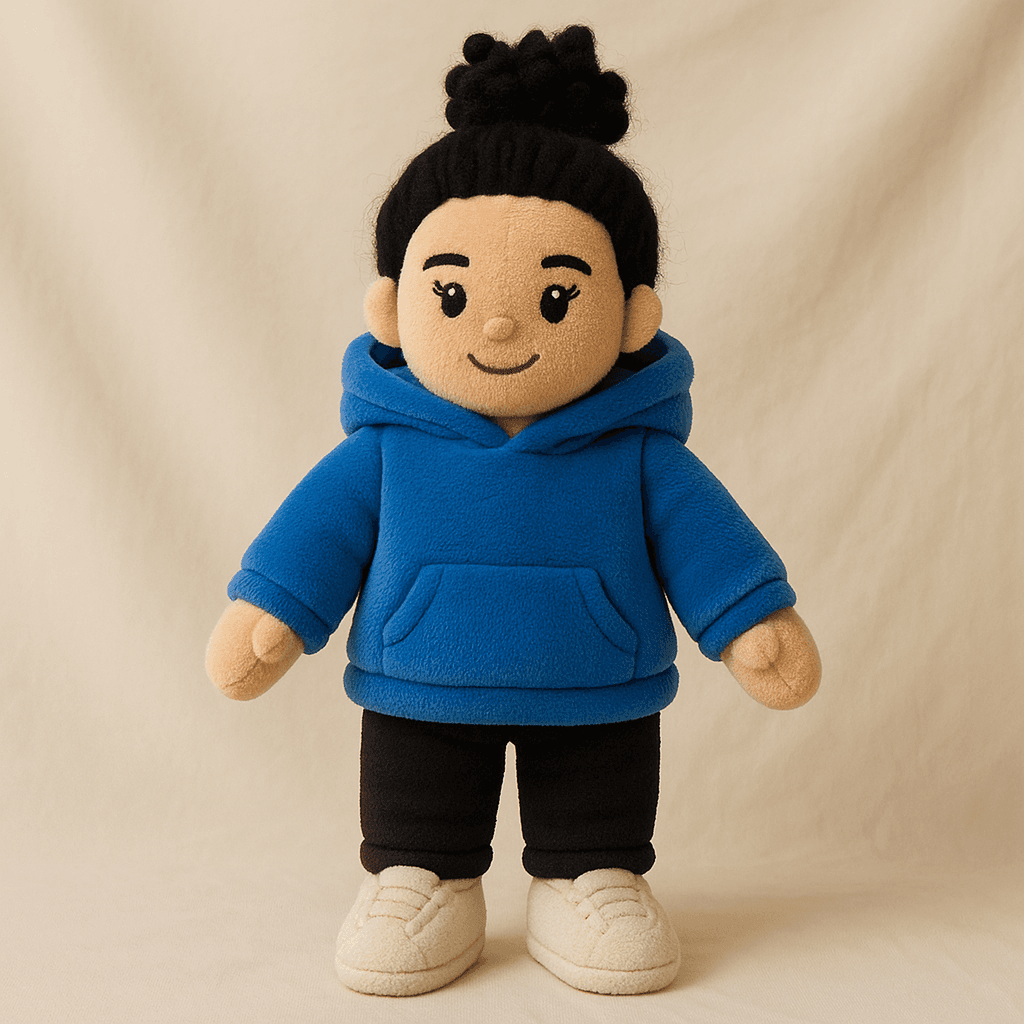
14. Character Plush Figure
Transform any person into a soft plush toy version that looks exactly like the original. Perfect for personalized gift ideas or merchandise concepts.
Transform the woman into a soft plush toy version that looks exactly like her with same hair, outfit and features but as a stuffed doll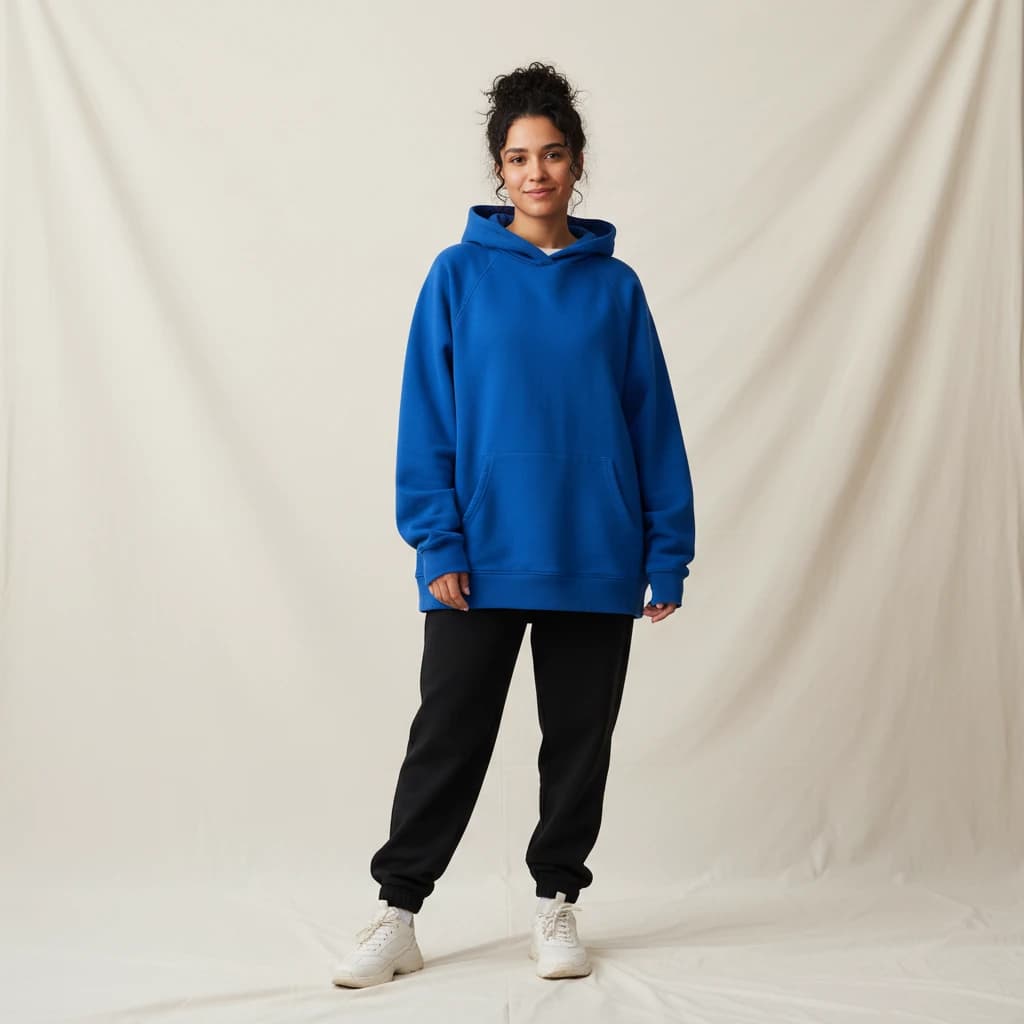
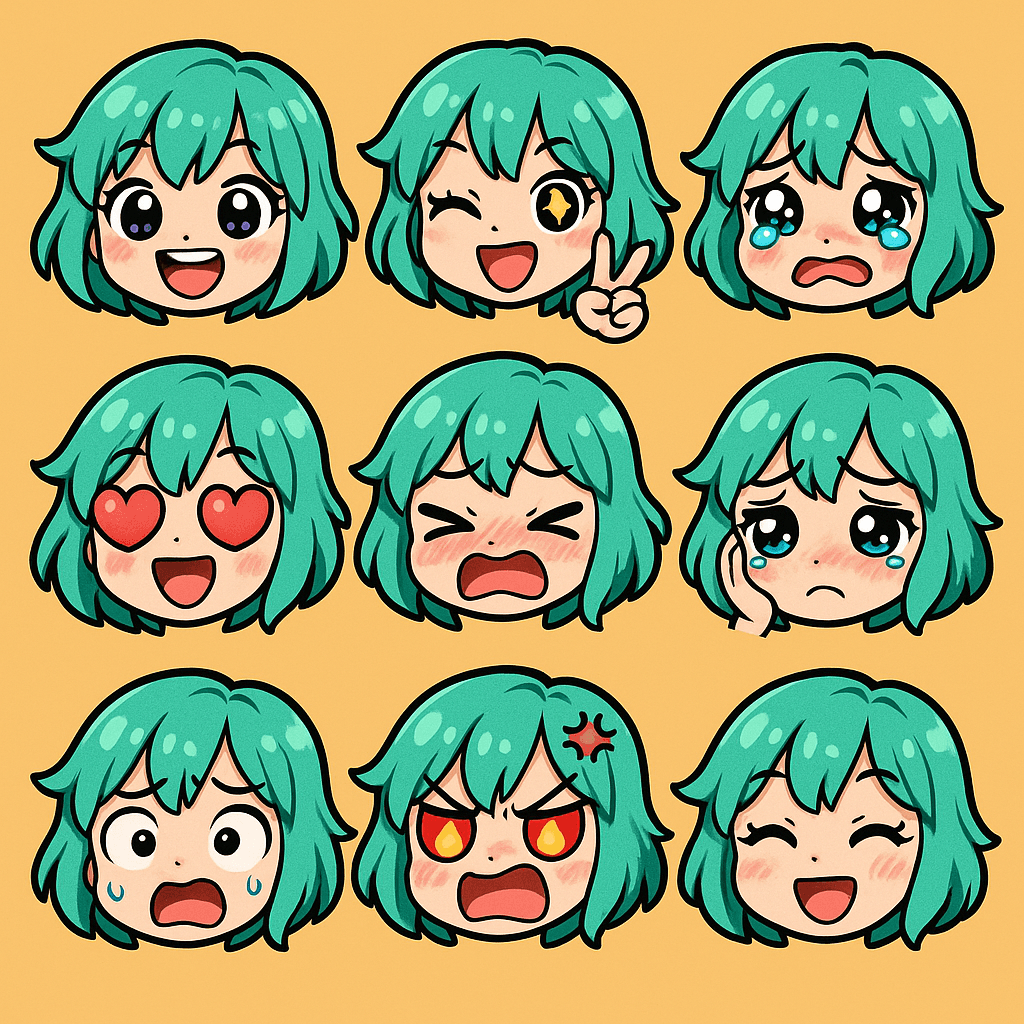
15. Chibi Emoji Stickers
Create a set of emoji stickers with various facial expressions in chibi style. Ideal for messenger apps or social media.
Create grid of emoji expressions with exaggerated chibi features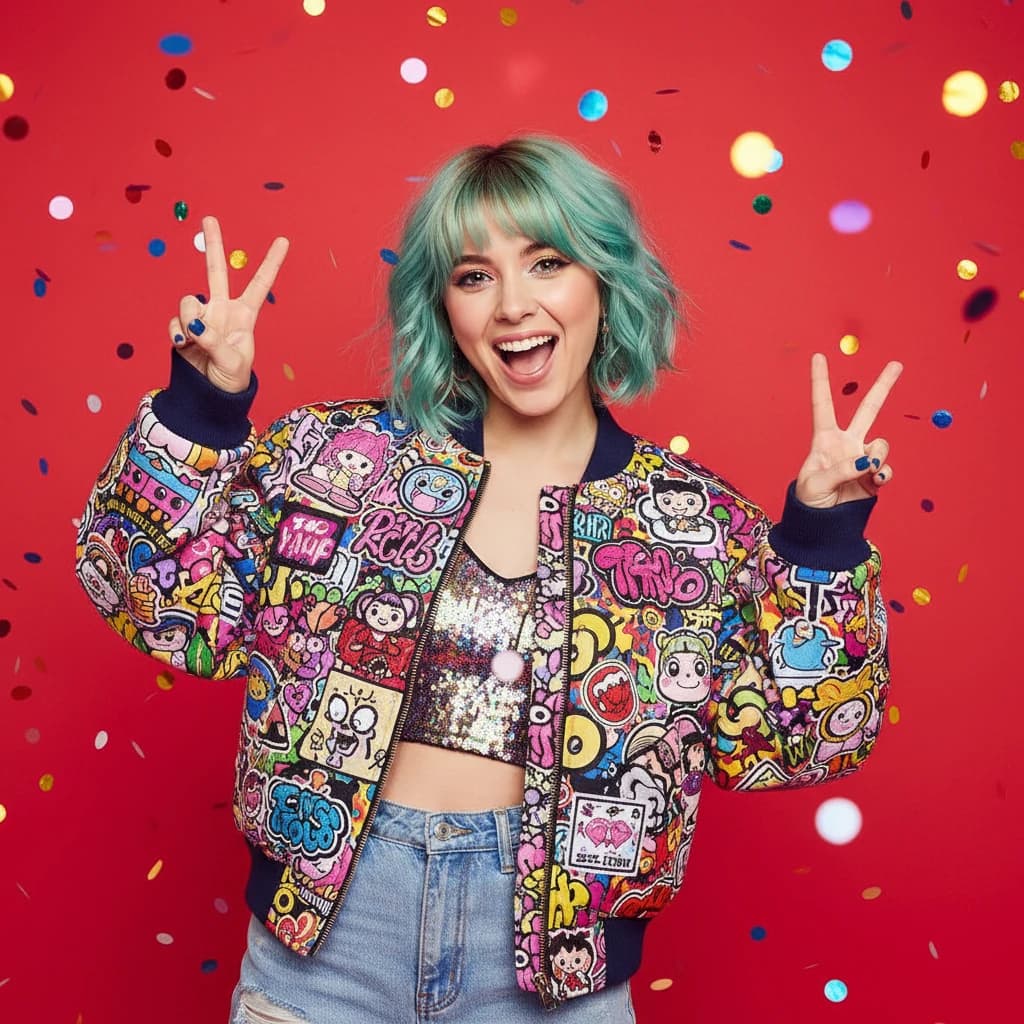
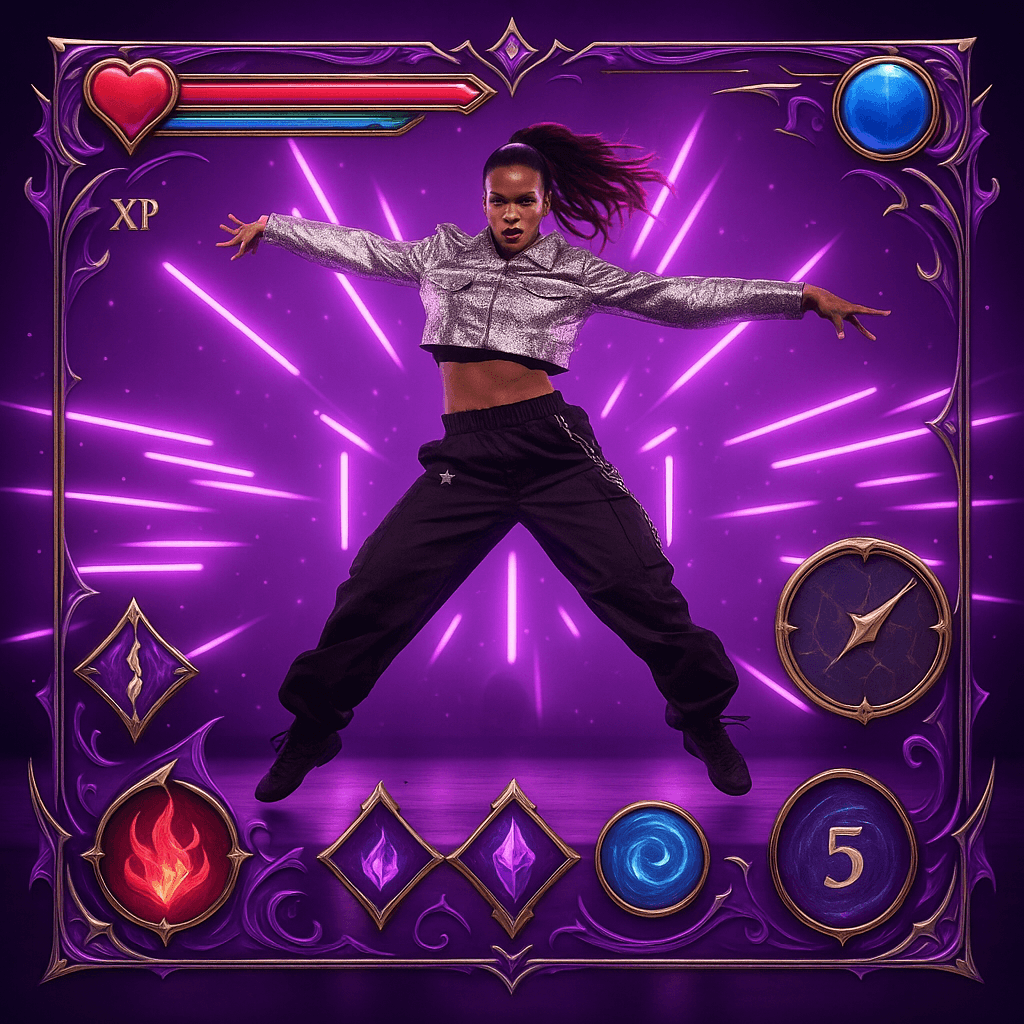
16. Game UI Design
Add RPG game interface overlays with HP bars, inventory slots, and other UI elements. Transform any image into a gaming screenshot.
Add RPG game interface overlay with HP bar and inventory slots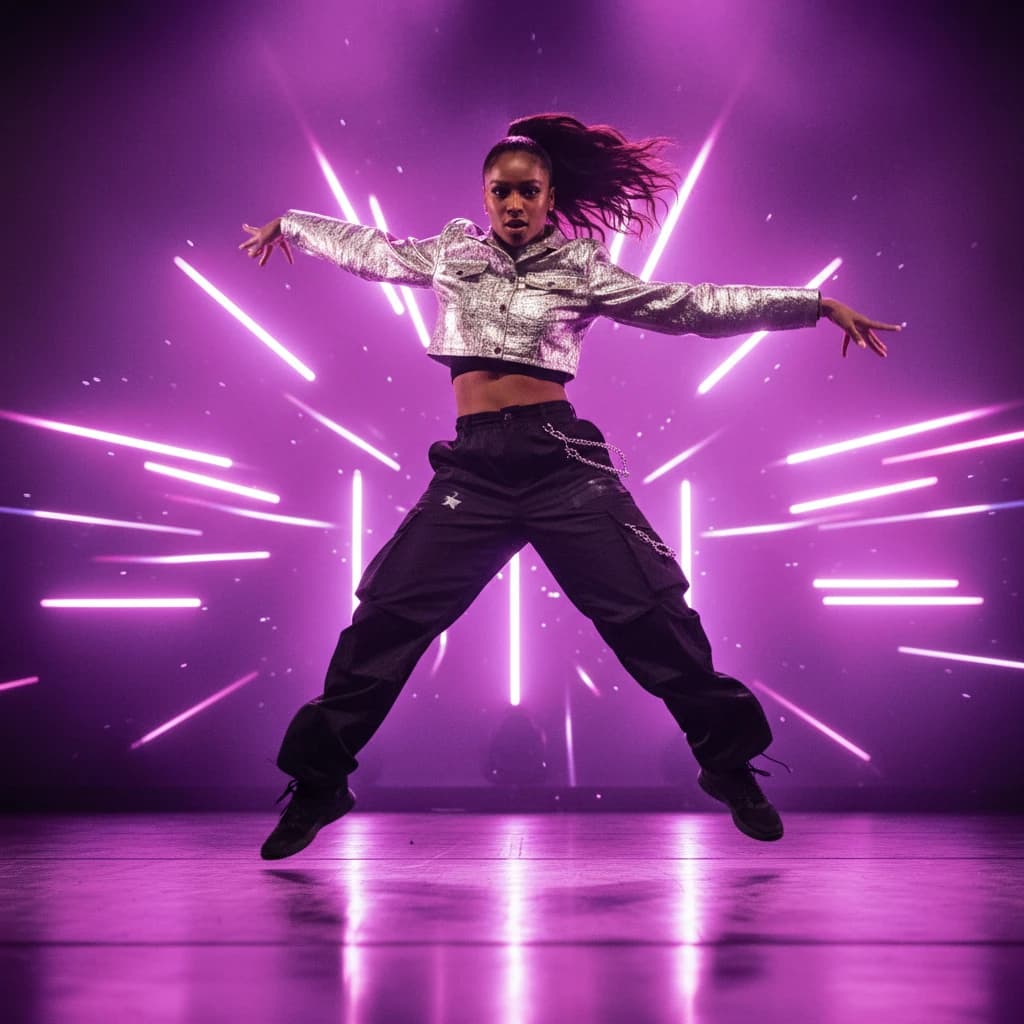
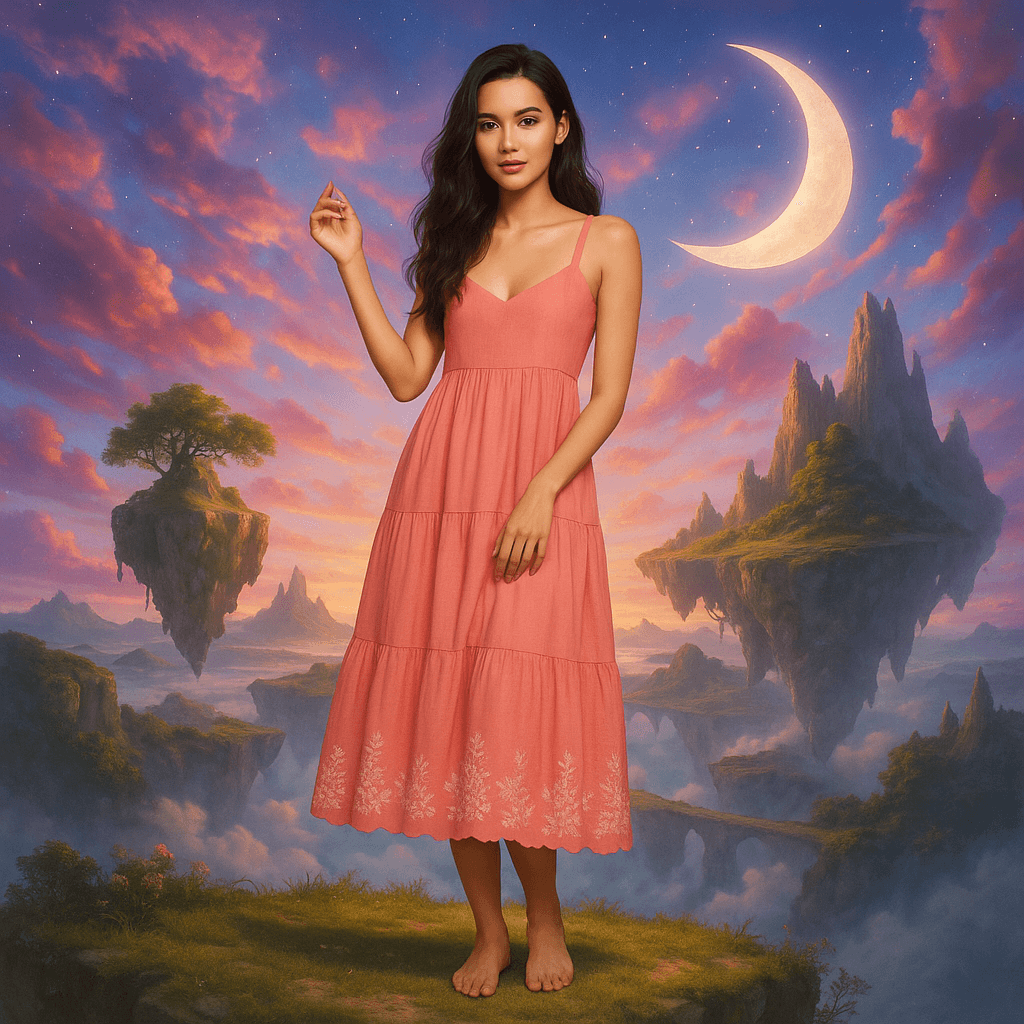
17. Swap Background
Replace boring backgrounds with spectacular sceneries. From magical worlds to futuristic cities - ChatGPT blends the subject right in.
Replace background with magical floating sky island paradise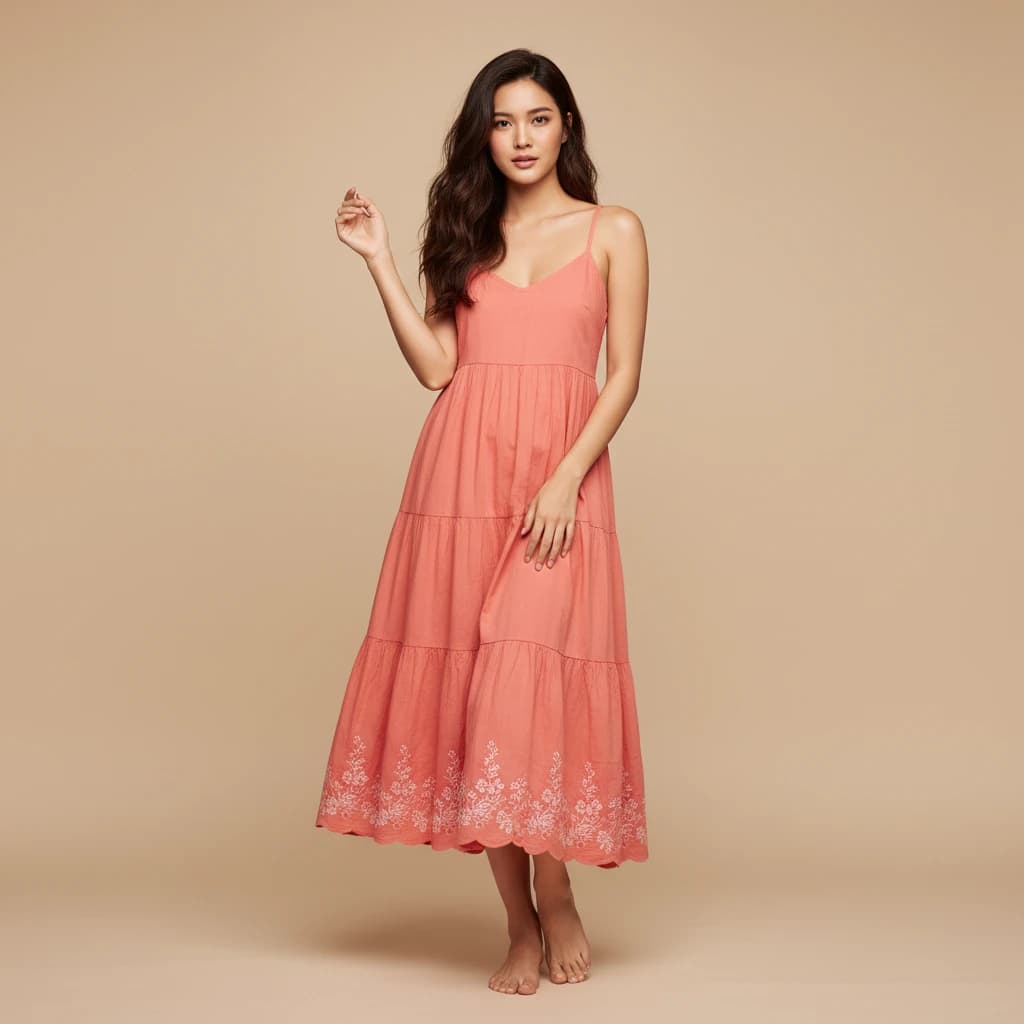
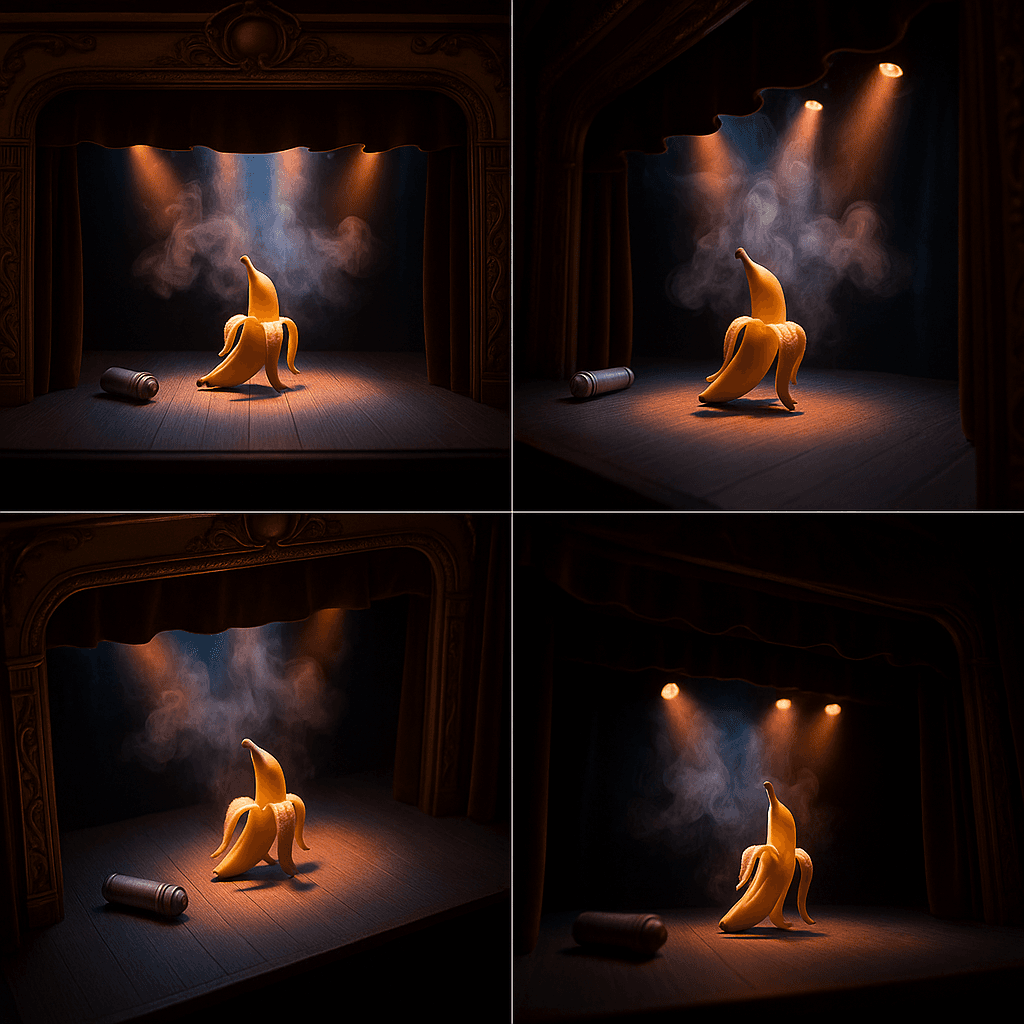
18. Camera Angles
Show the same subject from different camera angles in one image composition. Perfect for visualizing various perspectives.
Create a 2x2 grid showing the same scene from four different camera angles: front view, side view, top-down view, and low angle view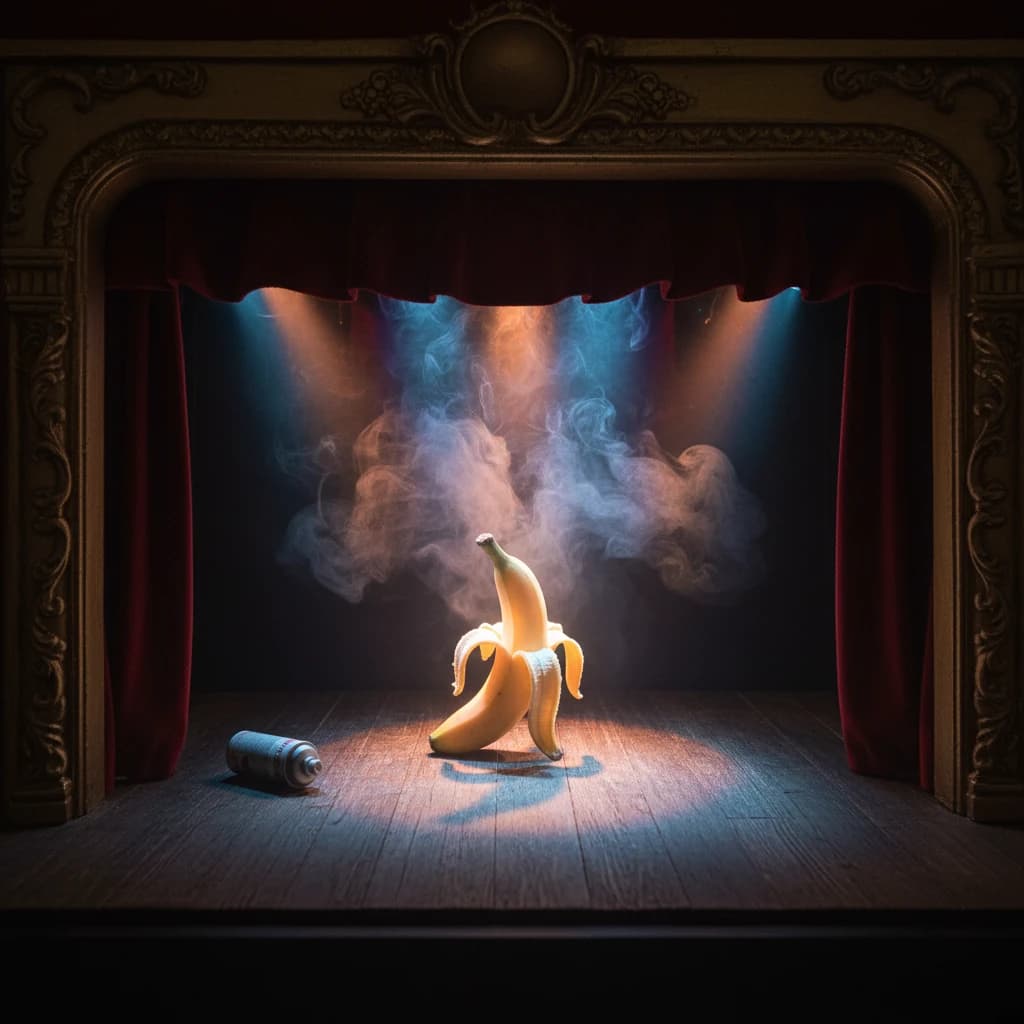
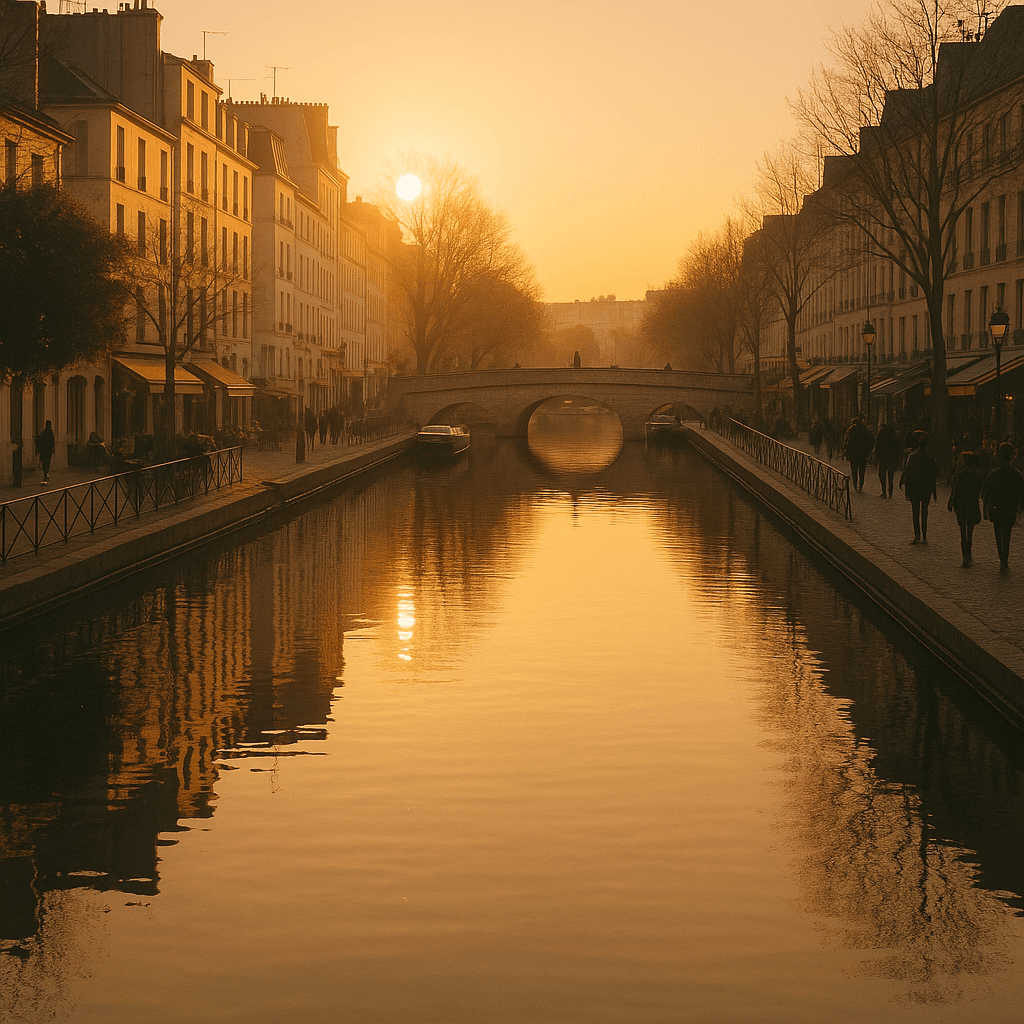
19. Time-Based Variation
Show the same subject at different times of day. ChatGPT creates a composition with morning, noon, evening, and night views.
Split into 4 time panels showing dawn noon sunset and midnight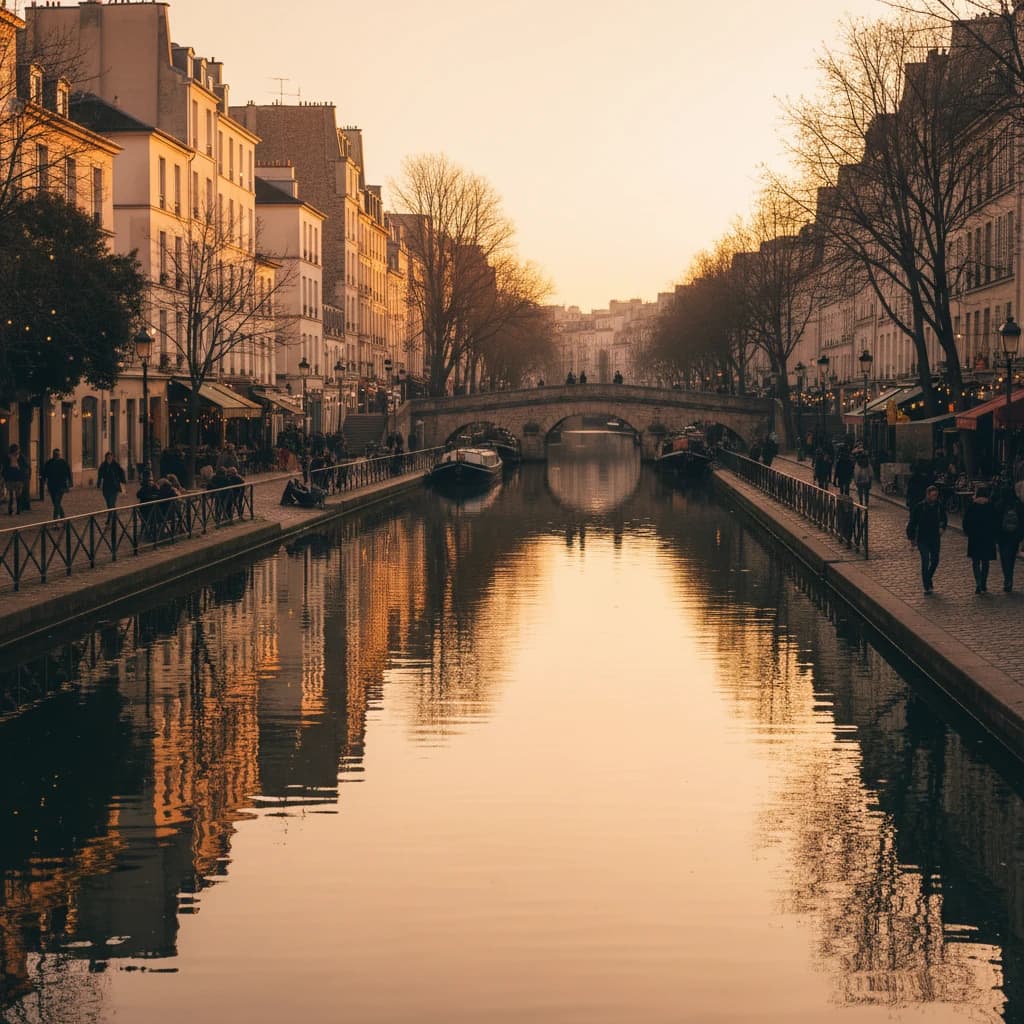
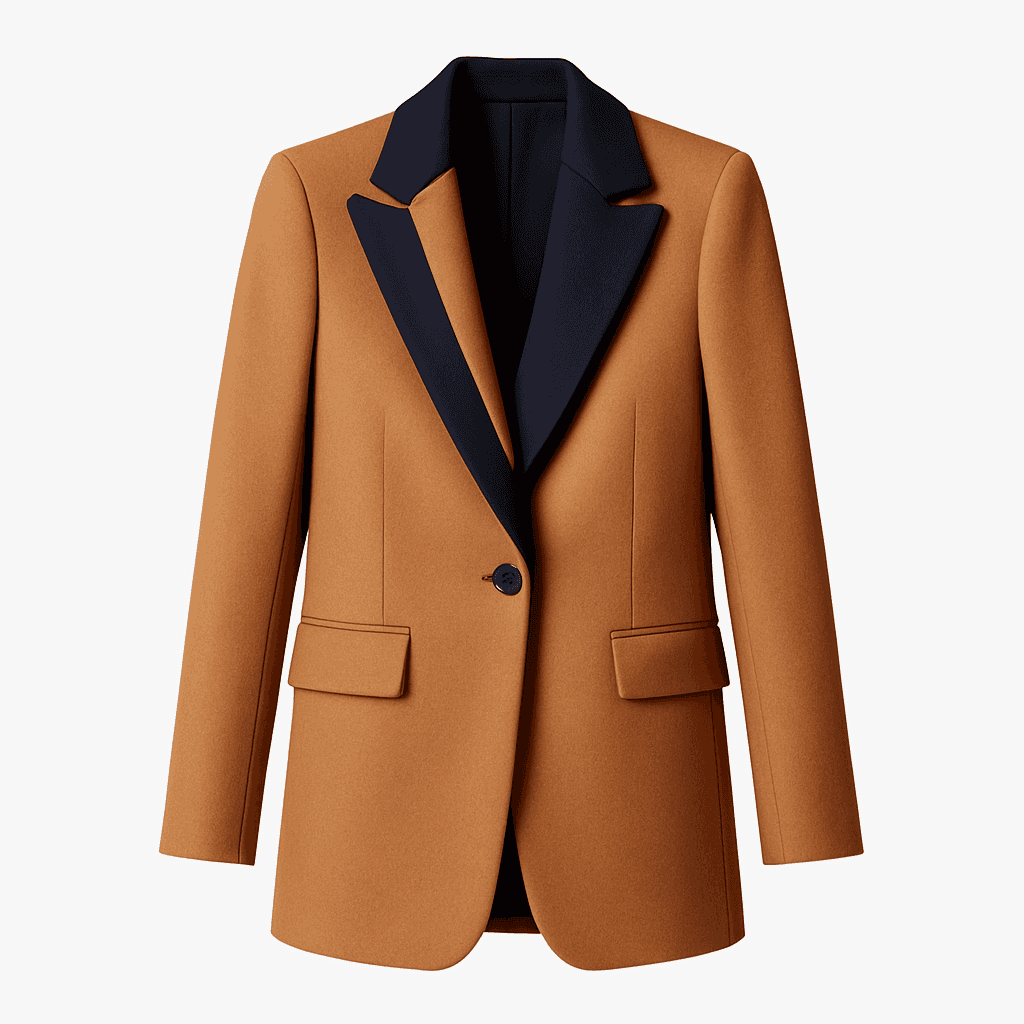
20. Object Extraction
Extract individual objects or people from images and isolate them on a white background. Ideal for product photos or catalog images.
Extract and isolate only the woman's coat on a white background, remove the person and everything else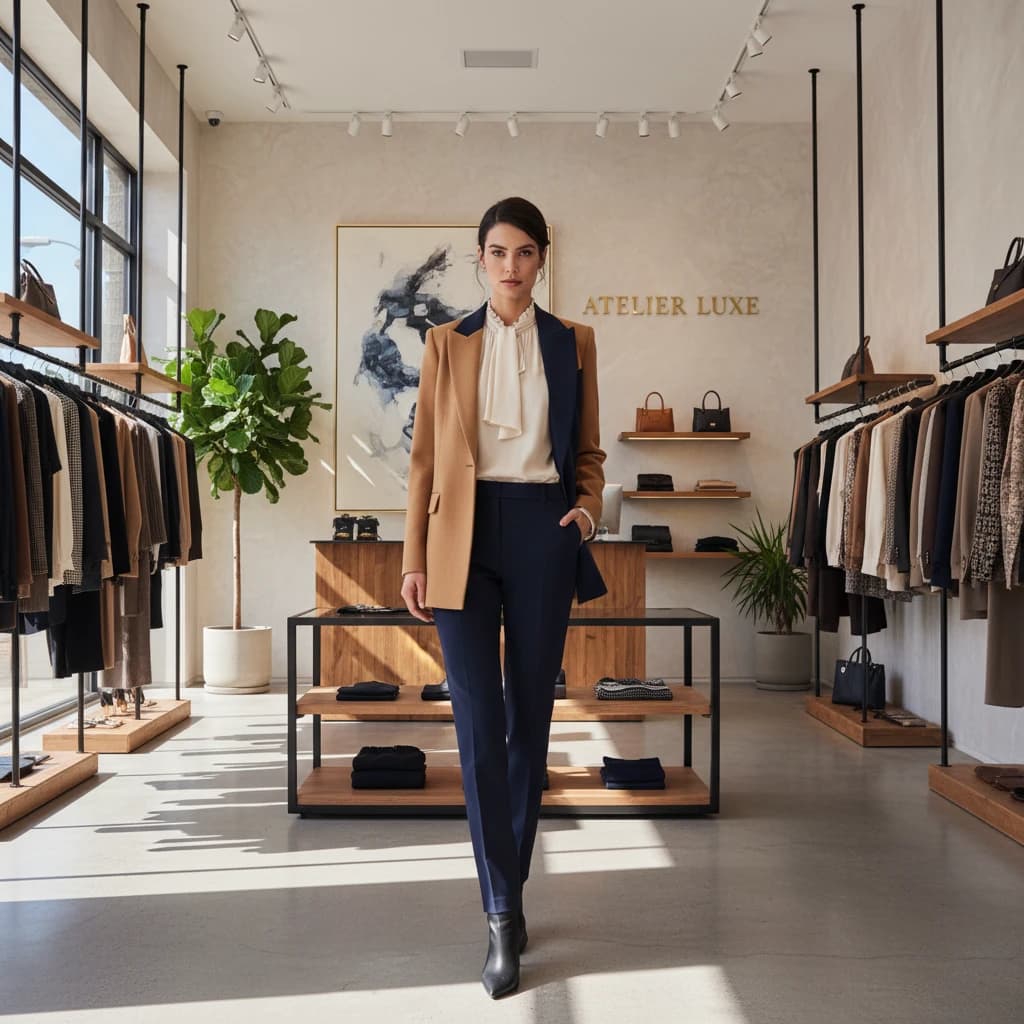
21. Enhance Image
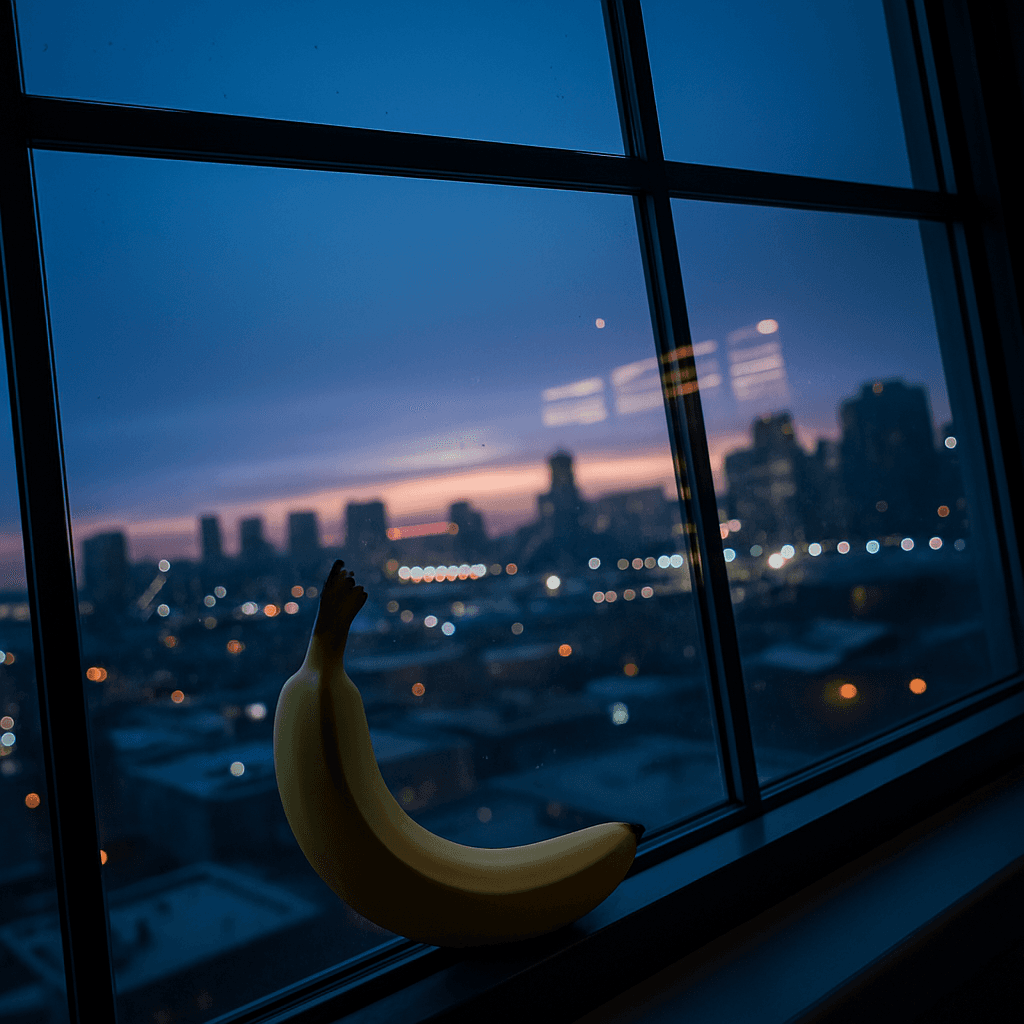
Improve image quality and increase resolution. ChatGPT can sharpen details and intensify colors for a professional result.
Enhance to ultra HD quality with vibrant colors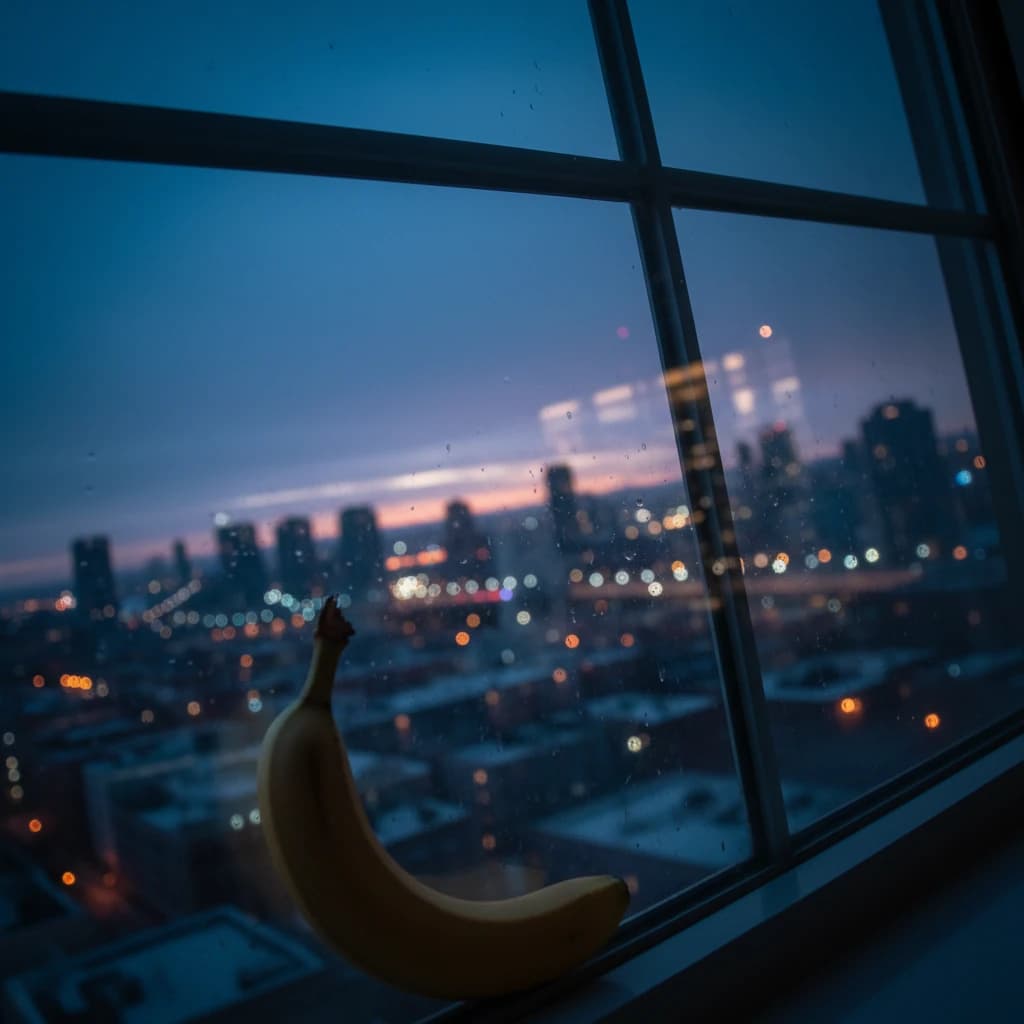
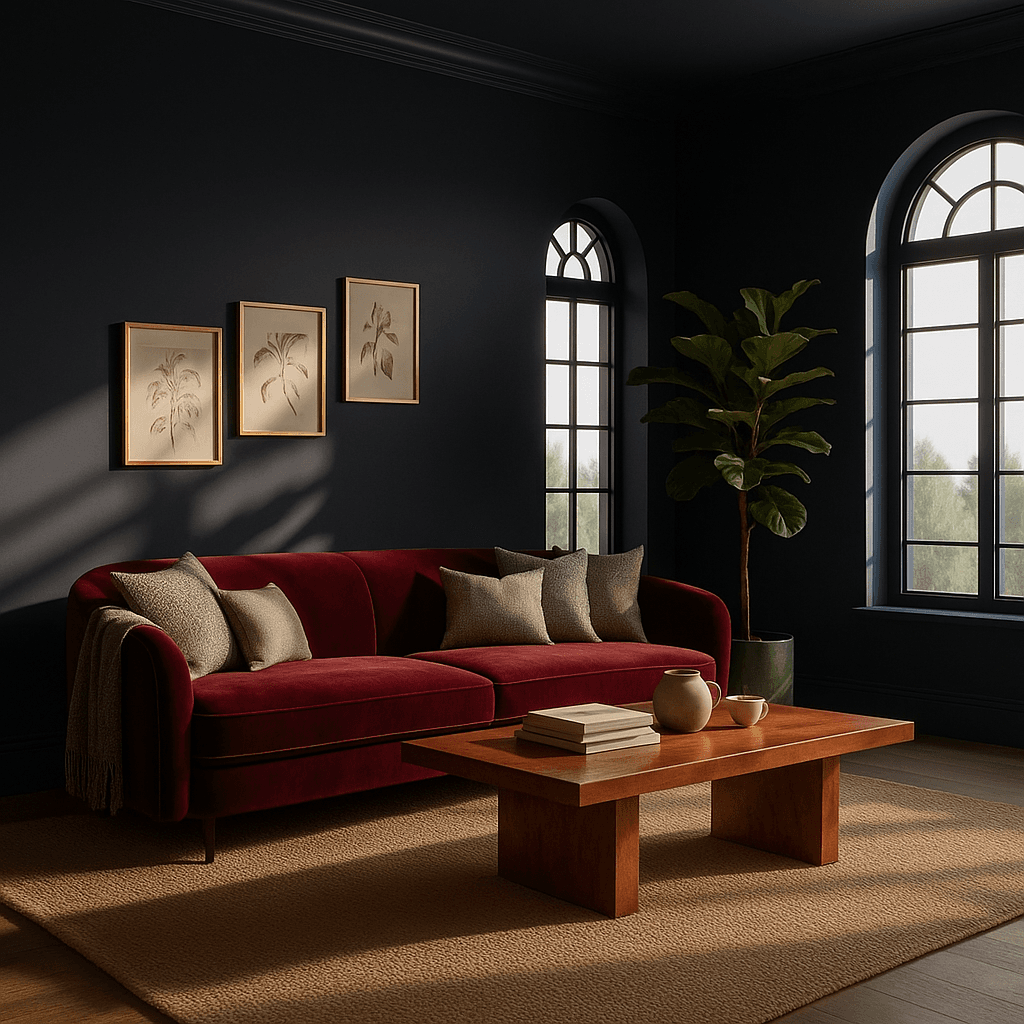
22. Change Color Mood
Transform the complete color palette of a room. ChatGPT can make walls, furniture, and decor appear in completely new colors.
Transform this room's color scheme to deep navy blue walls with a rich burgundy velvet sofa, gold accents on frames, warm copper tones on the coffee table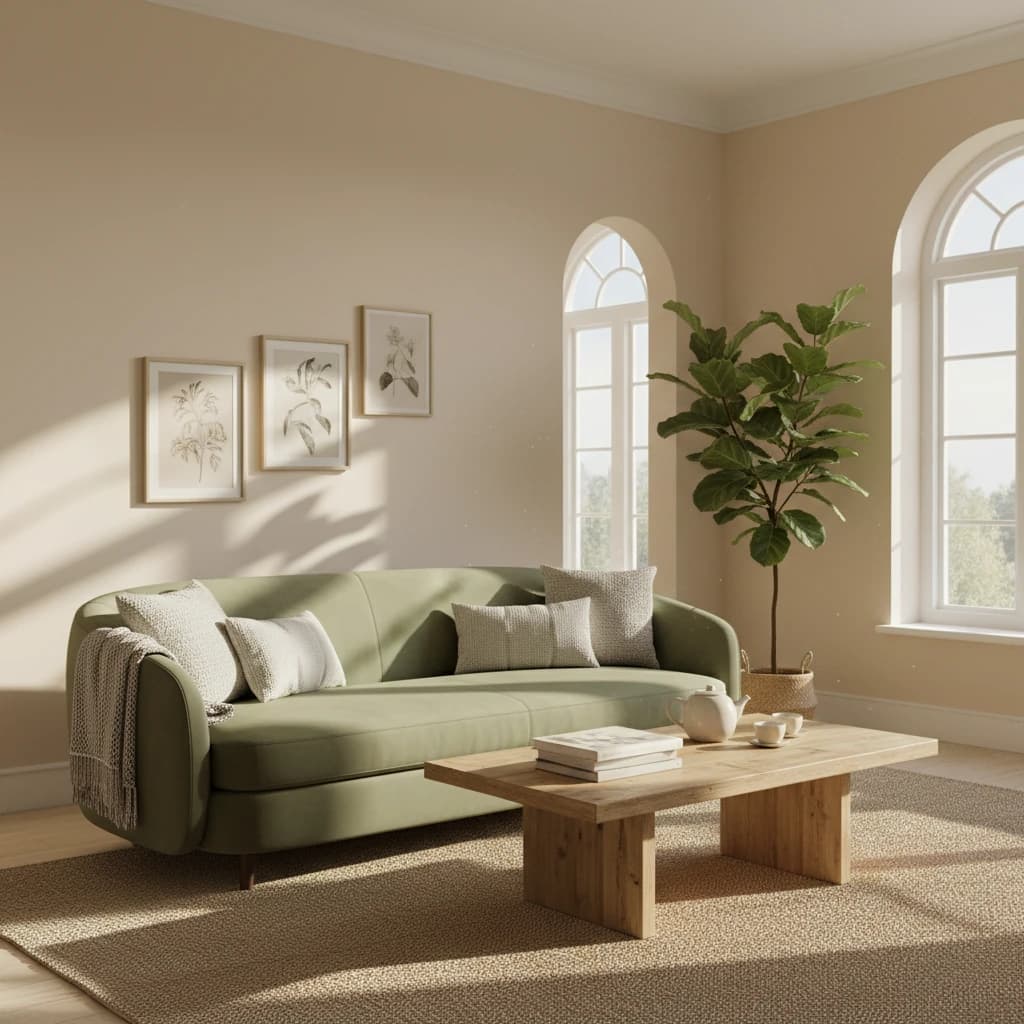
23. Line Art Illustration
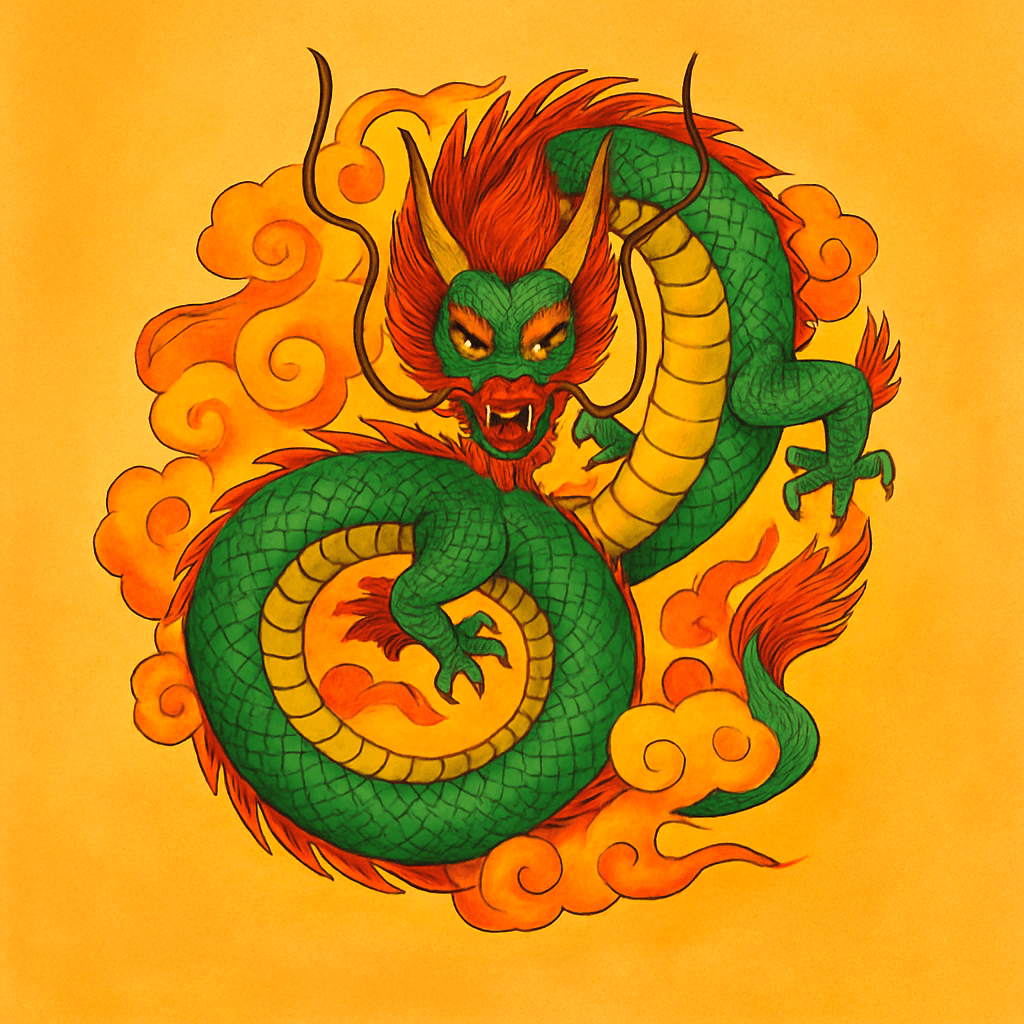
Transform black and white drawings into vibrant, colorful illustrations. ChatGPT adds colors and details while preserving the original style.
Transform this black and white dragon line drawing into a vibrant colored illustration with emerald green scales, golden horns, red mane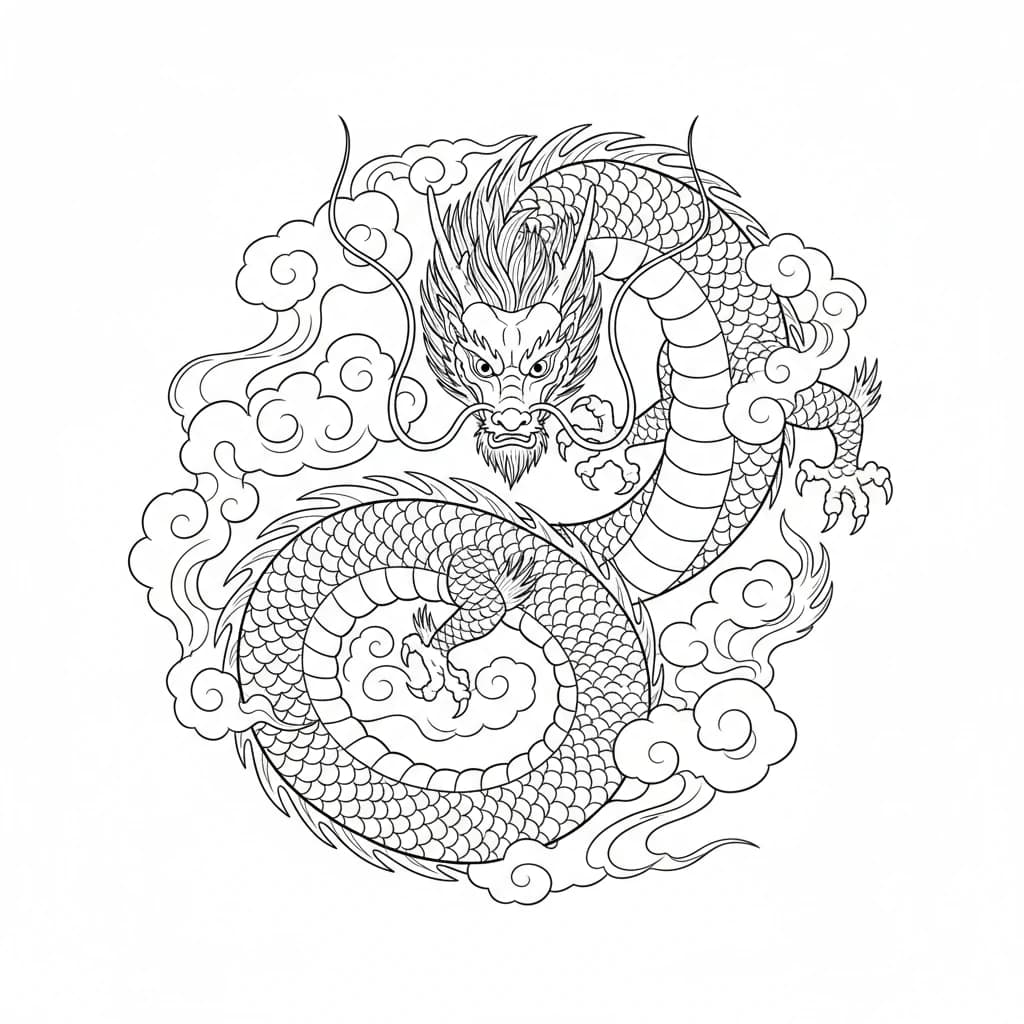
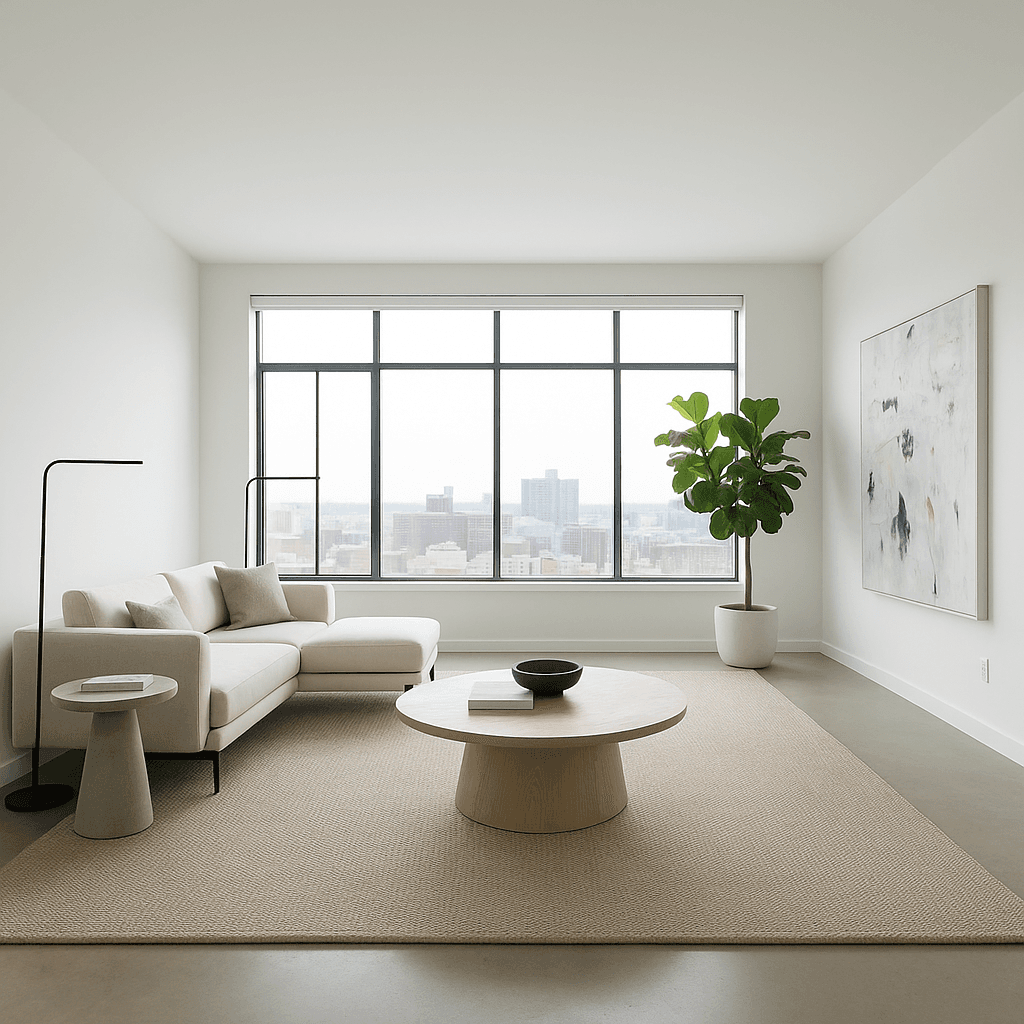
24. AI Interior Design
Transform any room into a futuristic or minimalist living space. ChatGPT completely redesigns rooms with modern design.
Place in futuristic minimalist living space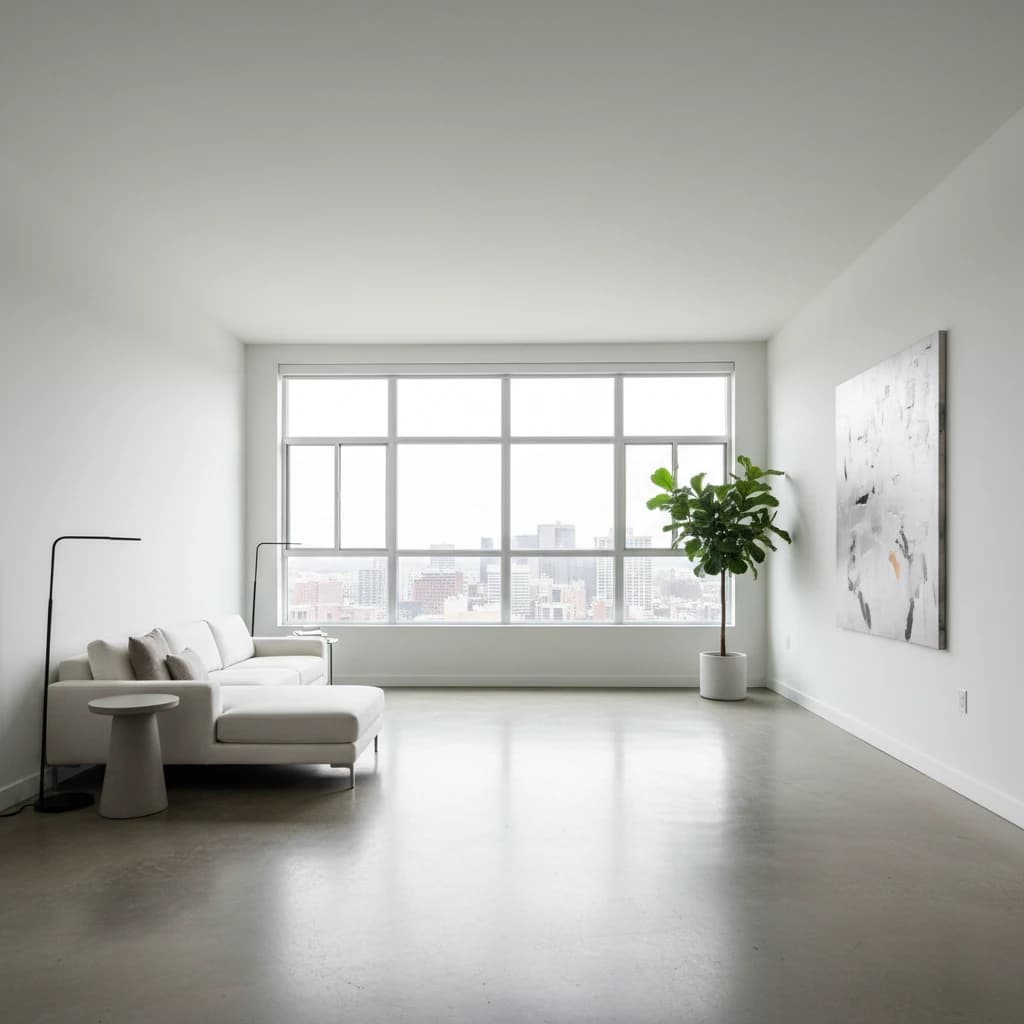
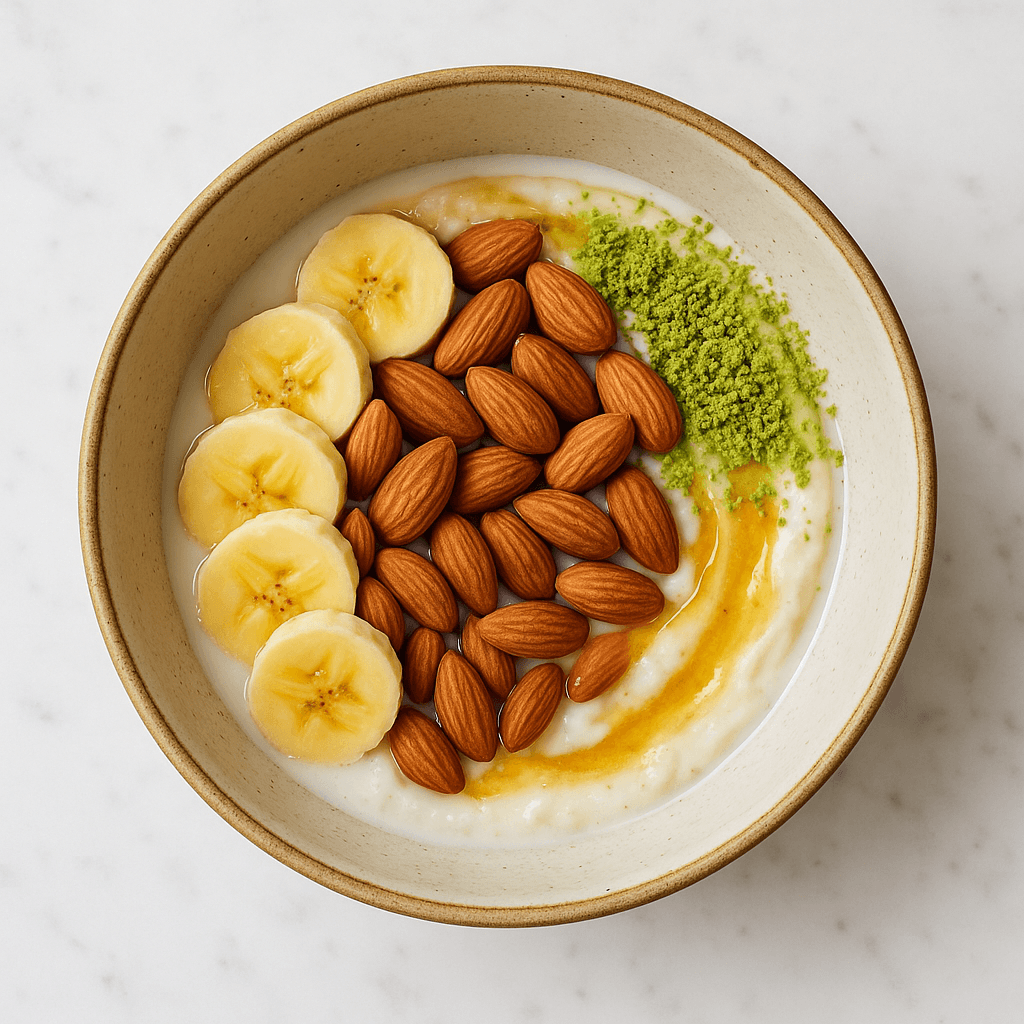
25. Ingredients to Dish
Transform raw ingredients into an arranged gourmet dish. ChatGPT creates an appetizingly presented meal from the available ingredients.
Transform these exact ingredients into a beautifully arranged breakfast muesli bowl, using only the items shown in the original image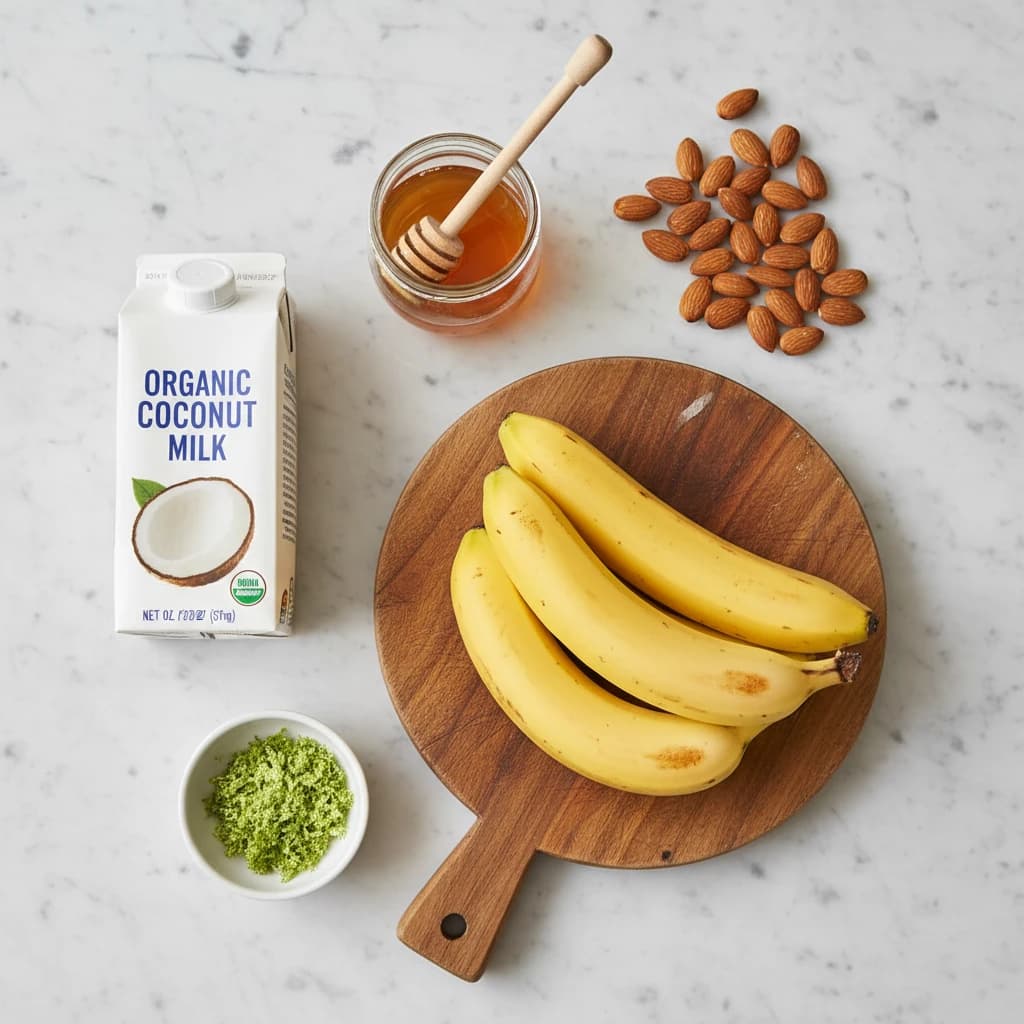
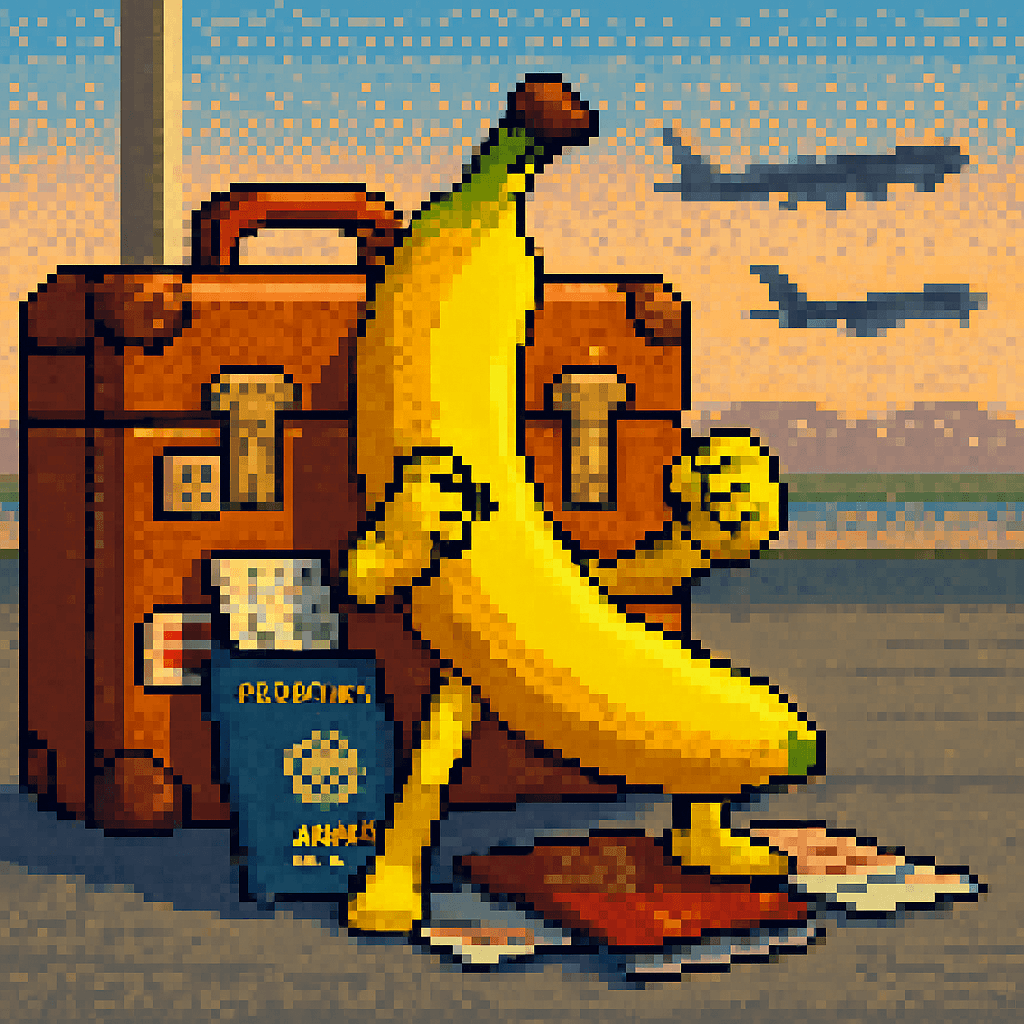
26. 16-Bit Character
Create a 16-bit pixel art character in retro gaming style from any photo. Perfect for nostalgics and gaming fans.
Transform the person into a 16-bit pixel art video game character sprite with limited color palette, pixel-perfect details, classic SNES-era style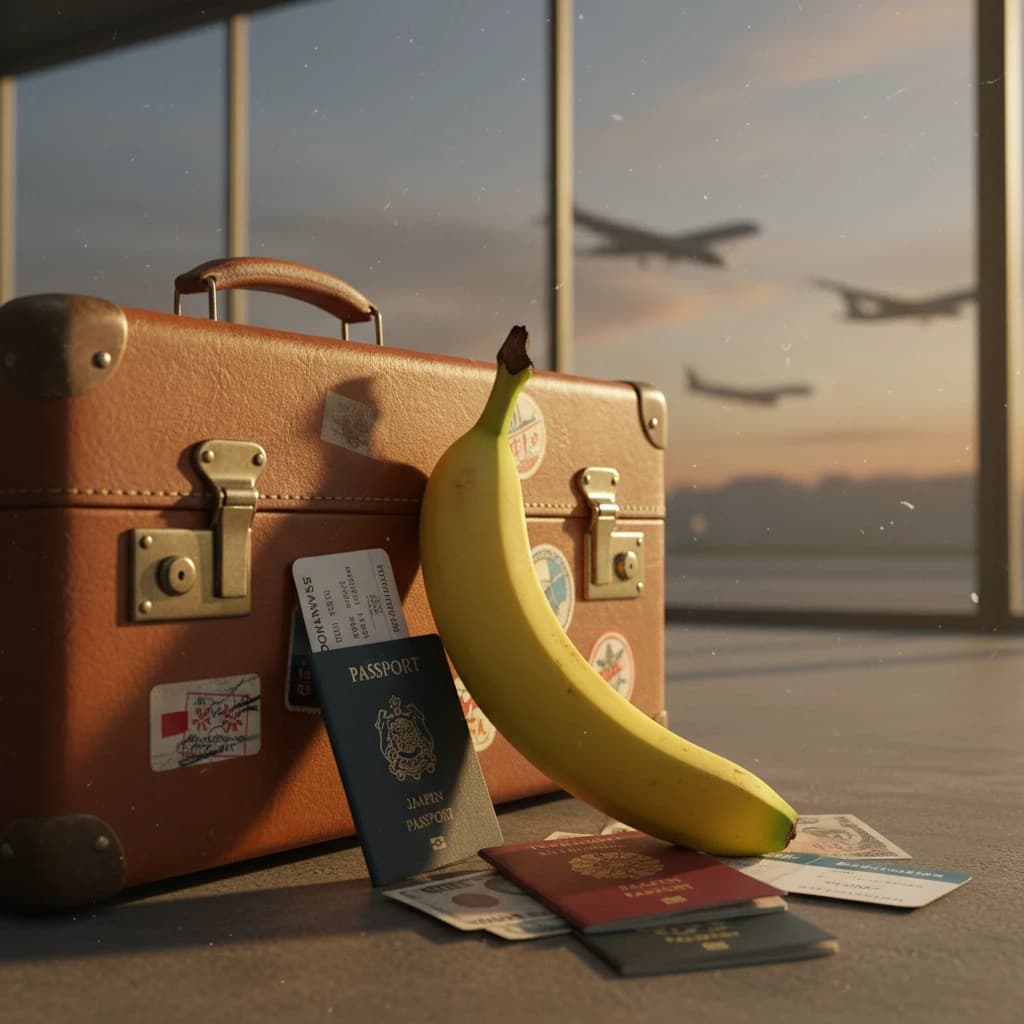
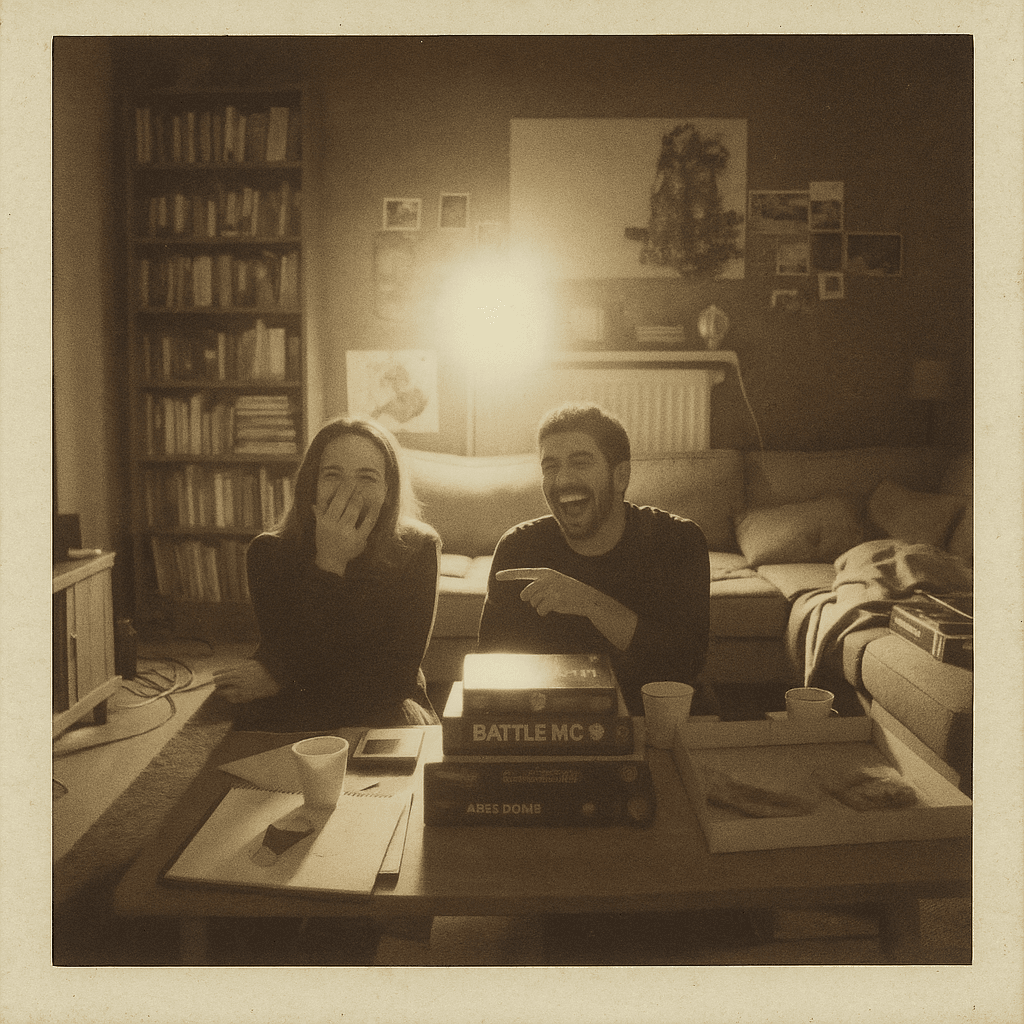
27. Polaroid Aesthetic
Transform digital photos into nostalgic Polaroid instant photos with the characteristic white frame and vintage look.
Transform into vintage Polaroid instant photo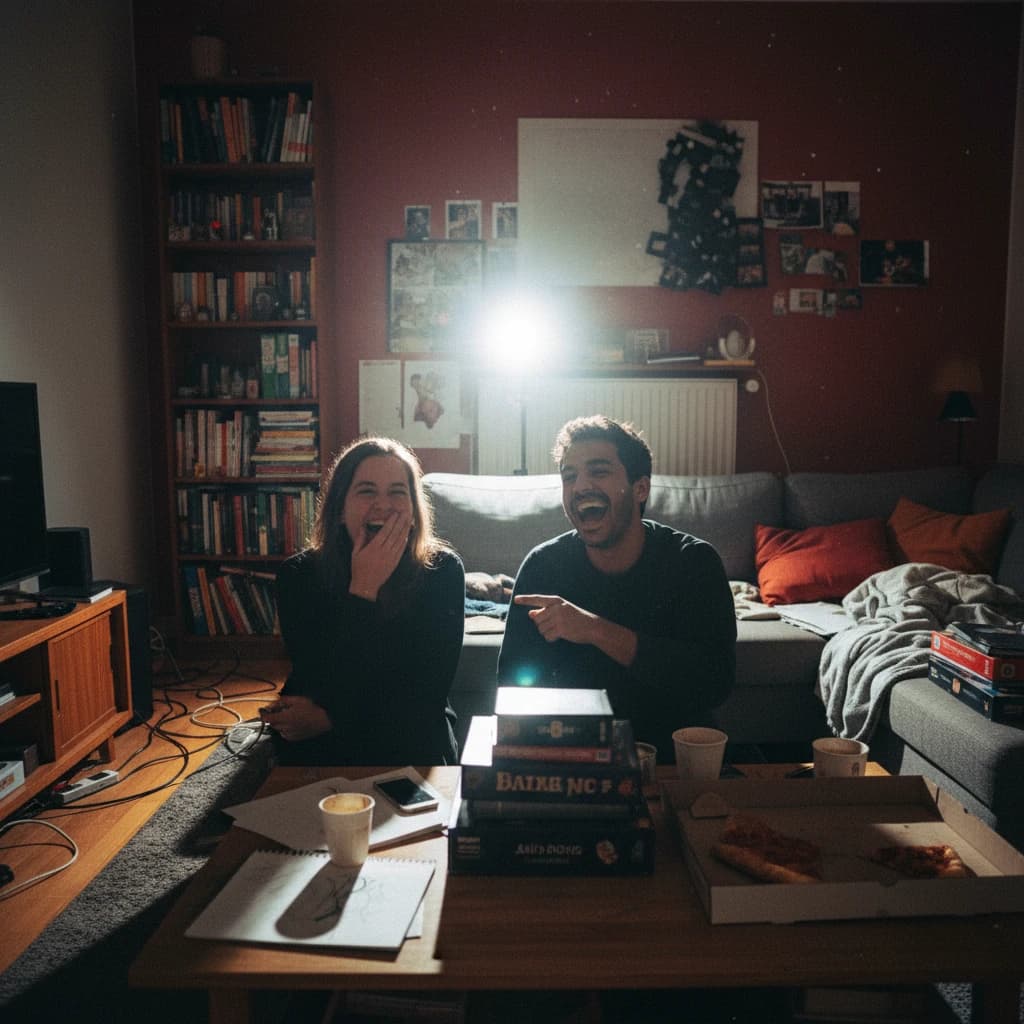
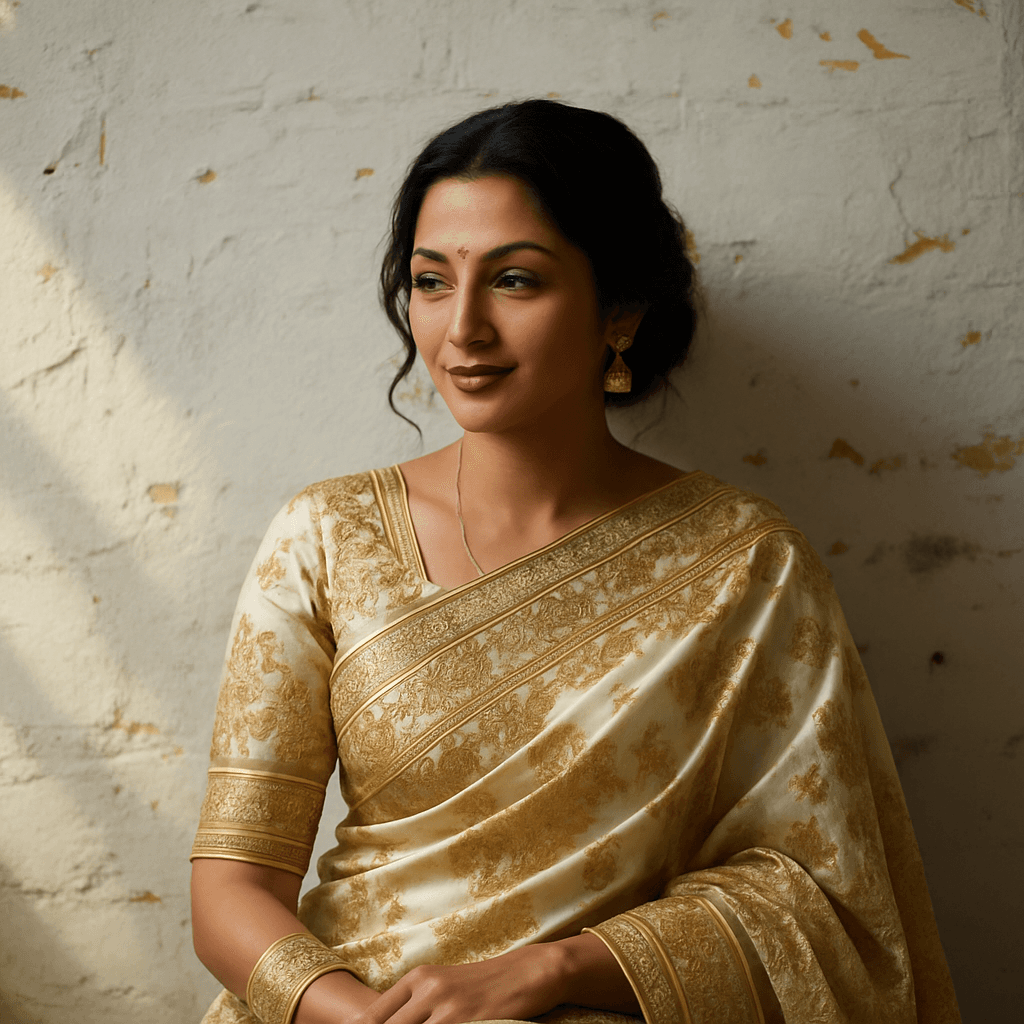
28. AI Sari
Dress people in elegant traditional clothing like an ornately decorated sari with gold embroidery. ChatGPT perfectly adapts the clothing to the person.
Dress figure in elaborate silk sari with gold embroidery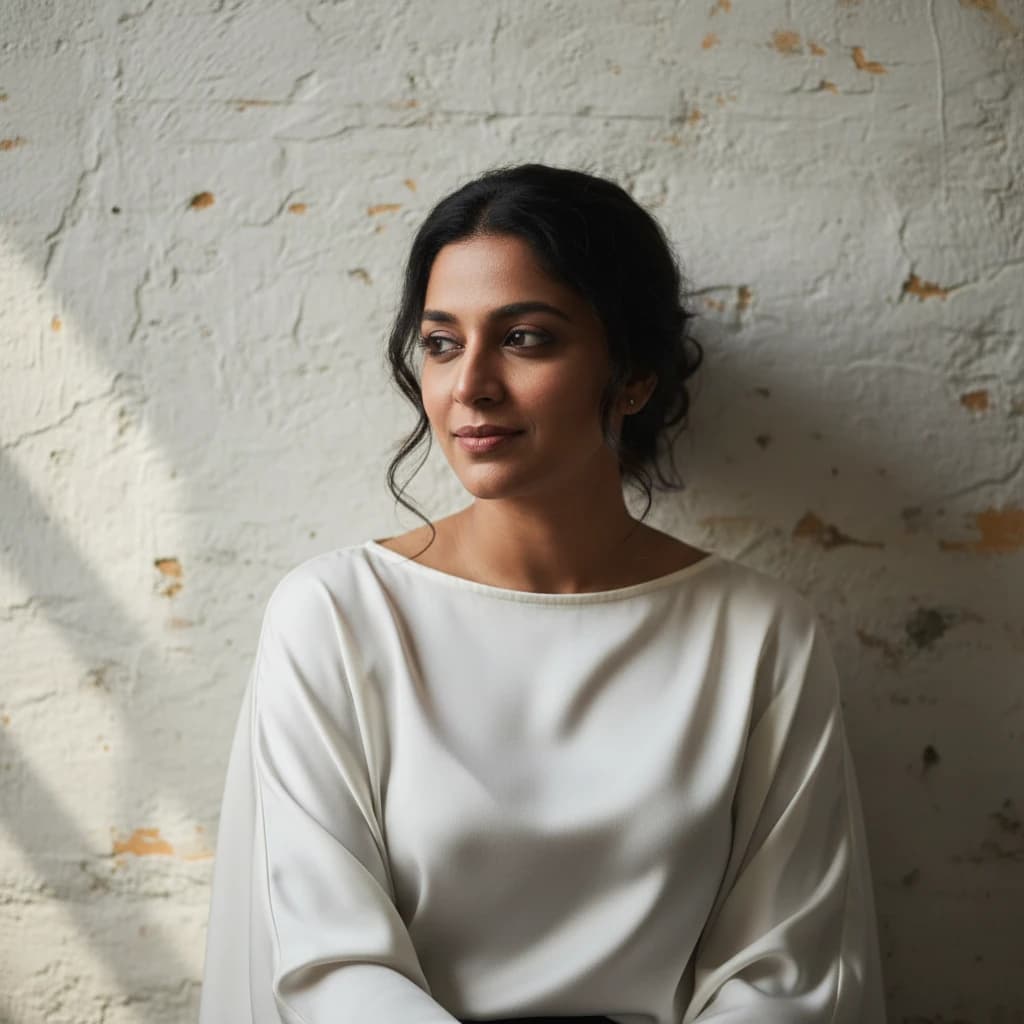
Conclusion
Image editing with ChatGPT opens up countless creative possibilities. From simple style transfers to complex transformations - with the right prompts, you can achieve impressive results.
The 28 prompts presented here are just the beginning. Experiment with your own ideas and combinations to develop your personal style. ChatGPT makes it possible to perform professional image editing without technical expertise.
Remember: The more precise your prompt, the better the result. Use the copy & paste prompts as a starting point and adapt them to your needs. Have fun experimenting!