Dictate system-wide
VoiceEverywhere works anywhere macOS can insert text, including browsers, email, notes, documents, and chats.
Voice input for macOS
VoiceEverywhere turns your voice into text and inserts it wherever your cursor is. Transcription runs locally on your Mac by default.
 VoiceEverywhere
I will send you the revised version this afternoon.
One hotkey is enough
You are writing an email, working on a document, or answering a message. Press your global hotkey, speak, and VoiceEverywhere inserts the text at the current cursor position.
There is no separate window to copy from. By default, your recording stays on your Mac. If you choose cloud transcription through OpenAI or Google with your own API key, your recording is sent to that provider only then.
What you get
VoiceEverywhere works anywhere macOS can insert text, including browsers, email, notes, documents, and chats.
Speech recognition runs locally on your Mac by default. You can optionally choose OpenAI or Google for cloud transcription with your own API key. VoiceEverywhere never switches automatically.
Whisper Large v3 Turbo Q5 is included. You can select another local model file that VoiceEverywhere supports in Settings.
Vocabulary hints help with names and specialist terms. Correction rules replace recurring errors automatically.
Transcript history is off by default. If you enable it, VoiceEverywhere keeps no more than 50 entries.
On macOS 26, Apple Intelligence can polish the transcript locally. The feature remains optional.
Know what you are buying
The app focuses on quick voice input at the cursor. It is currently available for macOS only. We do not currently sell a Windows version. VoiceEverywhere does not replace meeting recording or file transcription.
100% local transcription.
Your Mac turns your voice into text. With local Whisper models, the recording stays on your device for transcription. No cloud or API key is needed.
The app starts with local transcription. It never switches to the cloud automatically.
Transcript history is off by default. If you enable it, up to 50 entries stay stored locally.
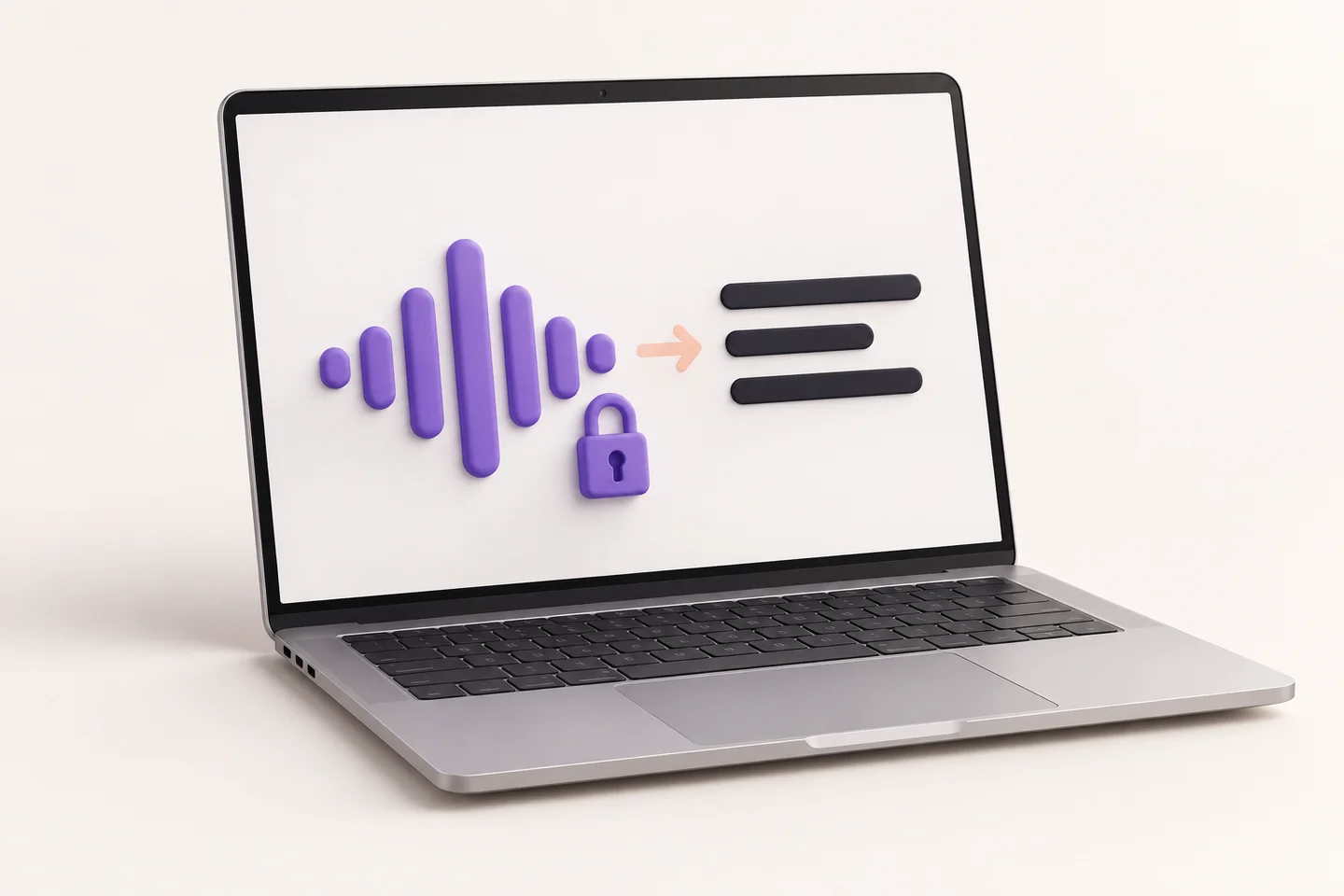
If you enable OpenAI or Google with your own API key, your recording is sent to the provider you choose. The provider’s fees and terms apply. The app needs an internet connection for the download, licence activation, and occasional licence checks. Your recording is not sent to Polar or Gradually AI.
Local transcription avoids sending your recording to a cloud provider for speech recognition. GDPR compliance also depends on the content you process and the services you choose.
Annual subscription
Try every feature for seven days without payment details. The trial does not turn into a subscription automatically. The separate Polar checkout starts the annual subscription at $39 per year before tax. Applicable taxes are added. The subscription renews annually until you cancel it. You can cancel it in the Polar Customer Portal. Access remains active until the end of the paid annual billing period. Updates are included while your subscription is active.
VoiceEverywhereYour annual subscription
39$
per year, before tax
For up to three Macs
days to try for free
No payment details. No automatic subscription.The short answers
Not for local speech recognition. VoiceEverywhere transcribes locally by default. You need a connection for optional cloud transcription through OpenAI or Google, for the download, licence activation, and occasional licence checks.
No. We do not currently sell a Windows version. The Mac version requires macOS 14 or later.
The trial ends after seven days. You can test without payment details, and it does not turn into a subscription automatically. If you want to keep using VoiceEverywhere, start the annual subscription through the separate Polar checkout for $39 per year before tax, with applicable taxes added.
After you subscribe, Polar sends a confirmation with your activation details. You can also find your licence key in the Polar Customer Portal.
VoiceEverywhere runs on Macs with macOS 14 or later, on both Apple silicon and Intel. It inserts text at the current cursor wherever macOS can insert text.
VoiceEverywhere transcribes locally on your Mac by default. You can optionally enable cloud transcription through OpenAI or Google with your own API key. There is no automatic switch from local to cloud. Your recording is sent to the provider you choose only when you enable that option. The provider's fees and terms apply.
Yes. Your subscription can be used on up to three Macs.
The subscription costs $39 per year before tax, with applicable taxes added. It renews annually until you cancel it in the Polar Customer Portal. Access remains active until the end of the paid annual billing period. Updates are included while your subscription is active.
No. VoiceEverywhere is built for voice input at the cursor and currently does not transcribe files or record meetings.
Use VoiceEverywhere for $39 per year before tax. The subscription renews annually until you cancel it. You can cancel it in the Polar Customer Portal. Applicable taxes are added. Access remains active until the end of the paid annual billing period.