Midjourney is currently the best AI image generator on the market. No argument there.
But that doesn't mean it's the right choice for everyone.
Maybe you don't want to deal with Discord. Maybe you need a feature Midjourney doesn't offer. Or maybe you just want something cheaper (or free).
I tested five alternatives to find out which ones are genuinely worth your time. Four of them are even (with limitations) free to use.
- ArtSmart.ai offers the best image quality as a Midjourney alternative with a user-friendly interface and many editing features
- 4 of the 5 alternatives are free to use: ArtSmart.ai, DreamStudio, GPT Image 1.5 (via ChatGPT), and Canva offer free versions
- All alternatives work without Discord - simple web browser operation instead of complicated chat commands
1. What Speaks Against Midjourney?
The image quality of Midjourney is impressive and far better than many other AI image generators. However, there are some arguments against using it. First and foremost is usability:
Midjourney can be very confusing for beginners. It's integrated into the chat service "Discord" and can only be used within the Discord interface.
To generate an image, you need to log in to Discord, join the Midjourney server, and select one of the nearly 200 newbie rooms. Then you enter /imagine and your prompt in the chat, and your image is generated in your chat message:
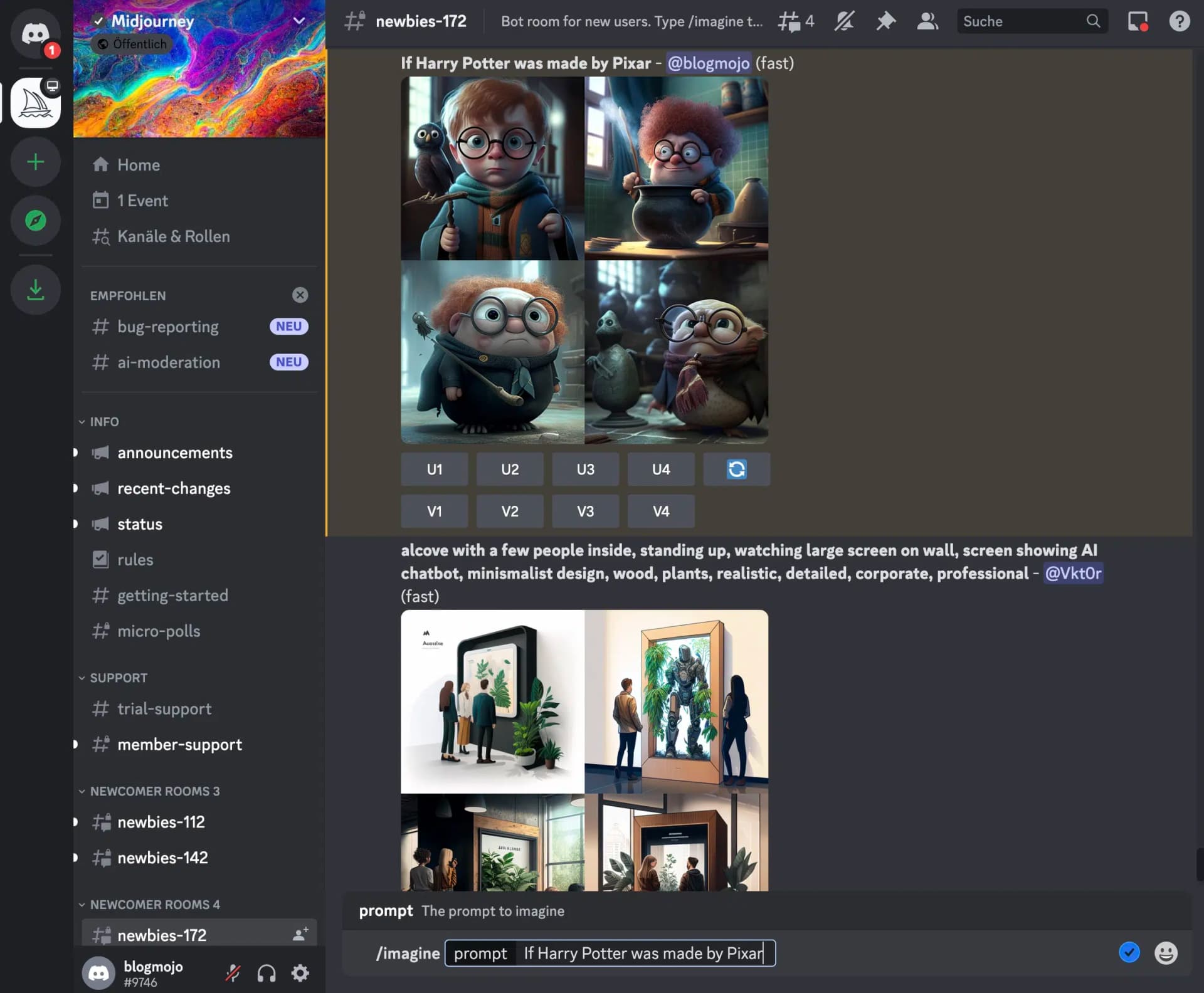
Since many people do this simultaneously, it quickly becomes chaotic. Additionally, everyone can see your generated images and theoretically use them too. You can prevent this by using the Stealth Mode and additionally generating images in a private message or on a private server, but that's unnecessarily complicated.
A Midjourney alternative might also be right for you if you...
- want to create other types of AI art as well, such as music, text, or videos
- don't have a Discord account or don't want to communicate via Discord
- don't want to sign up for a subscription
- find Midjourney's prices too high
- aren't satisfied with Midjourney's image style (not everyone likes the "Midjourney style")
2. Midjourney and Alternatives Compared
| Tool | Image Quality | Time per Image | AI Model | Price | Free Version? |
|---|---|---|---|---|---|
| Midjourney | Very high | 35 to 40 s | Midjourney v7, Niji | from $8 / month | No |
| Artsmart.ai | High to very high | 12 s | Stable Diffusion | from $19 / month | Yes |
| Supermachine | High | 6 s | Stable Diffusion | $79 Lifetime | No |
| Stability.ai DreamStudio | High to very high | 6 to 7 s | Stable Diffusion | $10 / 1,000 Credits | Yes |
| GPT Image 1.5 (ChatGPT) | Very high | 10 to 15 s | GPT Image 1.5 | Free (ChatGPT) / $20/month (Plus) | Yes (limited) |
| Canva | Medium to high | 10 s | Stable Diffusion | $119.99 / year | Yes |
3. Midjourney Alternatives in Detail
3.1 ArtSmart.ai
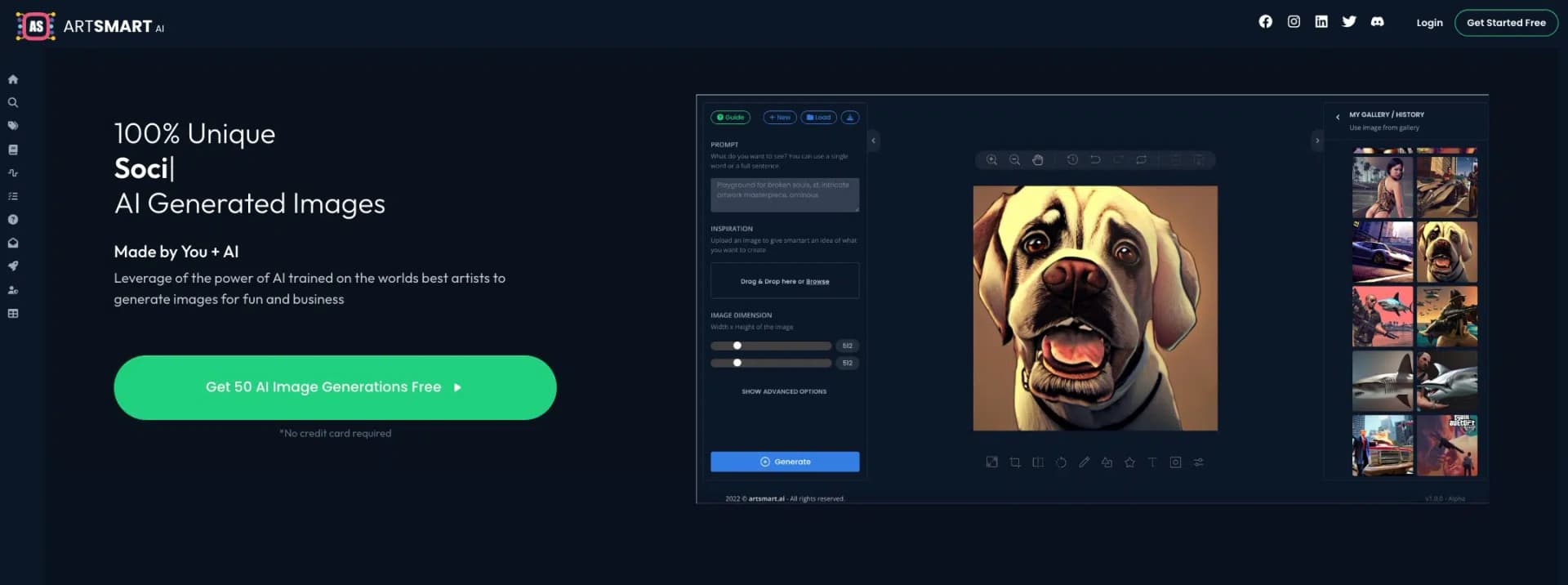
ArtSmart is the tool that came closest to matching Midjourney's quality in my image generator test.
The tool also offers a wide range of features:
On one hand, it provides many advanced prompt settings and different modes, such as the "Hyper Realistic" mode to create photorealistic images.
On the other hand, it offers various editing features to adjust or improve your images directly in the app after generation, for example:
- Inpaint (a feature to remove or change parts of an image)
- Face Enhance (to improve facial distortions)
- Upscaling
- Cropping
- Add text
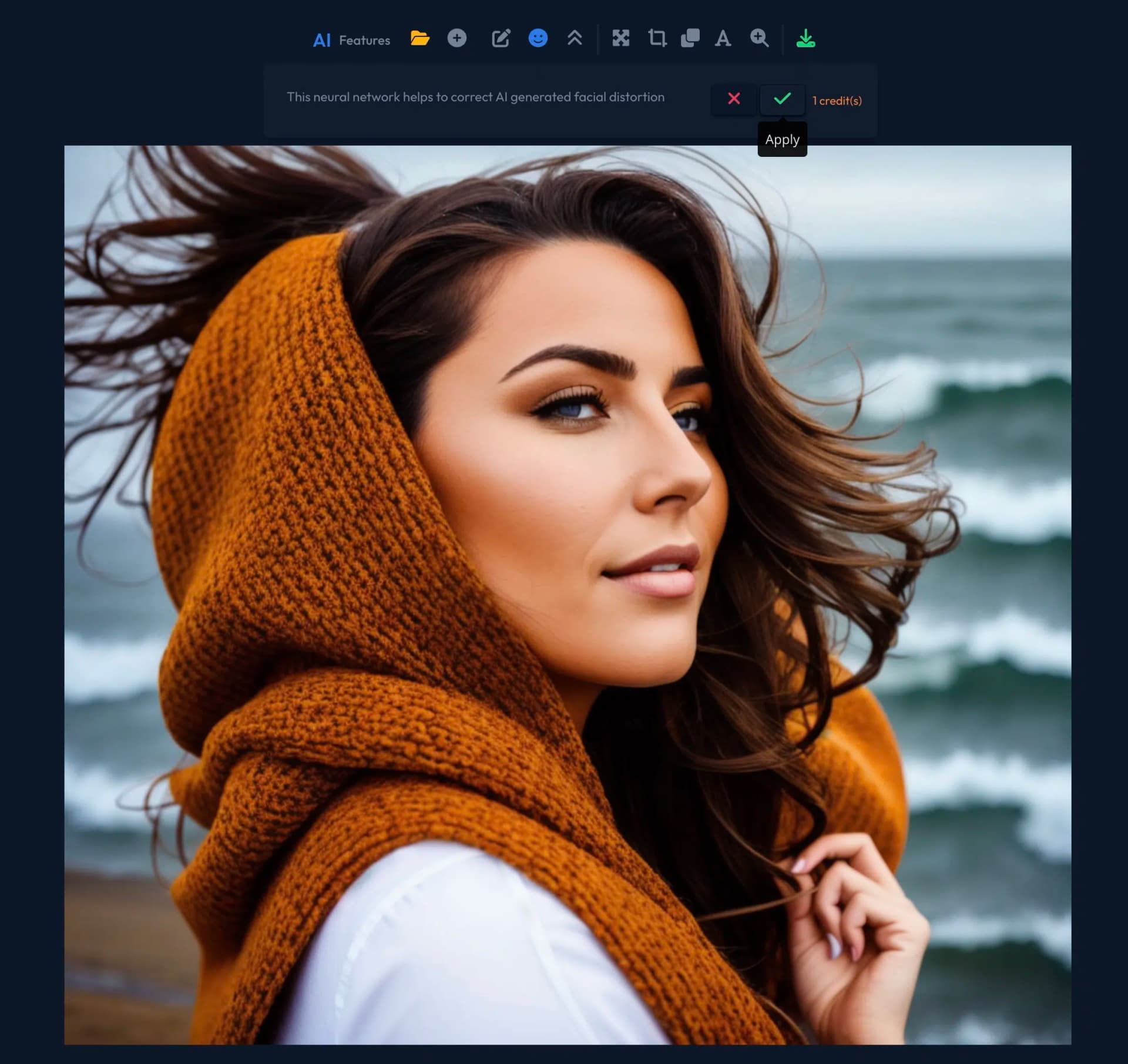
It offers a huge advantage over Midjourney:
It provides a clear user interface and is easy to use. Unlike Midjourney, which leaves you alone when writing prompts, ArtSmart.ai gives you the ability to compose your prompts using various modes, presets, camera perspectives, art styles, and artists through dropdown menus:
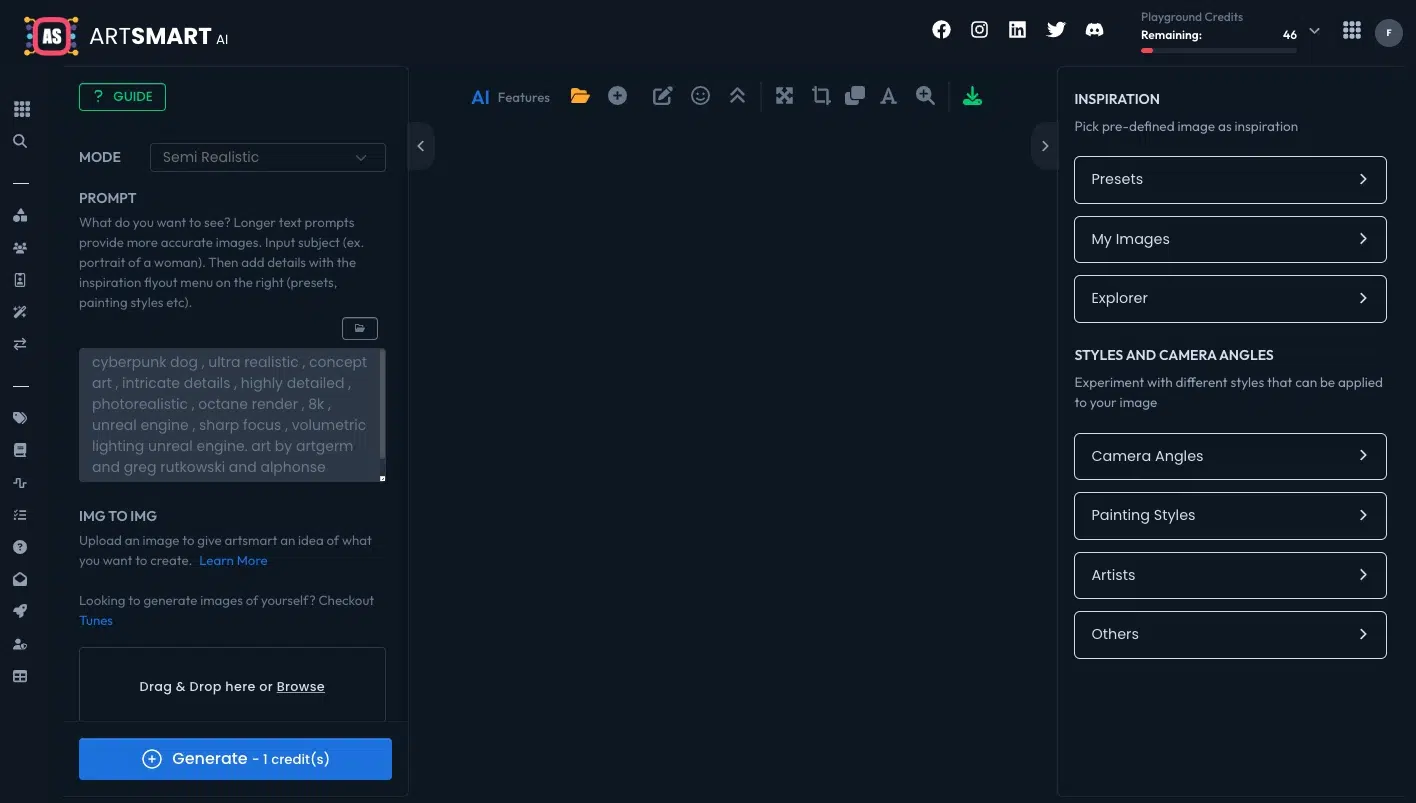
Of course, you also have the option to write your prompts without assistance if you prefer.
The image quality is very good. While it doesn't quite match Midjourney's quality, the images usually impress with good lighting, a homogeneous color palette, and a high level of detail.
At approximately 12 seconds, Artsmart generated AI images in testing about three times faster than Midjourney.
3.2 Supermachine
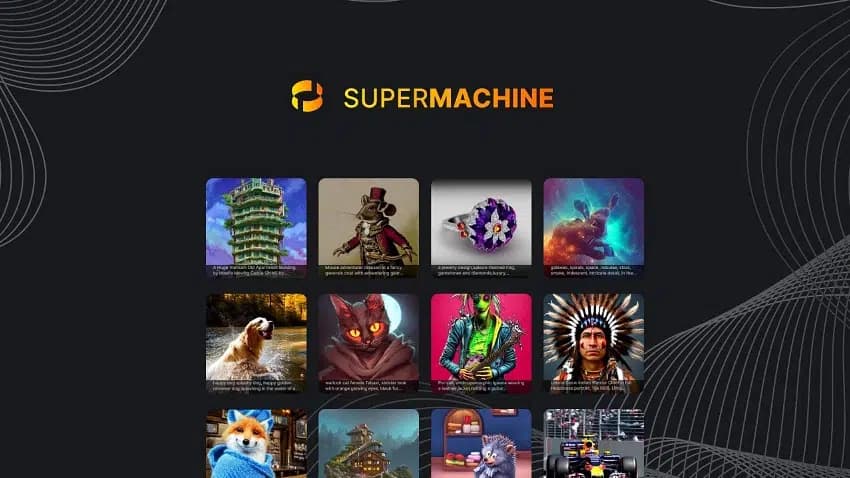
Supermachine offers slightly lower image quality than ArtSmart but excels with an excellent price-performance ratio:
It currently offers a lifetime version on AppSumo for $79, with which you can generate 1,000 images per month, which is unbeatable in terms of price.
Supermachine doesn't have as many features as Midjourney or ArtSmart.ai. However, it has a clear user interface and is easy to use:
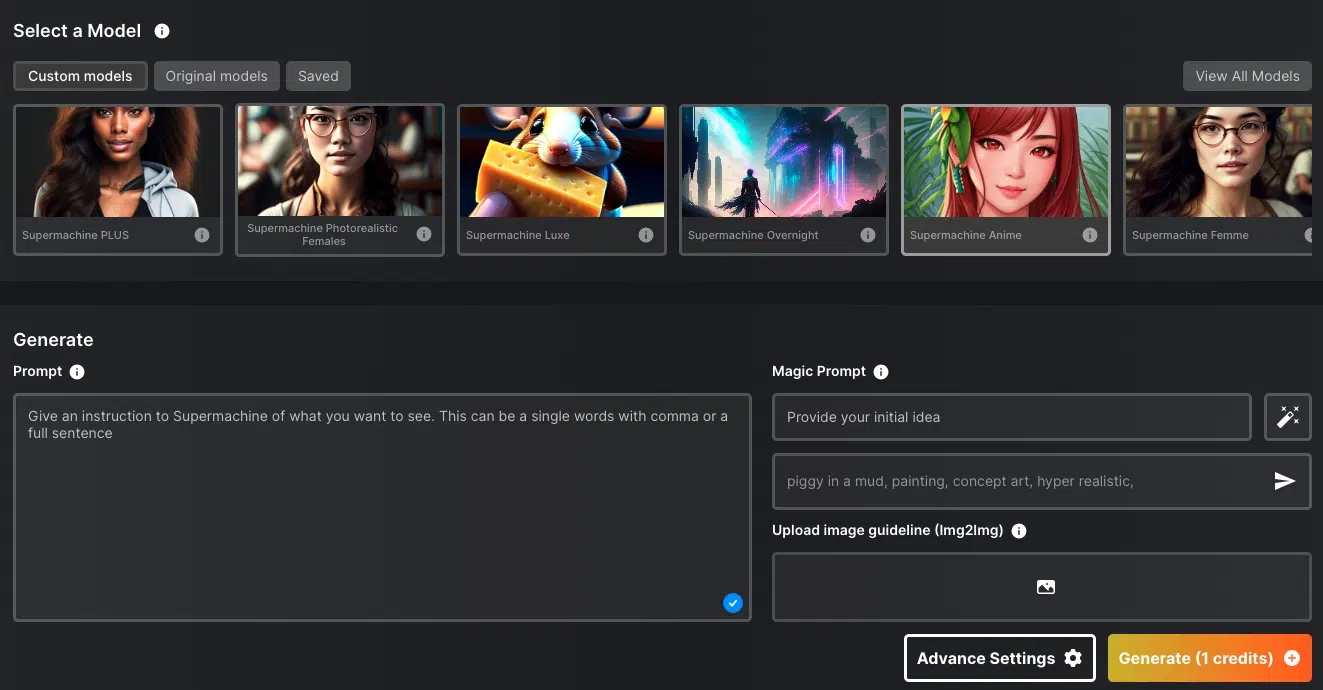
I really like that there are 39 predefined models with which you can generate images in certain styles. For example, there are models for anime, LinkedIn portraits, logos & icons, coloring books, photorealistic images, or 3D art. There are even two models that can imitate the "Midjourney style".
You can specify not only text but also your own images as prompts. Additionally, there are various settings for aspect ratio, sampler, image size, or the number of generation steps.
With the default settings, you get your AI image within about 6 seconds, making Supermachine one of the fastest image generators.
Supermachine uses Stable Diffusion 1.4 to 2.1 for image generation. The image quality is high, although it doesn't quite match that of ArtSmart.ai or Midjourney.
The tool has a distinctive feature that sets it apart from other AI image generators: It allows the creation of NSFW content. So you can also create erotic images with it if that's of interest to you.
3.3 Stability.ai DreamStudio
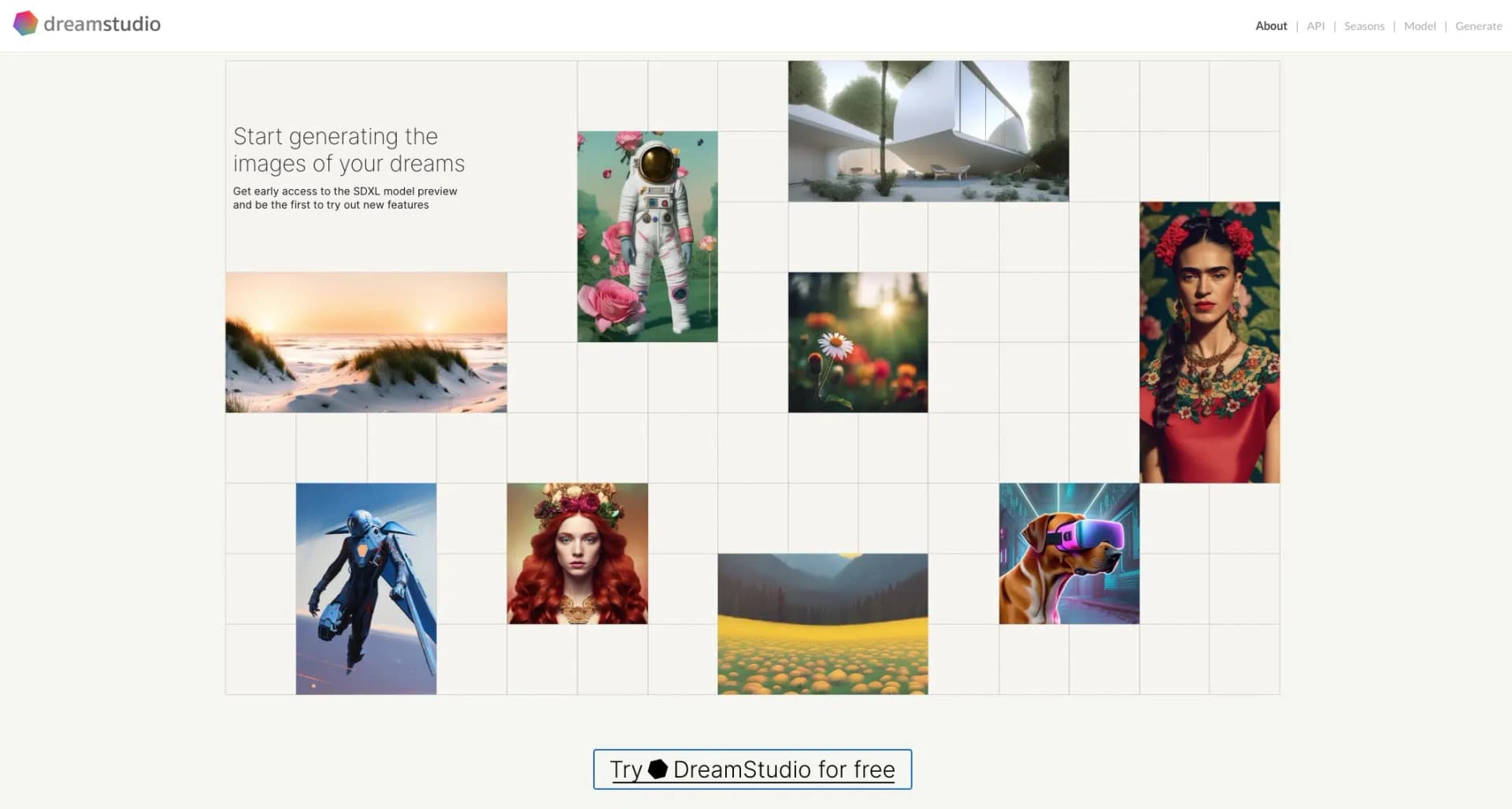
DreamStudio is an AI image generator platform from Stability.ai. You can use it to try out the latest Stable Diffusion models live.
For $10, you get 1,000 credits, enough for roughly 5,000 images. That's very affordable.
Unlike the other Midjourney alternatives, DreamStudio offers only a few predefined styles or other prompt assistance, making it less suitable for beginners.
There are also only a few integrated features to edit AI images afterward.
However, it offers the most important settings, such as negative prompts, aspect ratio, number of images, generation steps, selection of the Stable Diffusion model, and the ability to upload your own image as a template (image-to-image).
The user interface is clean and minimalist:
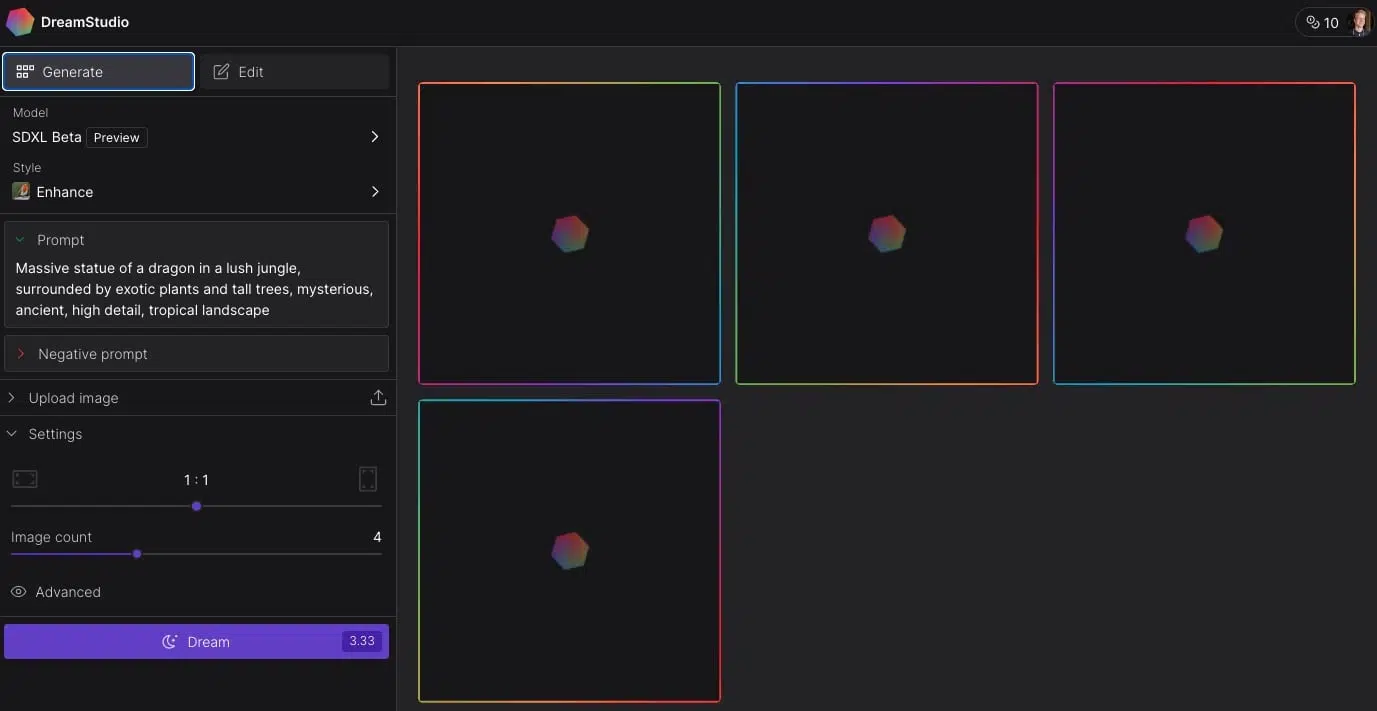
The big advantage of DreamStudio is that it always contains the latest Stable Diffusion models:
Since April 14th, it has been possible to test the new Stable Diffusion XL (SDXL) in DreamStudio, which we also used to generate the example images.
The image quality of SDXL is very good. The AI images are colorful, high-resolution, and contain fewer image errors than Stability 2.1 and older. All in all, however, SDXL still doesn't quite match the quality of Midjourney.
3.4 GPT Image 1.5 (ChatGPT)
OpenAI's image generation has come a long way. DALL·E 2 has been discontinued, and DALL·E 3 has been replaced by GPT Image 1.5, which is integrated directly into ChatGPT.
GPT Image 1.5 is a major leap in quality over its predecessors. It generates highly detailed, photorealistic images and handles text rendering in images remarkably well (something earlier DALL·E models struggled with).
The easiest way to use it is directly in ChatGPT. Simply describe the image you want in a conversation, and ChatGPT generates it. Free ChatGPT users get a limited number of image generations per day, while ChatGPT Plus subscribers ($20/month) get significantly more.
The user interface could not be simpler: you just type what you want in the chat. There are no complicated settings to fiddle with. This makes GPT Image 1.5 one of the most accessible Midjourney alternatives, especially for beginners.
The image quality is excellent and competitive with Midjourney v7 in many scenarios. GPT Image 1.5 particularly shines at following complex instructions, combining multiple elements in a scene, and generating readable text within images.
3.5 Canva
In March 2023, Canva introduced a range of AI features:
In addition to a drawing feature, an AI text generator, and a translator, it also includes a text-to-image generator:
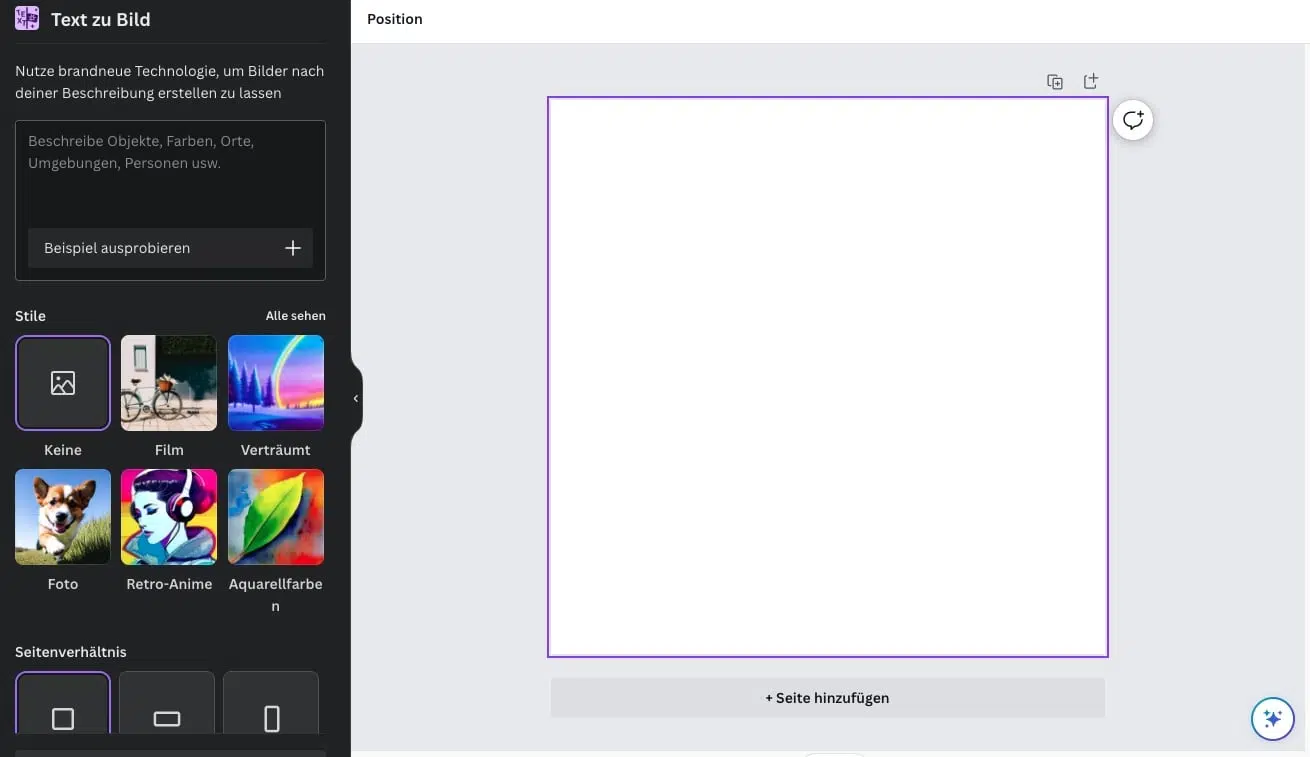
The text-to-image generator is easy to use and offers an intuitive user interface.
You can not only enter a prompt but also choose from 19 predefined styles, such as colored pencil, retrowave, concept art, anime, crayon, or watercolors. Additionally, you can choose between square, landscape, and portrait for the aspect ratio.
The big advantage of Canva over Midjourney lies in Canva's other features. You can continue working with your created image directly and, for example, design a book cover, a flyer, a blog article header image, or a social media post.