A professional logo used to cost $500 to $2,000 from a designer. Or you'd spend hours fumbling around in Canva, ending up with something that looks like every other small business logo out there.
AI logo generators have changed this equation. Not perfectly, but significantly. You answer a few questions about your brand, and the AI spits out dozens of logo concepts in minutes.
I tested eight of them to find out which ones actually produce usable results and which ones waste your time. Here's what I found.
- Designs.ai leads the list with the best overall package (free trial available and a full suite of design tools included)
- Looka Logo Maker offers the best user-friendliness with intuitive operation and professional results from $20
- Free alternatives are available at Designs.ai (limited) and Ideogram (from $7), though you should be careful about image rights
1. What is an AI Logo Generator?
The idea is simple. You tell the tool your company name, pick your industry, choose some colors and styles you like, and the AI generates dozens of logo concepts for you.
Most of these tools produce a large number of design variations in seconds, and then let you customize fonts, colors, and layouts until something clicks.
1.1 What Makes the Ideal AI Logo Generator?
Design quality comes first. If the logos look generic or amateur, nothing else matters.
After that, usability is key. You shouldn't need a design degree to create something decent. And the generator should be upfront about commercial image rights so you know exactly what you're allowed to do with the result.
Our test criteria are:
- Design quality: High-quality, professional-looking logos are the main goal and the most important test criterion
- Usability: An intuitive user interface and easy customization options are essential.
- Export: The most important file formats for a logo are, in order: SVG, PNG, JPG, and PDF.
- Commercial image rights: Clear information about usage rights is essential for commercial use.
2. AI Logo Generators Comparison
Rank | Software | Price | Image Rights | Free Plan? |
|---|---|---|---|---|
| 1 | Designs.ai | from $17/month | ✓ | ✓ |
| 2 | Looka Logo Maker | from $20 | ✓ | ✗ |
| 3 | Logomaster | from $29 | ✓ | ✗ |
| 4 | Wix Logo Maker | from $24 | ✓ | ✗ |
| 5 | Fiverr Logo Maker | from $30 | ✓ | ✗ |
| 6 | LogoAI | from $29 | ✗ | ✗ |
| 7 | Brandmark | from $25 | ✓ | ✗ |
| 8 | Ideogram | from $7 | ✗ | ✓ |
3. Test Results in Detail
Below you'll find the test results of all AI logo generators in detail:
3.1 Designs.ai
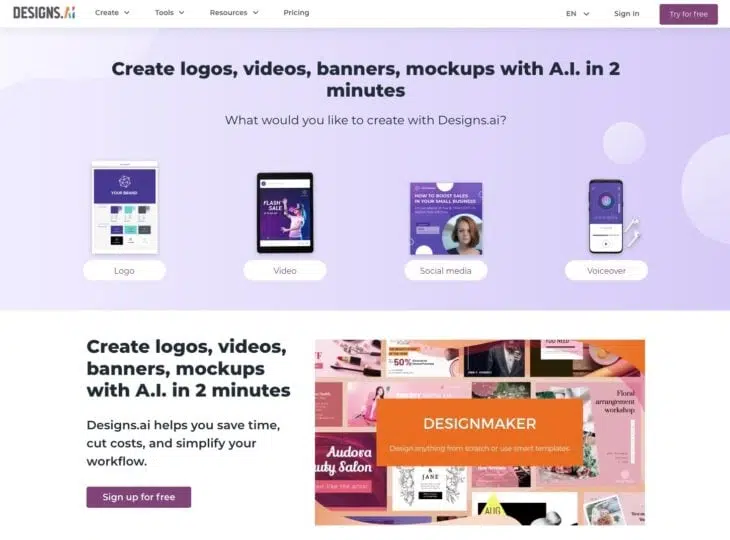
Designs.ai is the AI logo generator I use most often and that performed best in our test.
The interface is clean and intuitive. You specify your preferences, add text for a personal touch, and Designs.ai does the rest.
What I also appreciate is the transparency around commercial image rights. You know exactly how you can use the generated logos. And the customization options are solid.
You can download the logo in the most important file formats: SVG, PNG, JPG, and PDF.
3.2 Looka
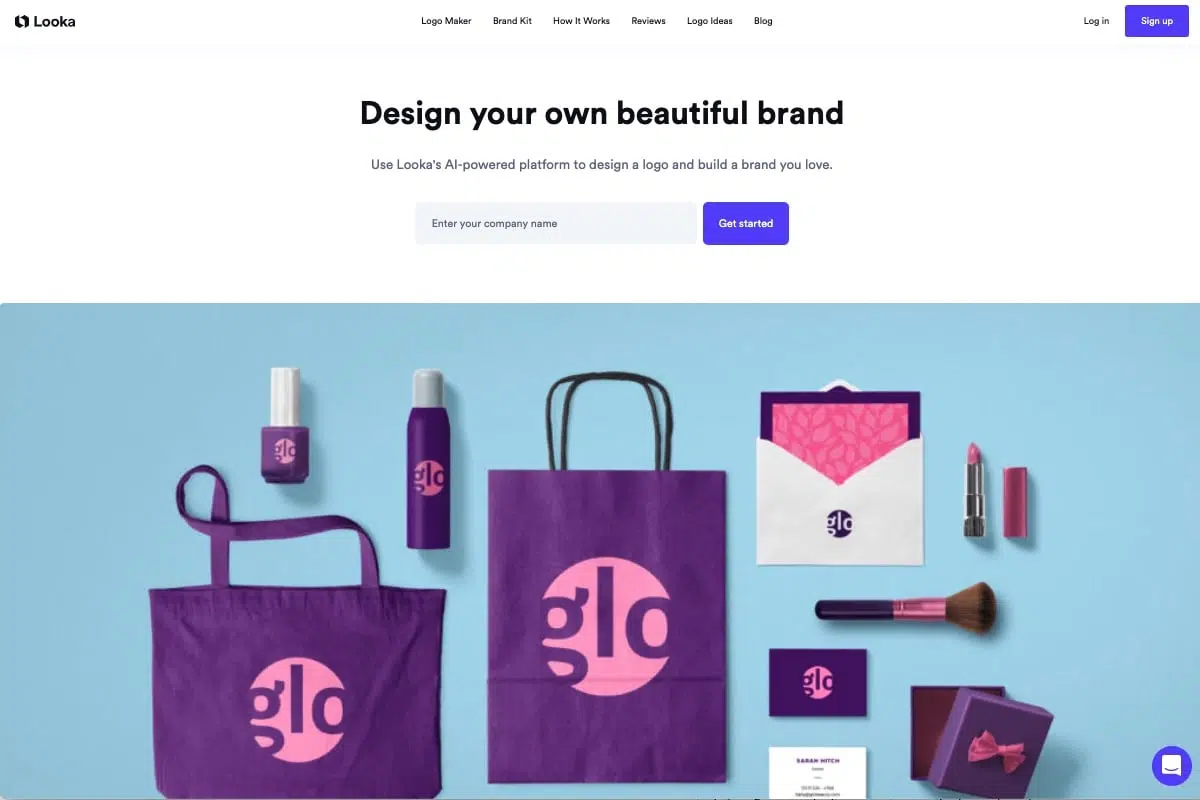
The logo generator Looka also impressed us with its good usability.
A small drawback is the lack of variety in the logos. Looka creates rather simple text logos. However, you can purchase these in a brand kit with 300+ templates, just to name a few core features and highlights.
Looka also stands out with its realistic preview features. Users can see how their logo would look on various platforms and products.
The realistic representation helps you see how the logo will work across different use cases, which makes the final decision a lot easier.
Even though you can purchase the logo for as little as $20, the catch is that it's only a PNG file, which honestly isn't very useful afterward.
For $65, you get not only all common file formats but also "Full Ownership," i.e., the commercial rights to your logo and unlimited editing options.
3.3 Logomaster.ai
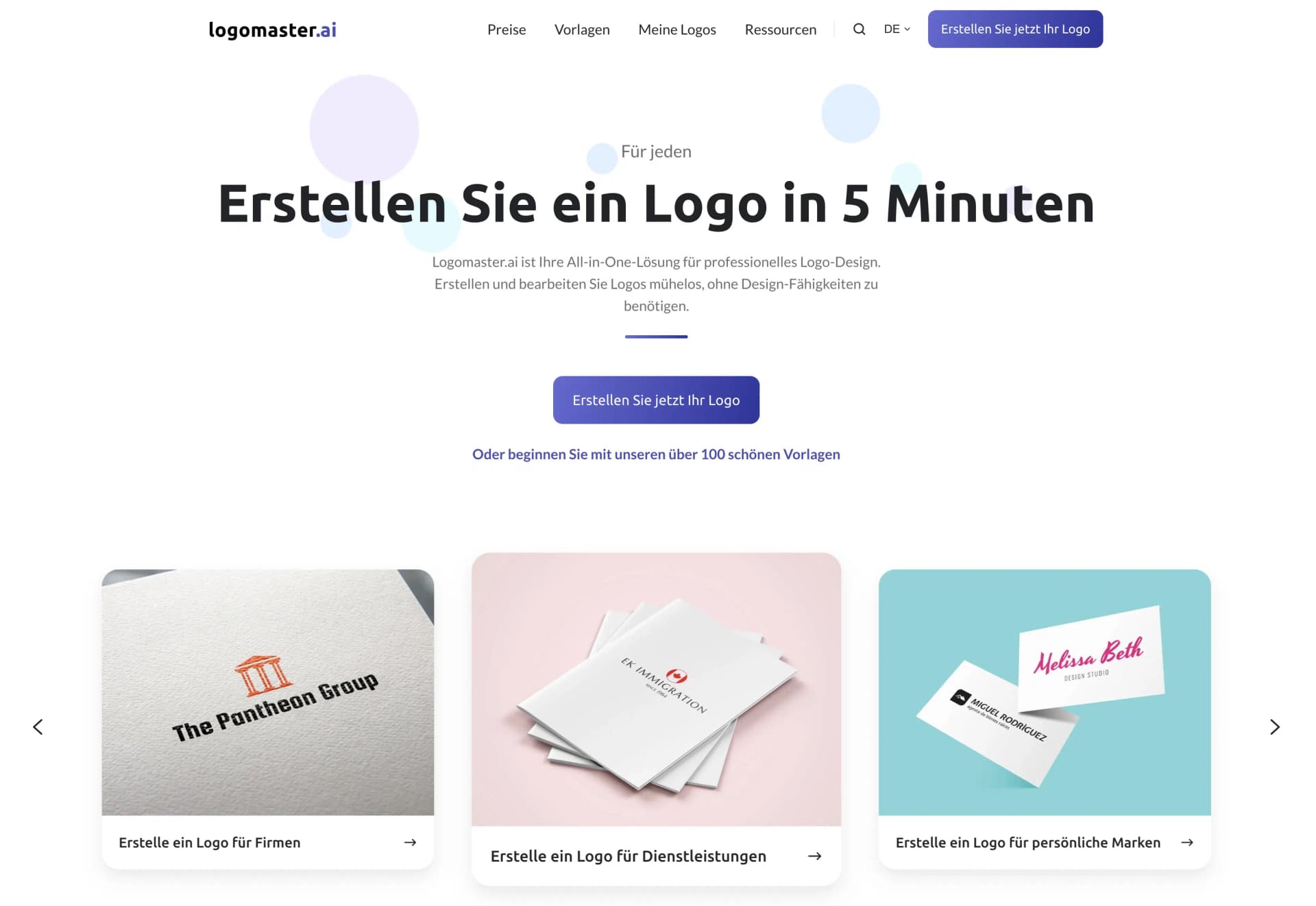
Logomaster.ai delivers on its advertising promise: You can actually create a logo in just 5 minutes. I'm impressed!
The workflow is extremely simple: You enter the desired company name and optionally a slogan, choose reference logos, colors, and symbols you like, and Logomaster creates the first designs.
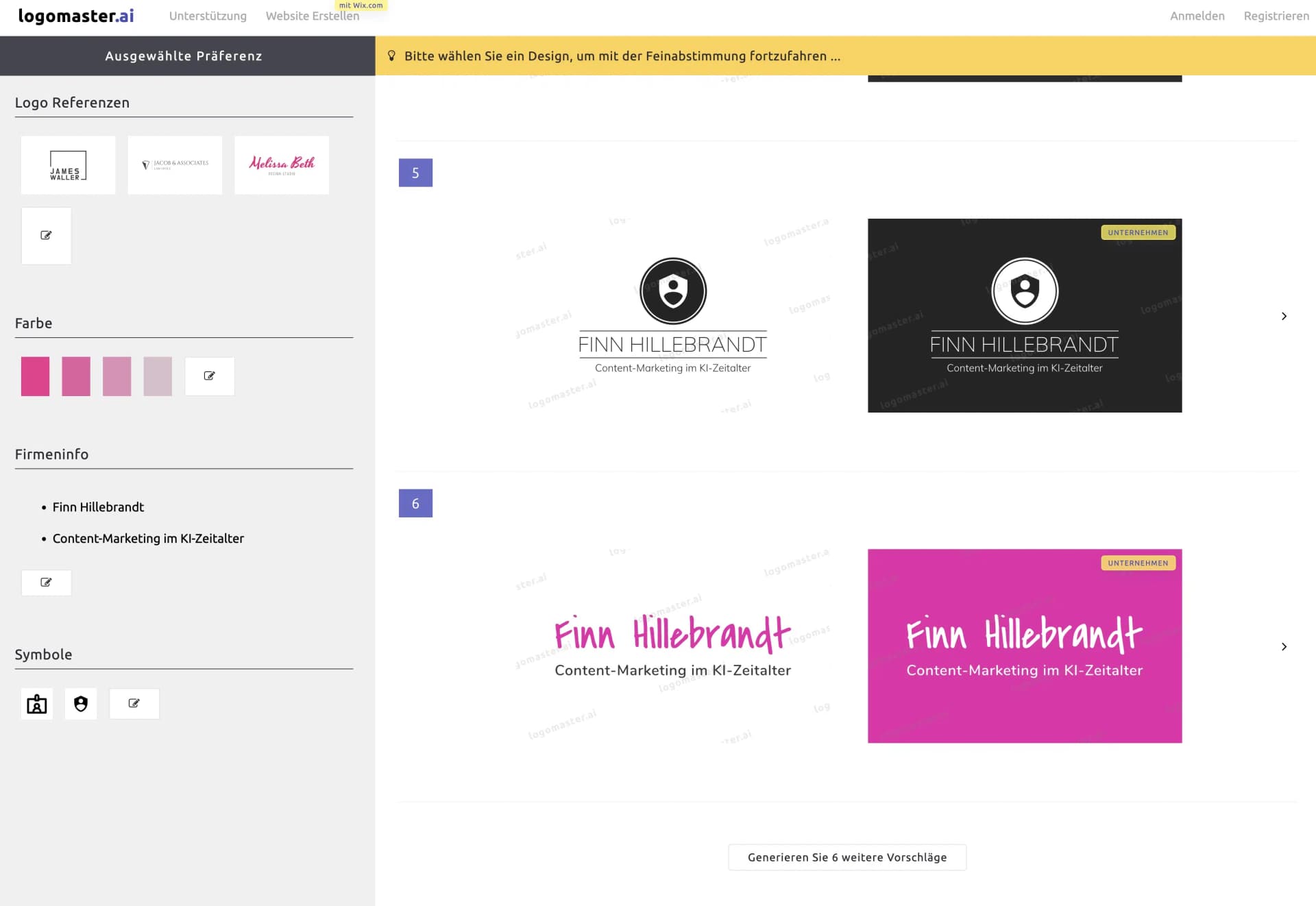
All selected settings and preferences can be changed at any time, so you have maximum flexibility to experiment with colors, fonts, and symbols.
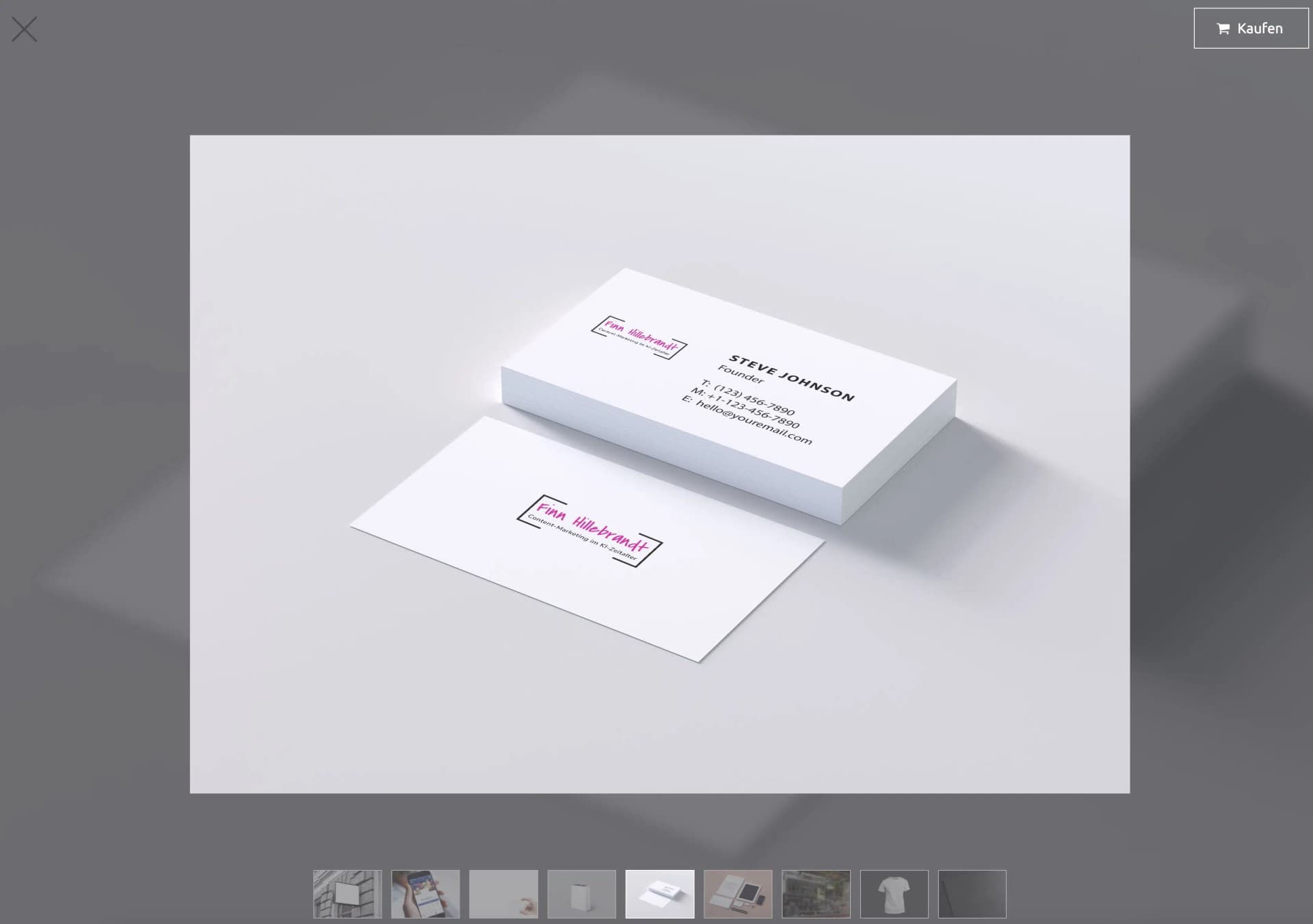
Logomaster.ai has developed a clever method to encourage you to buy: Logo creation is completely free, user-friendly, and in my opinion very well done. You only have to pay when you're satisfied with the result and want to download your logo.
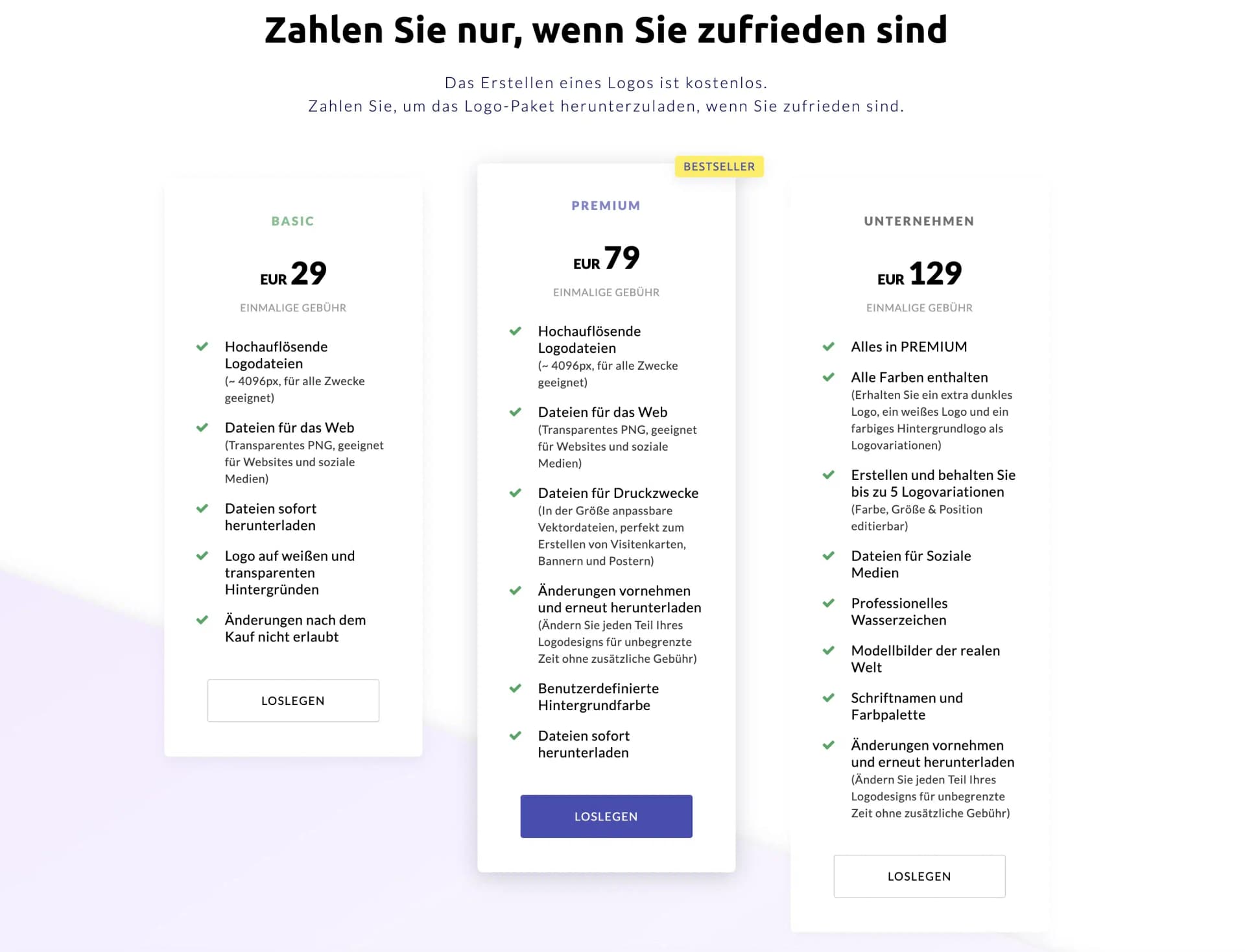
The price is in the mid-range: For $29 you get high-resolution files, especially for digital use. From $79 or $129 you also get print files, the ability to change the logo unlimited times, and up to five logo variations.
3.4 Wix Logo Maker
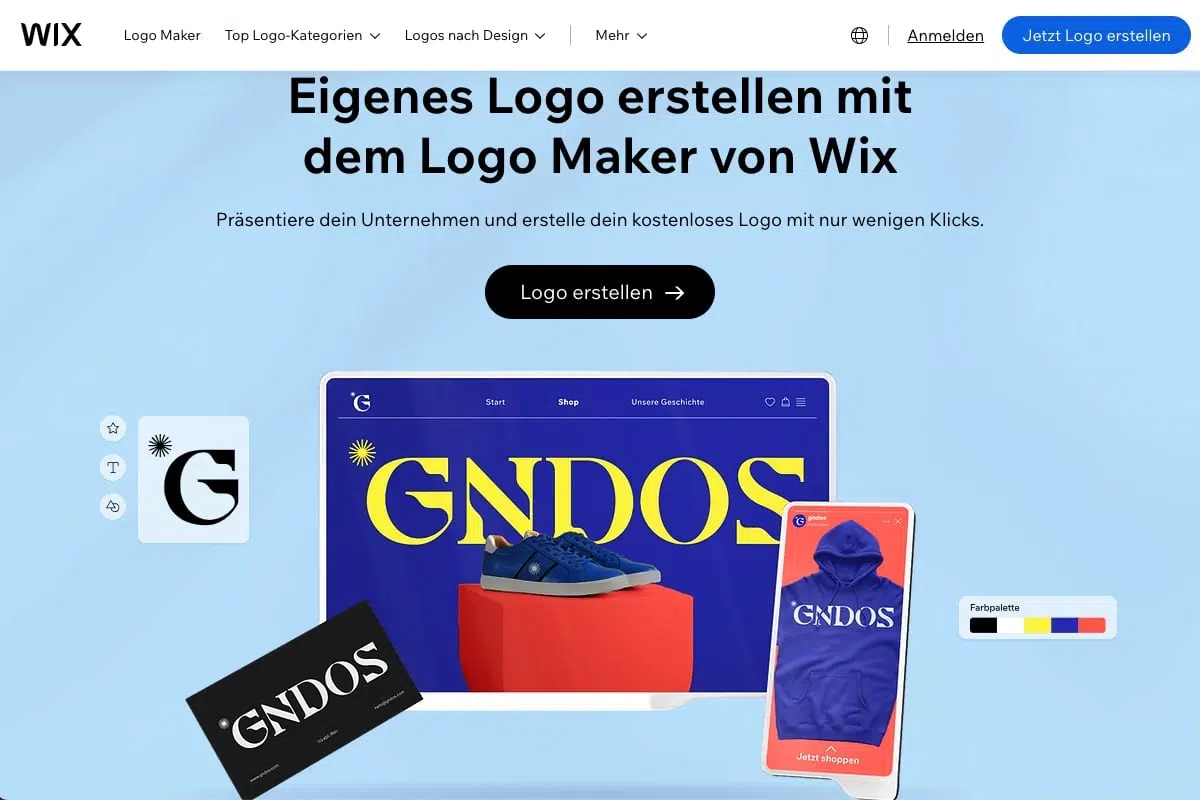
The Wix Logo Maker uses AI to create personalized logo suggestions based on your answers to a few questions.
The process begins with entering your brand name and roughly categorizing it by industry, hobby, and so on. Then you're shown five pairs of logos for comparison, where you indicate which one you prefer so Wix can learn your preferences.
The personalized suggestions and extensive customization options make it easy to create a logo that feels closely tied to your brand identity.
You can choose from different styles, colors, fonts, and symbols and customize your logo according to your wishes. The customization options are very good, but the design is rather standard and not very fancy.
When you choose a package that allows you to download your logo, you get all commercial usage rights for your logo. You can use your logo anytime and anywhere.
For $24 you get eight high-resolution image files. However, you only get fully scalable files for $59.
3.5 Fiverr Logo Maker
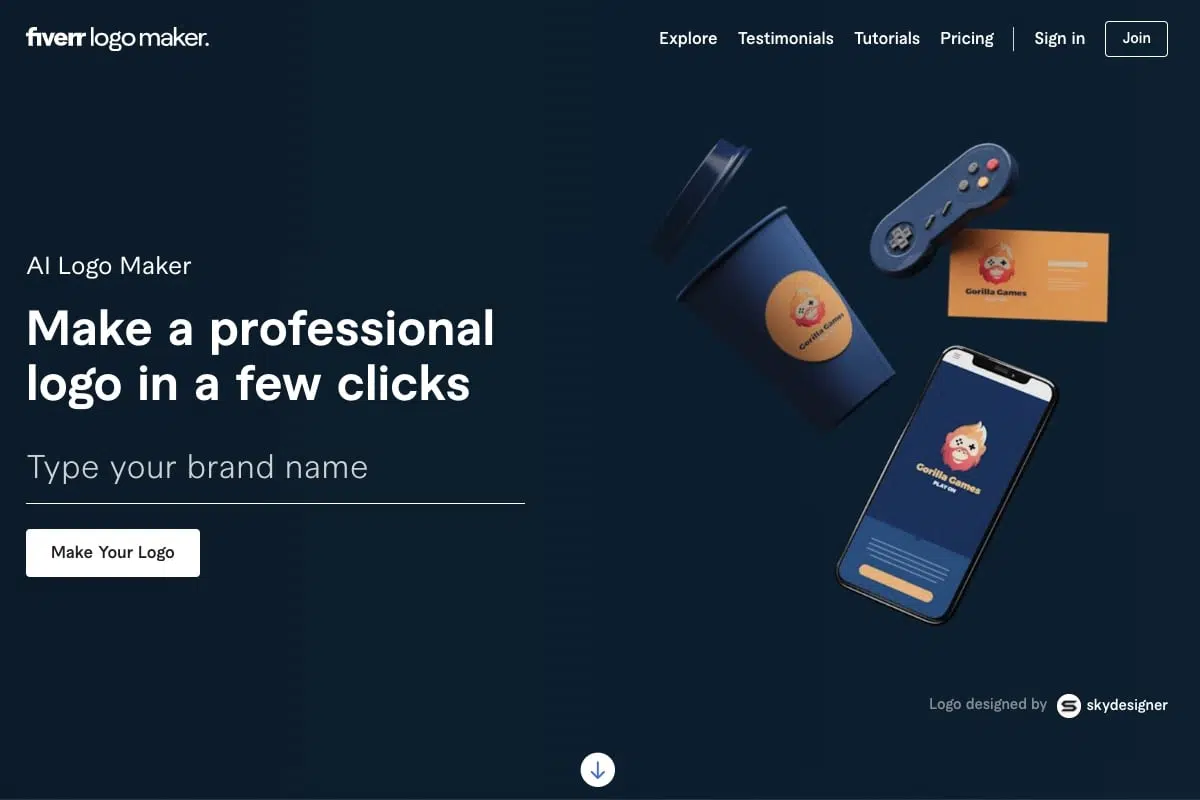
With Fiverr Logo Maker, you can personalize your logo with your brand name and slogan, select the industry that matches your business, and set your logo style with sliders.
You can also change the colors, fonts, and layouts of your logo. In the creation process, you can select the style your logo should be created in, e.g., Minimalist, Hand-Drawn, 3D, Geometric, Vintage, or Cartoon.
The selection here is really different from conventional logo generators, but unfortunately the selected style isn't always recognizable.
You acquire the image rights at Fiverr with even the cheapest package. However, you only get fully scalable files from $60.
3.6 LogoAI
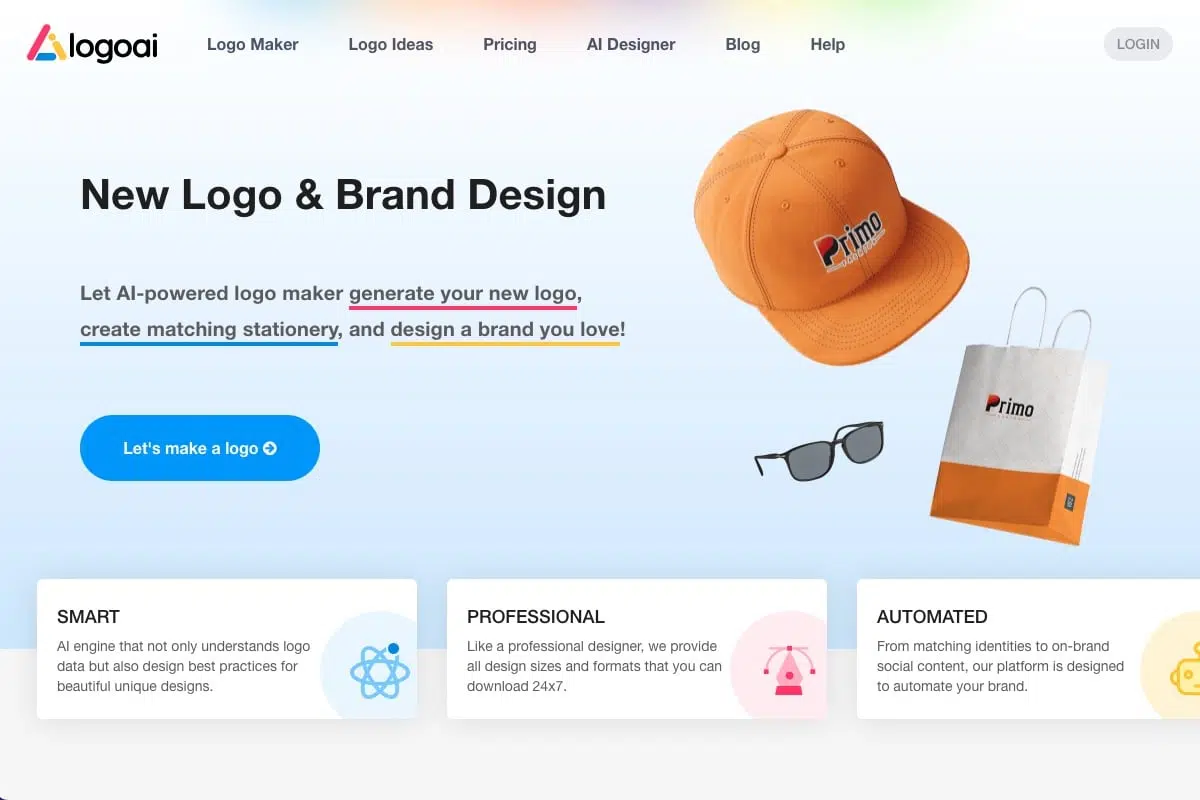
LogoAI is easy to use, affordable, and the results are really good.
The process is, similar to other logo generators, simple and well structured. The diverse editing functions after logo creation are particularly convincing here.
When purchasing the logo, you can make changes to the name and symbols for 3 days. However, you only get high-resolution vector files from the Pro plan, which costs you $59.
Unfortunately, nothing is said about image rights, so entrepreneurs should approach with caution or contact support accordingly.
3.7 Brandmark
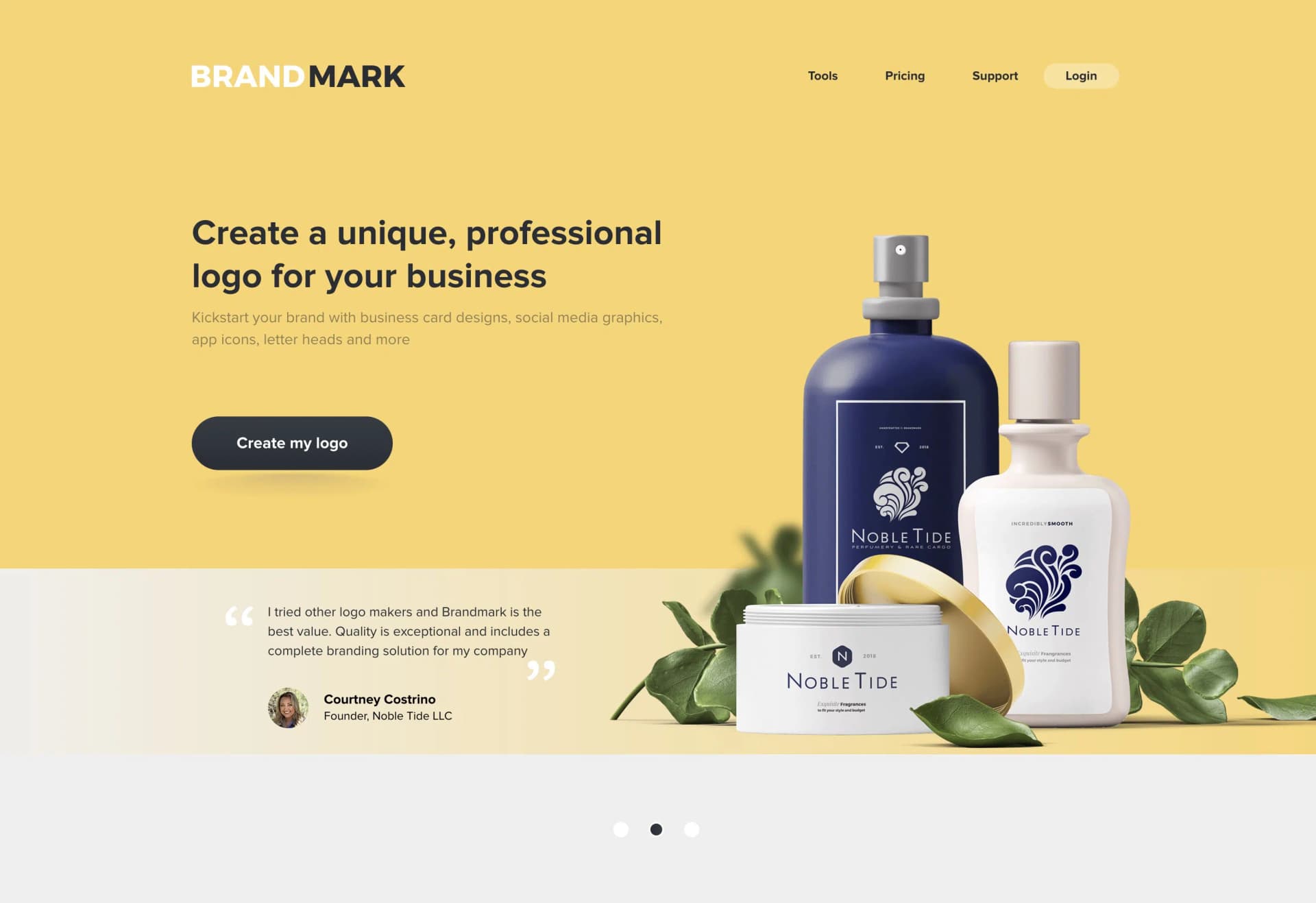
Brandmark is another AI-based logo generator that's ideal for users without design knowledge. In just a few minutes, you can create professional-looking logos by filling out a short questionnaire.
While Brandmark doesn't reinvent the wheel, it still allows you to generate appealing text logos in no time.
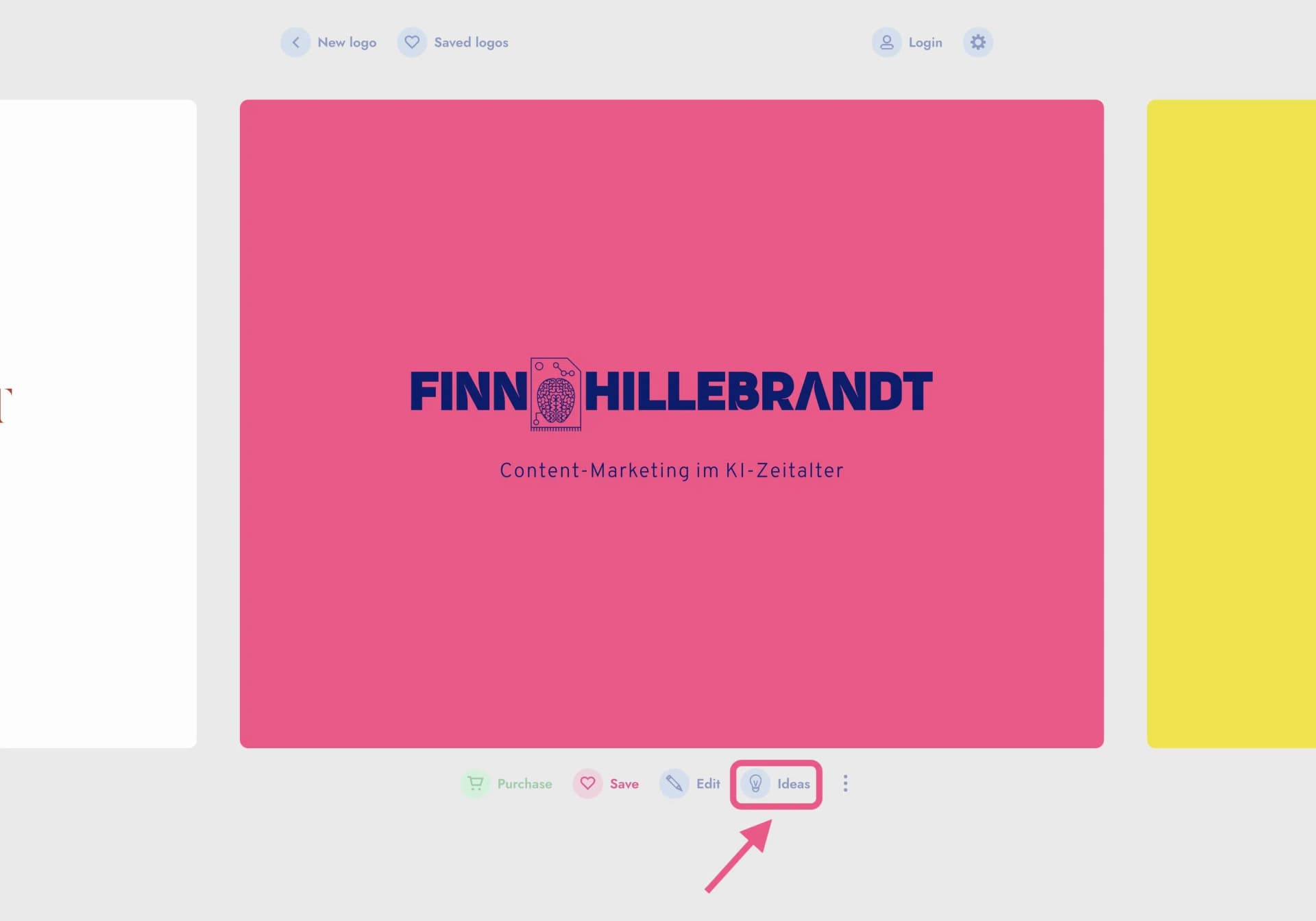
The process is, like with other logo generators, simple and well structured. Particularly convincing is the "Ideas" feature, which presents the selected suggestion in different colors, fonts, symbols, and arrangements. While no completely new logo is created, the chosen variant is displayed in numerous variations, making it easier for the user to be sure of their choice or make small adjustments.
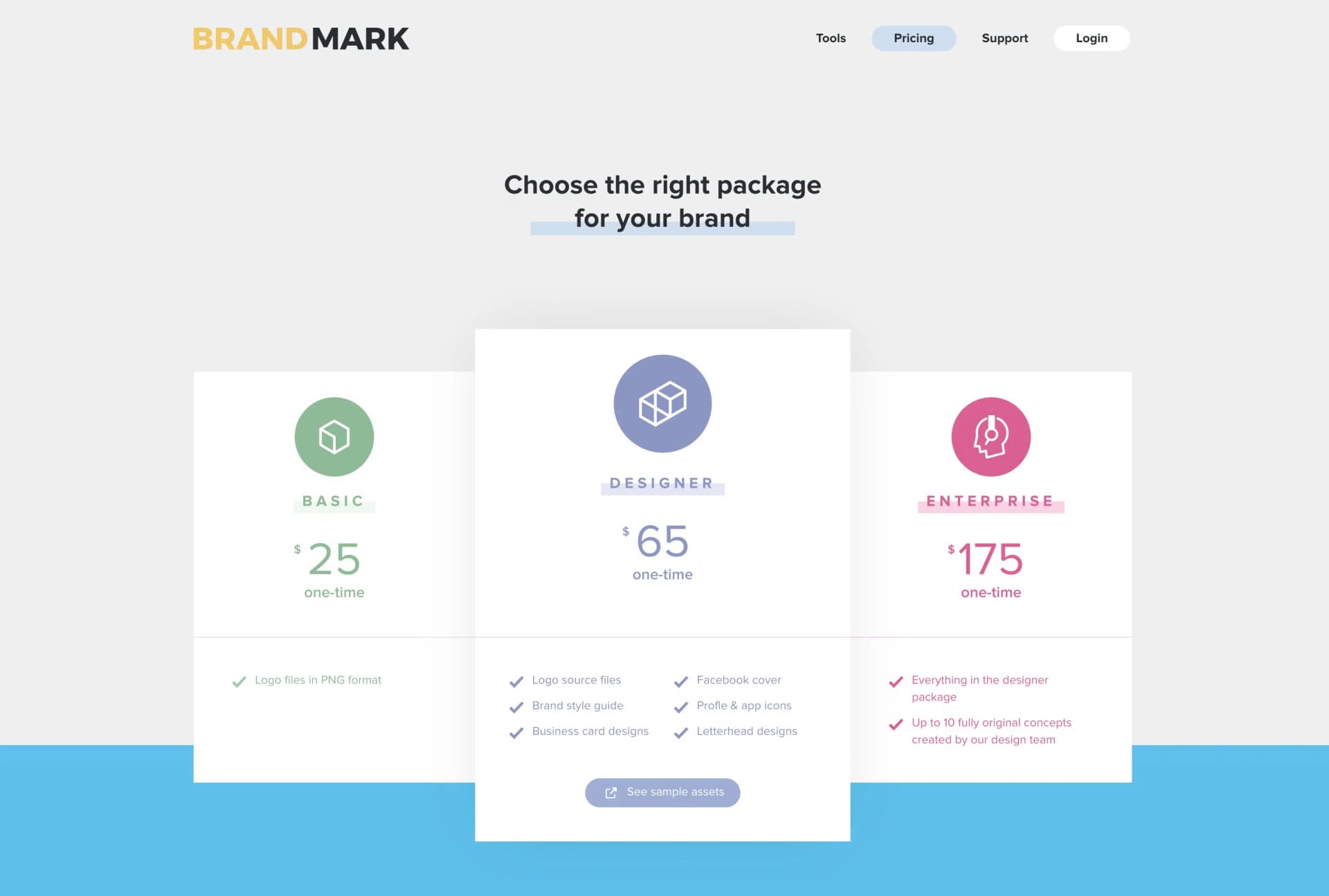
For $25 you get the logo as a PNG file, ideal for web graphics where transparency plays a role, such as logos or other graphics. Nothing more is included in this package.
However, if you want full control over your logo, including a style guide, profile icons, and other extras, you should consider the Designer package for $65. Still a fair price.
3.8 Ideogram
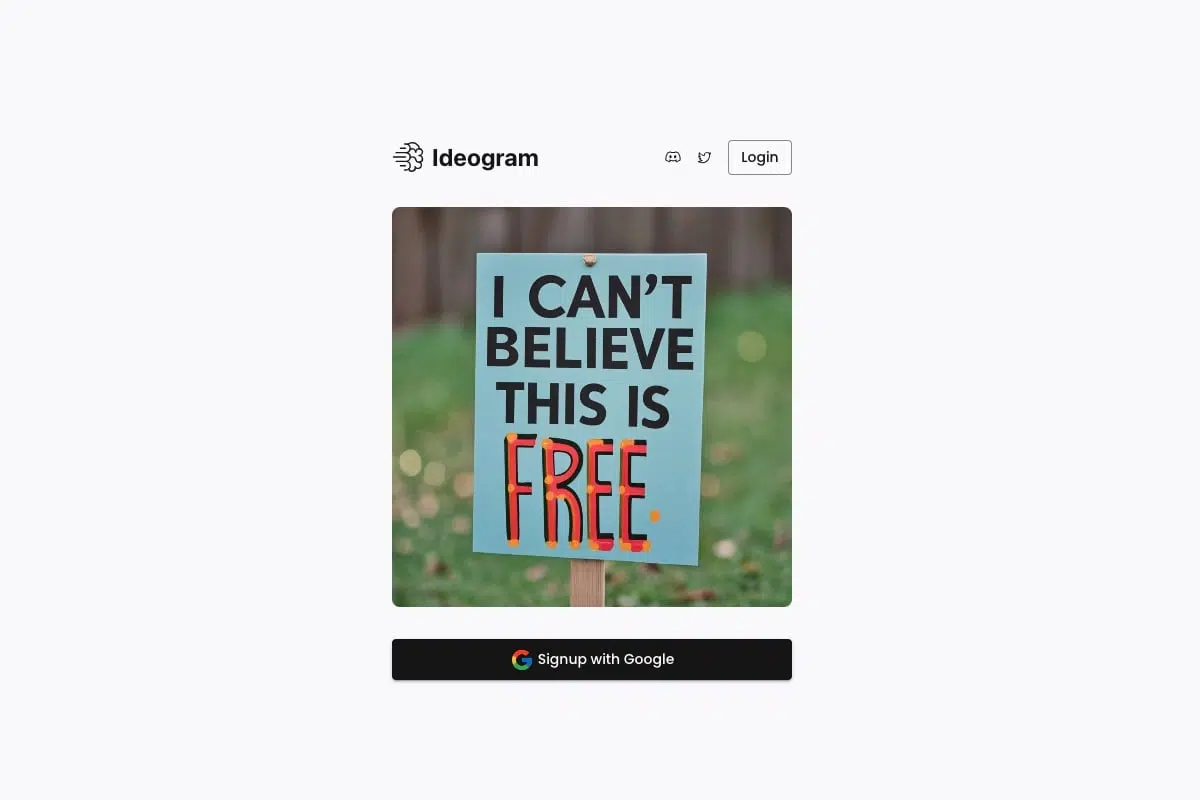
Ideogram isn't a real logo tool, but it's currently the best tool for creating images with text, which doesn't work as well or only after many attempts with many other AI image generators.
It's very suitable for stickers, posters, t-shirts, and also for creating text logos or logos where text is an important part.
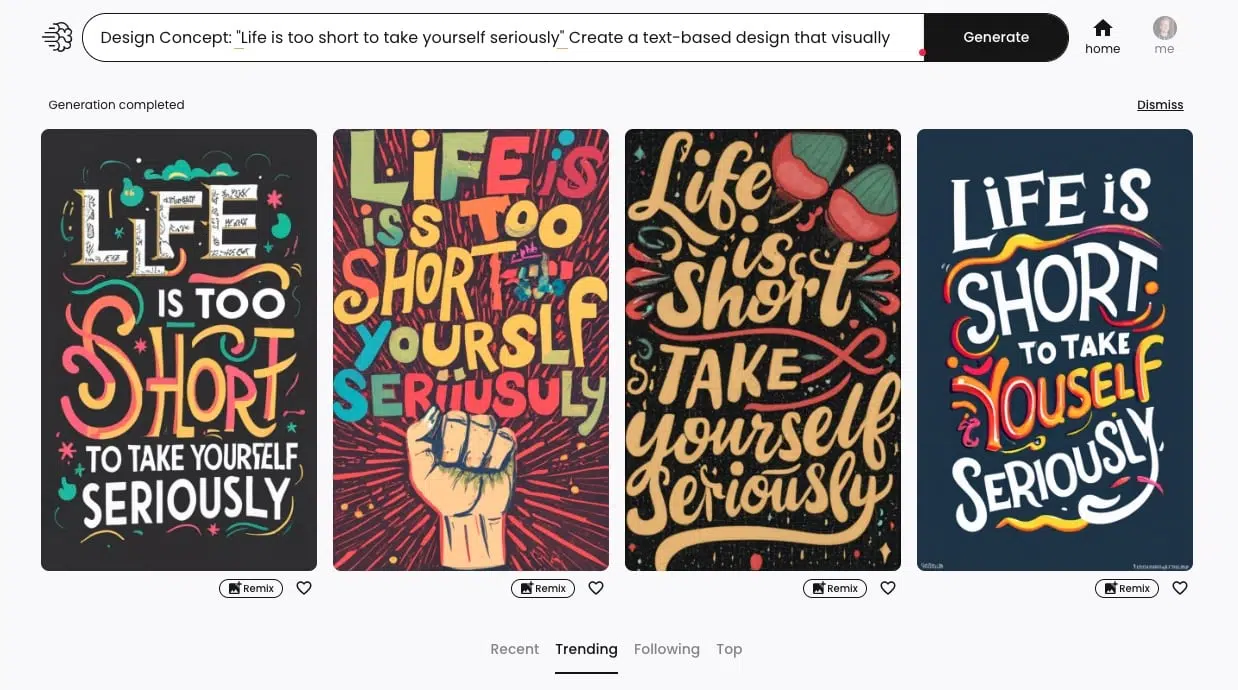
Using Ideogram is simple and clear. Ideogram's homepage is somewhat reminiscent of Pinterest. In a gallery, you can see what others have created and get inspired:
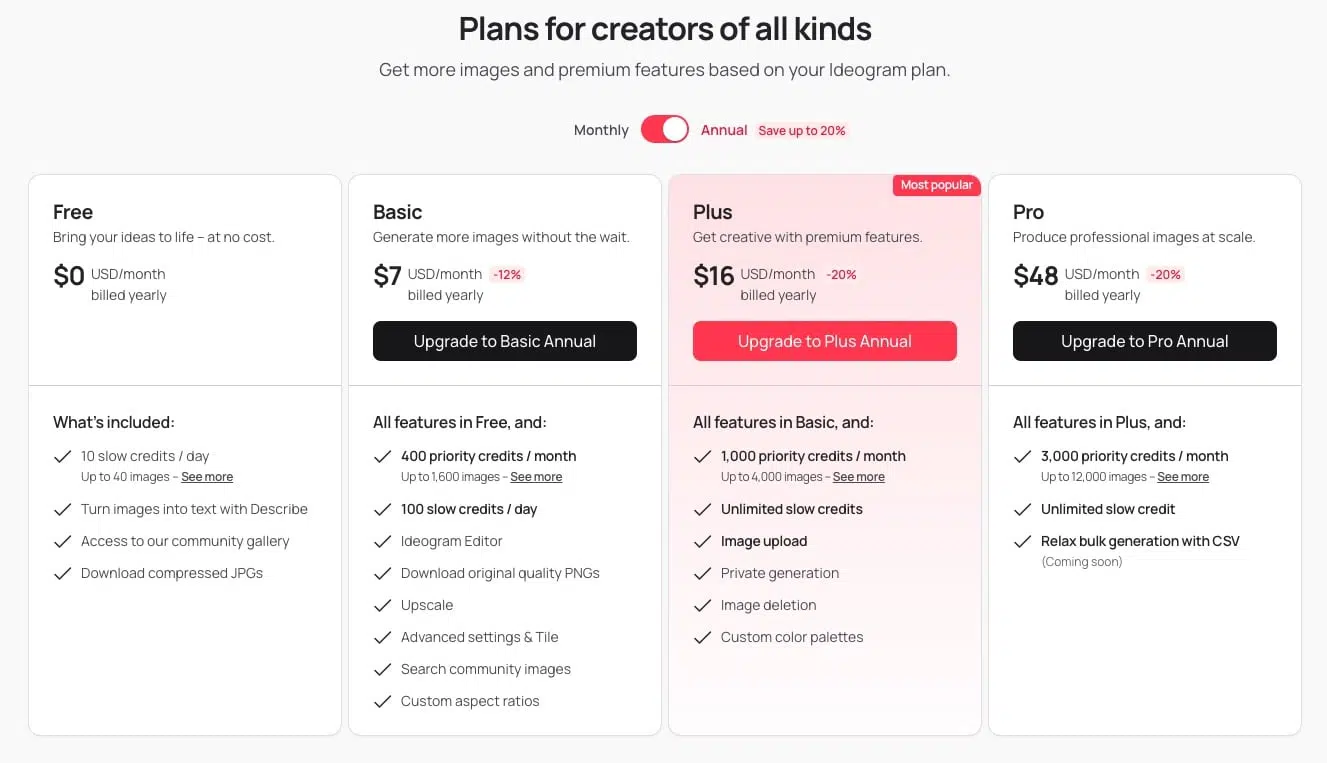
Ideogram can be used for free with 10 credits per day (up to 40 image generations). The Basic plan costs $7 per month and offers 400 "priority credits" per month and 100 "slow credits" daily.
Unfortunately, nothing is said about image rights, so entrepreneurs should approach with caution or contact support accordingly.