Do you know this feeling? You come out of an hours-long meeting, trying to summarize the key points, assign tasks, and plan the next appointment, and before you know it, half the day is gone?
Or do you often procrastinate on meeting follow-ups because it simply takes too much time and effort?
The good news:
There are now AI-powered meeting assistants that automatically capture the core points, assign tasks, and even plan the next appointment.
And the best part? You no longer have to spend hours organizing everything yourself.
In this article, I tested five AI meeting assistants. Some of them are even free.
- Fireflies leads as the most comprehensive tool with over 69 languages and detailed analyses (free version available)
- Otter.ai offers the best live subtitles and is perfect for English-language meetings, starting at $10 per month
- All tools connect directly to Zoom, Teams, and Google Meet. Most offer free plans for testing.
1. What is a Meeting Assistant?
First, a quick clarification. AI meeting assistants do not replace Zoom, Google Meet, or Microsoft Teams. They extend these platforms with smart features that make it easier to track discussions, capture key quotes, and share important information.
All the tools I tested have one thing in common. They convert audio recordings of your meetings into searchable text. That alone saves a huge amount of time.
What Makes the Ideal AI Assistant?
Each app goes beyond mere transcription. Some offer summaries of what was said, filter out important insights, or provide analyses to increase productivity.
My Test Criteria for AI Meeting Assistants:
- Easy Integration: They should sync directly with your calendar and video conferencing tool.
- High-Quality AI Features: The focus was on the quality of transcription and other AI features like summaries and sentiment analysis.
- Automation and Productivity: Time-saving features are particularly practical, such as automatic meeting joining or pre-sent agendas.
- Organization and Collaboration: After the meeting, everything should be structured and easy to find. Additionally, sharing information with the team should be straightforward.
- Diverse Integrations: Ideally, everything connects with other tools, whether CRMs, task management apps, or communication channels like Slack.
2. AI Meeting Assistants Compared
Rank | Software | Best For... | Price | Free Plan? | Languages |
|---|---|---|---|---|---|
| 1 | Fireflies | Meeting transcriptions and analyses | from $10/month | ✓ | 69+ |
| 2 | Otter.ai | Live subtitles and meeting transcriptions | from $10/month | ✓ | English only |
| 3 | tl;dv | Post-meeting follow-up for online meetings | from $20/month | ✓ | 20+ |
| 4 | Sembly | Creating and managing meeting tasks | from $10/month | ✓ | 35 |
| 5 | Avoma | Transcription and conversation analysis | from $19/month | ✓ | 30+ |
3. Detailed Test Results
Below you'll find all AI meeting assistants in detail. With screenshots and comprehensive evaluation of operation and feature scope:
3.1 Fireflies.ai
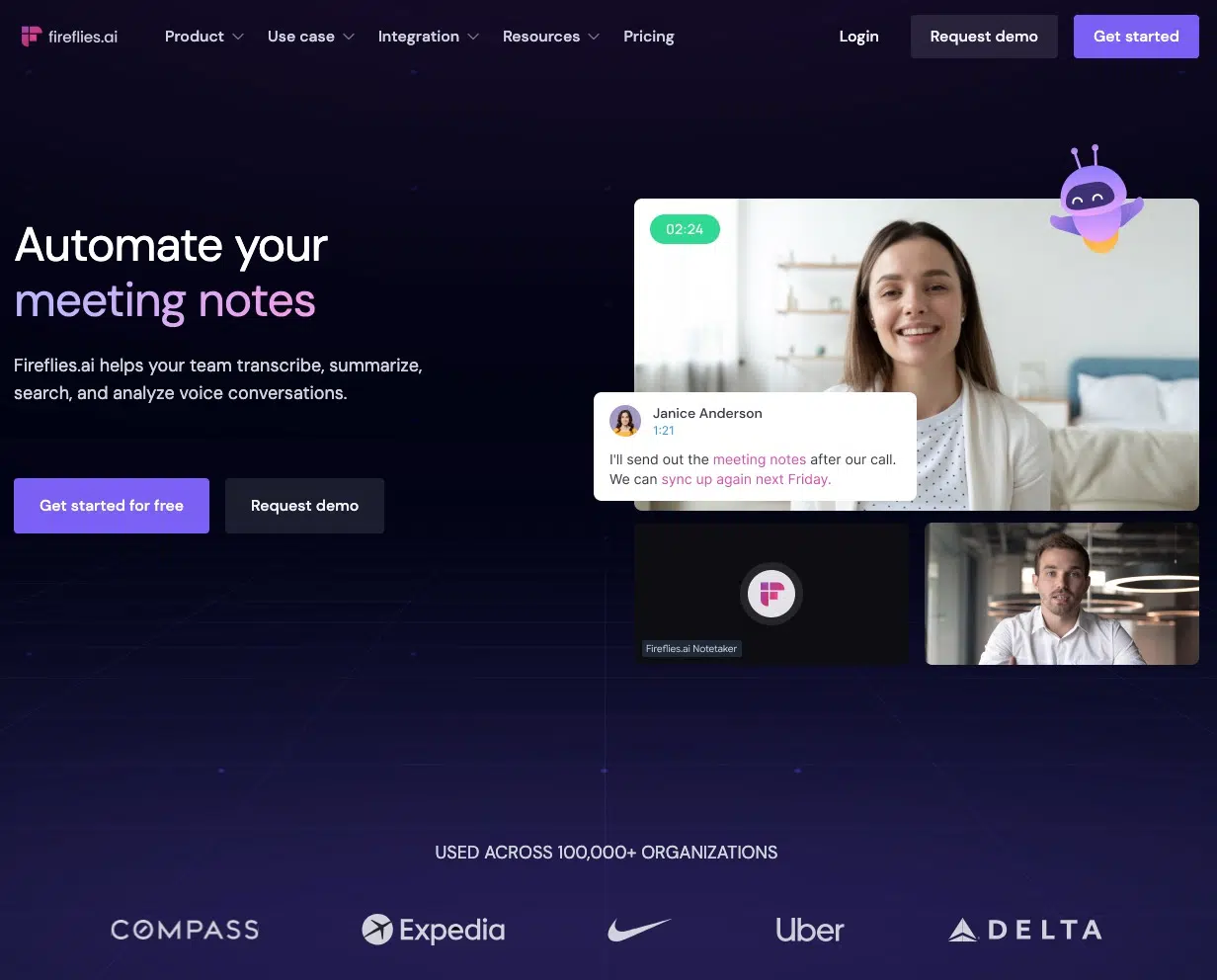
Fireflies is the AI meeting assistant I currently use the most, and it performed best in my testing. And there are many reasons for that.
Fireflies is a practical tool that lets you record and transcribe conversations and search through the recordings later. It was designed to help businesses more easily share and reference meeting transcripts.
A cool feature is that Fireflies' video conference bot automatically accesses your calendar and joins meetings. If you already have recorded audio files, you can simply upload them and have Fireflies transcribe them.
But that's not all:
Fireflies also offers an extension that lets you communicate with a chatbot called "AskFred". This bot is only available from the Pro plan onwards, but it's super practical:
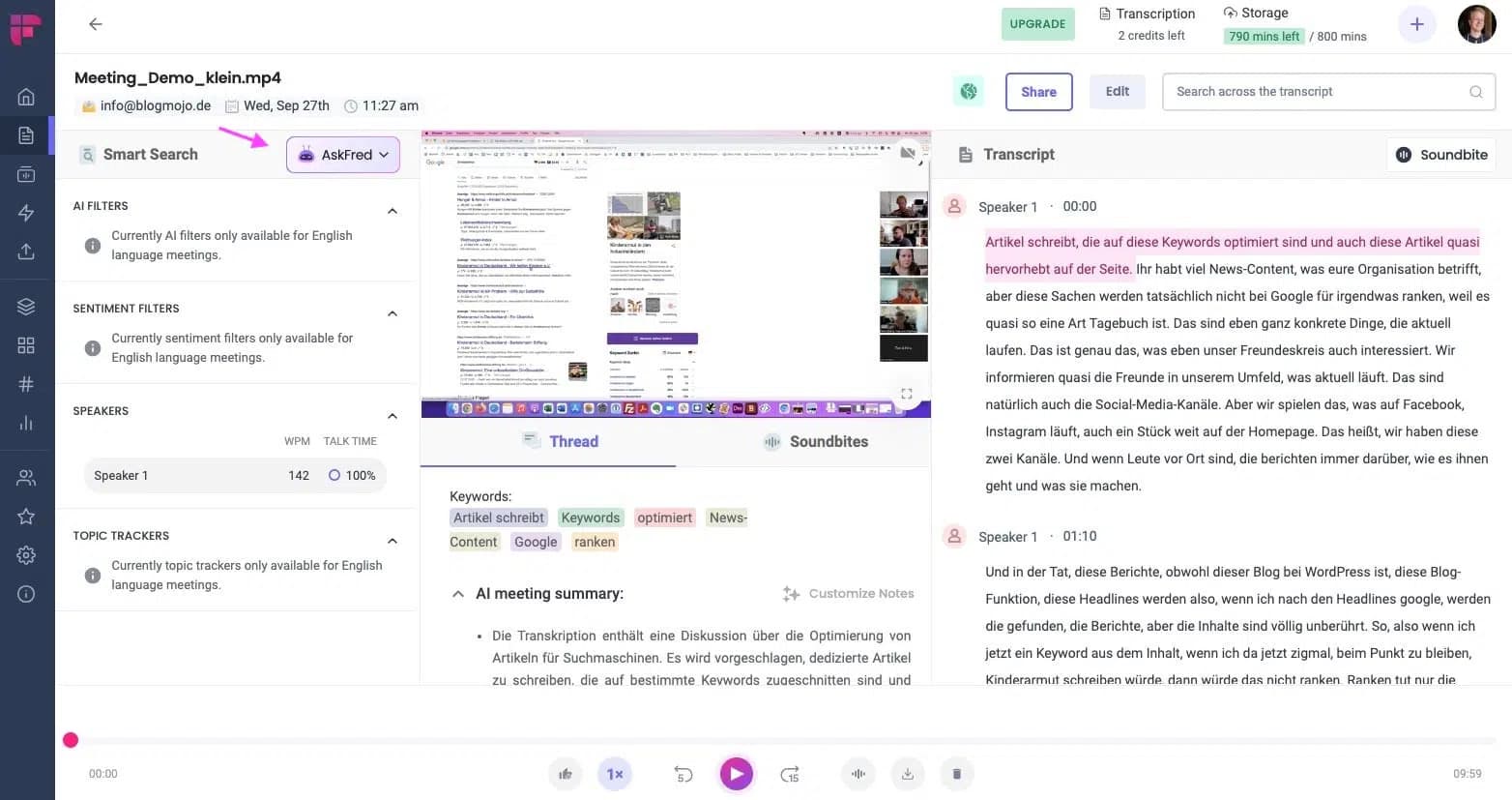
If you have questions about the meeting, like: "What was the meeting on 01/01/2023 about?" or if you have a long transcript, Fireflies' powerful search function is exactly what you need to quickly search for keywords.
Of course, there are also a few things to keep in mind. For example, Fireflies' focus is still on providing transcripts, which is why there are no automated summaries, meeting notes, or to-do lists yet.
3.2 Otter
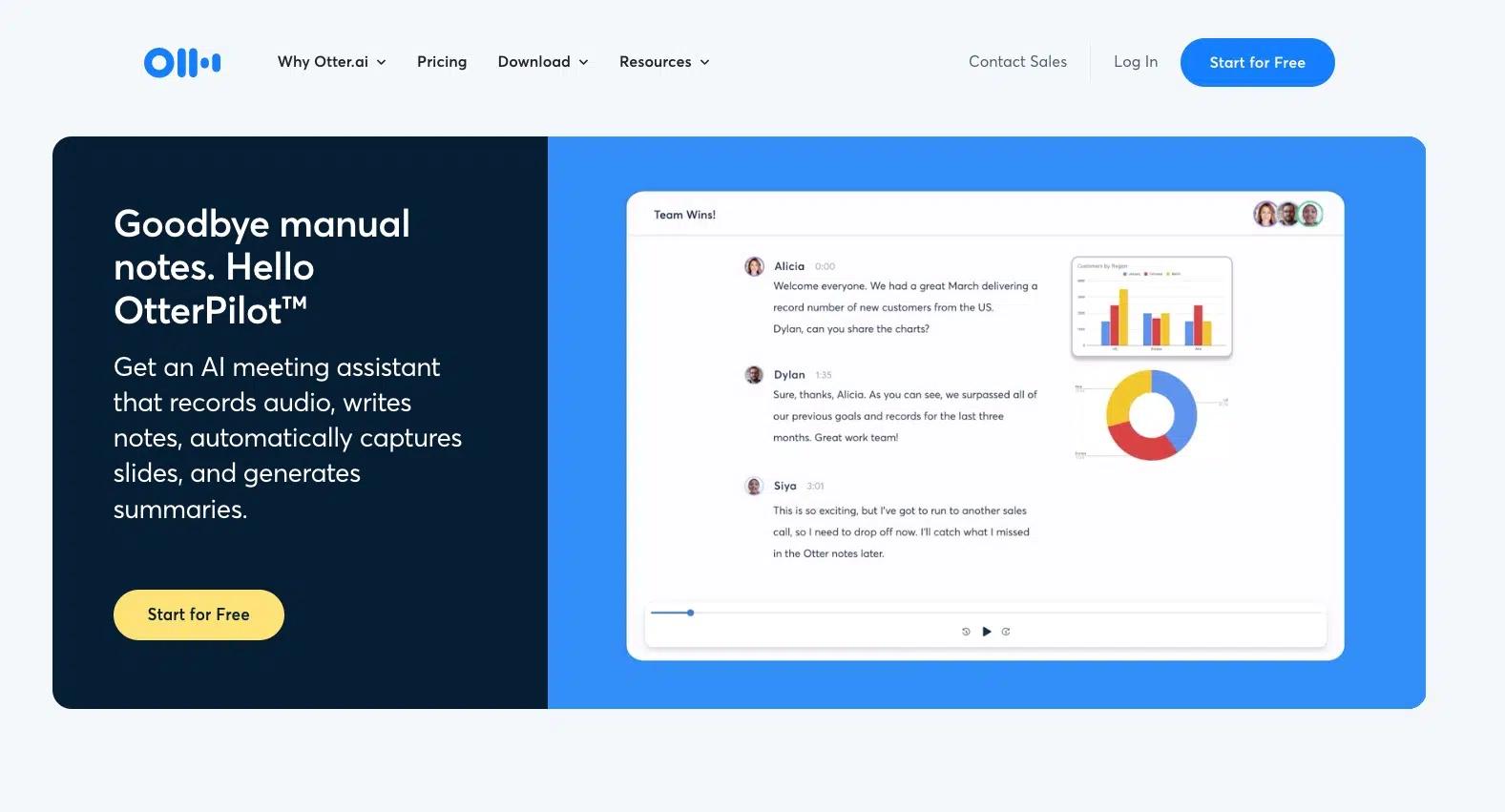
Otter.ai should be interesting for many looking for an English-only meeting assistant or transcription service. It uses AI to turn audio and video files into readable text.
Ideal when you need meetings or conversations quickly in written form.
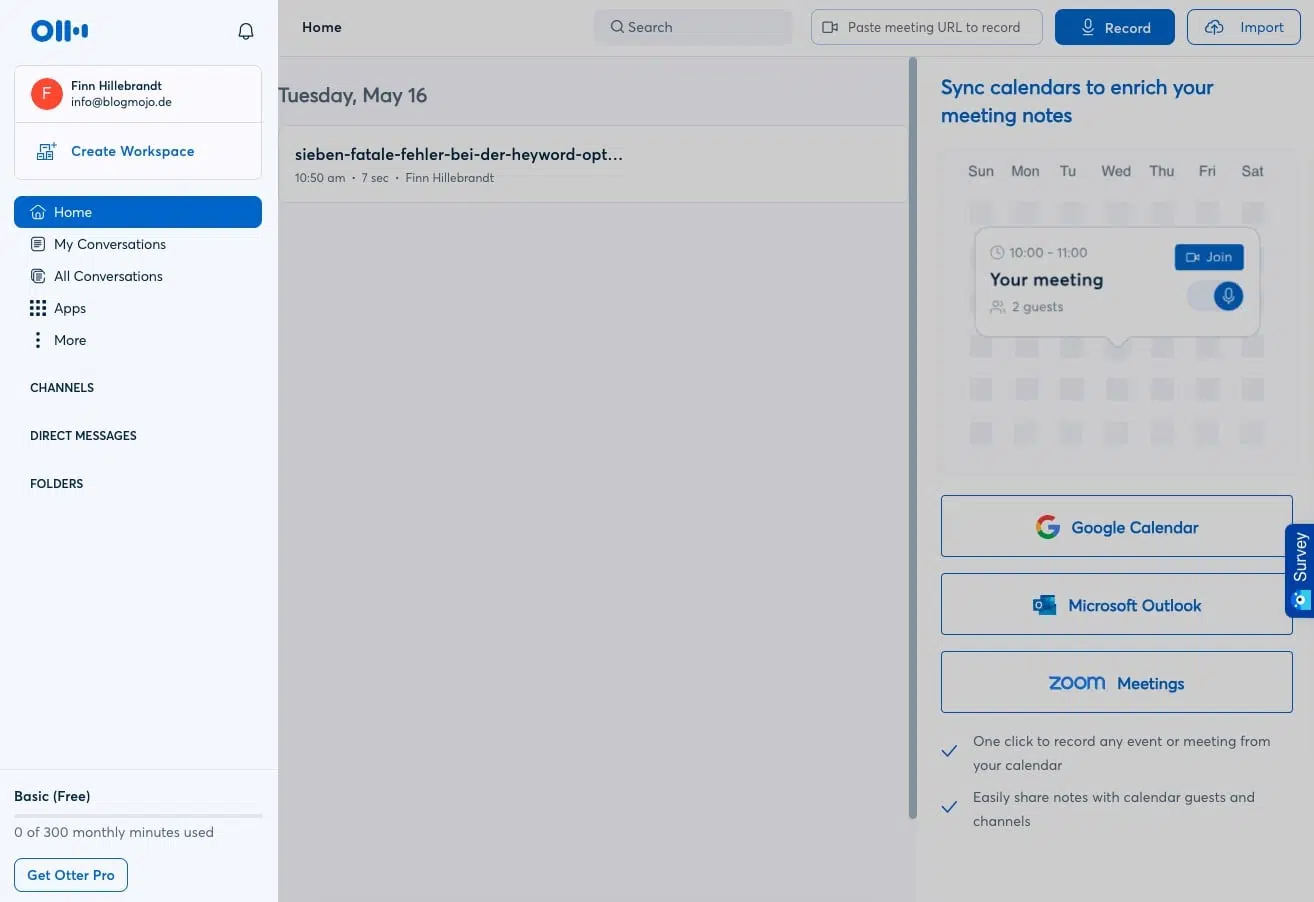
You can upload files directly from your computer or connect Otter with platforms like Zoom and Microsoft Teams to accompany the meeting live.
Otter.ai recognizes different speakers and formats the text automatically. Useful: You can add special vocabulary so that specific names or terms are captured correctly.
In the app, you can customize everything to your preferences after transcription. It allows you to play audio at different speeds or even add images and comments. Integration is another plus of Otter.ai. It works well with popular calendar and meeting tools.
However, there are also significant limitations: Otter.ai is only focused on English and therefore won't transcribe German conversations or meetings.
3.3 tl;dv
tl;dv stands for "too long; didn't view" and is a meeting recorder for Google Meet and Zoom that allows you to automatically transcribe your conversations.
tl;dv offers various features, such as recording and transcription of meetings, summarizing the key moments of your meetings, clip creation, and an intelligent search so you can search for topics discussed during your meetings to quickly find specific statements or agreements.
Additionally, you can connect tl;dv with tools like Notion, Google Docs, Slack, Salesforce, or HubSpot and send your meeting moments and insights directly to the appropriate recipients.
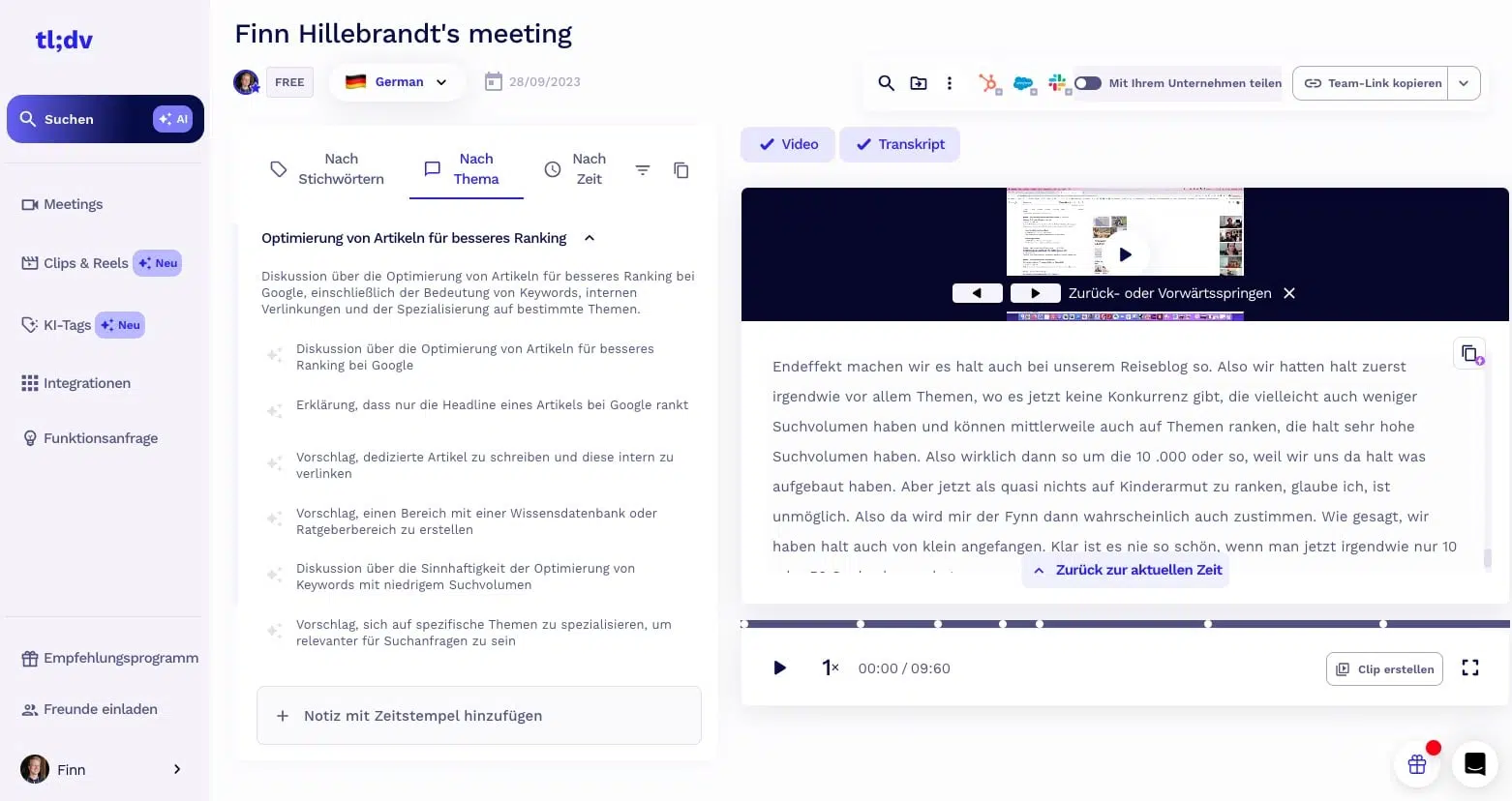
Your meeting recordings are saved in high video and audio quality, and you can play or download them at any time. The transcriptions are quite accurate and you can also edit or export them (they are somewhat better in English than in other languages). The summaries are helpful for capturing and sharing the key points from your meetings.
Please note, however, that the recording and transcription quality depends on the internet connections, pronunciation, background noise, and microphone quality of the meeting participants. If a speaker has a poor microphone and mumbles a lot, some words may not be recognized correctly.
3.4 Sembly
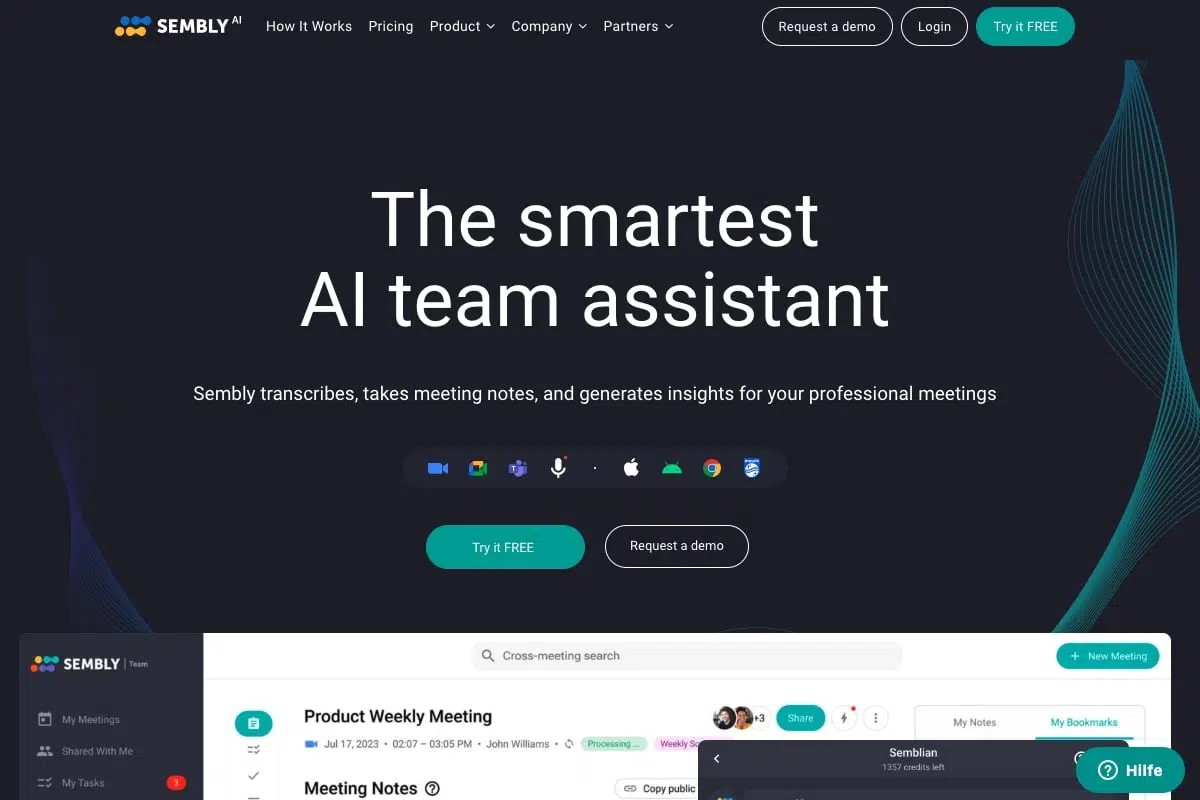
Sembly is an AI-powered assistant that converts your meetings into searchable text, structures the transcript meaningfully, and provides valuable insights through analyses. With Sembly, specific to-dos and other essential points can be easily identified from the transcript.
Key features of Sembly include the ability to add the assistant to your meeting via email or sync directly with your calendar. After the meeting, Sembly creates a detailed transcript and highlights key aspects.
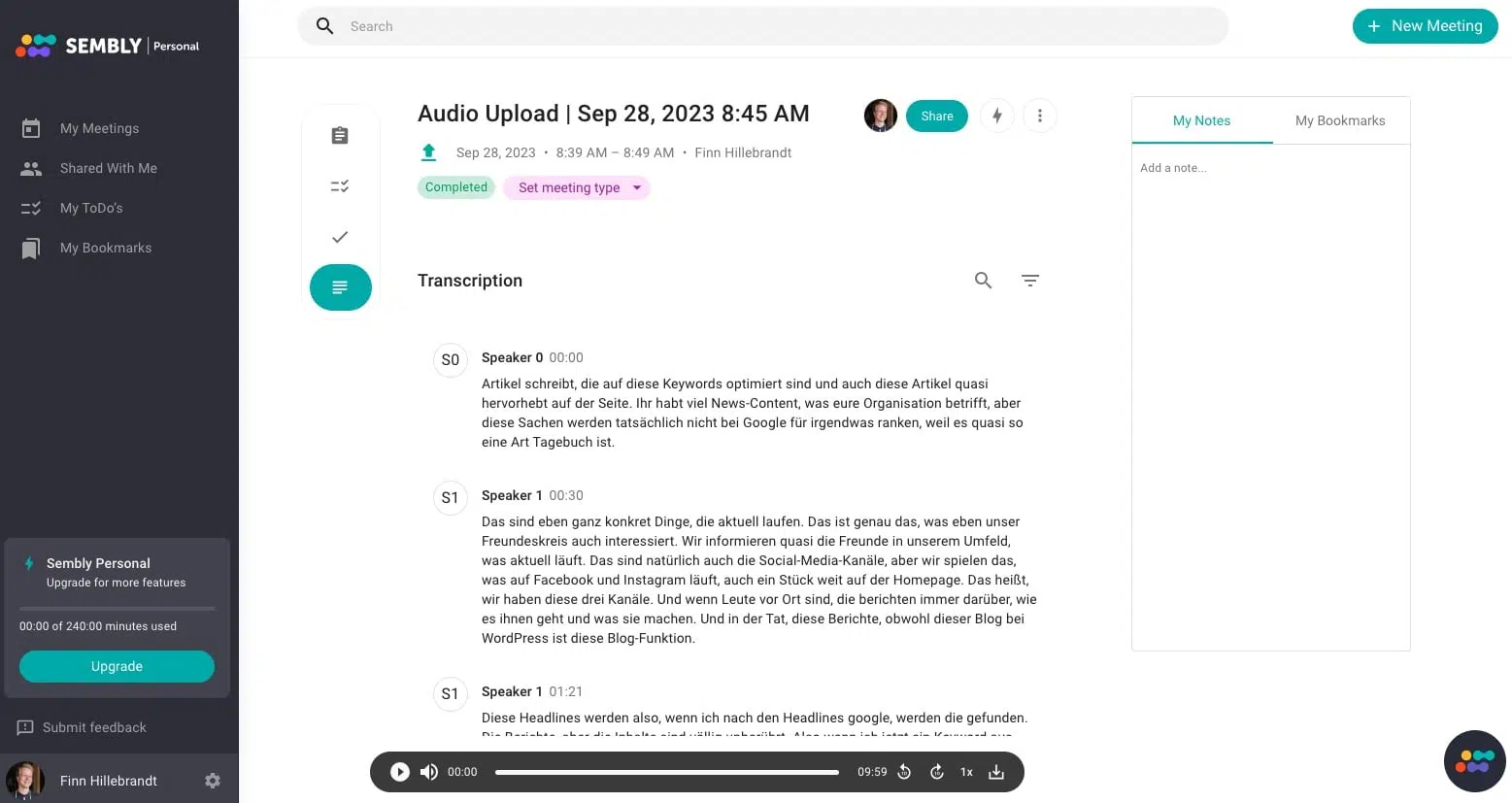
Compared to other meeting assistants, Sembly scores with an attractive price-performance ratio and integration with common video conferencing platforms like Zoom and Microsoft Teams.
However, some limitations should be noted: Currently, Sembly's interface is only available in English and only supports Zoom, Microsoft Teams, and Google Meet.
3.5 Avoma
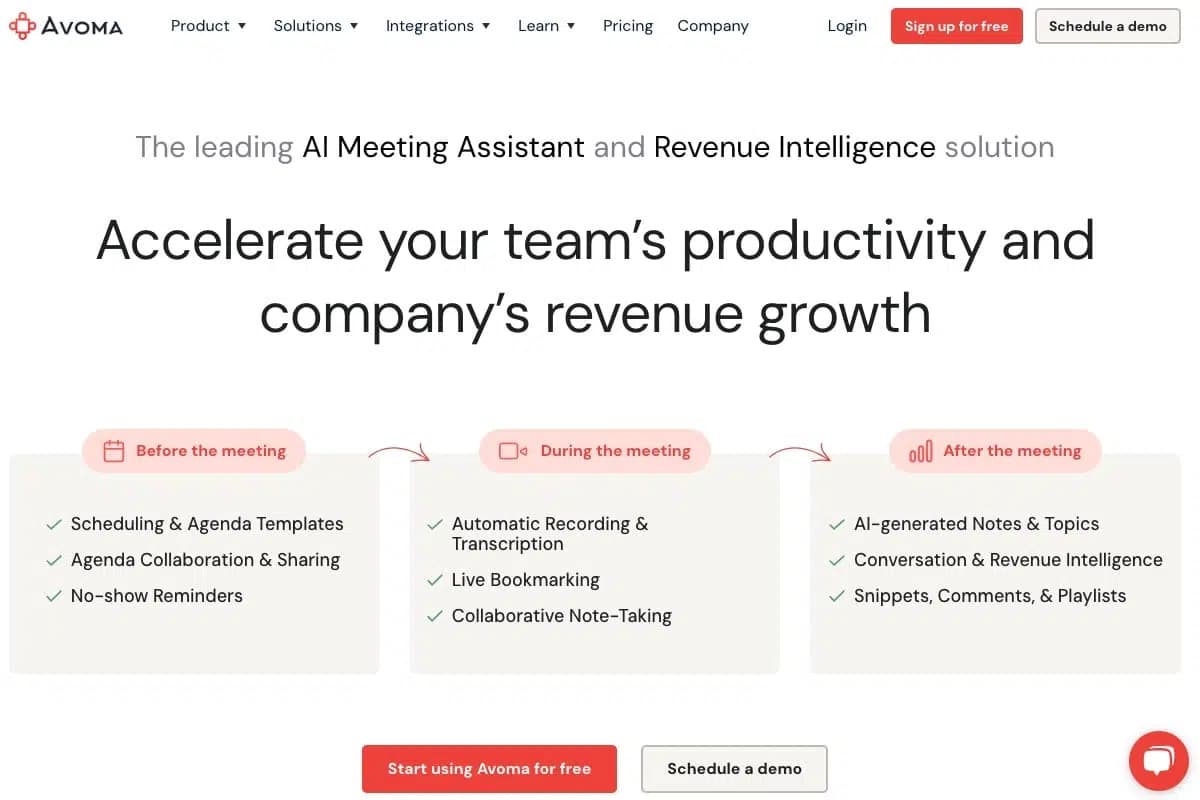
Avoma focuses on transcripts and AI-powered notes for both audio and video conferences. The platform offers the ability to collaboratively create notes during a meeting and then share them with the team.
Core features of Avoma include meeting scheduling, pre-built agenda templates, team collaboration, automatic video and audio recordings, transcriptions, and the ability to set live bookmarks during a call. This makes it easier to remember key points. North America dominates the AI meeting assistant market with a 40% market share, underscoring the leading role of American companies like Avoma.
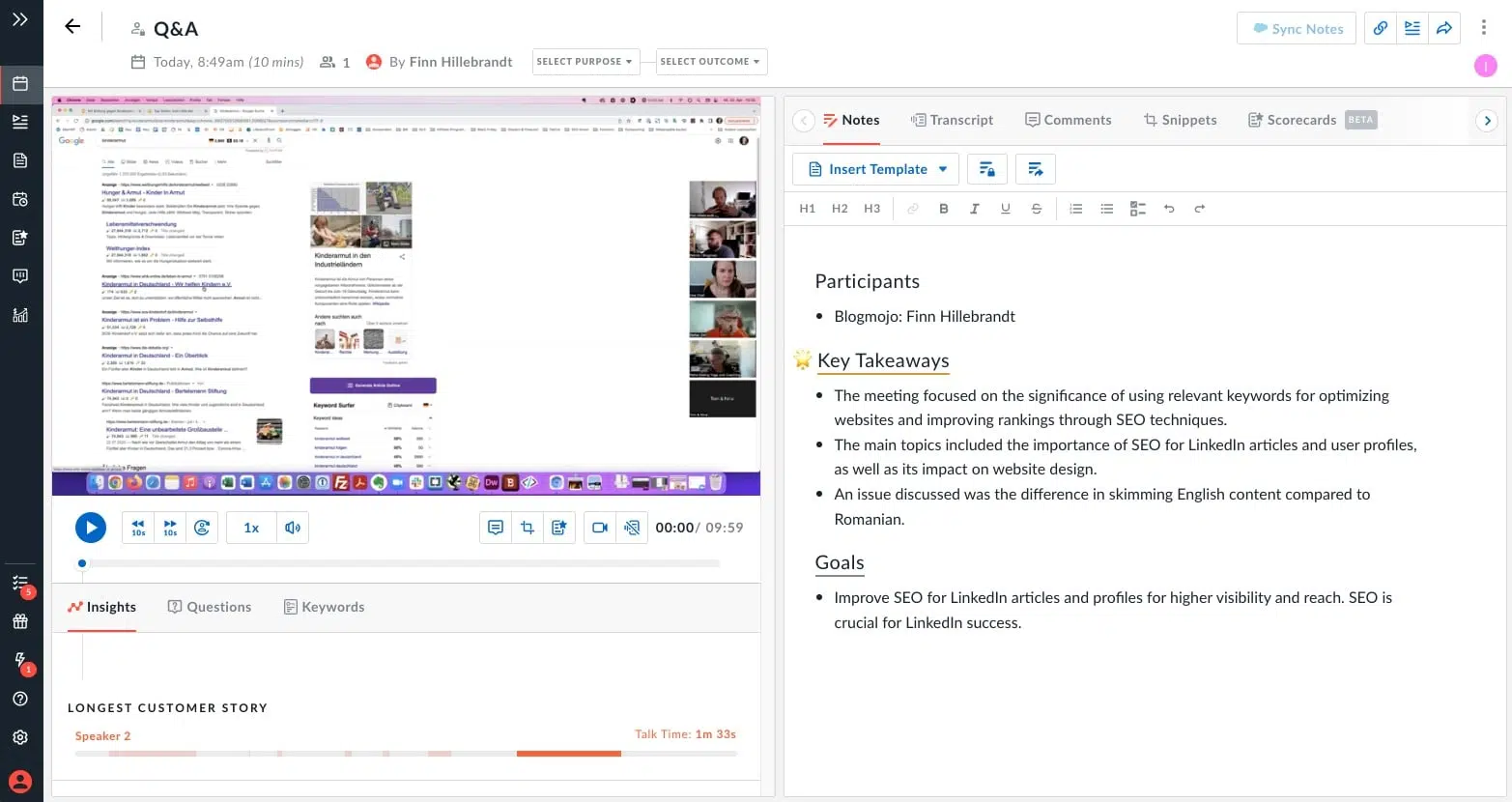
A major advantage of Avoma is the ability to prepare for meetings together with the team in a short time. Additionally, the platform offers AI-generated conversation insights (automatic clips) and connects directly to CRM software, allowing video recordings to be stored directly.
However, some limitations exist: Avoma primarily focuses on transcription and conversation analysis rather than AI-based meeting notes and summaries. Also, note that Avoma currently only supports English.
4. Which Meeting Assistant is Right for You?
Still unsure which tool is right for you? The choice depends heavily on your personal use case and preferences. So consider:
"What language do I communicate in professionally?"
"Is a bot in my video conferences okay for all participants?"
"Do I need a complete transcript or just the main points?"
These questions should help you narrow down the right tool. One thing is clear: even the free tiers of these tools can save you hours every week.
4.1 Tools by Language Support:
English Only:
Multilingual:
- Fireflies (incl. English, German, Spanish, French, Italian, Portuguese, Dutch)
- Sembly (German, French, and English)
- tl;dv
- Airgram.io
4.2 Tool Features:
Transcription, Video Recording & Highlights:
Smart Notes & Summaries:
- Sembly
- Airgram.io
Integrated Chatbot:
- Fireflies (AskFred)
- Airgram.io (Airgram Chat)
4.3 Bot Integration in Video Conferences:
- Otter.ai (Zoom, Google Meet, MS Teams, Webex)
- Fireflies (Zoom, Google Meet, MS Teams, Webex, Skype, Dialpad, Lifesize, GoToMeeting)
- Sembly (Zoom, Google Meet, MS Teams, Webex)
- Avoma (Zoom, Google Meet, MS Teams, GoToMeeting, Bluejeans, Highfive, Lifesize, UberConference)