Building a website used to mean either learning to code or paying someone thousands of dollars to do it for you.
Not anymore.
AI website builders can now generate a complete site from a few sentences of description. Design, content, images, mobile optimization, all handled automatically.
The good news:
There are now numerous AI-powered website builders that simplify the entire process. They support you from design selection to content structuring to final publication.
The best part? The days of hours of trial and error and frustration are a thing of the past!
In this blog post, I'll introduce you to the 6 best AI website builders that let you create impressive websites in no time. Some of them are even free or offer free trials.
- Wix ADI is the most user-friendly AI website builder with automatic content generation from $12/month
- Framer offers the most modern designs for landing pages from $5/month with AI support
- 10Web can clone any existing website and rebuild it - ideal for design inspiration
What Is an AI Website Builder?
In short, it is a tool that uses AI to automate and simplify the website creation process.
Instead of painstakingly placing and designing each element by hand, you tell the AI what your business does, pick a few preferences, and it generates a complete website with matching design and content.
The key features of AI website builders:
- Automatic Design: The AI selects appropriate layouts, colors, and fonts based on your specifications
- Content Generation: Automatic creation of texts and content for your website
- Image Selection: Suitable stock photos or AI-generated images for your page
- Responsive Design: Automatic adaptation for different screen sizes
- SEO Optimization: Basic search engine optimization is automatically applied
AI Website Builder Comparison
Rank | Software | Best For | Price | Free Trial? |
|---|---|---|---|---|
| 1 | Wix | most users | from $12/month | ✓ |
| 2 | Framer | landing pages | from $5/month | ✓ |
| 3 | 10Web | cloning an existing website | from $10/month | ✓ |
| 4 | Unbounce | landing pages | from $89/month | ✓ |
| 5 | Elementor AI | Elementor page builder users | from $3/month | ✓ |
| 6 | Hostinger | affordable and quickly created websites | from $3/month | ✗ |
The 6 Best AI Website Builders in Detail
1. Wix ADI (Artificial Design Intelligence)
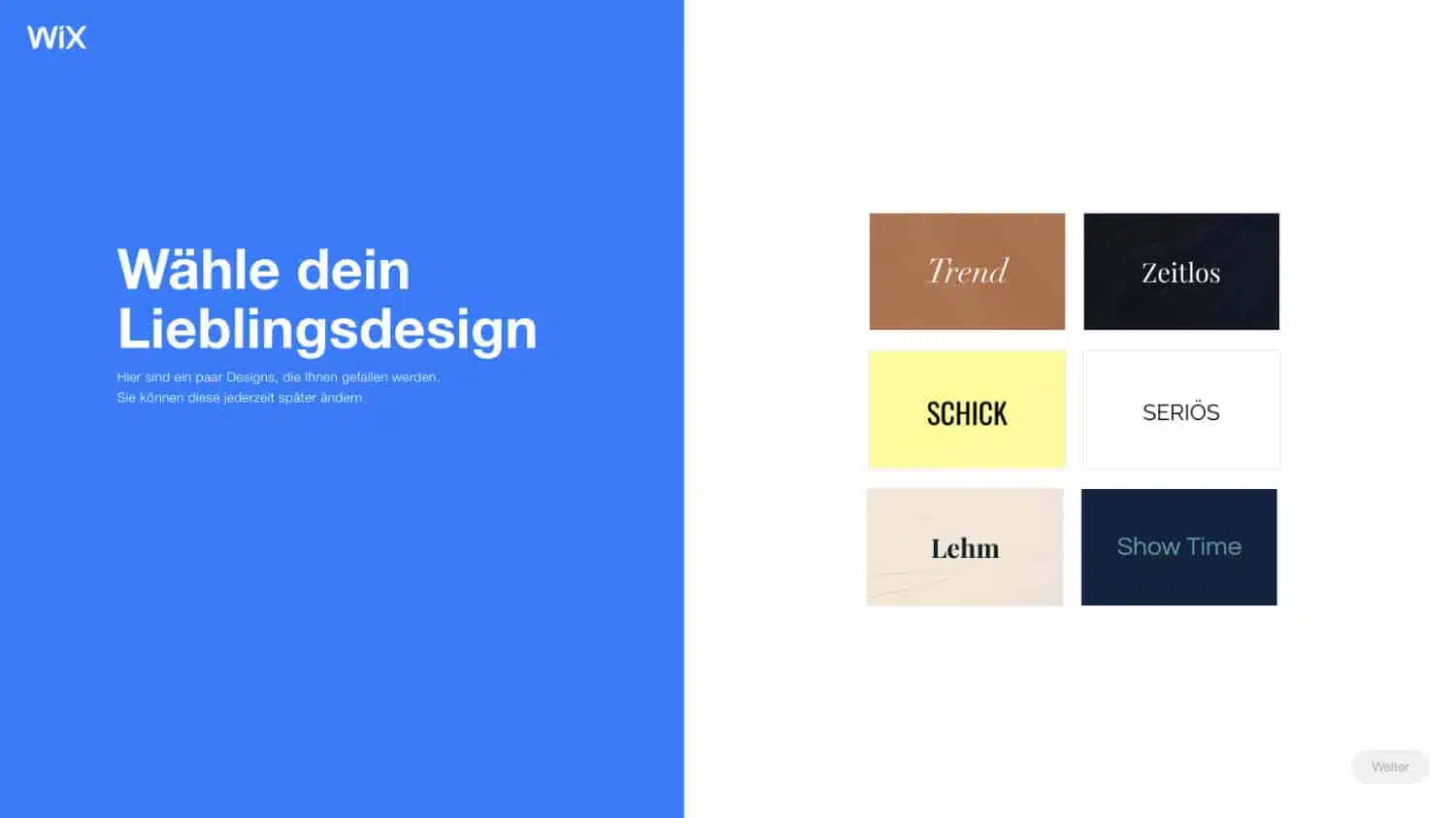
Wix is one of the most well-known website builders and offers a very user-friendly AI solution with its ADI (Artificial Design Intelligence) system.
The system asks you a series of questions about your business, your goals, and design preferences. Based on your answers, Wix ADI automatically creates a complete website with appropriate content, images, and features.
Wix ADI Features:
- Very easy start through guided setup process
- Automatic integration of business functions (online store, appointment booking, etc.)
- Large selection of professional templates
- Extensive customization options after AI creation
- Integrated SEO tools and marketing features
- Mobile optimization automatically included
Ideal for: Small businesses, freelancers, and anyone who wants to quickly create a professional website without technical know-how.
Pricing:
- Free: With Wix subdomain and ads
- Light: $12 per month
- Core: $18 per month
- Business: $26 per month
- Business Elite: $44 per month
2. Framer AI
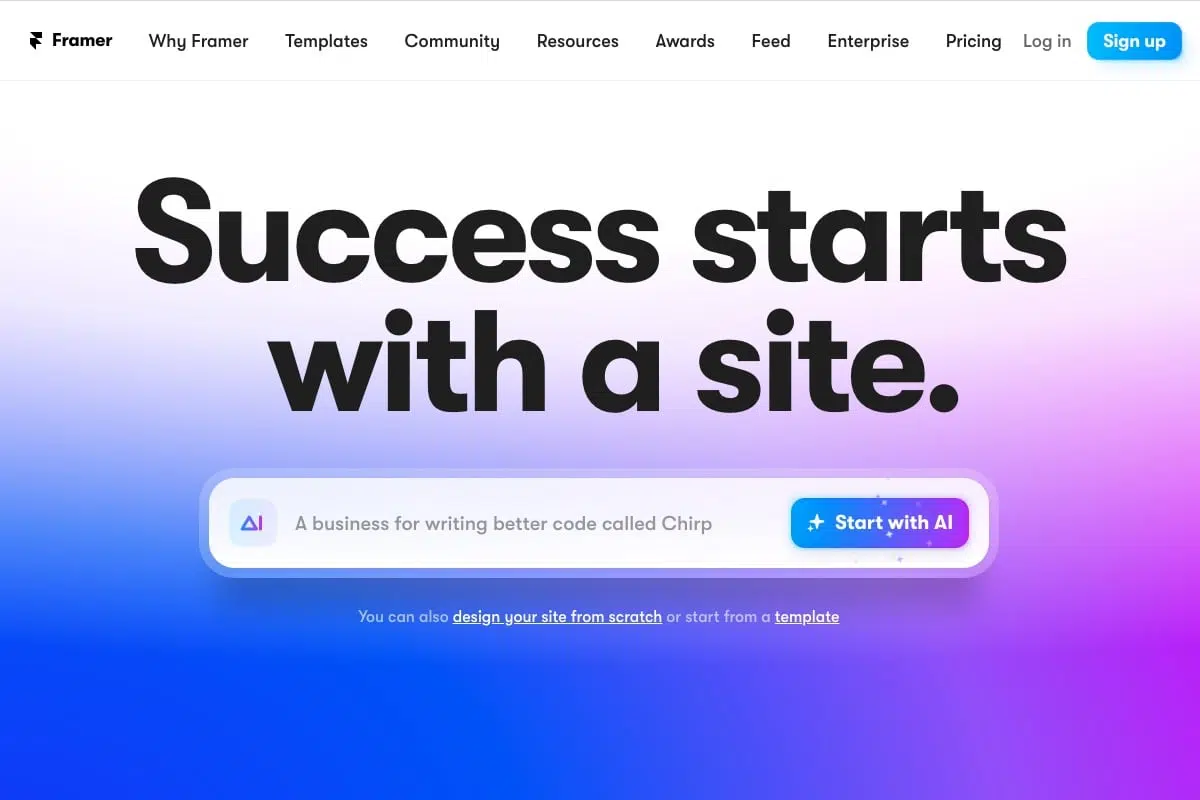
Framer has evolved from a pure design tool to a powerful website builder with AI features.
Framer's AI features are particularly strong in creating modern, design-oriented websites. You simply enter a description of your desired website and Framer automatically generates a matching page.
Framer AI Features:
- Text-to-Website: Describe your website and let the AI create it
- Particularly strong design AI for modern, appealing layouts
- Excellent performance and loading times
- Advanced animation and interaction capabilities
- Easy team collaboration
- Automatic responsiveness
Ideal for: Designers, agencies, and anyone who places special emphasis on modern, appealing design.
Pricing:
- Free: Free for personal projects
- Mini: $5 per month
- Basic: $15 per month
- Pro: $30 per month
3. 10Web AI Builder
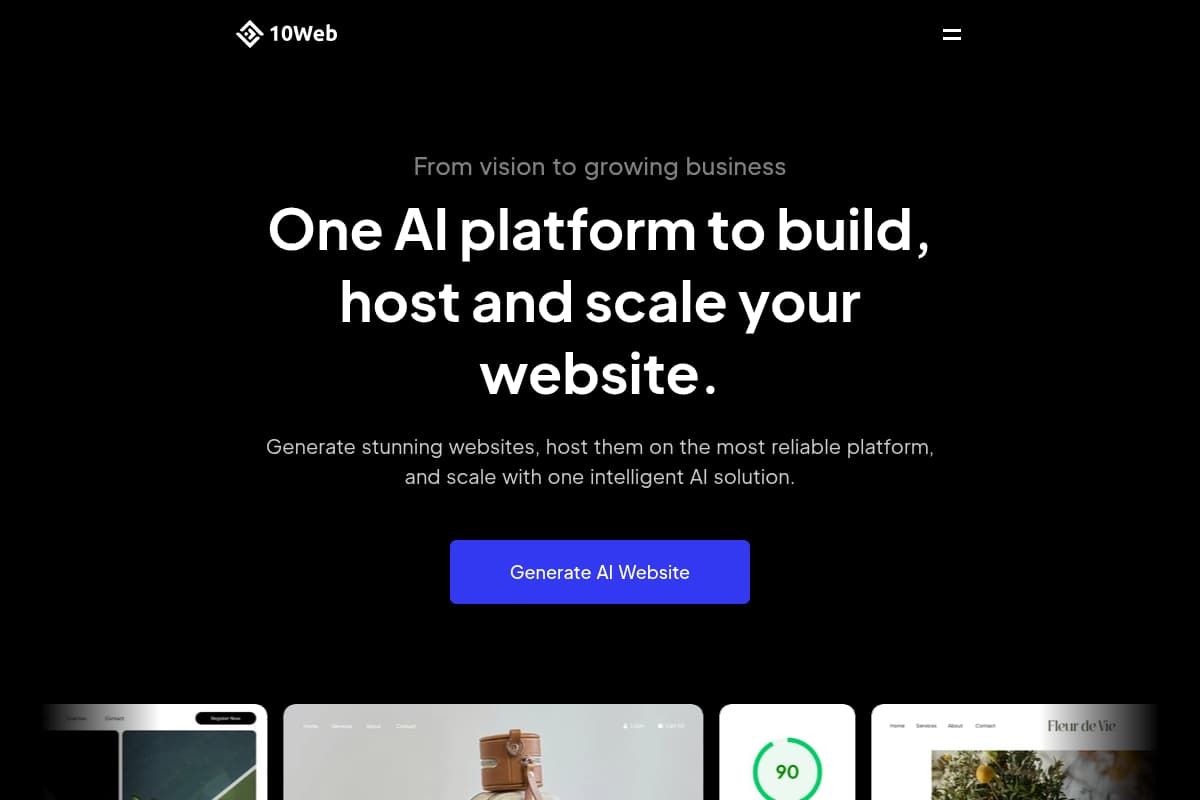
10Web offers a unique feature: You can use an existing website as a template and the AI creates a similar website for you.
This is particularly practical if you've seen a website you like but want your own version of it. The AI analyzes the design and structure and creates a new, unique website based on this example.
10Web Features:
- Website Cloning: Rebuild existing websites with AI
- WordPress-based with automatic updates
- Integrated performance optimization
- Automatic backups and security
- CloudFlare CDN included
- PageSpeed Booster with 90+ Google PageSpeed Score
Ideal for: Users who appreciate WordPress and want to use an existing website as inspiration.
Pricing:
- Personal: $10 per month
- Premium: $15 per month
- Agency: $30 per month
4. Unbounce Smart Builder
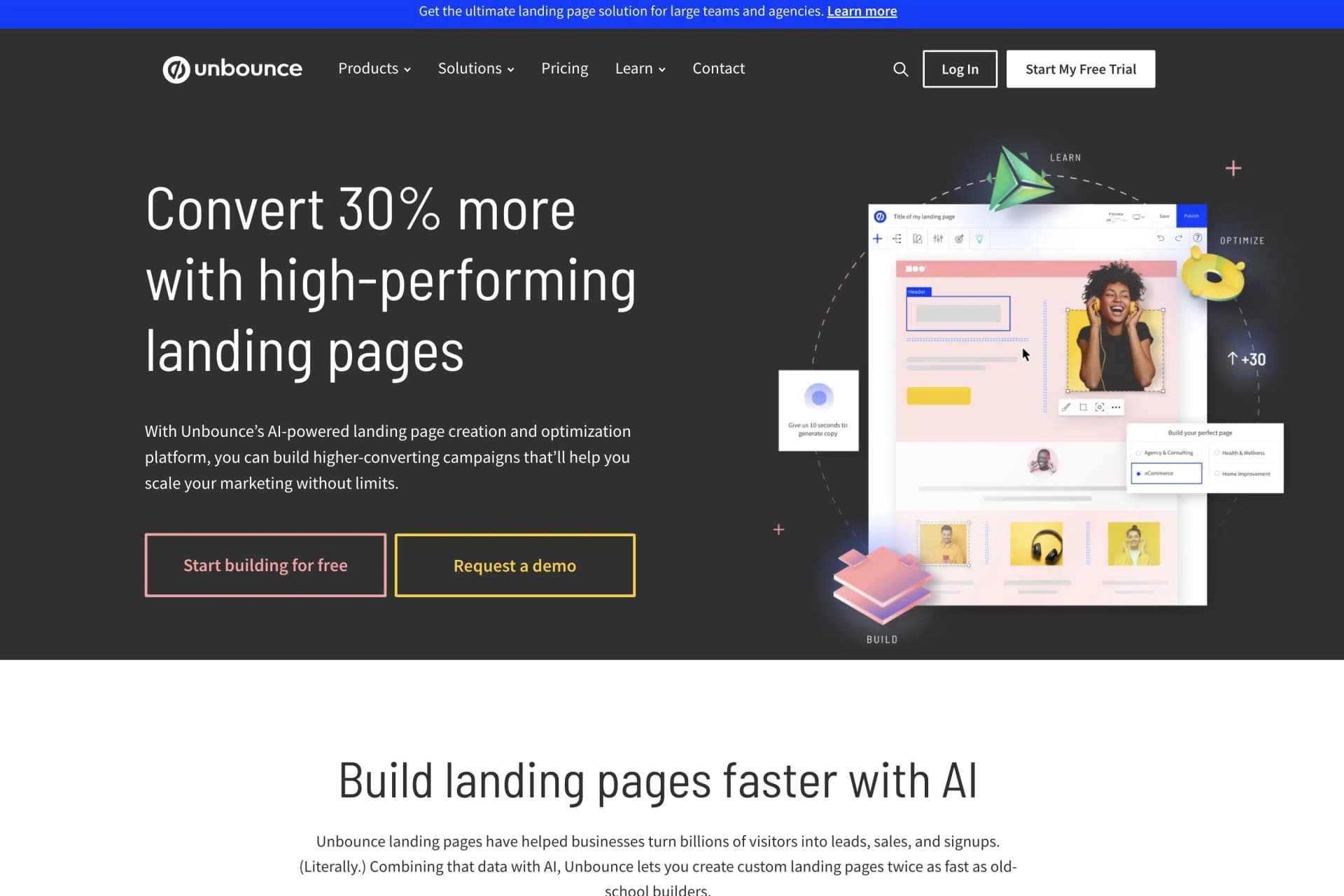
Unbounce specializes in landing pages and conversion optimization. The Smart Builder uses AI to create landing pages optimized for maximum conversion rates.
Unbounce's AI is based on millions of data points from successful landing pages and knows exactly which elements need to be placed where to achieve the best performance.
Unbounce Features:
- Specialized in high-converting landing pages
- AI-powered conversion optimization
- Smart Traffic: Automatic visitor routing to the best variant
- A/B testing with automatic winner determination
- Integration with over 1000 marketing tools
- Dynamic text replacement for personalized content
Ideal for: Marketing teams and businesses focusing on lead generation and conversion optimization.
Pricing:
- Launch: $89 per month
- Optimize: $135 per month
- Accelerate: $225 per month
- Scale: $405 per month
5. Elementor AI
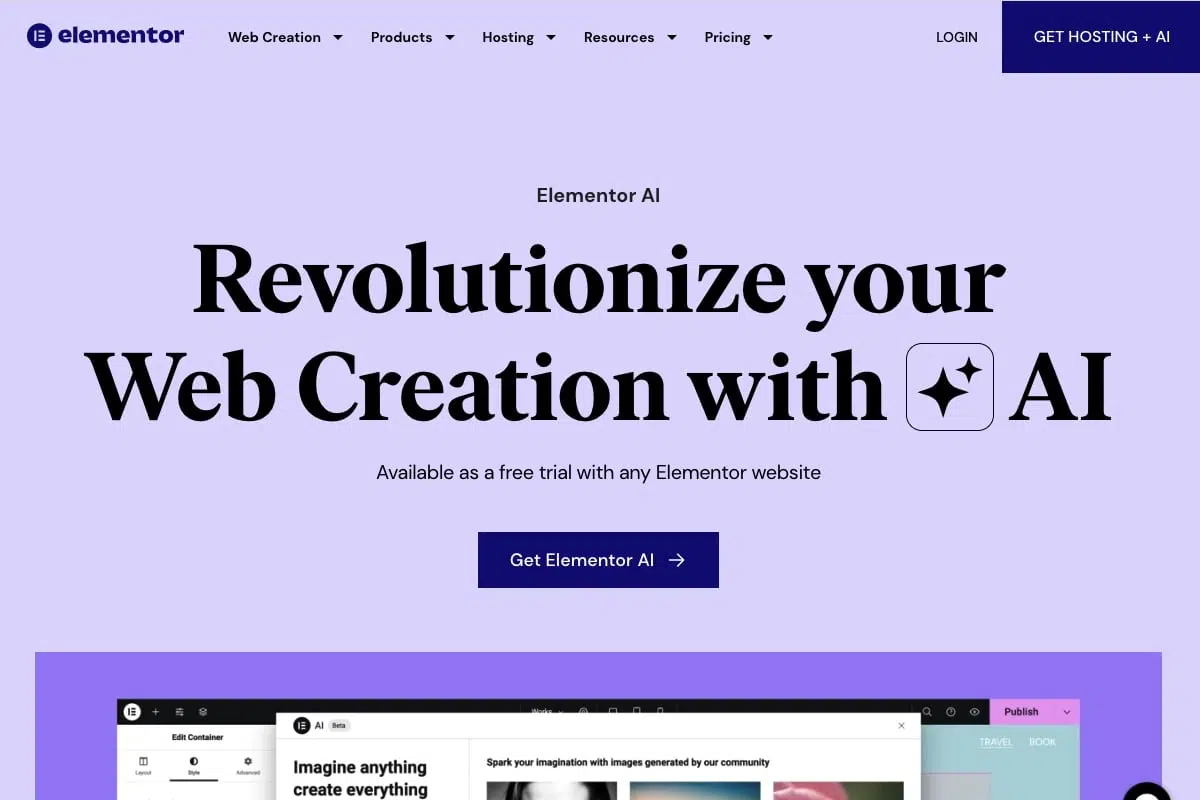
Elementor AI brings AI features to the popular WordPress page builder Elementor.
If you already work with Elementor or prefer WordPress, Elementor AI is a perfect addition. The AI can generate texts, create images, and even automatically design entire sections of your website.
Elementor AI Features:
- Built right into the existing Elementor workflow
- AI text generation directly in the editor
- AI image generation for unique graphics
- CSS code generation by AI
- Automatic layout creation
- Works with all WordPress themes
Ideal for: WordPress users and existing Elementor users who want to extend their workflows with AI.
Pricing:
- Essential: $3 per month
- Advanced: $6 per month
- Expert: $12 per month
- Studio: $18 per month
6. Hostinger AI Website Builder
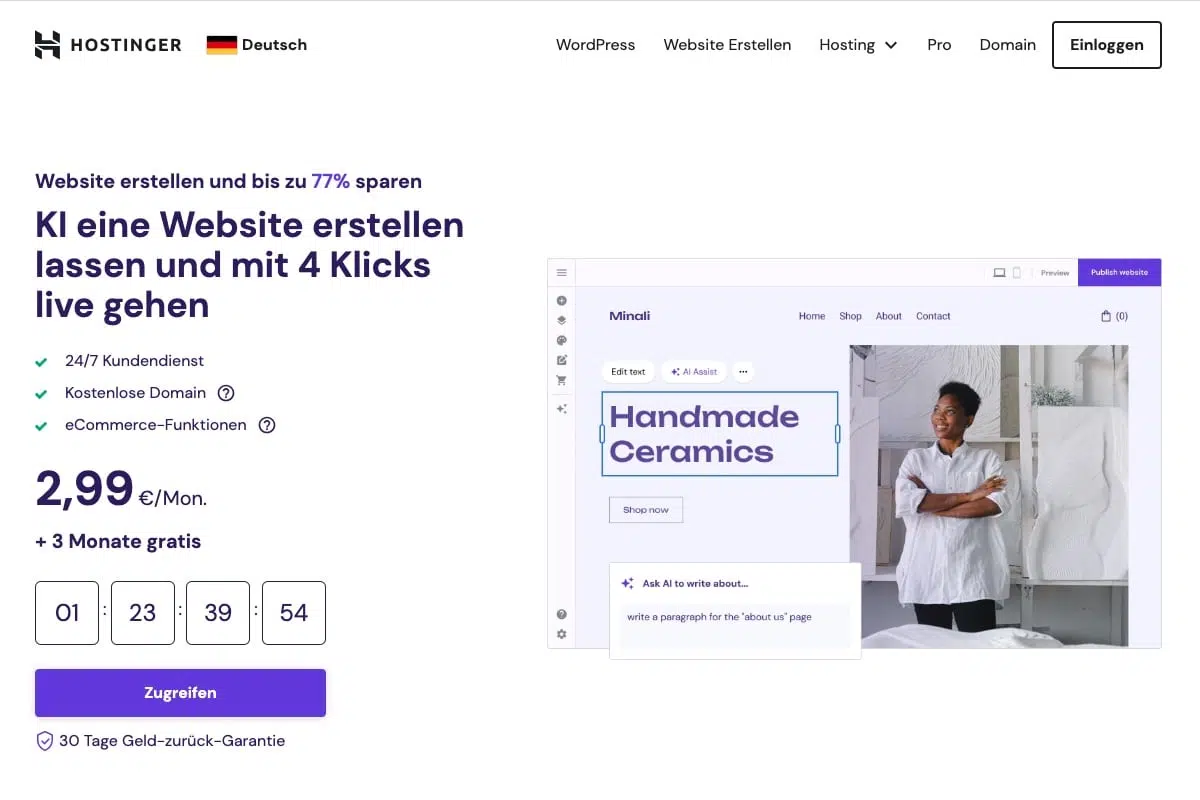
Hostinger offers one of the cheapest AI website builders on the market without compromising on quality.
Hostinger's AI website builder is particularly user-friendly and creates a complete website in just a few minutes based on your industry and goal specifications.
Hostinger AI Features:
- Very affordable price with good quality
- Fast website creation in under 5 minutes
- Hosting and domain included
- Automatic SEO optimization
- Mobile-first design approach
- Integrated marketing tools
Ideal for: Beginners with a small budget who still want a professional website.
Pricing:
- Website Builder: $3 per month
- Business Website Builder: $4 per month
How Do I Choose the Right AI Website Builder?
Choosing the right AI website builder depends on various factors:
For beginners with a small budget: Hostinger offers the best value for money.
For most users: Wix ADI is the most balanced solution with many features and customization options.
For design-oriented projects: Framer creates the most modern and appealing designs.
For WordPress fans: Elementor AI or 10Web are the best choice.
For marketing and conversion: Unbounce is unbeatable for landing pages and lead generation.
Tips for Using AI Website Builders
To get the best results from AI website builders, follow these tips:
- Be specific: The more detailed your specifications, the better the result
- Prepare content: Collect texts, images, and other materials in advance
- Test different options: Most tools offer free trial versions
- Plan your structure: Think beforehand about which pages you need
- Optimize after creation: AI is a starting point - refine the result manually
- Think about SEO: Even with AI-created websites, you should consider SEO basics